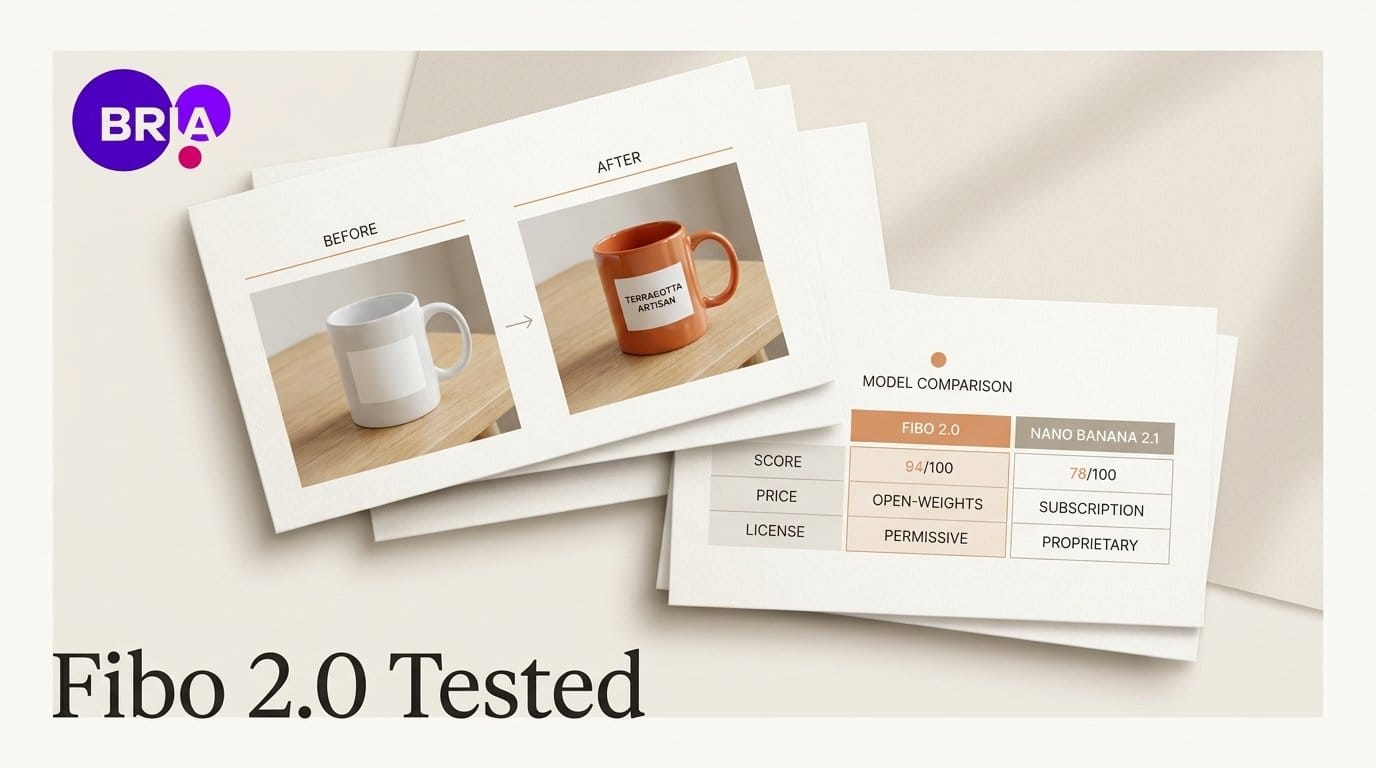
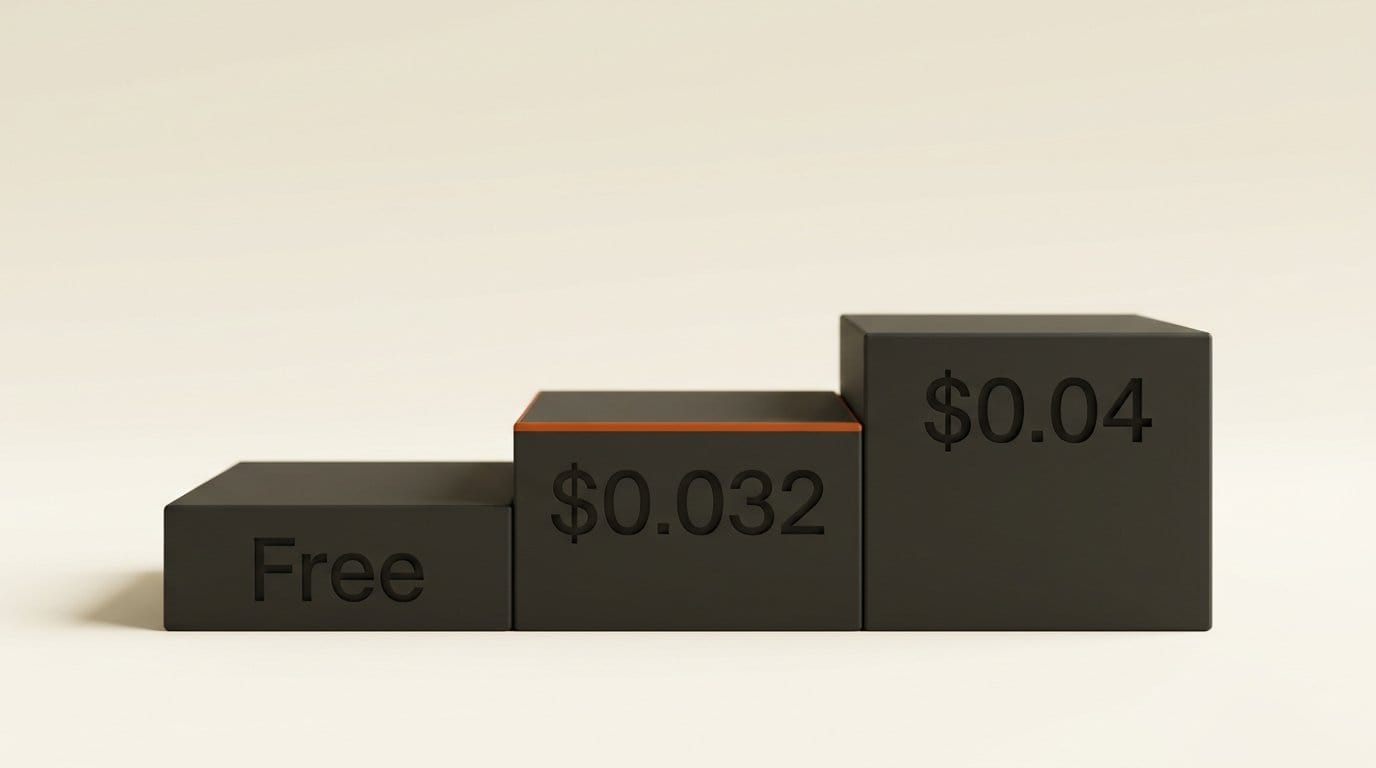
Bria released Fibo 2.0 on October 20, 2026: one 8-billion-parameter image model that both creates images from text and edits photos you give it, with downloadable weights. On Artificial Analysis's image editing leaderboard it is the highest-scoring open-weights editor, with an Elo of 1087. Bria says every training image was licensed. It costs $0.032 per image through Bria's API and $0.04 on fal.
We ran it on Bria's free demo the morning after launch. It spelled a two-word mug label correctly on the first try, and a text swap changed only 2.8% of the picture. The catch is in the numbers next to it. Nano Banana 2.1 costs almost the same per image and scores 65 points higher, and the Fibo 2.0 weights you download are licensed for non-commercial use only. Below: what Fibo 2.0 does, what our test showed, how it compares on score, price and license, and the no-code ways to try it.
What Fibo 2.0 is: one model for making and fixing images
Most open image models do one job well. Fibo 2.0 does both in one set of weights. The Fibo 2.0 Dev model card lists four ways to use it:
- Edit: give it a photo and a sentence ("make the mug orange"), and it changes that and tries to leave the rest alone.
- Masked edit: brush over the area you want changed, and the edit stays inside it.
- Multi-reference: up to 4 images in one edit, for jobs like putting your product in someone's hand or a jacket on a model.
- Inspire: it writes a detailed description of a reference picture and makes a new image from that description, without copying the picture itself.
Behind the scenes, Fibo turns your short prompt into a long structured description (ours became a 3,403-character list of objects, lighting and camera details) before it draws. That is the idea in Bria's Fibo research paper: spell out every detail so the model follows instructions closely. You never have to read it, but the demo shows it and lets you edit it.
There are two downloads. Dev is the full model for making images and for anyone who wants to train their own style on top. Fibo 2.0 Edit Turbo is a faster version for edits only, finishing in 4 steps instead of about 50. Bria says an edit takes under 2 seconds of model time on its own servers.
We tested it free: one mug, three jobs
Bria runs two free demos on Hugging Face: one for making images and one for editing them. We used both without an account on October 21, a product-photo job of the kind a small shop or Etsy seller does every week.
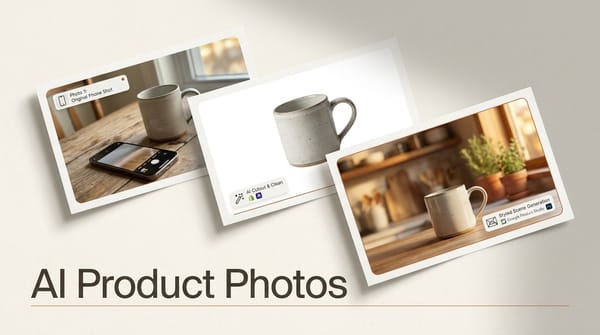
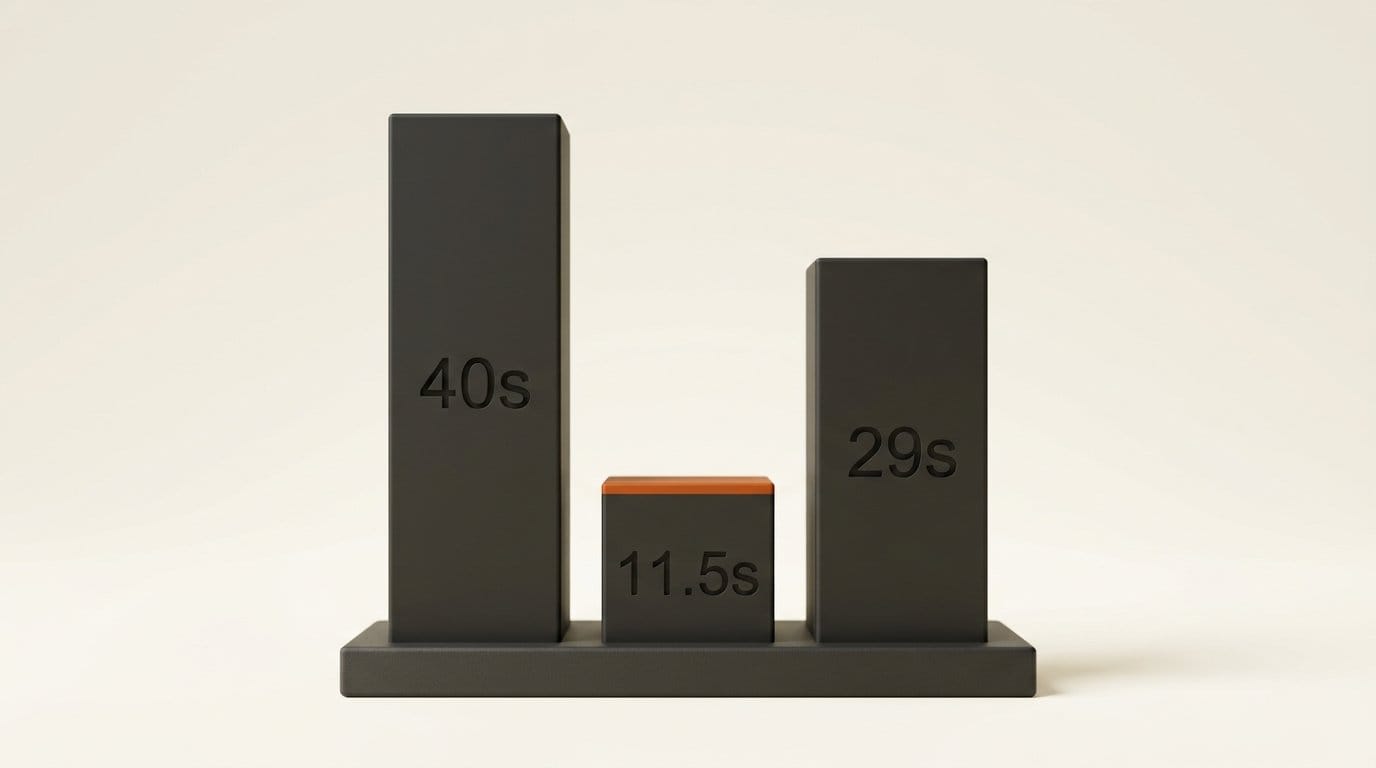
- Make the product shot. Prompt: a matte white ceramic mug on a light oak table in morning window light, printed with "SLOW MORNING" in black serif letters, a sprig of eucalyptus beside it. Result: a clean, believable 1024 x 1024 photo with both words spelled correctly, in 40 seconds including the wait for a free graphics card.
- Change the color. Instruction: make the mug a glossy terracotta orange and keep the text, table, window and eucalyptus as they are. The first attempt failed with "No GPU was available after 60s", and the demo suggested a free Hugging Face account for a higher place in the queue. The retry took 11.5 seconds. The mug came back glossy orange with the lettering intact. In the window and table areas, 1% of pixels or fewer changed by more than a small margin.
- Change the words. Instruction: replace the print with "GOOD DAY" in the same black serif style. It took 29 seconds with the queue. The new words were spelled correctly and centered, and 2.8% of the whole image changed. The mug, light, shadows and leaves stayed put.
We measured "changed" by comparing the edited image with the original pixel by pixel. That is the test that matters for product photos: an edit that quietly redraws the background is useless when the background is your shop's look. On these two edits Fibo 2.0 passed. Three images on one demo is not a full test, and we have not run the same jobs through Nano Banana 2.1 or Krea 3, which would cost money per image. The scores below come from Artificial Analysis's blind voting, not from us.
How it scores against the editors you can use today
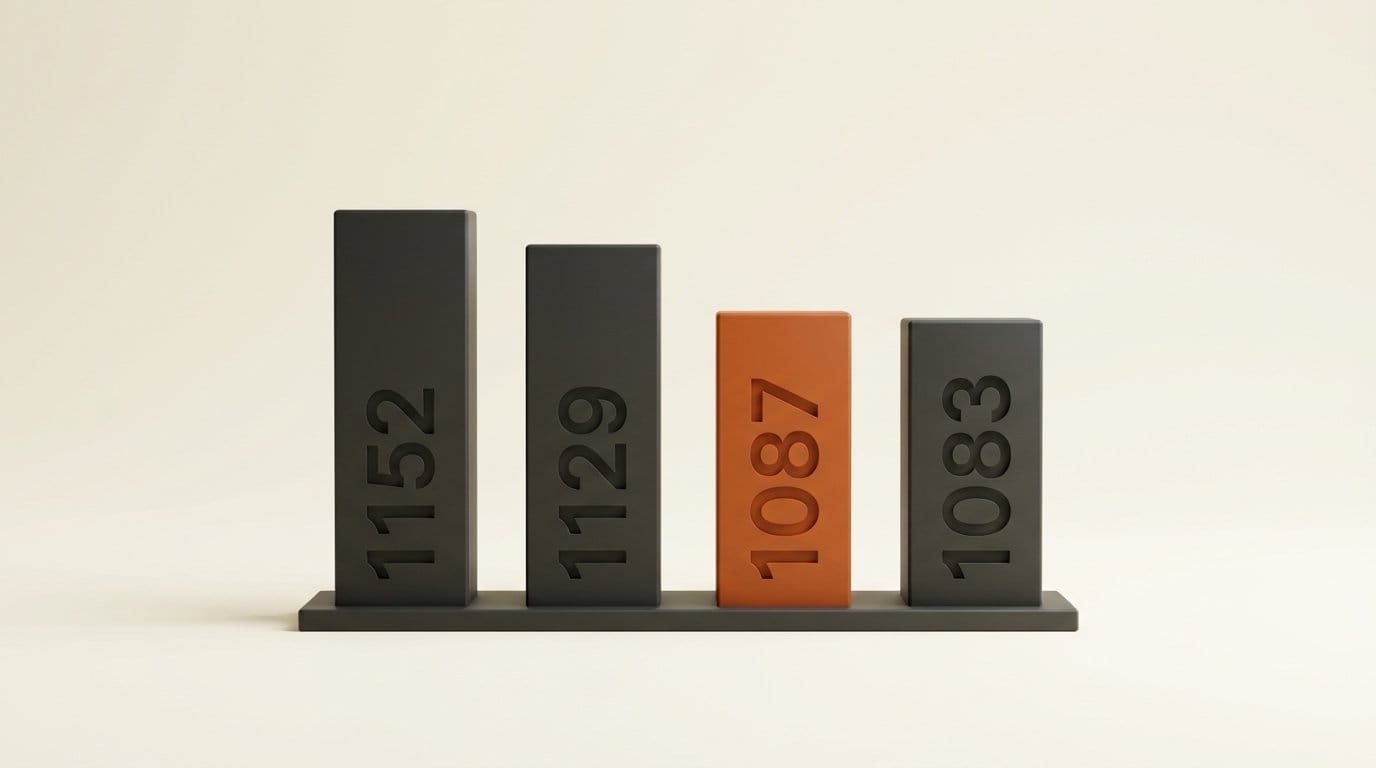
Artificial Analysis ranks image editors by blind votes: people see two edits of the same photo with the same instruction and pick the better one. The scores work like chess ratings. A 65-point gap means the higher model wins about 59% of head-to-head votes. Prices below are Artificial Analysis's per-image figures, checked against Google's Gemini API price list for Nano Banana 2.1 at 1K.
| Editor | Editing score | Text-to-image score | Price per image | Download the model? |
|---|---|---|---|---|
| GPT Image 2.5 Sunburst (max) | 1199 (1st) | 1222 | $0.21 | No |
| Nano Banana 2.1 | 1152 | 1176 | $0.0336 at 1K | No |
| Krea 3 (Ultra) | 1151 | Not ranked | $0.27 | No |
| Muse Image | 1129 | 1127 | $0.01 | No |
| Krea 3 (Fast) | 1125 | Not ranked | $0.07 | No |
| Fibo 2.0 | 1087 (21st) | 1039 | $0.032 (Bria), $0.04 (fal) | Yes, non-commercial |
| Qwen-Image-2.1 | 1083 | 1042 | No hosted API | Yes, research license |
| FLUX.2 [klein] 9B | 1015 | 929 | $0.017 | Yes |
Three things stand out.
"Number one open editor" is a tie. Fibo 2.0's lead over Qwen-Image-2.1 is 4 points, and both carry a margin of about 13 to 14 points either way. For making images from text, Qwen-Image-2.1 is narrowly ahead (1042 to 1039). Both are real achievements for downloadable models. Neither is a clear winner.
Same price as Google, lower score. At about one megapixel, Fibo 2.0 costs $0.032 to $0.04 per image and Nano Banana 2.1 costs $0.0336. Nano Banana 2.1 scores 65 points higher at editing and 137 higher at making images. If you pay per image and only care about the result, Fibo is not the bargain.
Meta's Muse Image is the price outlier. At $0.01 per image it scores 42 points above Fibo 2.0. Our Muse Image launch coverage explains where it runs. Bria's argument is not price or score. It is what the model learned from, and how much control you get.
The license: free to download, not free to sell
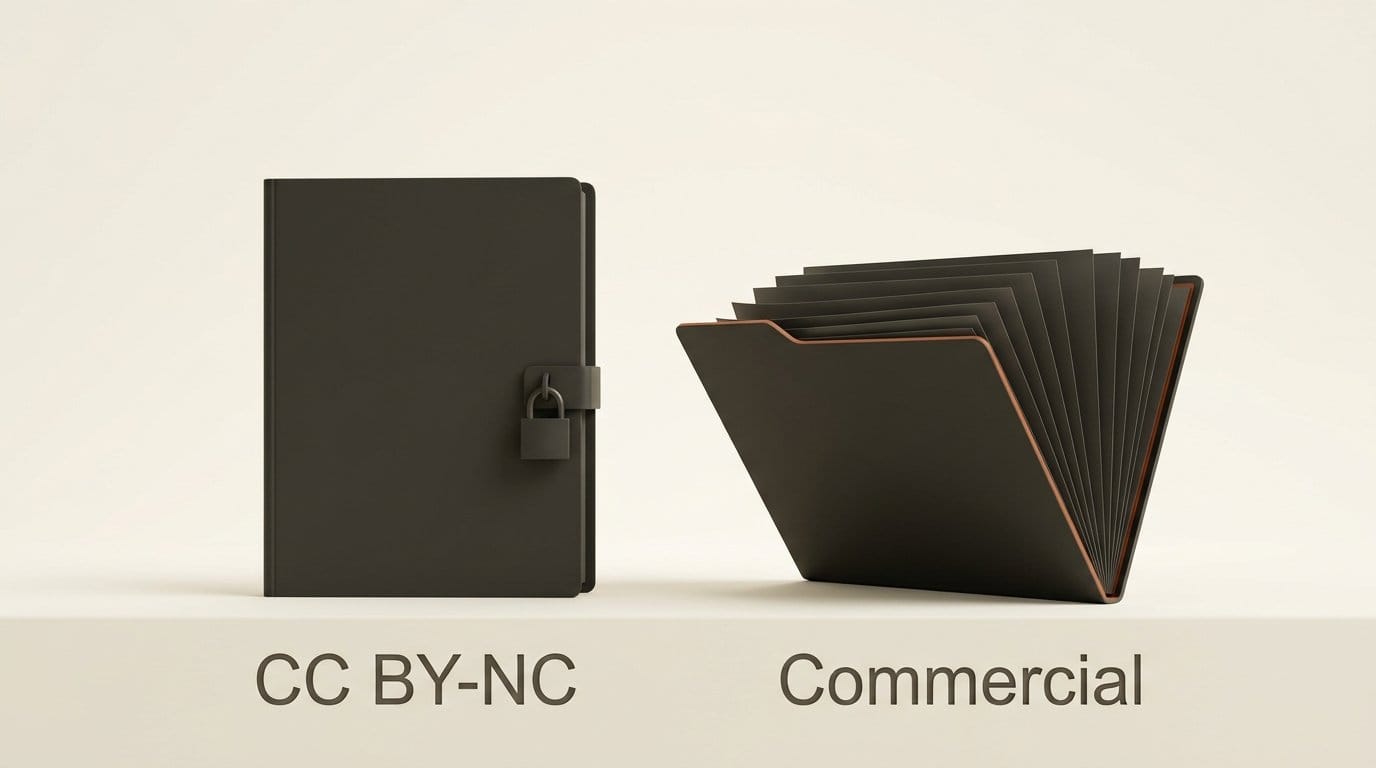
"Open weights" covers very different rights. Bria's model card says the downloadable Fibo 2.0 files are released under Creative Commons BY-NC 4.0, which forbids commercial use. Running it on your own computer for client work, a shop listing or an ad needs a separate commercial agreement with Bria.
The hosted versions are different. Fal's model page says Fibo 2.0 was "trained only on licensed data, with clear commercial rights", and that is the case Bria makes to brands: every image it learned from was paid for, from a library of about 1 billion images. Among the editors in our table, Bria is the only one that makes that claim on its model page. Bria's pricing page adds legal cover in tiers: none listed on the free plan, "capped standard indemnification" on pay-as-you-go, and unlimited IP indemnification on custom Enterprise deals.
Here is how that compares with the other downloadable models creators actually use:
- FLUX 3 Image Klein lets you sell the images if your business earns under $5 million a year, and runs on an 8 GB graphics card. Our FLUX 3 Image Klein test covers the terms.
- Qwen-Image-2.1 moved to a research-only license, so no paid work at all (details here).
- Fibo 2.0 is free for personal projects and experiments on your own machine. For anything you sell, pay per image through Bria or fal.
So for a creator, the choice is simple. Use the download to learn the model and make personal work. Use the hosted version, at $0.032 to $0.04 per image, when the image is going to earn money.
Where to try it without writing code
| Route | Cost | Good for | Watch out for |
|---|---|---|---|
| Hugging Face demos (generate, edit) | Free | A first look, like our mug test | Queues without an account; non-commercial |
| Bria platform sandbox | 100 free generations, no card | Testing your own photos on Bria's servers | Then $0.032 per image on pay-as-you-go |
| fal playground | $0.04 per image ($1 buys 25) | Up to 4 images per edit, 21 aspect ratios from 5:1 to 1:5 for new images | Output is about 1 megapixel, not 2K or 4K |
| Bria Create | Not listed on its page | Bria's app for resizing and localizing ads, linked from the launch post | Aimed at marketing teams |
| Draw Things or DiffusionBee on a Mac | Free | Private, offline use | Non-commercial; a 25.5 GB download |
The Bria edit sandbox is the best place to start for real work. It runs the hosted model, with its commercial terms, and the free plan's 100 generations need no credit card. That is enough to run your own product photos through it before you pay.
For larger batches, Fibo 2.0 on fal costs $0.04 per image and accepts one to four images per edit. Masks work only on single-image edits. Fal notes it has not independently checked Bria's speed claim of under 5 seconds from request to finished image.
On a Mac, the model card links one-click imports for Draw Things and DiffusionBee. Be ready for the size: the Dev files total 25.5 GB (16.3 GB for the image model, 8.9 GB for the part that reads your prompt). Bria does not publish memory requirements, so a base-model laptop is the wrong place to start. ComfyUI users can use Bria's ComfyUI nodes, which call the paid API rather than running the model locally.
Who should use Fibo 2.0, and who should skip it
Use it if clients or a marketplace ask where your AI images came from. Bria's licensed-training claim is a concrete answer, and one Google, OpenAI and Meta do not make about their image models. Paid plans add indemnity on top. It also suits product sellers who need masks and several reference images in one edit: a mug in a hand, a jacket on a model, a logo on packaging. In our short test it kept the scene steady and spelled the words right.
Skip it if you only want the best edit per dollar. Nano Banana 2.1 scores higher at about the same price, and Muse Image costs a third as much while scoring higher. If you want a model on your own computer that you can use for paid work, FLUX 3 Image Klein's license fits most solo creators and small studios better.
Start here: take three of your own product photos to Bria's sandbox and run the same three jobs we did: a fresh product shot, a color change and a label swap. Look at the background, not just the product. If it holds, you have a commercial-safe editor at $0.032 an image. If you want the full no-code product photo workflow, our AI product photo guide walks through it step by step.
Frequently asked questions
What is Bria Fibo 2.0?
An 8-billion-parameter image model from Bria, released October 20, 2026, that both makes images from text and edits existing photos. It can follow a brushed mask and use up to 4 reference images in one edit. Bria says it was trained only on licensed images.
Is Fibo 2.0 free?
Free to try. Bria's Hugging Face demos cost nothing, and its platform includes 100 free generations without a credit card. After that, Bria charges $0.032 per image and fal charges $0.04. The downloadable weights are free for non-commercial use only.
Can I use Fibo 2.0 images commercially?
Yes, if you make them through Bria's paid API or fal, which state clear commercial rights. If you run the downloaded weights yourself, the CC BY-NC 4.0 license rules out commercial use unless you sign a commercial agreement with Bria.
Is Fibo 2.0 better than Nano Banana 2.1?
Not on score. On Artificial Analysis, Nano Banana 2.1 rates 1152 for editing against Fibo 2.0's 1087, at a similar price per 1-megapixel image. Fibo 2.0's advantages are downloadable weights, licensed training data and masked edits with several references.
How fast is Fibo 2.0?
Bria says under 2 seconds per edit on its own servers and under 5 seconds end to end through its API. On the free Hugging Face demo, our edits took 11.5 and 29 seconds including the queue, and our generated image took 40 seconds.
Can I run Fibo 2.0 on my Mac?
Bria's model card links imports for Draw Things and DiffusionBee. The download is 25.5 GB and Bria does not publish memory requirements, so start with a high-memory Mac. Local use is non-commercial under the license.