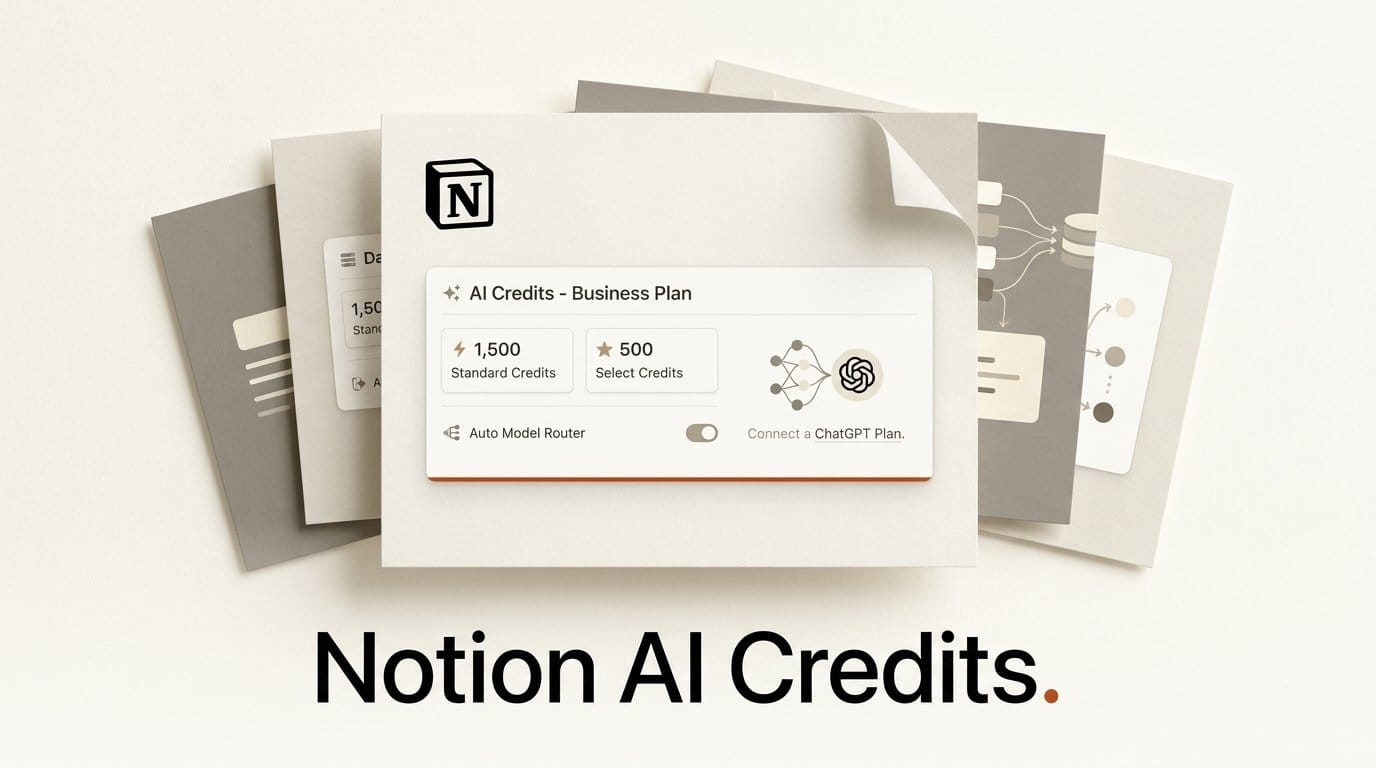
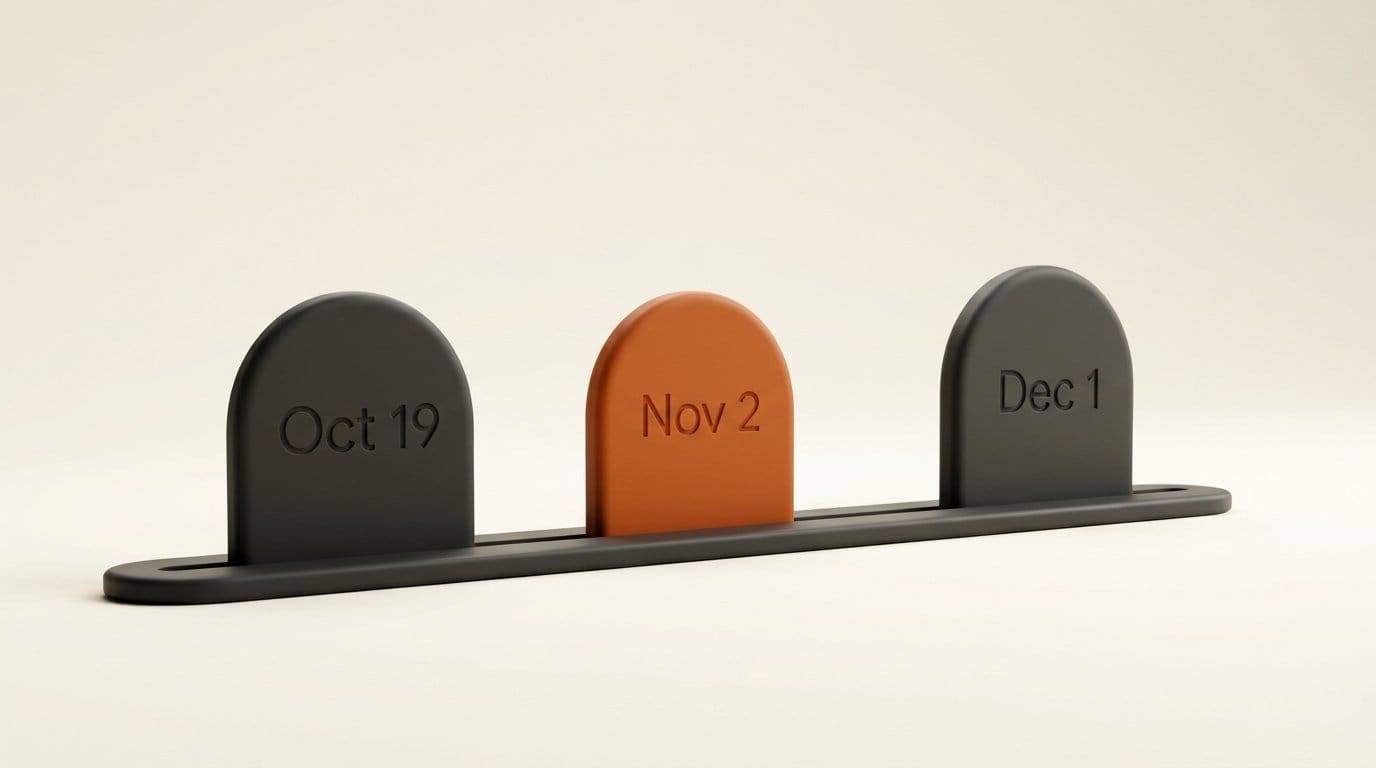
Notion put a number on its Business plan AI on October 19, 2026. Every Business and Enterprise seat now gets 1,500 Standard credits and 500 Select credits a month, and existing workspaces move onto that system on November 2, 2026. The announcement from co-founder Akshay Kothari pairs the new limits with an upgraded model router called Auto, agents that can work on one task for up to 24 hours, and a way to run Notion Agent on the ChatGPT plan you already pay for.
For a creator who plans videos, drafts scripts or runs sponsor calls inside Notion, the practical question is simple: how much work does 1,500 credits cover, and what burns through it? Notion's own October 19 release note and help pages publish enough per-task estimates to work it out, and the answer depends almost entirely on one setting in the model picker.
What Notion changed on October 19
The release, titled "Agents, rebuilt to do more for less", bundles six changes. Four of them matter to someone on a Business seat at $20 a month:
- A new credit system. All AI use, including Notion Agent chat, Custom Agents and outside AI tools working in Notion, now draws from two monthly pools per member. New workspaces got it on October 19. Existing workspaces switch on November 2, and admins get an email.
- Auto, the upgraded router. It reads each request and sends it to the model that best balances quality, speed and cost, and it can switch models mid-task if one gets stuck.
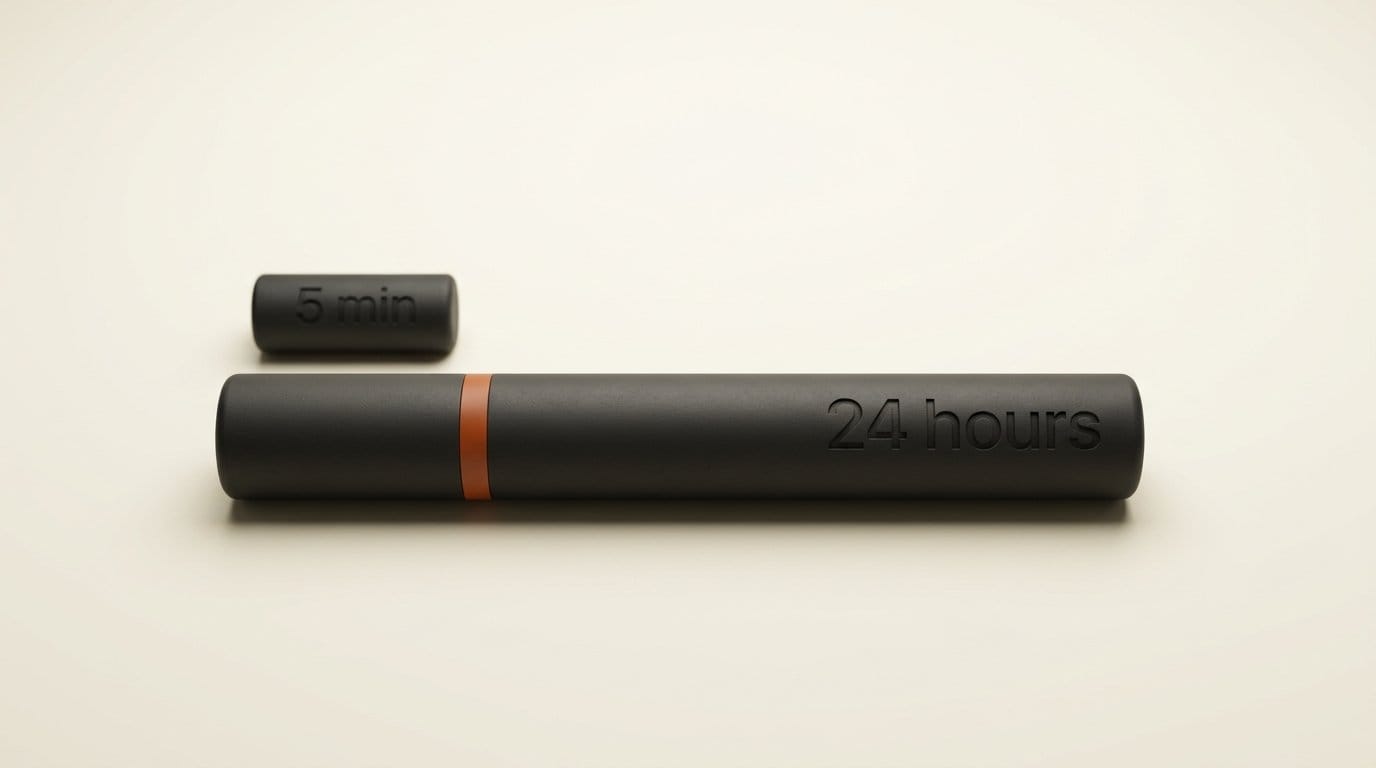
- Longer, more capable agents. A single task can now run for up to 24 hours, up from five minutes. Agents get their own computer and browser, and a new "Review for me" mode has a second model check risky actions first.
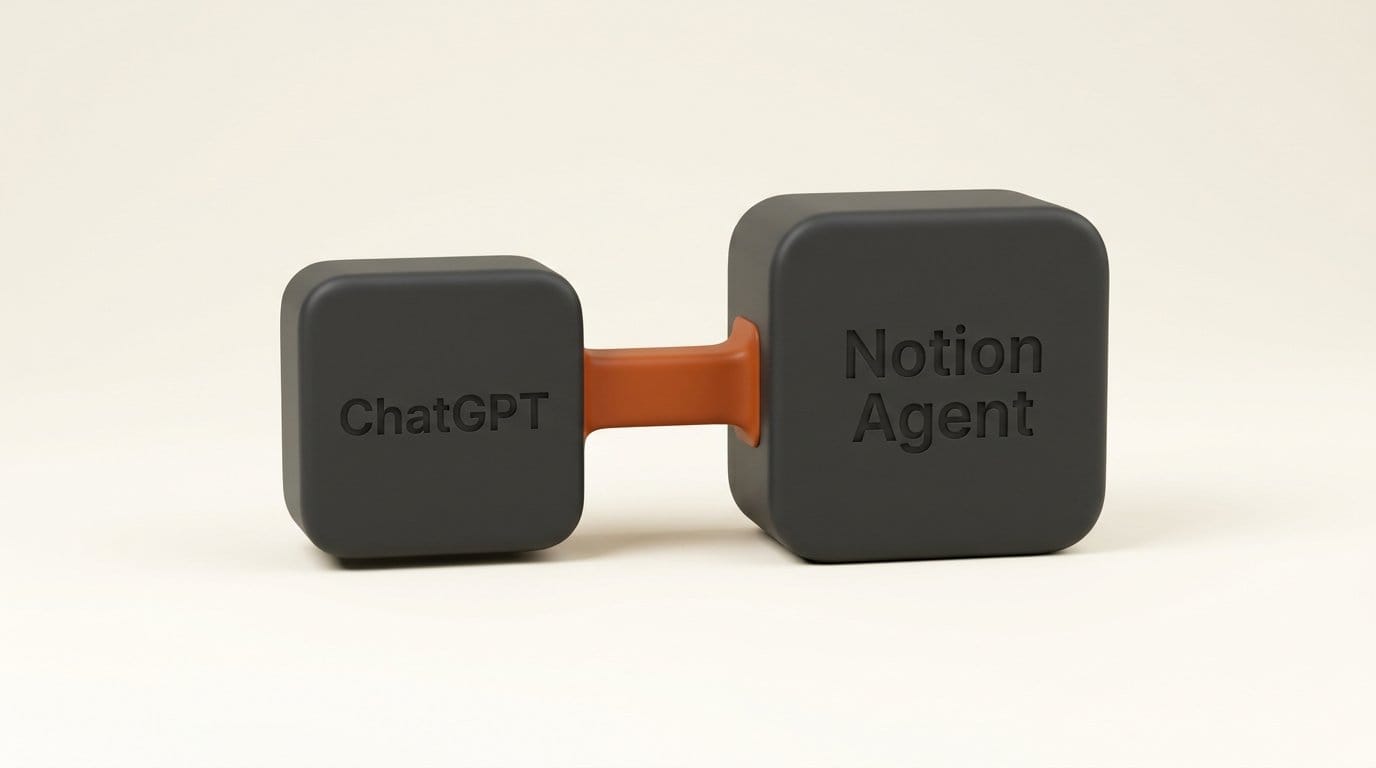
- Bring your own AI. Personal Notion Agent can bill GPT model use to a connected ChatGPT Plus, Pro or Go plan instead of your Notion credits. Bring Your Own Key is in private alpha for Enterprise only.
The context matters. When Notion restructured its plans in May 2025, its release note said Business and Enterprise "now include unlimited usage of Notion AI". In practice a usage allowance applied whose size was never published, a gap Max Nardit laid out in "A price you cannot compute" in September. The October change replaces that unpublished allowance with a published one. You can now do the math, and you will want to.
What 1,500 Standard and 500 Select credits buy
The two pools do different jobs. According to Notion's credit help page, Standard credits pay for work where Notion picks the model (Auto). Select credits pay for work where you pick the model yourself, or for a Custom Agent you set up for your own use. Neither pool rolls over, and neither can be pooled or handed to a teammate.
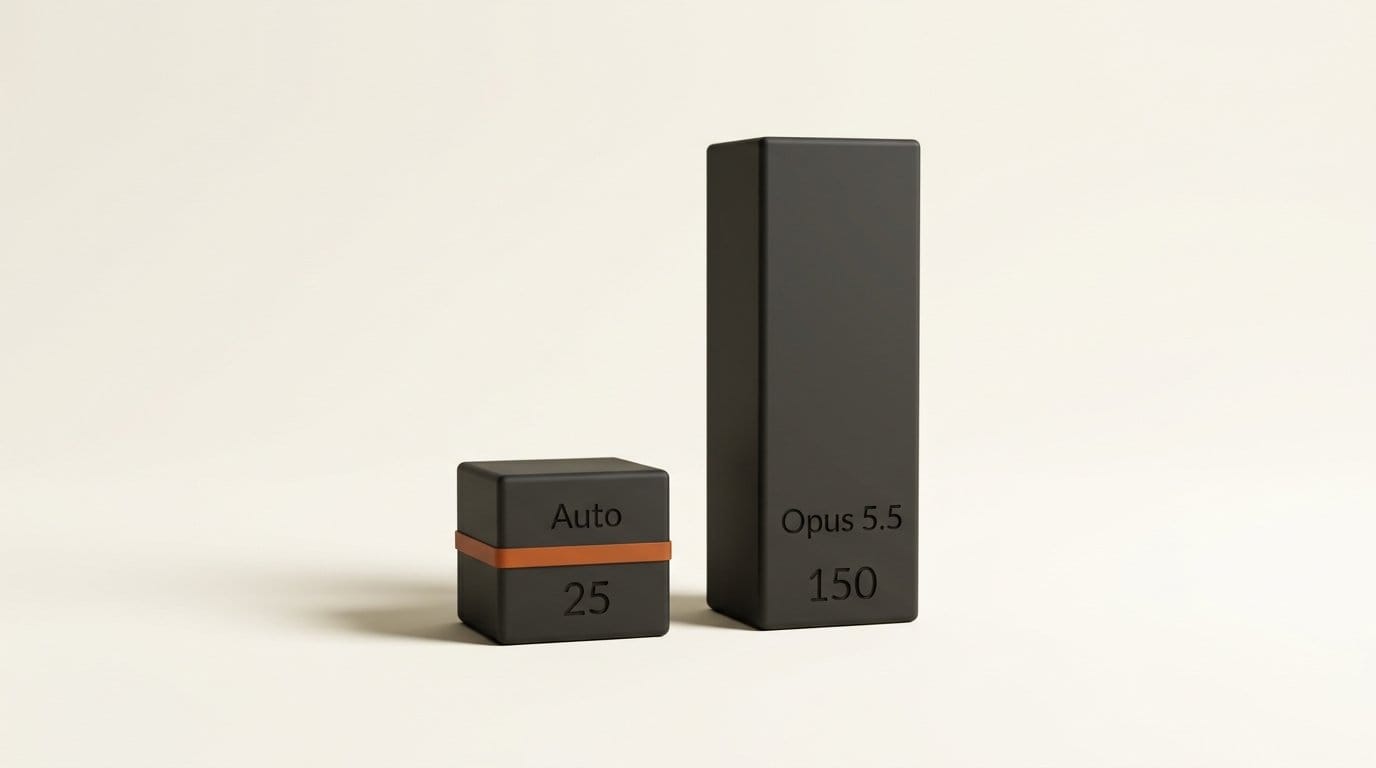
Notion publishes estimated credits per task on its Auto help page, comparing Auto with choosing Opus 5.5 by hand. Dividing the monthly pools by those estimates gives the table below. These are Notion's estimates, not our measurements, and Notion warns that real use varies.
| Task size | Credits on Auto | Credits on Opus 5.5 | Tasks a month on Auto (1,500 Standard) | Tasks a month on Opus 5.5 (500 Select) |
|---|---|---|---|---|
| Simple (rewrite a caption, summarize a page) | 5 | 50 | 300 | 10 |
| Medium (outline a script from research notes) | 10 | 85 | 150 | 5 |
| Complex (multi-step agent run across a database) | 25 | 150 | 60 | 3 |
Two things stand out. On Auto, a seat covers roughly ten simple requests a day for a month. Picking Opus 5.5 by hand, the same seat's 500 Select credits cover three complex tasks a month. The table makes clear that the model picker, not the plan, decides whether you run out.
Past the included pools, admins can buy Notion credits for the workspace. The pricing page lists them at $10 per 1,000, which is one cent a credit. At that rate a complex task costs about $0.25 on Auto and about $1.50 on Opus 5.5. Workspace credits are off by default; an admin has to switch them on in Settings, Notion AI.
Auto against picking Opus 5.5 yourself
Notion's headline claim is that Auto delivers results "similar to Opus 5.5 and Astra" at about 90% lower average cost across 20+ common use cases. The help page gives a slightly more conservative figure: Auto's average cost to run was 87% lower than Opus 5.5. Both numbers come from Notion's internal testing. It replayed thousands of common tasks in a simulated Notion workspace, had judges pick the better of two outputs, scored the models by Elo, then trained an AI judge to approximate those rankings at scale.
Notion does not publish which models Auto routes between, only that the lineup changes as it evaluates new ones and that Auto only uses models your workspace allows. The post says seven new models from Anthropic, OpenAI and open-weight providers were added in the past month alone. So treat Auto as a cost policy, not a fixed model: simple requests go to fast, cheap models, and longer analysis or multi-step runs go to stronger ones.
For creative work that is a reasonable default with one caveat. Tone-sensitive writing, such as a script intro or a sponsor read in your own voice, is where a cheaper model is most likely to sound flat. The practical split is to leave Auto on for research digests, summaries, tagging and database chores, and to spend Select credits only on the drafts where voice matters.
Meeting notes start counting on December 1
One change lands later and is easy to miss. AI Meeting Notes begins drawing from your monthly Standard credits on December 1, 2026. Notion's credit pricing page estimates a one-hour meeting at about 10 Standard credits.
That is cheap on its own. Four one-hour sponsor or collaborator calls a week comes to about 160 credits a month, roughly 11% of a seat's 1,500 Standard credits. It only becomes a problem if you transcribe every call and also lean on Auto for daily writing, because both now come out of the same pool.
Using your ChatGPT plan instead of credits
The most useful lever for a solo creator is the ChatGPT connection, first named when OpenAI opened Sign in with ChatGPT plan billing at DevDay on September 29. Notion's ChatGPT plan help page sets the rules:
- Your workspace must be on Business or Enterprise, and you must be a member, not a guest.
- You need a ChatGPT Plus, Pro or Go account using the same verified email as your Notion account.
- It works in Notion Agent only. Custom Agents still use credits.
- It only applies when you pick a specific GPT model. Auto and non-GPT models still draw on Notion credits.
Connecting takes four steps, all inside the app:
- Open Settings, then Notion AI, then Usage.
- Under Connected subscriptions, select Connect next to ChatGPT.
- Sign in to ChatGPT and allow Notion to connect.
- Return to Notion. In Notion Agent, the model picker now shows which plan a message will bill to before you send it.
When you hit your ChatGPT usage limit, Notion Agent asks you to switch to workspace credits and switches back automatically once ChatGPT usage is available again. These conversations do not appear in your ChatGPT history or memory; the connection is used only for billing. For anyone who already pays for ChatGPT, this turns model-picking from the most expensive way to use Notion into one that costs nothing extra, as long as a GPT model suits the task.
Agents that work for 24 hours
The other half of the release is capability. Notion says it rebuilt its agent harness so each session runs on a dedicated service that keeps working through restarts. Agents with their own computer can write short scripts to do repetitive steps, which Notion calls faster and cheaper than spending model tokens on them. They can now reach hundreds of tools through connectors, up from a few dozen earlier this summer, and Custom Agent runs cost about 30% less in Notion's testing.
For a creator, the realistic use is a long, boring job you would otherwise do by hand: an agent that works through a 200-row content calendar database, fills in missing descriptions from linked notes, and flags rows with no publish date. Before October 19 a five-minute cap made that impossible in one run. The safety net is the new "Review for me" approval mode, where a separate model checks whether an action is safe before the agent takes it. Turn it on before you let any agent loose on a database you care about.
Long runs are also where credits go fastest. A complex task is about 25 credits on Auto, so one all-day agent that chains dozens of steps can take a real share of a month's pool. Run a small version first and check Settings, Notion AI, Usage before you scale it up.
What to do before November 2
If your workspace is on Business and was created before October 19, you have two weeks before the new limits apply. A short checklist:
- Look at your balance. Open Settings, Notion AI, Usage to see your Standard and Select credits.
- Set the model picker to Auto for everyday drafting, summaries and database work. It is the default, so check you did not change it.
- Connect ChatGPT if you pay for Plus, Pro or Go, and pick a GPT model for long chats instead of spending Select credits.
- Count your meetings. If you record more than a few hours a week, budget for them from December 1.
- Decide on overflow. If you run a team workspace, choose whether to switch on paid workspace credits at $10 per 1,000 or let members stop when their pools run out.
Free and Plus plans are not affected by any of this; they still get only a limited trial of Notion AI. If you are on Plus and were thinking about upgrading for agents, the published credit numbers finally let you check whether $20 a seat covers how you work.
Frequently asked questions
How many AI credits does a Notion Business seat include?
Each Business or Enterprise member gets 1,500 Standard credits and 500 Select credits a month. Standard credits cover work where Notion's Auto router picks the model. Select credits cover work where you pick the model or run a personal Custom Agent. Neither rolls over.
When does the new Notion credit system start?
New Business and Enterprise workspaces moved onto it on October 19, 2026. Existing workspaces move on November 2, 2026. AI Meeting Notes starts drawing from Standard credits on December 1, 2026.
How much do extra Notion credits cost?
Notion's pricing page lists workspace credits at $10 per 1,000, which works out to about $0.25 for a complex task on Auto and about $1.50 for the same task on Opus 5.5, using Notion's own per-task estimates. An admin has to switch workspace credits on.
Is Notion's Auto really 90% cheaper than Opus 5.5?
That is Notion's claim from internal testing across 20+ common tasks. Its help page states the average cost was 87% lower than Opus 5.5. No independent test has been published yet, and Notion does not list which models Auto uses.
Can I use my ChatGPT Plus plan inside Notion?
Yes, if your workspace is on Business or Enterprise and your ChatGPT account uses the same email. Connect it under Settings, Notion AI, Usage, then pick a GPT model in Notion Agent. It does not work with Custom Agents, Auto or non-GPT models.
Does the change affect Notion Free or Plus?
No. Free and Plus plans still include only a limited trial of Notion AI and Notion Agent. The credit pools apply to Business and Enterprise seats.