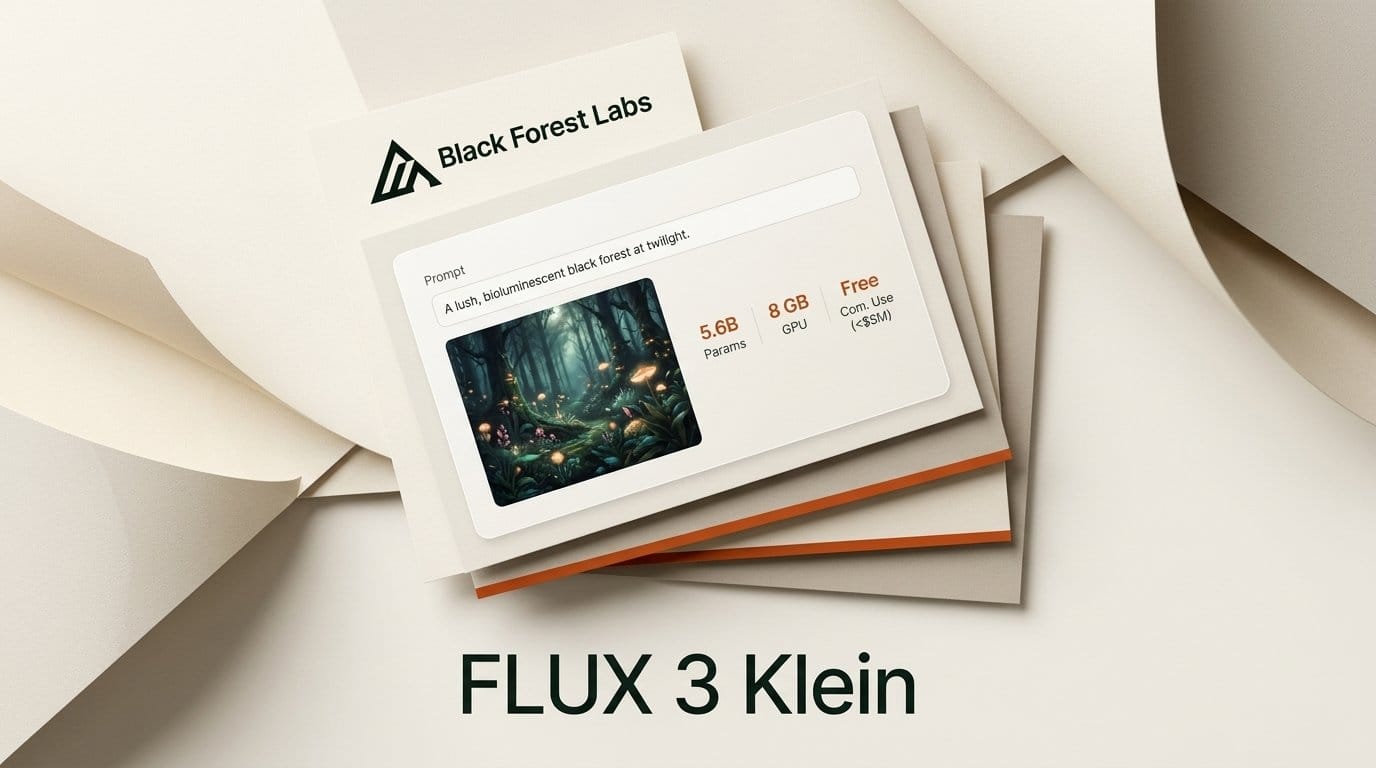
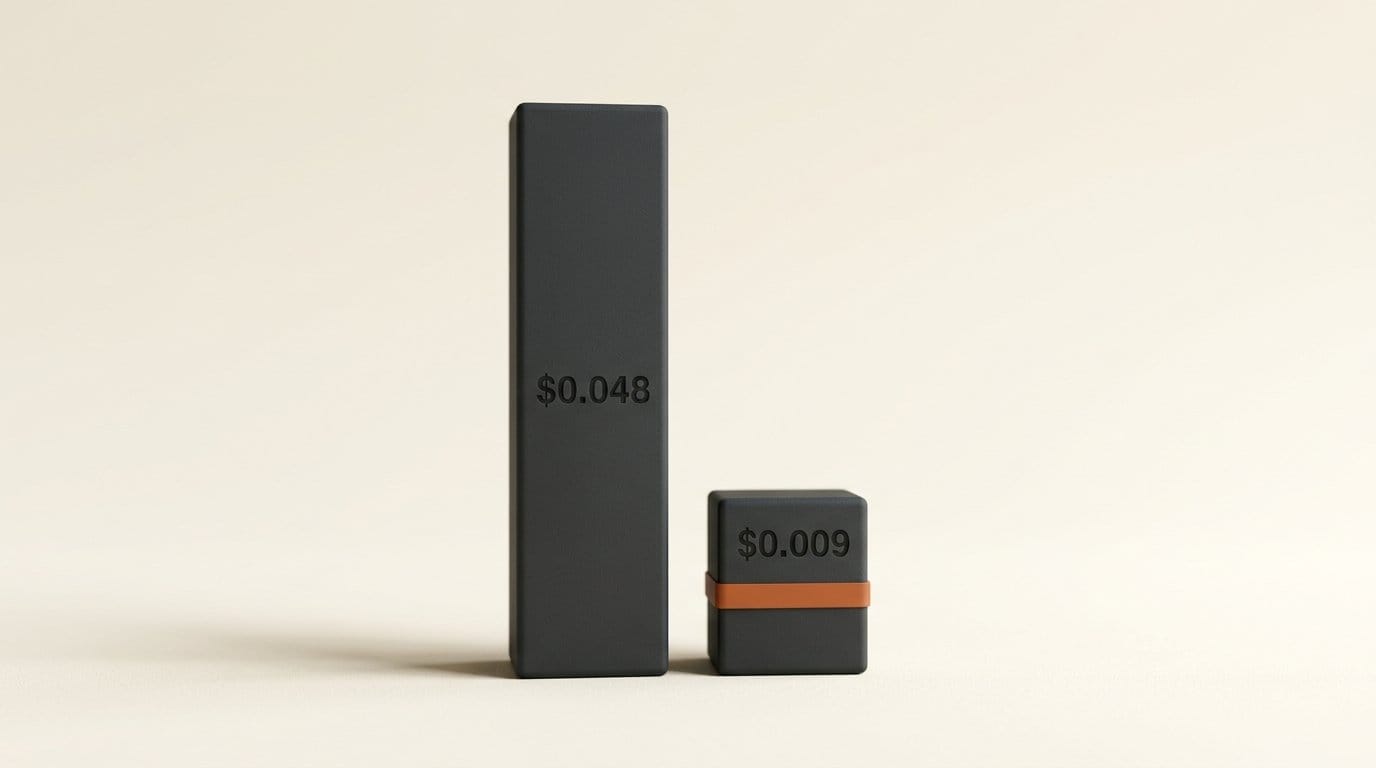
Black Forest Labs released FLUX 3 Image Klein on October 15, 2026: a 5.6-billion-parameter open-weights image model that generates, edits with up to 10 reference images and places elements with bounding boxes. Its FLUX Kommunity License lets you sell the images you make if your business earns under $5 million a year, it runs on 8 GB graphics cards through ComfyUI, and the hosted version costs $0.009 per 1K image, against $0.048 for the full FLUX 3 Image.
We ran it on BFL's free Hugging Face demo the day it shipped. It spelled every word on a concert poster correctly in 16.6 seconds. It also turned a one-line "swap the saxophone for a trumpet" edit into a saxophone with a trumpet bell grafted on, and repainted the paper texture behind it. Here is what Klein is, who can use it for paid work, how to run it without writing code, and where it still needs care.
What FLUX 3 Image Klein is
Klein is the small, downloadable member of the FLUX 3 family Black Forest Labs announced in July. It shares the headline features of the full FLUX 3 Image model: native 4K output, editing from an instruction, up to 10 reference images and bounding boxes that tell the model where each element goes on a 0 to 1000 grid.
It ships in two versions on Hugging Face. The distilled model finishes an image in 16 steps and is the one BFL serves through its API. The Base model takes 50 steps and exists for training your own styles and characters (LoRAs). BFL also published an optional "prompt upsampler", a 9B language model that rewrites a short request into the long, detailed caption Klein works best with.
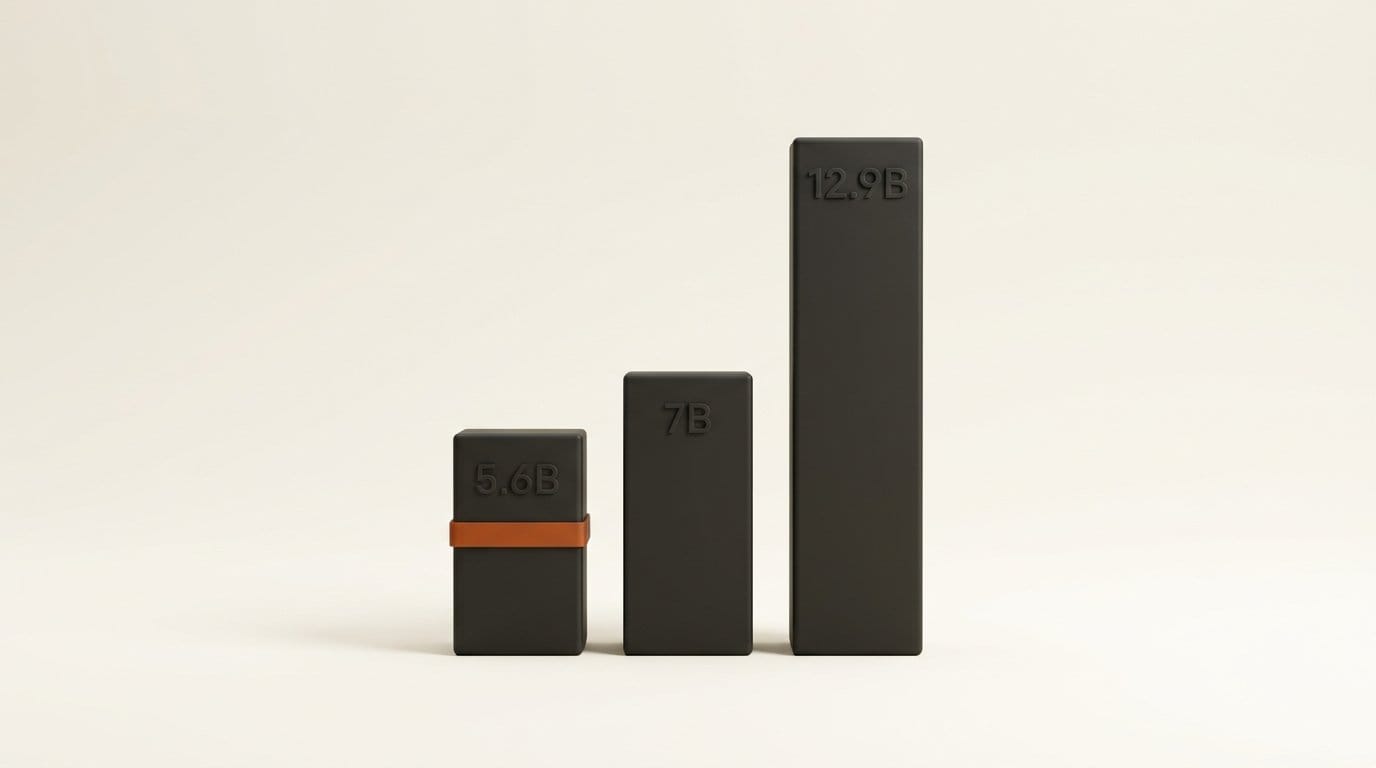
BFL's own blind evaluations rank Klein first among open models for text-to-image, multi-reference generation and editing. They put it above Qwen-Image 2.1 (7B) and Krea 2 (12.9B), and 91 Elo points ahead of the earlier FLUX.2 klein 9B for text-to-image with 38% fewer parameters. These are BFL's numbers, not an independent leaderboard, so treat the ranking as a claim to test.
Who can use it for paid work
The license is the part most creators will care about. Under the FLUX Kommunity License, a "Qualifying User" is anyone whose gross annualized revenue, together with affiliates, is under $5,000,000. Qualifying Users may use the images commercially and run the model in production to make those images. Everyone else gets research and personal use only.
Two conditions come with the commercial right. You must either run a content filter or review your images for unlawful or infringing content before you publish them, and you must label images as AI-generated wherever the law requires it. A freelancer who checks every image before sending it to a client already meets the first condition.
The license covers images, not reselling the model. BFL's model page says running Klein inside a product needs a commercial license, and its licensing page sells those tiers. How Klein compares with the open models creators already use (license details for the others come from our open image model survey):
| Model | Size | License | Can you sell the images? |
|---|---|---|---|
| FLUX 3 Image Klein | 5.6B | FLUX Kommunity | Yes, if your business earns under $5M a year |
| Krea 2 | 12.9B | Krea 2 Community | Yes, under $1M annual revenue |
| FLUX.2 klein 4B | 4B | Apache 2.0 | Yes, no revenue limit |
| FLUX.2 klein 9B | 9B | FLUX Non-Commercial | Yes for images; the model itself is non-commercial |
| Qwen-Image 2.1 | 7B | Qwen Research | No, research and evaluation only |
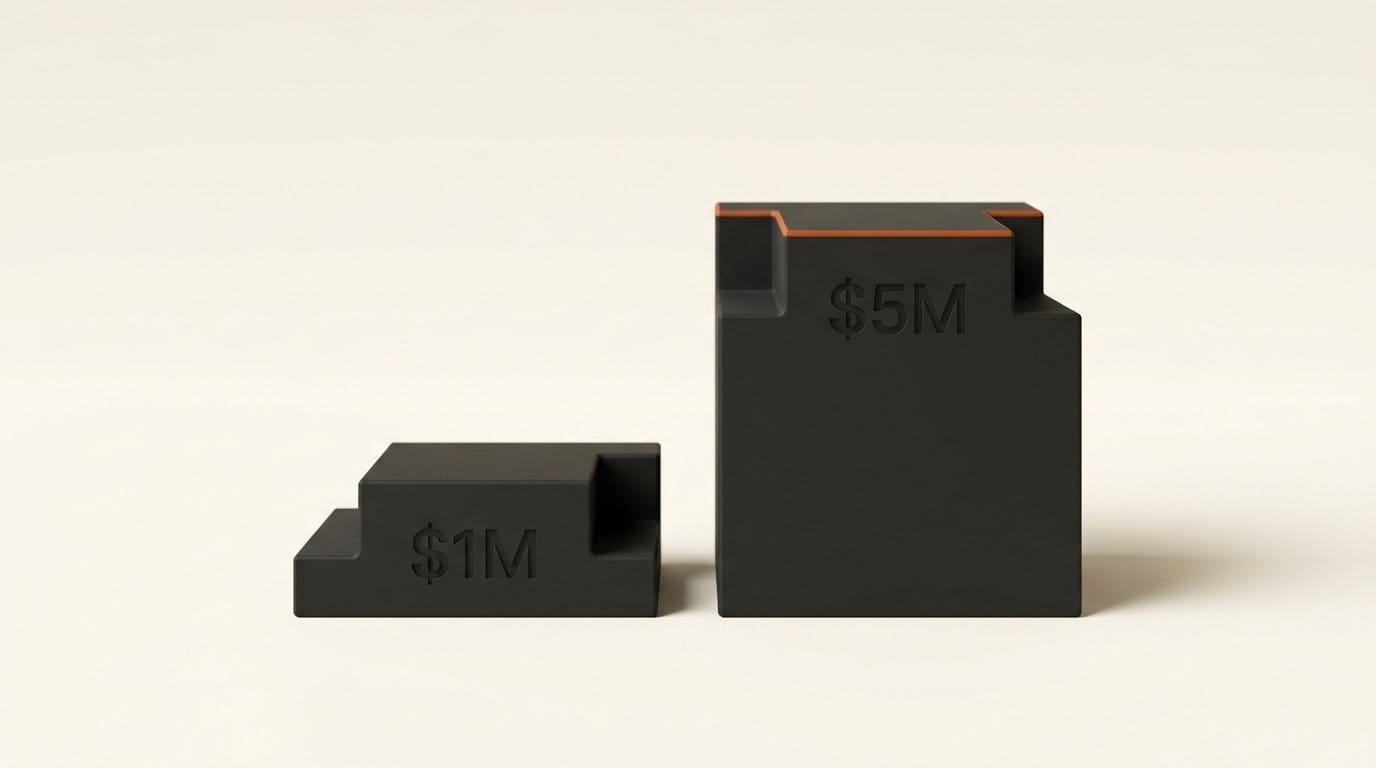
The $5M ceiling is five times Krea 2's, which covers nearly every solo creator, small studio and agency. The Qwen-Image 2.1 research license remains the outlier on the list.
Three ways to run it without code
You do not need a terminal to try Klein. There are three routes, from zero setup to fully local.
| Route | Cost | What you need | Best for |
|---|---|---|---|
| Hugging Face demo (Space) | Free, limited runs | A browser; a free Hugging Face account for more runs | Testing prompts today |
| BFL Playground and API | $0.008 (768px) to $0.036 (4K) per image | A BFL account with credits | Volume work, plus pixel restoration on edits |
| ComfyUI on your own PC | Free after download | ComfyUI 0.41.0 or later, an NVIDIA GPU with 8 GB or more | Unlimited private generation and LoRA training |
The free Space is where to start. Without logging in, we got three images before it asked for a Hugging Face account to unlock more. You type a prompt, optionally add reference images to edit, and pick the fast distilled model or the 50-step Base model.
The BFL documentation lists hosted prices of $0.008 at 768 x 768, $0.009 at 1K, $0.011 at 1.5K, $0.014 at 2K and $0.036 at 4K, the same for generation and editing. The hosted version adds "pixel restoration", which BFL says keeps the unedited parts of an image exactly as they were. That matters, as our edit test below shows.
For local use, ComfyUI v0.41.0, released on launch day, added FLUX 3 Image support. BFL repackaged the files for it in a ComfyUI-ready repository, including int8 versions that it says run on 8 GB cards such as the RTX 3070. BFL's own speed figures, measured by NVIDIA in ComfyUI: about 4 seconds per 1-megapixel image on an RTX 5090 and under 9 seconds on an RTX 4070.
Our test: one poster, one edit
We designed the test the way a designer would use Klein: a text-heavy poster, then a single change to it. Same seed, distilled model, 1024 x 1024, on the free Space. The prompt asked for a concert poster on cream paper with the headline "NIGHT SHIFT", an orange neon saxophone and the line "OCT 24 RIVERSIDE HALL" at the bottom.
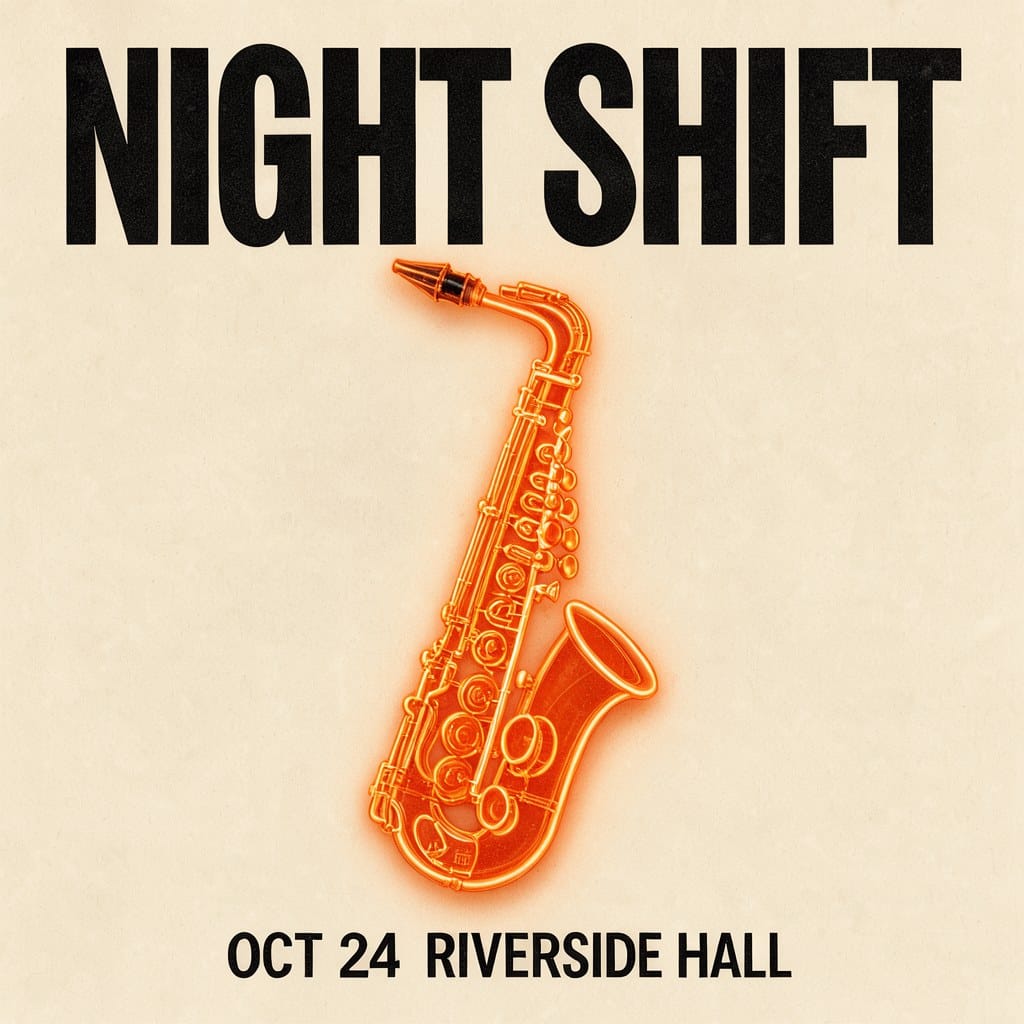
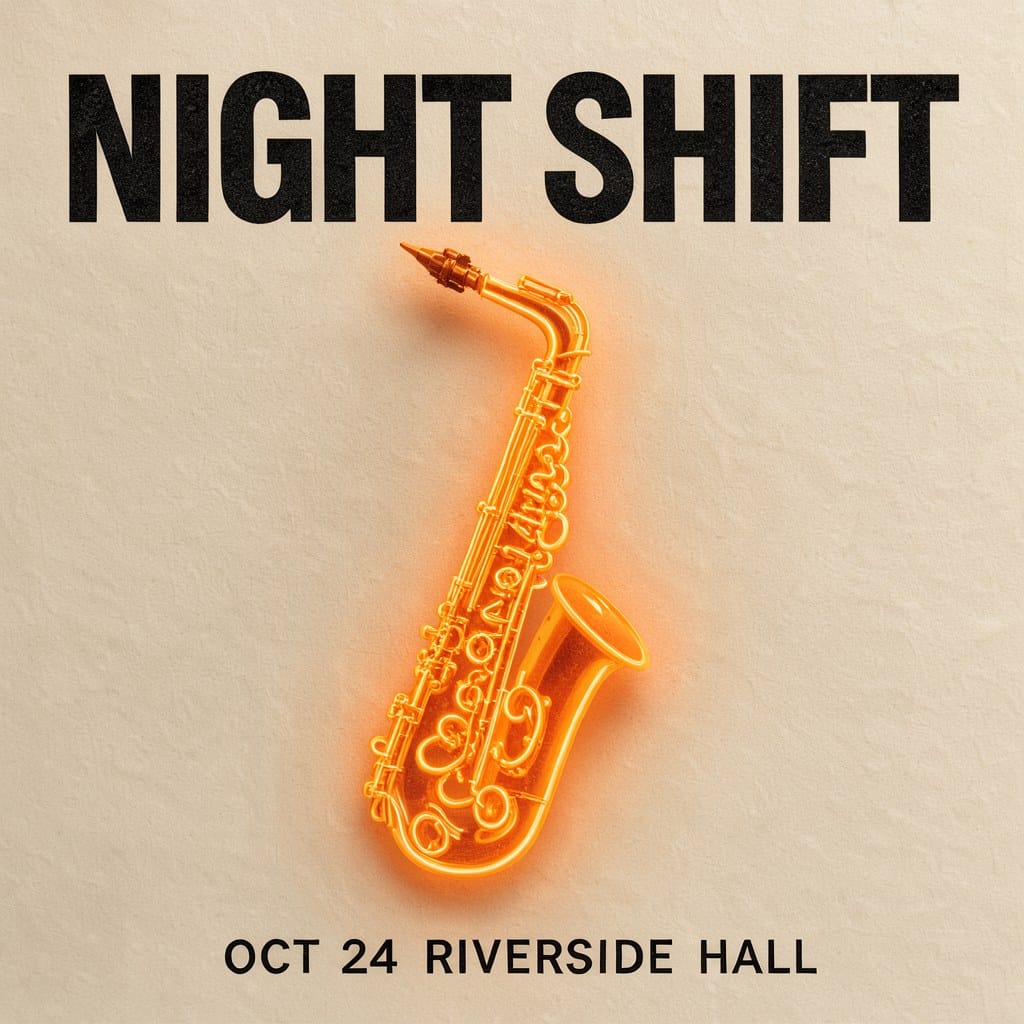
Text: a clean pass. With the prompt sent as typed, Klein spelled the headline and the date line correctly and set them where we asked, in 16.6 seconds including the Space queue. With the prompt upsampler switched on, it also spelled everything correctly, but took 27.1 seconds, and the upsampled caption turned the saxophone keys into tangled neon squiggles. For short, literal design prompts, leave the upsampler off.
Edit: not there yet with a one-line instruction. We fed the first poster back in and asked Klein to replace the saxophone with a trumpet and keep the text and paper the same, upsampler off. It took 16.4 seconds and returned a saxophone with a trumpet bell attached to the top. The headline and date line stayed legible and in place.
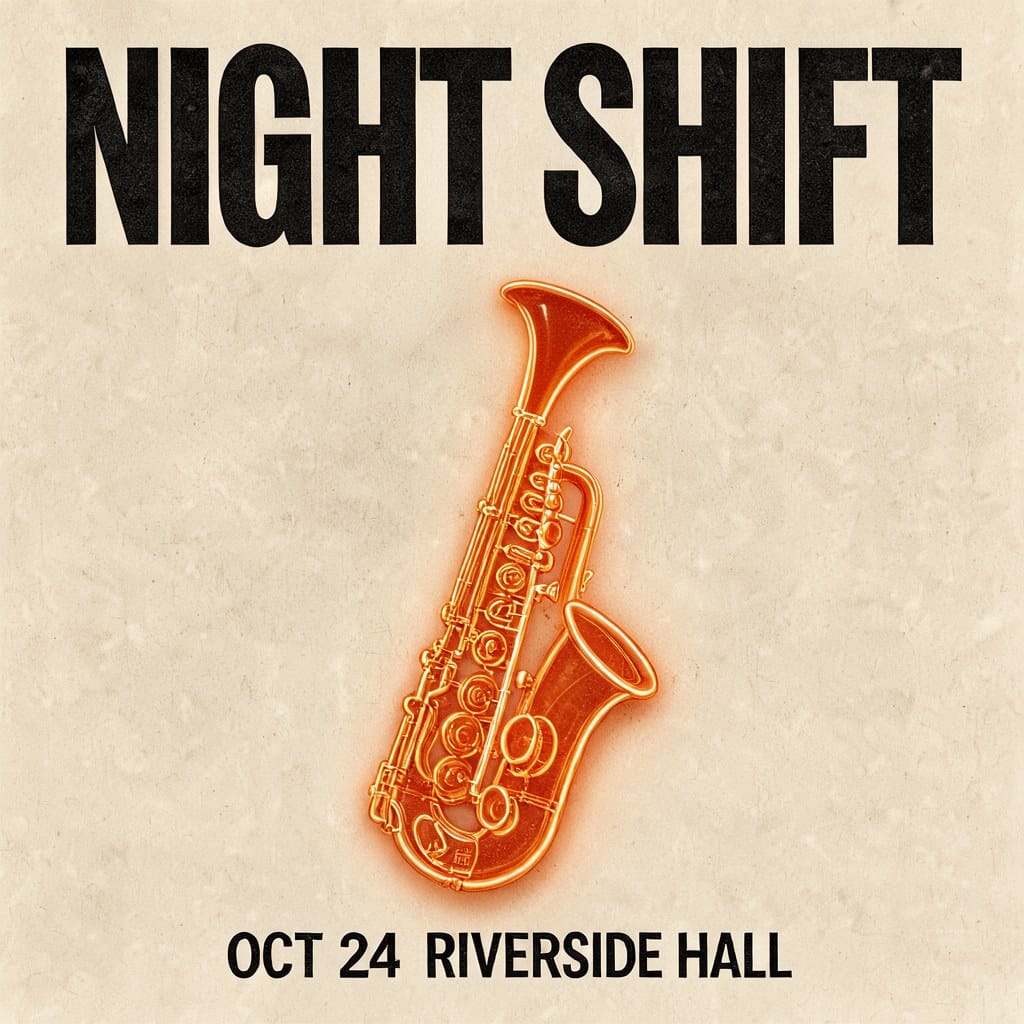
We then compared the two images pixel by pixel. Only 37.6% of pixels stayed within 8 brightness levels of the original. In a patch of plain paper on the left, that figure was 19.4%, while 99.7% stayed within 24 levels: Klein repainted the paper with a slightly different texture rather than leaving it alone. The headline band held up best, with 75.4% of pixels within 8 levels.
This is consistent with BFL's own guidance. The model card warns that a one-line edit instruction can reframe the shot and recommends describing the whole target image, or letting the upsampler write that description. For edits that must leave everything else untouched, use the hosted version with pixel restoration, or write the full caption.
Klein vs FLUX 3 Image: what you save
On BFL's own API, Klein undercuts the full FLUX 3 Image at every size. The full model's prices come from our FLUX 3 Image test; Klein's come from the Klein documentation.
| Output size | FLUX 3 Image | FLUX 3 Image Klein | Saving |
|---|---|---|---|
| 768 x 768 | $0.041 | $0.008 | 80% |
| 1K (about 1 MP) | $0.048 | $0.009 | 81% |
| 2K (about 4 MP) | $0.100 | $0.014 | 86% |
| 4K (about 16 MP) | $0.607 | $0.036 | 94% |
In practice, a batch of 1,000 social images at 1K costs $9 on Klein against $48 on FLUX 3 Image. The 4K gap is the largest: a print-size image drops from about 61 cents to under 4 cents. If you run Klein on your own GPU, the only cost after the download is electricity.
The trade is editing precision. For the full model, BFL's own samples kept 67.8-94.1% of the frame pixel-identical after an edit, and our Klein edit on the open weights fell well below that bar. Use Klein for drafts, volume and local privacy, and keep the full model for the edits a client will inspect pixel by pixel.
Setting it up in ComfyUI
If you already use ComfyUI, Klein takes about ten minutes plus download time. Everything below happens in the app and a web browser.
- Update ComfyUI to v0.41.0 or later. If the desktop app has not offered the update yet, wait for it: older versions cannot load the model.
- Download three files from BFL's ComfyUI repository (you accept the license on that page first): the distilled int8 model
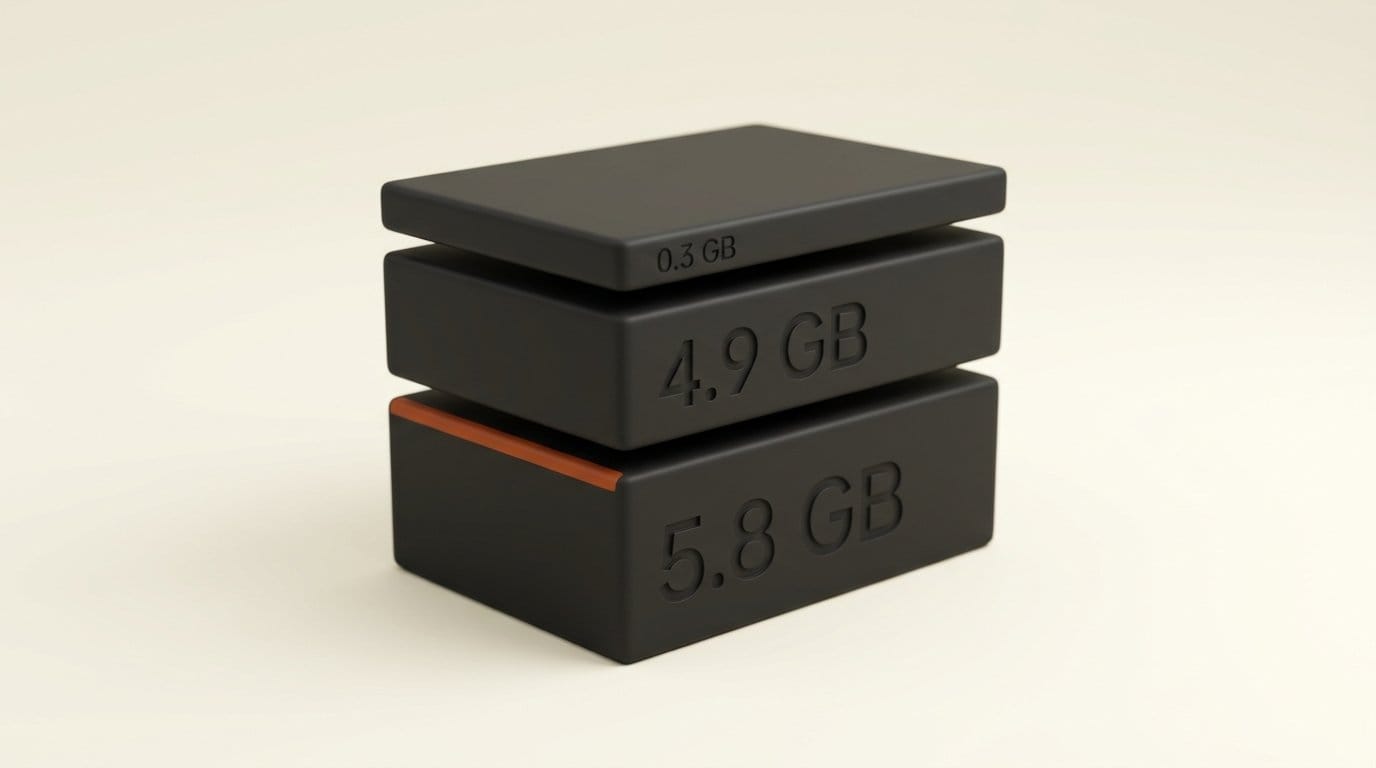
flux3_image_klein_sd_int8_convrot(5.8 GB), the int8 text encoderqwen3vl_4b_int8_convrot(4.9 GB) and the autoencoderflux2-vae(0.3 GB). That is 11.0 GB in total. Files with "sd" in the name are the fast distilled model. - Put them in place: the model in
models/diffusion_models, the encoder inmodels/text_encoders, the autoencoder inmodels/vae. - Load a workflow. BFL's docs point to a ready-made Klein workflow on Comfy's site; when we checked on launch day that page returned "not found", so look in ComfyUI's template browser after updating.
- Use the defaults: 16 steps and no guidance for the distilled model. Write full captions (framing, subject, background, lighting); short prompts give generic results.
- Optional: add the 9.8 GB prompt upsampler file if you prefer typing short requests, bringing the total to 20.8 GB.
One warning for anyone tempted by the reference code on GitHub instead: BFL measured 25 to 31 GB of peak GPU memory for it on a data-center B200, so the 8 GB figure applies only to the int8 files in ComfyUI. To train your own style, the Base files work with Ostris's AI Toolkit from day one.
Who should switch, and who should wait
Switch now if you make social graphics, posters, thumbnails or concept art, earn under $5M a year and want an open model you can sell work from. Klein's text rendering held up in our test, it fits a mid-range gaming GPU, and the license is more generous than Krea 2's.
Use the hosted version if you edit client photos. The open weights repainted untouched areas in our test; BFL's API adds pixel restoration at $0.009 per 1K image, still about a fifth of the full model's price.
Wait if your workflow lives in another app. BFL lists ComfyUI and Hugging Face Diffusers as the day-one routes for creators, so check your app's release notes before planning around Klein. The quality rankings so far are BFL's internal ones, as launch coverage such as Unite.AI's report notes, and independent comparisons are still to come.
Frequently asked questions
Is FLUX 3 Image Klein free for commercial use?
Yes, for the images, if you or your business (with affiliates) earn under $5 million a year. You must review images or use a content filter before publishing, and label them as AI-generated where the law requires. Larger companies and anyone building Klein into a product need a paid license from Black Forest Labs.
What GPU do I need to run FLUX 3 Image Klein locally?
An NVIDIA card with 8 GB of video memory or more, using the int8 files in ComfyUI 0.41.0 or later. BFL cites the RTX 3070 as an 8 GB example; NVIDIA measured under 9 seconds per 1-megapixel image on an RTX 4070 and about 4 seconds on an RTX 5090.
How much does FLUX 3 Image Klein cost on the API?
$0.008 at 768 x 768, $0.009 at 1K, $0.011 at 1.5K, $0.014 at 2K and $0.036 at 4K, per image, the same for generating and editing. The full FLUX 3 Image costs $0.048 at 1K.
Can I try FLUX 3 Image Klein without installing anything?
Yes. BFL's Hugging Face Space runs it in a browser for free. We got three images without logging in; a free Hugging Face account unlocks more runs.
Is Klein better than FLUX.2 klein?
BFL says FLUX 3 Image Klein scores 91 Elo points higher for text-to-image and 70 higher for editing than FLUX.2 klein 9B, with 38% fewer parameters. FLUX.2 klein 4B keeps one advantage: an Apache 2.0 license with no revenue limit.
Does FLUX 3 Image Klein keep the rest of an image unchanged when editing?
Not reliably with the open weights and a short instruction. In our test, a one-line edit repainted the paper texture and only 37.6% of pixels stayed within 8 brightness levels. BFL's hosted API adds pixel restoration, which it says preserves unedited regions exactly.