OpenAI launched ChatGPT plan usage for Sign in with ChatGPT at DevDay on September 29, 2026. ChatGPT Plus and Pro subscribers can now let a coding agent or app bill its AI requests to the plan they already pay for, with no OpenAI API key. The launch list names 11 apps that can use your plan today (Amp Code, Conductor, Dactyl, Devin, Hermes Agent, Hyperagent, Kilo Code, Notion, Vercel, Vorflux and Warp), Lovable as coming soon, 5 sign-in-only partners including Canva and Supabase, and 4 open-source tools: OpenClaw, OpenCode, Pi and T3 Code.
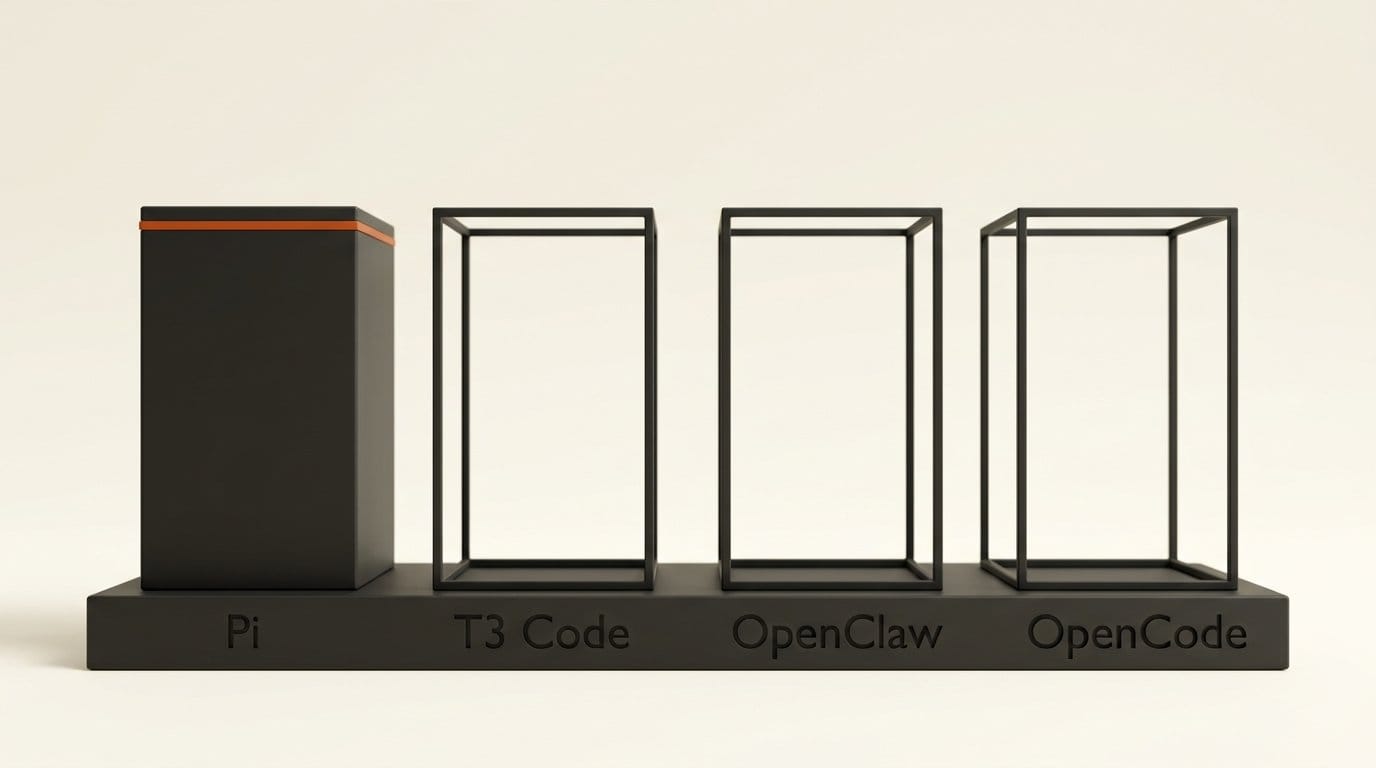
We checked the code of those 4 open-source tools on launch day. At 19:09 UTC, only Pi shipped the feature in a stable release. T3 Code had it in a nightly build, OpenClaw had it on its main branch but in no tagged release, and OpenCode had two pull requests opened that afternoon. The developer docs also list what the plan route will not do: image generation, file search, Code Interpreter, hosted connectors, and even a temperature setting are all refused.
What OpenAI shipped on September 29
Sign in with ChatGPT itself is not new. OpenAI started rolling out the identity part on July 29 with Airtable, GitLab, HubSpot, Notion, Supabase and Vercel, and it only shared your name, email and profile picture. What changed today is the second permission. The Sign in with ChatGPT developer docs now describe "apps powered by your user's ChatGPT plan": an app asks for extra OAuth scopes, and if you approve, its requests count against the ChatGPT Work and Codex usage in your plan.
It was one line in a crowded keynote. Simon Willison's live blog logged it between GPT-6.1 Sol, Pro 500 and dots, with the pitch that users spend "tokens they are paying for already." OpenAI's release notes call it "a limited preview with participating integrations." Commercial apps get in through a limited trial and an interest form. Open-source tools can use the documented flow now, with no client secret and no partner API key.
For builders, the economics are the story. Until today an open-source agent had two ways to pay for an OpenAI model: ask every user for an API key and a card on file, or reuse a ChatGPT login through unofficial routes, which is how tools like claude-code-proxy ran on ChatGPT subscriptions. The first scares off casual users. The second was never an official route. Now there is a sanctioned third one.
How the plan sharing works
Signing in and using your plan are two separate permissions. You can sign in to an app with ChatGPT and still refuse to let it spend your plan. If you allow it, OpenAI's Help Center article says eligible requests "count toward the ChatGPT Work and Codex usage included in your plan." Connecting an app adds no new allowance.
The controls live in ChatGPT under Settings, then Usage. Each connected app gets a weekly limit, set as a percentage of your overall weekly plan usage. OpenAI is careful about what that number means: "An app limit is a cap, not a separate pool of usage." A 30% cap does not reserve 30% for the app. It only stops the app from taking more.
Three details are easy to miss:
- Credits are off by default. An app can draw on purchased ChatGPT credits after your plan runs out only if you switch that on and set the app's limit to 100%. If automatic credit purchases are also on, the Help Center warns that "continued usage can result in automatic charges."
- There is no silent fallback. When your plan or the app's cap is exhausted, the request stops. OpenAI does not switch it to another paid route.
- Rates are not published. The Help Center says "Usage rates may differ between an app and ChatGPT." There is no table showing how much of your week a given agent task costs.
Disconnecting is under Settings, then Security and login. It "does not reverse usage already recorded," and the developer docs add that OpenAI "does not currently notify your tool" when you disconnect. The tool learns about it on its next failed request or token refresh.
Our check: 4 open-source tools, 1 stable release
OpenAI lists four open-source integrations. We shallow-cloned each repository shortly after 19:00 UTC on September 29 and searched it for the identifiers the open-source integration guide requires: the registration client dynamic_agent_client and the scope chatgpt.tokens.use.direct. We then checked every recent tagged release through the GitHub API to see whether the code had actually shipped.
| Tool | Code on main branch | In a stable release? | Status at 19:09 UTC, Sep 29 |
|---|---|---|---|
| Pi | Yes | Yes, v0.99.0 and v0.99.1 | Shipped today at 17:21 UTC, during the keynote |
| T3 Code | Yes | No | Only in nightly v0.0.43-nightly.20260929.2450 |
| OpenClaw | Yes, merged Sep 24 | No | Not in v2026.9.6 (latest) or v2026.8.33 (extended-stable) |
| OpenCode | No | No | Two open pull requests, opened on launch day |
Pi's v0.99.0 release notes put it plainly: "Use a ChatGPT subscription with the OpenAI provider through /login openai." Pi also renamed its old ChatGPT route to "OpenAI Codex (legacy)," which tells you what the new flow replaces. T3 Code's nightly registers itself with the name "T3 Code" and requests the full scope set. OpenClaw merged its implementation in pull request 148567 five days before launch, but npm still serves 2026.9.6 as latest, and that build does not contain it.
OpenCode, one of the biggest names on the list, had nothing merged. Pull request 52147, "integrate ChatGPT token sharing," and a second one were both opened on September 29 and were still open when we checked. The harness and raw results are in our repository, and every row above can be re-run in about a minute.
What the preview leaves out
The preview limitations page is the most useful document in the launch, and it is short. Requests must go to the public Responses API with store: false and stream: true. The route then refuses a long list of fields and tools.
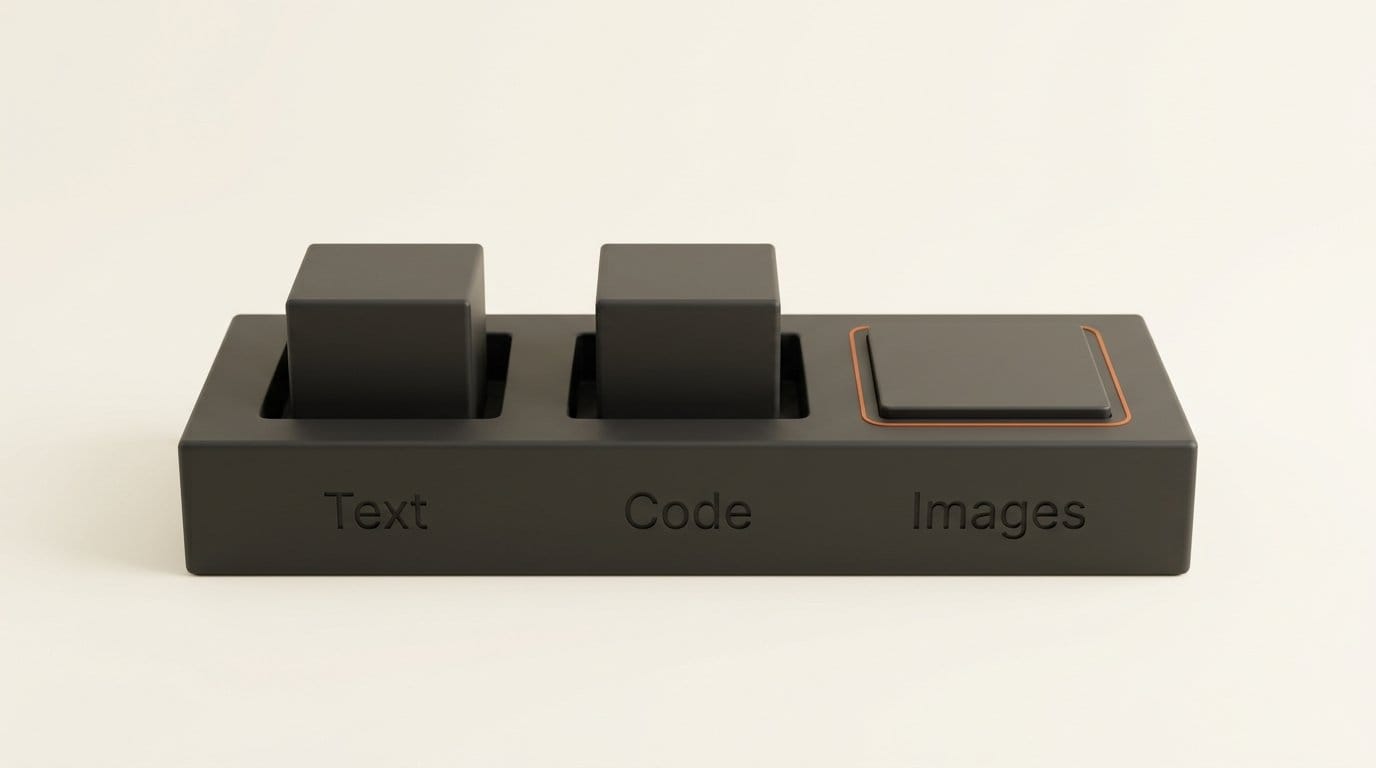
- No image generation. It is the first unsupported tool on the list, alongside file search, Code Interpreter, native computer use, hosted MCP connectors and
tool_search. For a creative workflow, that is the headline: your plan pays for text and code in these apps, not pictures. - No audio or video input. Text, images and files work when the model accepts them. Audio and video input, the Files upload API and transcription do not.
- No sampling controls.
temperature,top_p,max_output_tokens,truncation,metadataandbackgroundare among 15 fields the page says to omit. - No stored conversations.
previous_response_idis not allowed over HTTP, so the tool must resend the history it needs with every request.
Session security has two gaps worth knowing before you connect a server. Access tokens last one hour, and refresh tokens last 30 days, renewed on each refresh with "no fixed limit" on how many times. If you copy those credentials to a remote machine, the self-hosted VM guide says "revocation of ChatGPT plan access for transferred sessions" is "not yet available." OpenAI's docs do not promise that disconnecting in ChatGPT cuts off a credential copied to another machine, so treat that file like a password.
ChatGPT plan vs Claude credits vs an API key
The comparison that matters is with Anthropic, because Anthropic walked the opposite road first. On April 4 it cut Claude subscriptions off from OpenClaw and every other third-party harness. In May it came back with dedicated Agent SDK credits: a fixed monthly dollar amount, billed at API rates, that expires at the end of the month. OpenAI is now listing OpenClaw by name as a launch partner.
| ChatGPT plan (Sign in with ChatGPT) | Claude Agent SDK credits | Your own API key | |
|---|---|---|---|
| Who can use it | Plus and Pro | Pro, Max, Team and Enterprise Premium | Anyone with billing set up |
| What you get | Shared weekly plan usage, no extra allowance | $20 (Pro), $100 (Max 5x), $200 (Max 20x) a month | Pay per token |
| How it is metered | Plan usage; app rates not published | API rates, no rollover | Published API prices |
| When it runs out | Stops, unless you opt in to credits | Buy more at API prices | Your spend limit |
| Per-app cap | Yes, weekly percentage | One shared credit pool | Per project |
| Image generation | Not supported | Claude has no image model | Supported |
The trade is predictability for reach. Anthropic tells you exactly what you get in dollars and charges API prices for it. OpenAI lets an agent draw on the same generous pool that powers Codex, but it will not say how fast a given app drains it, and your coding agent competes with your own ChatGPT Work sessions for the same weekly budget. If you already hit your Codex limits, connecting another agent makes that worse, not better.
How to connect Pi to your ChatGPT plan
Pi is the only tool on the list with a stable release today, so it is the one to test with. The whole setup takes about five minutes.
- Install or update Pi to v0.99.0 or later:
npm install -g --ignore-scripts @earendil-works/pi-coding-agent(Node.js 22.19 or newer), orpi update --selfon an existing install. - Before connecting anything, open ChatGPT, go to Settings, then Usage, and check your weekly usage and whether "allow apps to use credits" is off.
- Start
piand run/login openai. Choose Sign in with ChatGPT. Your browser opens OpenAI's consent screen. - Pick the ChatGPT account, review the name OpenAI shows for the agent, and approve the plan-usage permission. The callback returns to Pi on your own machine at 127.0.0.1.
- Back in ChatGPT, find Pi under App limits and set a weekly cap, for example 30%, so a runaway session cannot eat your week.
- Run a small task and watch the Usage page. That is the only way to learn what your typical task costs, because OpenAI publishes no per-app rate.
On a headless server, Pi's docs say the callback may not reach the process, and you paste the final redirect URL back instead. Given the revocation gap above, keep the plan login on machines you control and use an API key on shared servers.
What to do next
If you pay for Plus or Pro and use an open-source coding agent, try Pi today and cap it before your first real task. If you use OpenCode or OpenClaw, wait for a tagged release rather than building from a branch; both are close, and neither is shipped. If you build a tool yourself, follow the UI guidelines, which ask you to show "Using ChatGPT plan" near the composer and to state which of your paid tiers support it.
If your work is images, video or audio, this changes nothing yet. The route refuses image generation and audio input, so your creative pipeline still needs an API key or the ChatGPT app itself.
Frequently asked questions
Which ChatGPT plans can share usage with other apps?
Plus and Pro. Anyone can sign in to a participating app with ChatGPT, but only Plus and Pro subscribers can let the app use their plan. Participating apps may also limit it to some of their own paid tiers.
Does using my ChatGPT plan in another app cost extra?
Not from OpenAI, unless you opt in to credits after your plan runs out. The app can still charge for its own subscription or services, and the requests use up the same weekly Work and Codex usage as ChatGPT itself.
Can an app read my ChatGPT conversations?
No. OpenAI says using your plan does not give the app access to your conversations or memories, and it does not share an API key. Sign-in shares your name, email address and profile picture.
Can I generate images with my ChatGPT plan in other apps?
Not in this preview. Image generation is on the unsupported tool list, along with file search, Code Interpreter and hosted connectors. Image inputs are accepted when the model supports them.
Which open-source tools support it right now?
On September 29 only Pi had it in a stable release (v0.99.0). T3 Code had it in a nightly build, OpenClaw on its main branch, and OpenCode in open pull requests.
How do I stop an app from using my plan?
In ChatGPT, go to Settings, then Security and login, then Sign in with ChatGPT, select the app and choose Disconnect. Signing out of the app is not enough, and disconnecting does not undo usage already recorded.