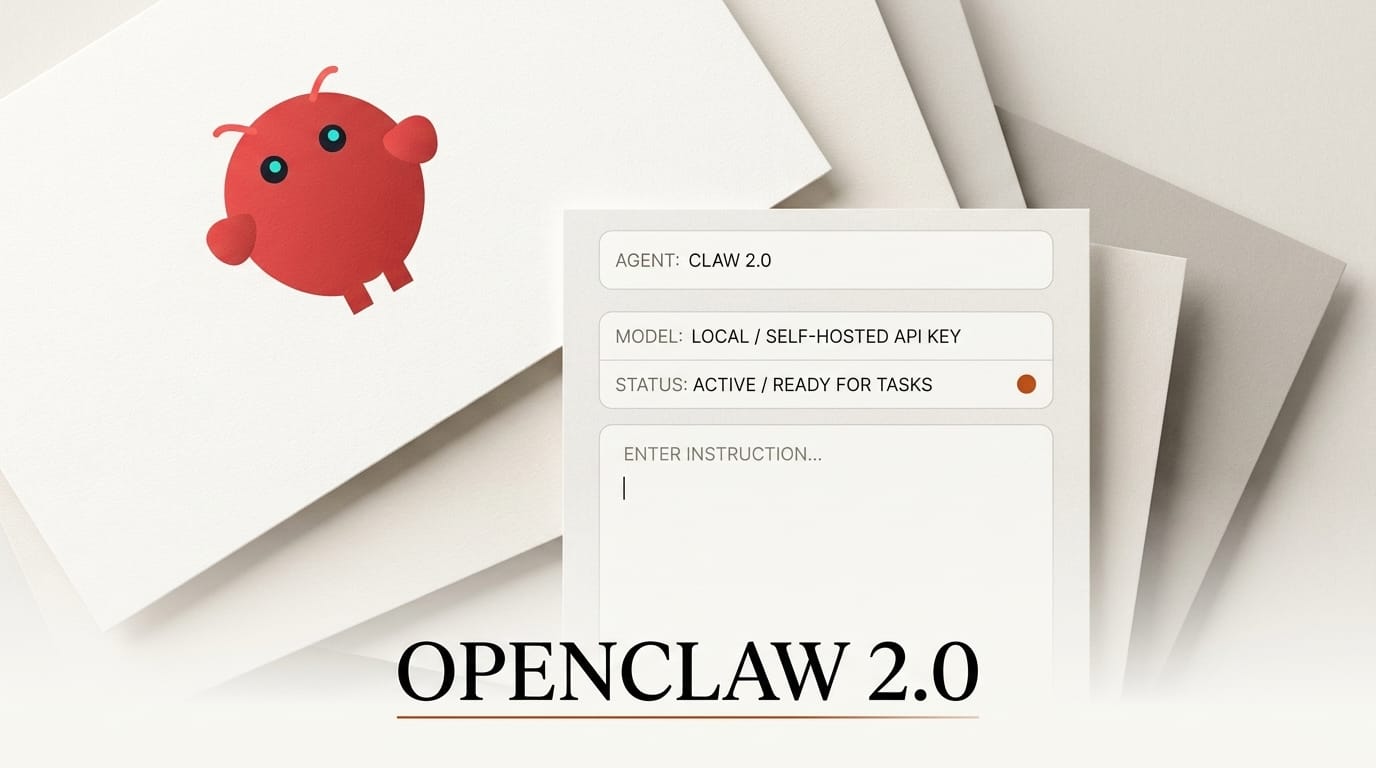
OpenClaw 2.0 shipped on August 30, a full rewrite of the free, open-source AI agent platform you run on your own machine with your own API key or a local model. The OpenClaw 2.0 release rebuilds the setup flow, the control interface, and the storage layer, and adds shared "multiplayer" sessions so a teammate can jump into an agent run and take over with the full context intact. For creators and builders who want an autonomous agent without renting one from a closed vendor, this is the most complete bring-your-own-key option to land this year.
What Happened
OpenClaw is an agentic platform: a browser-based control panel that drives a persistent AI agent across messaging apps, a browser, and your desktop, executing multi-step tasks on your behalf. Version 2.0, tagged v2026.8.1 in the release notes, is the largest revision since the project started, and it is open source on GitHub so you can read, fork, or self-host every part of it.
The headline change is onboarding. A new guided model setup discovers the AI credentials you already have (Claude, ChatGPT, and Codex CLI) plus local runtimes like Ollama and LM Studio, then validates that each one actually works before saving it. The rebuilt Control UI is dramatically lighter: per the MarkTechPost write-up, JavaScript requests on startup fell from 140 to 45 and cold start dropped from roughly 1.6 seconds to 575 milliseconds. Sessions and transcripts moved from loose files to SQLite, which makes conversation search, branching, and rewinding reliable.
How It Compares to Closed Agent Platforms
The pitch for OpenClaw is control. A hosted agent platform bills per seat or per token on top of the model, keeps your session data on its servers, and limits you to the models it resells. OpenClaw inverts each of those. You point it at your own key or a local model, the data lives in your SQLite store, and the whole stack is inspectable.
| Dimension | OpenClaw 2.0 | Closed hosted agent |
|---|---|---|
| Cost | Free software, you pay only your model provider | Seat or platform fee on top of model cost |
| Model choice | Any provider key, plus local models | Vendor's supported list only |
| Local models | Managed llama-server and Ollama, Gemma 4 default | Rare or unavailable |
| Data location | Your machine or your gateway | Vendor servers |
| Collaboration | Shared cloud sessions with take-over | Varies, usually per-account |
| Extensibility | Open skills, plugins, and MCP dashboard | Vendor plugin catalog |
OpenClaw also leans harder into local inference than most agents. Version 2.0 replaces the old node-llama-cpp binding with a managed llama.cpp server and ships Gemma 4 as the default local model, so you can run an agent end to end without sending a single token to a cloud provider. For anyone who covered the closed side of this race, it is the open counterweight to the hosted agent stacks that dominated the summer.
Why It Matters for Creators and Builders
If you build content pipelines, automations, or small apps, an agent is the orchestration layer that ties your models and tools together. Owning that layer changes the economics. You are not paying a platform margin on every run, you can swap a frontier API for a local Ollama model when a task does not need the big model, and your prompts and transcripts never leave your control. That matters even more given OpenClaw's own history: we covered how OpenClaw agents burned 1.3 million OpenAI tokens in a single run, and how Anthropic blocked OpenClaw from Claude subscriptions. Bring-your-own-key with a local fallback is the practical answer to both a runaway bill and a provider cutting you off.
How to Set It Up
The new onboarding is designed to get an agent running in minutes rather than an afternoon of config files.
1. Install and open the Control UI. Grab the release from GitHub (npm package, or the macOS ZIP and DMG builds) and launch it. The new control panel starts in well under a second.
2. Run guided model setup. Let it scan for existing credentials and local runtimes. It surfaces the Claude, ChatGPT, or Codex keys you already have and any Ollama or LM Studio models, then tests each before saving.
3. Add a local fallback. Enable the managed llama-server and pull Gemma 4 (the default) so routine steps can run offline and free.
4. Wire your tools. Connect messaging platforms, the browser, and any Model Context Protocol servers through the new MCP dashboard, then build a skill in the Workshop or import one.
5. Set permissions before you automate. Use per-agent model allowlists, session permission modes, and approval prompts so an autonomous run cannot touch files or spend tokens you did not authorize.

The Security Caveat You Should Read First
OpenClaw 2.0 is refreshingly blunt about its own boundaries. The security model is "one trust boundary per gateway," and the docs state plainly that shared cloud sessions "are not tenant isolation and not a security boundary." In other words, multiplayer collaboration is a convenience for people you already trust, not a wall between tenants. Treat a gateway as a single trust zone: everyone who can reach it can see and act within its sessions. Run separate gateways or macOS profiles for work you need isolated, and keep credentials in the team-scoped store rather than pasting them into prompts.
Frequently Asked Questions
Is OpenClaw 2.0 free?
Yes. The software is free and open source. You only pay your own model provider for API usage, and local models on your own hardware cost nothing per token.
Can I run it entirely offline?
Close to it. Version 2.0 ships a managed llama.cpp server with Gemma 4 as the default local model, so an agent can plan and execute using local inference without calling a cloud API. Some tools, like a hosted provider or cloud desktop, still need a network connection.
Which models does it support?
Any provider you have a key for, plus local runtimes through Ollama, LM Studio, and the built-in llama-server. Per-agent allowlists let you force cheaper or local models for routine steps and reserve a frontier model for hard ones.
What are shared cloud sessions?
They let a second person join or take over an agent run with the full conversation context preserved. It is collaboration, not isolation: the docs are explicit that a shared session is not a security boundary.
How is this different from a hosted agent platform?
OpenClaw removes the platform margin, keeps your data on your infrastructure, and lets you choose any model including local ones. A hosted platform trades that control for a managed experience and a recurring fee.
What to Do Next
Install OpenClaw 2.0 from the project's GitHub releases, run guided setup with a key you already own, and add Gemma 4 as a local fallback. Build one small automation, an email-triggered summary or a scheduled browser task, with tight permissions before you trust it with anything expensive. Read the release notes end to end so the gateway trust model is clear before you invite anyone into a shared session.





