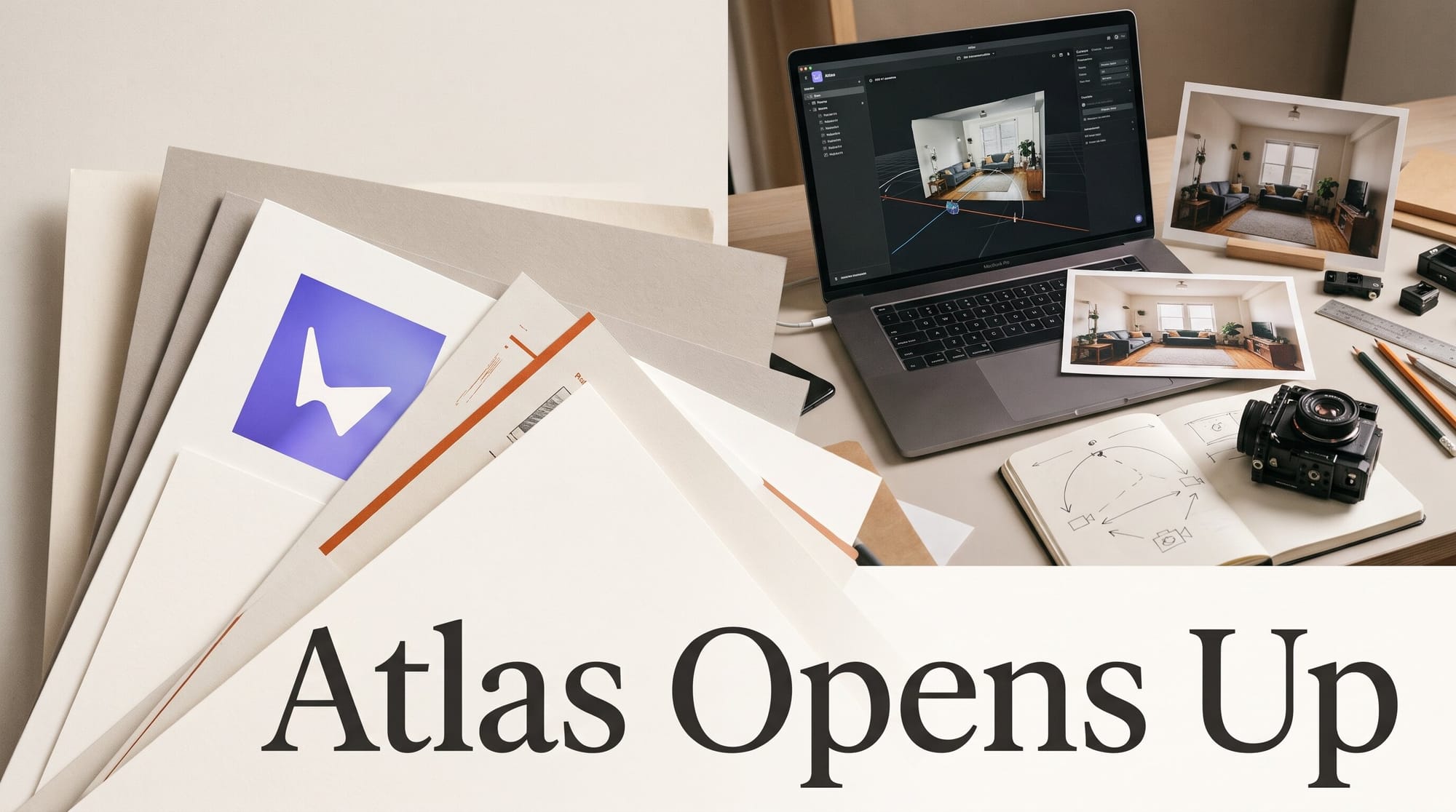
World Labs opened Atlas to everyone on November 12, 2026, ending two months of partner-only early access for the world model Fei-Fei Li's company unveiled in September. Anyone can now sign in and use two browser apps, Viewfinder (turn photos into a 3D scene you can fly a camera through) and Chisel (block out a set with simple shapes and restyle it), and export the result as a video, still keyframes or a 3D Gaussian splat. The numbers that matter to a creator are in World Labs' own billing documentation: a finished 3D splat scene costs $5, a minute of real-time exploration costs $0.50, and anything you make on a free account belongs to World Labs, not you.
This guide covers what opened, which part of Atlas fits which job, the photo-to-set workflow step by step, what it costs, and the licence catch that should decide when you start paying.
What World Labs opened on November 12
The announcement came in a World Labs post on X at 18:09 UTC: "We're opening up access to Atlas to everyone today," with apps and API endpoints so you can "come away with keyframes, video clips, or 3D Gaussian splats." Until now, Viewfinder sat behind a closed-beta waitlist, and when we first covered Atlas on September 1 it was a gated model with an application form.
The Atlas product page lists four tools, all running on the same model:
- Viewfinder: "Reconstruct a scene from photos or generated images, explore new viewpoints and render camera paths." It works from one image (Atlas invents the rest of the room) or from several overlapping photos of a real place.
- Chisel: "Shape a world through controllable scene building and grayboxing." You place planes, blocks and basic shapes, then style the layout with a text prompt or reference image.
- Splats to Mesh: converts a splat into a polygon mesh "for games and interactive environments."
- Relight: new lighting on an existing splat scene.
Alongside the apps sits Frameboy, the real-time viewer World Labs showed on November 5: it streams a world from cloud GPUs to your browser at up to 15 frames per second while you steer the camera. It is still labelled a research preview.
Which Atlas route fits your job
Atlas is one model with several front doors. Picking the right one first saves credits, because the expensive step (a full 3D reconstruction) is the last one in every route. Prices below come from World Labs' billing page and workflow guides; where World Labs has not published a price, the table says so.
| Route | You start with | You get | Known cost | Needs a terminal? |
|---|---|---|---|---|
| Viewfinder (browser) | One photo, or 8-16 overlapping photos of a room | New camera angles, a camera-path video, a 3D splat | $5 per splat; views priced on the in-app rate card | No |
| Chisel (browser) | Simple shapes, a text prompt, reference images | A styled set you can rearrange and re-render | $0.02 per Chisel caption; scene renders on the in-app rate card | No |
| Frameboy (browser) | A finished world | A live look-around at up to 15 fps | $0.50 per session of up to one minute | No |
| Claude connector | A chat and an image link | The same tasks, run for you by Claude | Same prices as the API | No |
| Blender 5.3 | An exported .spz or .ply file | The splat in your own scene and renderer | Free (Blender is free) | No |
For most creators the order is Viewfinder or Chisel to build, Frameboy to check the space, then export. The Claude route matters if you already work in chat: World Labs runs a hosted connector you add in Claude under Settings, Connectors, with a sign-in rather than an API key, according to its connector documentation.
How to turn one photo into a 3D set
World Labs' how-to guide describes the same sequence the apps follow. Here it is in creator terms, with timings from World Labs' own worked example of a potter's studio.
- Pick the photo. Sharp, evenly lit, a mostly still scene. For a real location you want to rebuild accurately, shoot 8-16 overlapping photos of the room and import them together with Reconstruct in Viewfinder. Frames pulled from a phone walkthrough video work too; direct video upload does not.
- Let Atlas pose it. Atlas estimates the camera position and a depth map for each image, so it knows how far away the floor, walls and objects are.
- Generate views around the subject. Ask for 6-12 new angles circling the thing your shot is about. In World Labs' example, seven views around a work table took 23 seconds. From a single photo, Atlas stays faithful for about half a turn of the original field of view; beyond that it invents what you see.
- Check every view before you pay for the long step. Objects should keep their shape and position from view to view. Delete any view that disagrees, because a disagreement becomes a ghosted, doubled object in the final scene.
- Render the camera move. A video is one camera per frame, sent as one path. World Labs' 8-second, 24 fps orbit (192 frames) took 109 seconds.
- Build the splat last. The full 3D reconstruction takes 15-25 minutes and costs $5. The example run took 18 minutes and returned 2,000,000 splats, according to the splat guide.
The habit to learn is step 4. The views are your preview: if they look wrong, the $5 splat will look wrong too, and a second run is a second charge.
Who owns what you make: the free-account catch
This is the detail most launch coverage skipped. World Labs' terms of service treat free and paid users differently. For free accounts, World Labs owns the output and grants you a licence "solely for personal, Non-Commercial Use." Paid account users "own all rights, title, and interest" in their outputs.
Two lines in the terms decide how you should work:
- Buying credits counts as paid. The terms define a free account user as someone without an active paid subscription, purchased service credits or purchased and unused top-up credits. A credit top-up moves you into the paid group.
- Status is checked when you generate. "Account status is determined at the time of Output generation." A scene you built on a free account stays non-commercial even if you upgrade afterwards.
So if a set might end up in a client video, a music video, a game or a sponsored post, buy credits before you build it. Experiment on free; produce on paid.
What it costs, and what is not priced yet
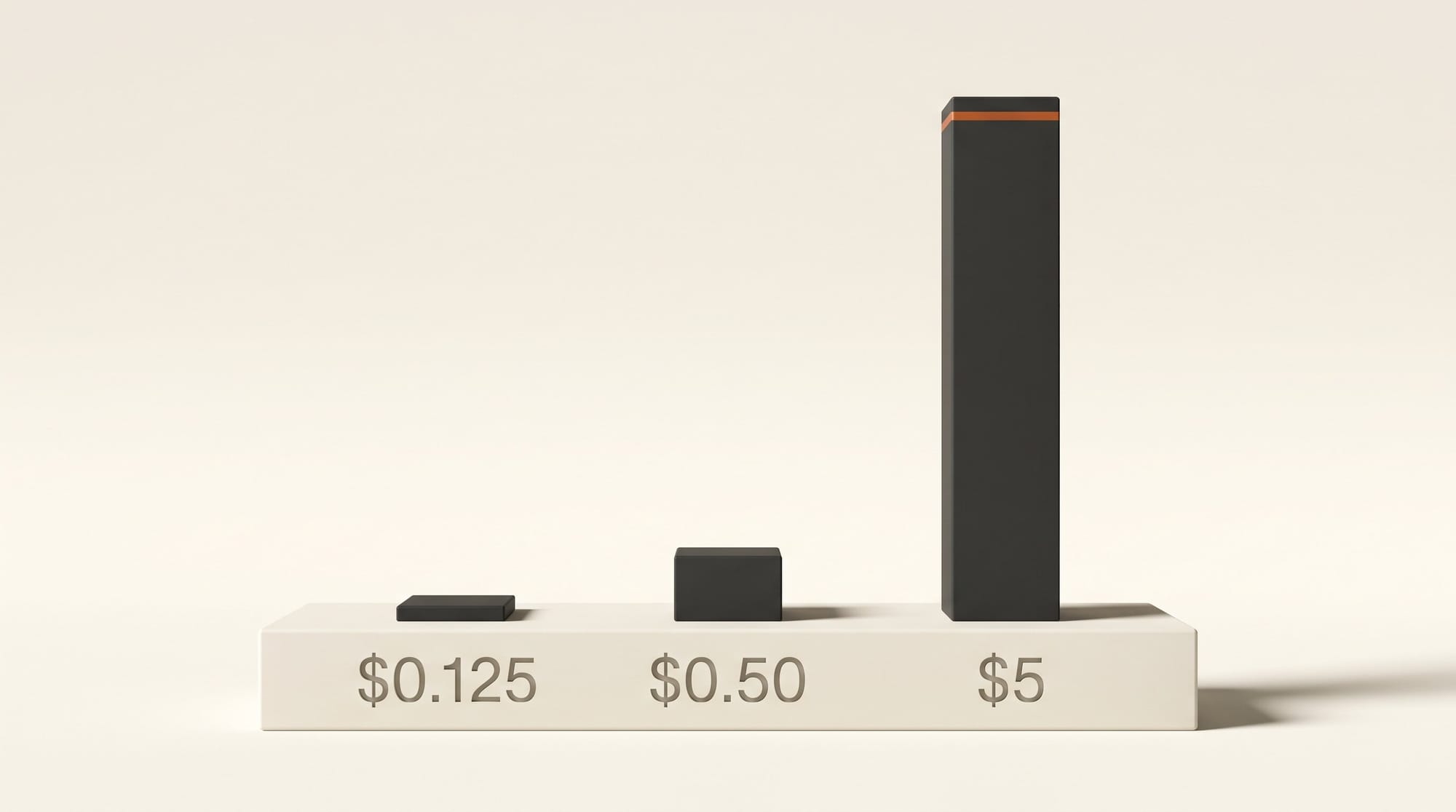
Atlas bills in credits at 1,000 credits per US dollar, and purchased credits do not expire. The published rates, all from the billing documentation:
- 3D splat reconstruction: 5,000 credits ($5) per run
- Frameboy real-time session: 500 credits ($0.50) for up to a minute, free if it plays under 5 seconds or the server drops
- Image edit: 125 credits ($0.125)
- Prompt enhancement or a Chisel caption: 20 credits ($0.02) each
- Image upscale: 10 credits ($0.01)
What is missing is the price of the core step, generating new views and video frames. World Labs tells users to read "the current rate card shown in the platform" rather than publishing it, and its rate-limit page lists every capacity limit as "To be announced." Before a big job, run one small scene and read the Usage page under Settings, which shows spend per day and per task. You can also set a monthly spend limit for the whole account, a sensible guard while prices are unpublished.
For scale, a typical one-room job (seven views, an 8-second orbit and one splat) is $5 plus the unpublished view and frame charges, and a client walk-through in Frameboy is $0.50 a minute.
How today's Atlas compares with the September preview
The September announcement promised video "up to one minute at 1440p." The public release documents something more modest. The generation sizes listed in World Labs' guide are 1280 x 720, 960 x 720, 528 x 704 and 720 x 1280, so plan for 720p-class output and upscale in your editor if you need more. Coverage at VP Land and AlphaSignal also notes that the documentation still carries beta labels and that World Labs has published no paper or model card, so its quality claims have not been independently checked.
Against other world models, Atlas stands out for what you take away. Google's Project Genie, which we covered when Genie 4 was announced in October, lets Google AI Ultra subscribers explore a generated world and download a video of the trip, and Genie 4 itself is still with testers. Atlas gives you the video too, plus a splat and a mesh you can open in other software.
Getting the scene into Blender and onto the web
The export is where Atlas becomes useful in an existing workflow. Blender 5.3 added native Gaussian splat support, and World Labs' Blender guide is three steps: install Blender 5.3, download your .spz or .ply file (unzip it if needed), and drag it into the viewport. From there you can place your own characters, products or lights in the set and render with Blender's tools.
For games and interactive work, Splats to Mesh turns the splat into geometry an engine can use. For the web, World Labs maintains Spark, an open-source splat renderer; our photo-to-splat web guide walks through putting a splat on a page.
What to do this week
- Sign in at atlas.worldlabs.ai and try Viewfinder with one photo you would never sell, on the free account.
- Shoot 8-16 overlapping photos of one real room you might use as a set, and reconstruct them together.
- Generate the views, check every one, and only then decide whether the scene deserves a $5 splat.
- If the result could reach a client or a monetised channel, buy credits first and rebuild it on the paid account.
- Set a monthly spend limit before you run anything large.
Frequently asked questions
Is World Labs Atlas free to use?
You can sign in and experiment without paying, but World Labs owns what a free account makes and licenses it to you for personal, non-commercial use only. Paid work runs on credits at 1,000 credits per dollar.
How much does a 3D scene cost in Atlas?
The final Gaussian splat reconstruction costs 5,000 credits, or $5, and takes 15-25 minutes. The views and video frames that come before it are billed on an in-app rate card World Labs has not published.
Can I use Atlas scenes commercially?
Yes, if the account was paid when you generated them. Buying credits counts. A scene made on a free account stays non-commercial even after you upgrade.
Can I open an Atlas scene in Blender?
Yes. Blender 5.3 imports Gaussian splats natively: drag the .spz or .ply file into the viewport. An optional Atlas extension adds generation inside Blender.
Does Atlas make video?
Yes. It renders a camera path through a scene as frames, at sizes up to 1280 x 720 in the current documentation. World Labs' 8-second, 24 fps example took 109 seconds.
Can I upload video footage to Atlas?
Not directly. Export sharp, overlapping still frames from your footage (8-16 for a room) and import them together in Viewfinder.
Can I use Atlas from Claude?
Yes. World Labs hosts a connector you add in Claude under Settings, Connectors; you sign in with your World Labs account and tasks use your credits at API prices.