Google released Gemini 4 Hydrogen on November 12, 2026, a fast, cheaper Gemini 4 model that scores 51 on the Artificial Analysis Intelligence Index, one point above Gemini 4 Argon, Google's frontier model from October. It is in the Gemini app model menu on the paid plans from Google AI Plus up, free users can get it when the app's automatic model picker decides a prompt needs it, it now powers Google Search for everyone, and it is free (with rate limits) in Google AI Studio, where you can build a web app by describing it. Through the API it costs $1.50 per million input tokens and $7.50 per million output tokens, below Argon's price.
For creators, Hydrogen is not a new image or video model. It is the model that writes, researches and builds. The useful news is that Argon-level scores now reach the cheaper plans and the free AI Studio, so the right question is which plan gives you which Gemini, and what each one is good for.
What Google Released
Google DeepMind's Koray Kavukcuoglu announced Hydrogen as a model for fast, everyday coding and agent work, while Gemini 4 Carbon and Argon stay Google's models for long, hard reasoning. Hydrogen replaces Gemini 3.8 Flash as Google's recommended fast model. Google's headline numbers, all from its launch post:
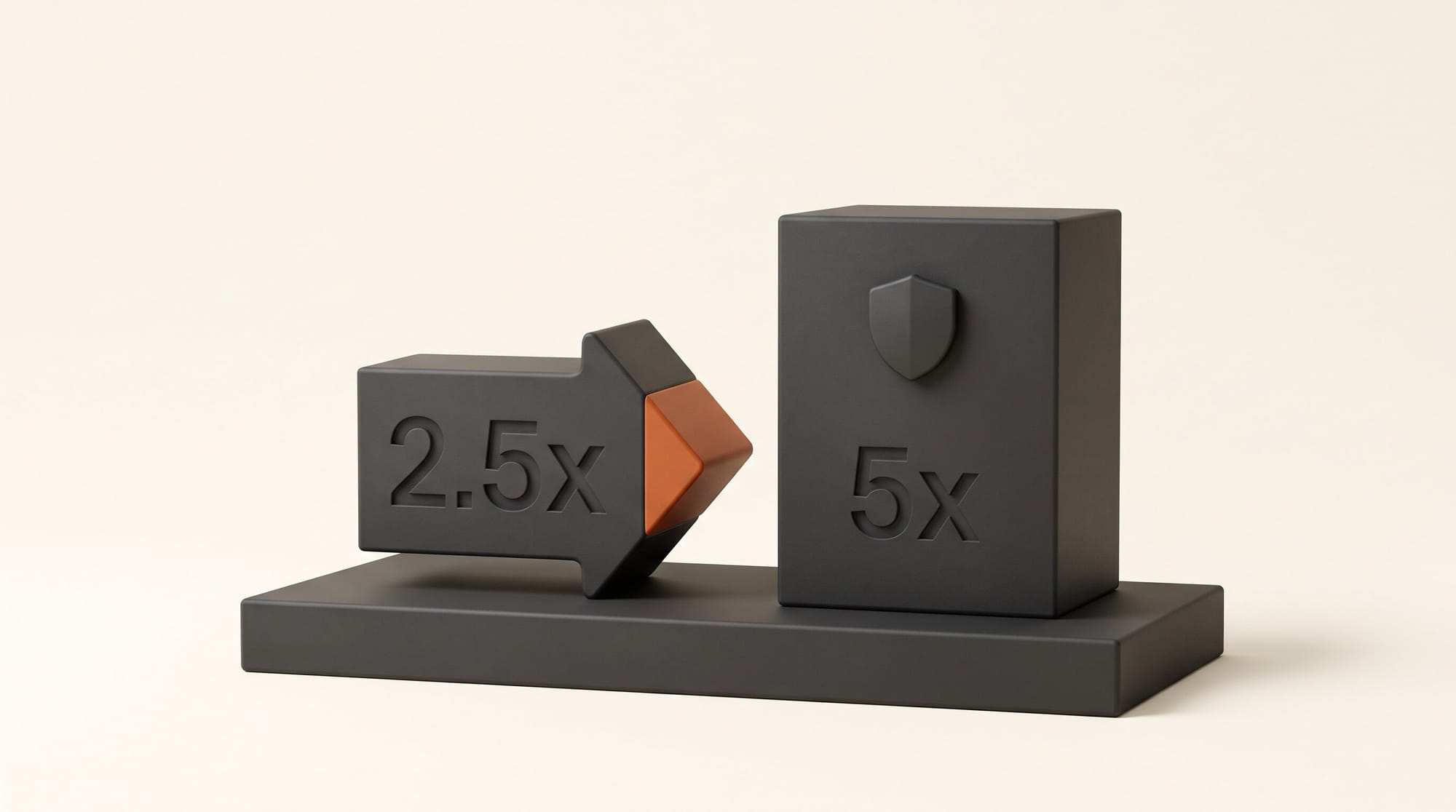
- Speed: finishes tasks about 2.5x faster than Gemini 3.8 Flash at the default setting.
- Accuracy: cuts fabricated claims by more than 5x compared with Gemini 3.8 Flash.
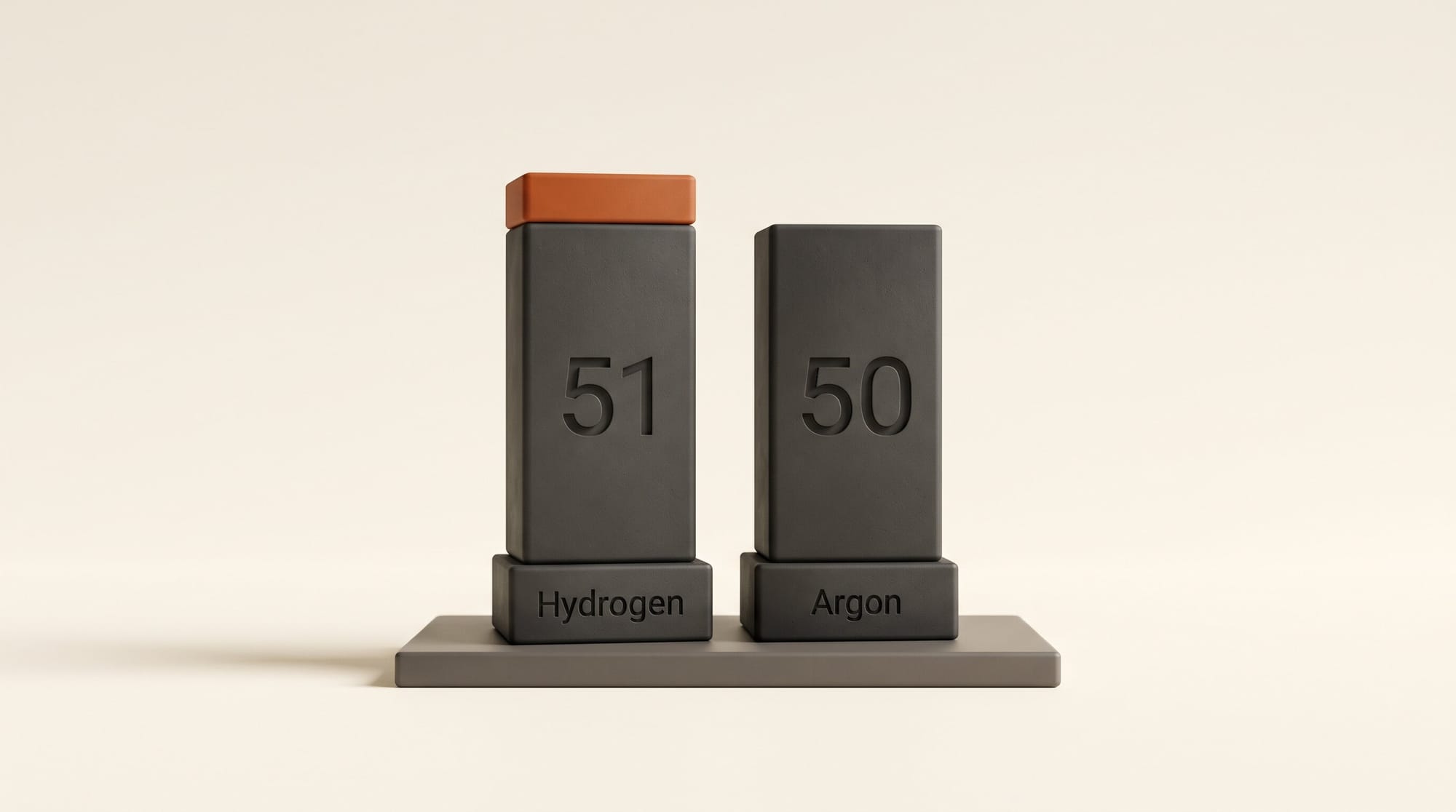
- Score: 51 on the Artificial Analysis Intelligence Index at its default "high" thinking level, against 50 for Argon, and 54 at a new "xhigh" level.
- Memory: a 1 million token context window, enough to hold several long documents or transcripts at once.
- Rollout: starting November 12, globally, in the Gemini app, Google Search, Google AI Studio, Google Antigravity and, for Google AI Pro and Ultra subscribers first, Gemini in Google Sheets.
On the consumer side, Google says Hydrogen follows tone, format and rules more closely when you ask it to write, research or rewrite, breaks multi-step goals into steps, and pulls context from your uploads, Gmail, Google Drive and connected apps such as Airtable and Dropbox. It can also read PDFs, spreadsheets, charts, audio and video and turn them into a report with citations. The launch post does not claim any new image, video or music generation; those still come from Nano Banana, Gemini Omni Flash and Lyria.
Which Google Plan Gets Which Gemini
Google's auto model selection help page lists the chat models each plan can pick in the Gemini app. Hydrogen is the new middle rung: it sits above Flash-Lite on every paid plan.
| Plan (US price) | Gemini app chat models | Hydrogen elsewhere | Flow credits a month |
|---|---|---|---|
| No plan (free) | Auto or Flash-Lite. Auto can route a prompt to Hydrogen; Google says most prompts still go to Flash-Lite | Google Search, AI Studio (free, rate-limited) | No monthly plan credits |
| Google AI Plus ($4.99/mo when we last checked) | Flash-Lite, Hydrogen, Pro | Search, AI Studio | 200 |
| Google AI Pro ($19.99/mo) | Flash-Lite, Hydrogen, Pro, Argon | Antigravity, Gemini in Sheets, AI Studio | 1,000 |
| Google AI Ultra (from $99.99/mo) | Flash-Lite, Hydrogen, Argon, Carbon | Antigravity incl. Orchestrator, Sheets, AI Studio | 10,000 (Ultra 5x) or 25,000 (Ultra 20x) |
Prices and credits come from the Google AI plans page, which now shows the Plus price only at checkout. One detail matters on every plan: if you switch auto selection off, the help page says all replies use Flash-Lite, and when a paid plan runs out of usage, the chat carries on with Flash-Lite too. To be sure you are getting Hydrogen, pick it from the model menu rather than turning auto off.
Hydrogen vs Argon vs Carbon
Google now has three Gemini 4 models, and the names do not tell you which is which. Here is how they compare on the facts Google has published.
| Gemini 4 Hydrogen | Gemini 4 Argon | Gemini 4 Carbon | |
|---|---|---|---|
| Released to the public | Nov 12, 2026 | Oct 13, 2026 | Nov 10, 2026 |
| Google's pitch | Fast everyday work | Complex workflows | Strongest, hardest long jobs |
| Artificial Analysis Index | 51 (54 at xhigh) | 50 | Not in the Hydrogen post |
| Cheapest Gemini app plan | AI Plus | AI Pro | AI Ultra |
| API price per million tokens (in/out) | $1.50 / $7.50 | $2 / $10 until Nov 30, then $4 / $20 | $2 / $10 until Nov 30, then $4 / $20 |
| Free in AI Studio | Yes, rate-limited | No | No |
Read the score with care. The Artificial Analysis index is an average of many tests, mostly reasoning, coding and knowledge, and a one-point lead is a tie in practice. Google's own wording supports that: in the Carbon launch it said Argon remains the right choice for most knowledge work, and it pitches Hydrogen as the fast worker that hands hard problems back to Carbon. What the score does tell you is that the cheaper plans are no longer a big step down.
On price, a typical "build me a page" request of about 20,000 tokens in and 8,000 out works out (our arithmetic, at list prices) to about 9 cents on Hydrogen, 12 cents on Argon today and 24 cents on Argon from December 1. That matters if you use an app builder or automation tool that bills you for Gemini by the token. In AI Studio's free tier, it costs nothing within the rate limits.
Four Creator Jobs to Try With Hydrogen
Google's demos lean on code, but several map straight onto creator work. These four need no terminal.
1. Rewrite to your house style
In the Gemini app on AI Plus or above, choose Hydrogen from the model menu, paste your style rules (tone, banned words, length, format) and then the draft. Google's claim is that Hydrogen follows tone, format and rules more closely than before, which is the failure most creators hit with fast models: the third paragraph drifts back to generic AI voice. Check whether it holds your rules all the way to the end.
2. Turn a video and a few PDFs into a cited brief
Upload a recorded interview or podcast episode plus the PDFs you researched from, and ask for a brief with a citation for every claim. Google lists this kind of multimodal report among Hydrogen's strengths, and it scored 53.4% on Google's new Multimodal Knowledge Agent benchmark. Check the citations against the sources: fewer fabricated claims is not zero.
3. Build a page in AI Studio, free
Open Build in Google AI Studio, where Google's Hydrogen guide says you can build full-stack web apps with Hydrogen selected. Describe a launch page, a link-in-bio page or a small portfolio in plain words, including your colors and the sections you want. Google's own demo was a one-shot e-commerce storefront with a 3D product card and a finish picker. For a full walkthrough of the publishing side, see our guide to building a portfolio website with AI.
4. Plan a content calendar in Sheets
On Google AI Pro or Ultra, Gemini in Google Sheets starts using Hydrogen. Google says spreadsheet outputs in its financial model tests came out over 30% faster. For creators the obvious use is a posting calendar: list your videos or posts, then ask Gemini to fill dates, platforms, captions and a status column.
What Changes in Google Search
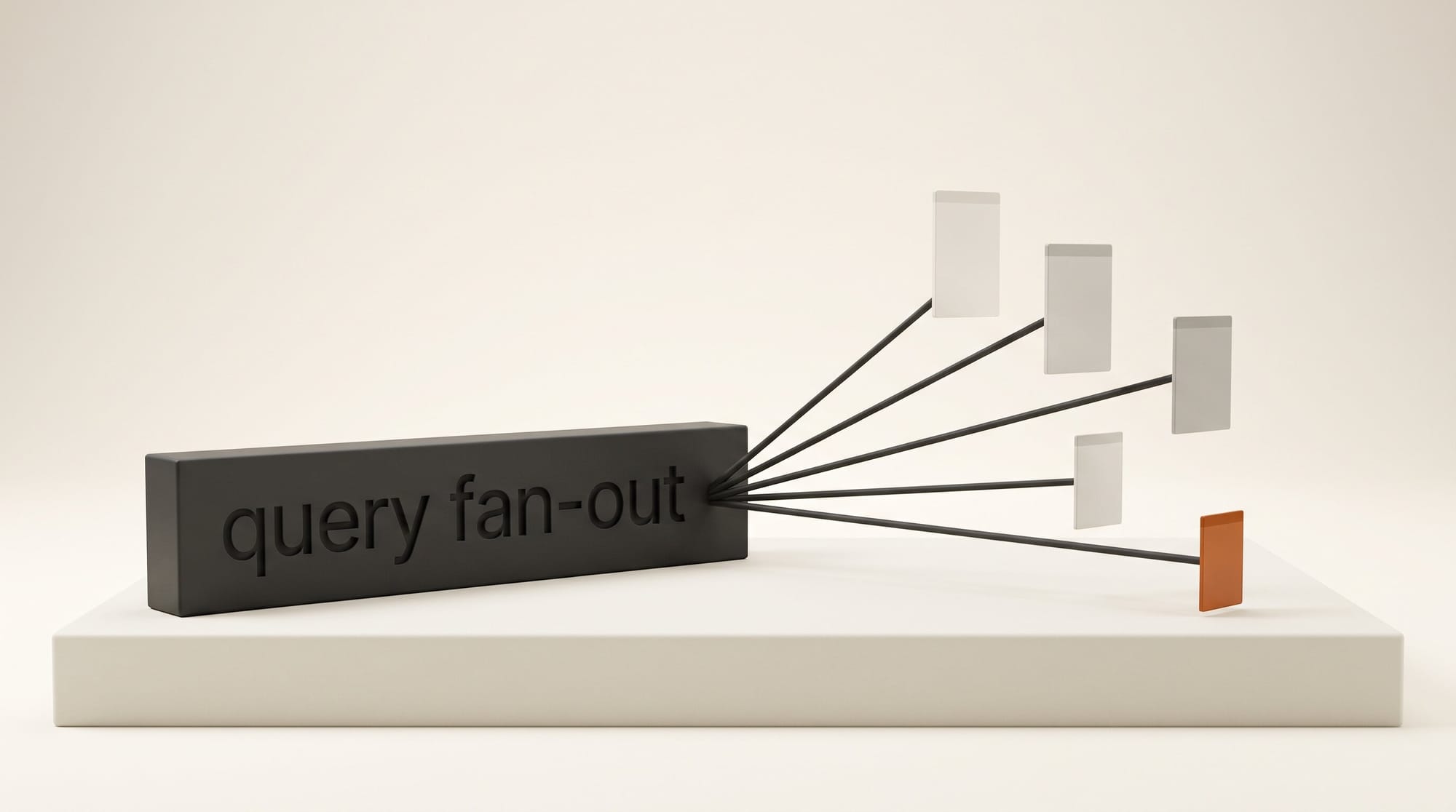
Hydrogen now runs in Google Search for all users globally, according to Google Search's Robby Stein in the Search upgrade post. Google says Search handles multi-part questions, typos and very specific requests better, shows more images, structured answers, comparison tables and custom tools, and, through an upgraded "query fan-out" that runs several searches at once, links to a broader range of sites.
That last line is the one creators who publish should watch. A wider spread of links could send traffic to smaller sites and channels that used to sit below the big publishers, but Google gave no numbers, and TechCrunch's report notes the post does not cover publisher traffic at all. The practical step is to check your Search Console referrals for the next two weeks against the two weeks before November 12, rather than assume either way.
What Hydrogen Does Not Do
Hydrogen does not make images, video or music. If you want better pictures in the Gemini app or more clips in Google Flow, Hydrogen changes nothing; Flow is not mentioned in the launch at all. It also does not replace Argon or Carbon for the hardest work: Google's Antigravity coding app pairs them in a new Orchestrator mode where Carbon plans and Hydrogen does the edits and tests, which Google says reaches near-Carbon results with about 24% less quota and 19% faster. That mode is for Ultra subscribers only.
We have not run our own test yet. Google has not published how many Hydrogen prompts each plan allows per day, and the free tier in AI Studio is described only as "rate-limited". The model card covers safety testing; Google reports a 96.7% honesty rate on an internal agent test.
Which Gemini Should You Use?
If you pay nothing: use AI Studio's free Build for page and app experiments with Hydrogen selected. In the Gemini app, leave auto selection on; turning it off locks you to Flash-Lite.
If you are on AI Plus: Hydrogen is now your best Gemini model in the app. Make it your default for writing and research, and keep Pro for jobs where you have seen it do better.
If you are on AI Pro: try Hydrogen first for quick rewrites, briefs and Sheets work, since it is faster, and switch to Argon for long, tangled jobs. Our Argon test built a 3D product scene in 36 seconds, which is the kind of build-heavy job where the bigger model can still earn its keep.
If you are on Ultra: you have all three. Hydrogen is the one to burn on volume, and the Orchestrator mode in Antigravity is worth a look if you build apps or games.
The fastest way to decide: give Hydrogen and the model you use today the same real task, such as one of your own scripts with your style rules attached, and compare the two answers side by side.
Frequently asked questions
Is Gemini 4 Hydrogen free?
Partly. It is free with rate limits in Google AI Studio and the Gemini API free tier, and it powers Google Search for everyone. In the Gemini app, free users only get it when auto model selection routes a prompt to it; choosing it from the menu needs Google AI Plus or above.
Is Hydrogen better than Gemini 4 Argon?
It scores 51 to Argon's 50 on the Artificial Analysis Intelligence Index, which is a tie in practice. Google positions Hydrogen as the faster, cheaper model for everyday work and Argon and Carbon for the hardest long jobs.
Can Gemini 4 Hydrogen make images or videos?
No. Google's launch claims no image, video or music generation. Images in the Gemini app still come from Nano Banana, and video from Gemini Omni Flash in the app and Google Flow.
How much does Gemini 4 Hydrogen cost through the API?
$1.50 per million input tokens and $7.50 per million output tokens, flat across the 1 million token window, with repeated input billed at $0.075 per million when cached. Argon costs $2 and $10 until November 30, then $4 and $20.
Which Google AI plan do I need for Hydrogen in the Gemini app?
Google AI Plus is the cheapest plan that lists Hydrogen in the model menu. AI Pro adds Argon, Antigravity and Gemini in Sheets, and AI Ultra adds Carbon and the Orchestrator mode.