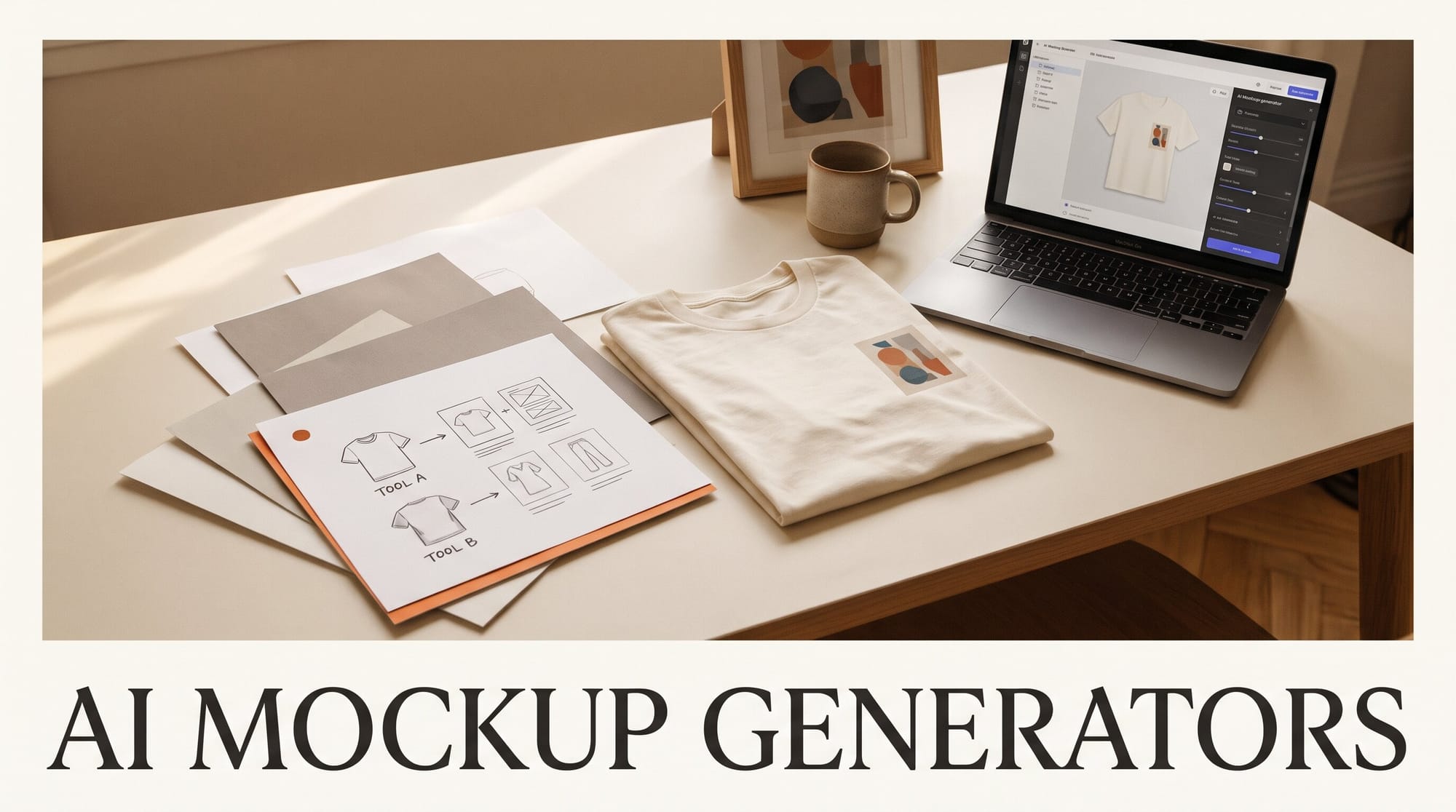
The best AI mockup generator depends on whether your mockup has to show the exact print a buyer will get. For product listings, use a tool that places your file onto a photo without redrawing it: Printful's free mockup generator if you sell through Printful, Placeit if you want the biggest template library at $14.95 a month, and Canva's Mockups app if you already design in Canva. Use a generator that builds a whole new picture, such as the Gemini app or Dynamic Mockups' MockAnything, for social posts and one-off scenes, and check your artwork in every image before you post it.
How we compared them: we read each tool's own pricing, product and help pages on November 12, 2026, and sorted the five tools by five jobs that print-on-demand sellers, designers and digital-product creators actually have, from a plain T-shirt listing to a phone screen showing your template. We did not run our own side-by-side test, so this guide tells you which tool fits which job and what each costs per mockup, and ends with a ten-minute test you can run on the free tiers before you pay.
Quick Picks
Pick Printful if you sell print-on-demand through Printful. Template mockups are free and unlimited for every product in its catalog, and its AI mode adds a model or a styled scene around your design while, in Printful's words, it "keeps your artwork exactly as you uploaded it, generates only the scene around it."
Pick Placeit if you want the most ready-made scenes and sell on several platforms. One flat Placeit subscription buys unlimited downloads with commercial use, and the library includes a filter for AI-made apparel mockups.
Pick Canva if you already design there and need a quick mockup on the free plan. The Mockups app sits in the photo editor on desktop and mobile; turning your own photo into a reusable mockup template takes a paid plan.
Pick the Gemini app or MockAnything for a scene nobody has a template for, such as your sticker on a skateboard at a skate park. Treat the result as a social image, not proof of the product.
Two Kinds of Mockup Tool
Every tool in this guide does one of two things, and knowing which saves you from a bad listing photo.
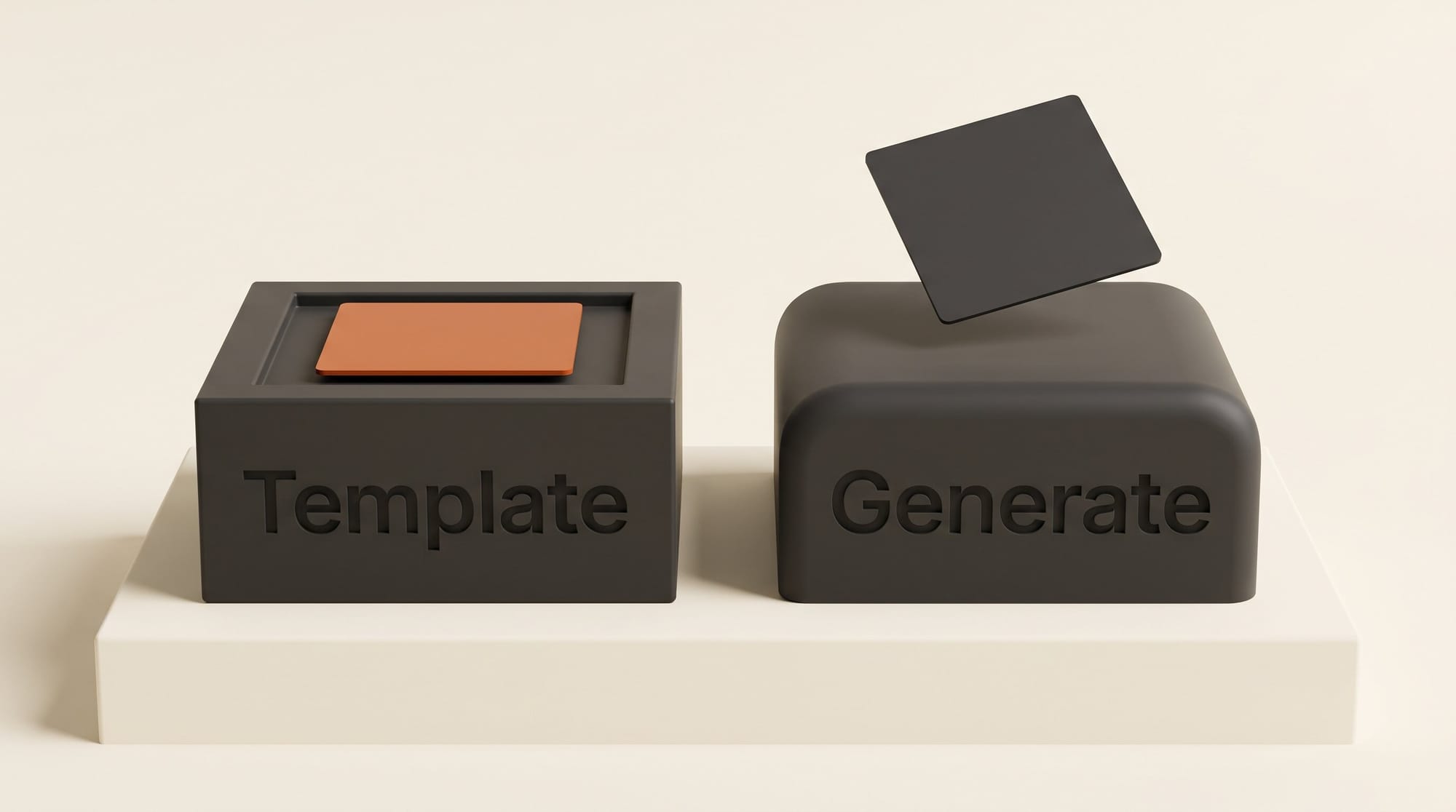
A template tool starts from a real photo of a product with a marked print area. You upload your design, it is warped onto the shirt, mug or screen, and the light and fabric folds are laid over it. Your file is not redrawn, so the text, colors and line work match what you uploaded. Placeit, Canva's Mockups app, Printful's standard templates and Dynamic Mockups' template library all work this way.
A generative tool makes a brand-new picture from your design and a prompt. Google's help page for the Gemini app describes it plainly: upload images and "ask Gemini to create a new image based on your uploaded images." The scene can be anything you can describe, but the model draws your artwork again inside that scene, so small lettering, thin lines and exact colors can shift. Dynamic Mockups says MockAnything "maps your design automatically and transforms it into a polished, realistic mockup," and does not say the design stays pixel-exact.
Printful's AI mockups sit in between: the AI generates only the model and background, and the artwork is placed as uploaded. That is the reason it is our first pick for apparel sellers who want a model shot without the risk of a redrawn print.
Five Mockup Jobs Compared
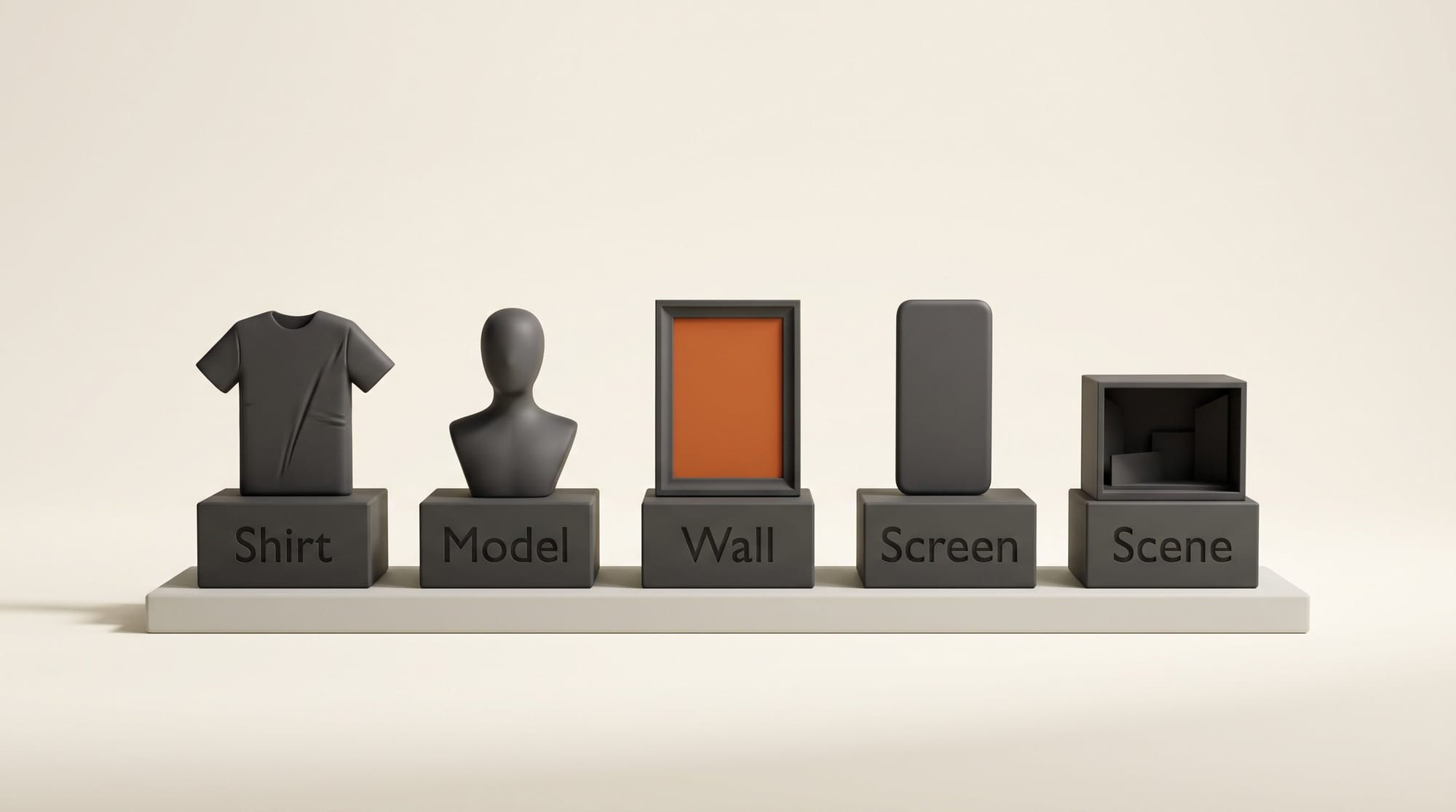
Job 1: A plain T-shirt or hoodie listing photo
This is the photo buyers zoom into, so the print has to be exact. Printful covers it for free if the shirt is a Printful product: its generator works for "all of the products in our Catalog," from T-shirts and hoodies to tote bags and phone cases, and template mockups are "free and unlimited." Placeit covers any blank you sell elsewhere, with flat lays, hangers and folded shots, and Canva's Mockups app handles a quick one inside a design you already have open. Skip generative tools here.
Job 2: Your design worn by a model
Model shots sell apparel, and they are where the tools split. Printful's AI mockups offer "With model" or "Isolated product" scenes on select apparel, with presets for the model and background, and you get 10 AI mockup attempts a day; Regenerate counts against that cap. Placeit sells photographed model scenes plus a growing set tagged as AI-made. The Gemini app can put your design on a model in any setting, but check the print closely.
One rule applies to all of them if you advertise. New York's synthetic performer law, in effect since June 9, 2026, requires a conspicuous disclosure when an ad uses an AI-generated person, with civil penalties of $1,000 for a first violation and $5,000 after that, according to a summary by law firm Hunton. Printful flags this on its own mockup page and says mockups with AI-generated models may need an AI disclosure in ads.
Job 3: Wall art or a poster in a room
Print sellers need the art on a wall, at the right size, in a room that matches the buyer. Template tools win again because the art stays untouched: Placeit has whole Wall Art and Posters sections, and Printful covers its own wall art products. Use a generator only to invent a room no template has, then check that the frame did not crop or repaint the print.
Job 4: A phone, laptop or tablet screen
Creators who sell templates, presets, courses or apps need their screenshot on a device. This is the easiest job for template tools, since a screen is a flat rectangle and nothing has to wrap around fabric. Canva has phone mockups, Placeit has iPhone, iPad, Android and MacBook sections, and Dynamic Mockups' free plan includes its full template library with 50 starter credits, at 1 credit per static mockup export. A generative tool adds little here and risks warping the screenshot text.
Job 5: A one-off scene no template has
Your enamel pin on a denim jacket at a festival, your label on a coffee bag on a cafe counter: this is the job generative tools are for. Dynamic Mockups gives every user 3 MockAnything AI images and 1 MotionMockups AI video a day free, and the Gemini app lets you upload your design and describe the scene. Gemini downloads at 1K resolution without a Google AI plan and 2K with one, per Google's Gemini image help page. Use these images for social posts and ads, and keep a template mockup as the main listing photo.
| Tool | How it works | Free tier | Paid price | Best job |
|---|---|---|---|---|
| Printful mockup generator | Templates; AI adds a model or scene, artwork kept as uploaded | Templates free and unlimited; 10 AI attempts a day | Free with a Printful account | Apparel listings and model shots for Printful products |
| Placeit | Template library, some AI-made scenes | Free account to browse | $14.95 a month, or $89.69 a year (about $7.47 a month) | Any blank, any platform, high volume |
| Canva Mockups app | Templates inside the photo editor | Yes, on the free plan | Canva Pro $144 a year for custom mockup templates | Quick mockups inside a Canva design |
| Dynamic Mockups | Templates plus MockAnything AI scenes | 50 credits once, then 3 AI images and 1 AI video a day | Pro $15 a month billed yearly, 3,600 credits a year | Batches of products, plus a few AI scenes a day |
| Gemini app | Generates a new picture from your upload | Yes, 1K downloads, daily limit not published | Google AI Plus $4.99 a month for 2K and twice the limits | One-off lifestyle scenes for social |
When Each One Wins
Printful wins whenever the product is a Printful product. It costs nothing, covers the whole catalog including embroidery previews on shirts and hats, and its AI scenes are the only ones in this group that promise to leave your artwork alone. It is the wrong tool for products made by another supplier.
Placeit wins on range and on one simple bill. The Unlimited plan includes unlimited downloads and commercial use, video mockups of merch included, Placeit says your downloads stay available after you cancel, and the minimum commitment is one month, so you can subscribe for a launch week and stop. It does not print or ship anything.
Canva wins for creators who already build listings, carousels and ads in Canva. Mockups live in the same editor, so a mockup and its text overlay are one design. Canva's app directory also lists a Placeit Mockups app, if you want Placeit's scenes without leaving Canva.
Dynamic Mockups wins when you need many products at once and a few AI scenes on the side. Its plans are built on credits: a static template export is 1 credit, an AI image 5 to 15 credits and an AI video 40 to 160, and Pro adds Etsy and Shopify integrations.
The Gemini app wins on freedom and price. It will build any scene you can describe from your own upload, for free, and it is the tool to reach for when no template exists. It is also the one most likely to redraw your design, so it belongs in your social feed, not in the first photo of a listing.
Pricing and Cost per Mockup
Take a seller who makes 30 mockups a month, about one new listing photo a day.
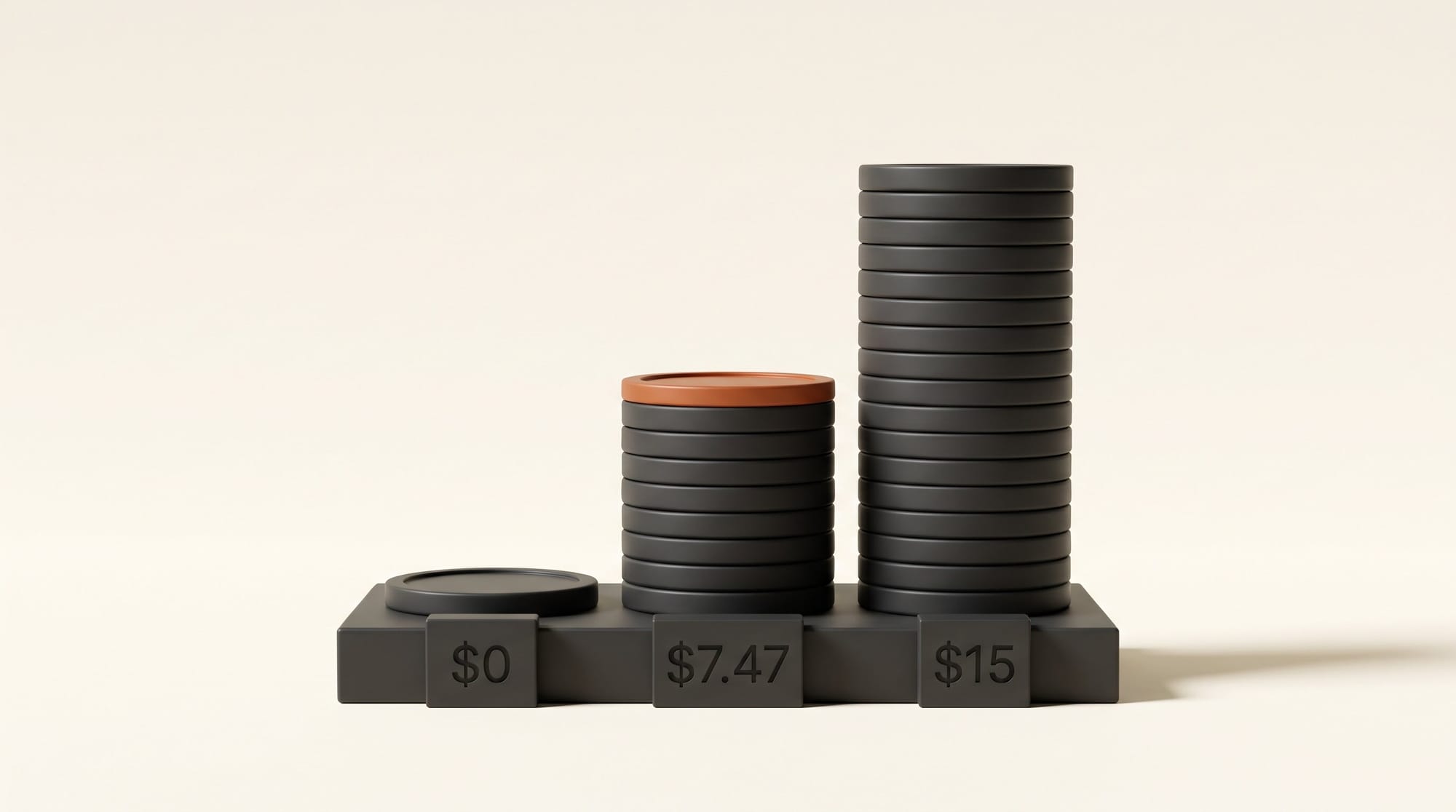
- Printful: $0 per mockup for Printful products, including up to 10 AI attempts a day.
- Canva: $0 on the free plan; $144 a year for Pro if you want your own photos as mockup templates, which also unlocks the rest of Canva Pro.
- Placeit: $14.95 billed monthly is about $0.50 a mockup at 30 a month; the $89.69 yearly plan is about $0.25. At 100 a month the yearly plan falls to about $0.07 each.
- Dynamic Mockups: Pro at $15 a month billed yearly ($180) buys 3,600 credits a year, or 300 a month. That is 300 template exports, or 20 to 60 AI images at 5 to 15 credits each, about $0.25 to $0.75 per AI image. The free daily allowance of 3 AI images covers roughly 90 a month at no cost.
- Gemini app: $0 at 1K within Google's standard limits; Google's limits page gives Google AI Plus twice the standard limits and 2K downloads, at $4.99 a month.
The cheapest working setup for most sellers is free: Printful or Canva for listing photos and the Gemini app or MockAnything's daily allowance for lifestyle scenes. Placeit earns its fee once you sell products from several suppliers or need dozens of scenes a week. Before any mockup goes to print, our guide to AI image upscalers covers getting the design file itself large enough.
Verdict
Use a template tool for the photo a buyer judges your product by, and a generator for everything around it. Printful is the free default for Printful sellers, Placeit is the paid all-rounder, Canva is the convenient one if you live in Canva, Dynamic Mockups suits batch work, and the Gemini app is the free way to invent a scene. If you are still building the design itself, start with our guide to designing a logo with AI; for physical products you photograph yourself, see how to make AI product photos for your shop, and for where to list the result, where to sell AI art.
Run a ten-minute test before you pay: take one design with small text in it, make the same T-shirt mockup in Printful or Canva and in the Gemini app, then zoom both to full size and compare the lettering. Whichever keeps your text sharp is the one for your listings.
FAQ
Is there a free AI mockup generator?
Yes. Printful's template mockups are free and unlimited with a Printful account, plus 10 AI mockup attempts a day. Canva's Mockups app works on the free plan, Dynamic Mockups gives 3 free AI images a day, and the Gemini app can generate scenes from your upload for free at 1K resolution.
Can I use mockups for commercial listings?
For the paid tools, yes: Placeit's Unlimited plan states commercial use for your downloads, and Printful says its mockups are free to use on websites, social media, ads and email. Check each tool's license page for the platform you sell on.
Do AI mockup generators change my design?
Template tools do not; they warp your file onto a photo. Generative tools such as the Gemini app make a new image and can redraw small text and fine lines. Printful's AI mode generates only the scene and keeps your artwork as uploaded.
Do I need to disclose AI models in mockups?
In ads covered by New York's synthetic performer law, yes: since June 9, 2026 an ad that uses an AI-generated person must say so conspicuously. Printful recommends an AI disclosure for its AI model mockups used in ads.
How much does Placeit cost?
Placeit Unlimited is $14.95 billed monthly or $89.69 billed yearly, about $7.47 a month, with unlimited downloads and a one-month minimum commitment.