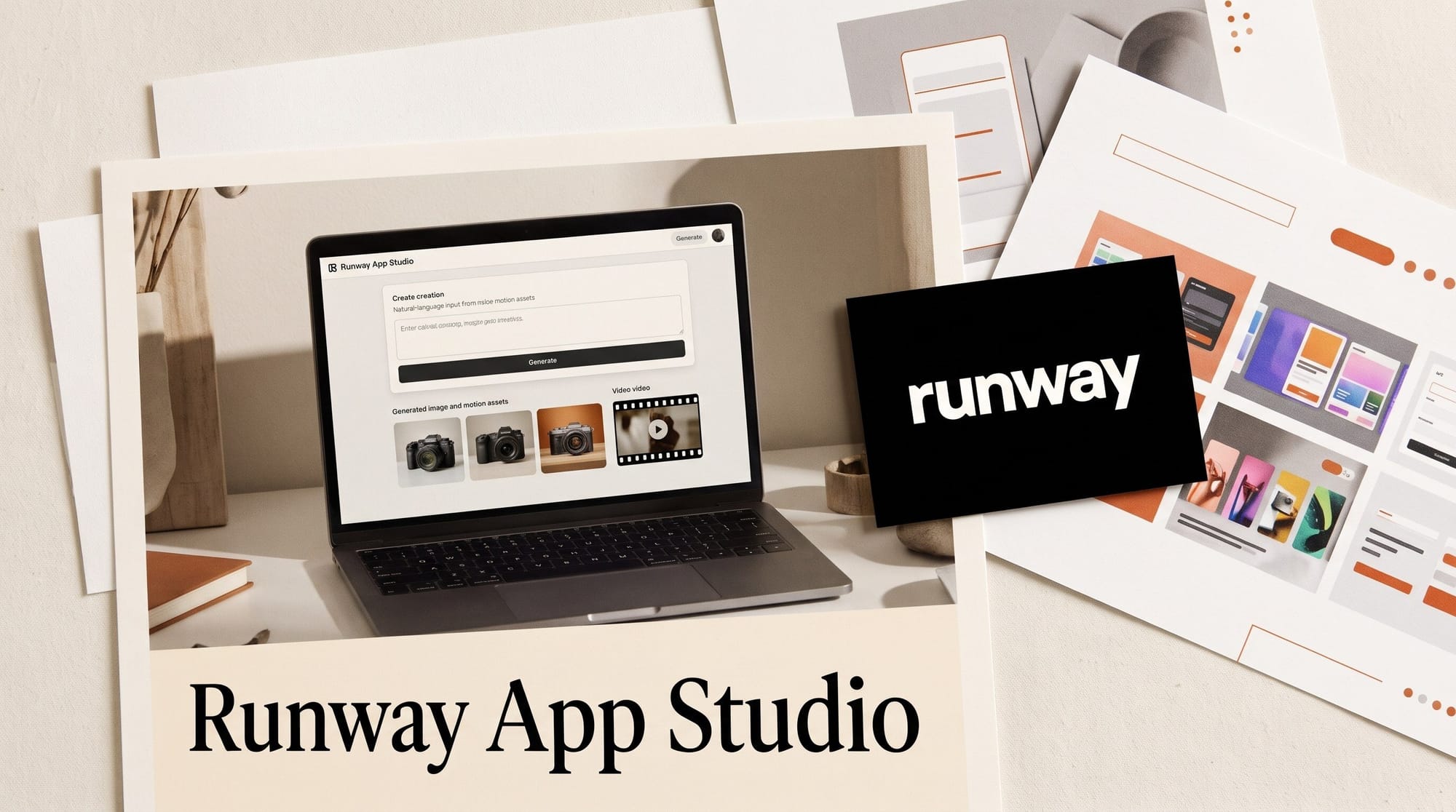
Runway launched App Studio on October 26, 2026, a builder inside Runway that turns a plain-language description into a working creative app. You describe the tool you want ("turn a campaign brief into a mood board", "swap our product into this footage"), and App Studio writes, tests and deploys an app with its own interface that generates images, video and audio using your Brand Kits and Workflows. It is included in every paid plan, from Standard at $12 a month billed annually, and every run draws from your normal Runway credits.
The timing is pointed. Google's own describe-an-app builder, Opal, turns off on November 17, 2026. Below: what App Studio does, what an app costs to run per image and per clip, who can build and share, and how it compares with Opal, Figma Weave and Google Sheets canvas.
What Runway shipped on October 26
App Studio sits inside the Runway web app at app.runwayml.com/app-studio. It does two jobs. First, it ships six ready-made apps anyone can open and run. Second, it lets paid users build their own apps, or remix the built-in ones, by describing them in plain words. Runway says early-access customers built dozens of apps before launch.
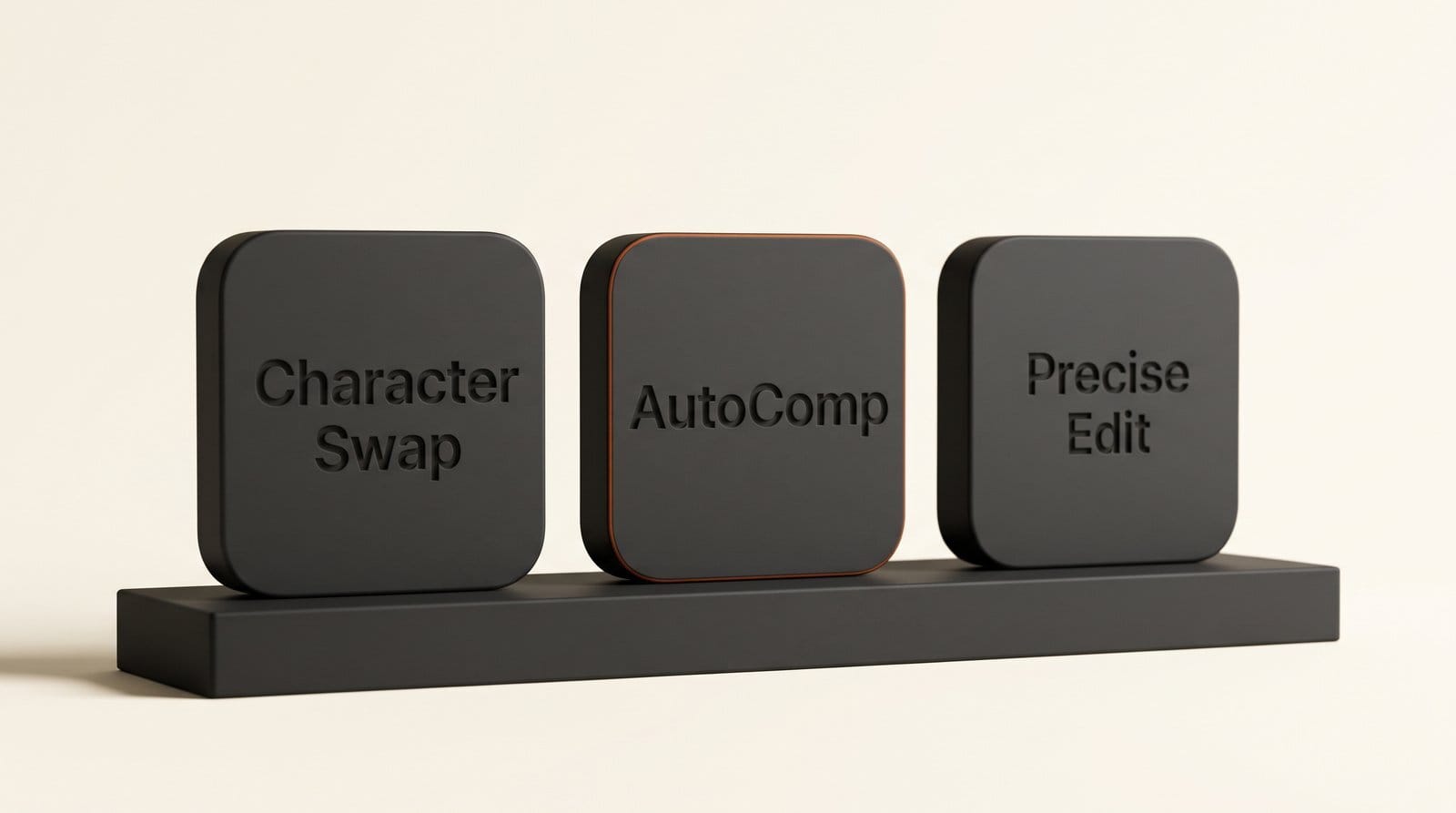
The six launch apps show what Runway thinks creators will build first:
| Built-in app | What it does | Who it is for |
|---|---|---|
| Character Swap | Casts a person or character into existing video | Filmmakers, ad teams |
| AutoComp | Swaps a product into footage while keeping the packaging accurate | Product marketers, e-commerce |
| Product Portfolio | Turns product photos into finished visuals | Small brands, online sellers |
| 3D Camera Control | Sets camera position and movement in 3D space | Directors, previz artists |
| Precise Edit | Retouches only the area of an image you mark | Photographers, designers |
| Runway Pro | A customizable version of Runway for production pipelines | Studios, agencies |
Runway does not name the models behind each app. Apps can use "Runway's image, video and audio models," and they follow the same model controls as the rest of your account, so a model your admin switches off is switched off in every app too.
How App Studio builds an app from a description
Runway describes the build loop in its announcement. No code is needed, though the code stays viewable if you want to look.
- Describe the tool. Type what the app should do and what the person using it should provide. Runway's example is an app that turns campaign briefs into mood boards.
- Let App Studio build it. It writes the app, tests it and deploys it with its own interface, wired to your Brand Kits and Workflows.
- Preview, then refine in plain words. Ask for changes the way you would ask a colleague ("add a field for aspect ratio", "lock the logo to the top right"). You see each change before you publish it.
- Roll back if it goes wrong. Every version is kept, so a bad edit is one step to undo.
- Choose where the results go. Generated assets can stay private, go to a project or go to the whole workspace.
Brand changes carry through. If you update a Brand Kit, a reference or a Workflow, new outputs from every app that uses it follow the change. That matters for anyone who has rebuilt a template by hand after a logo refresh.
Turn a Workflow or Agent session into an app
The most useful feature for working creators is not the prompt box. It is the one-click conversion. If you already have a Runway Workflow (the node canvas where you chain prompts, image models and video models) or an Agent session that produced something you like, App Studio can turn it into an app. It locks in the prompt, the model chain and the settings, and exposes only the inputs you choose.
In practice, that means the person who knows which model, which style reference and which camera move works can package it once. A teammate or a client then sees three fields (say, a product photo, a headline and a format) and a Generate button, with none of the node graph. It is the same idea that made Runway's Agent Skills useful in July, applied to your own recipes instead of Runway's.
What an app costs to run
App Studio has no add-on price. Building, running and hosting apps all draw from your existing credit balance, and each app shows its own usage. Runway does not publish what building an app costs in credits, so the figures below cover generation, which is where most of the spend goes.
We worked out the cost per output from Runway's pricing page using monthly prices: Standard is $15 for 625 credits, Pro is $35 for 2,250 and Max is $95 for 9,500. Annual billing is 20% cheaper on every tier.
| Output | Credits | Standard ($15) | Pro ($35) | Max ($95) |
|---|---|---|---|---|
| Gen-4 Image Turbo, 1 image | 2 | $0.05 | $0.03 | $0.02 |
| Gen-4 Image 1080p, 1 image | 8 | $0.19 | $0.12 | $0.08 |
| Lyria 3 Pro, 1 song | 8 | $0.19 | $0.12 | $0.08 |
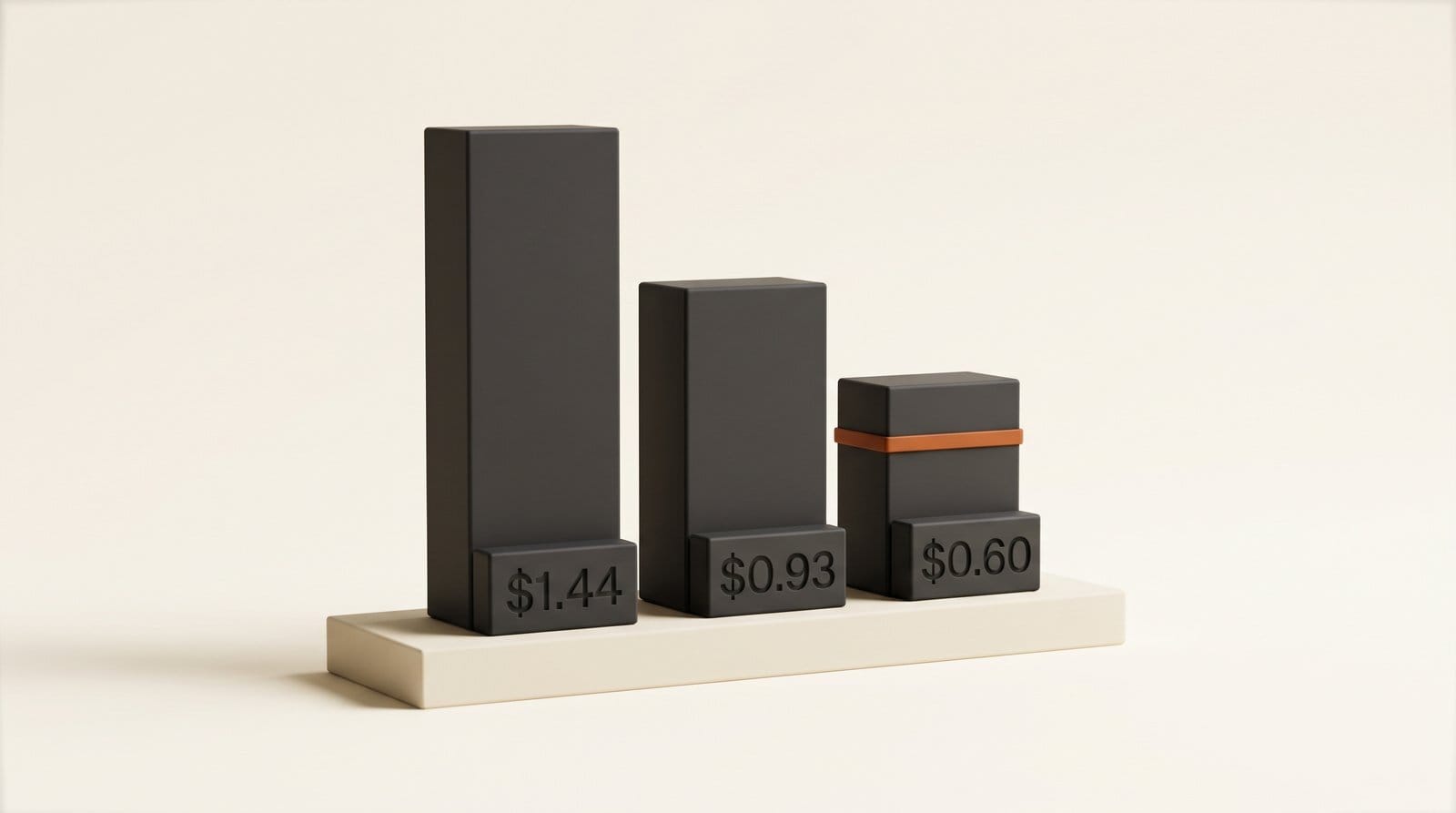
| Gen-4.5, 5-second clip | 60 | $1.44 | $0.93 | $0.60 |
| Aleph 2.0, 5-second clip | 140 | $3.36 | $2.18 | $1.40 |
Put another way, a Standard plan's 625 monthly credits buy about ten 5-second Gen-4.5 clips or about 78 Gen-4 images. Max buys about 158 of those clips. Standard and Pro credits do not roll over; Max rolls unused credits over for one month. For a team, the Team plan's pooled credits price out at the same rate as Max.
The detail that changes the math for anyone sharing apps publicly: visitors pay for their own generations. A public app link asks the visitor to sign in with a Runway account, and every render comes out of their credits, not yours.
Who can build, share and use apps
Access splits by plan. Free accounts can run the built-in apps and any app shared with them, but cannot build. Every paid plan can build and publish.
| Plan | Price (monthly / annual) | Credits a month | Build apps | Share |
|---|---|---|---|---|
| Free | $0 | 125 one-time | No (run built-in and shared apps) | No |
| Standard | $15 / $12 | 625 | Yes | Public link |
| Pro | $35 / $28 | 2,250 | Yes | Public link |
| Max | $95 / $76 | 9,500 | Yes | Public link |
| Team and Enterprise | Team from $55 per seat (annual) | 6,900 per seat, pooled (Team) | Yes | Teammates, a project or the whole workspace, plus public link |
Apps are private until you share them. Enterprise admins can switch App Studio off per workspace, decide whether public links are allowed and see usage across the workspace, and Enterprise app links always require a Runway sign-in.
App Studio vs Opal, Figma Weave and Sheets canvas
Describe-a-tool builders are not new, but most were built for text or data. App Studio comes from a video-model company, and each app's whole job is generating media with that company's models. Here is how it lines up against the three closest options a creator might already know.
| Runway App Studio | Google Opal | Figma Weave | Google Sheets canvas | |
|---|---|---|---|---|
| You start from | A description, or an existing Workflow or Agent session | A description of a mini-app that chains prompts | A node graph you build first | A description of a view on your spreadsheet |
| Makes | Images, video and audio | Text, image and video steps, plus web search | Images and video from Google, Kling, Runway, Luma, Recraft, Bria and more | Dashboards, trackers, kanban boards |
| Sharing | Private, teammates, or a public link where visitors pay | Specific people or anyone with the link | A simplified interface for your team | Its own shareable tab |
| Price | Included from $12 a month (annual), plus credits | No price listed (Labs experiment) | Free to start, paid plans for more usage | Google AI Pro and Ultra |
| Status | Live October 26, 2026 | Turns off November 17, 2026 | Live | Live since August 13, 2026 |
The closest rival in spirit is Figma Weave, which also lets you "share a simplified interface so anyone on your team can add inputs and get results." The difference is the starting point: Weave asks you to build the node graph first, which we covered in our Figma Weave analysis, while App Studio builds the app from a sentence. Weave offers more model choice; App Studio is locked to Runway's catalog.
Opal users have the most urgent decision. Google says workflows "will no longer run interactively" after November 17 and will not migrate automatically. Your files stay in Google Drive under My Drive, Opal, and Google points people to skills in Gemini and Google AI Studio. If your Opal apps generated images or video for clients, App Studio is the nearest like-for-like replacement, but copy your prompts out before the shutdown. Sheets canvas solves a different problem (data views, not media) and is not a substitute.
What early testers built
Runway's launch post lists apps from its early-access customers, mostly unnamed. They are a better guide to what App Studio is for than the built-in six:
- A film studio built a fly-through planner: a photo of any location plus a camera path.
- Another film studio localizes end titles while keeping the fonts, effects and layout.
- A production company generates background plates that match a green-screen camera move.
- A game studio keeps characters consistent across shots from reference images.
- A global technology company produces instrumental soundtrack albums of 8 to 12 tracks, with cover art.
The one named partner is the architecture firm KPF, which uses an app to bring design renderings to life with marked motion and camera paths. The pattern across all of them: a repeated job with fixed rules (keep the font, keep the packaging, keep the character) that someone used to do by hand every time.
Five apps worth building this week
If you are on a paid Runway plan, these are small enough to build in an afternoon and specific enough to save time on every project after:
- Thumbnail variations. One input for a still from your video, one for the title; the app returns four YouTube thumbnail options in your Brand Kit colors.
- Product shots for a store. Upload a phone photo of a product and get clean studio and lifestyle images, the job the built-in Product Portfolio app already does, remixed with your own backgrounds.
- Script to previz. Paste a scene description and get a short storyboard clip with a set camera move, using 3D Camera Control as the starting point.
- Client review app. Package a Workflow a client keeps asking for, publish a public link, and let them render their own variations on their own credits.
- Podcast or channel music beds. A one-field app that turns a mood ("warm, slow, acoustic") into a short instrumental track for intros and transitions.
Start with a Workflow you already trust and convert it, rather than describing a new app from scratch. The model choices are already proven, so you are only testing the interface. Then watch the per-app usage figure for a week before sharing it widely.
Frequently asked questions
What is Runway App Studio?
App Studio is a builder inside Runway, launched October 26, 2026, that creates custom creative apps from a plain-language description. The apps have their own interface and generate images, video and audio with Runway's models, your Brand Kits and your Workflows.
Is Runway App Studio free?
Free accounts can run the six built-in apps and apps shared with them. Building your own apps needs a paid plan, starting with Standard at $15 a month or $12 a month billed annually. There is no separate App Studio fee, but every build and every run uses credits.
Do I need to know how to code?
No. You describe the app and refine it in plain language, and App Studio writes, tests and deploys it. The code stays viewable for anyone who wants to inspect it, but nobody has to touch it.
Who pays when someone uses my public app?
The visitor. Public links show a preview, ask the visitor to sign in with a Runway account, and charge each generation to the visitor's own credits.
Can I turn an existing Runway Workflow into an app?
Yes. An existing Workflow or Agent session converts to an app in one click, which locks the prompt, model chain and settings and shows only the inputs you pick.
Which models do App Studio apps use?
Runway says apps use its image, video and audio models but does not list which model each app uses. Apps follow your account's model controls, so if a model is disabled in the admin panel it is disabled in every app.
What happens to my Google Opal apps?
Google turns Opal off on November 17, 2026. Workflows stop running interactively and do not migrate. The files stay in Google Drive, so copy your prompts out before the date and rebuild the ones you still need.