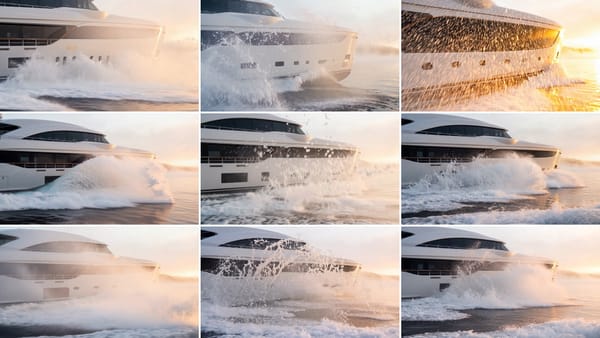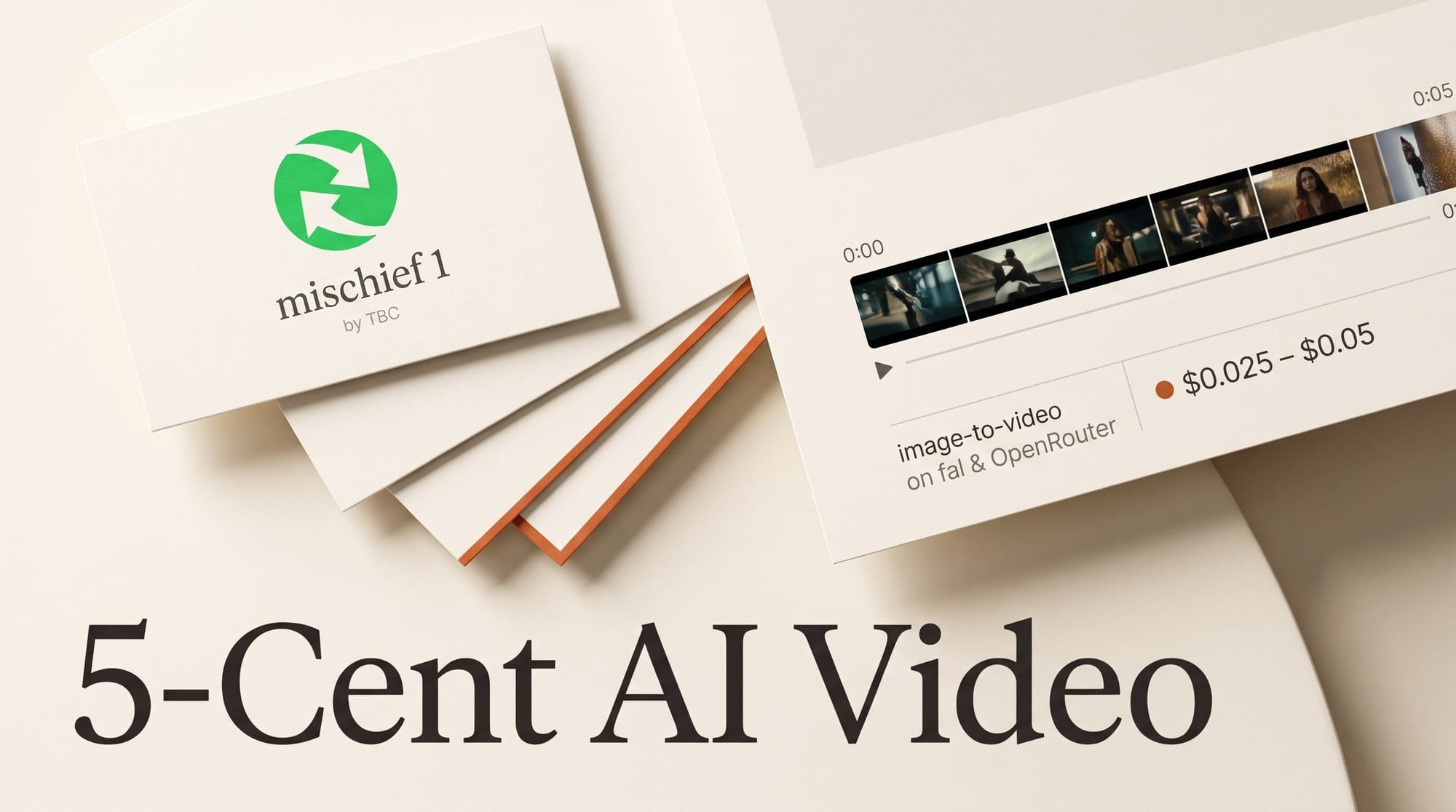
The Biological Computing Co. (TBC) released mischief 1 on October 30, 2026, an image-to-video model that turns one still into a 3 or 5 second clip for $0.005 a second at 480p and $0.01 a second at 720p. That makes a 5-second draft cost 2.5 cents, or 5 cents at the default 720p setting. It runs on fal and OpenRouter, and on OpenRouter's own price list it is the cheapest video model by a wide margin: the next lowest 720p rate is three times higher.
The price is real. So are the limits: landscape only, 16 frames a second, no sound, five seconds at most. This article works out what a clip actually costs against six better-known models, what you give up, and the one job where mischief 1 earns a place in a creator's workflow: testing motion ideas cheaply before you pay for the final render.
What mischief 1 is, and what "neuron-derived" means
mischief 1 is built on Wan 2.2, Alibaba's open-weight video model from July 2025. TBC grows living neurons in its lab, measures how they process signals, and turns what it learns into a small software add-on that sits on top of the base model. The company says that add-on adds less than 0.1% to the model's size and runs on ordinary AI chips. No brain cells are involved when you press Generate; in TBC's words, "the neurons stay in the lab."
TBC's claim is that mischief 1 matches Wan 2.2's quality while generating video about five times faster. The Next Web notes the company has not published independent tests to back that up, and neither have we: this article is about price and settings, not a quality verdict. The model first appeared in September as an enterprise product through a partnership with Amazon Web Services. October 30 is the first time an individual creator can run it.
TBC pitches it for "ideation, previsualization, moodboarding and variant testing", in OpenRouter's listing words. That is an honest description, and it is the frame the rest of this piece uses.
What a clip actually costs
The headline number is half a cent a second. That is the 480p rate. The model's default on fal is 720p, which costs $0.01 a second, so anyone who uploads an image and presses run without touching the settings pays double the advertised price. Both rates come straight from the fal model page and the OpenRouter listing.
| Setting | Per second | 3-second clip | 5-second clip | 100 drafts at 5 s |
|---|---|---|---|---|
| 480p (832 x 480) | $0.005 | $0.015 | $0.025 | $2.50 |
| 720p (1280 x 720), default | $0.01 | $0.03 | $0.05 | $5.00 |
Billing follows the seconds you ask for. A "5-second" clip actually comes back as 81 frames, a fraction over five seconds, and you pay for five. There is no per-image upload fee, which matters when you compare it with xAI's model below.
mischief 1 vs six other image-to-video models
All prices below come from each model's OpenRouter page on November 2, 2026, so they are one marketplace's rates side by side. Prices inside each vendor's own app (Kling credits, Runway plans) work differently and are covered in our cost-per-second guide.
| Model | Cheapest rate | 720p rate | Cheapest 5 s clip | Lengths | Vertical 9:16 |
|---|---|---|---|---|---|
| TBC mischief 1 | $0.005/s (480p) | $0.01/s | $0.025 | 3 or 5 s | No |
| Grok Imagine Video 1.5 Lite | $0.02/s (480p) | $0.03/s | $0.11 (incl. $0.01 image fee) | 1 to 15 s | Yes |
| Veo 3.1 Lite | $0.03/s (720p, no audio) | $0.03/s | No 5 s option ($0.12 for 4 s) | 4, 6 or 8 s | Yes |
| Wan 3.0 | $0.0425/s (480p) | Not quoted | About $0.21 | 2 to 30 s | Yes |
| MiniMax H3 Max | $0.05/s (480p) | $0.08/s (768p) | $0.25 | 5 to 15 s | Yes |
| Kling 3.0 Standard | $0.084/s (no audio) | $0.084/s | $0.42 | 3 to 15 s | Yes |
| Runway Gen-4.5 | $0.12/s | $0.12/s | $0.60 | 2 to 10 s | Yes |
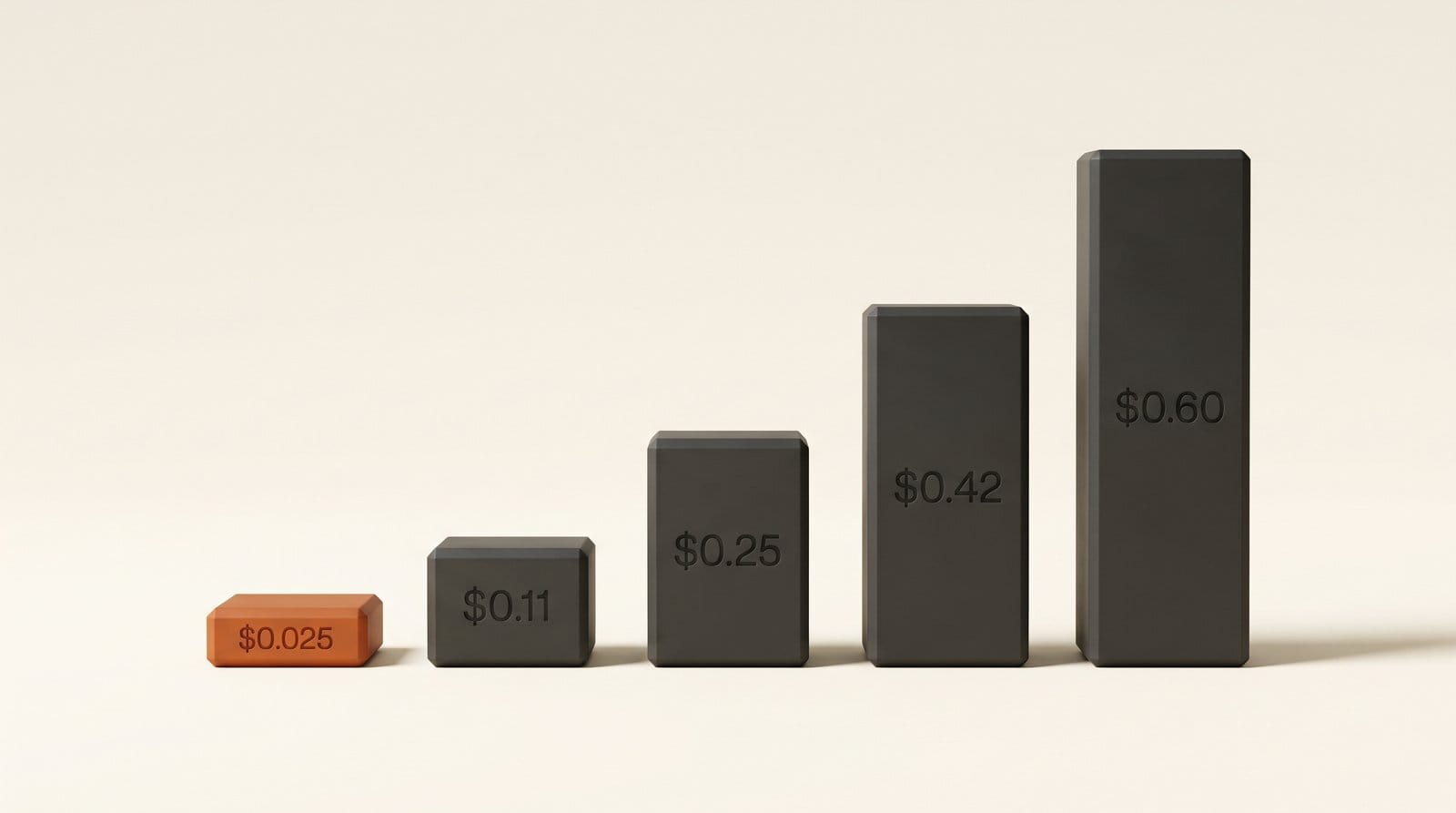
Read it two ways. On price per second, mischief 1 at 720p costs a third of the next cheapest 720p option (Grok Imagine Lite and Veo 3.1 Lite, both $0.03), and at 480p a quarter of Grok Imagine Lite. For the cost of one 5-second Runway Gen-4.5 clip you get 24 mischief 1 drafts at 480p.
On what you can actually deliver, the table's last column is the problem. Every other model here makes vertical video. mischief 1 does not.
The catch: what you give up for 2.5 cents
The fal model page lists the settings, and they are narrow:
- Landscape only. Output is 16:9 at 832 x 480 or 1280 x 720. If you upload a portrait image, fal crops the middle out of it by default (the other option stretches it). Cropping a 720p landscape clip down to 9:16 for Shorts, Reels or TikTok leaves roughly 405 x 720 pixels, which looks soft on any phone.
- 16 frames a second. Most edits run at 24, 25 or 30. A 16 fps clip dropped onto a 24 fps timeline stutters unless you retime it with frame interpolation, such as Optical Flow in DaVinci Resolve.
- Three or five seconds, nothing else. No 10-second takes, no extending a clip.
- Silent. No generated audio, so dialogue, ambience and music all happen elsewhere.
- First frame only. You cannot give it an end frame to land on, which Kling 3.0, Veo 3.1 Lite, Wan 3.0 and MiniMax H3 Max all accept.
- Your prompt gets rewritten by default. A setting called prompt processing is on "enhanced", which rewrites your words against the image before rendering. Switch it to "original" when you want to compare takes fairly, because the rewrite changes run to run.
None of this makes it a bad model. It makes it a sketching tool, and the price only makes sense if you use it like one.
Workflow: draft motion cheaply, finish on a better model
The useful move is to separate two decisions that usually cost the same money: "which motion idea works" and "render the final shot". Here is how to do that without opening a terminal.
- Make your start frame landscape. Generate or export the still at 16:9 in whatever image app you use, as a JPEG or PNG under 2.5 MB. A landscape original avoids the automatic crop.
- Open mischief 1 on fal. The model page has a form in the browser: sign in, add credit, upload the image and write what should happen. fal's own tip is that long, specific prompts steer the model best.
- Change two settings before the first run. Resolution to 480p (halves the cost) and prompt processing to "original" (so the words you test are the words you will reuse).
- Run 10 to 20 variations of the motion. Push the camera in, pull it back, try the subject turning left, then right. Twenty 5-second drafts at 480p cost $0.50. Note the seed of any take you like; fal returns it with every clip.
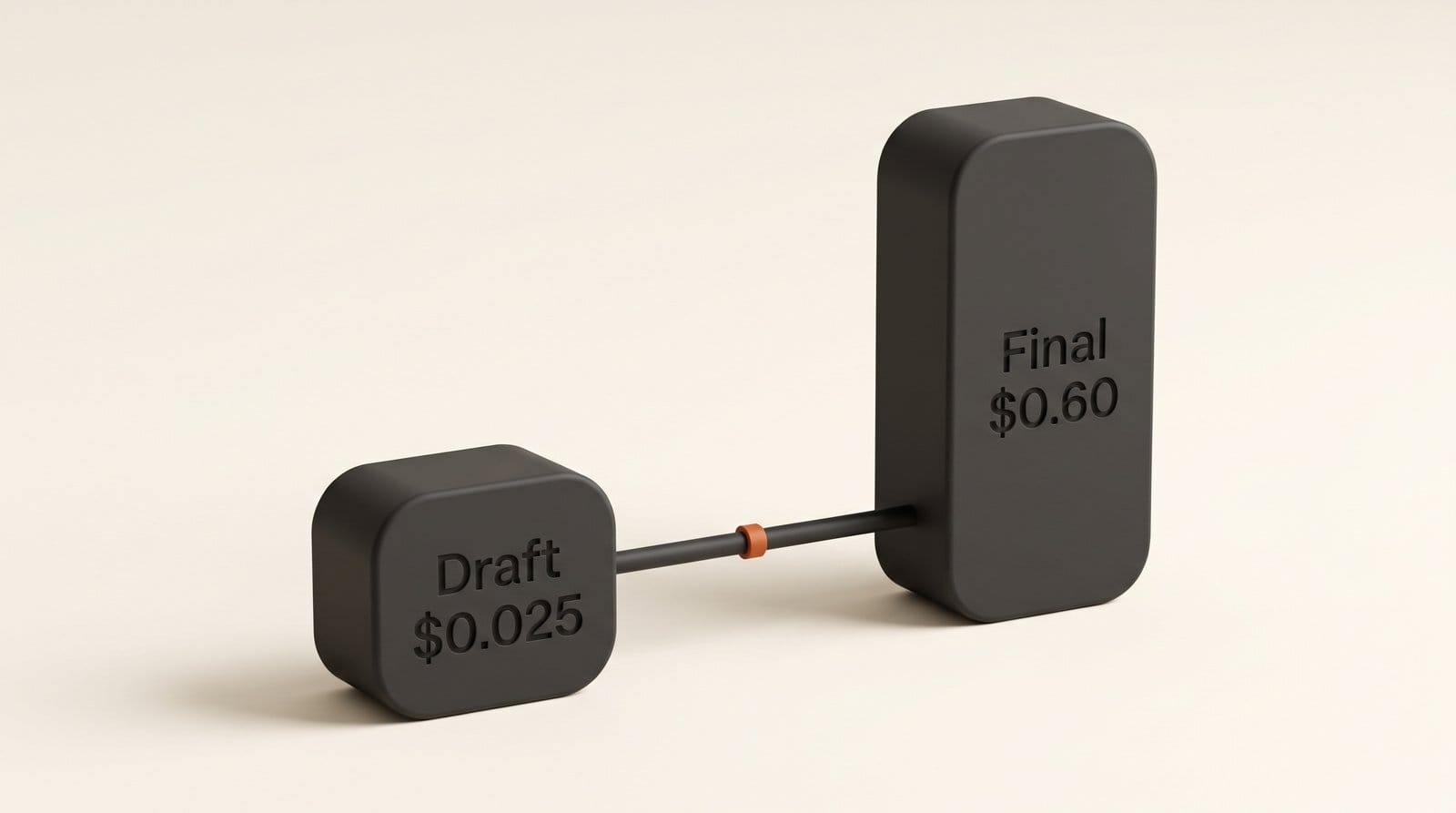
- Pick the winner and move it. Take the same start frame and the winning prompt to your finishing model: Kling 3.0 or Runway if you need quality, Veo 3.1 Lite or Grok Imagine Lite if you need it cheap, any of them if you need vertical. If you have a frame you want the shot to end on, use a model that accepts an end frame.
- Keep a draft only if 16 fps and landscape suit the job. For a moodboard, a pitch deck or a client storyboard, a mischief 1 clip retimed to 24 fps in your editor is often enough.
Be honest about what transfers. A prompt that produced a good camera move on a Wan 2.2-derived model will not produce the identical shot on Kling. What you carry over is a tested idea: the framing, the direction of movement, the pacing in words. That still saves money, because the expensive model now gets two or three attempts instead of fifteen. Our Kling 3.0 storyboard tutorial shows the finishing half of this in detail.
Who should use it, and who should skip it
Use it if you storyboard, pitch or previsualise: directors testing shot ideas, agencies building animatics, YouTubers blocking out a B-roll sequence, anyone who currently burns paid credits finding out which motion works. At these prices the cost of an idea is close to zero.
Skip it if your output is vertical, if you need sound, or if the clip is the final deliverable. A short-form creator posting to TikTok or Reels gets nothing here that the 9:16 models in the table do not do better for a few cents more. Skip it too if you do not want another pay-as-you-go account: TBC's own web app at app.tbc.co asks for "an approved work email", so for an individual creator the way in is a fal or OpenRouter account with credit on it.
And watch the claim. TBC says the same neuron-derived approach is already being applied to newer open video models with bigger gains. If a version lands on a base model with vertical output and 24 fps, the sketch-tool caveat goes away. Until independent tests exist, treat "matches Wan 2.2 quality" as the vendor's word.
Frequently asked questions
How much does TBC mischief 1 cost?
$0.005 per second at 480p and $0.01 per second at 720p, on both fal and OpenRouter. A 5-second clip costs $0.025 at 480p or $0.05 at 720p. The default setting is 720p, so change it if you want the advertised price.
Can I use mischief 1 without writing code?
Yes, through fal. The model page on fal has a browser form where you upload an image, type a prompt and generate after signing in and adding credit. OpenRouter documents video generation as an API workflow, so fal is the easier route for most creators.
Can mischief 1 make vertical videos for TikTok, Shorts or Reels?
No. It only outputs 16:9 landscape at 832 x 480 or 1280 x 720. Cropping that to vertical leaves a low-resolution clip. For vertical, use one of the other models in the comparison table, all of which support 9:16.
Is mischief 1 really made with brain cells?
Not in the way the name suggests. TBC studies living neurons in its lab and turns what it learns into a small software layer added to the open Wan 2.2 model. The model itself runs on normal AI hardware; the neurons never leave the lab.
Is mischief 1 as good as Kling or Runway?
TBC claims it matches the quality of Wan 2.2, its base model, at about five times the speed. It has not published independent benchmarks. Kling 3.0 and Runway Gen-4.5 offer longer clips, vertical output, end frames and, for Kling, audio, so they remain the better choice for finished shots.