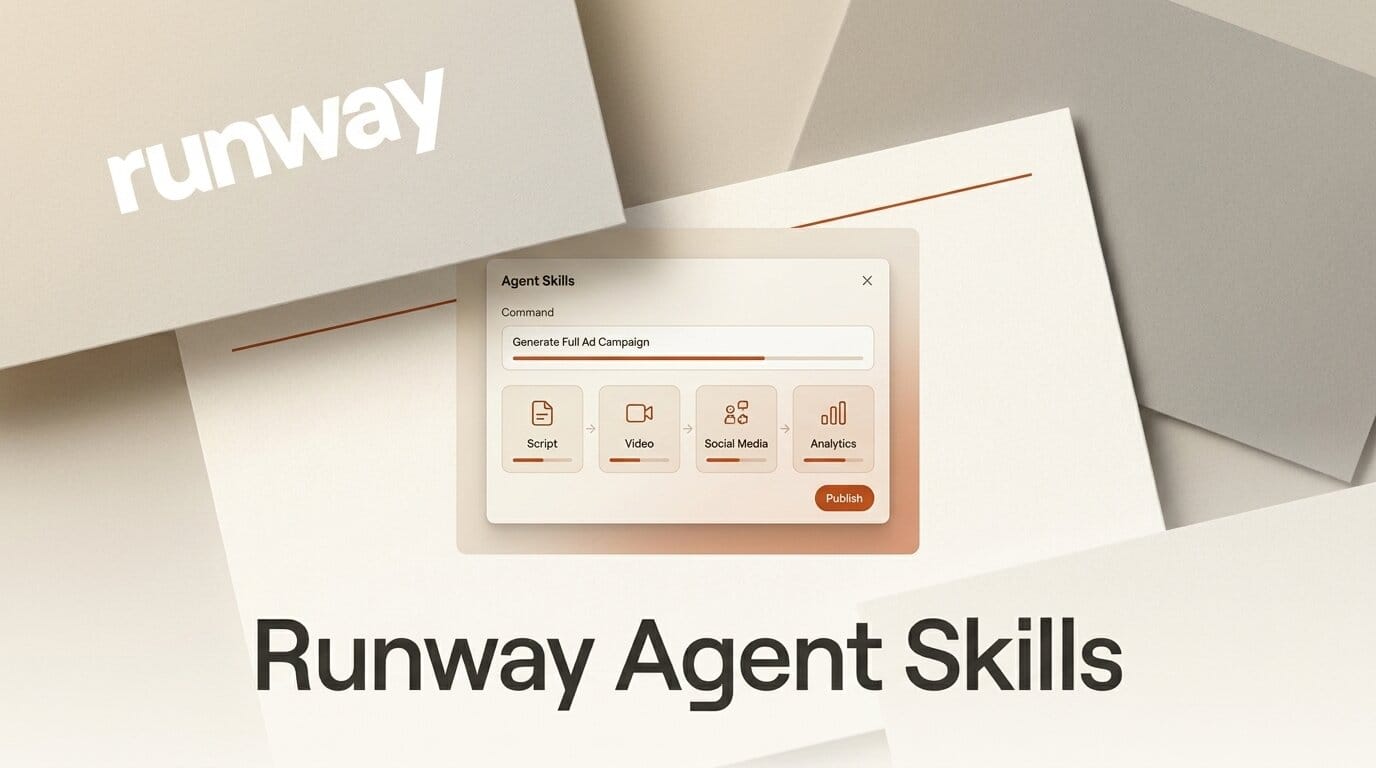
Runway shipped Agent Skills on July 2, a set of one-command actions inside its marketing agent that build an ad campaign, create a commercial, or localize your ads from a single prompt. The feature is live across all Runway plans, extending the Agent 2.0 release from late June into a library of ready-made creative tasks.
What This Enables
Instead of assembling a campaign step by step, you type one instruction and the Runway Agent runs the full skill. Ask it to localize an ad for Spanish-speaking markets and it regenerates the creative with translated copy and market-appropriate framing. Ask it to create a 15-second commercial for a product and it drafts the script, generates the video, and cuts platform variants. Because the skills live on every plan, a solo creator can produce a multi-format ad set in one sitting that previously needed a small team.
Why It Matters for Creators
Runway built its name on video generation and has openly set out to compete with the largest AI labs, and Agent Skills pushes it further into the full production loop that working marketers and content creators actually run. The move mirrors Runway's wider platform play, from bringing Aleph 2.0 into Figma Weave to competing head to head on raw video quality, which we broke down in our Kling 3 vs Runway vs Sora comparison. Packaging campaigns, commercials, and localization as single commands lowers the skill floor for anyone selling a product or growing an audience.
Key Details
What shipped: Agent Skills, command-triggered actions for ad campaigns, commercials, and ad localization, announced July 2 and available on all plans.
How it works: The skills sit on top of Agent 2.0, which already turns a single prompt into a marketing brief, generated assets, and cross-platform variants, and can ingest ad metrics from Meta, YouTube, TikTok, and Google to inform the next round of creative. Coverage from AlphaSignal details how the agent analyzes performance data before it builds. Agent Skills turns those capabilities into repeatable one-line commands rather than a back-and-forth conversation, building on the original Runway Agent launch earlier this year.
What to Do Next
Open the Runway Agent on your current plan and run one skill end to end, such as localizing an existing ad or generating a short commercial, before wiring it into your regular workflow. Compare the output against your manual process to see where the one-command path saves the most time and where you still want to hand-finish the edit.





