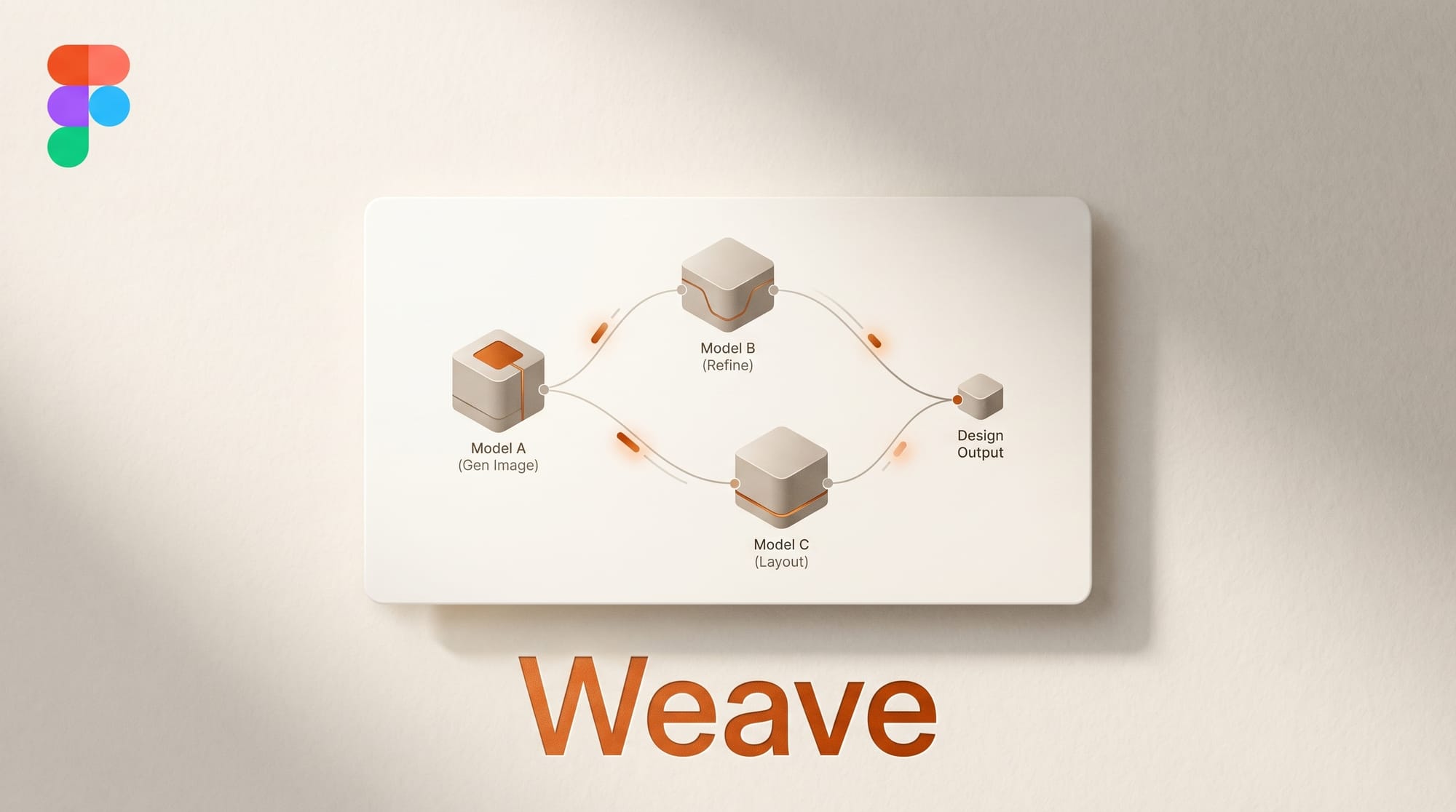
Figma launched Weave on April 9, 2026, a node-based AI canvas that connects 20+ AI models from 12 providers into composable creative workflows. Built from Figma's acquisition of Israeli startup Weavy in October 2025, Weave brings the graph-based logic of Blender's shader editor into AI-powered design. Designers can run the same prompt through FLUX, Veo, Seedance, and DALL-E simultaneously, compare outputs side by side, and route results through built-in editing tools without leaving the canvas. The tool ships with a free tier (150 credits/month) and full Figma Community integration for sharing workflows.
Background
Creative AI tooling has followed a predictable pattern: each model vendor builds a standalone interface, and designers bounce between them. A typical concept exploration workflow involves opening Midjourney in Discord, running DALL-E in ChatGPT, testing FLUX on a third platform, downloading outputs, importing them into Figma, and comparing manually. The friction is not in any single tool but in the gaps between them.
Figma's position as the default design collaboration platform gives it unique leverage to solve this fragmentation. The company serves over 5 million designers, and its core value proposition has always been "everyone works in the same file." Weave extends that principle to AI generation: every model, every prompt, every iteration visible in a single shared canvas.
The Weavy acquisition brought the technical foundation. Weavy, founded in Tel Aviv in 2024 with $4 million in seed funding, built a node-based media generation platform used by cinematographers, artists, and design teams. Figma acquired the company, rebranded the product, and integrated it with their collaboration infrastructure. The result is a tool that combines Weavy's node-graph architecture with Figma's team features: shared workspaces, version history, and enterprise compliance (SOC 2 Type II).
Deep Analysis
Node Graphs Replace the Prompt Box
The fundamental design decision in Weave is replacing the single prompt box with a visual node graph. In conventional AI tools, you type a prompt, get an output, and if you want to modify the result, you write another prompt. The history of your creative decisions lives in a chat log or nowhere at all.
Weave's node graph makes each step visible and editable. A workflow might start with a text prompt node, branch into three different model nodes (FLUX for photorealism, Recraft for design precision, Ideogram for typography), pass each output through an upscale node, then converge at a comparison node where the designer picks the winner. Every connection is explicit. Every decision is documented. The graph itself becomes the creative artifact, not just the final output.
This architecture enables something conventional AI tools cannot: non-destructive iteration. Changing a prompt upstream automatically reflows through every downstream node. Swapping one model for another requires reconnecting a single edge. For design teams that need to maintain consistency across dozens of assets, this means a single workflow adjustment propagates everywhere.

Multi-Model Orchestration Ends Vendor Lock-in
Weave integrates 20+ models from 12 providers: Google (Veo), OpenAI (GPT Image, DALL-E), Runway, Luma, Kling, Black Forest Labs (FLUX), Lightricks (LTX Video), ByteDance (Seedance, Seedream), Recraft, Bria, Ideogram, Wan, and xAI (Grok). Each model consumes different credit amounts, and teams can pick the best model for each task rather than committing to a single vendor.
This multi-model approach reflects a market reality. No single AI model excels at everything. FLUX produces the best photorealistic images. Recraft handles design-focused generation with brand consistency. Veo delivers cinematic video. Ideogram manages typography better than any competitor. Before Weave, using the right model for each task meant maintaining subscriptions and accounts across multiple platforms.
The competitive positioning against ComfyUI is deliberate. ComfyUI offers similar node-based visual workflows but requires local installation, lacks team collaboration features, and provides no commercial licensing guarantees. Weave is browser-based, team-native, and enterprise-ready. For professional design teams, the tradeoff between ComfyUI's open-source flexibility and Weave's managed collaboration is straightforward.

App Mode Bridges the Technical Divide
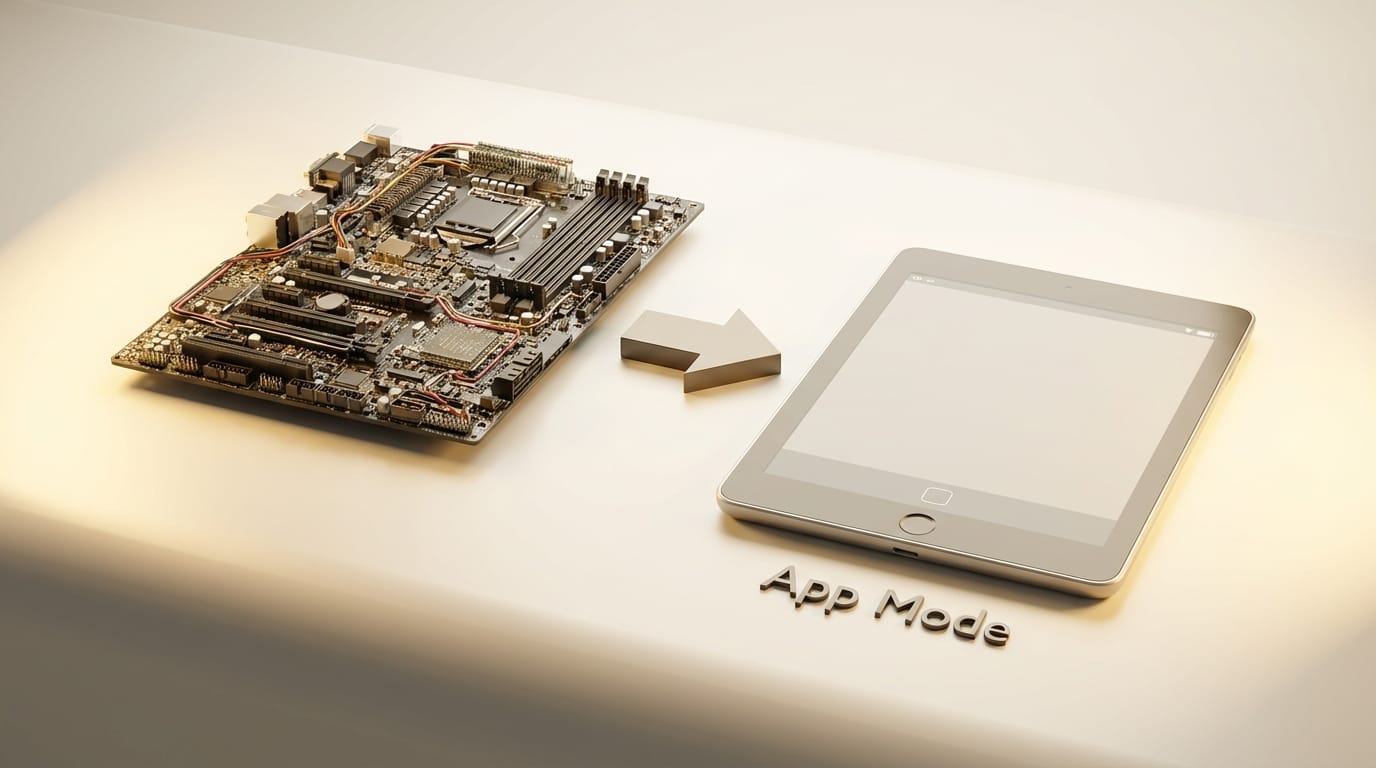
Perhaps the most strategically significant feature is App Mode. Complex node workflows can be converted into simplified interfaces that non-technical teammates can operate without understanding the underlying graph. A senior designer builds a sophisticated workflow with specific model choices, editing steps, and quality checks. A junior team member or marketing colleague uses the App Mode version, which exposes only the inputs they need to change: a text prompt, a color palette, a reference image.
This solves the adoption bottleneck that has limited AI tool deployment in larger teams. The people who understand AI generation deeply enough to build effective workflows are rarely the same people who need to produce assets at scale. App Mode separates the workflow engineering from the daily production, similar to how a spreadsheet template separates the formula logic from the data entry.
For agencies and design studios, App Mode transforms AI capabilities from individual skills into team infrastructure. A studio can invest in building optimal workflows once and distribute them to every designer on the team. Output quality becomes consistent regardless of individual AI expertise, and the institutional knowledge lives in the workflow rather than in someone's prompt notebook.
Figma Community as Workflow Distribution
Figma Weave workflows are now shareable through the Figma Community, the same platform where millions of designers already share components, templates, and design systems. This decision is tactically important because it means Weave adoption can spread through the existing distribution network rather than requiring a separate marketplace.
The five workflows published at launch cover practical creative pipelines: concept exploration, batch asset generation, brand-consistent iterations, video storyboarding, and final asset delivery. Each workflow is a complete, usable template that designers can fork and customize. The Community distribution model means the best workflows will surface organically through the same reputation and usage signals that already drive Figma component adoption.
The scheduled April 16 livestream will demonstrate these workflows in practice. Based on Figma's published FAQ, full integration into the core Figma platform is on the roadmap for later in 2026, which would embed Weave nodes directly alongside design frames and prototypes.
Impact on Creators
For individual designers, Weave eliminates the platform-switching tax. Running prompts across multiple AI tools, downloading, importing, and comparing manually can consume 30 minutes or more per concept iteration. Weave compresses that into a single canvas operation. At $24/month for the Starter plan with 1,500 credits, the economics favor designers who currently maintain multiple AI tool subscriptions.
For design teams and agencies, the impact is structural. App Mode and Community sharing mean AI generation capabilities can be standardized across an organization. The senior designer who builds the workflow and the junior designer who uses it produce the same quality output. This levels the playing field within teams and makes AI expertise a team resource rather than an individual advantage.
The node-graph paradigm also serves as a training mechanism. Designers who learn to build Weave workflows develop transferable mental models for AI orchestration. The visual graph forces explicit thinking about which model works best for which task, how to chain editing steps, and where human judgment adds the most value. These skills transfer regardless of which specific models dominate in the future.
Key Takeaways
- Figma Weave integrates 20+ AI models from 12 providers into a single node-based canvas, ending the platform-switching tax for designers
- The node graph makes every creative decision visible, editable, and reproducible, transforming AI generation from prompt-and-pray into systematic workflow
- App Mode separates workflow engineering from daily production, enabling team-wide deployment of AI capabilities
- Figma Community distribution leverages the existing network of millions of designers for workflow sharing
- Pricing starts at $0 (150 credits) with paid tiers from $24-60/user/month, competitive with maintaining multiple single-model subscriptions
What to Watch
The full Figma platform integration planned for later in 2026 is the key milestone. Currently Weave operates as a standalone experience at weave.figma.com. When it embeds directly into Figma's main canvas, designers will be able to generate and edit AI assets alongside their design frames and prototypes. That integration would make Weave a default capability rather than an optional add-on.
Adobe's response will shape the competitive landscape. Adobe has Firefly embedded across its Creative Cloud suite, but it operates as a single-model system within each application. If Adobe follows Figma's multi-model approach, or if Canva integrates similar node-based workflows, the market could shift rapidly toward model-agnostic creative platforms.
Watch how the Figma Community responds. If designers build and share specialized workflows for specific industries (fashion, architecture, game design), Weave becomes a platform for creative AI knowledge rather than just a tool. The April 16 livestream should signal how aggressively Figma plans to cultivate this ecosystem.
This analysis was produced by Creative AI News.
Subscribe for free to get the weekly digest every Tuesday.





