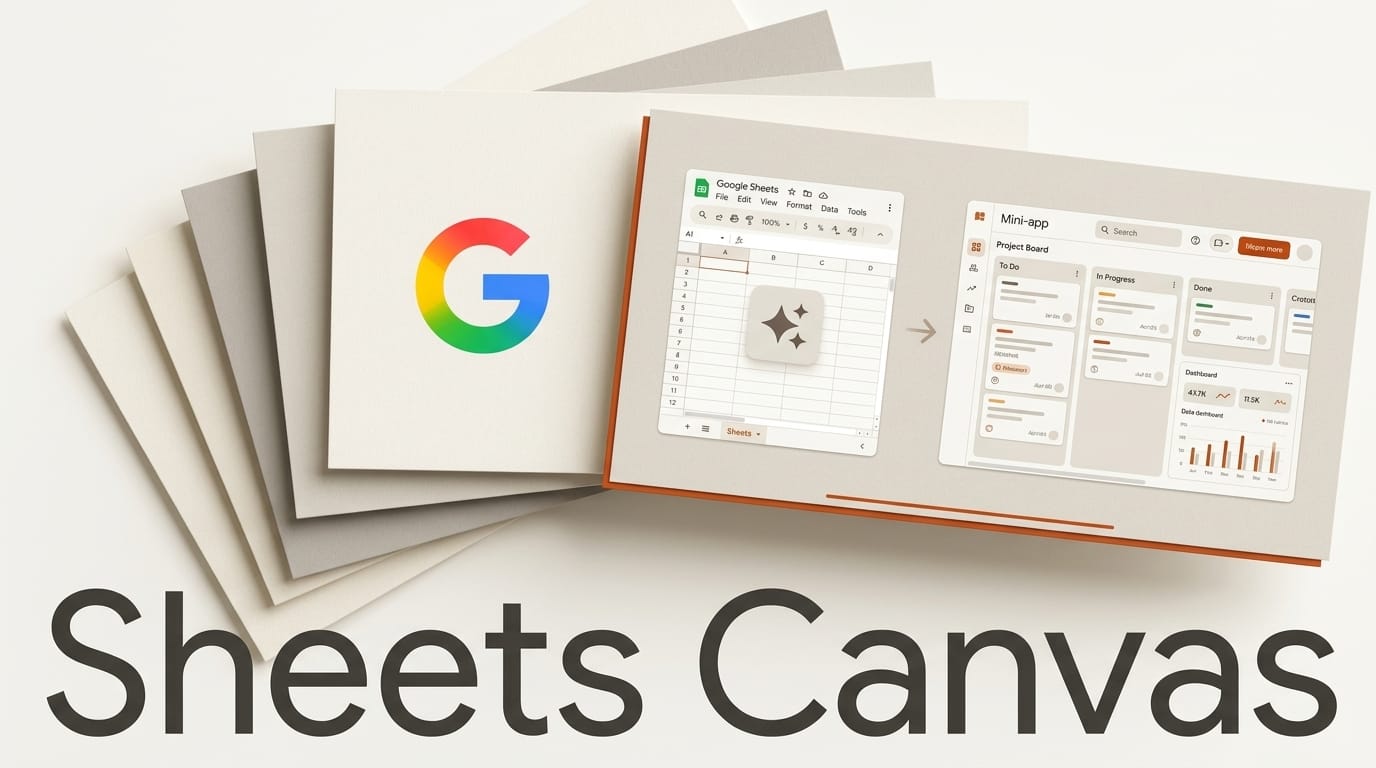
Google launched Sheets canvas on August 13, 2026, a Gemini-powered feature that turns spreadsheet data into interactive, read-write mini-apps with no code and no formulas. You describe what you want in the Ask Gemini side panel, and Sheets builds a visual layer on top of your data: dashboards, heat maps, kanban boards, trackers, all wired to the underlying cells with real-time two-way sync. Edit the mini-app and the spreadsheet updates; change the spreadsheet and the app follows. It is available now to Google AI Pro and Ultra subscribers globally in English, and it is rolling out to Workspace Business and Enterprise Standard and Plus plans. Google announced it on the official blog, part of the wider Workspace updates from Google Cloud Next 2026.
What Sheets Canvas Actually Does
Sheets canvas sits inside the Ask Gemini side panel and reads your existing spreadsheet. Instead of writing a QUERY formula, building a pivot table, and hand-formatting a chart, you type a request like "build a dashboard tracking my monthly expenses by category" and Gemini generates a functioning interactive view. The key word is read-write: this is not a static chart. A kanban board built from a task sheet lets you drag cards between columns, and the status column in the source data changes to match. As Android Authority notes, that live coupling is what separates a mini-app from an ordinary export.
Google's early examples are deliberately everyday: a study tracker with progress indicators, a fantasy football roster command center for comparing players, a wedding seating chart that syncs with a guest list. The point of those examples is that none of them require a template or an add-on; the mini-app is generated from whatever data you already have. Because the mini-app lives in its own shareable tab, collaborators can use it without touching the raw grid, and the raw grid remains the authoritative copy of the data at all times. For teams, Sheets canvas can also pull from third-party sources like Salesforce and HubSpot, turning a synced sheet into a live operations panel. The feature builds on the "Build with Gemini in Sheets" work Google shipped in April 2026.
How Sheets Canvas Compares to the Alternatives
Building an interactive view from spreadsheet data used to mean one of three things: hand-crafted formulas and charts, Google's own AppSheet no-code platform, or exporting to an external tool like Notion or Airtable. Sheets canvas collapses the simplest of those into a single prompt.
| Approach | Coding needed | Two-way sync | Best for |
|---|---|---|---|
| Sheets canvas | None (natural language) | Yes, live | Fast interactive dashboards on existing sheets |
| Manual formulas and charts | Formula knowledge | Partial | Precise, static reporting |
| Google AppSheet | Low-code config | Yes | Full multi-user apps with logic and workflows |
| Notion or Airtable | None to low | No (separate data) | Standalone databases outside Sheets |
The honest framing is that Sheets canvas is not an AppSheet replacement. AppSheet still wins for genuine multi-user applications with permissions, automations, and custom logic, a distinction the AppsScriptPulse first look lays out clearly, and you can read Google's own positioning on the AppSheet site. Where canvas wins is speed and zero setup: if your data already lives in a sheet and you want an interactive view in under a minute, nothing else is close.
How to Build Your First Mini-App
If you have a qualifying Google AI Pro, Ultra, or eligible Workspace plan, the workflow is short:
- Open a sheet with real data. Canvas works best when your columns are clean and labeled, for example a task list with Task, Owner, Status, and Due Date columns.
- Open the Ask Gemini side panel. Click the Gemini icon in the top right of Google Sheets to bring up the panel where canvas requests are made.
- Describe the mini-app. Type a plain request such as "create a kanban board grouped by Status" or "build a dashboard summarizing spend by category with a bar chart."
- Refine with follow-up prompts. Ask Gemini to change colors, add a filter, or group differently. Each follow-up adjusts the same canvas rather than starting over.
- Share the tab. The mini-app lives in its own tab you can share with collaborators, who interact with it while the underlying sheet stays the single source of truth.
Testing outlet TestingCatalog confirmed the feature is live rather than a preview, so these steps work today on eligible accounts.
What This Enables for Creators and Small Teams
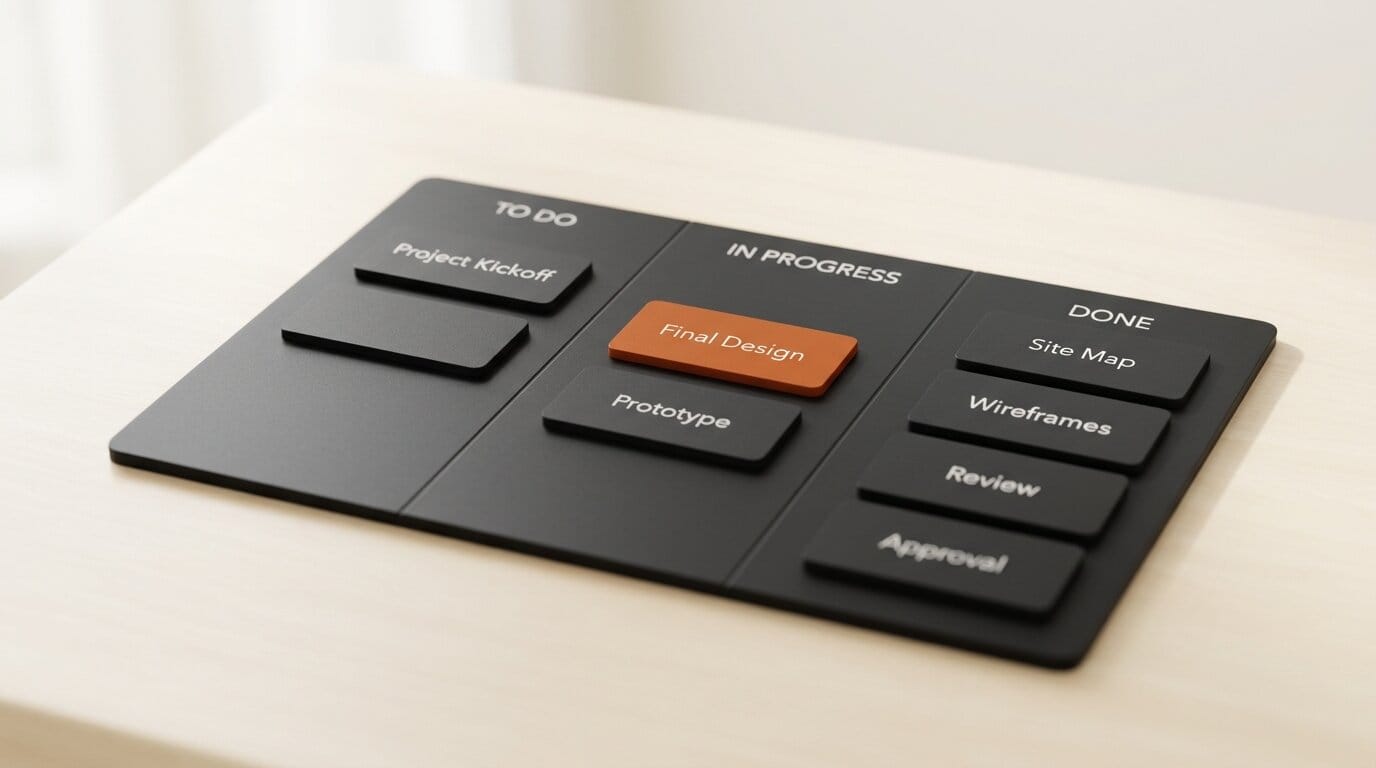
The practical unlock is that spreadsheet data becomes a usable interface without a developer. A freelancer can turn a client tracker into a status board to screen-share on calls. A small shop can build a live inventory dashboard from a Salesforce-synced sheet without commissioning an internal tool. A creator managing a content calendar can spin up a kanban view for the week and drag items as they publish, with the sheet staying accurate underneath. Because everything is native to Sheets, there is no new app to learn, no data to migrate, and no subscription beyond the Google plan you already have. If you already push AI deeper into your spreadsheets, pairing canvas with programmatic access like our guide to giving Claude read/write access to Google Sheets via MCP gives you both a visual layer for humans and an automation layer for agents on the same data.

Frequently Asked Questions
Do I need to know how to code to use Sheets canvas?
No. Everything is built through natural-language prompts in the Ask Gemini side panel. You describe the mini-app you want and refine it with follow-up requests. No formulas or scripting are required.
Who can use Sheets canvas right now?
It is available globally in English to Google AI Pro and Ultra subscribers, and it is rolling out to Workspace Business and Enterprise Standard and Plus plans, plus the Google AI Pro for Education add-on. Free personal Gmail accounts are not covered at launch.
Does editing the mini-app change my spreadsheet?
Yes. Sheets canvas mini-apps are read-write with real-time two-way sync. Dragging a card on a kanban board or editing a value in the canvas updates the underlying cells, and changes to the sheet flow back into the app.
How is this different from AppSheet?
AppSheet is a low-code platform for building full multi-user applications with permissions, automations, and custom logic. Sheets canvas is for quickly generating an interactive dashboard or board on top of existing sheet data. Canvas is faster for simple views; AppSheet is stronger for real apps.
Can it connect to data outside the spreadsheet?
Yes. Sheets canvas can work with data synced from third-party sources such as Salesforce and HubSpot, so a connected sheet can power a live operations dashboard.
Can I share a mini-app with people who do not use Gemini?
Yes. Each mini-app lives in its own shareable tab. Collaborators can interact with it as long as they have access to the sheet, without needing to run prompts themselves.





