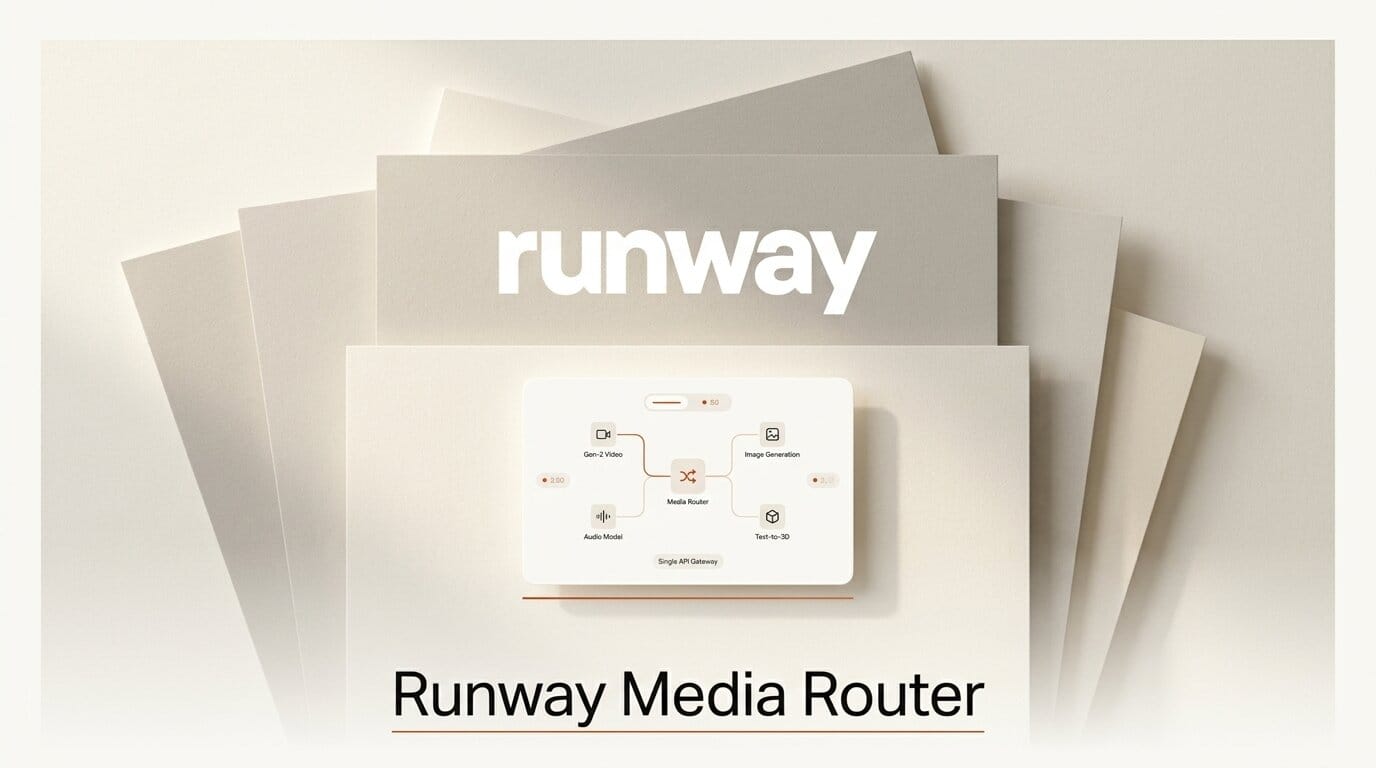
Runway shipped its Media Router on July 23, 2026, an intelligent routing layer that automatically picks the best image, video, or audio model for a given job based on whether a developer prioritizes quality, speed, or cost. The company calls it the first model router built specifically for generative media, borrowing an idea that already reshaped large language model infrastructure and applying it to pixels and sound. The feature lands inside Runway Dev, the developer platform Runway launched on July 8, and it turns a promise made at that launch into a live capability. TechCrunch first reported the release.
The pitch is simple. Instead of a developer manually choosing a model, wiring up its SDK, and hoping it is still the best option next month, the router reads a stated priority and sends each request to whichever model fits. Chief Product Officer Anthony Maggio framed it as the payoff of a one-stop shop: "The unique proposition we are bringing to the table is all of that intelligence around what the best model is."
What the Media Router actually does
A model router is a dispatcher. You send one request to one endpoint, attach a priority, and the router decides which underlying model serves it. For text, tools like OpenRouter made this normal over the past two years. Runway is the first to bring the pattern to generative media, where the model landscape is arguably messier than text because image, video, and audio each have their own leaders, price curves, and latency profiles.
The router exposes three priorities, and each maps to a different optimization target.

| Priority | What it optimizes for | Best fit |
|---|---|---|
| Quality | Highest fidelity output regardless of price or wait | Hero shots, final renders, client deliverables |
| Speed | Lowest latency, fastest turnaround | Real-time previews, interactive apps, iteration loops |
| Cost | Cheapest model that clears a quality bar | Batch jobs, drafts, high-volume automated pipelines |
Co-founder and co-CEO Anastasis Germanidis put the strategic bet plainly: "You need great models underneath, but the orchestration increasingly matters." In other words, having a frontier model is table stakes; knowing which model to reach for is where the value is moving.
The models behind the router
Runway Dev already gave developers a single integration point across first-party and third-party models. The router now sits on top of that catalog. At the platform's launch, Runway confirmed first-party access to its own frontier models, Gen-4.5, Aleph 2.0, and Act-Two, alongside outside models including Seedance, GPT Image 2, and ElevenLabs audio. Developers can swap between any of them by changing a single line of code and track spend across every model from one billing dashboard, according to the launch announcement.
That single-dashboard billing detail matters more than it sounds. The old way of using many models meant many SDKs, many credential sets, and many invoices. Consolidating that into one vendor removes a real tax on teams that want to mix models. Full API details live in the Runway Dev documentation.

How to route by quality, speed, or cost
The router is designed to slot into an existing pipeline with minimal rework. A practical way to adopt it:
- Map your jobs to priorities. Split your workload into buckets. Final client renders go to Quality. Live preview generation and interactive iteration go to Speed. Bulk background jobs and drafts go to Cost.
- Point one endpoint at the router. Instead of calling a named model, call the router and pass the priority for that bucket. You stop hard-coding model names entirely.
- Let the catalog update itself. When a stronger or cheaper model joins Runway Dev, the router can start using it without a code change. Your Quality bucket quietly gets better; your Cost bucket quietly gets cheaper.
- Watch the billing dashboard. Because spend is tracked per model in one place, you can see exactly where money goes and re-bucket jobs if the mix drifts.
- Pin a model when you must. For work that needs a specific look or a locked, reproducible output, keep calling that model directly. The router is a default, not a cage.
Getting started happens through the Runway developer portal, which handles keys, quotas, and the model catalog.
What this enables for creators and teams
For a solo creator or a small studio, the router removes a decision that most people are not equipped to make well: which of a dozen fast-moving models is best for this exact shot, today. That evaluation used to require constant benchmarking. Now it is a priority flag.
For developers building apps on top of generative media, the router lowers the cost of staying current. A product that hard-codes one video model ages the moment a better one ships. A product that routes stays fresh automatically. This is the same durability argument that pushed many coding tools toward routing, a shift we covered in our look at how Cursor Router delivers frontier coding at lower cost.
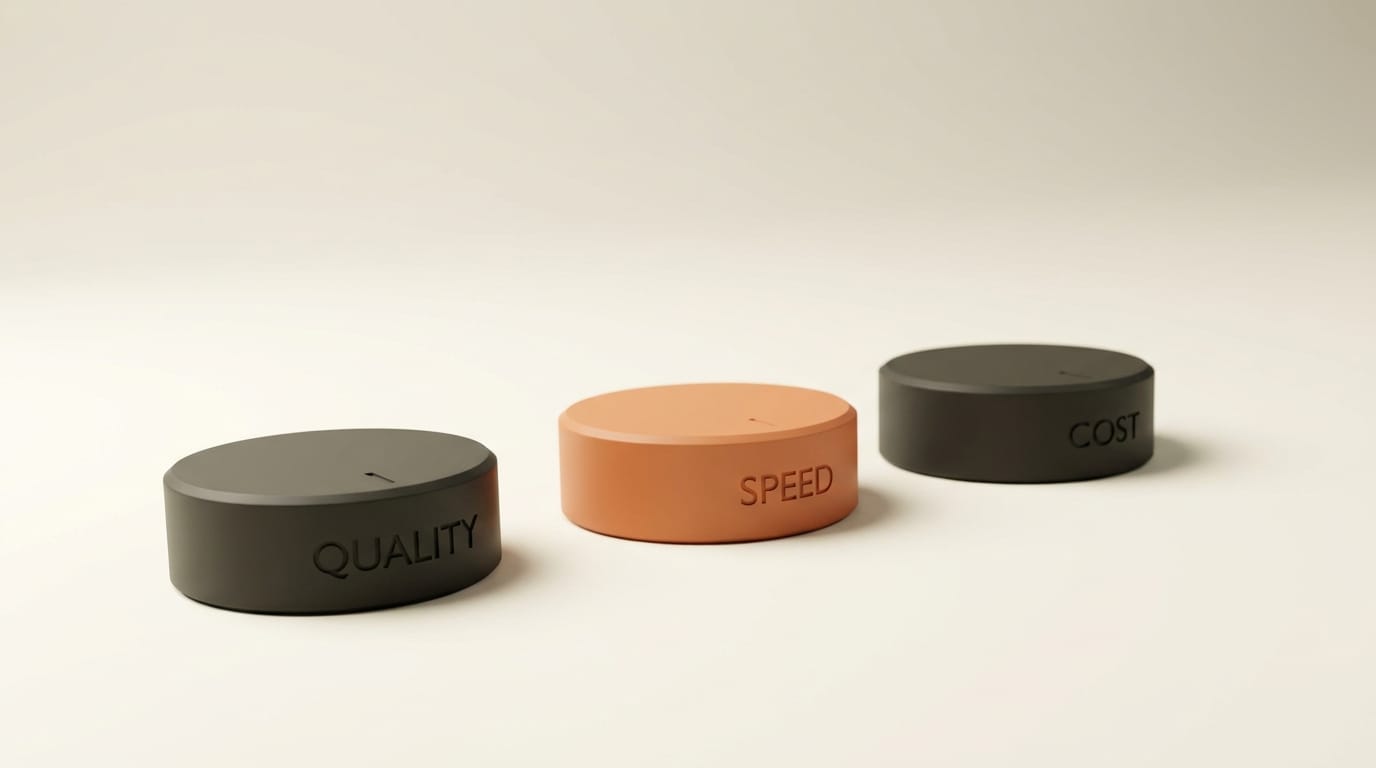
The broader signal is where the industry is heading. Single-model apps are becoming multi-model platforms, and the platform layer, orchestration, billing, and routing, is turning into the real product. Runway is betting that owning that layer for media is more defensible than owning any one model.
Frequently asked questions
What is the Runway Media Router?
It is an intelligent routing layer inside Runway Dev that automatically selects the best image, video, or audio generation model for a request based on a stated priority: quality, speed, or cost. It launched on July 23, 2026.
How is it different from a large language model router?
LLM routers like OpenRouter dispatch text requests across language models. Runway's router applies the same dispatch idea to generative media, where separate leaders exist for image, video, and audio. Runway says it is the first router built specifically for media rather than text.
Which models can the router use?
It routes across the Runway Dev catalog, which includes Runway's own Gen-4.5, Aleph 2.0, and Act-Two, plus third-party models such as Seedance, GPT Image 2, and ElevenLabs. The catalog is expected to grow over time.
Do I lose control over which model runs my job?
No. The router is a default. You can still call a specific model directly when you need a locked, reproducible output or a particular aesthetic. Routing is opt-in per request.
How is billing handled across multiple models?
Runway Dev tracks spend across every model from a single dashboard, so teams using many models get one consolidated view rather than separate invoices from each provider.
Who should adopt the router first?
Teams running high-volume or mixed workloads benefit most, because they can send cheap batch jobs to the Cost priority and reserve Quality for final deliverables. Solo creators gain from not having to benchmark models by hand.





