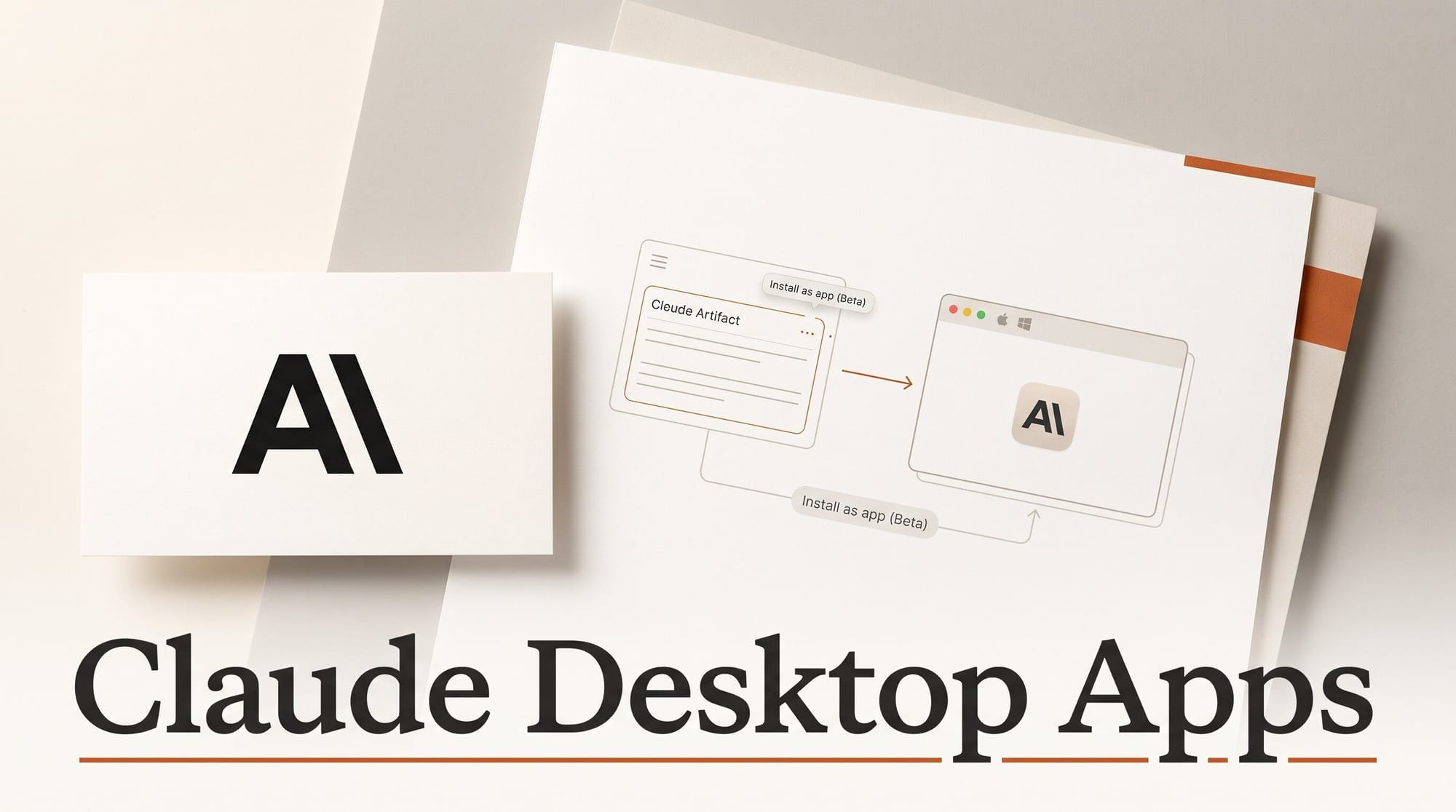
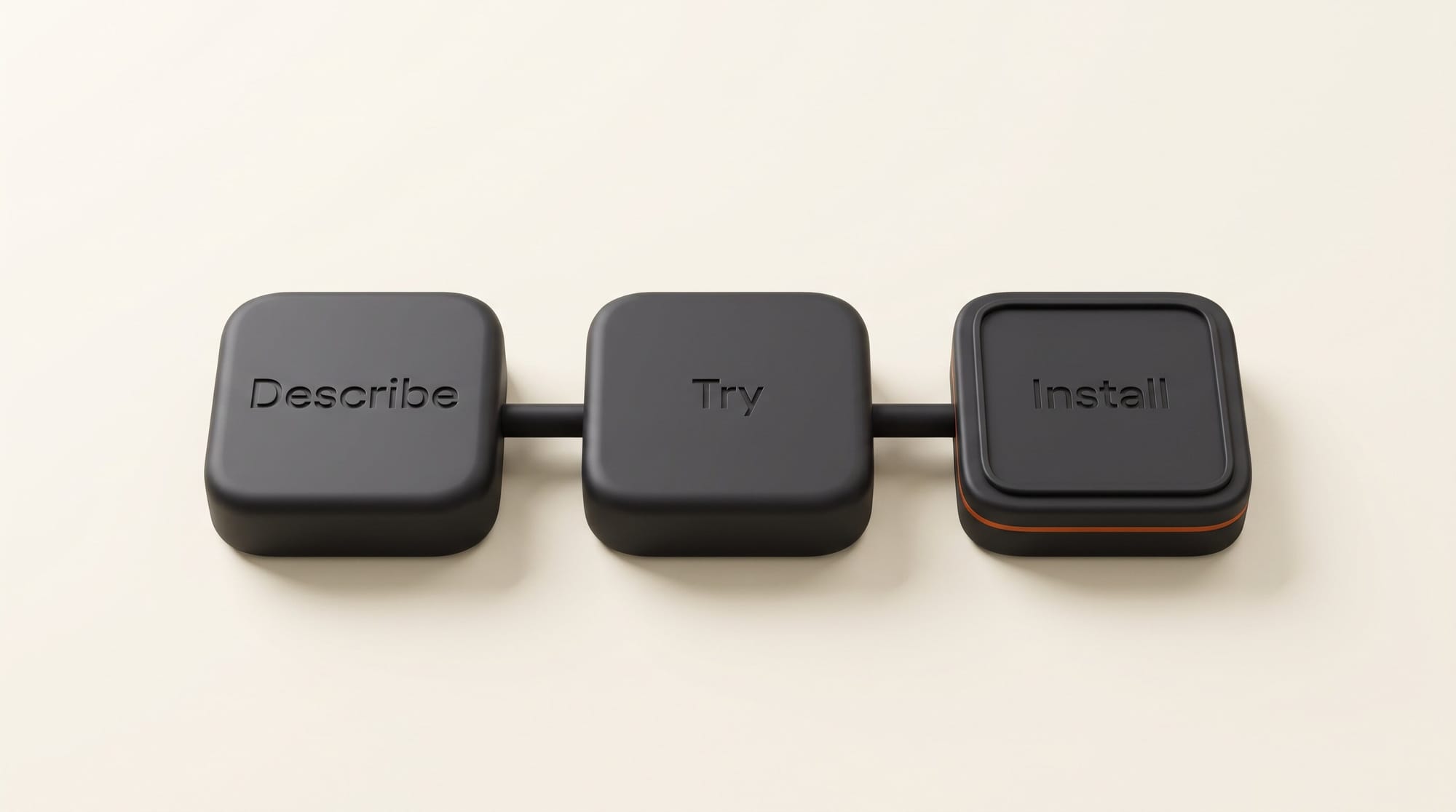
Anthropic launched "Install as app" on November 24, 2026. The beta turns any Claude artifact into a desktop app for Mac or Windows, with its own icon, its own window and a place in your Applications folder or Start menu. You describe a tool, try it in the chat, then click Install as app. According to Anthropic's help article, it works on the Free, Pro, Max, Ultra, Team and Enterprise plans and needs Claude for Mac or Windows version 6.28899.0 or later.
For creators, this changes what "make me a little tool" means. A shoot-day timer, a color palette that floats over Photoshop, or a folder that sorts your exports used to live inside a chat you had to find again. Now it opens like any other app. "You don't have to package or sign it, and it uses your Claude account, so there's no API key or separate login," Anthropic wrote. There are three catches. Every request the app sends to Claude counts toward your plan's usage limits. You must be online and signed in to open it. And Anthropic does not review these apps before you install them. This guide covers what the apps can do, which permissions to grant, what they cost, and how to build your first one.
What Install as app actually does
An artifact is the interactive thing Claude builds in the side panel of a chat: a small app, a dashboard, a game. Until now it only ran inside Claude. As SiliconANGLE noted, that meant logging in and finding the original conversation every time you wanted to use it. Anthropic's argument: "if you rely on a tool for work, it should open like the rest of your apps."
Once installed, the app shows up in a "Claude Apps" folder. On a Mac that is inside Applications, and you can open it from the Dock, Spotlight or the Apps launcher. On Windows it sits in the Start menu, with a desktop shortcut. The app stays linked to its artifact, so when you ask Claude to change the artifact, the installed app changes too. It can use your connectors, so a meeting dashboard can read your calendar and email. With your permission, an app can also send notifications or put an item in the Mac menu bar or the Windows system tray, and those apps keep running after you close the window.
Anthropic staff built five examples you can open today. Linnet is a full layered image editor. Sift sets up folder rules and uses Claude to keep files organized. Vitals is a menu bar app that shows computer performance, Phosphor is a file manager styled for a movie set, and Tern is a terminal with Claude beside it.
The permission ladder, and the rung most creators should skip
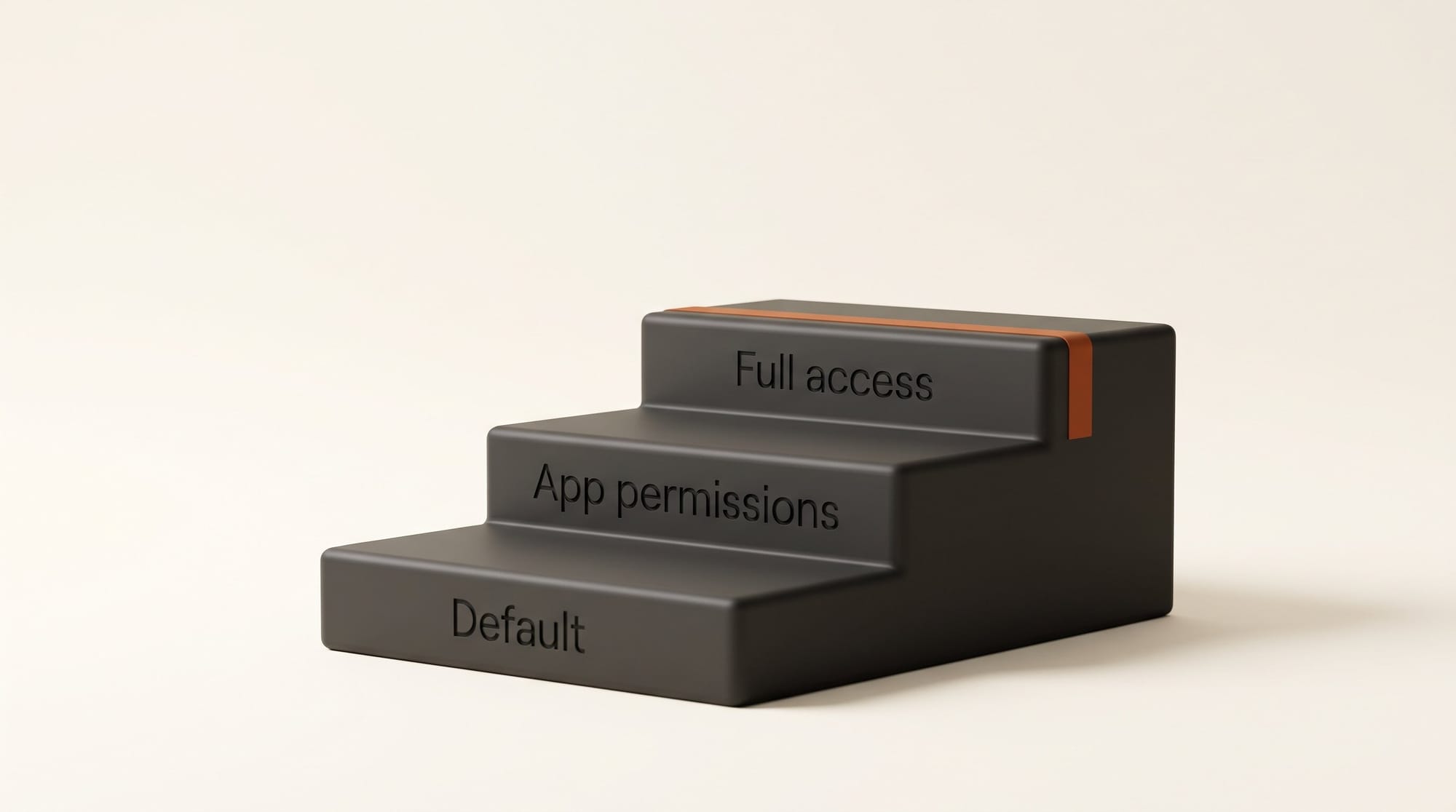
An installed app starts with the same powers it had in the browser, and asks before it does anything more. Anthropic describes three levels. Every request shows an Allow or Don't allow prompt, and a Don't allow stays until you change it.
| Level | What the app can do | Good for |
|---|---|---|
| Default | Only what it could do in a browser | Calculators, trackers, checklists, mood boards |
| App permissions | Notifications, keyboard shortcuts in other apps, floating over other windows (which also lets it read your cursor position), a menu bar or tray item | Timers, floating palettes, quick-capture tools |
| Full access to this computer | Run programs and read, change or delete files without asking each time | Only apps you wrote yourself, for file-sorting jobs |
Three details matter more than the table. First, each Allow covers one version of the app, so Claude asks again after every update, including your own edits. Second, if part of an app loads from another website, that part can change without a new prompt. Third, full access is limited on purpose: on Free, Pro, Max and Ultra, Claude generally refuses full-access requests from apps someone else wrote, and on Team plans full access stays off until an admin turns it on. As Notebookcheck pointed out, turning full access off stops the programs an app started but does not undo changes it already made to your files. If you already let AI agents near your drives, our guide to auditing Full Disk Access on a Mac applies here too.
Who can use it, and what it costs
The beta is on every plan, with a few exceptions. Team plans have it on by default with full access off. Enterprise plans have it off until an owner enables it under Organization settings, Artifacts. HIPAA-ready organizations and hybrid deployments cannot use it. It is not available on Linux, on the web or on phones, and artifacts made from the Docs, Slides and Sheets templates, legacy artifacts and live artifacts from Claude Cowork cannot be installed.
There is no separate fee. The cost is your usage limit: building the app, and every request the app sends to Claude, count toward your plan, the same way chat messages do. Claude's pricing page lists Free at $0, Pro at $20 a month ($17 a month billed yearly), Max at $100 with 5x Pro usage, and Ultra at $200 with 10x Pro usage per week. Only requests to Claude count, so a tool that does its work inside the window, such as a timer or a palette, spends your limits mainly while you build it. A tool that asks Claude something on every click, such as a caption rewriter, spends them every time you use it. If you plan to lean on a Claude-powered app all day, our Max vs Ultra breakdown shows what the bigger plans buy.
Install as app vs the other ways to keep what Claude builds
Install as app is the fourth way to hold on to something Claude made. Which one fits depends on who needs to open it and whether it has to touch your computer.
| Artifact in the chat | Shared artifact link | Install as app | Spacefast live link | |
|---|---|---|---|---|
| Where it opens | Inside the Claude conversation | A web page | Its own window on Mac or Windows | A web page, your own domain possible |
| Who can open it | You | Anyone with the link (Team and Enterprise need an owner to allow it) | You, signed in to Claude Desktop | Anyone |
| Whose Claude usage it spends | Yours | The viewer's, for features that use Claude | Yours | None; Spacefast bills hosting, not AI |
| Notifications, shortcuts, menu bar | No | No | Yes, with permission | No |
| Can touch your files | No | No | Only with full access | No |
| Works offline | No | No | No | No |
| Price | Your Claude plan | Your Claude plan | Your Claude plan | Free plan, paid from $5 a month |
The shared-link rules come from Anthropic's sharing guide: most links open without a Claude account, and features that use Claude count toward the viewer's own limits. Spacefast, Automattic's host for things built in Claude or ChatGPT, is the pick when clients or an audience need a real web address; our Spacefast deep dive covers its free plan and where it runs out. The verdict: share a link when other people need it, publish to a host when the public needs it, and install as an app when the tool is for you and you use it every day.
How to build your first creator app in about 15 minutes
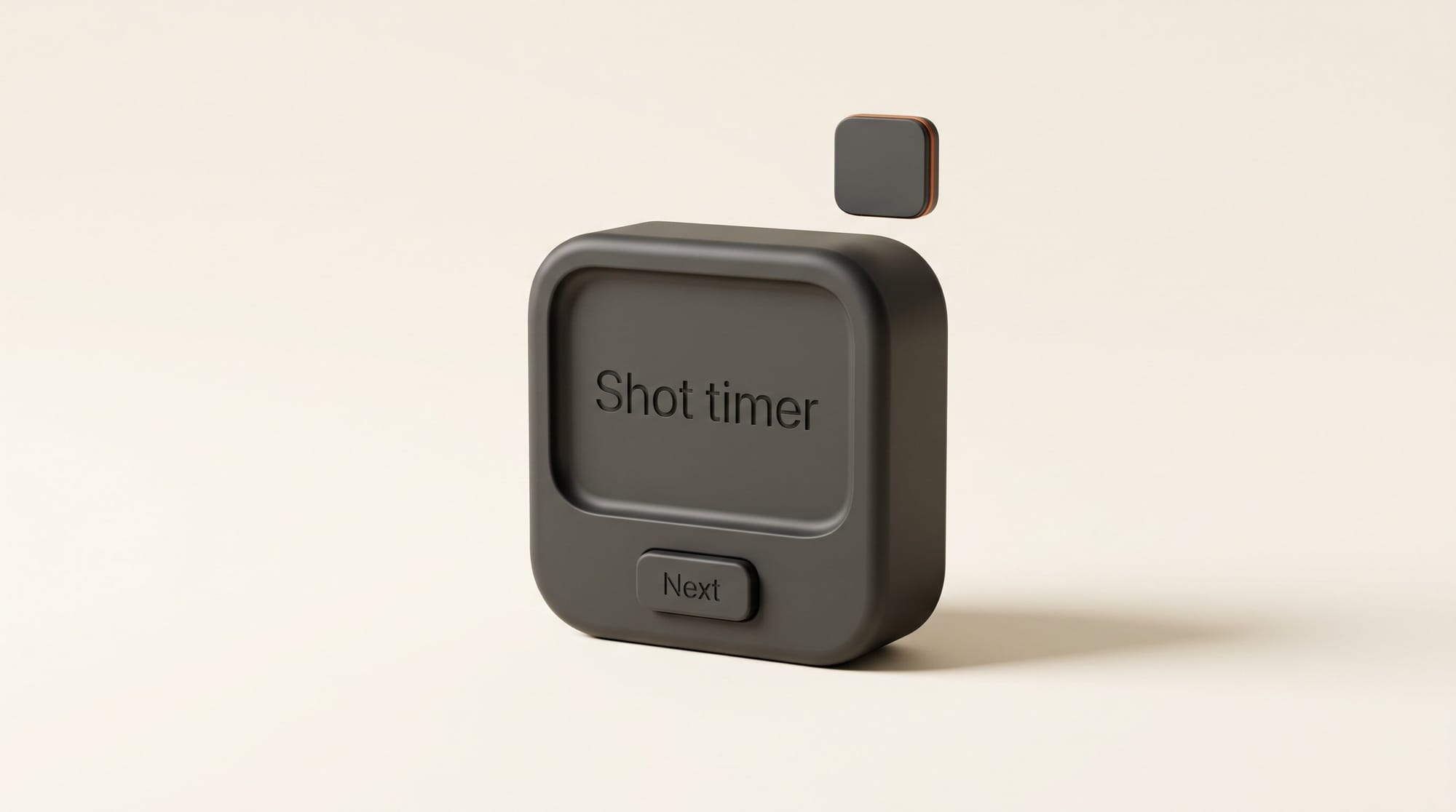
The example below is a shoot-day shot timer, because it shows the one permission most creator tools need (notifications) without asking for anything risky. Swap in your own idea at step 2.
- Update Claude Desktop. On a Mac, choose Claude, then Check for Updates. On Windows, open the menu button, then Help, then Check for Updates. You need version 6.28899.0 or later, or download the app if you only use Claude in a browser.
- Describe the tool in plain words. For example: "Build a shot timer for a video shoot. I paste my shot list, one shot per line, and set minutes per shot. Show the current shot in large text with a countdown, a Next button, and the total time left for the day. Send me a notification one minute before a shot runs over."
- Use it as an artifact first. Run it in the chat for a few minutes and ask for fixes in plain words ("make the countdown red in the last minute", "add a dark theme"). Installing a broken tool only means approving permissions again after every fix.
- Install it. Open the artifact in the main Claude window, open its title menu or right-click it, choose Install as app, then Install. The same option sits under Share.
- Grant only what it needs. Allow notifications for the timer. Choose Don't allow for anything else, and never give full access to an app you did not write.
- Open it like any app. Find it in the Claude Apps folder, Spotlight or the Start menu, and pin it to the Dock or taskbar for shoot days.
- Change or remove it later. Edit the artifact in the chat and the app updates (Claude will ask for permissions again). To remove it, choose File, then Apps in Claude Desktop, select the app, then Uninstall. The artifact itself is kept.
Other ideas that stay at the default or app-permission level: a palette of brand colors that floats over Photoshop or Figma, a caption-length checker for each platform, a client feedback tracker, or a podcast episode checklist that sits in the menu bar.
What is still unclear in the beta
We have not installed one ourselves yet; everything above comes from Anthropic's announcement and help pages, published November 24. A few things the pages leave open or flag. The help article points to the general sharing guide rather than explaining how someone else installs an app you shared. Apps are not covered by zero data retention. If you lose access to a shared app, its programs stop within about 20 minutes, or longer if Claude cannot check. And on a Mac, Claude's own computer use can see an installed app but cannot click or type inside it, so an agent cannot drive your tools for you yet.
Frequently asked questions
Do I need to know how to code to make a Claude desktop app?
No. You describe the tool in a normal chat, Claude writes it, and you click Install as app. Anthropic says there is nothing to package or sign and no API key to set up.
Is Install as app free?
It is included on every plan, Free through Enterprise, during the beta. Building the app and every request it sends to Claude count toward your plan's usage limits, explained in Anthropic's usage limits guide.
Does a Claude desktop app work offline?
No. You need to be online and signed in to Claude Desktop to open an installed app.
Can I share an installed app with a client or teammate?
You share the artifact, and they can install it. On Free, Pro, Max and Ultra, any app written by someone other than you counts as coming from outside your organization, so Claude generally refuses its full-access requests. For a client without a Claude account, a shared link or a host like Spacefast is simpler.
Is it safe to give an app full access to my computer?
Only for apps you wrote. Full access lets an app run programs and read, change or delete files without asking, Anthropic does not review apps, and turning full access off does not undo changes already made.
Does it work on Linux, iPhone or the web?
Not at launch. Install as app is limited to Claude for Mac and Claude for Windows during the beta.