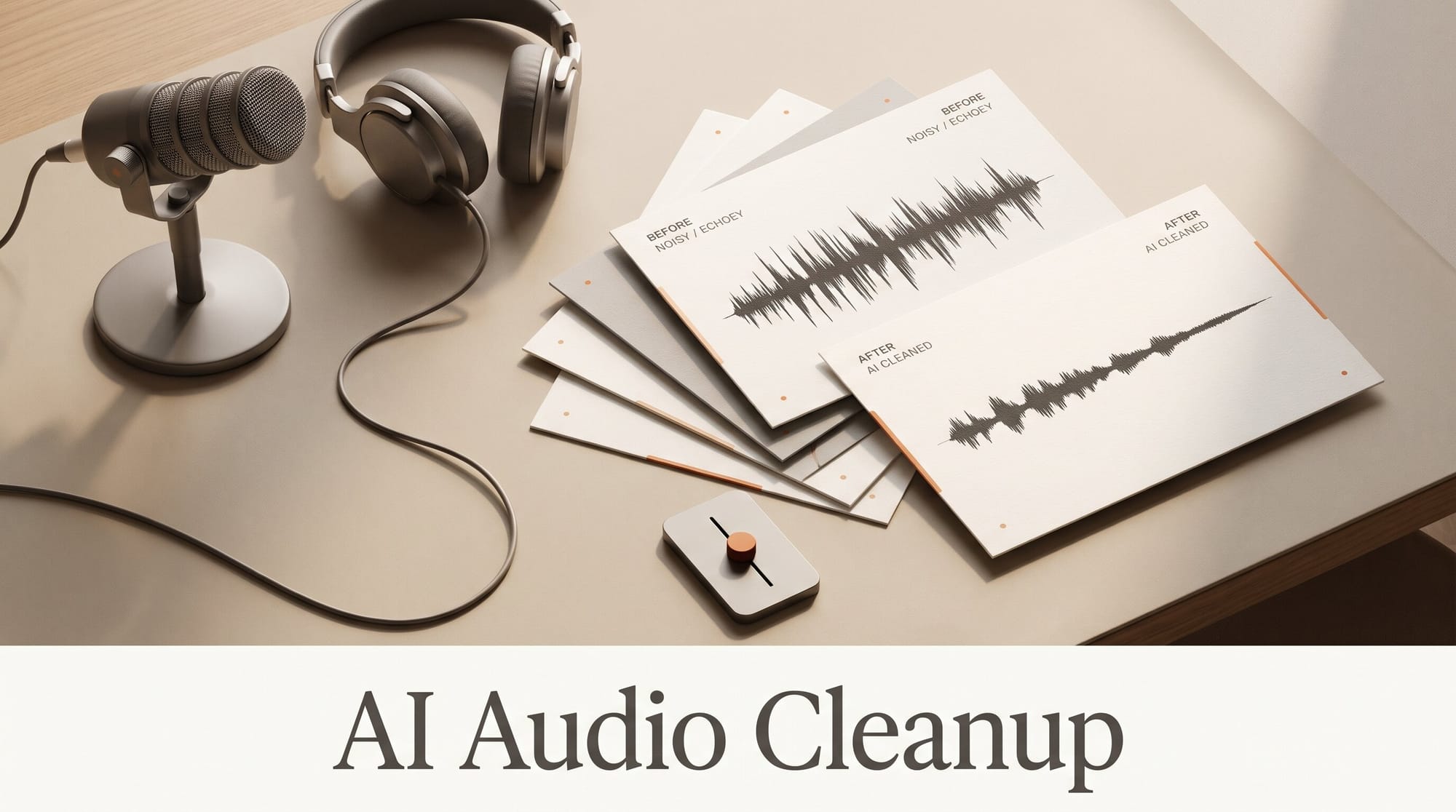
If you edit in Premiere or DaVinci Resolve Studio, the best AI audio cleanup is the one already inside your editor; if you do not, Adobe's free Enhance Speech fixes most voiceovers up to 30 minutes long, and you only need to pay when you want a strength slider, video files, or speech pulled out of music. That is the short verdict after lining up five tools against five jobs creators actually face: an echoey room, noise under dialogue, a voice over music, a long episode, and the question of paying monthly or once.
How we compared them: every limit, price and control below comes from each vendor's own pricing page and help docs, read on November 20, 2026. We did not score sound quality with a lab test; every one of these tools can make a bad room sound clean, and the differences that change your week are where the tool runs, how long a file it takes, whether you can turn it down, and what it costs per month of voiceovers.
Quick Picks
Pick Adobe Enhance Speech (free) if you record voiceovers or podcasts under 30 minutes and do not mind exporting the audio, cleaning it on the web, and bringing it back. It costs nothing, but the free version has no strength control and takes audio files only.
Pick the tool inside your editor if you already pay for Premiere or own DaVinci Resolve Studio. Premiere's Enhance Speech runs on your own computer with no clip limit, and Resolve Studio's Voice Isolation has an amount control from 0 to 100%.
Pick Descript if you edit by reading the transcript. Studio Sound is a toggle with an Intensity slider in the same window where you cut your words, and it costs at most 30 AI credits per file.
The Five Tools at a Glance
| Tool | Where it runs | Price | Turn it down? | Video files | Main limit |
|---|---|---|---|---|---|
| Adobe Enhance Speech, free | Web browser | $0 | No | No, audio only | 30 minutes and 500 MB per file, 1 hour a day |
| Adobe Enhance Speech, Premium | Web browser | Firefly Pro, $19.99 a month | Yes, strength slider | Yes, MP4 and MOV | 2 hours and 1 GB per file, 4 hours a day |
| Premiere Enhance Speech | Your computer, no internet | Premiere from $22.99 a month | Yes, Mix Amount | Yes, on the timeline | Needs a fast computer |
| Descript Studio Sound | Descript app, needs internet | Hobbyist $16 a month yearly, $24 monthly | Yes, Intensity | Yes | Up to 30 AI credits per file, 400 credits a month |
| DaVinci Resolve Studio Voice Isolation | Your computer | $295 once | Yes, Amount 0 to 100% | Yes, on the timeline | Not in the free Resolve |
| ElevenLabs Voice Isolator | Web browser | 1,000 credits a minute; Starter $6 a month | No | Yes | 500 MB and 1 hour per file |
Two more facts shape the table. Adobe stopped selling Adobe Podcast Premium as its own plan on August 30, 2026, so the paid Enhance Speech features now come with the Firefly Pro plan, listed at $19.99 a month (Adobe is running 50% off the first six months until December 6). And ElevenLabs' free plan is personal use only; the commercial license starts with Starter at $6 a month.
Job 1: Fix an Echoey Voiceover
This is the job these tools were built for: a voiceover recorded in a bare room, a kitchen, or on a laptop microphone. All five remove room echo and hiss from a single speaking voice, so the decision is about workflow.
Adobe Enhance Speech is the fastest route if your audio is already a separate file. Drag a WAV or MP3 into the page, wait, download the cleaned version, and drop it back on your timeline. On the free plan a file can be 30 minutes and 500 MB, and you can clean 1 hour of speech per day, one file at a time.
The catch nobody quotes is the missing strength control. The free version applies the full effect every time, and on a very rough recording that can make a voice sound processed. The fix costs nothing: put the cleaned file on your timeline, keep the original on the track below at a low volume (start around 10 to 20% of its level), and you get some of the room back. Premium users get the slider instead, which Adobe describes as adjusting speech, music and ambience for a more natural sound.
In Descript, the same fix is two clicks: select the script layer, open the Properties panel, and turn on Studio Sound under Audio Effects. Then pull the Intensity slider back if the voice starts to sound thin. Descript's Studio Sound help page notes that the effect applies to the whole file, everywhere that file appears in your project.
Job 2: Clean Noise Without Leaving Your Editor
A fan, traffic, or a crowd under a talking-head clip is where round trips to a website get tiresome. If you edit video, the cleanup inside your editor wins on time.
In Premiere, select the clip with speech, open the Essential Sound panel, tag it as Dialogue, and click Enhance. When Adobe announced the feature for Premiere, it said Enhance Speech runs locally on your machine with no internet connection, so you can run it on an unlimited number of clips. The Mix Amount slider blends your raw audio back in so some natural background comes through. Adobe also says it needs a performant computer, and that processing time varies.
In DaVinci Resolve Studio, select the clip, open the Inspector, go to the Audio tab and switch on Voice Isolation, then set the Amount between 0 and 100%. For a whole interview track, add it as a track effect on the Fairlight page instead. Blackmagic lists AI voice isolation, the music remixer and the dialogue separator among the extras in DaVinci Resolve Studio, so the free version of Resolve does not have them.
Descript also works inside the edit, but it sends audio online to process: its help page says Studio Sound requires an internet connection. ElevenLabs and Adobe's web tool are round trips by design.
Job 3: Pull Speech Out of Music
This is where the tools split. A vlog shot in a cafe with music playing, or an event clip with a band behind the speaker, is not noise in the usual sense, and most speech enhancers struggle with it.
Adobe is explicit about Premiere: Enhance Speech will not work on music, sound effects or ambient audio, and loud background music, singing, whispers and several people talking over each other are poor fits. ElevenLabs' documentation says Voice Isolator extracts speech from ambient sound, music and other background interference, but is not specifically optimized for isolating vocals from music and may work depending on the content.
Resolve Studio is the one tool here with separate controls for this job. Besides Voice Isolation, Studio includes a Dialogue Separator and a Music Remixer, which split a mixed track into parts you can turn up or down. If the music matters too, for example you want to keep the song and lower the crowd, a dedicated stem splitter does the job better; our stem splitter comparison covers LALAL.AI, Moises and Logic.
Practical rule: if the music is quiet, any of the five will do. If the music is as loud as the voice, try Resolve Studio or ElevenLabs first, keep the strength low, and listen for clipped word endings before you export.
Job 4: Clean a Long Episode or a Batch of Files
File length limits matter the moment you record a full podcast episode or a day of interviews.
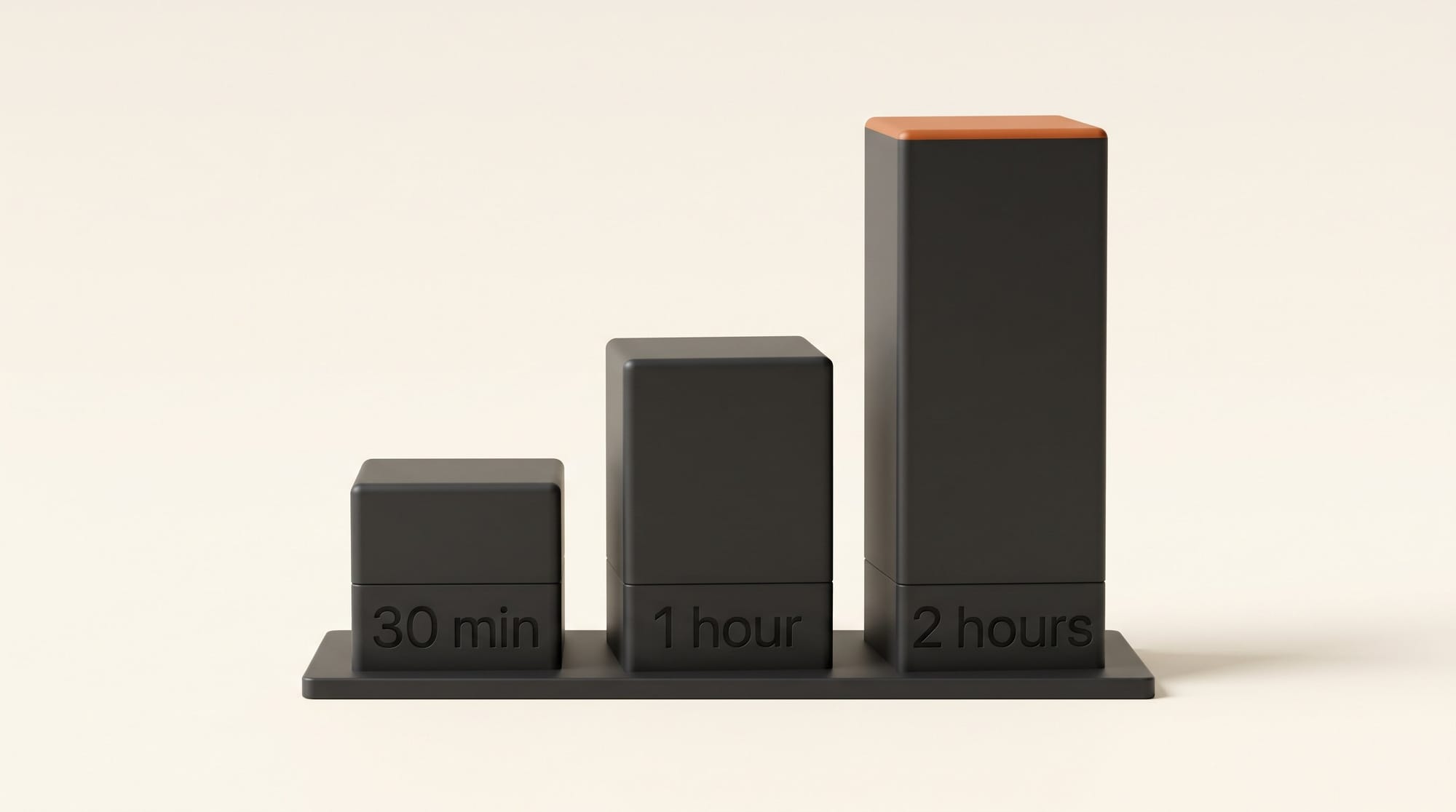
Adobe's free plan caps each file at 30 minutes and your day at 1 hour, so a 90-minute episode has to be cut into three parts and cleaned over two days. Premium raises that to 2 hours per file and 4 hours a day, and adds bulk upload, which processes several files in a queue. ElevenLabs takes files up to 500 MB and 1 hour, and an hour costs 60,000 credits, more than the 30,000 in Starter.
Descript handles long files best on price. Its credits page says Studio Sound has a maximum cost of 30 credits per file, however long the file is. Descript does warn that very large files of 6 or more hours can be slow, and suggests splitting them.
For a full show, also look at Auphonic, which is less a voice rescuer and more a finishing pass: it levels speakers, reduces noise and reverb, and hits a loudness target. It is free for 2 hours of processed audio a month, but free productions come with an Auphonic jingle, and batch processing is paid. The S plan is 9 hours a month for $11 billed yearly or $13 monthly. Our podcast tools guide shows where it fits in a full podcast setup.
Job 5: Pay Monthly or Pay Once
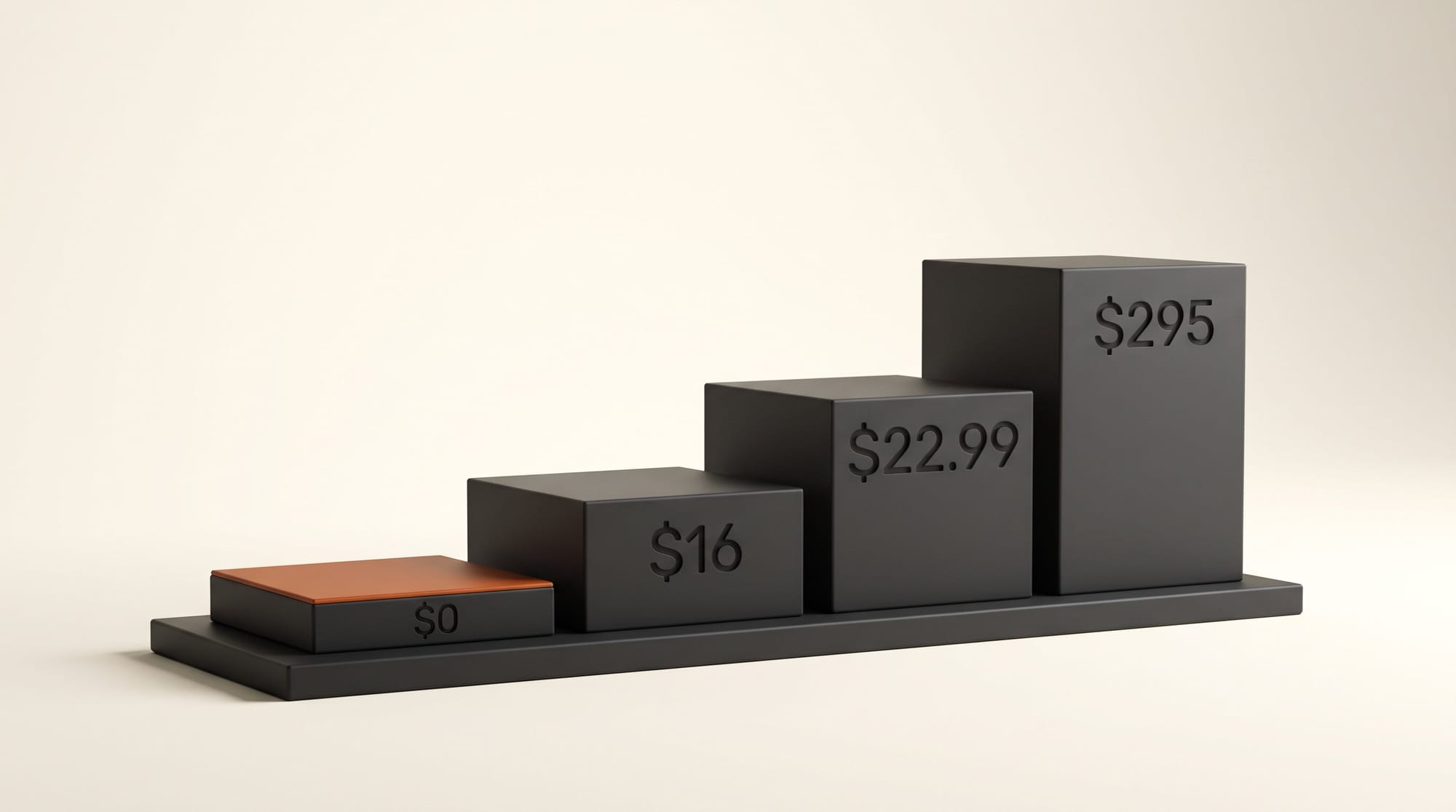
Four of the five are subscriptions or credits. DaVinci Resolve Studio is the exception: $295 once, and Blackmagic's store showed it at $236 on November 20. Spread over three years, $295 is about $8.19 a month, and it also brings Resolve's other Studio tools, which we covered in our DaVinci Resolve 21 guide.
ElevenLabs is the one priced per minute. Voice Isolator uses 1,000 credits per minute of audio, from the same monthly pool as voices and sound effects. On ElevenLabs' pricing page that means 10 minutes a month free (personal use only), 30 minutes on Starter at $6, and about 2 hours on Creator at $22 with 121,000 credits. That works out to about $11 to $12 per hour of cleaned audio on a paid plan.
Descript and Premiere are flat: once you pay for the app, cleanup is included up to the plan's limits. Descript's Hobbyist plan includes 400 AI credits a month, so at the 30-credit maximum you can run Studio Sound on at least 13 files a month, and 10 media hours to upload them.
When Each One Wins
Adobe Enhance Speech, free wins for the occasional voiceover or short podcast when money is the deciding factor. Export the voice track, clean it, bring it back, and blend in a little of the original if it sounds processed.
Premiere Enhance Speech wins if you already pay for Premiere or Creative Cloud. It is included, runs on your own computer, and has no clip limit, so it costs nothing extra to use on every clip in a project.
Descript Studio Sound wins for podcasters and talking-head creators who edit from the transcript. Cleanup sits next to filler word removal in one app, and the 30-credit cap per file keeps long episodes cheap.
DaVinci Resolve Studio wins for video editors who want to pay once and keep the cleanup offline, and for footage where voice and music have to be pulled apart. It is the only tool here with a separate dialogue separator and music remixer.
ElevenLabs Voice Isolator wins for the odd rescue job on a single clip, especially if you already pay ElevenLabs for voices. Watch the credits: a one-hour file uses 60,000 of them.
Pricing and ROI
Here is what each route costs for a common workload: four 20-minute voiceovers a month, 80 minutes in total, at list prices on November 20, 2026.
| Tool | Plan you need | Monthly cost | Notes |
|---|---|---|---|
| Adobe Enhance Speech, free | Free | $0 | Fits: each file under 30 minutes, under 1 hour a day; audio files only |
| Auphonic | Free | $0 | Fits the 2 free hours, with the Auphonic jingle; S plan $11 a month yearly to drop it |
| Descript Studio Sound | Hobbyist | $16 yearly, $24 monthly | 4 files use at most 120 of 400 credits |
| ElevenLabs Voice Isolator | Creator | $22 | 80,000 credits; Starter's 30,000 covers only 30 minutes |
| Premiere Enhance Speech | Premiere | $22.99 | Single-app plan, billed monthly on an annual commitment; $0 extra if you already have it |
| DaVinci Resolve Studio | Studio | $295 once | About $8.19 a month over three years |
The ROI question is mostly about what you already own. If Premiere or Resolve Studio is on your computer, the cheapest cleanup is the one you have already paid for. If not, start free with Adobe and pay only when you hit a wall: the 30-minute file cap, the missing strength slider, or music under the voice.
Verdict
For most creators the order is simple. Use the cleanup inside your editor if you have Premiere or Resolve Studio. Otherwise start with Adobe's free Enhance Speech and blend a little of the original back in. Move to Descript if you edit from the transcript, to Resolve Studio if you want to pay once and separate voice from music, and keep ElevenLabs for one-off rescues. Whatever you use, turn the effect down until the voice stops sounding processed; every tool here that has a slider puts it there for that reason. If you also need captions, our ElevenLabs Scribe v3 guide covers what transcripts cost.
FAQ
What is the best free AI tool to clean up audio?
Adobe's Enhance Speech on the free Adobe Podcast plan. It takes audio files up to 30 minutes and 500 MB and cleans up to 1 hour a day. It has no strength control and does not accept video, so export your voice track first.
Does the free version of DaVinci Resolve have Voice Isolation?
No. Blackmagic lists AI voice isolation, the music remixer and the dialogue separator as features of DaVinci Resolve Studio, which costs $295 once. The free version of Resolve does not include them.
Why does my voice sound robotic after AI cleanup?
The effect is too strong for the recording. Lower Mix Amount in Premiere, Intensity in Descript, Amount in Resolve Studio, or the strength slider in Adobe Podcast Premium. With the free Adobe tool, put the original recording under the cleaned one at a low volume.
Can AI remove background music from speech?
Sometimes. Adobe says Premiere's Enhance Speech does not work well with loud background music, and ElevenLabs says its Voice Isolator is not specifically optimized for music but may work. DaVinci Resolve Studio's Dialogue Separator and Music Remixer are built to split a mix into parts.
How much does ElevenLabs Voice Isolator cost per minute?
1,000 credits per minute of audio. The free plan's 10,000 credits cover 10 minutes for personal use, Starter at $6 a month covers 30 minutes with a commercial license, and Creator at $22 covers about 2 hours.