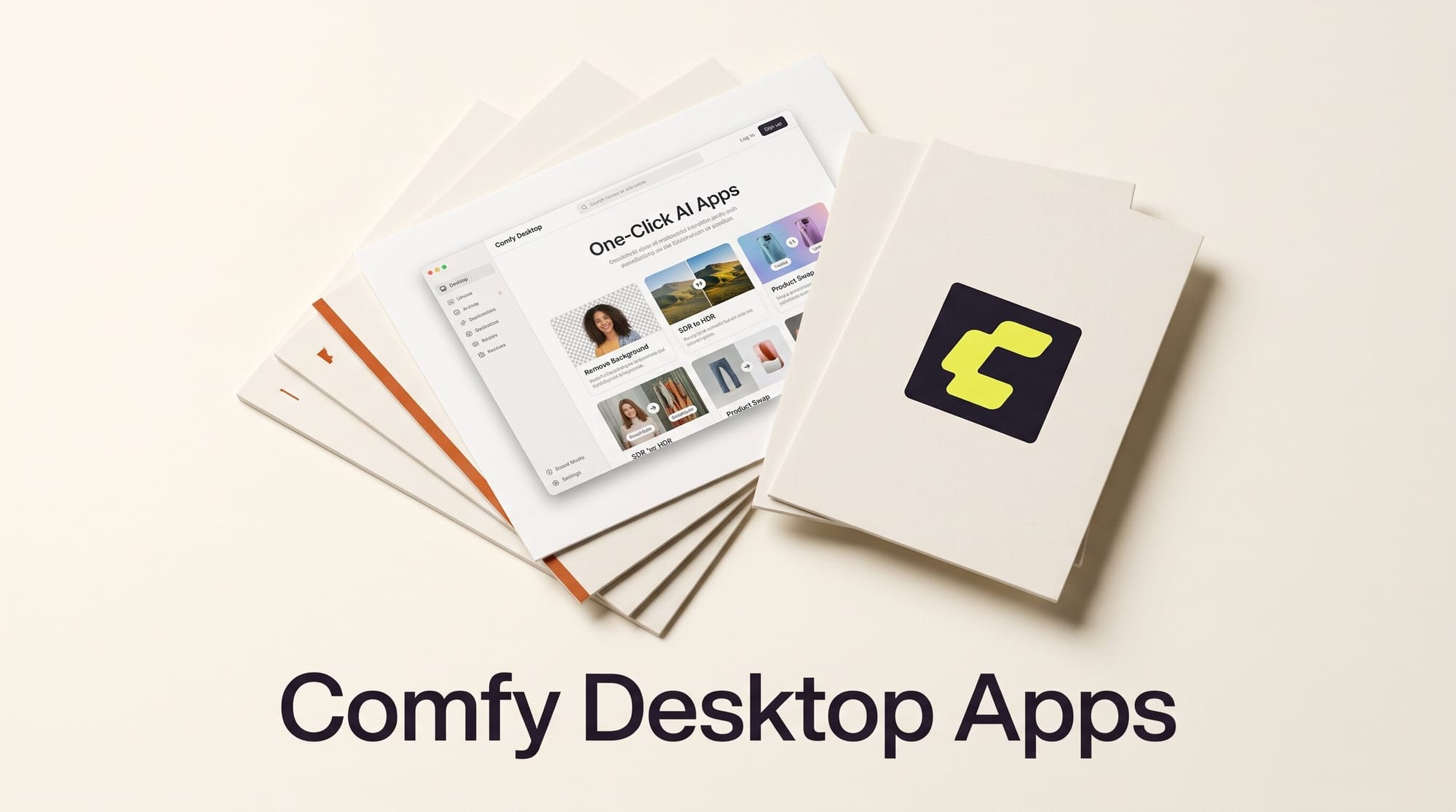
Comfy Desktop 1.2, released by Comfy Org on November 23, 2026, adds six one-click apps that run ComfyUI workflows without the node graph: Remove Background, SDR to HDR, Product Ads, Extend the Picture, Character Swap and Product Swap. Each one runs on Comfy Cloud for credits or on your own graphics card for free, and Comfy's launch post says "apps that are built on open models are free to run locally." That holds for two of the six. For the two marketing apps most likely to earn you money, the free route uses models whose licenses do not let most of our readers sell what they make.
We have not run the apps ourselves. Every figure below comes from Comfy's launch post, the six app pages, the Comfy Cloud pricing page and the model licenses on Hugging Face, all read on November 23. The dollar math is ours and shows how it was worked out.
What Comfy shipped on November 23
Comfy Desktop started as an installer for ComfyUI, the free node-based app many creators use to run image and video models. Version 1.2, announced in a post by Comfy's Alexis Rolland, turns it into a launcher with a new dark look, a gallery of apps and a page for each ComfyUI setup you have installed. The Comfy Desktop releases page shows the 1.2.0 build tagged on November 20 and a 1.2.1 fix on November 21, before the public announcement.
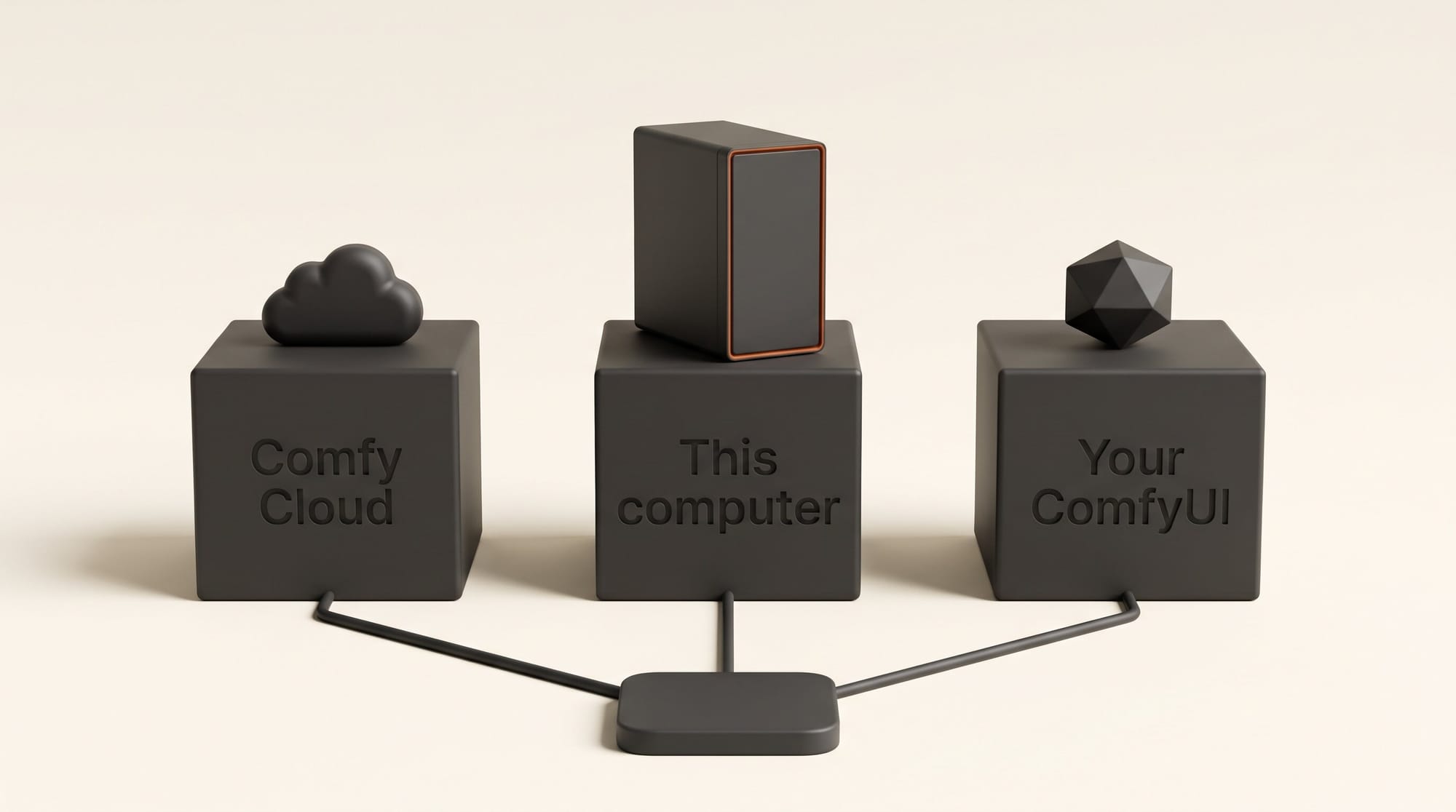
An app is a ComfyUI workflow with a simple form on top. You drop in a picture or a clip, pick a few options, press one button and get a file back. If you want to see how it works, you can open the same workflow in the graph editor. Each app gives you three places to run it:
- Comfy Cloud: runs on Comfy's GPUs and spends credits from your Comfy account.
- This computer: runs in the ComfyUI that Comfy Desktop installed on your machine. Free, and nothing leaves your computer.
- Your ComfyUI: connects the app page on comfy.org to a ComfyUI you installed yourself.
The rest of 1.2 is housekeeping that matters if you have ever broken a ComfyUI install. Desktop now takes a snapshot before every update so you can roll back, models and outputs are shared across all your setups without editing config files, and model downloads from templates land in the right folder by themselves. It runs on Windows, macOS and Linux and is a free download from comfy.org/download. Publishing and sharing your own apps is on the roadmap but not available yet.
The six apps, priced
Comfy's app catalog marks, for each app, whether the local version and the Cloud version need paid "partner" models (commercial models like Seedance, Ideogram and Bria that Comfy calls through their makers). Here is what each one does and what it costs on each route.
| App | What it does | On your computer | On Comfy Cloud |
|---|---|---|---|
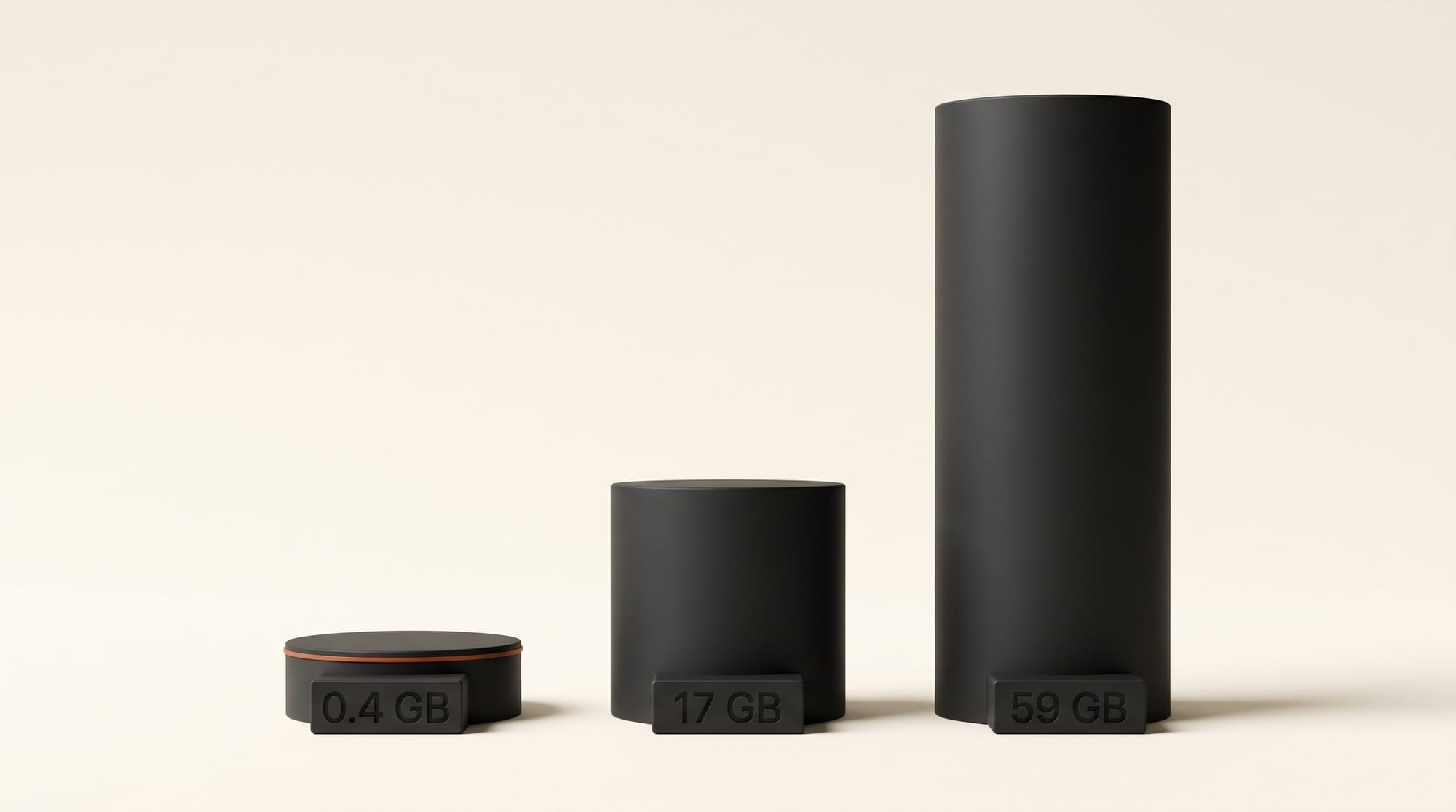
| Remove Background | Cuts the subject out of a picture or a 1-15 second clip | Free, BiRefNet (0.4 GB, MIT license) | A few credits with BiRefNet; Bria RMBG 3.0 for pictures; Bria video at 5 cents a second |
| SDR to HDR | Turns a normal picture or the first 10 seconds of a video into HDR | Free, no model files, any graphics card | Credits for GPU time |
| Product Ads | A short video ad, with voice, from one to three product photos | Free to run, about 59 GB of open models (license catch below) | Seedance 2.5: about 425 credits for 6 seconds, 705 for 10 |
| Extend the Picture | Reshapes a picture (21:9 to 9:16) and fills in the new area | Free to run, Qwen-Image-2.1, about 17 GB (license catch below) | Qwen-Image-2.1 or Ideogram 4.5 Precise Edit |
| Character Swap | Puts someone else into a 4-15 second clip, same moves and camera | Marked Paid: needs partner models on both routes | Seedance 2.5, 480p to 1080p |
| Product Swap | Replaces a product in a 4-15 second clip with yours | The page says it runs on Comfy Cloud | Seedance 2.5, Seedance 2.5 Flash, or MiniMax H3 with Pika H3 Flex |
Comfy prices Cloud work in credits. Its GPU price list works out to 211 credits per dollar (the RTX PRO 6000 is listed at $3.49 an hour and 736.39 credits an hour). The Product Ads examples in Comfy's catalog list their own cost: about 425 credits for a 6-second ad, 565 for 8 seconds, 635 for 9 seconds and 705 for 10 seconds. That is roughly $2.01, $2.68, $3.01 and $3.34 per finished ad. On Comfy Cloud's Standard plan ($20 a month, or $16 billed yearly, with 50,400 credits a year), the monthly 4,200 credits cover about nine 6-second ads. New accounts get 5 free runs before a paid plan is needed.
Two apps quote prices on their own pages. Remove Background charges 5 cents of credits per second for Bria's video cutout, up to 60 seconds, so a full minute is $3.00. The other apps show their price on the run button before you press it. Comfy has not published credit figures for Character Swap or Product Swap. Monthly plan credits expire at the end of the billing period, and top-up credits expire one year after purchase, according to Comfy's credits documentation.
The catch: free to run is not free to sell
"Free on your computer" means you pay nothing to Comfy. It does not mean the files are yours to use in paid work. That depends on the license of the model that made them, and the app pages do not mention it.
The local Product Ads route uses three open models. Qwen3-VL 8B reads your photos and writes the script, under Apache 2.0, which is fine. Qwen-Image-2.1 Turbo makes the first shot with your product in it. MiniMax H3 animates each shot and adds the sound. Comfy says the set takes about 59 GB and the first run downloads it for you.
- Qwen-Image-2.1 (and its Turbo version) ships under the Qwen Research License, which grants use "for non-commercial purposes only" and asks you to email Alibaba for a commercial license. A product ad for a business is commercial use. We covered this switch when Qwen-Image-2.1 dropped Apache 2.0 in September.
- MiniMax H3 ships under the MiniMax H3 Community License, which applies "worldwide, excluding" the European Union, the United Kingdom, South Korea and the United States. It says you may not use the model "or any of their Outputs" outside that territory. For a creator in any of those four places, the license grants nothing at all.
The local Extend the Picture route has the same Qwen problem: it runs the full Qwen-Image-2.1 with a 160 MB LoRA trained for extending pictures. Fine for testing a crop, not for a client's banner.
The two apps with clean local routes are Remove Background, which uses BiRefNet under the MIT license, and SDR to HDR, which uses a node built into ComfyUI and no model at all. On Comfy Cloud, the partner models (Seedance 2.5, Ideogram 4.5, Bria) are paid calls to the model makers, not open weights on your drive, so the two licenses above do not govern them; read Comfy's terms if the work is for a client.
Workflow: a product launch kit from one photo
Here is how a small shop owner, a social media manager or a freelancer making ads could chain three of the apps into a set of launch assets in under an hour, using the routes that are safe for paid work.
- Install Comfy Desktop. Download it from comfy.org/download, open it and let it set up your first ComfyUI build. No terminal is involved.
- Cut out the product. Open Remove Background, drop in your product photo, pick This computer and press Remove background. The first run downloads the 0.4 GB BiRefNet model. You get a transparent PNG and can preview it on white, black or green.
- Make every format you need. Open Extend the Picture on Comfy Cloud, choose Ideogram 4.5 Precise Edit, and turn the shot into 16:9 for YouTube, 1:1 for a feed and 9:16 for Stories. Ideogram paints up to about 4 megapixels, so extend one side at a time on a large photo. Our Ideogram 4.5 Precise Edit test covers how well it keeps the original pixels.
- Make the video ad. Open Product Ads on Comfy Cloud. Add the product photo and, if you have one, a photo of it in use. Pick Studio, Lifestyle or Talking, the number of shots (1 to 6), the length and the shape (9:16, 1:1 or 16:9). Seedance 2.5 films it from a script that Qwen 3.5 writes from your photos. Expect a few minutes and about 425 credits for 6 seconds.
- Reuse the prompt. Each finished Cloud ad shows the prompt that made it. Edit it under Advanced to make a variation without starting over.
- Optional HDR stills. Run your best still through SDR to HDR on This computer for an HDR AVIF that Chrome and Edge show brighter on HDR screens. It only helps on HDR displays.
Photos for Product Ads must be JPG, PNG or WebP, at most 20 MB, at least 300 pixels on each side, and no side more than 2.5 times the other. The app works from photos only; it cannot read a product page link. For a cheaper ad, the app also offers Seedance 2.5 Flash, which our Seedance 2.5 Flash cost breakdown found about 34% cheaper than the full Seedance 2.5.
What your computer needs for the free route
Download sizes vary a lot between apps, and Comfy does not list minimum graphics memory for any of them. What the app pages do say:
- SDR to HDR: no model files. Any graphics card works, with ComfyUI 0.41 or newer. Videos use the first 10 seconds at up to 1920 pixels.
- Remove Background: a 0.4 GB model. Clips of 1 to 10 seconds at up to 1280 pixels on your computer, against 1 to 15 seconds at 1920 pixels on Cloud. Each video run returns three files: the subject on green (an MP4 with sound), a transparent WEBM and a black and white mask for video editors.
- Extend the Picture: about 17 GB plus the 160 MB LoRA, and "a few minutes" per picture at a slightly smaller working size than Cloud.
- Product Ads: about 59 GB of open models, downloaded once on the first run.
If an app page cannot reach your computer, the Remove Background and Extend pages say to add the comfy.org site under Settings, Server-Config, Network, Enable CORS header in Comfy Desktop, then restart. The SDR to HDR page says that in Comfy Desktop it just works.
Who should install it
Install it today if you cut out products or people for thumbnails, ads or edits. Remove Background on your own machine is free, private and commercially clean, and the green-screen, transparent and mask outputs are ready for any video editor.
Use the Cloud route for paid ad work. Product Ads at about $2 for a 6-second vertical ad is a reasonable price for a first draft a client can react to, and it does not depend on the open-weight licenses below.
Treat the free local ad route as a test bench. If you are in the US, the UK, the EU or South Korea, the MiniMax H3 license does not cover you, and Qwen-Image-2.1 is non-commercial everywhere. Use it to try ideas, not to deliver.
Skip the swap apps for now unless you already budget for Seedance. Character Swap is marked Paid on both routes, and neither swap app publishes its credit cost yet.
Frequently asked questions
Is Comfy Desktop free?
Yes. Comfy Desktop is a free download for Windows, macOS and Linux, and apps that run on your own computer cost nothing to run. Comfy Cloud, which runs apps on Comfy's GPUs, needs a paid plan after 5 free runs. Standard costs $20 a month, or $16 a month billed yearly.
How much does a Product Ads video cost on Comfy Cloud?
Comfy's own examples list about 425 credits for a 6-second ad, 565 for 8 seconds, 635 for 9 seconds and 705 for 10 seconds. At 211 credits per dollar, that is roughly $2.01 to $3.34 per ad. The Standard plan's 4,200 monthly credits cover about nine 6-second ads.
Can I sell ads made with the free local Product Ads route?
Probably not. The local route uses Qwen-Image-2.1 Turbo, which is licensed for non-commercial use only, and MiniMax H3, whose license excludes the United States, the European Union, the United Kingdom and South Korea. Ask a lawyer before delivering client work made this way, or use the Comfy Cloud route instead.
Do I need ComfyUI skills to use the apps?
No. Each app is a form with an upload box, a few options and one button. Comfy Desktop installs ComfyUI for you without a terminal. The node graph is still there if you want to open the workflow behind an app, but you never have to.
Which Comfy Desktop apps are fully free and safe for commercial work?
Remove Background with the BiRefNet model, which is MIT licensed, and SDR to HDR, which uses a node built into ComfyUI and no model. Both run free on your own computer and nothing leaves your machine.
Can I build and share my own apps?
Not yet. Comfy says publishing and sharing user-made apps is planned. For now the gallery holds the six first-party apps, and teams on Comfy Cloud can share whole ComfyUI builds instead.