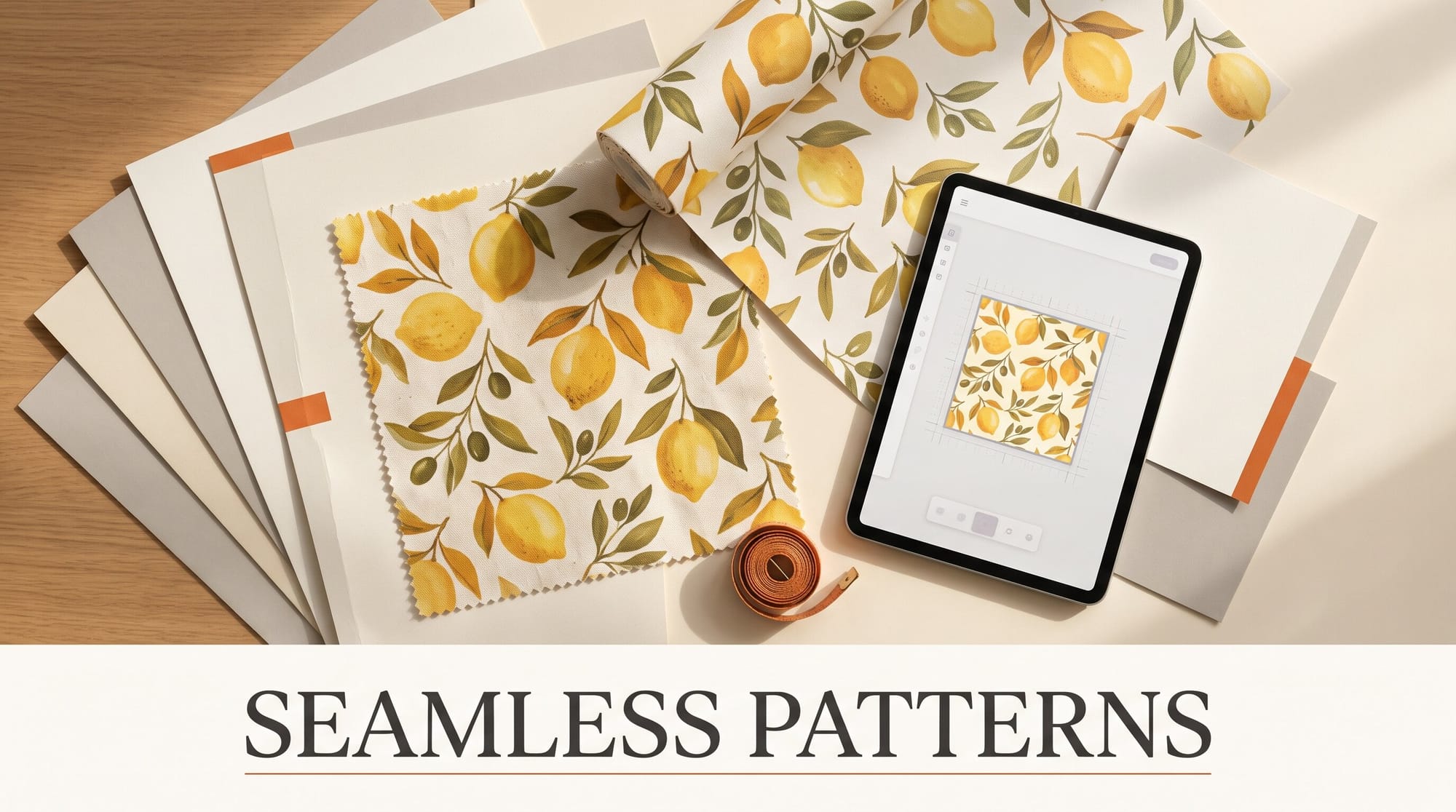
You can make a seamless repeating pattern with AI in under an hour, and the AI is the easy part. Midjourney's tile setting draws a square whose edges meet themselves, Illustrator's Text to Pattern builds an editable vector repeat from a sentence, and the free painting app Krita turns any AI image into a tile by hand. The part that decides whether your fabric or wallpaper prints cleanly is the sizing, and it comes down to one number: 150 pixels per inch. This guide walks all three routes, then sizes the tile for a print-on-demand shop.
What You Need
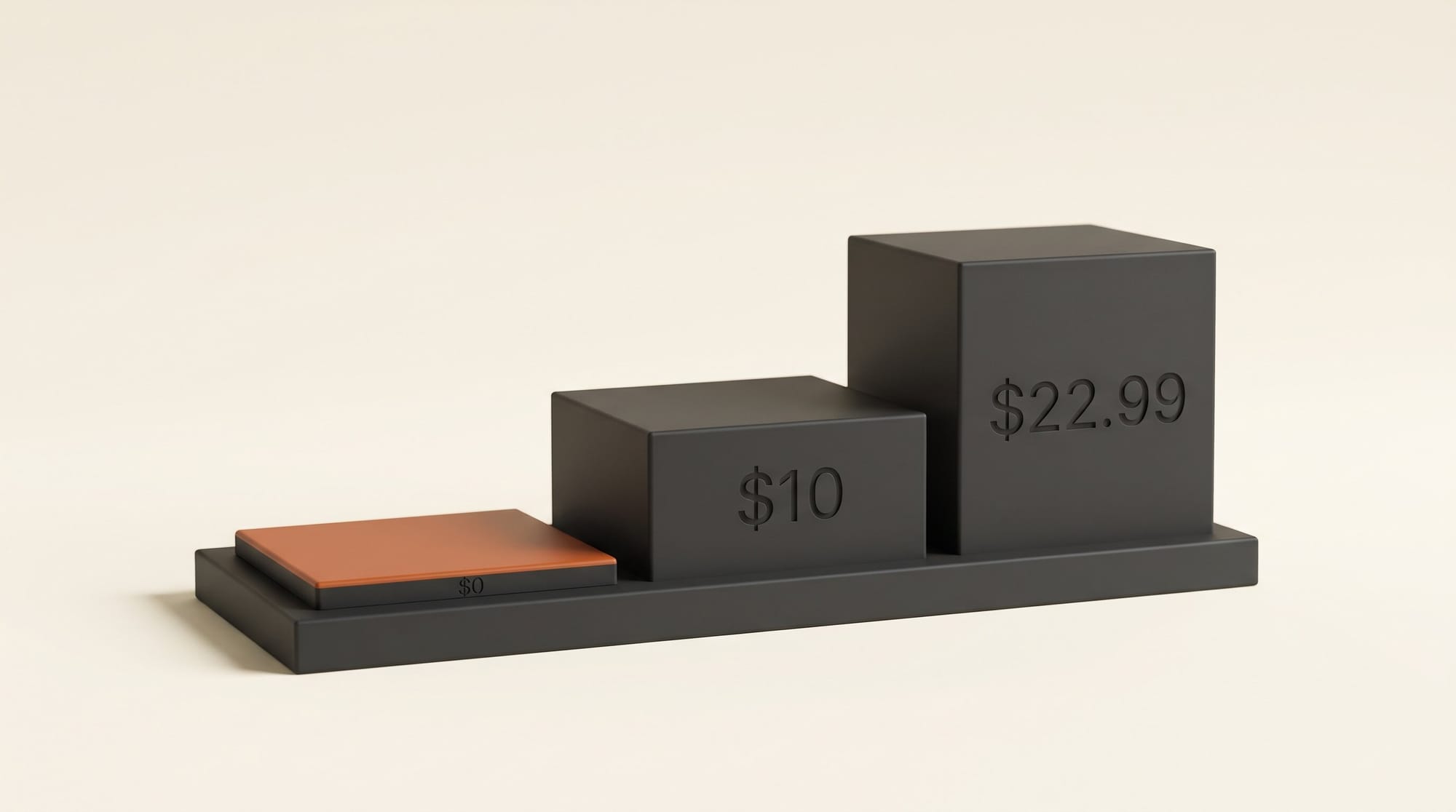
- One way to make the tile (pick one): a Midjourney plan (Basic is $10 a month), an Illustrator plan ($22.99 a month on an annual plan, with a seven-day free trial), or nothing at all if you use Krita, which is free, plus any image app you already have.
- A free seam checker: the Seamless Pattern Checker, the browser tool Midjourney's own help page points to. Drop in a tile and it shows the tile repeated across the screen.
- A place to print or sell: this guide uses Spoonflower's published sizing rules for fabric and wallpaper, because they are specific and public. Other print shops have their own numbers; the method is the same.
- About an hour for your first tile, most of it spent choosing between options.
Pick Your Route
The three routes make different kinds of patterns, so pick by the look you want, not by price alone.
| Route | What you get | Seamless by design? | Monthly cost |
|---|---|---|---|
| Midjourney with the tile setting | Painterly, textured, illustrated repeats as a 2048 x 2048 pixel image | Yes, edges are made to match | $10 (Basic) |
| Illustrator Text to Pattern | Flat vector repeats you can recolor and scale to any size | Yes, saved as a pattern swatch | $22.99 |
| Any image app, fixed in Krita | Whatever your image app draws, made to repeat by hand | No, you fix the seams yourself | $0 |
Watercolor florals, hand-drawn textures and anything with painted depth suit Midjourney. Clean geometric repeats, logo-style motifs and anything you will recolor for a product range suit Illustrator. If you already have a motif you love from the Gemini app, ChatGPT or your own scan, Krita is the route.
Route 1: Make a Painted Tile in Midjourney
Step 1: Write a flat, evenly spread prompt and add the tile setting
On midjourney.com, type your prompt in the Imagine bar and add --tile to the end. That setting makes the edges of the image match the opposite edges, so copies placed side by side join without a visible line. It works in V8.2, the current default version, and in V8.1.
Describe a surface, not a scene. Patterns repeat best when the motifs are scattered evenly with no single focal point and no horizon. A prompt that works:
small hand-painted lemons and leaves scattered evenly on a cream background, gouache texture, flat lighting --tile --hd
Step 2: Generate in HD instead of upscaling later
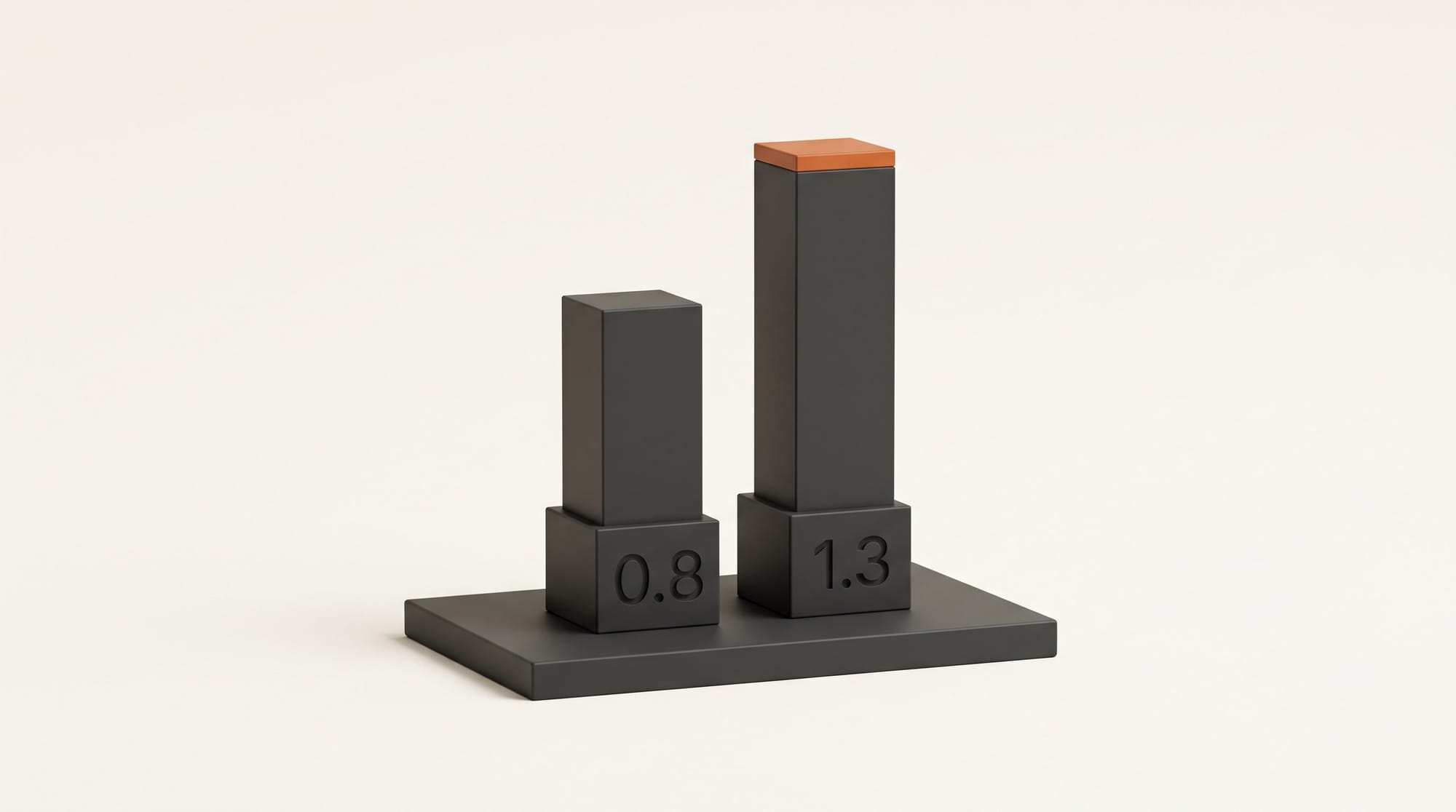
The --hd part matters. Midjourney's own guidance is that upscaling a tile often breaks the seamless repeat, so you want the size from the start. In V8.2, HD images come out at 2048 x 2048 pixels instead of 1024 x 1024, and an HD prompt costs 1.3 minutes of fast GPU time against 0.8 for standard. After you download, check the file's pixel size: an HD tile should be 2048 x 2048. If yours comes back at 1024 x 1024, it still prints cleanly at up to about 6.8 inches at 150 dpi, which covers most fabric repeats.
In plain money: the Basic plan gives you 200 fast minutes a month, which is roughly 150 HD prompts, or about 6.5 cents a prompt. Standard ($30) adds unlimited Relax mode for images, so you can keep rerolling a pattern for free once your fast time runs out.
Step 3: Preview the repeat before you download
Click your tile on midjourney.com to open it, then click it again: the site shows the full repeating pattern. Look for the two classic giveaways, a motif sliced in half at a regular interval and a "grid" where the same lemon lines up in obvious rows. If you see a grid, reroll with "scattered randomly" or "tossed" in the prompt. Download the one you like.
One business note before you sell anything: Stealth Mode, which keeps your images out of public view on Midjourney, only starts at the Pro plan ($60). On Basic and Standard, other people can see what you make.
Route 2: Make an Editable Vector Pattern in Illustrator
Step 4: Generate from the Generate Patterns panel
Update Illustrator, open a new document, then go to Window > Generate Patterns (it also sits under Object > Patterns > Generate Patterns and in the Properties panel). Type a description such as "flora and fauna on navy blue" and click Generate. Before you generate, set a Color Preset, the number of colors, or the exact colors you want, and pick an effect preset such as geometric if you want hard-edged shapes. Thumbnails appear in the panel; click one to see it on your canvas.
The result is an editable vector pattern, not a picture of one. That means no pixel limit at all: the same repeat prints sharply on a phone case or a duvet. It is a Firefly-powered feature, and Adobe lists it as unavailable in mainland China.
Step 5: Recolor the range and save the swatch
Ungroup, delete or duplicate shapes you do not like, then select Recolor to adjust colors by hand, or use Generative Recolor to try palettes from a text prompt ("dusty rose and sage", "high-contrast black and mustard"). One pattern in five colorways is a product range. Save each one to your swatch library. If you started from a Midjourney or scanned image instead, see our comparison of AI vectorizers for turning pixel art into vector shapes first.
To export a print file, draw a square artboard at your repeat size (Step 8 below has the sizes), fill it with the swatch, export it as a PNG at 150 pixels per inch, and run the PNG through the seam checker. If the edges do not meet, change the tile size in the pattern options until a whole number of tiles fits the artboard.
Route 3: Turn Any AI Image Into a Tile for Free in Krita
Step 6: Shift the seams to the middle and paint them out
Most image apps, including the Gemini app and ChatGPT, do not make true tiles; their edges almost never match. You can fix that yourself with Krita, a free painting app for Windows, Mac and Linux.
- Generate a square image of evenly scattered motifs on a plain background, the same way as Step 1, and open it in Krita.
- Go to Image > Offset Image and shift it by half its width and half its height. The old edges now meet in a cross through the middle of the picture, where you can see the breaks.
- Paint over the cross with the brush or the clone tool, or move a motif on top of each break.
- Turn on View > Wrap Around Mode, which shows the image tiled across the screen, and keep painting until no line or repeat stands out. In this mode a stroke that runs off one edge continues on the opposite one.
- Export as PNG and drop it into the seam checker as a final test.
Size the Tile for Fabric and Wallpaper
Step 7: Know the one number print shops use
Spoonflower prints at 150 dpi, and its sizing guide gives the rule: inches times 150 equals pixels. A 4 inch repeat is 600 x 600 pixels. Run it the other way and a 2048 pixel Midjourney HD tile already covers a repeat about 13.6 inches wide, larger than most fabric repeats. That is why you rarely need to upscale a pattern for fabric: you will usually shrink it.
Step 8: Pick a width that divides the wallpaper roll
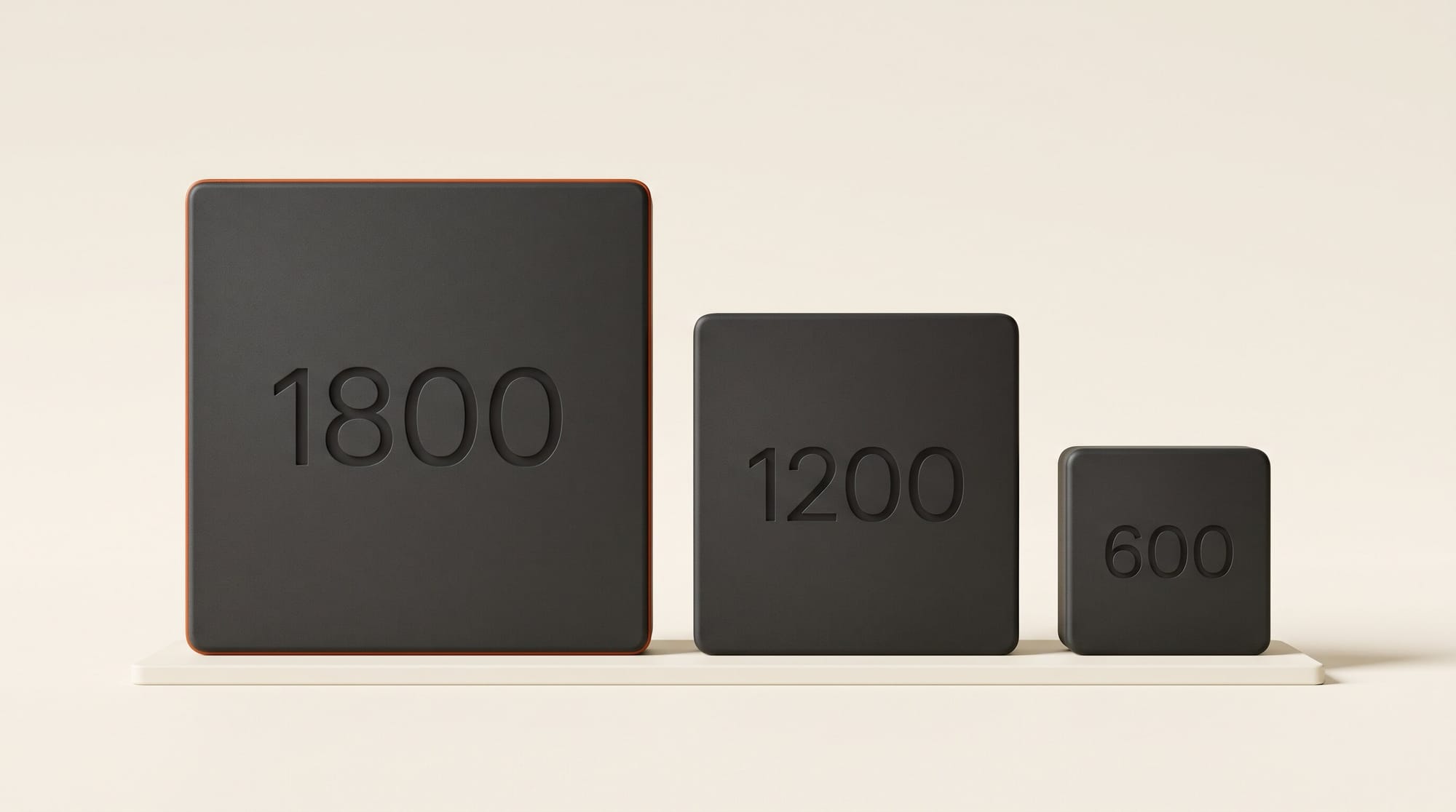
Wallpaper has one more rule. The roll is 24 inches (3600 pixels) wide, and every design must repeat a complete number of times across it; for Half-Drop and Mirror repeats, the count must also be even. So 13.6 inches will not do. Resize your tile to one of these widths before you upload:
- 12 inches (1800 pixels): 2 repeats across the roll; Basic, Half-Brick, Half-Drop and Mirror all work.
- 8 inches (1200 pixels): 3 repeats; Basic and Half-Brick only.
- 4 inches (600 pixels): 6 repeats; all four repeat types work.
Resize the whole square in any photo app, keep it square, then run it through the checker once more, because resizing can soften the very edge pixels. Half-Drop is worth trying for florals: each column steps down by half a tile, which hides the grid look that straight repeats can show.
Troubleshooting
A faint line shows where the tiles meet. Usually the tile was upscaled or resized after it was made. Go back to the original, or paint the line out in Krita with Wrap Around Mode on.
The same motif lines up in obvious rows. The tile is seamless but too regular. Reroll with "scattered randomly" in the prompt, move a few motifs in Krita, or switch the print repeat to Half-Drop.
The print came out much smaller than expected. The shop read your pixels at 150 per inch. A 1024 pixel standard Midjourney image prints at under 7 inches; check the pixel size before you order.
The edges of a non-tiling image will not join. Spoonflower's Mirror repeat flips the design both ways, so every edge meets its own reflection. It suits symmetrical damask and botanical designs, and saves you the Krita step.
What to Try Next
Put the pattern on products before you order a yard of anything: our AI mockup generator comparison shows which tools place your exact file on a shirt or a cushion. If you want a consistent look across a whole collection, the style controls in Midjourney V8.2 help keep five patterns in one family. And when the range is ready, our guide on where to sell AI art covers the shops and their rules.
Frequently Asked Questions
Can I make a seamless pattern with AI for free?
Yes. Generate a square image of scattered motifs in any free image app, then make it repeat in Krita, which is free: Image > Offset Image moves the seams to the middle, you paint them out, and View > Wrap Around Mode shows the result tiled. Test it in the free Seamless Pattern Checker before you print.
Why does my Midjourney pattern show seams after upscaling?
Midjourney says upscaling a tile often breaks the seamless repeat. Generate with --tile --hd instead, so the size comes from the first render: a 2048 x 2048 pixel HD image covers a repeat about 13.6 inches wide at 150 dpi. Check the downloaded file's pixel size before you plan the print.
What resolution does a pattern need for fabric printing?
Spoonflower prints at 150 dpi, so multiply the repeat size in inches by 150 to get pixels: 600 pixels for a 4 inch repeat, 1800 for 12 inches. Other print shops can differ, so check their sizing page.
Can I sell fabric printed with a Midjourney pattern?
Midjourney's plan page says that once you have subscribed you can use your images in just about any way you want, and that a company making more than $1,000,000 a year in gross revenue needs the Pro or Mega plan. Each shop has its own content rules too, so read those before you list.
Should I make a vector or a pixel pattern?
Pick vector, from Illustrator's Text to Pattern, for flat colors you will recolor or print at many sizes, since vectors have no pixel limit. Pick pixel, from Midjourney or Krita, for painted texture and depth, and size the file to the exact repeat you will print.