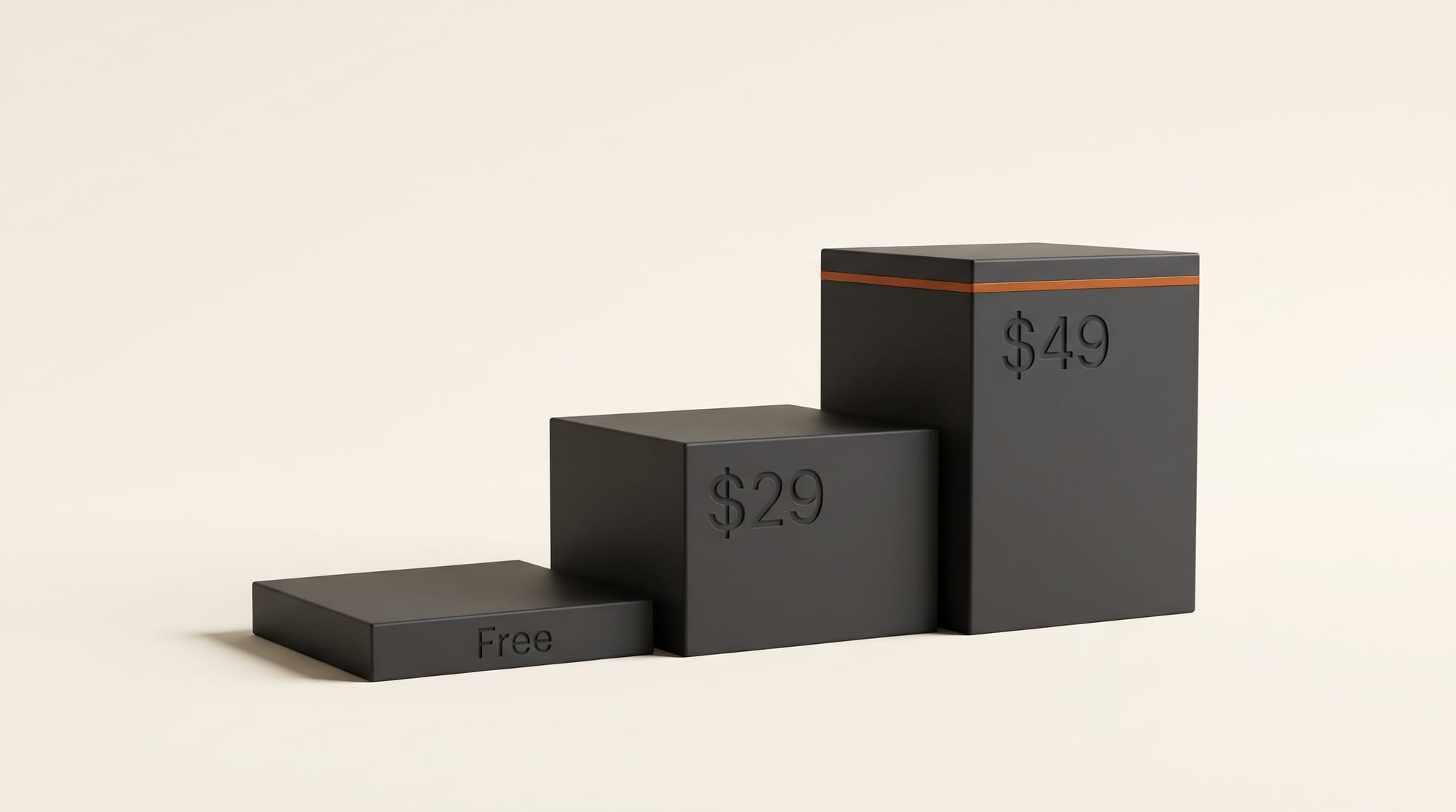
Maxon announced Agentic Licenses for Cinema 4D and Autograph on November 23, 2026: $49 a month for Cinema 4D with Redshift rendering included, $29 a month for Autograph. Each one gives an AI assistant its own headless copy of the app, so it can work on a separate machine while you keep using yours. The same day Maxon launched Maxon Plus, a separate subscription that starts at $10 a month and covers browser-based 3D review plus credit-based tools that generate 3D models, textures and sculpting base meshes.
Neither product includes the AI itself. You bring and pay for Claude or ChatGPT, and the MCP server built into Cinema 4D that lets them drive the app has been free since version 2026.4. Most of this article is about one question: which of the three do you need? Below are what each does, a cost table, the free route to try first, what Maxon Plus generates, and what happens to your project files. Every fact comes from Maxon's product pages and launch coverage, checked November 23, 2026. We have not run an agent through a production scene yet.
What Maxon launched on November 23
There are three pieces, and the launch coverage blurs them together.
The MCP servers (free, already shipping). MCP, the Model Context Protocol, is an open standard that lets an AI assistant use another app's tools. Cinema 4D 2026.4 and later, and Autograph 2027.0 and later, include an MCP server you switch on in Preferences. Once it is on, Claude Desktop or ChatGPT Desktop can build and edit scenes inside the copy of Cinema 4D you have open, and you watch every change happen.
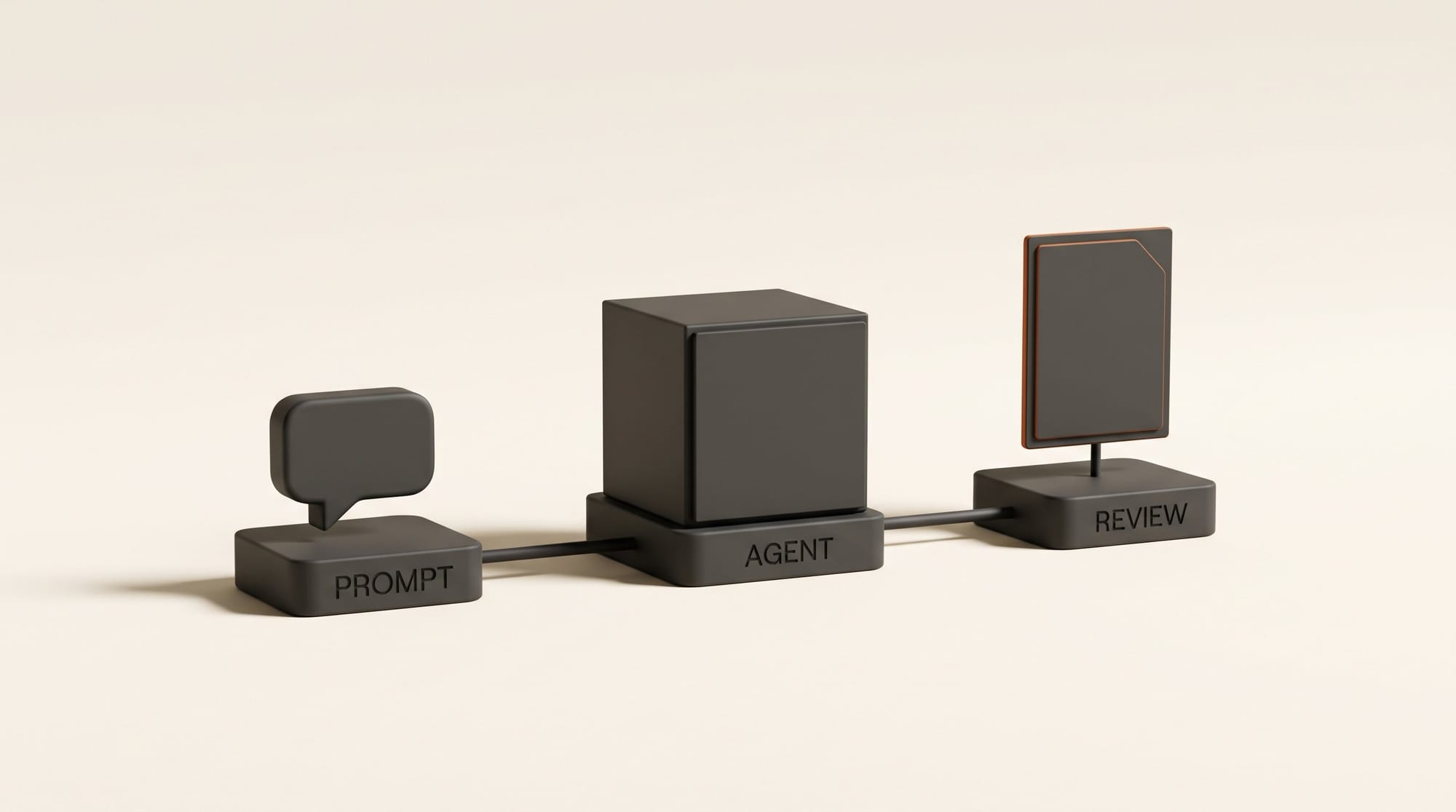
The Agentic Licenses (new, $49 and $29 a month). These give the AI a copy of its own. In Maxon's words on the Maxon Agentic page, it is a headless copy (no interface) that runs "on your computer or remotely." The workflow is five steps: you prompt the agent in a supported AI app, it drives the headless Cinema 4D or Autograph over MCP, it uses its own license so yours stays free, you open the finished project in your copy to review it, and you tell it what to change. Maxon's page puts it plainly: nothing is final until you review it.
Maxon Plus (new, from $10 a month). A cloud subscription sold separately from Cinema 4D, ZBrush and Maxon One. It holds Maxon Review (browser-based client review, in public preview), Model Generator, Texture Generator and Clay Builder. Generation spends monthly credits; review costs nothing during the preview.
Speaking to Creative Bloq, Maxon chief product officer Steve Forde called the agent "an ambitious intern," and the company's pitch is one assistant running beside each Cinema 4D artist rather than replacing one.
What the agent can do in Cinema 4D
The agent works through Cinema 4D's own tools, so what comes back is native, editable scene data, not a generated picture. Maxon's MCP documentation lists the jobs it handles well:
- Renaming and reorganizing object hierarchies, including translating object names from another language.
- Creating material or object variations from an approved scene.
- Setting up object IDs and matte AOVs (the render passes compositors ask for).
- Debugging rigs or expressions, writing small scripts and basic modeling.
- Searching for and adding Maxon Capsule assets.
For the Agentic License, Maxon's headline use case is controlled variations: you hand over an approved scene plus the colors, materials, labels or product options to apply, and the agent returns previews to check against your reference. VP Land's walkthrough uses a helmet in a run of color variations as the example. Template-based requests, repetitive scene prep and technical checks round out the list.
Maxon is also unusually direct about the limits. The same MCP page warns that the AI can overstate its success, so check the scene yourself; that it cannot see Cinema 4D error dialogs, so you have to relay them; that it may claim a feature does not exist because its training data is out of date; that creating hundreds of separate objects can stall; and that a batch which fails partway leaves the finished steps in your scene. Undo works, but read every result before it goes to a client.
MCP vs Agentic License vs Maxon Plus: what each costs
| Option | Maxon price | What you also need | What it gives you |
|---|---|---|---|
| Cinema 4D MCP server | Free, included | Cinema 4D 2026.4 or later, plus your AI app | The AI works inside the copy you have open |
| Autograph MCP server | Free (Autograph is free for individuals) | Autograph 2027.0 or later, plus your AI app | Same, for motion graphics and compositing |
| Cinema 4D Agentic License | $49 a month, Redshift included | Your AI app; a regular Cinema 4D license to open its work | The agent's own headless copy, so you keep working |
| Autograph Agentic License | $29 a month | Your AI app | The agent's own headless Autograph |
| Maxon Plus Starter | From $10 a month, 3,000 credits | Nothing; works in the browser | Review links plus AI model, texture and base mesh generation |
| Maxon Plus Creator / Pro | Regional price at checkout; 9,000 / 25,000 credits | Nothing | More monthly credits |
A few terms decide whether the Agentic License fits. According to the Maxon Agentic store page and the Agentic overview, it is a commercial monthly subscription for named users and teams only: there is no trial and no education version, and it is not included in Maxon One or Maxon Plus. Each license runs one headless copy at a time, so two agents working at once need two licenses. The headless apps come in the standard installers, with no separate download. You can buy the license without owning Cinema 4D, but to open and refine what the agent makes you still need a regular license such as Maxon One.
Then add the AI. Maxon validates Claude Desktop and ChatGPT Desktop for the MCP servers, and the Agentic page lists Anthropic's Claude Code desktop app plus OpenAI's ChatGPT and Codex. Other MCP apps can connect but are untested. Whichever you pick, its subscription is billed by that company, on top of Maxon's price.
How to try it free before you buy anything
If you already own Cinema 4D 2026.4 or later, the free MCP route shows you whether an AI assistant helps your work at all. Maxon's setup is three steps, all inside the apps:
- In Cinema 4D, open Preferences, go to MCP, turn the server on and choose your client (Claude Desktop or ChatGPT Desktop). Cinema 4D shows a warning when you enable it; the server is off by default.
- In the Clients section, select your client, click Update Selected Client, then restart Claude or ChatGPT.
- Test with something small, such as asking it to create a cube.
Before you hand over a real project, open the Toolset section. It lets you switch 15 tool groups on or off, and two separate settings decide whether the AI may run Python code and whether it may create Python tags and generators. Leaving both Python settings off on day one keeps the agent to Cinema 4D's own tools. Connections are local only by default; remote access needs a host setting and an IP allow list, and Maxon notes those remote connections are not encrypted.
Then give it the job you would give an intern: rename and sort a messy imported hierarchy, or make five material variations of an approved product shot. Autograph's MCP server page follows the same three steps, and Maxon says the two servers together can handle workflows that span 3D and compositing.
The Agentic License only earns its $49 when your own copy becomes the bottleneck: when you want the agent rendering forty colorways on a second machine while you keep animating on the first.
Maxon Plus: review links and AI-generated 3D
Maxon Review is the part most freelancers will use first. You upload a model, animation, video or still and send a link; the client orbits the asset in any browser, including on a phone or tablet, and leaves frame-accurate comments. In Cinema 4D, clicking a comment jumps your viewport to the camera angle the reviewer used. Digital Production notes that the browser shows a USDZ or glTF proxy rather than your C4D or ZBrush file, and that it does not render with Redshift in the browser; you upload Redshift renders alongside the model instead. Version comparison, password links and download blocking are included, and review costs no credits during the preview.
The three generators spend credits:
- Model Generator makes an editable 3D model with materials from a text prompt, a reference image or a sketch you draw in the browser. Generated files save locally as .glb or .fbx.
- Texture Generator textures an existing model from a description or reference images, and can keep your existing UV layout.
- Clay Builder makes an untextured, low-polygon base mesh to sculpt on in ZBrush, including ZBrush for iPad.
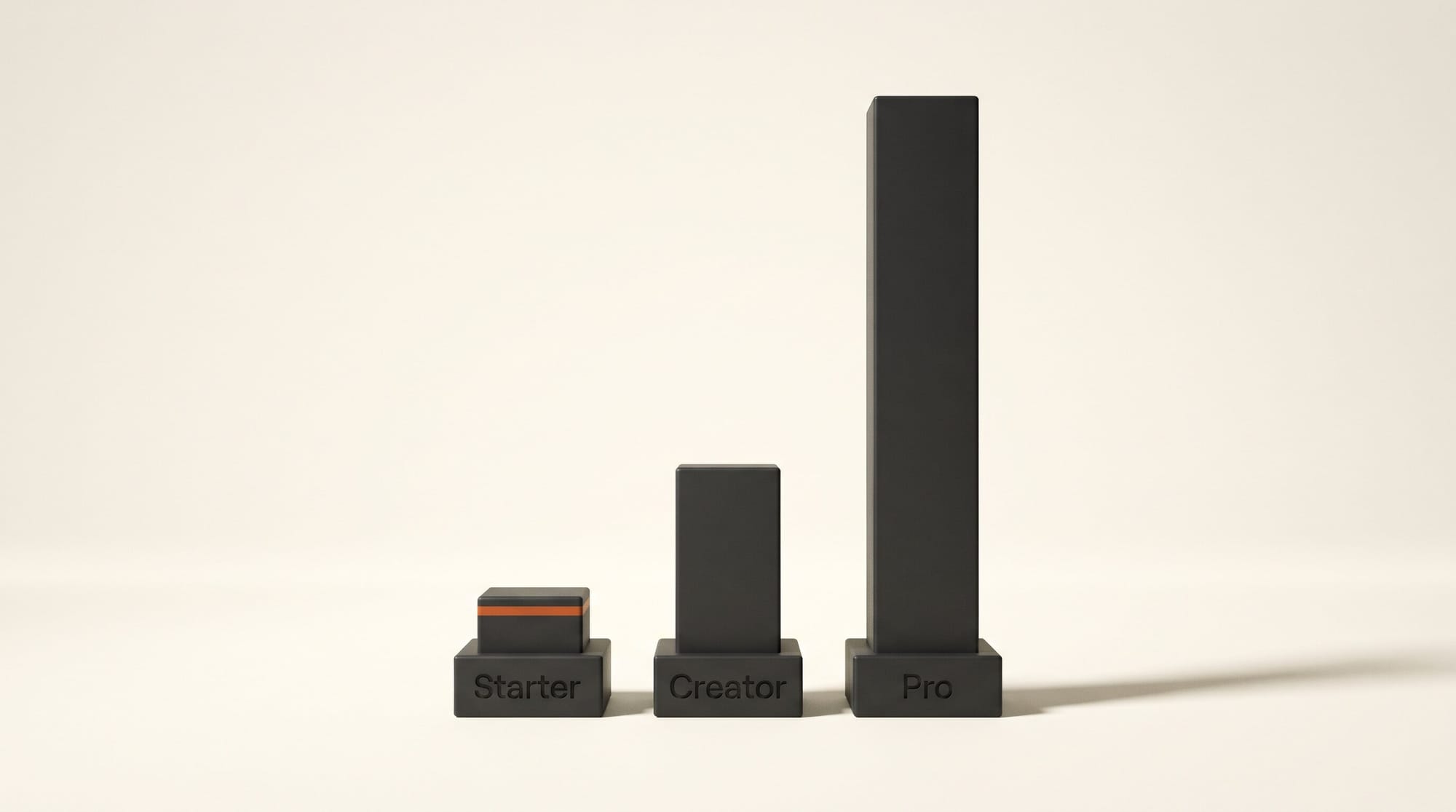
Credits come in three monthly packs on the Maxon Plus plans page: Starter with 3,000, Creator with 9,000 and Pro with 25,000. They renew each billing cycle and do not roll over. The cost of each job depends on the input and settings and is shown before you run it, and failed jobs caused by system errors are refunded. Creative Bloq reports the first generation provider is Rodin, with more to follow; Maxon itself only says it curates its partners. The generators are limited to users aged 18 and over.
One version check before you buy credits for in-app use: Maxon's FAQ lists Cinema 4D 2027.1 or later for Model Generator inside Cinema 4D, and the release Maxon shipped in October was 2027.0. The browser version at plus.maxon.net does not depend on your desktop version.
What happens to your project data
This is the part to read twice. On its Agentic page, Maxon warns that a connected AI tool can read your entire project and send it to the AI provider, and that many providers, especially on free plans, train on that data by default. The AI company's own terms apply, not Maxon's. If you work under a client NDA, check your Claude or ChatGPT plan's training setting before you connect, and remember that Maxon's license bars using its own assets, such as Capsules and Inspiration Projects, to train AI.
Maxon Plus is different because Maxon chooses the providers. Its responsible AI page and the launch release say Maxon prohibits those providers from training generative models on your content, prompts or outputs. There is also an off switch: you can disable Maxon Plus to hide every cloud AI feature, or turn AI off across your whole account, and a team admin can enforce that for every member.
Who should pay for what
Solo Cinema 4D artists: pay Maxon nothing new yet. Turn on the free MCP server, connect the AI app you already pay for, and give it a week of hierarchy cleanup and variations. If it saves you an evening a week, you have your answer.
Product and packaging studios: the Cinema 4D Agentic License is built for you. Colorways, label swaps and SKU variations are exactly the controlled, reviewable work Maxon describes, and $49 a month for an agent seat with Redshift is less than a day of junior time.
Motion designers on Autograph: the app and its MCP server are free for individuals, so the $29 Autograph Agentic License is only worth it when you need a second, unattended copy.
Freelancers who send work to clients: Maxon Plus Starter at $10 is worth it for Maxon Review alone, and the 3,000 credits let you test the generators on props and background assets before deciding whether a bigger pack pays off.
Frequently asked questions
How much does the Maxon Agentic License cost?
$49 a month for Cinema 4D, with Redshift rendering included, and $29 a month for Autograph. Both are monthly commercial subscriptions for named users and teams, with no trial or education version, and neither is included in Maxon One or Maxon Plus.
Do I need an Agentic License to use Claude or ChatGPT with Cinema 4D?
No. The MCP server built into Cinema 4D 2026.4 and later is free and lets Claude Desktop or ChatGPT Desktop work inside the copy you have open. The Agentic License only adds a separate headless copy for the agent, so you can keep working while it runs.
Is the AI included in the Agentic License?
No. You choose and pay for the AI service yourself. Maxon validates Claude Code desktop, ChatGPT and Codex for the Agentic License, and that provider's costs and data terms apply on top of Maxon's price.
What does Maxon Plus cost and what do the credits buy?
Maxon Plus starts at $10 a month for the Starter pack with 3,000 credits; Creator has 9,000 and Pro 25,000. Credits pay for AI model, texture and base mesh generation, renew monthly and do not roll over. Maxon Review uses no credits during its public preview.
Can I turn off Maxon's AI features?
Yes. You can disable Maxon Plus to hide all cloud AI features, or turn AI off across your Maxon account; team admins can enforce it for everyone. The MCP server in Cinema 4D is off by default and only runs if you enable it.
Can the agent's Cinema 4D files be opened without a Cinema 4D license?
No. You can buy the Agentic License without owning Cinema 4D, but to open and refine the projects the agent makes you need a regular Cinema 4D license, such as Maxon One.