On November 10, 2026, Anthropic made Adobe, Canva, Webflow and ten other apps open in full inside Claude, beside the chat or full screen, with Claude's edits appearing in the app as it makes them. Anthropic says the feature is rolling out on all Claude plans, on the web and in the Claude desktop app. The same day it added Claude Sheets and Claude Whiteboards, two new beta workspaces for paid plans.
For creators, the change is where the work happens. Until now Claude could send a request to a connected app and show a small card with the result. Now the whole app sits next to the conversation: you can watch a photo being retouched in Adobe, a design being edited in Canva, or a page being built in Webflow, and step in yourself. This guide covers which creative apps work today, what each plan costs, a launch-day workflow that runs from one chat, and the limits to know before you rely on it.
What Anthropic shipped on November 10
Interactive connectors are not new. Anthropic first launched them on January 26, 2026 with Amplitude, Asana, Box, Canva, Clay, Figma, Hex, monday.com and Slack, available on every plan from Free upward. Those were inline cards: a design preview or a task list inside the conversation, good for a quick look or a single action.
The November release turns the card into the full tool. According to Anthropic's announcement, you can open a connected app beside the chat, hide the chat, or go full screen. Changes Claude makes "appear in the tool as Claude makes them", and you approve each action the same way you approve any connector action. You can also open a connected app without writing a prompt, pin it to the sidebar, and arrange it next to your artifacts.
Thirteen tools are launch partners for the full view: Adobe, Asana, Atlassian Confluence, Box, Canva, Carta, Dropbox, HubSpot, monday.com, Notion, Smartsheet, Vercel and Webflow. Figma, Harvey and Shopify are "building integrations", so they are not there yet. The feature arrives as accounts move to the new Claude experience, the merged chat and Cowork app we covered when Cowork merged into chat in September.
Under the hood, the apps run on MCP Apps, an open extension to the Model Context Protocol. That matters for one practical reason: an app built this way is not locked to Claude, so the same Canva or Webflow view can appear in any assistant that supports the extension.
Which creative apps open inside Claude today
Most of the thirteen partners are business tools. For people who make images, designs and websites, five matter now and one is coming. The table uses the descriptions Anthropic and the vendors published; Anthropic gives no detail yet for some partners.
| App | What Claude does inside it | Account you need | Full app view today |
|---|---|---|---|
| Adobe | Retouch, edit and add effects to photos; highlight, edit and redact PDFs | A Claude account; an Adobe sign-in adds tools, higher limits and saved work | Yes |
| Canva | Create and edit designs | Your Canva account, connected once | Yes |
| Webflow | Build pages, components and CMS items, add animation, answer traffic questions | Webflow sign-in; Claude works within your workspace role | Yes |
| Notion | Create a doc or database and build it while you chat | Your Notion account | Yes |
| Vercel | Listed as a launch partner; Anthropic gives no detail yet | Your Vercel account | Yes |
| Figma | Review and annotate designs in chat cards (since January) | Your Figma account | Not yet, "building integrations" |
The Adobe entry sits on top of the Adobe for creativity connector Adobe launched for Claude on April 28, which reaches "50+ pro-grade tools" across Photoshop, Illustrator, Firefly, Express, Premiere, Lightroom, InDesign and Stock. Adobe only asks for a Claude account to start; signing in with an Adobe account unlocks "higher usage limits, more tools", and work that saves between sessions. Our Claude for Creative Work launch coverage explains how that connector set came together.
Webflow is the strongest site-building option. Its Claude connector listing says the connector exposes 34 tools, and that "anything an agent builds opens in Webflow's visual editor, where you review and adjust it before publishing." Claude can also work on a page branch, a private copy, so your live site does not change until you publish.
What it costs to use
Opening apps inside Claude does not cost extra. The cost question is which Claude plan you need for the rest of the release, and whether the app on the other side wants its own subscription.
| Claude plan | Price (US) | Apps open inside Claude | Claude Sheets and Whiteboards |
|---|---|---|---|
| Free | $0 | Yes, as it rolls out | No (paid plans only) |
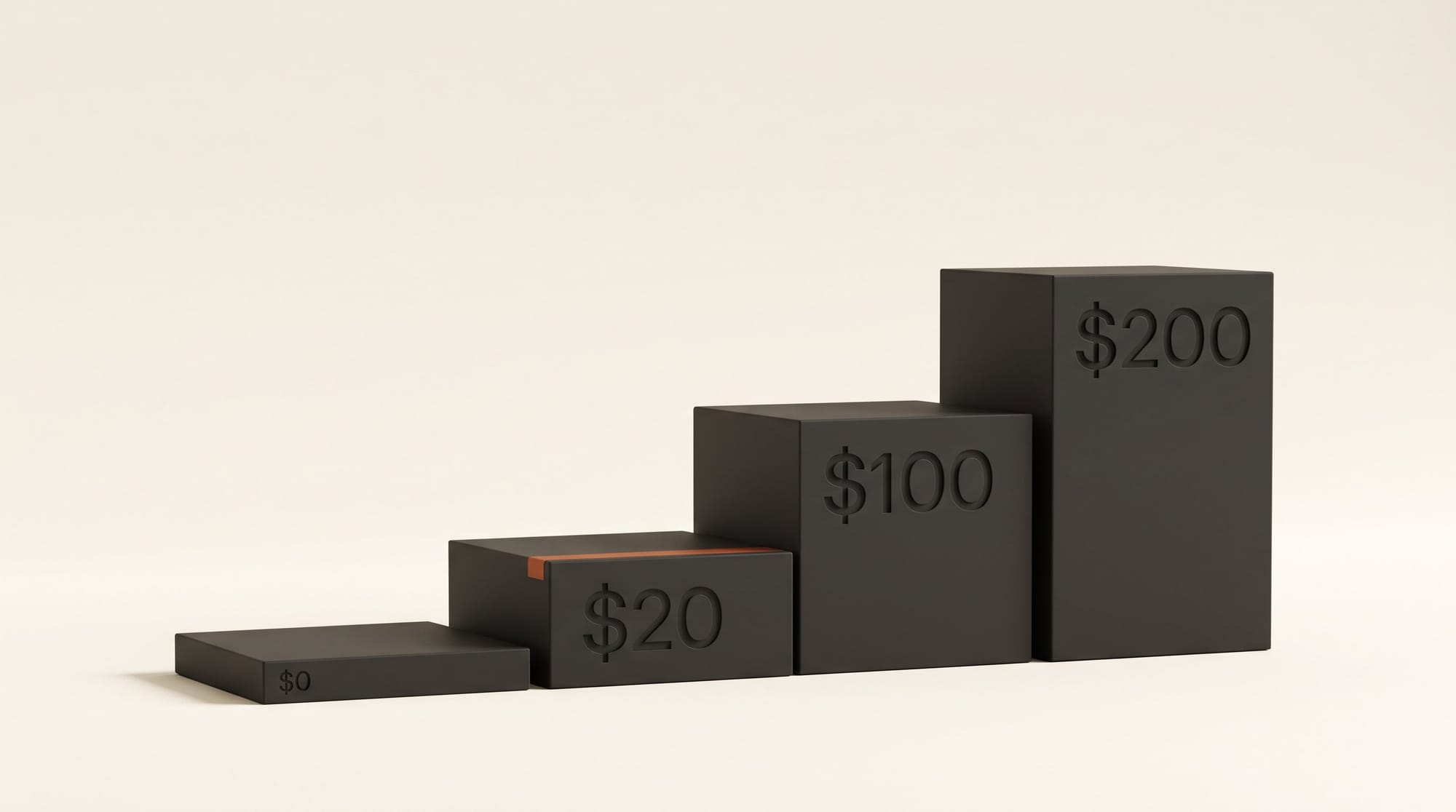
| Pro | $20 a month, or $17 a month billed $200 a year | Yes | Yes, beta |
| Max | $100 a month | Yes | Yes, beta |
| Ultra | $200 a month | Yes | Yes, beta |
| Team, standard seat | $25 a seat a month, or $20 billed yearly | Yes | Yes, on by default |
Prices come from Claude's pricing page on November 10. On the app side, nothing in the announcement changes what Adobe, Canva or Webflow charge: Claude works inside your existing account and its permissions, so a Canva Free account still has Canva Free limits, and a Webflow site still needs whatever Webflow plan it is on to publish.
Workflow: a product launch from one Claude chat
Here is how a solo creator could prepare a product launch (a print, a preset pack, a course) without leaving Claude. We have not run this end to end yet, because the full view is still rolling out to accounts; the steps follow what Anthropic, Adobe and Webflow describe.
- Connect the apps once. Open the Connectors Directory in Claude and look for the "Interactive" badge, as the Claude help page describes. Connect Adobe, Canva and Webflow and sign in to each.
- Fix the hero photo in Adobe. Upload your product shot and ask Claude to clean the background and warm the color. Open Adobe beside the chat so you can see each change land, and approve the edits you want.
- Build the social post in Canva. Ask Claude to place the retouched photo into a square Instagram design with your launch line and price. Open Canva in the side panel, adjust the type yourself if you want, and export.
- Make the landing page in Webflow. Ask Claude for a launch page on a page branch: headline, the photo, three benefit lines and a buy button. Open Webflow full screen, check it in the visual editor, and publish only when you are happy.
- Track the launch in Claude Sheets. Ask for a launch tracker with a tab for posts (date, platform, caption, status) and a tab for links. Export it as .xlsx if you want to keep it in Excel or Google Sheets.
The point is not that each step is new. Adobe, Canva and Webflow already had AI features. What changes is that the brief, the edits and the review stay in one conversation, so Claude can carry the same product name, price and photo across every app without you pasting them three times.
Claude Sheets and Whiteboards for content planning
The two new workspaces are aimed at teams, but they also fit a creator's planning week. According to Anthropic's Sheets and Whiteboards post, both are in beta on all paid plans, on web, desktop and mobile.
- Claude Sheets builds a spreadsheet from a prompt, with tabs, formulas, formatting and drop-downs, and outlines each edit so you can track changes. Anthropic's own example is a campaign tracker. It is deliberately simple for now: "For now, sheets have simple spreadsheet functionality." For full Excel features you export to .xlsx or CSV.
- Claude Whiteboards is a shared board where Claude can turn a spoken plan into a timeline with owners and dates and group notes by theme. A board can become a doc or a slide deck, or move to Lucid, Miro or Vani by Zoho. For a creator, that is a quick way to turn a brainstorm about next month's videos into a dated schedule.
A third product, Claude Data (formerly Claude Dashboards), went generally available and can turn connected data into dashboards and narrated short videos, but it needs a data warehouse or CRM connection, which most solo creators do not have. TechCrunch reports a Claude Meetings beta for Team and Enterprise plans that joins Google Meet calls, while Anthropic's own overview of the release lists Meetings as "coming soon". Either way, it is not something an individual Pro subscriber can use today.
How it compares with Adobe inside ChatGPT
ChatGPT got there first with Adobe. The Adobe plugin for ChatGPT, launched August 6, 2026, routes one chat request to more than 70 Adobe tools, works on ChatGPT web and mobile, and has a guest mode before you sign in. Claude's Adobe connector, at 50+ tools, is smaller on paper.
Where Claude is now different is the workspace around the app. In Claude the Adobe, Canva and Webflow views can sit beside the chat or fill the screen, be pinned, and be opened without a prompt, and the same conversation can carry on into a spreadsheet or a whiteboard. If you already pay for one assistant, the practical choice is simple: use the one you have, and pick by which apps you need. Webflow's full visual editor beside the chat is a good reason to try Claude for site work, while ChatGPT's Adobe plugin already runs on phones, where Claude's full app view does not yet.
Limits to know before you rely on it
- Desktop and web only for the full view. The side panel, full-site view and pinning are not on Claude for iOS or Android yet; mobile still shows the older inline cards.
- Pins do not follow you. "Pins are saved per browser," so a pin on the web does not appear in Claude Desktop.
- No purchases. Buying anything through an in-chat app view is not supported.
- Each app decides what Claude can do. Claude can only take actions the app's developer exposes, so the depth varies by app, and Anthropic gives no detail for some partners yet.
- It is a gradual rollout. The full view appears when your account moves to the new Claude experience. If you do not see it, the regular connector still works in chat.
What to do next
If you already use Claude, connect the one creative app you use most (Adobe for photos, Canva for social graphics, Webflow for a site) and try a single small job in the side panel before trusting it with a launch. If you are choosing a paid plan for this, Pro at $20 a month covers everything here, including Sheets and Whiteboards; Max and Ultra cost more and are not needed for this workflow. Figma users should wait: the full Figma view is still being built.
Frequently asked questions
Is it free to open Adobe or Canva inside Claude?
Yes on Claude's side. Anthropic says interactive connectors are rolling out on all plans, Free included. Claude Sheets and Whiteboards need a paid plan, starting with Pro at $20 a month. The app keeps its own pricing: Claude works within your existing Adobe, Canva or Webflow account and its limits.
Do I need a Creative Cloud subscription for the Adobe connector?
Adobe's April announcement only requires a Claude account to start. Signing in with an Adobe account unlocks more tools, higher usage limits and work that saves across sessions. Adobe does not list a Creative Cloud plan as a requirement in that post.
Does it work on my phone?
Partly. Interactive connectors work in Claude for iOS and Android as inline cards, but the side panel, full-screen app view and pinning are web and Claude Desktop only for now.
Can Claude publish my Webflow site without me?
Webflow's listing says anything an agent builds opens in Webflow's visual editor for review before publishing, and Claude can work on a private page branch. You approve Claude's actions in the chat, and it works within the role your Webflow workspace gives you.
Can I use Figma this way?
Not in the full view yet. Figma has worked as an inline card in Claude since January for reviewing and annotating designs, and Anthropic says Figma is building an integration for the full app view.