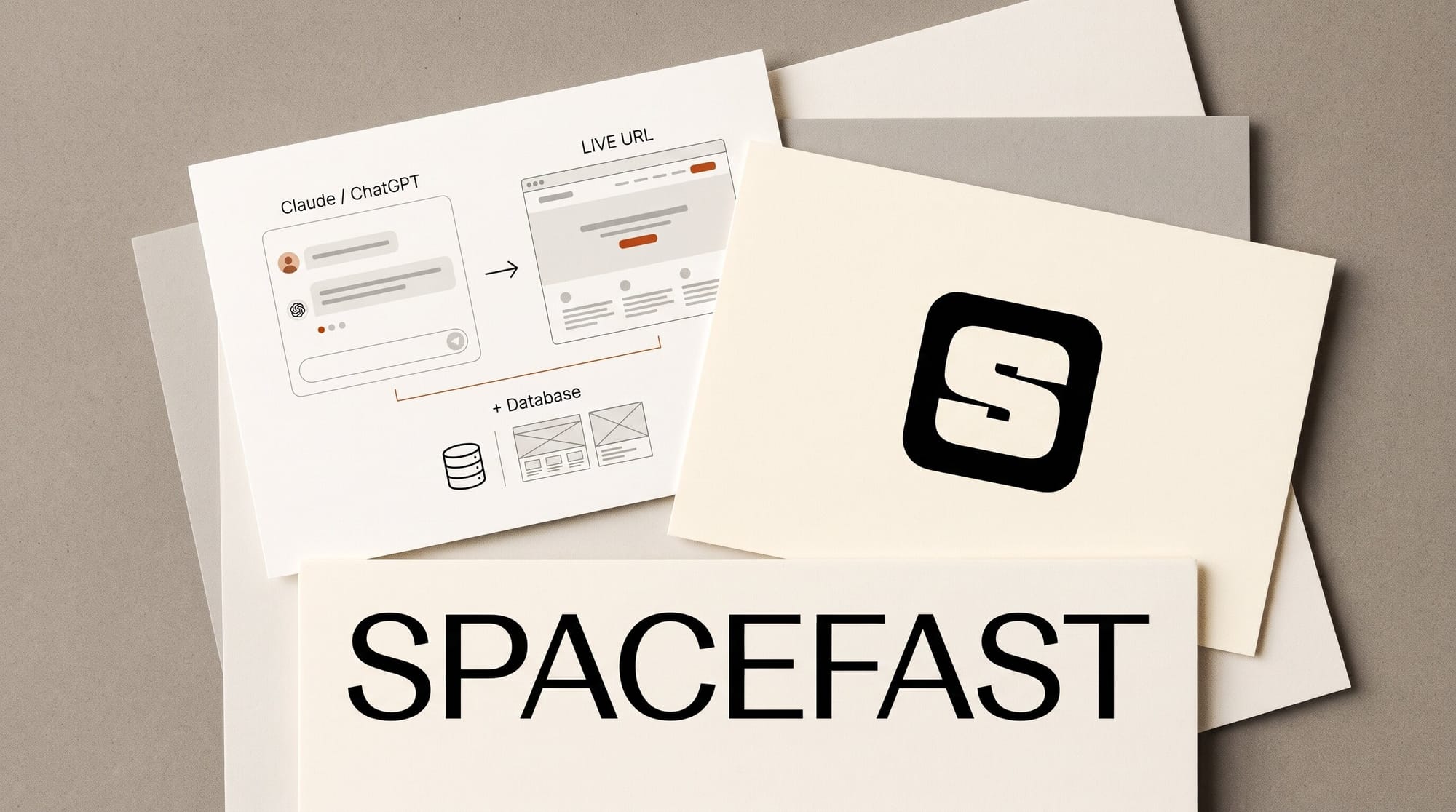
Automattic launched Spacefast on November 9, 2026: a free publishing service that turns the site, app, deck or game you made in Claude or ChatGPT into a live link, without leaving the chat. You add Spacefast as a connector, ask your AI to put the project on Spacefast, and a few seconds later a link comes back. The free plan includes 20 projects, 20 custom domains and a built-in database; paid plans start at $5 a month.
The pitch is that you keep the AI you already use. Spacefast is not another app builder with its own chatbot and its own credits. As TechCrunch reported, it is positioned as the hosting half of tools like Lovable, sold separately so you can bring Claude, ChatGPT, Grok or Cursor to it. This guide covers how to publish from the chat apps, what is free, where the free plan runs out, and how it compares with the other ways to share what your AI made.
What Spacefast is (and is not)
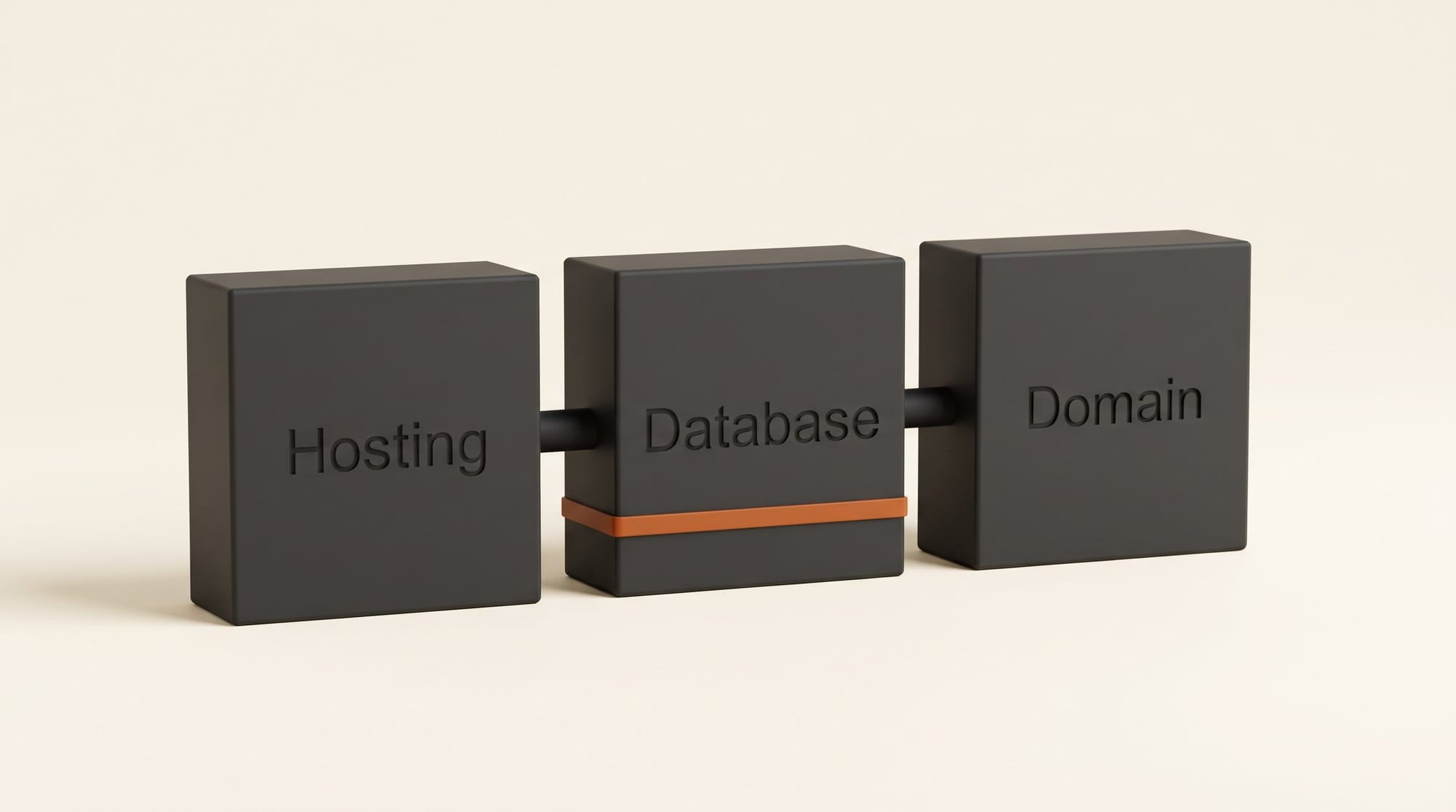
Spacefast is a host, a database and a domain manager that your AI drives for you. Each project gets its own "Space" with a live link. According to the Spacefast site, every Space can store sign-ups, scores or orders in its own database, accept photo, document and video uploads from visitors, collect comments on any page, and show views and visitors without adding a tracker.
What it does not do is write your project. "Spacefast charges for infrastructure, not AI credits, so you don't pay for inference twice," Automattic wrote in its announcement. If you switch from Claude to ChatGPT next month, your Spaces stay where they are. Sign-in for your own app's users is listed as "coming soon," so a members-only area is not ready yet.
It is not brand new either. Spacefast came out of an internal Automattic hack month, soft-launched in September and opened sign-ups without a waitlist on September 26, according to its changelog. November 9 is the official launch as its own company, with founder and CEO Batuhan İçöz, who built it after non-technical friends kept asking him for help getting their AI-made projects onto GitHub. It runs on the same infrastructure as WordPress.com and Tumblr, which Automattic says serves over 15 billion page views a month.
How to publish from Claude or ChatGPT, step by step
You need a project your AI already made (a Claude artifact, a ChatGPT canvas page, a folder of HTML) and a few minutes. No terminal is involved on this route.
- Add the connector in Claude. On Spacefast's Claude setup page, click Add to Claude. It opens Claude's custom connector form with Spacefast filled in. Click Connect, sign in to Spacefast and approve access. It then works in Claude on the web, phone, desktop app and Cowork. On a Team or Enterprise plan, an owner has to add it first.
- Or add it in ChatGPT. Install the Spacefast plugin from ChatGPT's plugin directory and connect your account. In a new chat, type @ and pick Spacefast. (The manual "custom server" route on the ChatGPT setup page needs a Business, Enterprise or Edu workspace; the directory install is the one for individuals.)
- Turn it on in the chat and ask. Spacefast's own artifact recipe suggests this prompt: "Make this artifact a standalone website. Build it if needed, publish the output with Spacefast, and give me the Open link and private claim link. Wait for me to choose who can open it."
- Open the link and check it. Click the Open link and make sure images, fonts and buttons work outside the chat.
- Claim it. Open the private claim link yourself and attach the Space to your account. Do not share the claim link. Unclaimed Spaces stop serving 33 hours and 20 minutes after the last change.
- Choose who can see it (next section), then send the link.
- Update it by asking. "Change the headline and publish to the same Space" keeps the same address and saves a new version you can roll back to.
No connector at all? Spacefast also takes drag and drop: open drop.fast, drop a folder, a zip or a single index.html, and you get a link with no account.
Who can see it: private until you say so
Every new Space starts private, and publishing and sharing are separate steps. That is the opposite of most "publish" buttons, and it is the right default for client work. Per Spacefast's sharing docs, you can then pick one of four ways in: invite named people by email, set a password, create a share link that anyone holding it can open without an account (and that you can revoke later), or make the Space public for the whole web.
Search indexing is a separate choice again, so a public portfolio can be found on Google while a client proof page stays out of it. Agents also have to ask before sensitive actions such as rolling back a version or changing a domain's DNS, which matters when you let an AI loose on a live site. The claim and expiry rules are the one thing to remember: if you publish without signing in and forget to claim, the link dies the next day.

Spacefast vs Claude sharing, Netlify Drop and Lovable
There are already several ways to get an AI-made page in front of people. The difference is where you build, and what the page can do once it is live.
| Spacefast | Claude share link | Netlify Drop | Lovable | |
|---|---|---|---|---|
| Where you build | Any AI you already use | Claude only | Anywhere, you upload files | Lovable's own AI |
| Free to start | Yes, 20 Spaces | Yes for classic artifacts; link sharing for newer ones needs Pro or above | Yes, no account needed | Yes, 5 build credits a day, up to 30 a month |
| Your own domain | Yes, 20 on Free | No option listed | Not documented for Drop | Not stated on pricing page |
| Database for sign-ups or orders | Yes, built in | Shared storage inside the artifact | No, files only | Lovable Cloud, billed in credits (20 free a month) |
| Private by default | Yes | Yes, until you share | Optional on credit-based plans | Not stated on pricing page |
| Publish from the chat | Yes, via connector | Yes, the Share button | No, drag and drop | Yes, inside Lovable |
Sources: Claude's artifact sharing help page, Netlify's deploy docs, Lovable's pricing page, and Spacefast's own Netlify Drop comparison.
How to pick: if the page only needs to be seen by a few people and it already lives in Claude, the built-in share link is enough (we covered Claude's public links and multiplayer editing in July). One catch: Claude's help page warns that unpublishing an artifact permanently deletes the shared data it stored. If you want your own domain, a database that outlives the chat, or the freedom to switch AIs, Spacefast is the cheaper fit. If you would rather have one app that builds and hosts in the same place and you are happy paying in that app's credits, Lovable is still the simpler single subscription.
What it costs
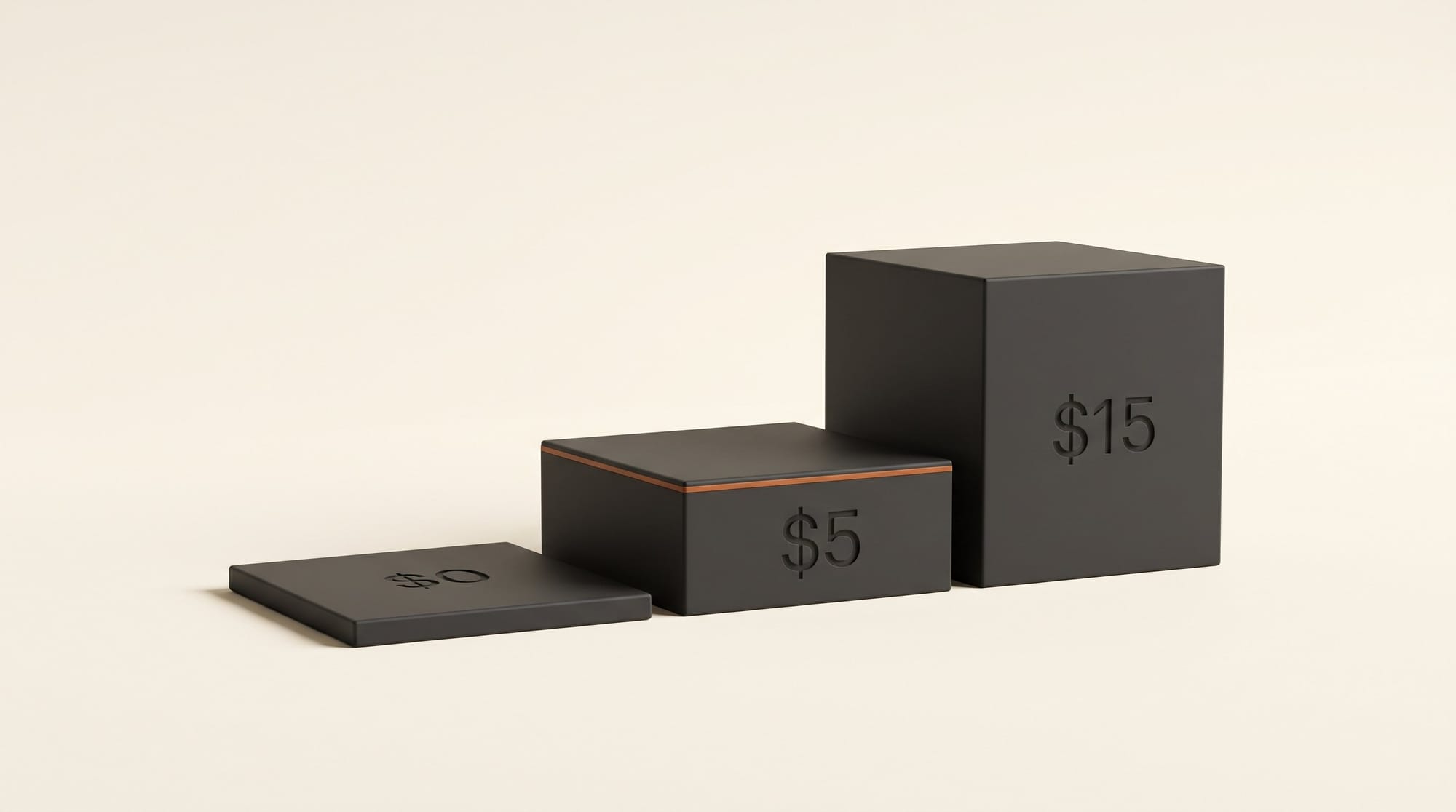
The pricing page lists four plans, all monthly, no annual discount shown:
- Free, $0, no card: 20 Spaces, 20 custom domains, the database, publishing from any AI, private by default. One member. Spacefast branding stays on.
- Go, $5 a month: unlimited Spaces and custom domains, plus $5 of usage credit each month for traffic and storage beyond the included amounts.
- Plus, $15 a month: 10 team members (then $5 a month each), custom page templates, full activity history and $15 of usage credit.
- Enterprise: custom pricing through WordPress VIP, with single sign-on, audit logs and Spacefast branding removed. (The free plan keeps the branding.)
Domain registration is extra on every plan; HTTPS is included. Reviewers, commenters and your app's visitors do not count as seats, so a client leaving comments does not cost you anything.
The catch: 0.5 GB and 33 hours
Two numbers decide whether the free plan works for you.
0.5 GB of file and media storage. The free plan includes 100 GB a month of cached delivery, which is plenty for a portfolio's visitors. But files and media share a 0.5 GB pool. That is a handful of short videos, or one client gallery of full-resolution photos. If visitors upload files, those count too. On Go and Plus, extra storage costs $0.10 per GB a month, drawn from the usage credit first. Going over on Free "may lead to suspension after review," so a portfolio heavy on video belongs on the $5 plan or should embed video from YouTube or Vimeo instead.
33 hours and 20 minutes. A Space published without signing in expires that long after its last change, capped at 30 days from creation. It is a sensible way to stop abandoned test pages from piling up, but it means "the AI gave me a link" is not the same as "my site is live." Claim every Space you intend to keep.
What creators can build with it
The useful projects are the ones that need a little more than a static page:
- A client proof page. Ask Claude for a gallery page, publish it privately, invite the client by email, and let them leave comments on each image. Comments can be handed back to your AI to make the changes.
- An event or workshop sign-up page. The built-in database stores the sign-ups, and the free plan sends up to 20 transactional emails a day (still in private beta).
- A portfolio on your own domain. Our guide to building a portfolio site with AI covers the design side; Spacefast is one answer to where it lives afterwards.
- A pitch deck or one-off landing page that you want to update by chatting rather than by re-exporting files.
One caution from experience: AI-built apps with a database are easy to ship with the data more open than you meant. Before you collect anything personal, read our exposure check for vibe-coded apps, and keep the Space private until you have tested it.
What we could not verify
We did not publish a test project for this article, so the steps above come from Spacefast's documentation and Automattic's announcement, not from our own run. Three gaps are worth knowing. Spacefast's Claude setup page does not say whether the connector works on Claude's free plan (its plugin route requires a paid plan). The ChatGPT page does not state which ChatGPT plans can install the directory plugin. And Lovable's pricing page did not show dollar amounts for its paid plans when we checked, so we compared its credit model rather than its price.
Frequently asked questions
What is Spacefast?
Spacefast is a publishing service from Automattic, the company behind WordPress.com, that hosts websites, apps, decks and games made with AI. You connect it to the AI you already use, such as Claude or ChatGPT, and ask the AI to publish your project. It returns a live link, with a database, custom domains and version history included.
Is Spacefast free?
Yes. The free plan costs $0 with no card and includes 20 Spaces, 20 custom domains, a built-in database and 0.5 GB of shared file and media storage. Paid plans are $5 a month (Go) and $15 a month (Plus), each including the same amount in monthly usage credit.
Do I need to know how to code or use a terminal?
No. You can publish from inside the Claude or ChatGPT apps after adding the Spacefast connector, or drag a folder onto drop.fast. A command-line tool exists for developers, but the chat and drag-and-drop routes do not need it.
How is Spacefast different from Lovable?
Lovable is an app builder with its own AI that also hosts what it builds, and you pay in Lovable credits. Spacefast only hosts and publishes; the building is done by whichever AI you already pay for. Automattic's point is that you do not pay for AI twice.
Why did my Spacefast link stop working?
Most likely it was never claimed. Spaces published without signing in expire 33 hours and 20 minutes after the last change. Open the private claim link your AI gave you, attach the Space to your account, and it stays live until you unpublish it.
Who can see my Spacefast site?
Nobody but you at first. New Spaces are private by default. You then invite people by email, add a password, create a revocable share link, or make the Space public. Whether search engines can index it is a separate setting.