Google's Antigravity SDK now runs agents on local models, announced on 23 September 2026: Gemma 4 26B A4B through LiteRT-LM, or any OpenAI-compatible server such as Ollama, LM Studio or vLLM. The headline is a hybrid demo in which "97.2% of all tokens (3,322 tokens) run locally". We read the SDK source and the demo code. The number is real, but it comes from a run of about 3,400 tokens, and the demo's local "builders" run with their tools removed and their chat history thrown away.
That does not make the release less useful. It changes what you should expect from it. Below is what shipped, what the 97.2% measures, how the four local routes compare, and a setup you can run this afternoon on a machine with 24 GB of GPU or unified memory. The SDK is Apache-2.0 on GitHub, so every claim here can be checked against the code.
What Google shipped on 23 September
The Antigravity SDK is the Python library behind Google's agent products: the agent loop, tools, hooks, MCP and subagents that also power the Antigravity CLI. Until this release it talked to Gemini in the cloud. Version 0.1.18, published to PyPI on 22 September, adds two local configuration classes.
LiteRTAgentConfig runs a .litertlm model file on your own machine through LiteRT-LM, Google AI Edge's on-device runtime, with a CPU, GPU or NPU backend. LocalOpenAIAgentConfig points the same agent at any OpenAI-compatible endpoint by base_url, which is how Ollama, LM Studio and vLLM plug in. Your tools, hooks and policies stay the same whichever you pick.
The fine print is in the README, not the blog post. It says the feature "works best with gemma-4-26B-A4B-it-gpu.litertlm. Other .litertlm files may not work well, or not work at all." It recommends at least 24 GB of VRAM or shared memory and a 64K context. The model is the LiteRT build of Gemma 4 26B A4B on Hugging Face, a mixture-of-experts model that activates about 4B parameters per token.
What the 97.2% figure actually measures
The blog's showcase is an "architect-builder" run. Gemini 3.8 Flash in the cloud plans the fix for three deliberately vulnerable files (auth.py, billing.py, database.py), spending 95 cloud tokens. Local Gemma 4 26B instances then reproduce each bug, write candidate patches, critique them and run the tests. Google reports 3,322 local tokens, 97.2% of the total.
Three things in the Hybrid Orchestrator source put that number in context.
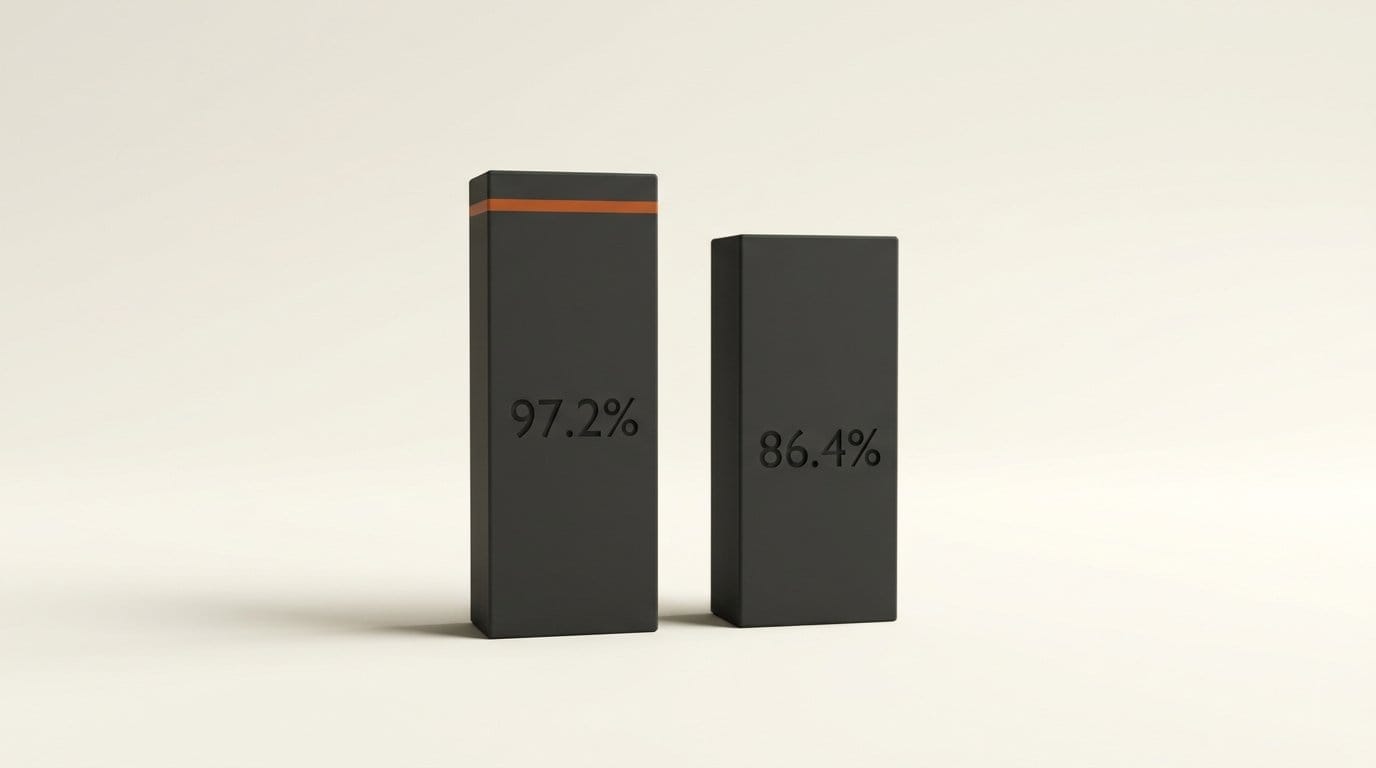
The run is tiny. 3,322 local plus 95 cloud is 3,417 tokens (our arithmetic). The share depends on how much code the local side reads. The demo's own README shows a single-file run on an outside module, rate_limiter.py, that ends: "Cloud: 211 tok (13.6%) | On-Device: 1,335 tok (86.4%)". Same tool, different job, a cloud share nearly five times larger.
The local count is an estimate. The README says litert-lm "does not return token usage metadata, so local tokens are approximated at ~4 characters/token". Cloud tokens come from the API. So the 97.2% compares a measured number with a character count divided by four.
"No code uploaded" is narrower than it sounds. The blog says Gemini plans "based purely on filenames and task descriptions". The code's extract_public_skeleton() sends each file's imports, top-level variable names and function signatures. In the demo that includes the global name FALLBACK_SECRET. The secret's value stays local and function bodies stay local. Names and signatures do not.
The demo's local builders are not tool-using agents
This is the part that matters if you plan to copy the pattern. In hybrid_orchestrator.py the local Gemma agent is created with max_context_tokens=8192 and CapabilitiesConfig(enabled_tools=[]): no tools at all. Then runtime_compat.py patches the SDK's internal LiteRT server so that every request keeps only the last user message, drops the tools field and turns thinking off. Its docstring calls this "stateless, thinking-free 8K turns".
So the "swarm" is Python doing the agent work (reading files, writing the winning patch, running the tests) and asking Gemma for text one isolated prompt at a time. That is a sound design for a 26B model with an 8K window. It is not the same as Gemma driving the Antigravity tool loop on its own, and the blog does not say so.
There is a maintenance cost too. Because the patch reaches into google.antigravity.connections.local.litert_server, the demo's requirements file pins google-antigravity>=0.1.16,<0.2 and says it was verified against 0.1.16 and 0.1.17. PyPI's current release is 0.1.18. The SDK is shipping weekly, so expect the demo to break on a minor bump before the SDK does.
LiteRT vs Ollama vs LM Studio vs vLLM
All four routes use the same agent code. What changes is who loads the model and who applies the local-friendly defaults. This table comes from the SDK's local_models.py example and its config classes.
| Route | Config class | Lightweight preset | Model format | Tested by Google | Best for |
|---|---|---|---|---|---|
| LiteRT-LM | LiteRTAgentConfig | Applied automatically | .litertlm file | Gemma 4 26B A4B (gpu build) | Fully offline, no server to run |
| Ollama | LocalOpenAIAgentConfig | Call .lightweight() yourself | Ollama tags (GGUF, MLX) | Example targets localhost:11434/v1 | Already running Ollama for other tools |
| LM Studio | LocalOpenAIAgentConfig | Call .lightweight() yourself | Whatever LM Studio loads | Named, not benchmarked | A GUI for swapping models |
| vLLM | LocalOpenAIAgentConfig | Call .lightweight() yourself | Hugging Face weights | Named, not benchmarked | A shared GPU server on your network |
One trap on the Ollama row. The SDK example's default model name is gemma-4-26B-A4B-it, but Ollama's library lists the model as gemma4:26b (plus quantized variants such as gemma4:26b-a4b-it-q8_0). The name you pass has to match what your server registered, so pass --model explicitly.
A second inconsistency: the README and blog import the -gpu.litertlm file, while the example script's comments import -web.litertlm. Both files exist in the Hugging Face repo. Use the gpu build on a desktop, since that is the one the README names.
What .lightweight() turns off
Local models are slower and have smaller windows than Gemini, so the SDK ships a preset for them. In connection.py the preset does three things, while keeping any setting you passed explicitly.
- Four tools only.
BuiltinTools.minimal()isrun_command,view_file,create_fileandedit_file. Web tools, image generation and the rest are off. - No subagents.
enable_subagents=False, and agent behavior is set to MINIMAL to cut prompt overhead. Before the preset,LocalOpenAIAgentConfigdefaults to subagents and MCP both on. - Earlier compaction. The generic preset compacts history at 65,536 tokens. The LiteRT version derives its threshold from the engine: a 65,536-token KV cache minus 16,384 output tokens minus an 8,192 buffer, which is 40,960 tokens.
The asymmetry is the practical point. LiteRTAgentConfig applies the preset in its constructor, so you always get it. LocalOpenAIAgentConfig only gets it when you call .lightweight(). Forget that call with Ollama and a local model receives the full cloud-sized tool list and subagent prompts, which is the fastest way to make a 26B model look worse than it is.
How to run it: setup in six steps
This is the path the README documents, plus the Ollama alternative. Python 3.10 or later is required.
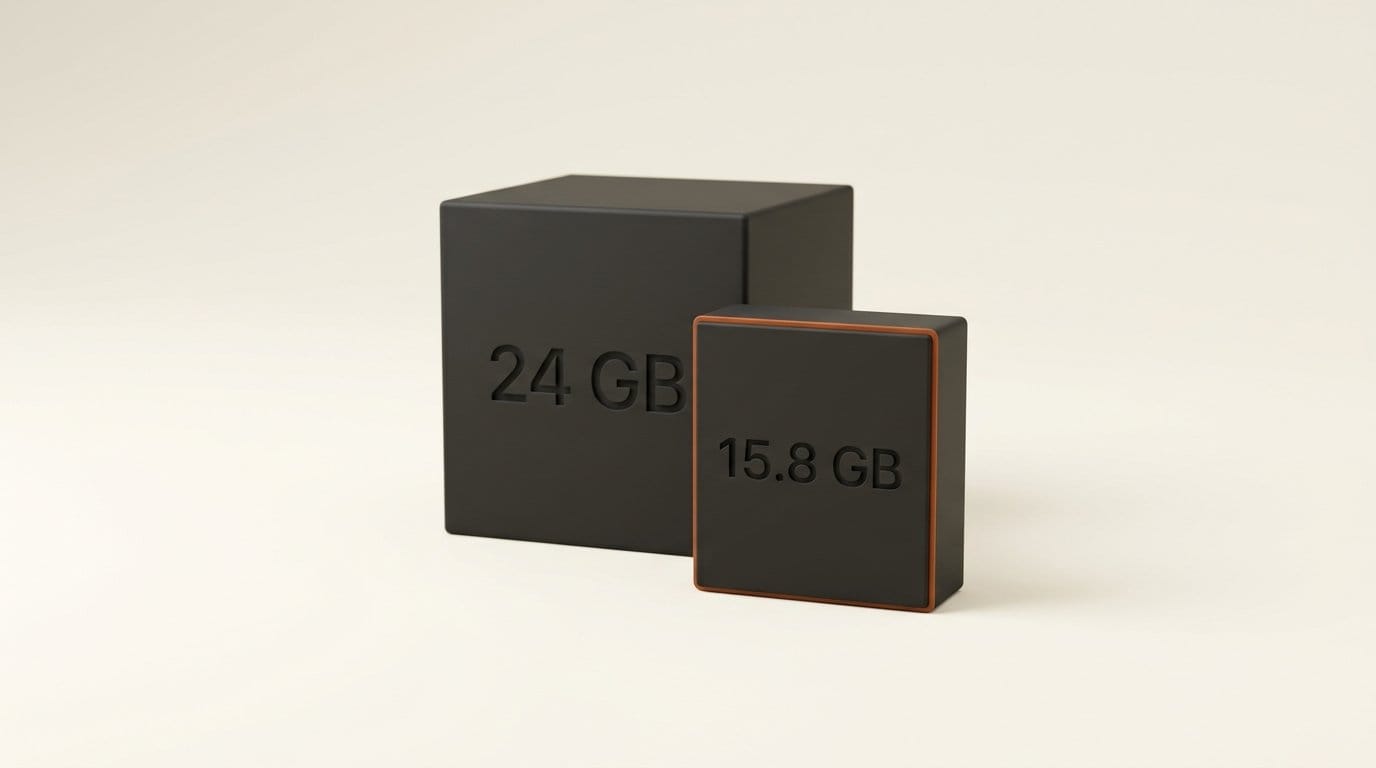
- Check memory first. The README recommends 24 GB of VRAM or unified memory for the 26B model. The Hybrid Orchestrator's downloader lists the 26B LiteRT file at about 15.8 GB on disk.
- Create a virtual environment with
python3 -m venv .venvandsource .venv/bin/activate. - Install both packages:
pip install google-antigravity litert-lm. Install from PyPI, not a git clone: the README warns the SDK needs a compiled runtime binary that only ships in the wheels. - Import the model:
litert-lm import --from-huggingface-repo=litert-community/gemma-4-26B-A4B-it-litert-lm gemma-4-26B-A4B-it-gpu.litertlm gemma4-26b. On macOS it lands under~/.litert-lm/models/. - Run the quickstart: build
LiteRTAgentConfig(model_path=MODEL_PATH), openAgent(config), and ask "What files are in the current directory?". The blog warns local inference "could take several minutes". - Or use Ollama: pull
gemma4:26b, then buildLocalOpenAIAgentConfig(model="gemma4:26b", base_url="http://localhost:11434/v1").lightweight(). Same agent code from there on.
To try the hybrid pattern on your own code, the orchestrator takes ./run.sh --minimal --files path/to/module.py --test-cmd "pytest tests/". It needs a GEMINI_API_KEY for the architect step and falls back to a built-in blueprint without one. Its README also warns that patched modules run "without container or syscall sandboxing", so point it at a container for anything you did not write.
Who should use which route
If you build small automations (a script that renames and tags a folder of renders, a repo helper that edits configs), the LiteRT route is the simplest offline agent Google has shipped. You get the four-tool preset by default and no server to babysit. Keep tasks short: the compaction threshold of 40,960 tokens arrives quickly when an agent reads files.
If you already run Ollama or LM Studio for other tools, LocalOpenAIAgentConfig lets the SDK share that server. Just remember .lightweight(), and expect Gemma 4 26B to be the only model Google has actually tuned this for.
If you are drawn by the hybrid demo, copy its architecture, not its numbers. A cloud model writes a short plan from code signatures, and local text generation does the bulk work under a test harness you control. That is a local-cloud split we have seen before, and it works best when your code, not the model, owns the file writes and the test runs. Measure your own split. On a real repo it will not be 97.2%.
What to Do Next
Run the six-step quickstart with the gpu build and time one real task on your machine before you plan around it. If you use Ollama, confirm the model tag with ollama list and add .lightweight() before anything else. If you adapt the Hybrid Orchestrator, pin google-antigravity to a version its requirements file says it was tested on, and log your own cloud and local token counts. The one number worth quoting is the one from your repo.
Frequently asked questions
Does the Antigravity SDK run completely offline with local models?
Yes, with LiteRTAgentConfig and a .litertlm model already imported. The SDK runs the agent loop and the model on your machine with no API key. The hybrid demo is different: its planning step calls Gemini 3.8 Flash in the cloud.
Which local models work with the Antigravity SDK?
Google tuned it for Gemma 4 26B A4B in its LiteRT gpu build, and the README says other .litertlm files "may not work well, or not work at all". Through LocalOpenAIAgentConfig any model your Ollama, LM Studio or vLLM server exposes can be connected, but Google has not published results for them.
How much memory do I need?
The README recommends at least 24 GB of VRAM or unified memory and a 64K context. The 26B LiteRT file is about 15.8 GB on disk, according to the Hybrid Orchestrator's download tool.
Is 97.2% of tokens running locally typical?
No. It comes from one recorded run of about 3,417 tokens across three small files, and the local count is estimated at four characters per token. The same demo's README shows a single-file run where the cloud took 13.6%.
What does .lightweight() do?
It limits the agent to four tools (run_command, view_file, create_file, edit_file), disables subagents, sets minimal agent behavior and compacts history earlier. LiteRTAgentConfig applies it automatically; with LocalOpenAIAgentConfig you must call it yourself.
Does Gemini see my code in the hybrid demo?
It sees imports, top-level variable names and function signatures, not function bodies or string values. The blog's "filenames and task descriptions" undersells what is sent, so treat signatures and global names as leaving your machine.





