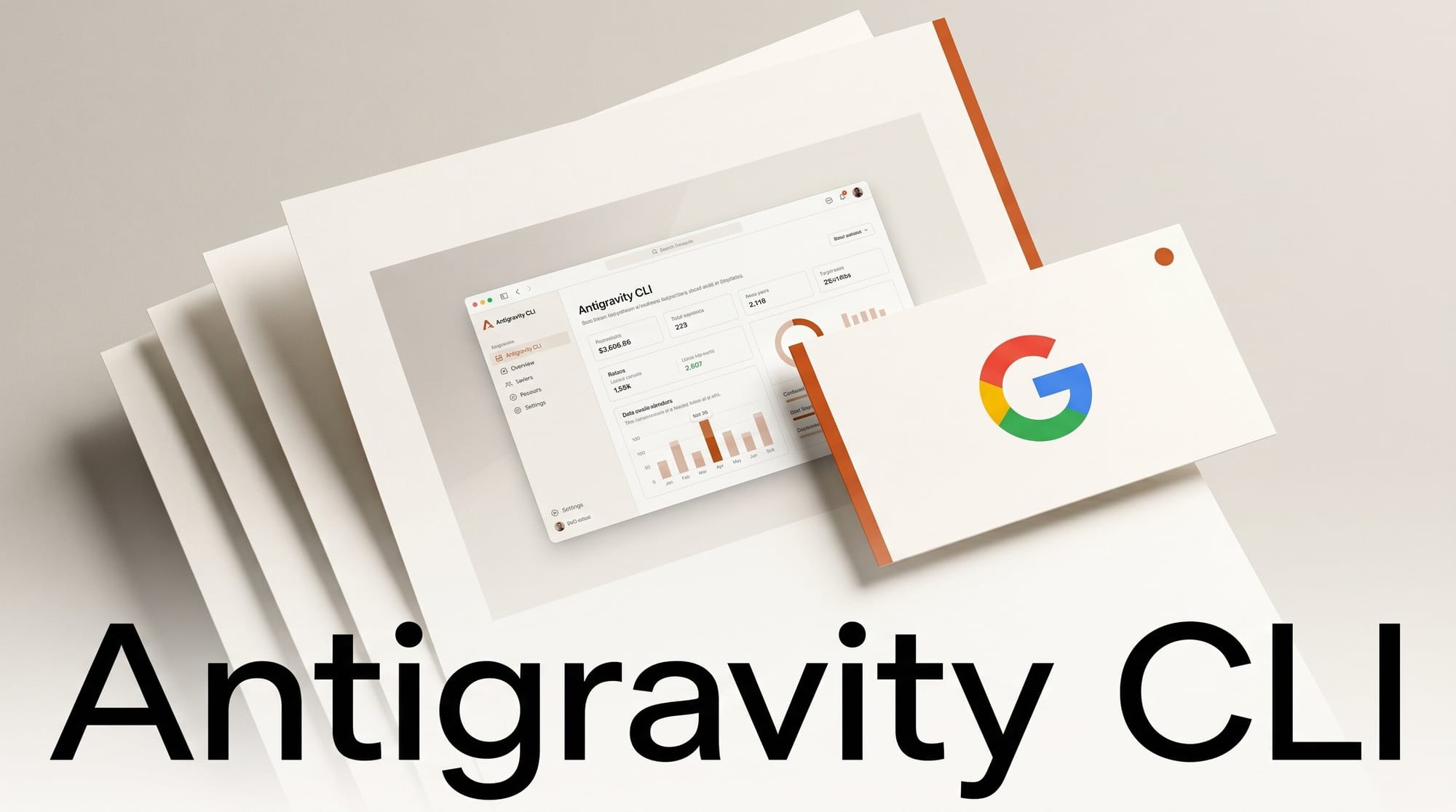
Google shipped Antigravity 2.0 at I/O on May 19, 2026, with a new command-line tool that replaces Gemini CLI immediately. The migration is not optional. On June 18, 2026, Gemini CLI stops serving requests for Google AI Pro and Ultra subscribers, plus free-tier Gemini Code Assist users. That gives most creators less than 30 days to port any pipeline, script, or automation that depends on the old binary. This tutorial walks through the migration end to end in about 30 minutes so you finish well before the cutoff and avoid a broken CI run on June 19.
What You Need
- An active Google AI Pro, Ultra, or free-tier Gemini Code Assist account (the same login you used for Gemini CLI).
- macOS, Linux, or Windows with a recent terminal. The CLI ships as a single Go binary, so no Node runtime is required.
- At least one Gemini CLI workflow you already run today: a script, a CI step, an editor hook, or an interactive prompt you would feel the pain of losing. The migration test is parity on something real, not a hello-world.
- About 30 minutes of focused time. Most of that is validation, not install.
The Workflow
Step 1: Install the Antigravity CLI Binary
Download the Antigravity CLI binary from the official Antigravity site and place it on your path. The Go binary is the entire install. There is no npm install -g, no node_modules, no peer-dependency resolution. On macOS and Linux, drop it in /usr/local/bin/antigravity. On Windows, drop it in a folder that is on PATH and reopen your shell. Run antigravity --version to confirm. If the version string prints, you are done with install.
Per 9to5Google's coverage of the agentic-developer-suite launch, the Go rewrite is the primary reason cold-start latency drops sharply compared to the old Node-based Gemini CLI. Expect first-token latency in the low hundreds of milliseconds on most machines, versus the 1 to 2 second startup that Gemini CLI users were used to.
Step 2: Authenticate with Your Existing Google AI Account
Run antigravity auth login. The CLI opens your browser, you confirm with the same Google account you used for Gemini CLI, and your subscription tier (AI Pro, Ultra, or free-tier Gemini Code Assist) is detected automatically. No new API key file is required. The CLI stores its credential in ~/.config/antigravity/ on macOS and Linux, or %APPDATA%\antigravity\ on Windows. If you previously had a GOOGLE_API_KEY environment variable set for Gemini CLI, Antigravity CLI will read it as a fallback. You do not need to delete it during migration.
Step 3: Run Your Top Three Gemini CLI Prompts Through Antigravity
Pick three prompts you actually use. Not synthetic ones. The kind that ride your workflow: "summarize this commit diff," "draft release notes from the changelog," "refactor this Python module to use async." Run each one on Gemini CLI and on Antigravity CLI. The exact CLI syntax is similar: antigravity prompt "your prompt here" with optional --file for context. By default, Antigravity CLI runs on Gemini 3.5 Flash, which Google co-developed using Antigravity itself. That is a different model than Gemini CLI's default, so outputs will differ even on identical prompts. The point of the parity check is to flag any drop in quality, not to demand byte-equal output.
If any of your three prompts produces a worse result, drop a --model gemini-3-pro flag (or gemini-2.5-pro if you were on the older tier) to pin to the model you used before. Antigravity CLI supports the full Gemini model family per the docs.
Step 4: Port One CI or Script Workflow
Pick the single most important place Gemini CLI is invoked in your automation. For most creators this is a GitHub Action, a Make/Justfile target, a pre-commit hook, or a content-generation script. Replace the gemini binary call with antigravity prompt. Pin the model with --model if your earlier parity check showed you need it. Commit on a branch. Run the workflow on that branch. Confirm the output behaves. Only then merge to main.
The trap to watch: scripts that parsed Gemini CLI's stdout for specific phrasing will break if the model differs. The fix is to pipe through jq against --format json instead of grepping prose. Antigravity CLI's JSON output is more stable across model versions than Gemini CLI's was.
Step 5: Set Up an Async Background Agent
This is the step where Antigravity earns the migration. Gemini CLI was synchronous: you prompted, you waited, you got a result. Antigravity CLI runs agents asynchronously in the background. Try this: antigravity agent run --schedule "0 9 * * *" --prompt "Summarize yesterday's commits from this repo and post to #standup". Now you have a scheduled agent that fires every morning at 9 AM without you sitting at the terminal. The agent runs on Google's infrastructure, not your laptop, so you can close the lid.
Per TechCrunch's coverage, this background-agent capability is what reframes the CLI as an "agentic development platform" rather than a chat client. It is also the feature that closes the gap with xAI Grok Build's 16-agent dispatch and the Claude Code Agent View parallel-session model.
Step 6: Decommission Gemini CLI
Once your scripts run on Antigravity CLI in production for a few days without incident, remove the old Gemini CLI install. On macOS and Linux, npm uninstall -g @google/gemini-cli. On Windows, run the uninstaller from the original install location. Remove any GEMINI_CLI_* environment variables from your shell config. Delete any wrapper scripts that called the old binary. The June 18 deadline does not bite if no script in your repo still invokes gemini.
Troubleshooting
The browser auth window does not open on a headless server. Use the device-flow login instead: antigravity auth login --no-browser. The CLI prints a URL and code to enter on another machine. This is the same flow GitHub CLI uses on headless boxes.
Antigravity CLI returns "model not available." Your subscription tier may not include the model you pinned. Free-tier Gemini Code Assist users have access to Gemini 3.5 Flash and a limited window of Flash-Lite. Pro and Ultra unlock Gemini 3 Pro and the full 3.5 lineup. Confirm with antigravity models list.
Output quality dropped after migration. Default model is Gemini 3.5 Flash, optimized for speed and coding agents. If your workflow was running on Gemini 2.5 Pro previously, the Flash tier may underperform on long-context reasoning. Pin the model with --model gemini-3-pro as a first try. If you need the absolute strongest model and have Ultra, use --model gemini-3-pro-experimental.
JSON output parsing breaks in CI. The new CLI uses a slightly different JSON envelope than Gemini CLI. The text field is response.content[0].text rather than output. Update your jq selectors. The full schema is documented in the Antigravity CLI reference.
Background agents never fire. Confirm the agent registered with antigravity agent list. Cron-style schedules use UTC by default. Pass --timezone America/New_York if you expect ET. Background-agent runs cap at 30 minutes per execution on AI Pro and 2 hours on Ultra.
What to Try Next
Once the basic migration is stable, design a custom subagent. Antigravity CLI ships an SDK for defining multi-step workflows where one agent's output feeds the next. A practical creator example: a daily content-research subagent that reads a Slack channel, pulls trending topics, and queues draft outlines into a Notion database. The CLI's subagent design is closer to Google's Agent Executor runtime than to a one-shot LLM call. If you also use Claude or OpenAI agents, AX is the cross-vendor durable runtime; Antigravity CLI is the Google-native equivalent for Gemini-only flows.
Frequently Asked Questions
Can I keep using Gemini CLI after June 18, 2026?
No. Per the official Google deprecation notice, Gemini CLI stops serving requests for Google AI Pro and Ultra subscribers, plus free-tier Gemini Code Assist users, on June 18, 2026. The binary will continue to install but will fail at the API layer. There is no separate paid tier that keeps Gemini CLI alive.
Will my CI pipeline break on the migration?
It might, if your scripts hard-code the gemini binary path or parse stdout for specific phrasing. The fix is the parity check in Step 3 and the JSON envelope update in Troubleshooting. Run the migration on a branch first. Do not flip main on June 17 in panic.
Does Antigravity CLI work without a Google AI Pro subscription?
Yes, the free-tier Gemini Code Assist account gives you access to Gemini 3.5 Flash and a usage-capped allotment. The free tier is enough to run the parity check in Step 3. For background agents and the strongest models, AI Pro or Ultra is required.
How does the subagent design differ from Claude Code skills?
Claude Code skills are a static set of capabilities that the model can call within a single session. Antigravity CLI's subagents are background workflows that run on their own schedule and can chain together over time. The Claude equivalent is closer to Claude Managed Agents, where tool execution moves to long-running sandboxes outside the chat loop.
What happens to my existing Gemini API keys?
They keep working. Gemini API access through generativelanguage.googleapis.com is unaffected by the CLI deprecation. Only the Gemini CLI binary's hosted-account flow is sunsetting. If your scripts call the Gemini REST API directly with an API key, they require no migration.