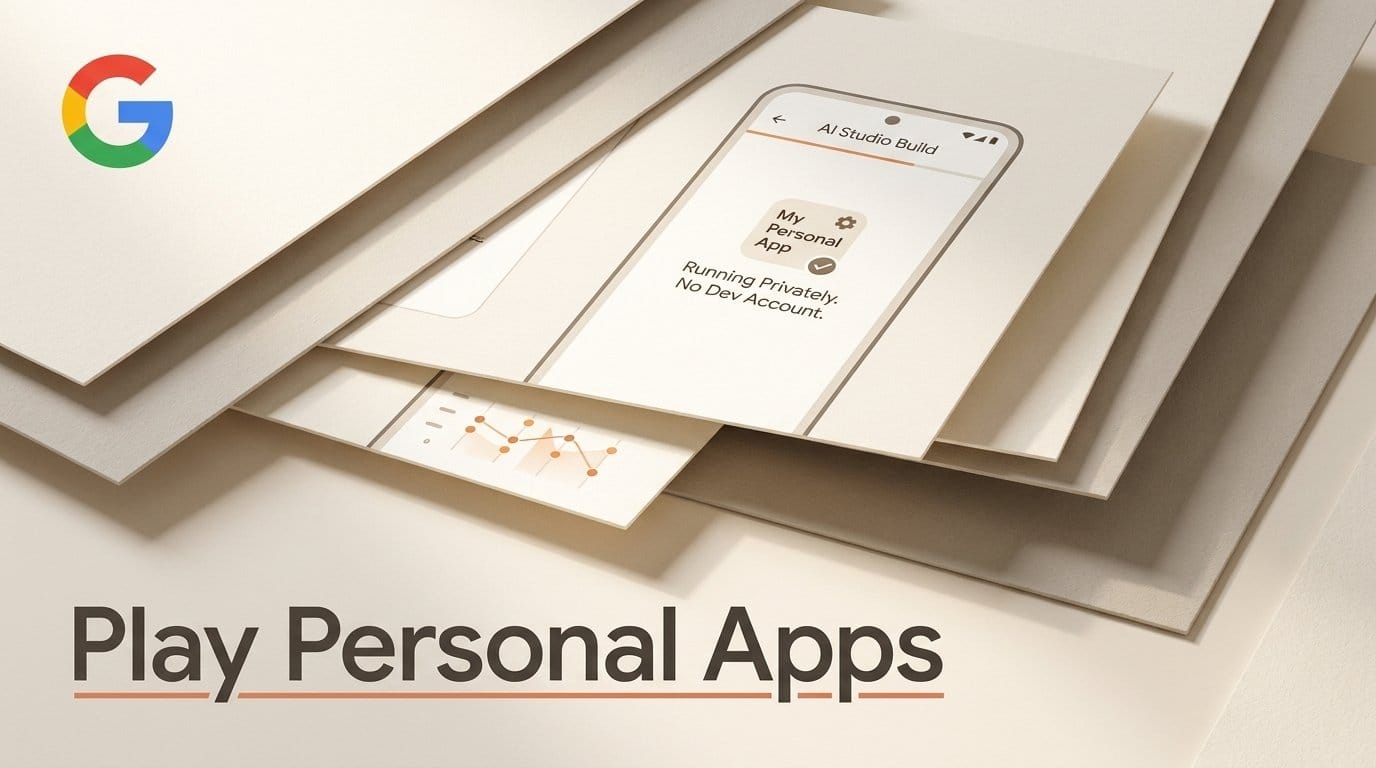
Google Play now runs apps you build in Google AI Studio privately on your own Android phone, and you no longer need a developer account to do it. Google announced the change on October 13, 2026, in a Play update from Sam Bright, who runs Google Play. It is rolling out first in select markets, including the US, for people 18 and over. Until today, getting an AI-built app onto your phone meant a USB cable and phone settings most creators never touch, or a $25 Play developer registration.
This guide covers what changed, the four routes from a typed idea to an app on your home screen, what each route costs, and what these apps still cannot do. TechCrunch's report confirms the same terms: the apps stay out of Play search and listings, and nobody sees them but you.
What Google Play changed on October 13
Google AI Studio has been able to build native Android apps from a plain description since May. The I/O 2026 launch post put it simply: pick "Build an Android app", describe it, and AI Studio writes the app. The missing piece was getting it onto a phone without technical setup.
Google's October post fills that gap. In its words, "through Google Play you can now launch these personal apps on your own device", and "You only need your standard Google account to do so". Your app stays "private, secure, and separate from the public store catalog". Three conditions apply:
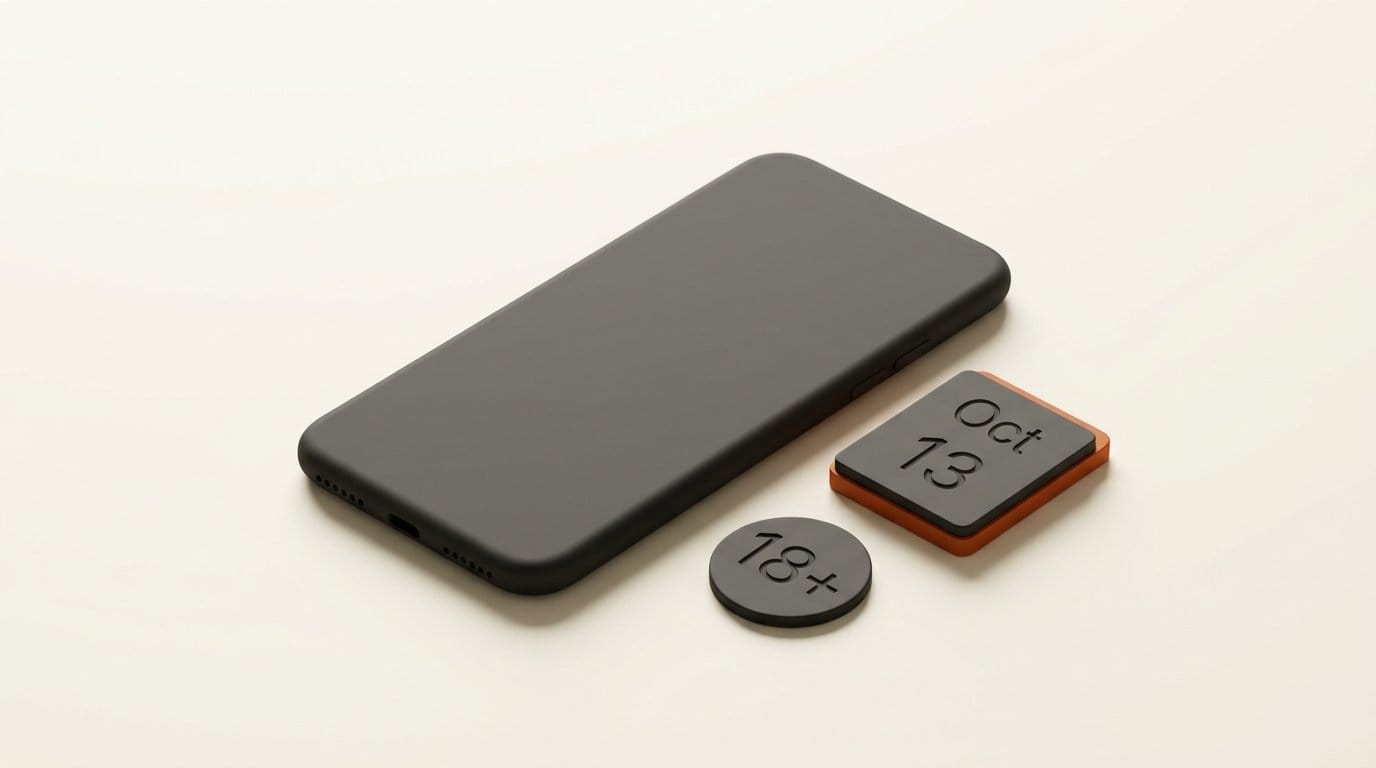
- Who: users 18 and over, in select markets that include the US. Google has not published the full market list.
- Rules: personal apps still have to follow Google Play's existing policies.
- Sharing: not yet. Google says that "in the coming months" you will be able to share personal apps with a close circle of friends and family.
The road to this was visible a few weeks ago. In September, TuttoAndroid spotted a "Your creations" entry in a Play Store test build, under "Manage apps & device". At the time its "Try it now" button only opened the AI Studio website. Google's announcement does not say where personal apps appear inside Play, so treat that location as likely, not confirmed.
Four ways to get an AI-built app onto your phone
There are now four routes from an AI Studio project to a working app. They differ in who can use the app, what you need first, and what it costs. The emulator and USB details come from Google's Build Android apps in AI Studio guide (last updated August 18); the personal-app row comes from the October 13 announcement.
| Route | Who can use the app | What you need | Cost to you | Best for |
|---|---|---|---|---|
| Browser emulator preview | Only you, inside AI Studio | A browser | No fee listed | Testing the idea before it touches a phone |
| Install on Device (USB) | Only you, on the phone you plug in | Chrome or Edge, a USB cable, Developer Options and USB Debugging switched on | No fee listed | People already comfortable with phone developer settings |
| Google Play personal app (new) | Only you; friends and family "in the coming months" | A standard Google account, 18+, a launch market such as the US | Google lists no fee | Most creators: private tools for your own phone |
| Play internal testing | Up to 100 testers you invite | A Google Play Developer account and a completed developer profile | $25 one-time registration | Sharing a working app with a team or clients now |
| Public Play Store | Anyone | A professional developer account and Google's Trust & Safety review | $25 registration, plus review time | Apps you want strangers to find |
The personal-app route is the one that matters for most readers. It removes the two hurdles that stopped people at the last step: switching on USB Debugging, which Google's own Developer Options guide describes as a hidden menu you unlock by tapping the build number seven times, and the paid developer registration.
How to build your first personal app
The build steps below are from Google's AI Studio documentation. The final step, launching through Play, is the new part, and Google has not yet published a click-by-click guide for it, so follow the prompt AI Studio and Play show you. We have not run the Play route ourselves yet; it needs a US account and an Android phone on the rollout.
- Open Build mode. In Google AI Studio's Build mode, choose Android in the platform picker instead of a web app.
- Describe one job, not a whole business. Small, personal tools work best. For a creator: "A shoot-day checklist with my standard shot list for a talking-head video, tick boxes, and a notes field per shot." Or: "A podcast episode tracker with guest name, record date, edit status and publish date."
- Watch it build. AI Studio writes the app and opens it in a phone emulator inside your browser. Nothing to install on your computer.
- Change it by chatting. Ask for bigger buttons, a dark theme, a different order of fields. The emulator refreshes after each change.
- Check what the emulator cannot show. The browser emulator does not support the camera, NFC, Bluetooth or real GPS, and location is simulated. If your app uses any of those, plan to test that part on the phone.
- Launch it through Google Play. Sign in with the same Google account you use on your phone, and launch the app as a personal app. It then appears on your device through Play, invisible to everyone else.
- Keep iterating. Return to the same AI Studio project for changes. Exporting a copy of the project is a ZIP download for now.
A good first test takes about 20 minutes: one screen, one list, one button. If that works on your phone, add a second screen. Asking for everything at once is where AI-built apps tend to go wrong.
What these apps can and cannot do
AI Studio's Android apps are deliberately simple, and the limits shape what is worth building. According to Google's Android build guide:
- Phone and tablet only. No Wear OS watch apps and no Android TV.
- Everything stays on the phone. Android apps are client-side only. Firebase, Google Workspace connections, stored secrets and multiplayer are web-app features, not Android ones. So an app cannot sync a shared shot list with your editor, but your data also never leaves your device.
- Simple app structure. Projects are single-activity, single-module, built with Jetpack Compose. In practice that covers lists, forms, timers, trackers, calculators and simple tools, which is most of what a creator wants on a phone.
- Play's rules still apply. Even unpublished, a personal app must follow Google Play policies, per Google's announcement.
That points at a clear sweet spot: private utilities you would never bother to buy. A shot list for your format, a rate calculator for client quotes, a teleprompter with your script loaded, a habit tracker for posting days. If your idea needs other people logging in or shared data, build a web app in AI Studio instead; those can use Firebase and share a live link today.
What it costs
Google's announcement lists no fee for launching a personal app, and requires only a standard Google account. Building in AI Studio has no listed price either, with one caveat from the Build mode documentation: "If you use paid models, costs may apply", and AI Studio says it warns you during setup if an app could incur costs.
The paid steps start only when other people get the app. Play internal testing needs a Google Play Developer account with a one-time $25 registration and handles up to 100 testers. A public listing needs a professional developer account and goes through Google's Trust & Safety review, the same as any developer's app. For a creator making a tool for their own phone, the realistic price is $0.
How it compares with Apple and other app builders
The contrast with iPhone is sharp. In March, Apple was blocking App Store updates for vibe-coding apps such as Replit and Vibecode, citing its rule against apps that run downloaded code. Google is going the other way: it is building a lane inside its own store for apps a person made with AI, for themselves.
Other builders cover different ground. Lovable's mobile app lets you start a build from your phone, but what it builds are web apps you open in a browser. Google's own Playground game maker, launched October 7, turns a description into a game shared by link, again in the browser. AI Studio plus Play is the route that ends in a real installed Android app with an icon on your home screen.
The broader Play update also matters for anyone who builds apps people find. The companion post on the Android Developers blog covers Ask Play comparisons and Play in Gemini, which Google says drove over 6 million app installs in two months.
Who should try it this week
Try it if you are on Android in the US, you are 18 or older, and you have a repeat task that lives in a notes app or a spreadsheet: a shot list, a gear checklist, an episode tracker, a quote calculator. Those are exactly the small, private, on-device tools this route was made for.
Wait if you need to share the app with a client or collaborator; that is the friends-and-family feature Google promises "in the coming months", and until then internal testing at $25 is the way. Skip it if you are on iPhone. And keep sensitive client data out of early experiments until you have checked what the app actually stores, the same caution we gave in our guide to checking a vibe-coded app for exposed data.
Frequently asked questions
Do I need a Google Play developer account to run my AI Studio app?
No, not for a personal app. Google's October 13 announcement says a standard Google account is enough. You need a developer account, with its one-time $25 registration, only to share the app with testers or publish it.
Who can use Google Play personal apps right now?
People 18 and over in select markets, including the US. Google says the feature "starts rolling out today", so it may reach some accounts days before others, and it has not listed every country.
Can other people see or download my personal app?
No. Personal apps do not appear in Play search or store listings and are visible only to you. Sharing with a small circle of friends and family is planned "in the coming months".
Does it cost anything to build an Android app in Google AI Studio?
Google lists no fee for building or for launching a personal app. AI Studio notes that paid models may incur costs and says it warns you before that happens. Sharing to testers needs the $25 developer registration.
Can I turn a personal app into a public Play Store app later?
Yes. Google says Play helps you "graduate" to a professional developer account, and the app then goes through the same Trust & Safety review and quality standards as any developer's app.
Does this work on iPhone?
No. This is a Google Play feature for Android phones and tablets. AI Studio's native app building targets Android only.