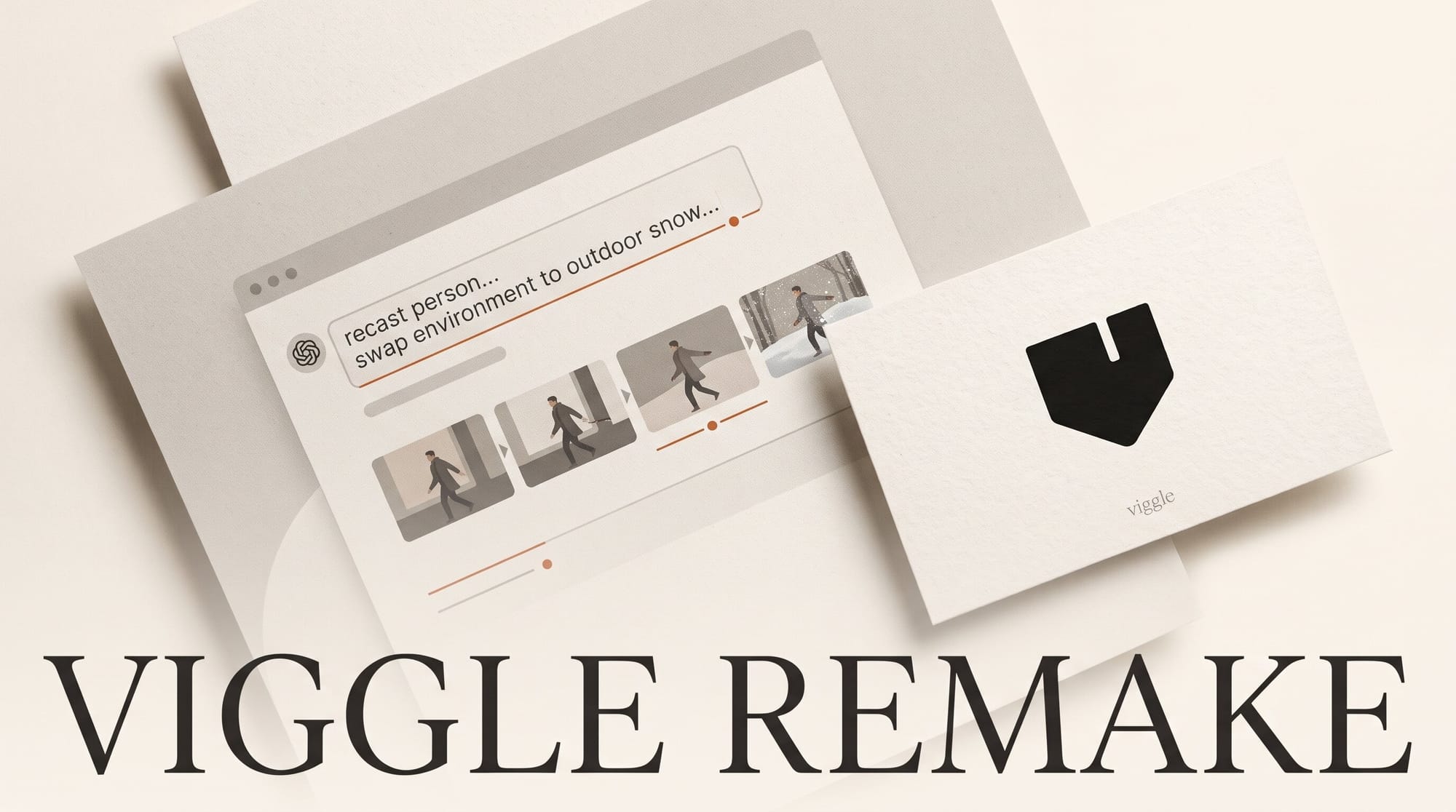
Viggle Remake, launched on November 4, 2026, is a chat-based video editor that recasts the people in footage you already shot, swaps or removes objects, and changes the set, weather or style, while keeping the original performance, camera moves, cuts and soundtrack. It runs inside the Viggle app with no setup, and Viggle's launch post prices it from $0.96 per 10 seconds at 720p. Viggle also released the model weights on Hugging Face the same day, so ComfyUI users can run it on their own graphics card.
This guide covers what Remake does, how it stacks up against Runway Aleph 2.0 and Higgsfield Genjutsu, the step-by-step chat workflow, what a minute of footage costs, and the limits to plan around before you shoot.
What Viggle Remake does
Remake is built for footage you already have: a vlog, a music video take, a product shot, a drone pass. You upload the clip, describe the change in plain words, and an agent plans the edit, paints the keyframes, renders the result and picks the best takes. Viggle's product page says it changes only what you asked for and keeps the rest as filmed.
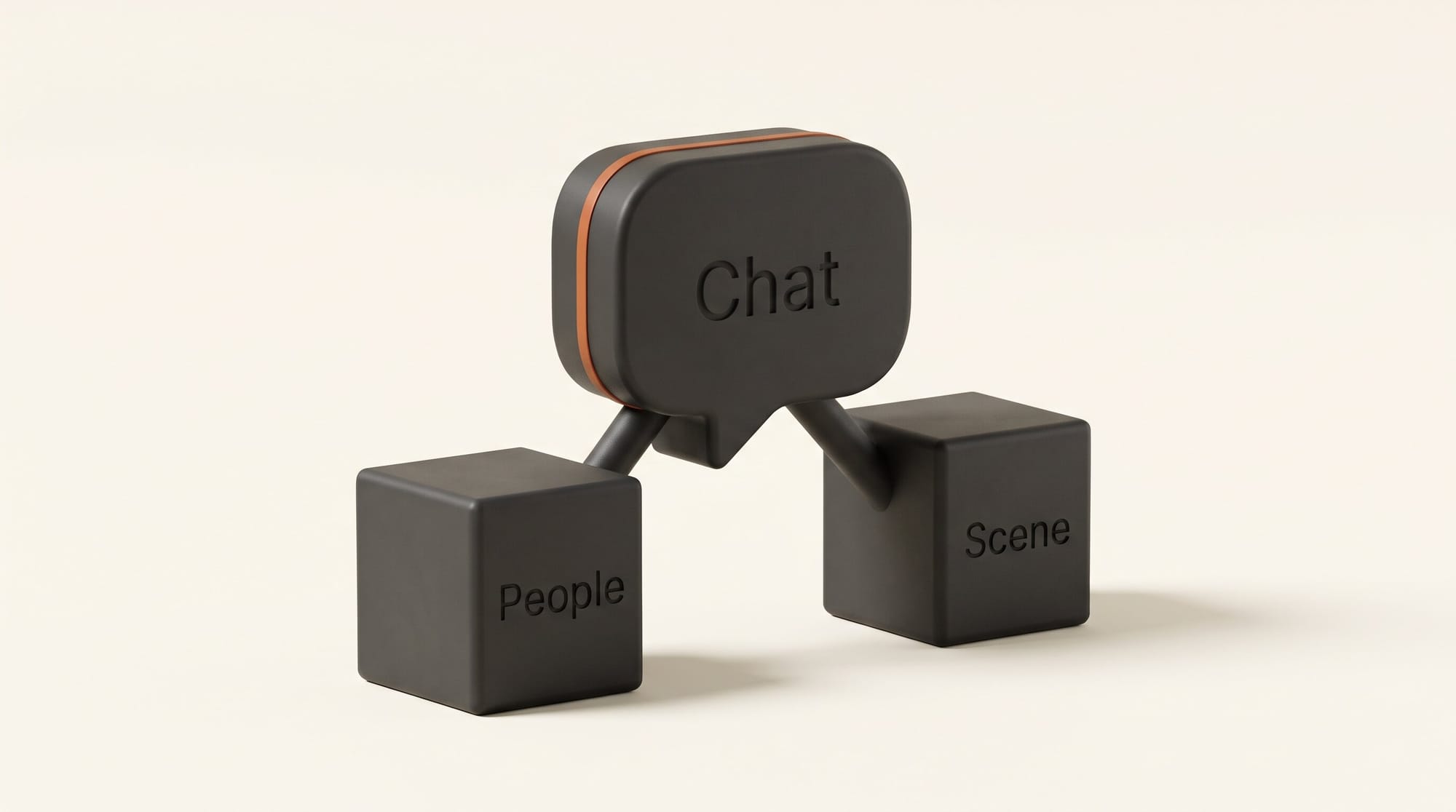
Under the hood there are two models. A people model handles characters and costumes, so you can recast one performer or a whole cast and have each new character stay on the right person through turns and cuts. A scene model handles everything else: swapping, removing or adding objects, changing the location, the weather or the time of day, and restyling footage as anime, oil paint or comic art. Removed objects get filled in, and a swapped object takes on the size, path and physics of the one it replaces.
Each reply in the chat builds on the last version, and every version (v1, v2, v3 and so on) stays in the thread so you can switch back. Viggle lists music videos, ads and product placement, vlogs, location and drone cleanup, season changes and VFX pitches as the main uses.
The release also has an open side. The Hugging Face model card describes Remake as two add-on files (LoRAs) for MiniMax's open H3 video model, one for swapping people and one for editing scenes, plus a ComfyUI node pack and smaller builds that fit cards with 12 GB of video memory.
Viggle Remake vs Runway Aleph 2.0 vs Higgsfield Genjutsu
Remake lands in a category that already has two well-known apps. Runway Aleph 2.0 edits clips by carrying one edited frame through the rest of the video, and Higgsfield Genjutsu rebuilds a scene from reference images while keeping the original motion. Here is how the published specs line up.
| Viggle Remake (app) | Viggle Remake (ComfyUI) | Runway Aleph 2.0 | Higgsfield Genjutsu | |
|---|---|---|---|---|
| How you direct it | Chat, with an editable plan | Painted frames plus a structured prompt | Edit one frame, carried through the clip | Reference images plus prompt |
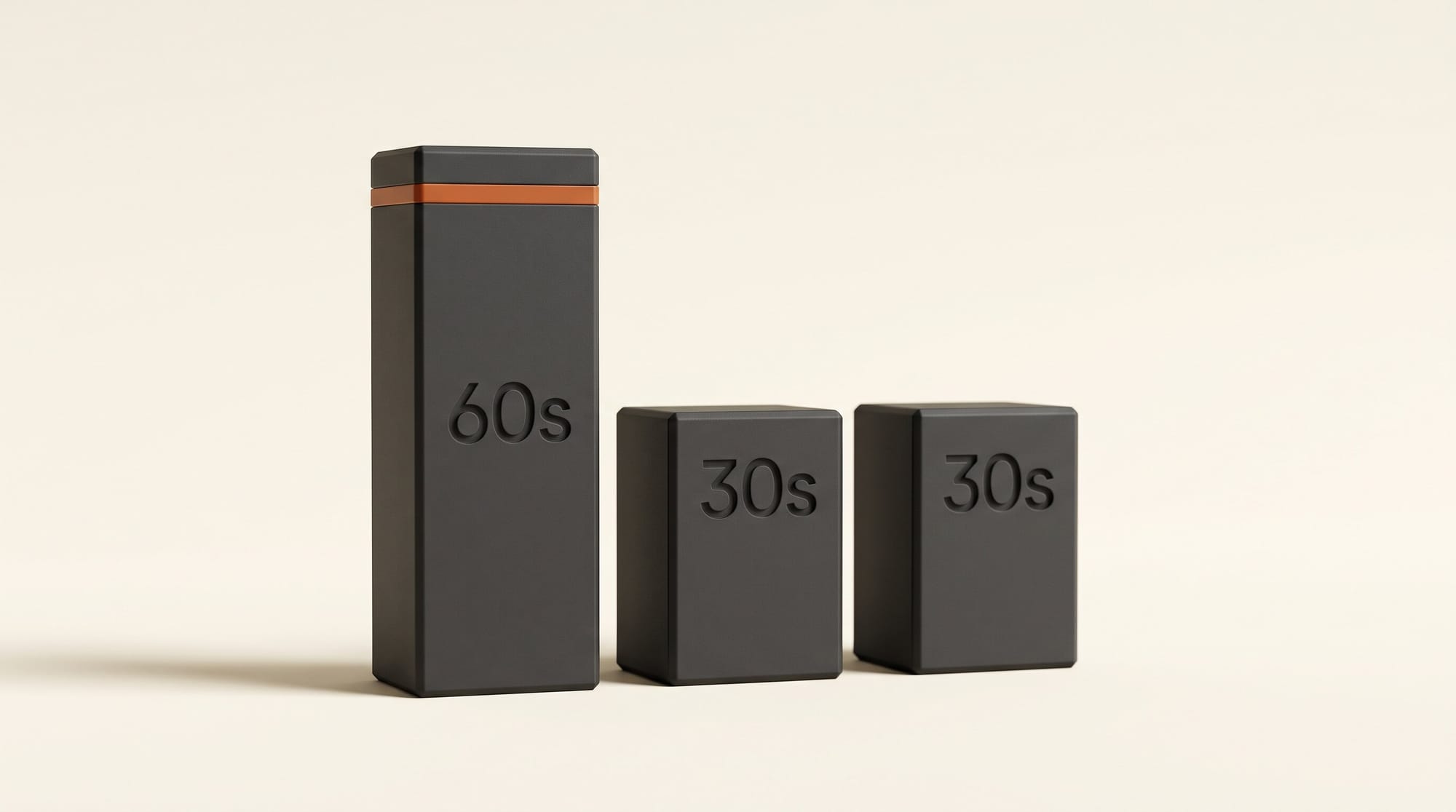
| Clip length | 5 to 60 second uploads | About 12 seconds per render, longer clips in windows | Up to 30 seconds | 4 to 30 seconds |
| Output | 720p, 24 fps | 832x480 or 1280x736 | 1080p | Not stated on main page (Lite: 720p or 1080p) |
| References | Photos of new characters or objects | 1 to 4 painted frames | Edited frame | Up to 30 images |
| Price | From $0.96 per 10 seconds (Viggle) | Free weights, your own GPU | Runway credits | Higgsfield credits |
| Audio | Original kept | Original kept | Not stated | Not stated |
The trade is clear from the table. Remake takes clips twice as long as either rival and handles several recast characters in one pass, but it outputs 720p where Aleph 2.0 delivers 1080p. Genjutsu accepts far more reference images, which matters when a product or wardrobe needs exact matching. Viggle claims Remake costs less than half of what Genjutsu charges; that is the vendor's comparison and we have not run the same clip through both. If you want context on how these apps handle the same brief, our same-prompt video model test shows how far outputs can drift between tools. Earlier coverage of Aleph 2.0 in Edit Studio and Genjutsu's motion transfer has more detail on each.
What you need
- A Viggle account on a paid plan. Viggle's FAQ says Remake is not free. Pro is $9.99 a month, or $7.99 a month billed yearly.
- A source clip of 5 to 60 seconds, in 16:9 or 9:16. The thing you want to change should be clearly visible and large in frame.
- Photos of anything new: the character you are casting in, the product you are placing, the costume.
- Consent from anyone you recast. More on this below.
How to recast a clip in the Viggle app
Step 1: Pick footage that suits the model
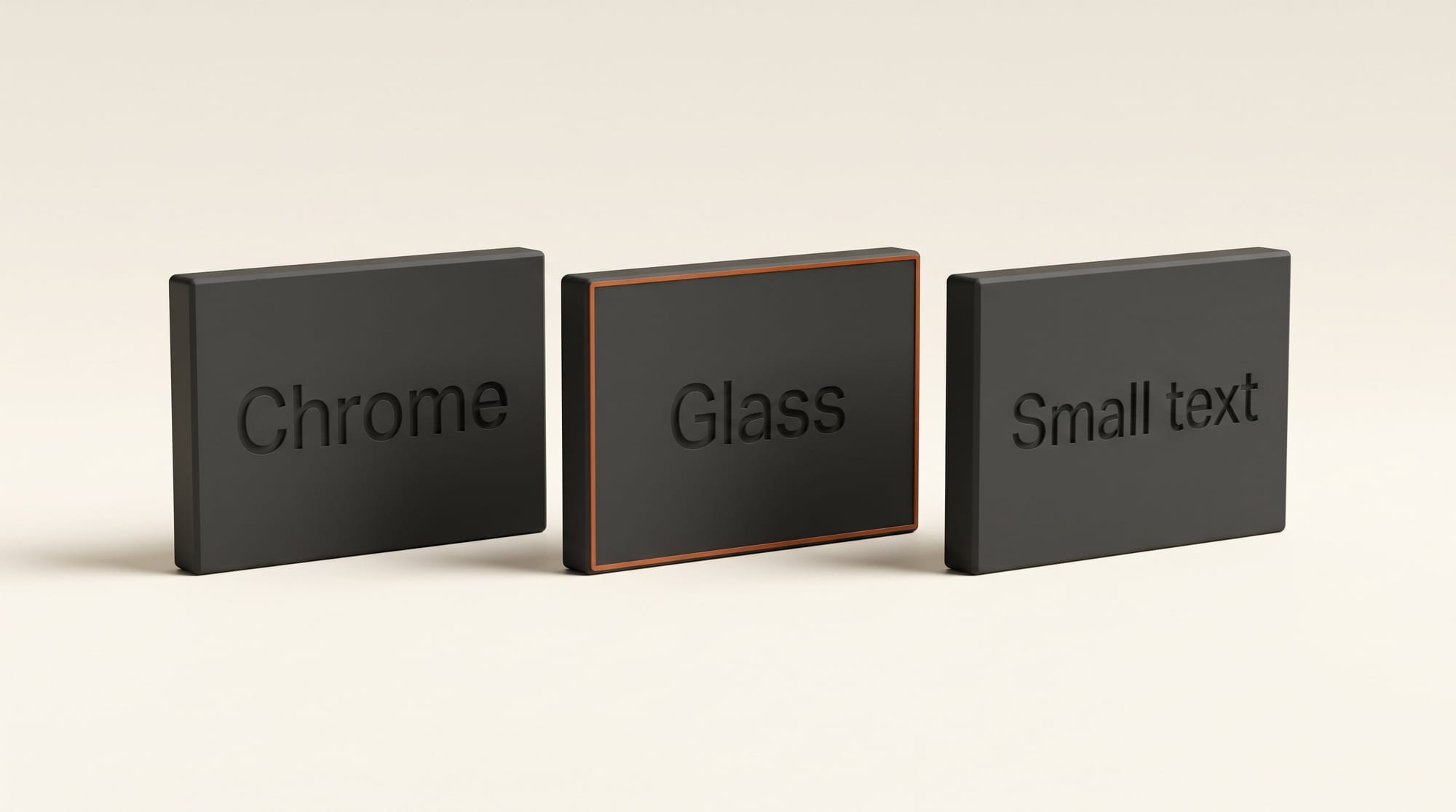
Choose a shot where the person or object you are replacing fills a good part of the frame. Viggle's page notes that full-body costumes hold better than half-costumes, and that chrome, glass and small text are weak spots. A medium shot of a performer beats a wide shot with five tiny figures.
Step 2: Upload the clip and your references
Open Remake in the Viggle app, upload the clip, and add photos of any new character or object. Keep the first test short, around 10 seconds, so you can check results and credit use before committing a full minute.
Step 3: Describe the change once, in detail
Viggle's prompt tips are specific. Describe each new character once, head to toe, and reuse the same wording every time. Give each changed person one distinguishing feature so the model does not mix them up. Name the original traits to drop ("no beard, no glasses"). Call a costume a costume: "full-body plush pineapple mascot, wearer hidden" works better than "turn him into a pineapple". When you remove something, say what fills the space, and anchor new objects to something stable in the shot, like "on the left end of the counter".
Step 4: Review the plan before it renders
Before rendering, Remake shows a plan listing who or what will be replaced and what stays as filmed. This is the cheapest place to fix a mistake. If it has picked the wrong person, or plans to keep a prop you wanted gone, correct it in plain language, then start the render.
Step 5: Ask for fixes in the same chat
Watch the result and reply with what to change: another take, a different jacket, rain instead of snow. Each reply builds on the current version, and earlier versions stay available, so you can compare v2 and v3 side by side and keep the better one.
Step 6: Finish in your editor
Remake exports 720p at 24 fps with your original audio. Bring the clip into Premiere Pro, DaVinci Resolve or CapCut for the cut, grade and titles. If you need 1080p or 4K delivery, run the clip through an upscaler before the final grade, and keep any small on-screen text as an overlay added in the editor, since Remake does not render small text reliably.
What a minute of Remake costs
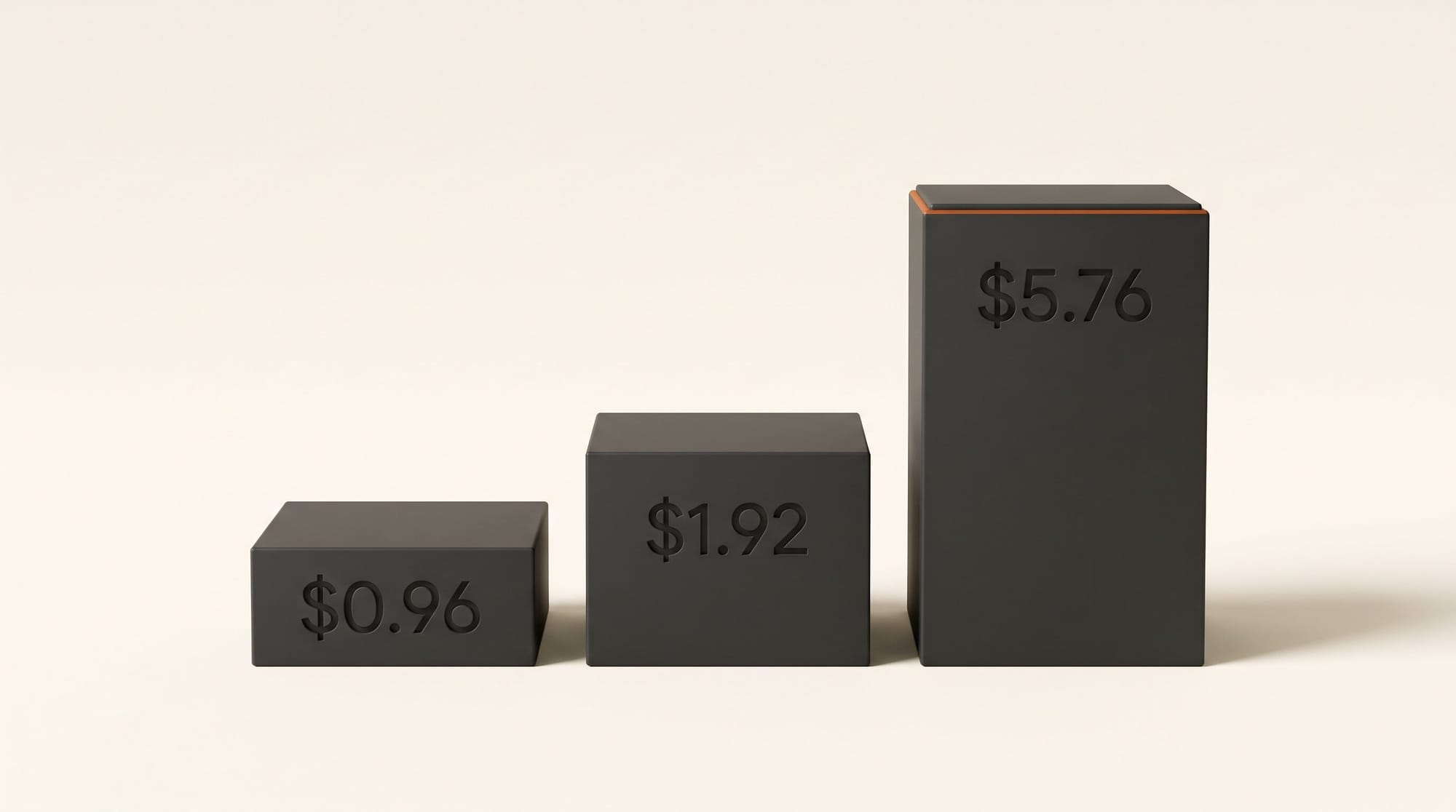
Viggle's launch figure is $0.96 per 10 seconds at 720p, which works out to $5.76 for a full 60-second clip and about $1.92 for a 20-second social cut. Fixes in the chat are new renders, so budget for two or three takes on anything that matters.
On the subscription side, the pricing page lists Pro at 80 credits a month, Live at 200 credits ($19.99, or $15.99 a month yearly) and Max at 800 credits ($79.99, or $63.99 a month yearly). Viggle does not publish how many credits a second of Remake uses, saying only that each feature uses a different amount depending on model and output. Run one short clip first and check how much of your balance it took before you plan a whole music video around a plan tier.
Running Remake in ComfyUI instead
If you already use ComfyUI, the open weights let you render Remake on your own card at no per-clip cost. The ComfyUI guide includes ready-made swap and edit workflows you drag onto the canvas, and ComfyUI Wiki's write-up covers the node pack. Be realistic about the setup, though:
- The base H3 model is a download of about 124 GB before you add Remake's files.
- Compressed builds run on 12 GB and 16 GB cards, at some quality cost; the smallest build scores noticeably lower on Viggle's own quality measure.
- Each render covers about 12 seconds. Longer clips are split into windows.
- Instead of a chat, you repaint one to four frames of the source in an image editor to show the target look, then write a six-part structured prompt. The prompting guide explains both.
- Viggle only measured speed on an NVIDIA B200 data center card: about 95 seconds per render at 832x480. Home cards will be slower.
For most creators the app is the faster route. The local path suits people who already run H3; our guides to H3 in ComfyUI and running H3 on an 11 GB card cover the groundwork.
Limits and troubleshooting
- Character drifts onto the wrong person. Give each recast person a distinguishing feature and describe them with identical wording every time you mention them.
- Removed object leaves a smudge. Say what should fill the space: "empty wooden counter", "clear blue sky".
- Hands merge with faces. Viggle notes that a hand sweeping across a face in a fast spin can briefly blend into it. Trim or avoid those moments.
- Reflective surfaces look off. Chrome and glass come out approximate. Pick shots without large mirrors or windows behind the subject.
- Product label unreadable. Small text on new objects is unreliable. Add the logo or label in your editor as a tracked overlay.
- Clip length confusion. Viggle's launch post says "up to 2 minutes", while the app page lists uploads of 5 to 60 seconds. Plan on one minute per job and stitch longer pieces in your editor.
Consent and the license
Remake will put any face you paint into footage, and the model card is direct about it: the model cannot verify identity or consent. Viggle asks users not to run it on people who have not agreed, and to label results as AI-generated. If you recast a client, a friend or a band member, get written approval, and disclose AI use where your platform requires it.
For anyone building a product on the weights, the MiniMax H3 Community License applies: commercial products must display "MiniMax H3" in the interface, and companies with more than $20 million in yearly revenue need written approval from MiniMax. The inference code and ComfyUI nodes are Apache 2.0.
What to do next
Pick one 10-second clip you already like, a vlog intro or a product shot, and run a single change through Remake: a costume swap or a weather change. Check the plan, render one take, and note how many credits it used. That one test tells you whether Remake's 720p and 60-second limits fit your work, and whether a Pro plan covers your monthly volume, before you commit a full project.
Frequently asked questions
What is Viggle Remake?
Viggle Remake is a video-to-video AI agent, launched November 4, 2026, that edits footage you already shot through a chat. It recasts people, swaps or removes objects and changes settings, weather or style, while keeping the original motion, camera, cuts and audio.
How much does Viggle Remake cost?
Viggle prices Remake from $0.96 per 10 seconds at 720p, about $5.76 for a 60-second clip. It requires a paid plan; Pro costs $9.99 a month or $7.99 a month billed yearly, with 80 credits.
How long can a Viggle Remake clip be?
The app accepts uploads of 5 to 60 seconds in 16:9 or 9:16. Viggle's launch post mentions up to 2 minutes, so check the app's current limit before shooting longer pieces.
Is Viggle Remake better than Runway Aleph 2.0?
It depends on the job. Remake handles clips up to 60 seconds and several recast characters at once, but outputs 720p. Aleph 2.0 edits clips up to 30 seconds at 1080p, so it suits short, high-resolution product and fashion edits.
Can I run Viggle Remake on my own computer?
Yes, if you use ComfyUI. Viggle released the weights as add-ons for MiniMax H3, with compressed builds for 12 GB cards. Expect a download of about 124 GB for the base model and slower renders than the app.
Does Viggle Remake keep the original audio?
Yes. Remake carries the source soundtrack through unchanged. It does not generate new sound, so a silent clip stays silent.