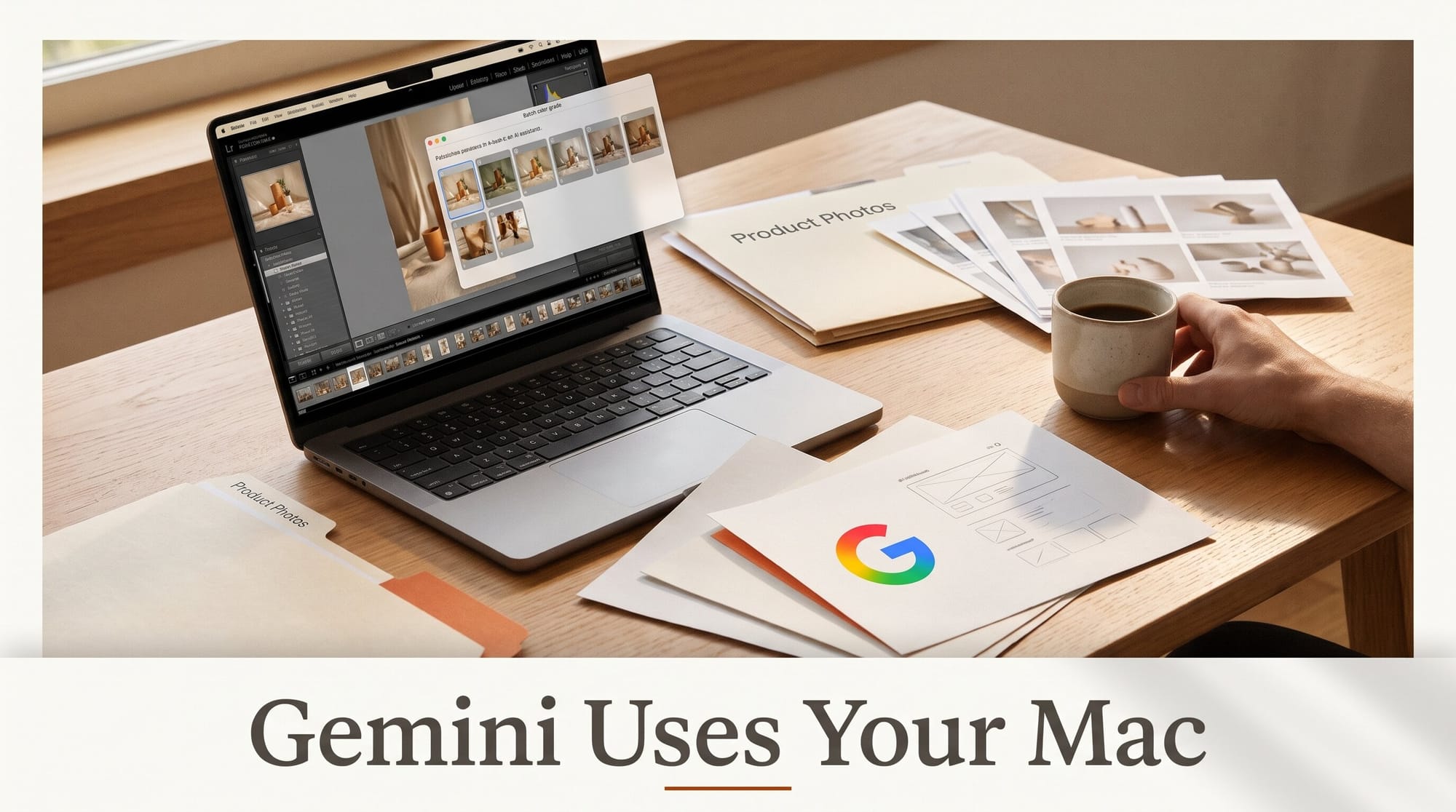
Google added computer use to the Gemini app for Mac on November 19, 2026. You describe a job in plain words and Gemini clicks, types, opens menus and fills in forms across your local files, desktop apps and websites. It does the work in a separate background window, so your own screen and cursor stay free. The feature needs an Apple Silicon Mac on macOS Sequoia 15.0 or later and a Google AI Plus, Pro or Ultra subscription. At launch it works only for personal accounts, in English, in the United States.
Google's own examples read like a creator's to-do list: batch color-grading photos in design software, setting up 3D scenes, and turning a folder of product photos into resale listings. As TechCrunch points out, Google is late here: Anthropic and OpenAI already let their desktop apps drive a Mac. This guide covers what Gemini's version does, how to get it, which jobs to hand it first, and how it compares with Claude and ChatGPT.
What Google Shipped
The announcement comes from Michael Friedman, Group Product Manager for the Gemini app, under the title "Let Gemini tackle repetitive chores on your Mac". Computer use runs multi-step tasks that cross three places at once: files on your disk, apps installed on your Mac, and the web. Gemini handles the clicking, typing, menu navigation and form filling itself.
Gemini doesn't take over your desktop. It works in an isolated background window and streams a live preview into the chat, so you can keep editing in another app while it works. Google lists three controls:
- App access: you choose which apps Gemini is allowed to reach.
- Live view: you can watch every step in the preview and pause at any point.
- Approvals: Gemini asks you to approve key actions before it takes them. Google says "key actions", not every action.
Google gave four example jobs: batch color-grade photos in design software or set up complex 3D scenes; pull weights, dimensions and addresses out of local PDFs to fill in a multi-box shipping quote; gather metrics and screenshots from live dashboards and build a Google Slides presentation; and analyze clothing photos in a folder, research prices, log each item and stage listings on resale sites. Thurrott repeats the same list and adds no new details.
Google's post leaves out several things: which model powers the feature, how many tasks each plan includes, and a full list of supported apps.

Who Can Use It Today
Five conditions all have to be true:
- A Mac with Apple Silicon (an M-series chip). Intel Macs are not supported.
- macOS Sequoia 15.0 or later, which is also the minimum for the Gemini Mac app itself.
- A personal Google account, age 18 or older. Work and school accounts are not included at launch.
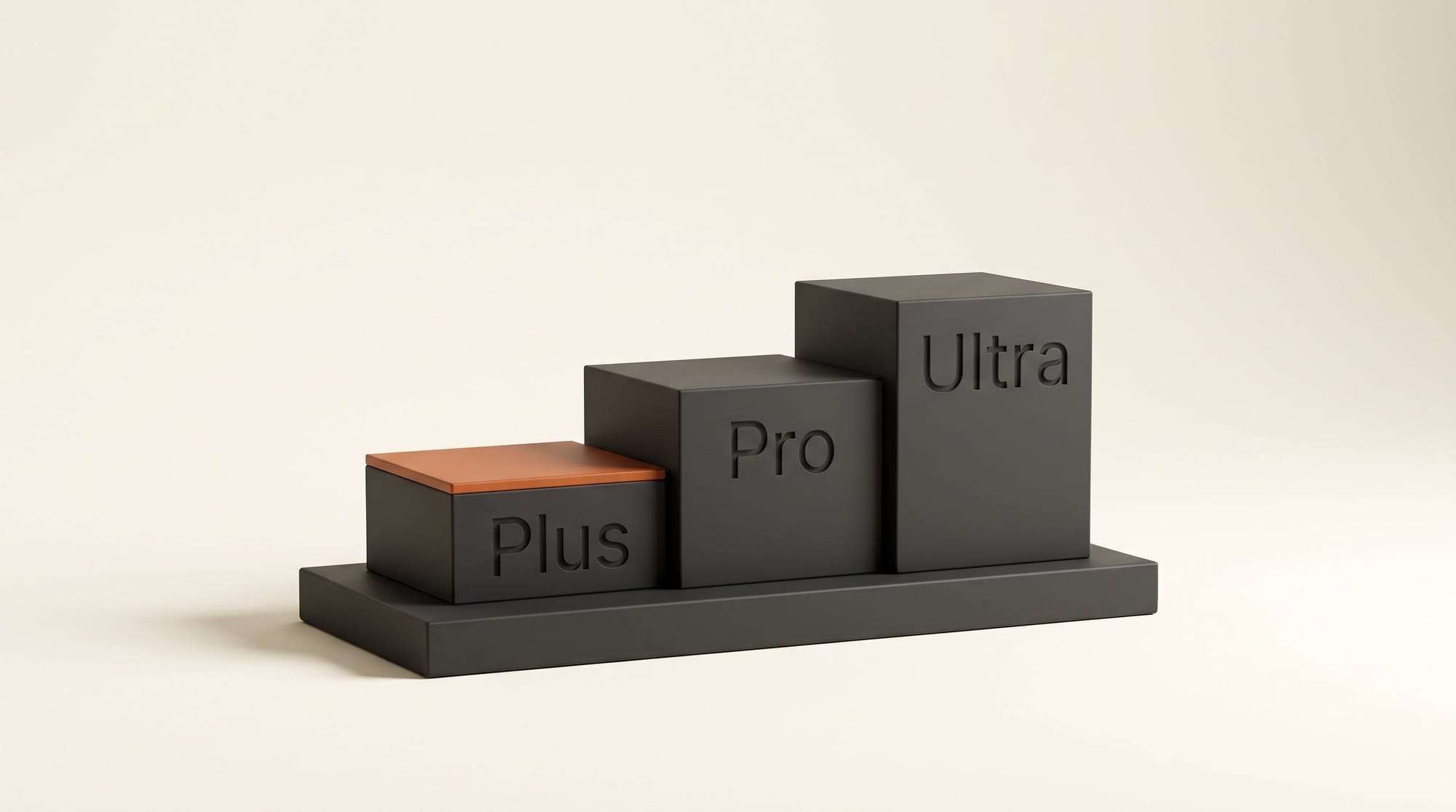
- A Google AI Plus, Pro or Ultra subscription. AI Plus is the cheapest way in at $4.99 a month in the US since Google cut the price in June.
- English, in the United States. Google has not said when other countries or languages get it.
There is also no Windows version. Gemini for Windows has its own Alt+Space launcher, but Google's announcement covers the Mac only. If you are outside the US, or your Mac has an Intel chip, Claude and ChatGPT (compared below) are the options available to you now.
How to Turn It On
Google's post doesn't include a settings walkthrough, so these steps stick to what it confirms:
- Check your Mac. Open the Apple menu, choose About This Mac, and confirm the Chip line names an Apple M-series chip and the macOS line says Sequoia (15) or later.
- Check your plan. Sign in at gemini.google.com with your personal Google account and confirm you are on AI Plus, Pro or Ultra.
- Install or update the app. Download the Gemini app for Mac from gemini.google/mac, or update it if you already have it. Option+Space opens a mini chat over your current window; Option+Shift+Space opens the full chat.
- Give it access to one app. When Gemini asks which apps it may use, allow only the app the task needs. You can add more later.
- Start small and watch. Describe one short job, keep the live preview open, and approve each key action yourself the first few times.
The rollout is gradual. If nothing changes after you update, the feature has not reached your account yet.
Five Creator Jobs to Hand It First
Google's examples are the best guide to what the feature was tested on. Each job below is built on one of them, scaled down so you can check the result in a few minutes. Work on a duplicate of your folder the first time: an agent that misreads one screen repeats the mistake on every file.
- Batch-grade a shoot. Based on Google's photo color-grading example. Try: "Open the 12 photos in the Duplicate folder in my photo editor, apply the warm look I saved as a preset to each one, and export them as JPEGs to a new folder called Graded." Then look through every export before you deliver anything.
- Build a client deck from a folder. Based on the Google Slides example. Try: "Make a Google Slides deck with one slide per image in the Moodboard folder, the file name as the title, and a blank notes field." It saves you the drag-and-drop; you still write the story.
- Turn product photos into listings. This is Google's resale example almost unchanged, and it suits anyone who sells prints, merch or used gear. Ask Gemini to describe each item, research comparable prices and stage (not publish) a listing on each platform. Make sure it asks for your approval before anything goes live.
- Pull numbers into one recap. Based on the dashboard example. If you report monthly stats to a sponsor or client, have Gemini gather views and clicks from the dashboards you name and put them into a Slides or Sheets recap.
- Fill out the paperwork. Based on the PDF example. Shipping quotes, festival submissions and grant forms all ask for details that already sit in a PDF on your disk. Have Gemini copy them into the form, then read the form yourself before you approve the submit.
Notice that Google did not offer "edit my video" or "mix my track" as examples. The feature repeats clicks you already know how to do. It doesn't make creative decisions for you. Give it the tedious part of a job and keep the judgment calls.
Gemini vs Claude vs ChatGPT on the Mac
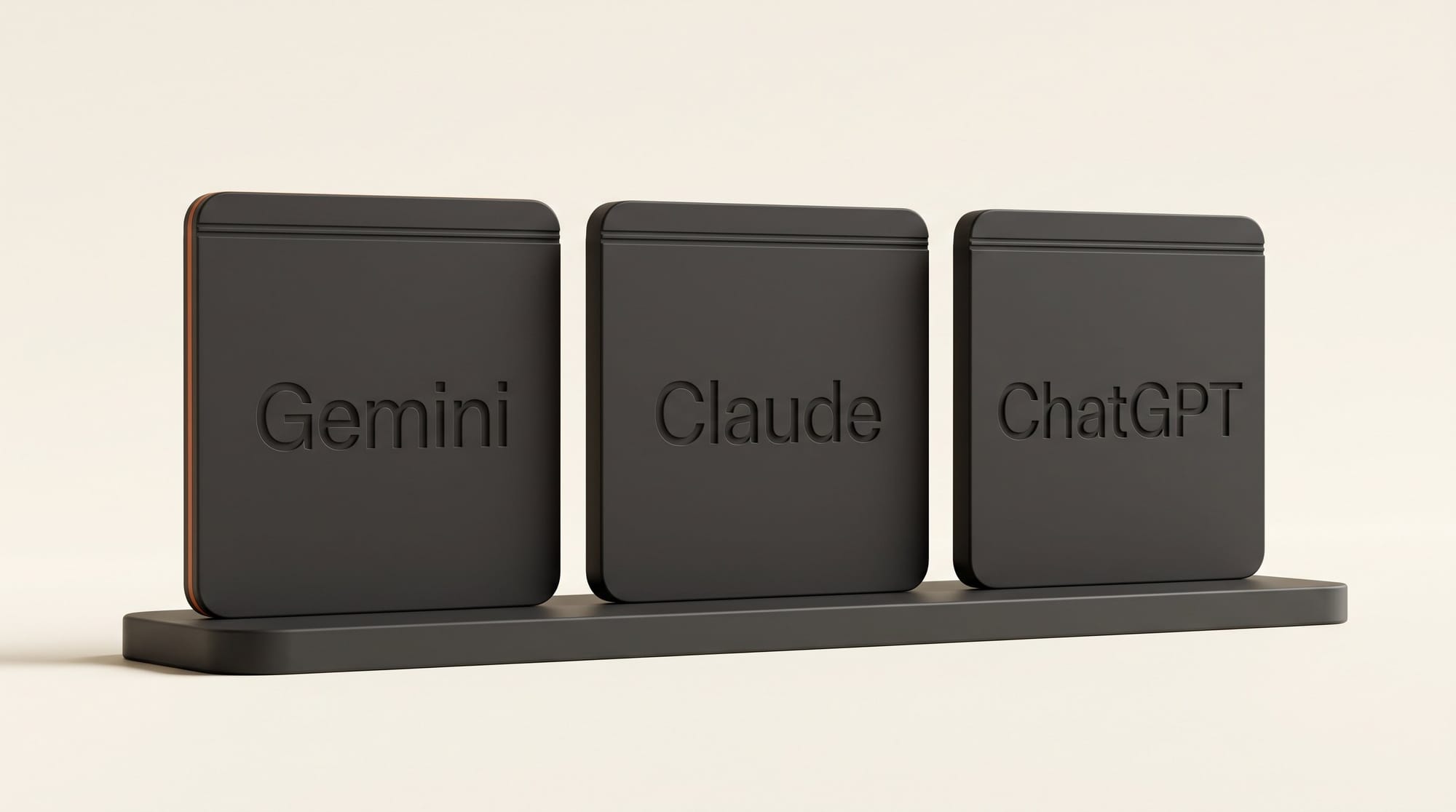
Gemini joins two desktop apps that can already drive a Mac. Anthropic's help center describes computer use in the Claude desktop app, and OpenAI's documentation describes Computer Use in the ChatGPT desktop app. Here is how the three compare, using each company's own documentation:
| Gemini | Claude | ChatGPT | |
|---|---|---|---|
| Where it lives | Gemini app for Mac | Claude desktop app (Cowork and Claude Code) | ChatGPT desktop app (Work or Codex) |
| Who gets it | AI Plus, Pro, Ultra (from $4.99 a month) | Pro, Max, Ultra; beta for Team and Enterprise | Depends on your plan and workspace |
| Computers | Mac only (Apple Silicon, macOS 15+) | Mac and Windows | Mac and Windows |
| Uses your cursor? | No, separate background window | No on macOS 15+ by default; full control is optional | No for scoped tasks on Mac; takes over the screen on Windows |
| App permission | You choose which apps | Asks per app, allowed for the session | Asks per app, with an Always allow option |
| Checks before acting | Approve key actions | Checks before sending messages or submitting forms | May ask before sensitive actions |
| Where available | US, English only | No region limit stated | "Supported regions" |
A few differences matter more than the table shows. Claude tries the most precise route first: a connector, then the browser, and only then clicking around the screen. Claude also keeps some app types off-limits: by default it cannot use music, video streaming or e-book apps, and it can see but not click inside browsers. ChatGPT offers an opt-in "Locked use" mode on the Mac, so a task keeps running after the screen locks.
Gemini's advantages are price and Google's own apps. A $4.99 plan is the cheapest way into any of the three, and if your decks live in Google Slides and your files live in Drive, Gemini is already signed in to both. We covered the older, Ultra-only version of this idea when Gemini Spark reached the Mac in beta. This launch opens desktop app control to the lower tiers.
What to Watch Out For
"Key actions" is a judgment call. Gemini decides which actions count as key. Until you trust it, keep the preview open, and don't give it apps where a single click is expensive, such as a store backend, a banking app or a client's shared drive.
No published limits. Google has not said how many computer use tasks each plan allows, or whether AI Plus gets fewer than Ultra. Expect to find the limit by hitting it, so don't build a deadline around a long batch job yet.
Permissions on the Mac. Any app that clicks and types for you needs broad access to your Mac. Before you allow it, read our audit of Apple's Full Disk Access change for AI agents, and check what you have granted under System Settings, Privacy and Security.
Work on copies. A batch edit that goes wrong goes wrong on every file. Duplicate the folder, run the task, compare a few files to the originals, then decide.
Which One Should You Use?
If you are in the US, on an Apple Silicon Mac, and your work already runs through Google Slides, Drive and Gmail, try Gemini first. It is the cheapest of the three and costs nothing extra if you already pay for Google AI. If you work on Windows, live outside the US, or need a task to keep running while the Mac is locked, Claude or ChatGPT is the option available now. Whichever you pick, start with a single folder, a single app and a task you could check by eye in two minutes.
Frequently asked questions
Is Gemini computer use free?
No. It requires a Google AI Plus, Pro or Ultra subscription. AI Plus is the cheapest at $4.99 a month in the US. The free Gemini app on Mac doesn't include computer use.
Does Gemini computer use work on Windows or Intel Macs?
No. At launch it needs a Mac with Apple Silicon running macOS Sequoia 15.0 or later. Google has not announced a Windows version.
Will Gemini take over my mouse while it works?
No. Google says Gemini works in an isolated background window with a live preview in the chat, so your screen and cursor stay free for your own work.
Can I stop Gemini in the middle of a task?
Yes. You can watch each step, pause at any time, and approve key actions before they happen. You also choose which apps Gemini is allowed to use.
Is Gemini computer use available outside the United States?
Not yet. It is rolling out to personal Google accounts, age 18 and over, in English in the US. Google has not given a date for other countries or languages.
How is this different from Gemini Tasks?
Tasks is Gemini's agent for jobs such as booking, buying and organizing files into Google Docs and Sheets, and Google widened its rollout earlier this week. Computer use is the part that operates other desktop apps on your Mac, clicking and typing inside them.