Comfy launched Custom Builds for Comfy Cloud on November 18, 2026. A Build packs the custom nodes, models, LoRAs and private node packs your ComfyUI setup uses, so you can open that same setup in a browser and run it on Comfy's GPUs. Before this, Comfy Cloud only ran the node packs Comfy maintains, so a workflow with one unsupported pack failed. Builds come with every paid plan from Standard ($20 a month). GPU time is billed by the second, at $1.75 to $11.23 an hour depending on the card. This guide covers what you pay, how to move your setup across in seven steps, and when your own PC or plain Comfy Cloud is still the better choice.
We have not run a Build since launch. Every figure below comes from Comfy's launch post, its documentation and its pricing page, all read on November 18. The cost math is ours and shows how it was worked out.
What Comfy launched on November 18
Comfy Cloud is ComfyUI in a browser tab: the same node canvas, running on Comfy's GPUs instead of your graphics card. Its limit was always the nodes. The Comfy Cloud documentation says Cloud runs a fixed set of nodes Comfy maintains and you cannot install your own packs. Anything else shows up under "Unsupported Node Packs" in the Errors tab and the workflow will not run.
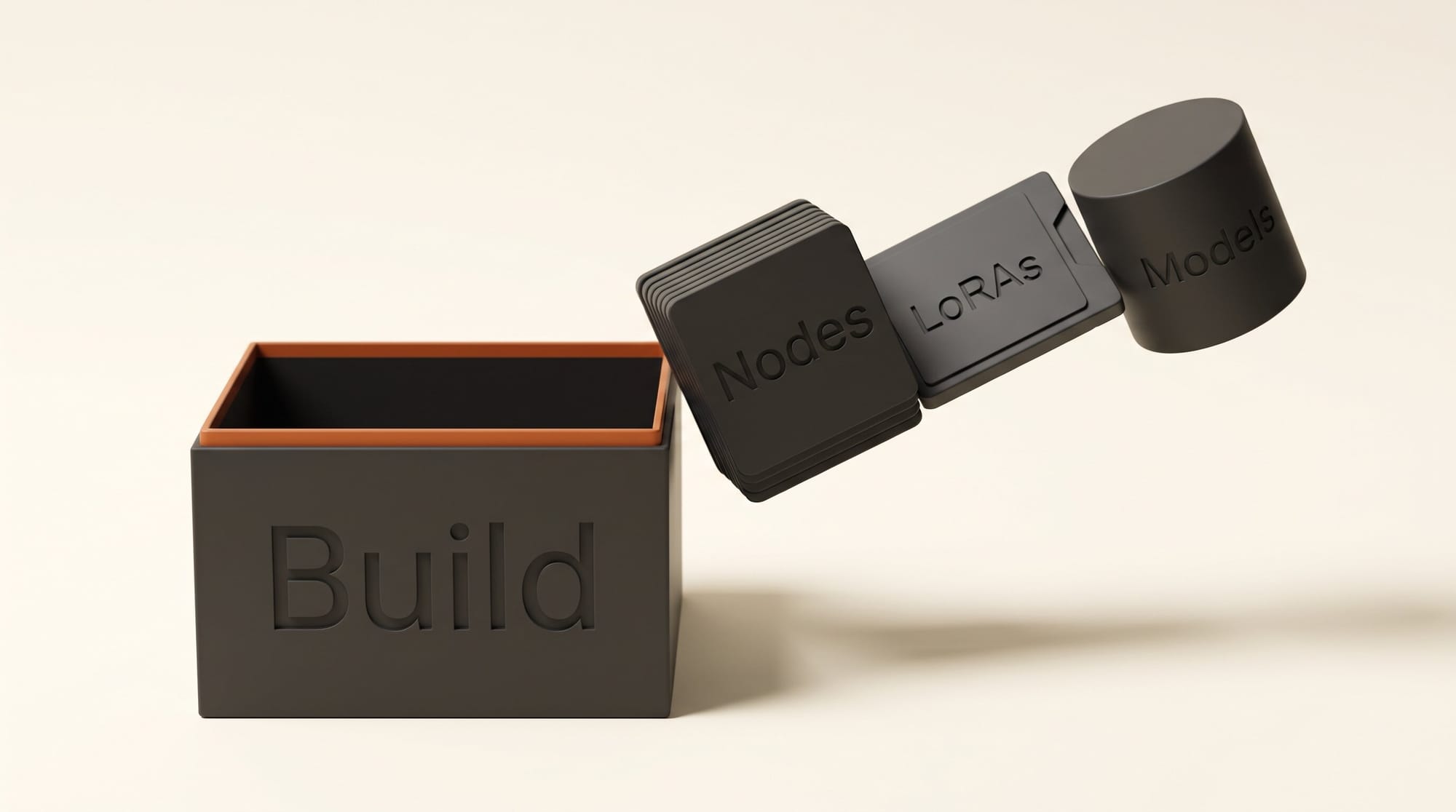
A Build removes that limit. According to the Custom Builds guide, it packages "your Custom Nodes, private Custom Nodes, LoRAs and other models, and Python dependencies" so your workflows can run on Comfy Cloud. You then run that Build as a deployment: GPU workers that serve only your workflows. In the Cloud editor you pick it from the Run on menu and work on the canvas as usual.
Three details from the launch post matter to creators:
- Editing is free. "Opening or editing the canvas alone doesn't start a GPU." You pay only while a worker runs.
- Teams share one setup. Add a LoRA to the Build, roll out the update, and every workspace member gets it without installing anything. Inviting teammates needs the Team plan.
- Private packs are allowed. Node packs that were never published to the Comfy Registry can go in, uploaded as a zip, according to the Comfy Cloud page.
The packaging runs on Comfy's Developer Platform, the same system behind the Comfy API endpoints launched on September 30. What is new is where the result runs: on the browser canvas you already use, not only as an API for developers to call.
What a Custom Build costs
You pay for three things: your plan, GPU time while a worker runs, and storage for your models. Publishing a Build is free and so is keeping one. A running deployment costs GPU time, and it costs storage for as long as it exists, even when stopped.
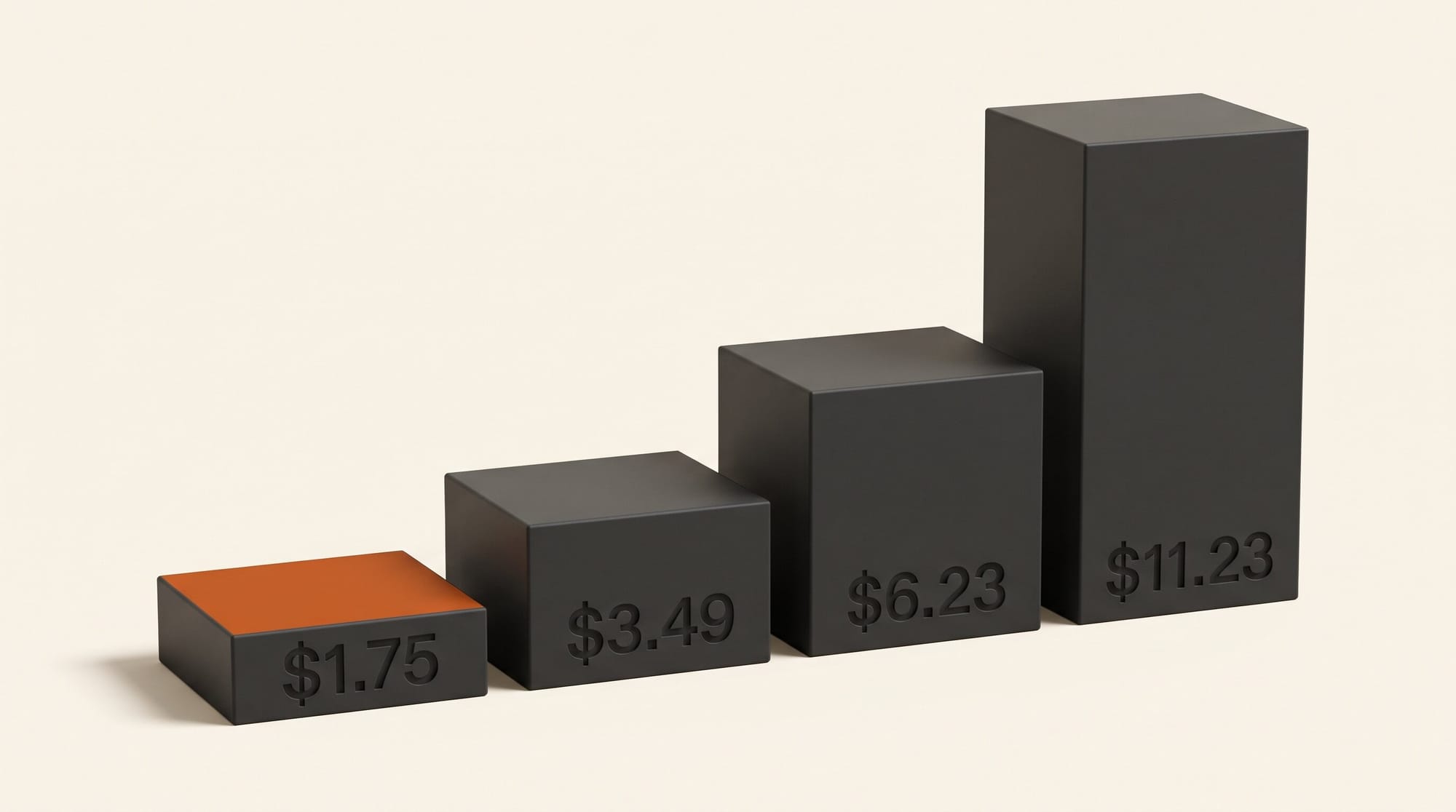
| GPU | VRAM | Price per hour | Credits per hour | 3-minute idle window |
|---|---|---|---|---|
| RTX PRO 6000 MIG | 48 GB | $1.75 | 369.25 | $0.09 |
| RTX PRO 6000 | 96 GB | $3.49 | 736.39 | $0.17 |
| H100 SXM | 80 GB | $6.23 | 1,314.53 | $0.31 |
| H200 SXM | 141 GB | $7.71 | 1,626.81 | $0.39 |
| B200 | 180 GB | $11.23 | 2,369.53 | $0.56 |
Prices and credits are from Comfy's pricing page. The idle column is our math: the docs say "Keep worker up after a job" defaults to 3 minutes, billed at the GPU rate, so each burst of work ends with up to three paid minutes of waiting. On the B200 that is 56 cents every time you step away.
The cheap card is not cheaper per render. Comfy says the 48 GB MIG card "runs at about half the speed" of the 96 GB card. Half the price at half the speed costs the same per finished image or clip. The MIG card saves money only while the GPU is waiting, for example during Partner Node calls to outside models like Nano Banana, or when jobs arrive minutes apart. Comfy recommends it for exactly those cases.
One price came down. When Comfy API launched on September 30, the 96 GB RTX PRO 6000 was $4.54 an hour, 1.30 times the Runpod serverless rate we recorded that day. It now lists at $3.49, which matches that recorded Runpod price. The H100, H200 and B200 prices have not changed.
Storage is $0.20 per GB per month. Comfy's own example: 20 GB of models costs $4.00 a month.
Stock Comfy Cloud vs a Custom Build vs your own PC
Every paid plan now gets you the Build tools, but most creators should not start a Build. This is how the three routes compare:
| Stock Comfy Cloud | Custom Build on Comfy Cloud | ComfyUI on your own PC | |
|---|---|---|---|
| Custom nodes | Supported list only | Any pack that builds, private ones included | Anything |
| Your LoRAs | Import from Civitai or Hugging Face on Creator and up | In the Build, or the Model Library (2 GB max per file) | Anything that fits on disk |
| GPU | RTX 6000 Pro, 96 GB | Your pick, 48 GB to 180 GB | Whatever you own |
| Cost to run | Plan credits, only while a job runs | $1.75 to $11.23 an hour, plus idle windows | Electricity |
| Ongoing cost | Plan only | Plan plus $0.20 per GB per month | None |
| Setup time | None | 10 to 15 minutes per Build | Install and update it yourself |
| Best for | Workflows Cloud already supports | One missing pack, a team setup, no local GPU | Owners of a 16 GB+ NVIDIA card |
For a sense of scale, Comfy's plan page says Standard's 50,400 yearly credits make about 4,560 five-second videos with its Wan 2.2 image-to-video template. That is roughly 11 credits, or about 5 cents, per clip on stock Cloud. Comfy lists every Build GPU in credits as well as dollars, at the same 211 credits per dollar. At the 96 GB rate, 11 credits buys about 54 seconds of GPU time. If your custom workflow takes longer than that per clip, it costs more than a stock Cloud clip, before any idle window.
Standard's monthly share of credits, about 4,200, works out to roughly 5.7 hours on the 96 GB card or 11.4 hours on the 48 GB MIG card. At half the speed, both buy the same amount of finished work.
How to move your ComfyUI setup to the browser, step by step
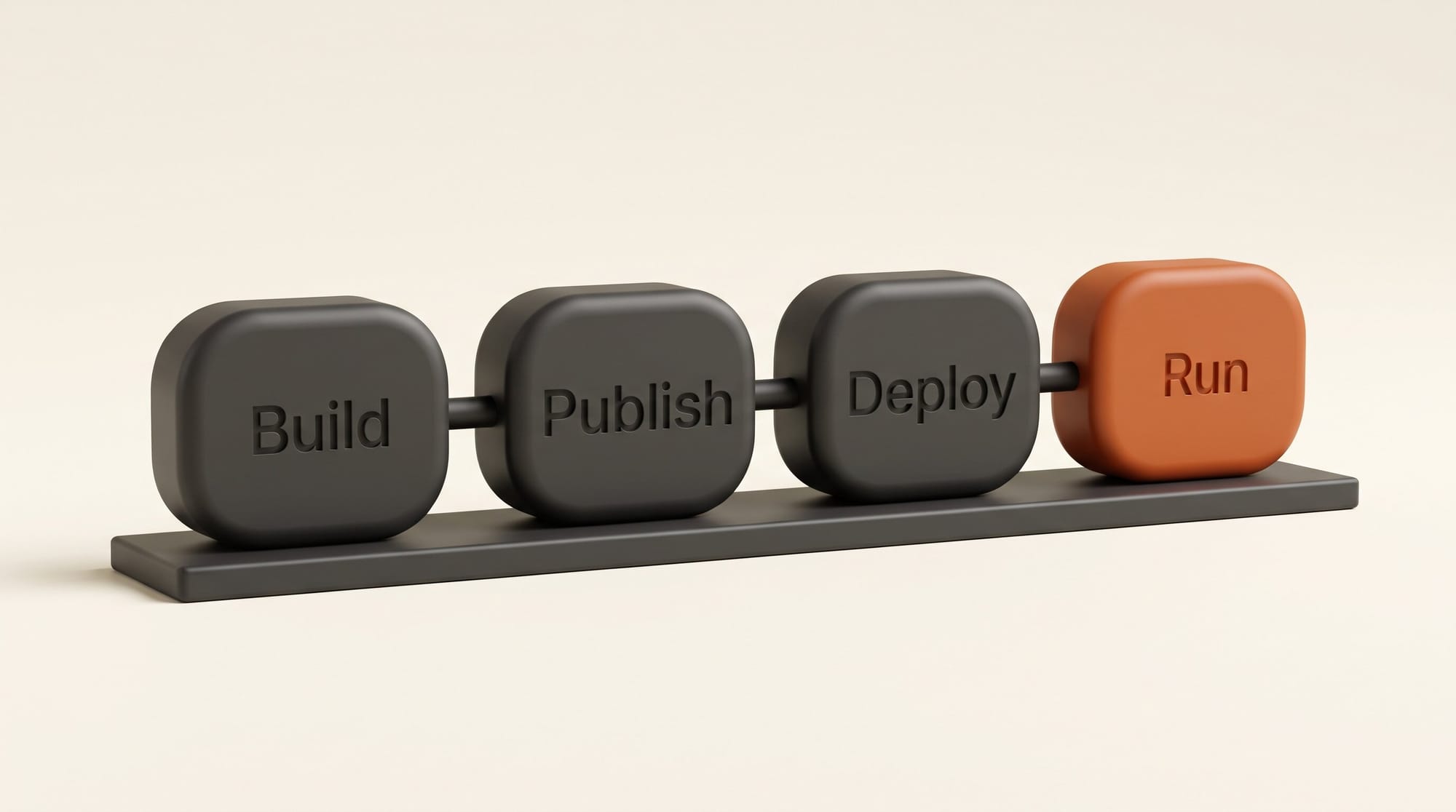
The steps come from Comfy's Custom Builds guide. No terminal is involved: everything happens in the Cloud editor and on the Developer Platform web page.
- Save your workflow to Comfy Cloud. A Build needs a saved workflow and either an active subscription or a credit balance above zero. If the workflow uses an unsupported pack, Cloud shows a dialog with a Create on Platform button. You can also start from the cloud menu next to Run.
- Start a Build. On the Deploy page, click New build, or Start from scratch if this is your first.
- Pick the workflow. Choose a saved one, or drag in its .json file or a .png made with it. The builder finds the nodes and models it needs. A Comfy Desktop snapshot also works as a starting point.
- Check what it found. Keep the suggested defaults, or click Customise build to add or remove node packs and models. Check the supported nodes list first so you only package what Cloud lacks.
- Publish. This creates a numbered version, v1. Publishing is free and usually takes 10 to 15 minutes.
- Deploy. Pick a GPU, keep Ready for the Cloud editor on, and read the Estimated cost panel before clicking Create deployment. Set Always-warm workers to 0 so the GPU turns off when no jobs arrive, and shorten Keep worker up after a job if you work in short bursts.
- Run. In the Cloud editor, open the Run on menu, select your deployment, open the workflow and press Run. The first job may wait while a GPU starts.
To add a LoRA later, upload it to the Model Library from the Cloud editor or the Developer Platform. Library uploads need a Pro, Creator, Team or Enterprise plan. Files must be .safetensors of 2 GB or less, which most LoRAs are. Larger base models go inside the Build.
Troubleshooting a Build that will not run
- A node pack fails to build. Edit the Build, remove the failing pack, and publish again. Comfy warns that complex packs may need troubleshooting.
- A library model does not load. The model needs a loader node that Comfy Cloud has. If the loader comes from an unsupported pack, put the model in the Build instead.
- Your LoRA does nothing or errors. A LoRA must match the base model the workflow loads, for example an SDXL LoRA with an SDXL checkpoint.
- An older deployment cannot see library models. Some deployments created before the Model Library existed cannot load from it. Create a new deployment.
- A node waits for you to click. Nodes that pause a run for a browser click are not supported yet, according to the Comfy Cloud page.
- You keep getting billed. Storage keeps billing while a deployment exists, even when stopped. Delete the deployment to stop paying. The Build and its versions stay.
Who should use it and who should skip it
Use a Build if one node pack is the only thing keeping your workflow off Comfy Cloud, if you work on a Mac or a laptop without an NVIDIA card, or if a small studio needs the same nodes and LoRAs on every machine. The team case is the strongest: one person maintains the Build, and everyone opens the same setup in a browser.
Skip it if your workflow already runs on stock Cloud. You would add storage fees and idle windows for no gain. Also skip it if you own a recent NVIDIA card with 16 GB or more and run ComfyUI locally without trouble; your GPU time costs only electricity. Comfy's launch post for the API made the same point to developers: if your setup works where it is, keep it.
Concurrency is the other limit to check. Each deployment runs up to 2 jobs at a time on Standard and Creator, 10 on Pro and 20 on Team. The plans also cap Builds (5 on Standard and Creator, 10 on Pro, 40 on Team) and deployments (2, 2, 5 and 20).
What to do next
Open your most-used workflow in Comfy Cloud and look at the Errors tab. If it lists no unsupported packs, you do not need a Build. If it lists one or two, publish a Build on the 48 GB MIG card with Always-warm workers at 0, run five jobs, and compare the bill with what stock Cloud or your own PC would have cost. For more ways to put the canvas to work, see our ComfyUI workflow guide.
Frequently asked questions
What is a Comfy Cloud Custom Build?
A Build is a package of the custom nodes, private node packs, models, LoRAs and Python dependencies your ComfyUI workflows need. Once deployed, you select it from the Run on menu in the Comfy Cloud editor and your workflow runs in the browser on Comfy's GPUs.
How much do Custom Builds cost?
Builds are included in every paid plan from Standard ($20 a month, or $16 billed yearly). Running one costs $1.75 to $11.23 an hour of GPU time, billed by the second, plus $0.20 per GB per month for model storage. Publishing and keeping a Build is free.
Can I use my own LoRAs on Comfy Cloud?
Yes. Put them in a Build, or upload them to the Model Library on a Pro, Creator, Team or Enterprise plan. Library files must be .safetensors of 2 GB or less, and the LoRA must match the base model your workflow loads.
Do I pay while I edit my workflow?
No. Comfy says opening or editing the canvas does not start a GPU. You pay while a worker runs, which includes the keep-alive window after each job (3 minutes by default) and any always-warm workers you set.
Is the cheaper 48 GB GPU worth it?
Only when the GPU spends time waiting. Comfy says it runs at about half the speed of the 96 GB card, so a render costs about the same on either. It saves money on idle windows and on workflows that mostly call outside models through Partner Nodes.
Do I need to use a terminal?
No. You create, publish and deploy a Build from the Developer Platform web page, and run it from the Comfy Cloud editor. Developers can still call the same Build through the Comfy API.