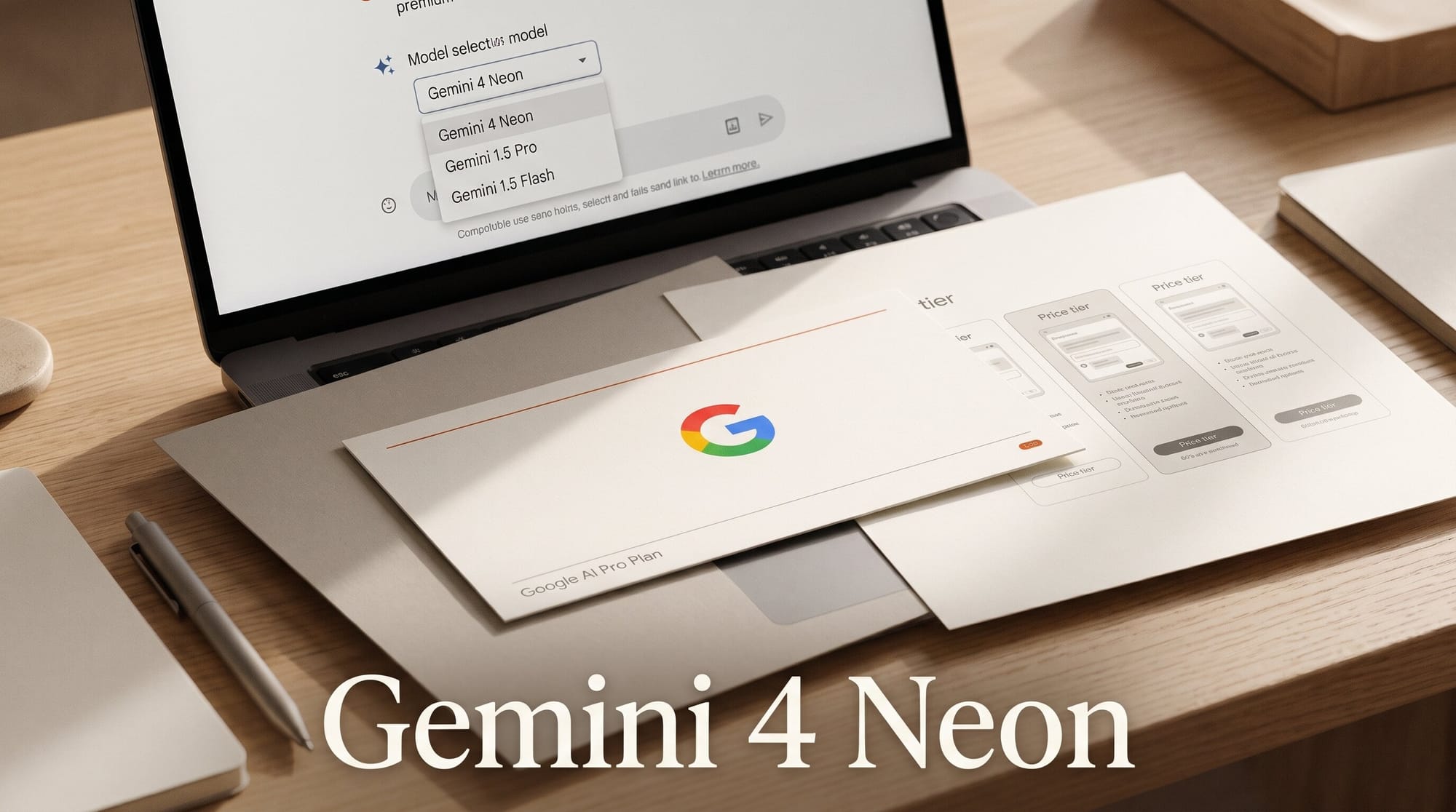
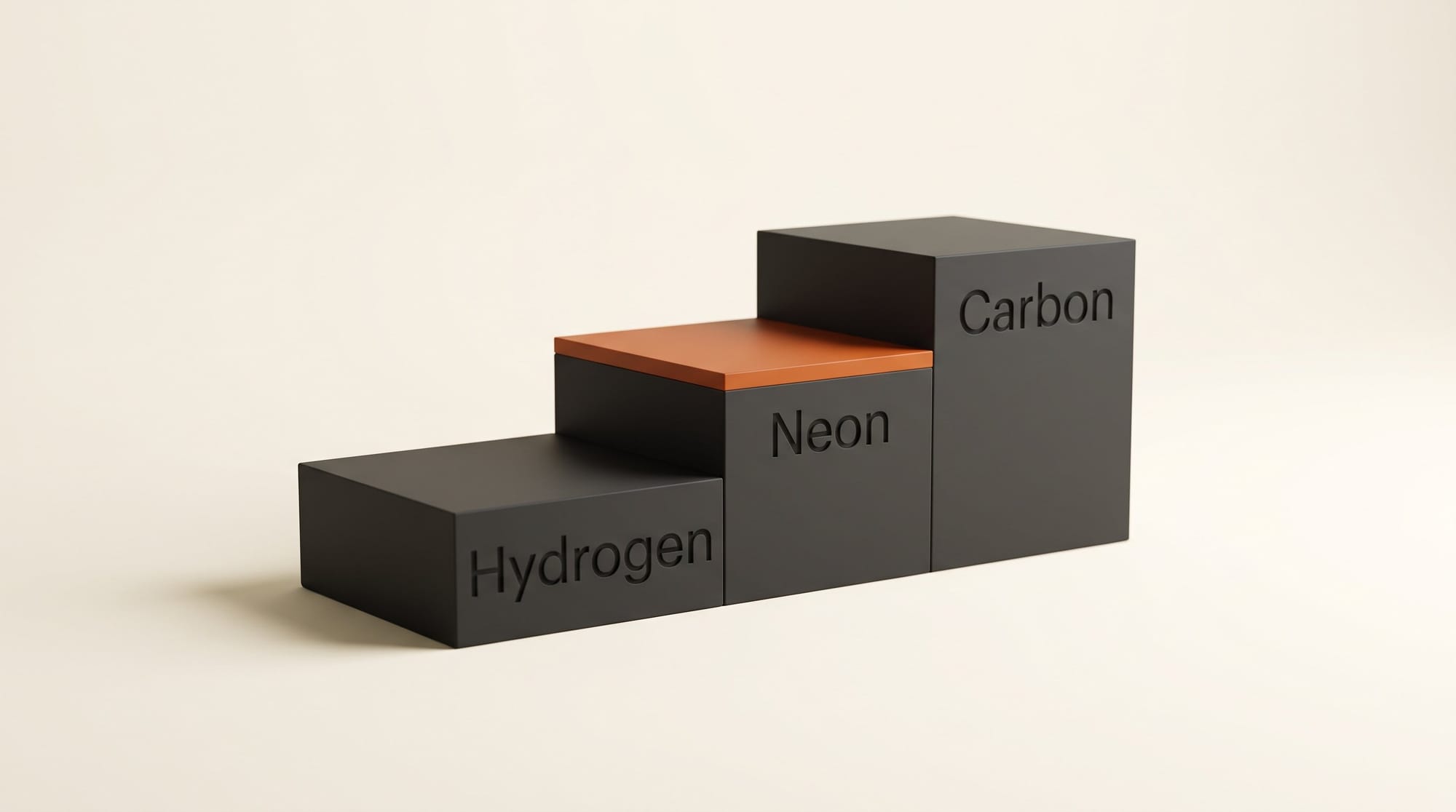
Google released Gemini 4 Neon on November 18, 2026, a mid-sized Gemini 4 model that sits between the fast Hydrogen and the heavyweight Carbon. It is now the top Gemini model on the Google AI Pro plan, in the Gemini app, Google AI Studio and Google Antigravity. It scores 61 on the Artificial Analysis Intelligence Index at its highest setting, third overall, and through the API it costs $3 per million input tokens and $15 per million output tokens.
For creators, Neon is not an image or video model. It is the model that researches, writes, plans and builds pages, apps and 3D scenes. The useful questions are which plan gets it, what a job costs next to the other three Gemini 4 models, and whether it is worth moving up from Hydrogen.
What Google released on November 18
Google DeepMind's Koray Kavukcuoglu announced Neon as the balance point of the family: Carbon for the hardest long projects, Hydrogen for fast everyday work, and Neon for "complex, high-frequency workflows". The headline numbers, all from Google's launch post and the third-party leaderboards it cites:
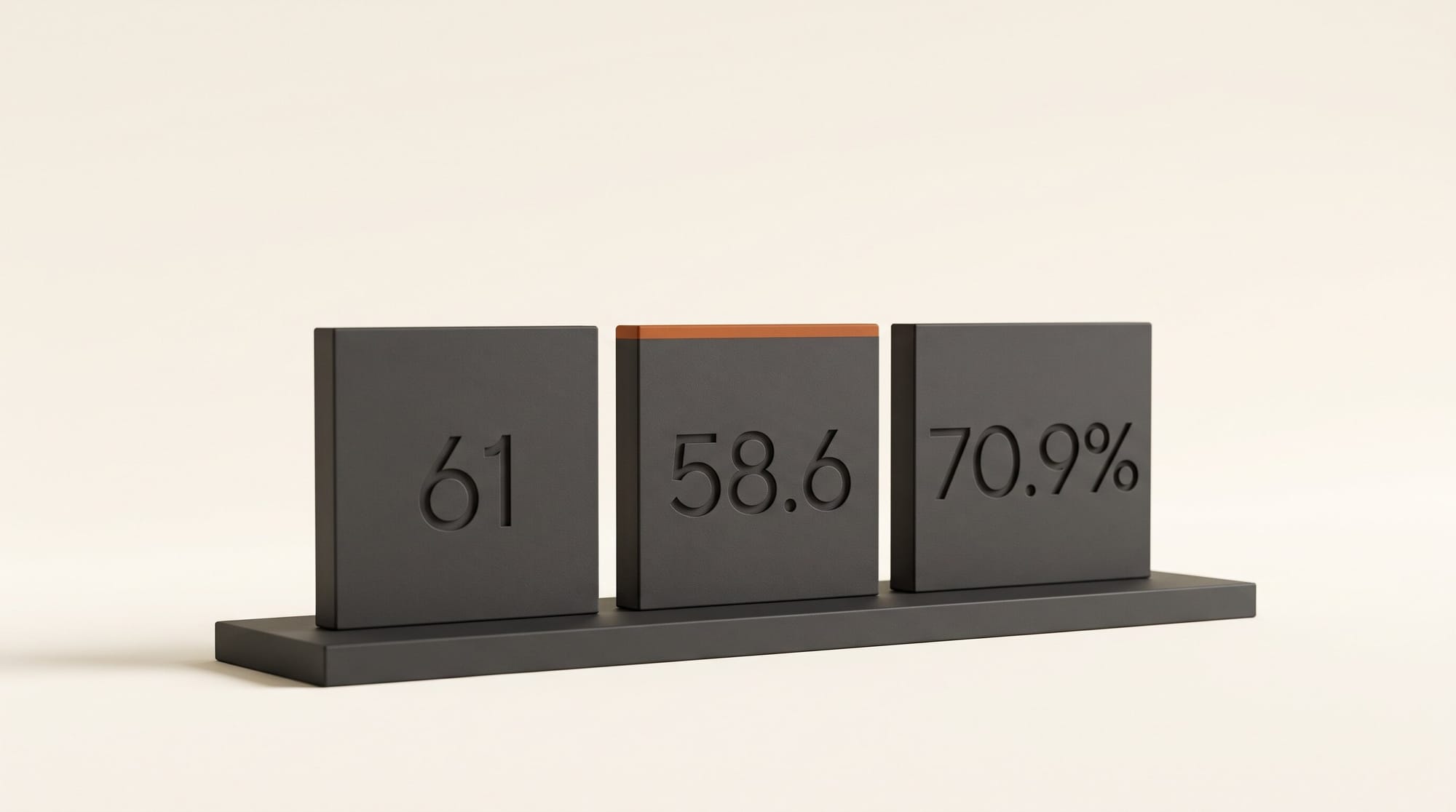
- Overall score: 61 on the Artificial Analysis Intelligence Index at its top "xhigh" thinking level, third place, behind larger and slower models.
- Building: first place on the Artificial Analysis Coding Agent Index at 58.6, and first on Zapier's AutomationBench at 56.3%.
- Professional work: second on the Vals Index at 70.9%, which TestingCatalog reports is 0.4 points behind Claude Fable 5.2 at less than half the cost per task.
- Memory: a 1 million token context window, and it reads spreadsheets, PDFs, charts, audio, video and photos in one go.
- Effort: four thinking levels. The default is "high"; "xhigh" thinks longest and costs most.
Google also says Neon has the lowest rate of made-up claims of any model it has tested in Antigravity, and the model card reports a 99.2% pass rate on an internal honesty test. Its demos lean toward building: a photorealistic 3D lab bench made in Blender through an AI connector, a browser ski simulator with real Mont Blanc terrain and no pre-made assets, and a 100,000-cell Google Sheet rebuilt from a single image.
Which plan gets Neon in the Gemini app
Google's model help page now lists the chat models each plan can pick, and Neon is the new middle step. The Google AI plans page names it as the headline model of AI Pro.
| Plan | Gemini app models (Chats) | Gemini app models (Tasks) | Antigravity |
|---|---|---|---|
| No plan (free) | Auto | Hydrogen | Not listed |
| Google AI Plus | Auto, Hydrogen | Hydrogen | Limited agent requests |
| Google AI Pro | Auto, Hydrogen, Neon | Hydrogen, Neon | Expanded requests, Neon |
| Google AI Ultra | Auto, Hydrogen, Neon, Carbon | Hydrogen, Neon, Carbon | Higher or highest requests |
Two changes stand out. Gemini 4 Argon, which Google rolled out to AI Pro and Ultra in October, no longer appears on either page, so Neon has taken its place as the top model a Pro subscriber can pick. Google has not said whether Argon is retired from the app or only from the plan listings. And Tasks, the feature that runs jobs for you in the background, can now run on Neon for Pro and Ultra subscribers. When a paid plan runs out of usage, the help page says chats continue on Google's "fast, lightweight model", and higher thinking levels use your allowance faster.
What a job costs on each Gemini 4 model
If you use Gemini through an app builder, an automation tool or any service that bills you per token, the price list matters. Here are the four Gemini 4 models from Google's API pricing page, checked on November 18.
| Hydrogen | Neon | Argon | Carbon | |
|---|---|---|---|---|
| Released | Nov 12 | Nov 18 | Oct 13 | Nov 10 |
| Google's pitch | Fast everyday work | Complex, frequent workflows | Complex workflows | Hardest long jobs |
| Cheapest app plan | AI Plus | AI Pro | No longer listed | AI Ultra |
| Input / output per million tokens | $1.50 / $7.50 | $3 / $15 | $2 / $10, then $4 / $20 from Dec 1 | $2 / $10, then $4 / $20 from Dec 1 |
| Free API tier | Yes, rate-limited | No | No | No |
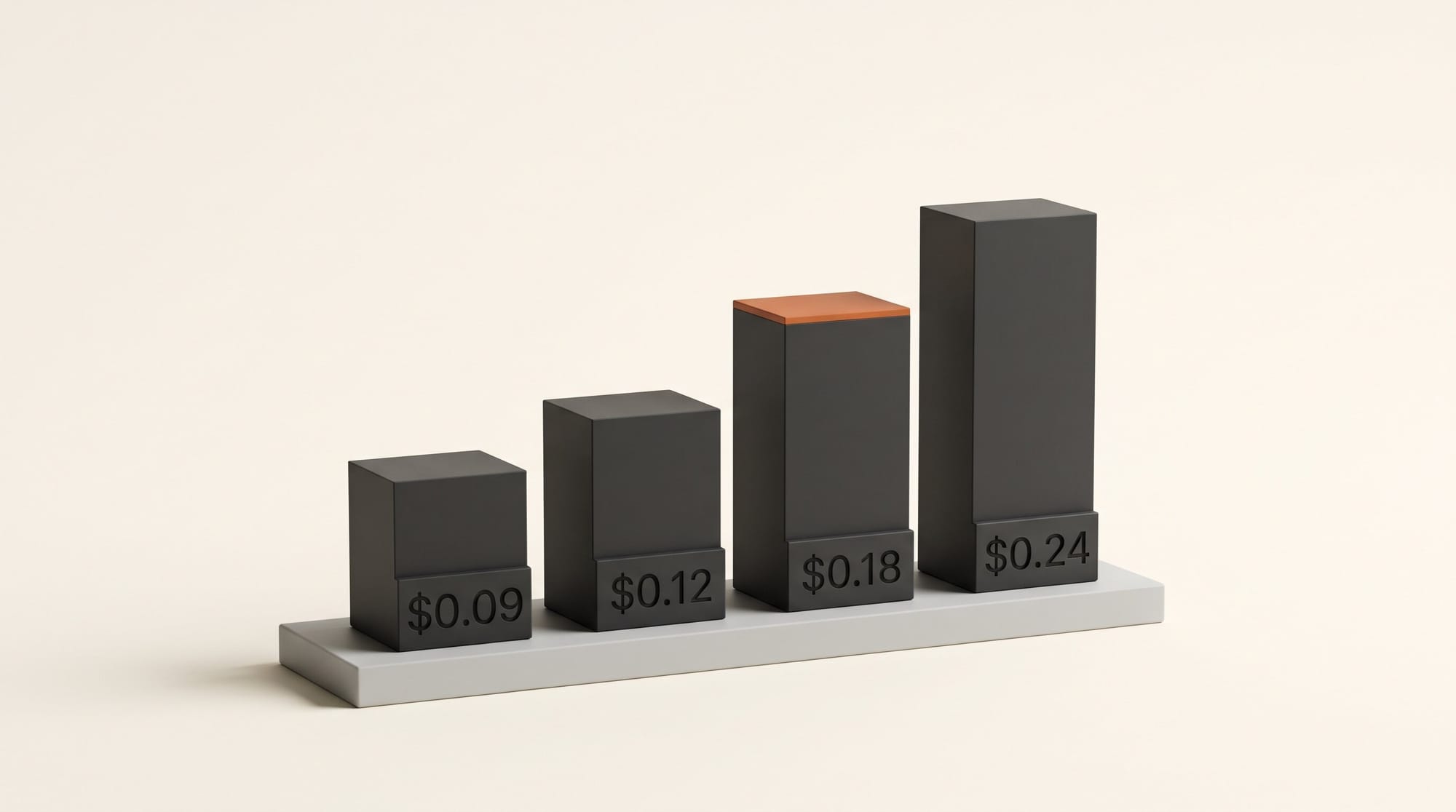
| Our example job | About $0.09 | About $0.18 | $0.12, then $0.24 | $0.12, then $0.24 |
The example job is our arithmetic at list prices: a "build me a landing page" request of about 20,000 tokens in and 8,000 tokens out. Two things jump out. Until November 30, Neon is the most expensive Gemini 4 model per token, 50% above Argon and Carbon. From December 1, when Argon and Carbon double, Neon becomes 25% cheaper per token than either. Google's own claim, that Neon costs 32% less per task than Carbon at the default setting, counts how many tokens each model burns to finish a job, and Google does not say which Carbon price it used. Artificial Analysis, as reported by TestingCatalog, puts the saving at about 17% per task, with a small score gain over Carbon.
Two ways to pay less. A long style guide or brief that you send with every request is billed 95% cheaper when it is cached, $0.15 per million tokens instead of $3. And jobs that can wait, such as overnight batches of product descriptions, cost half price on the batch tier: $1.50 in and $7.50 out, the same as Hydrogen's normal price.
Three ways to use Neon without a terminal
Most of Google's launch talk is about code, but you do not need to open a terminal to use any of this. These three routes all run in an app or a browser.
1. Hand a long job to Tasks in the Gemini app
On AI Pro or Ultra, pick Neon from the model menu, then give it a job that needs several steps and several sources: "watch this interview, read these three PDFs and draft a sponsor brief with a citation for every claim". Google says Neon turns mixed uploads like these into structured documents and shares its progress as it works. Check the citations against your sources; a low fabrication rate is not zero.
2. Build a page or a small app in AI Studio
Google says every Pro and Ultra subscriber can try Neon in Google AI Studio. Open Build, choose Neon, and describe the page in plain words: your colors, the sections, the call to action. Our guide to building a portfolio website with AI covers getting the result online. Neon is not on the free API tier, so if you build on your own key rather than your subscription, the per-job prices above apply.
3. Let Antigravity plan with Neon and build with Hydrogen
Google Antigravity, Google's desktop app for building with AI agents, now has Neon for Pro and Ultra subscribers. Its Orchestrator mode can pair Neon as the planner with Hydrogen doing the routine edits and tests, and Hydrogen hands back to Neon when it gets stuck, so you no longer switch models by hand. Google's example used the /swarm command to build a two-player browser game, with the agent playing the second player. If you work in 3D, Google's Blender demo used the same kind of connector we walk through in how to control Blender with an AI agent. The post does not say whether the Neon and Hydrogen pairing needs Ultra, as the Carbon version of Orchestrator did.
What Neon does not do
Neon makes no images, video or music. Pictures in the Gemini app still come from Nano Banana, video from Gemini Omni Flash and Google Flow, and songs from Lyria; Flow credits on each plan are unchanged at 200 on AI Plus, 1,000 on AI Pro and 10,000 or 25,000 on Ultra. The launch also gives no daily prompt allowance for Neon on any plan, and no speed figures in seconds or tokens per second, only that it is "fast".
We have not run our own test yet, so treat the 3D, game and spreadsheet demos as Google's showcase rather than what you will get on your first prompt. For a sense of how these models build in practice, our Argon 3D scene test made a product page in 36 seconds for about 4.5 cents, with a shoe that would not pass for a real render.
Which Gemini should you use?
If you pay nothing or are on AI Plus: nothing changes. Hydrogen is still your best Gemini model, and it stays free with rate limits in AI Studio. Our Hydrogen plan guide covers what each of those plans gets.
If you are on AI Pro: this is your upgrade. Make Neon your pick for research briefs, long rewrites against a style guide and anything you build in AI Studio, and keep Hydrogen for quick jobs so your allowance lasts. Try one real task on both and compare.
If you are on AI Ultra: Neon is now the sensible default, with Carbon held back for the longest, hardest builds. In Antigravity, the Neon planner with Hydrogen doing the work is the setup to try first.
If you pay per token through a tool: stay on Argon or Carbon until November 30 if they already do the job, then move to Neon, which will be the cheaper of the three from December 1.
Frequently asked questions
Is Gemini 4 Neon free?
No. In the Gemini app it needs Google AI Pro or Ultra, and it is not on the free tier of the Gemini API. Google says Pro and Ultra subscribers can try it in Google AI Studio. Hydrogen remains the free Gemini 4 model.
How much does Gemini 4 Neon cost through the API?
$3 per million input tokens and $15 per million output tokens, with cached input at $0.15 per million and batch jobs at half price. Unlike Argon and Carbon, its price does not change on December 1.
Is Neon better than Gemini 4 Carbon?
On Artificial Analysis it scores slightly higher than Carbon at a lower cost per task, and Arena's Agent Arena leaderboard ranks it ahead of Carbon, 1,336 to 1,303. Google still positions Carbon for the longest, hardest projects, and Carbon stays Ultra-only in the Gemini app.
Did Neon replace Gemini 4 Argon?
On the plan pages, yes: Argon no longer appears on Google's help page or AI plans page, and Neon is listed as AI Pro's top model. Argon is still on the API price list. Google has not said whether Argon is leaving the Gemini app.
Can Gemini 4 Neon make images or videos?
No. Google's launch claims no image, video or music generation. Those still come from Nano Banana, Gemini Omni Flash, Google Flow and Lyria.
Can I use Neon in Google Antigravity on AI Pro?
Yes. Google says Neon is rolling out to paid AI Pro and Ultra subscribers in the Antigravity desktop app, command line and editor extensions, with Pro listed as "expanded" agent requests and Ultra as higher.