MiniMax released MiniMax H3-Image on November 10, 2026: one 33.1-billion-parameter model that both makes pictures from text and edits up to 16 reference images, and outputs about 16 megapixels (4096 x 4096 up to 6272 x 2688) without an upscaler. You can use it in the Hailuo web app, through MiniMax's API at $0.034 per 4K image until November 17 ($0.069 after), or inside ComfyUI 0.45.0, which shipped the same day.
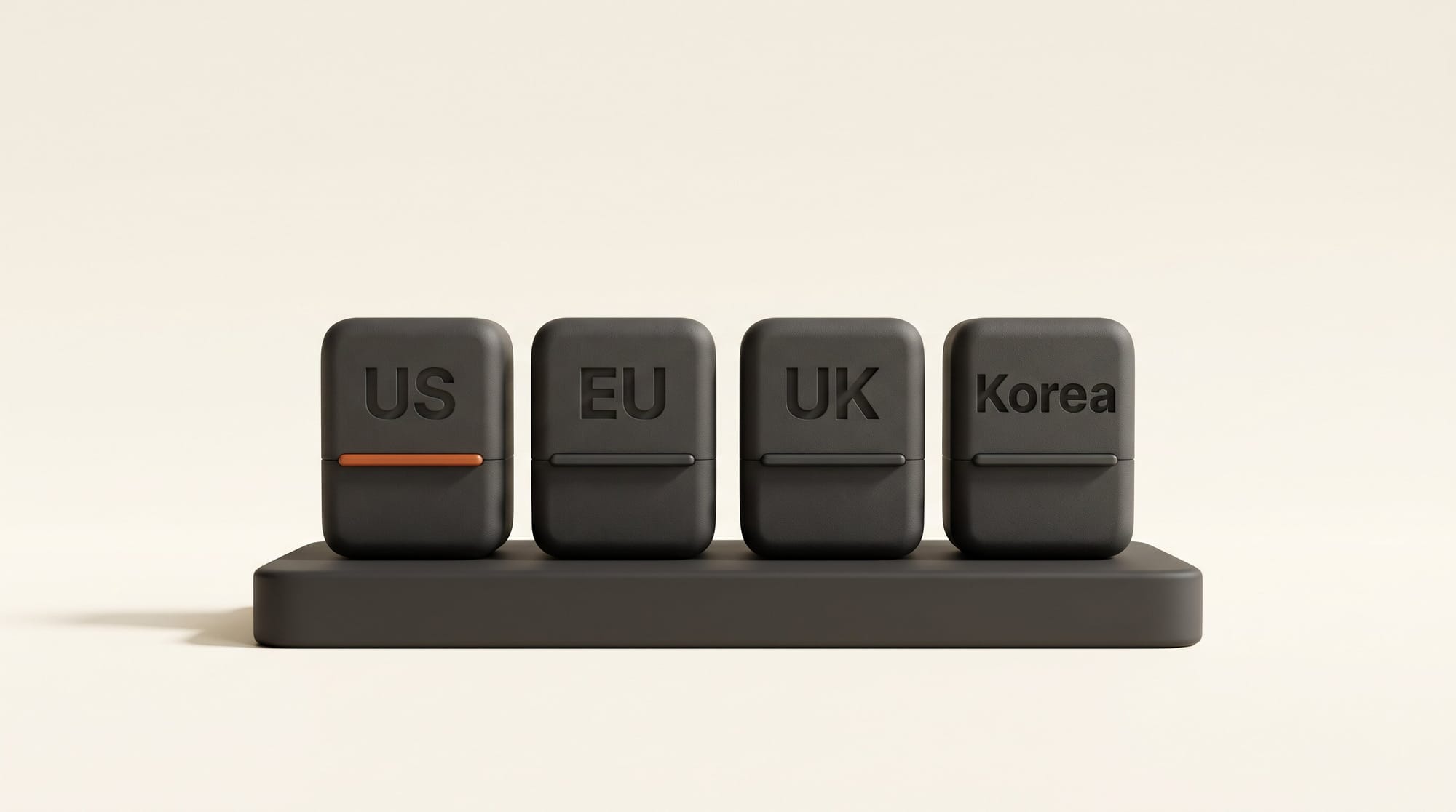
The weights are free to download, but the license that comes with them excludes the United States, the European Union, the United Kingdom and South Korea. For most of our readers, that makes the hosted app the realistic way in. This guide covers which route fits you, what a picture costs at each size, and how it compares with Nano Banana 2.1 and FLUX 3 Image Klein.
What MiniMax released on November 10
H3-Image is the picture-making sibling of MiniMax H3, the video model we covered when its 2K video with native sound arrived in July. According to the model card on Hugging Face, it uses the same design with the audio parts removed and the same text encoder unchanged. Here is what that means in practice:
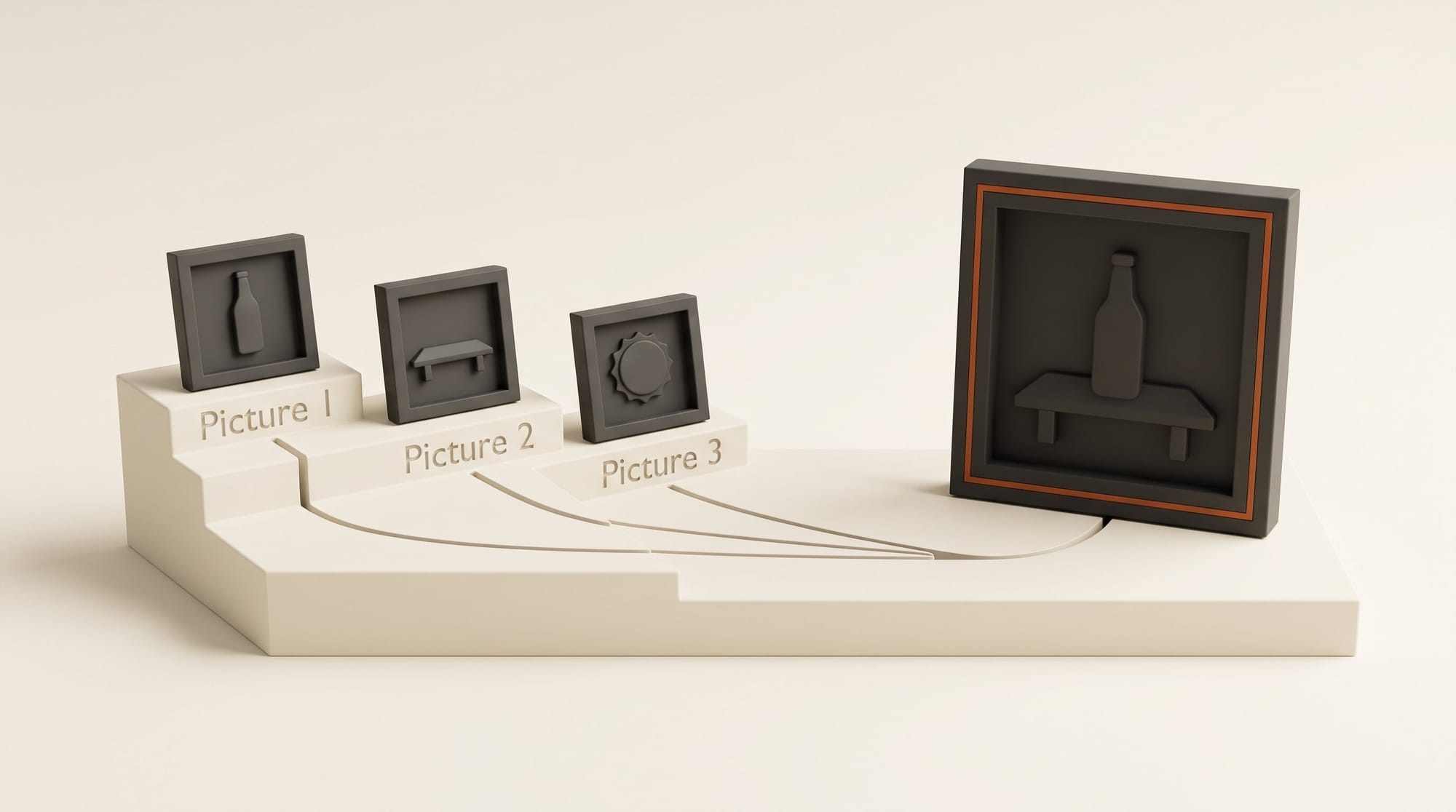
- One model for making and editing. You can type a description, or hand it 1 to 16 pictures and say what to change. The first picture is the one being edited; the rest are references you name in the prompt as Picture 1, Picture 2 and so on.
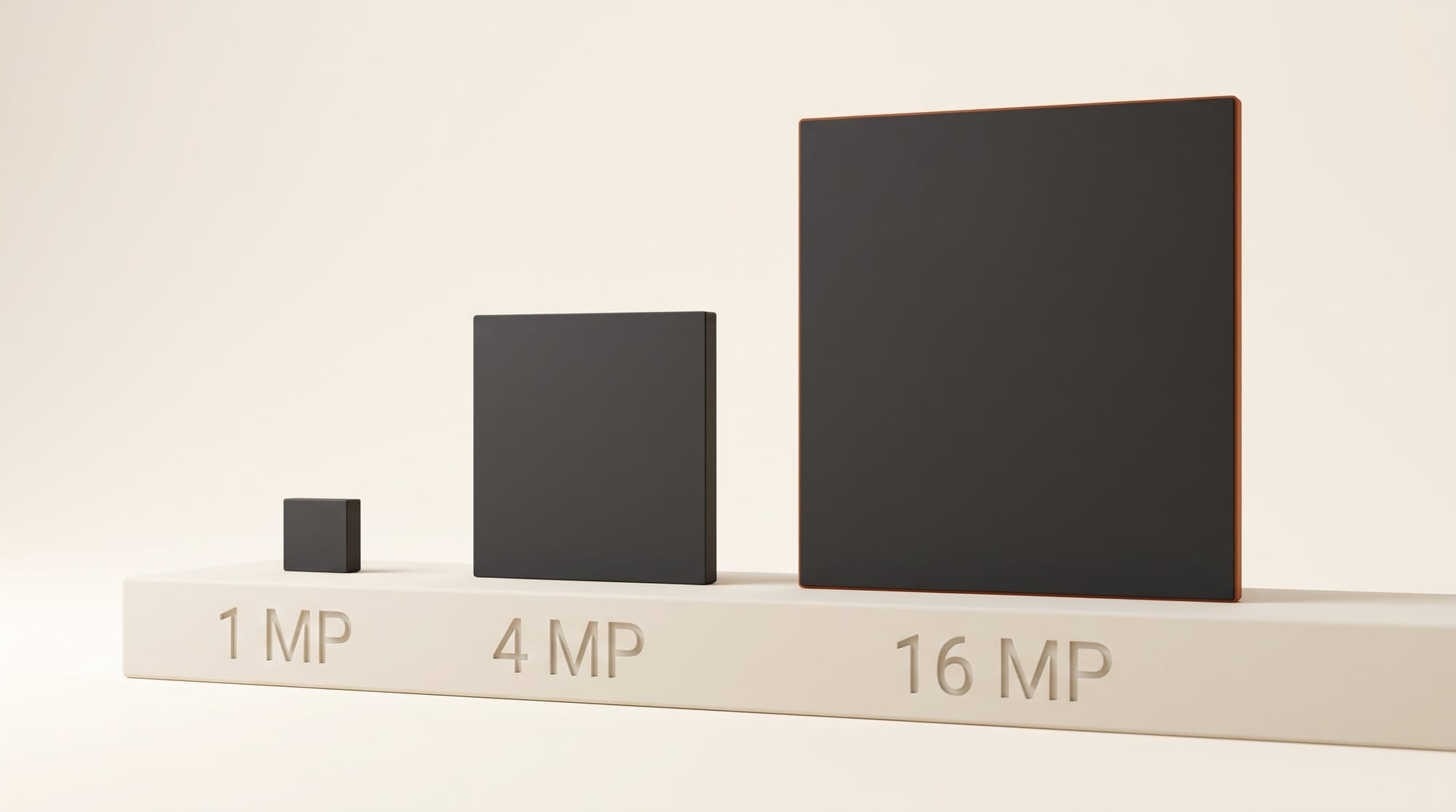
- About 16 megapixels straight out. Square images come out at 4096 x 4096, widescreen at 5472 x 3072, and ultrawide at 6272 x 2688. MiniMax says the model works best between 4 and 20 megapixels, so its own server software renders smaller requests on a larger canvas and shrinks them afterwards.
- Six steps, no negative prompt. The model is tuned to finish in six steps, and it has no "what to avoid" (negative prompt) option.
- It wants long, detailed descriptions. MiniMax's API rewrites a short prompt, in any language, into a full English description before generating. Edits always get this rewrite.
The API guide lists what it will not do: no masked edits (you describe the change instead of painting over an area) and no transparent backgrounds. Output comes back as JPEG, PNG or WebP, up to 10 images per request.
Four ways to use it, and which one fits you
There are four routes in. They differ in setup, in what you pay, and in whether the license allows you to use them where you live.
| Route | What you need | What you pay | Best for |
|---|---|---|---|
| Hailuo AI web app | A browser and a Hailuo account | Hailuo credits (we found no published per-image credit cost) | Most creators, anywhere, no setup |
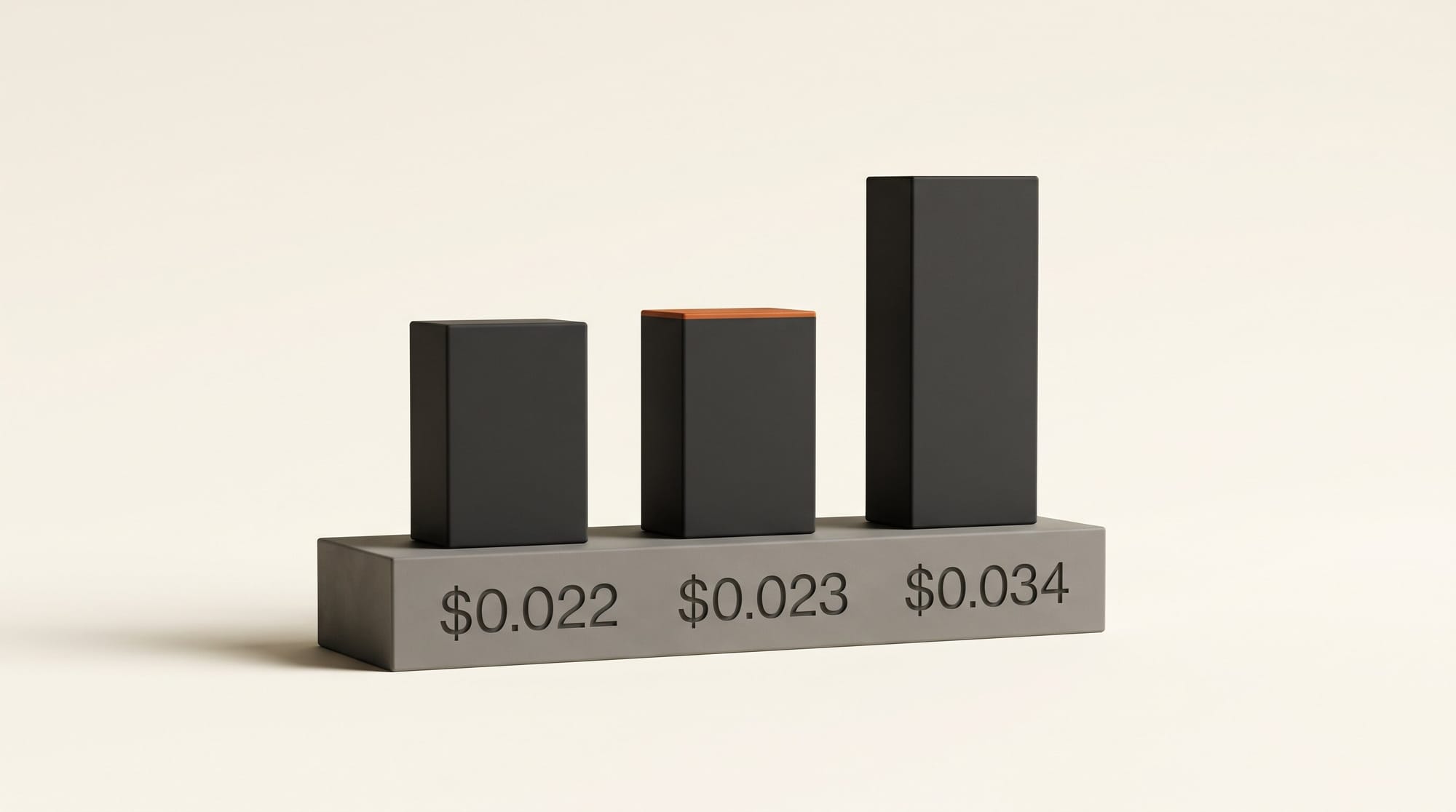
| MiniMax API | A MiniMax platform account with credit | $0.022 (1K) to $0.069 (4K) per image | Batch jobs and apps that already call image APIs |
| ComfyUI Partner Node | ComfyUI 0.45.0 and Comfy credits | Billed through Comfy; per-image rate not published at launch | ComfyUI users who want it on the same canvas as their other models |
| ComfyUI with the open weights | A large graphics card and more than 50 GB of downloads | Free after download | Creators outside the excluded countries with high-end hardware |
The Comfy blog post says the Partner Node runs through MiniMax's API from the canvas, with no weights to download, while the local route loads the model from a ready-made template in ComfyUI's Templates panel. MiniMax also lists its desktop agent app as a place to use the model.
What a picture costs, and why 2K is the sweet spot
MiniMax bills by usage, then publishes example prices per image. These come from its pricing page, which calls them reference values rather than fixed prices:
| Job | 1K (1 MP) | 2K (4 MP) | 4K (16 MP) |
|---|---|---|---|
| Text to image, Standard | $0.0218 | $0.0233 | $0.0688, or $0.0344 until Nov 17 |
| Text to image, Highspeed | $0.0353 | $0.0362 | $0.1300, or $0.0650 until Nov 17 |
| Edit with 1 reference, Standard | $0.0265 | $0.0266 | $0.0731, or $0.0366 until Nov 17 |
| Edit with 3 references, Standard | $0.0356 | $0.0418 | $0.0791, or $0.0396 until Nov 17 |
Two things stand out. First, 2K costs about 7% more than 1K for four times the pixels, so there is little reason to ask for 1K. Second, the launch discount halves the price of any image of at least 16.6 million pixels until November 17 at 16:00 UTC (11 AM ET), and every one of MiniMax's suggested 16 MP sizes clears that bar.
Against the models creators already use, at each one's 4K tier:
| Model | Price per 4K image | Free download? | Can you sell the pictures? |
|---|---|---|---|
| MiniMax H3-Image (API) | $0.034 launch week, then $0.069 | Yes, outside the US, EU, UK and Korea | Yes; written approval needed above $1M yearly revenue |
| Nano Banana 2.1 (Gemini API) | $0.0756 | No | Yes, under Google's terms |
| FLUX 3 Image Klein (BFL API) | $0.036 | Yes | Yes, if your business earns under $5M a year |
Nano Banana 2.1 and Klein prices are as listed when we covered each model in October. At full price, H3-Image's 4K is about 9% cheaper than Nano Banana 2.1's and roughly twice Klein's. The difference is what you get for it: Klein is a 5.6B model built to run on 8 GB cards, and H3-Image is six times its size.
The license catch: where you live decides the free route
The MiniMax-H3-Image Community License grants its rights only within what it calls the Applicable Territory: "worldwide, excluding the Excluded Territories," which it defines as "the European Union, the United Kingdom, the Republic of Korea and the United States of America." It also says you may not use the downloaded model "or any of their Outputs" outside that territory. People in those places are invited to contact MiniMax about a separate license.
The other terms matter if you are allowed to use it:
- Revenue cap. You need MiniMax's written approval if you and your affiliates earn more than $1 million a year, or if you run the model as a service for other people.
- Name on the label. A commercial product or service built on it must show "MiniMax-H3-Image" in its interface.
- No training other models. You cannot use the pictures to improve another AI model.
- Your pictures stay yours. MiniMax "claims no rights over the Outputs you generate," and you are responsible for how you use them.
That license comes with the downloadable weights. The Hailuo app and the MiniMax API are MiniMax's own services, and MiniMax's Terms of Service (updated April 15, 2026) say each service runs under its own product terms. If you are in the US or Europe and plan client work, read the Hailuo Video terms linked from that page before you deliver. It is the same pattern we flagged with Qwen-Image-2.1's research license: a free download is not the same as free to use anywhere for anything.
What 16 megapixels buys you in print
Pixel count matters most when the picture leaves the screen. At 300 dots per inch, the usual standard for sharp prints, here is how large each size prints without upscaling:
| Output | Pixels | Print size at 300 DPI |
|---|---|---|
| 2K square | 2048 x 2048 | 6.8 x 6.8 in (17 x 17 cm) |
| 4K square | 4096 x 4096 | 13.7 x 13.7 in (35 x 35 cm) |
| 4K, 3:2 | 5024 x 3360 | 16.7 x 11.2 in (43 x 28 cm) |
| 4K, 16:9 | 5472 x 3072 | 18.2 x 10.2 in (46 x 26 cm) |
| 4K, 21:9 | 6272 x 2688 | 20.9 x 9 in (53 x 23 cm) |
A 3:2 render prints at 16.7 x 11.2 inches, just short of a tabloid (11 x 17 inch) sheet at full print quality, straight from the model. For social posts, thumbnails and web pages, 2K is already more than any platform shows, so save 4K for print, large crops and key art you expect to reframe later.
Try it: one product shot from three references
The editing mode is where H3-Image differs from most image apps: it accepts up to 16 pictures at once. MiniMax's own demo furnishes an empty room with nine separate pieces of furniture. A smaller version of that for a product creator:
- Photograph three things: the product on a plain background, the surface you want it on (a wooden table, a marble counter) and a picture whose lighting you like.
- Upload them in that order. The product becomes Picture 1, the surface Picture 2 and the lighting reference Picture 3.
- Write the prompt as a description of the finished photo that names each picture: "Place the bottle from Picture 1 on the table from Picture 2, lit like Picture 3, morning light from the left, soft shadow, shallow depth of field, square framing."
- Ask for 2K first. At $0.04 per three-reference edit through the API, ten variations cost about 40 cents.
- When one works, run the same prompt at 4K for the final, ideally before the discount ends on November 17.
In ComfyUI, the Comfy tutorial explains the same slots: the first connected image is the one edited, and the order of the others sets their Picture numbers.
What we have not tested yet
We have not generated images with H3-Image for this article, so none of the quality claims here are ours. MiniMax calls it the strongest open-source model for following instructions, but its model card offers no independent comparison.
Local hardware is also an open question. Comfy's repackaged files include a 21 GB diffusion model (12.6 GB in its smallest form) plus a 27 GB text encoder, and neither MiniMax nor Comfy states how much graphics memory you need. The ComfyUI template defaults to 4 MP "so low-VRAM machines do not run out of memory." Expect a high-end card, not the 8 GB laptop GPU that runs FLUX 3 Image Klein. Tools like WanGP cut memory use for the H3 video model, and a similar low-memory route may follow.
Frequently asked questions
What is MiniMax H3-Image?
It is an image model from MiniMax, released November 10, 2026, that creates pictures from text and edits existing pictures using up to 16 references. It has 33.1 billion parameters and outputs about 16 megapixels directly.
How much does MiniMax H3-Image cost per image?
Through MiniMax's API, about $0.022 at 1K, $0.023 at 2K and $0.069 at 4K, with 4K halved to $0.034 until November 17, 2026. Edits with references cost slightly more. The Hailuo app uses its own credits.
Can I use MiniMax H3-Image in the United States or Europe?
The free downloadable weights are not licensed for the US, EU, UK or South Korea without separate permission from MiniMax. MiniMax's own Hailuo app and API run under MiniMax's service terms, a different agreement, so those are the routes to check if you live there.
Can I sell images I make with it?
MiniMax claims no rights over what you generate. Under the open-weights license, you need written approval above $1 million in yearly revenue, and a commercial product built on the model must display its name.
Can I run MiniMax H3-Image on my own computer?
Yes, in ComfyUI 0.45.0 or later, if you are outside the excluded countries. The template files total more than 50 GB, and no official memory requirement has been published, so plan on a high-end graphics card.
Does MiniMax H3-Image make transparent PNGs?
No. MiniMax's API guide lists transparent backgrounds and masked edits as unsupported. For cut-outs, remove the background in your editing app afterwards.