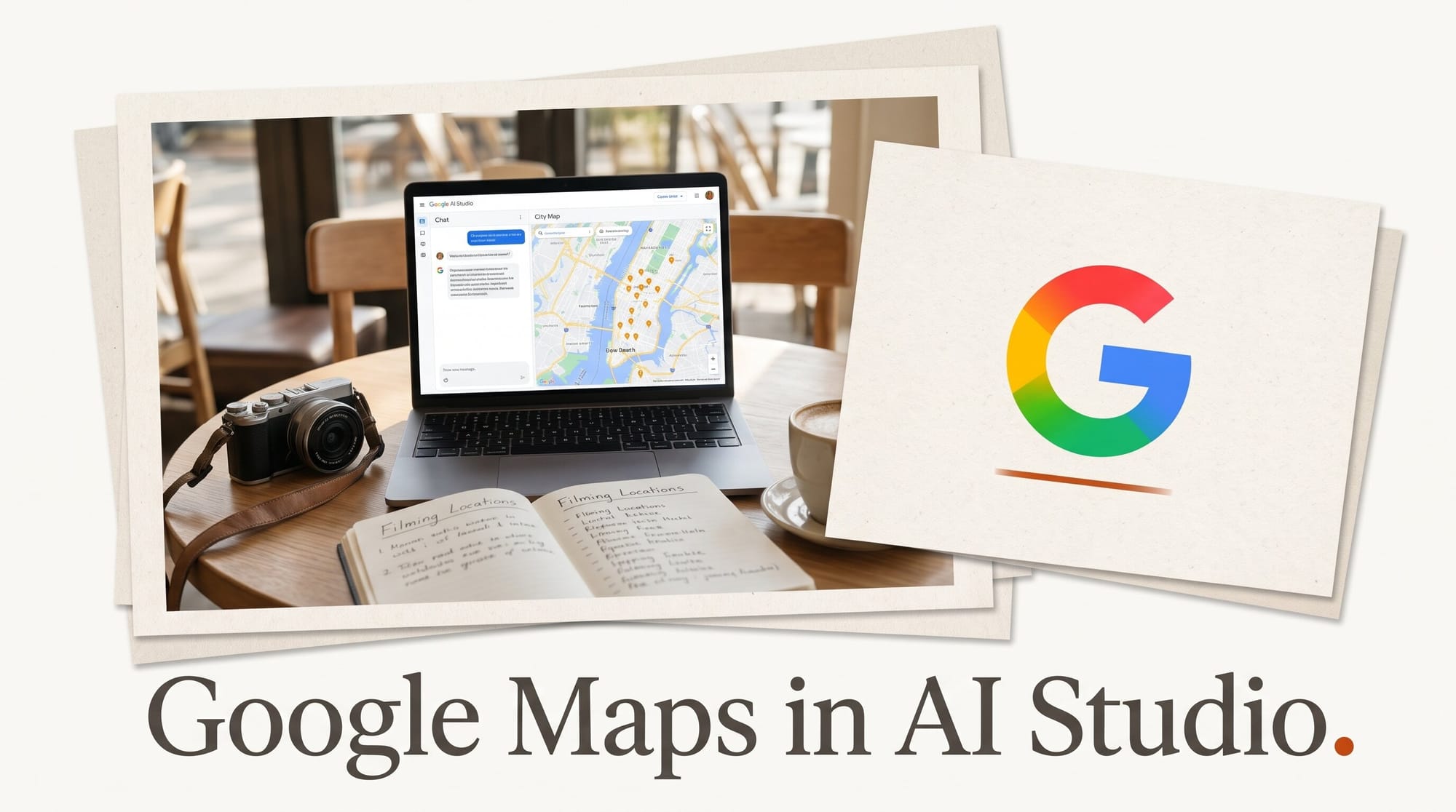
Google Maps now works inside Google AI Studio's Build tab, Google announced on November 9, 2026. You describe an app with a map in it, Gemini writes the app, and AI Studio sets up Google Maps Platform for you, including the key that normally takes a Cloud console visit and a credit card. A free sandbox gives you 100 calls per day for each Maps service, and an app you share with your audience moves to standard Maps pricing, with 10,000 free map loads a month.
For a travel creator, a tour photographer or a musician with a list of venues, that is the difference between "I would need a developer" and "I can make this tonight." Below: what shipped, the three setups compared, a 20-minute build, and what it costs once real people open it.
What Google Shipped on November 9
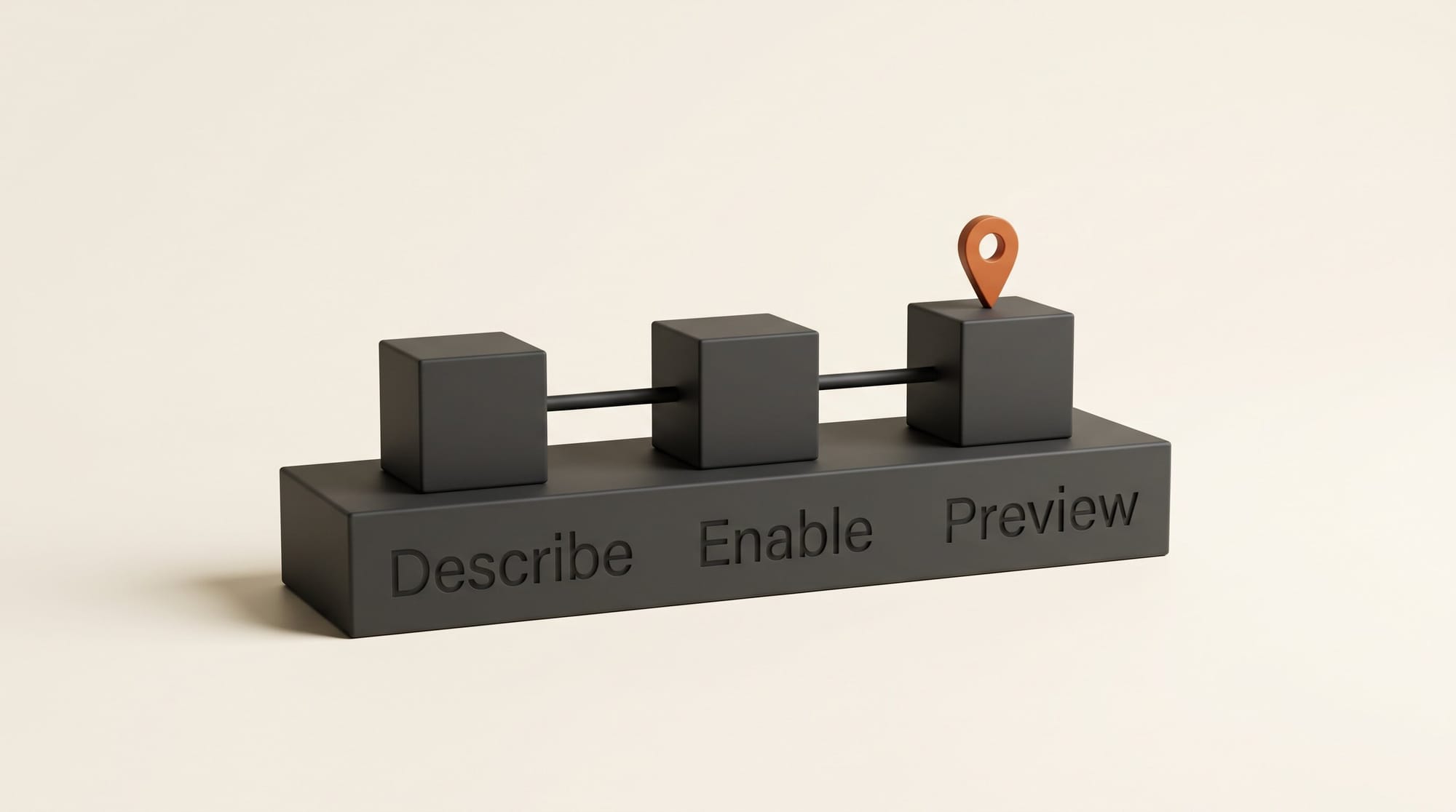
The announcement, written by Abinaya Selvam of Google Maps Platform and Mike Taylor-Cai of Google AI Studio, describes three steps. You describe an idea to Gemini (their example is an interactive 3D tour of New York landmarks). You enable Maps "with no redirects": AI Studio creates the setup with no credit card, or connects a Google Cloud project you already have. Then AI Studio adds Google Maps to the app and loads a live, interactive map in the preview pane.
The Google AI Studio account on X called it "1-click setup" and listed map tiles, places, weather, routing, 3D buildings and Street View as things you can build with. The post passed 160,000 views on launch day.
The Maps Demo Key behind this is not brand new. Google's Maps developer newsletter mentioned it in April 2026. What is new is that AI Studio now notices when your prompt needs a map and creates and stores the key for you, in the chat, so you never touch the Cloud console. TestingCatalog confirmed the same day that experimenting needs no credit card and that launching an app needs a paid billing account.
What You Can Build With It
Google groups the Maps features into four families, and each one maps to an app a creator might actually want:
- Maps: custom-styled maps, photorealistic 3D cityscapes and data overlays. Think a branded map of every location in your travel series.
- Places: conversational local search, place profiles, photo galleries and recommendations. Think a "where to eat near the venue" guide for fans.
- Routes: multi-stop road trips, commute calculators and transit-aware day planners. Think your tour route, or a photo walk with the stops in order.
- Environment: clean-air routes, live pollen alerts and local weather. Think a "best day to shoot" planner for outdoor photographers.
Three sample apps sit in the AI Studio gallery to remix: a City Immersive Tour with 3D flyover camera paths and adjustable playback speed, a route planner for a mobile pet-grooming business, and a store locator with distance filters and opening hours. The 3D tour is the one to open first if you make travel or architecture content, because the flyover is the part that would cost real money to film.
This sits on top of other recent Build tab additions, such as free databases for saving app data and installing AI-built Android apps from Google Play. A map app can now remember what visitors saved and run on a phone.
Free Key or Billing: The Three Setups Compared
How much you get for free depends on whether you have used Google Cloud before. The Google Maps Platform AI Studio documentation lists two kinds of free key and one paid setup:
| Setup | Credit card | What it covers | Limit | Good for |
|---|---|---|---|---|
| Demo key, new to Google Cloud | No | Nearly every Maps service: maps, Places, Routes, Geocoding, Street View images, Air Quality, Pollen, Weather, Aerial View | 100 calls per service per day | Building and testing |
| Demo key, existing Cloud user | No | Maps, Places (no photos or reviews), Routes, Geocoding, Weather | 100 calls per service per day | Building and testing |
| Billed Cloud project | Yes | Every Maps service | Standard quotas, monthly free usage, then pay per call | Sharing with an audience |
Two details matter here. The free key resets every 24 hours, and if you hit the limit the map simply stops until the next day; Google says there is no risk of charges. And when you later add billing, the same key keeps working, so Gemini does not have to rewrite anything. Route Optimization, Solar and Nav Connect are not available on any free key, but few creator apps need them.

Workflow: Build a "Where I Filmed" Map in 20 Minutes
This walkthrough builds a map of every location in a travel video series. Swap in tour venues, photo spots or shop locations and the steps stay the same.
- Sign in with a personal Google account. Open AI Studio Build. The free Maps key works with personal accounts only, not Google Workspace accounts from a company or school.
- Gather your list first. In a note, list each location's name, the city, a one-line note in your own words and the link to the video. Twelve places is a good first run.
- Describe the app. Paste something like: "Build a web app called Where I Filmed. Show a map of Lisbon with a pin for each of these 12 places. Clicking a pin opens a card with the place name, my note and a link to the YouTube video. Use a light map style and orange pins. Look up each place's coordinates once and save them in the app, so the map does not search for them every time someone opens it." Then paste your list.
- Accept the Maps setup card. When Gemini sees that the app needs a map, AI Studio asks to set up Google Maps Platform in the chat. Accept, and it creates the free key and stores it in the app's secrets.
- Check the preview, then refine in plain words. The live map loads beside the chat. Ask for changes the way you would brief an editor: "Make the cards bigger on phones", "Add a filter by episode", "Draw the route between the stops in filming order".
- Test on your phone. Open the preview on a phone and click through every pin. Every reload of the map counts toward the 100 daily calls, so test with intent rather than refreshing all afternoon.
- Add billing before you post the link. When you are ready to share, link a billing account in the Google Cloud console and set a budget alert (for example $5) so a viral week cannot surprise you. Then share or publish from AI Studio.
Step 3 is the one that saves money later. Saving the coordinates in the app means visitors only trigger map loads, which are the cheapest Maps charge, instead of a fresh Places search on every visit.
What It Costs Once Your Audience Uses It
Once billing is linked, you pay standard rates, and each Maps service has its own monthly free allowance. From Google's Maps Platform price list, for the first 100,000 calls a month:
| What the app does | Free each month | Then, per 1,000 |
|---|---|---|
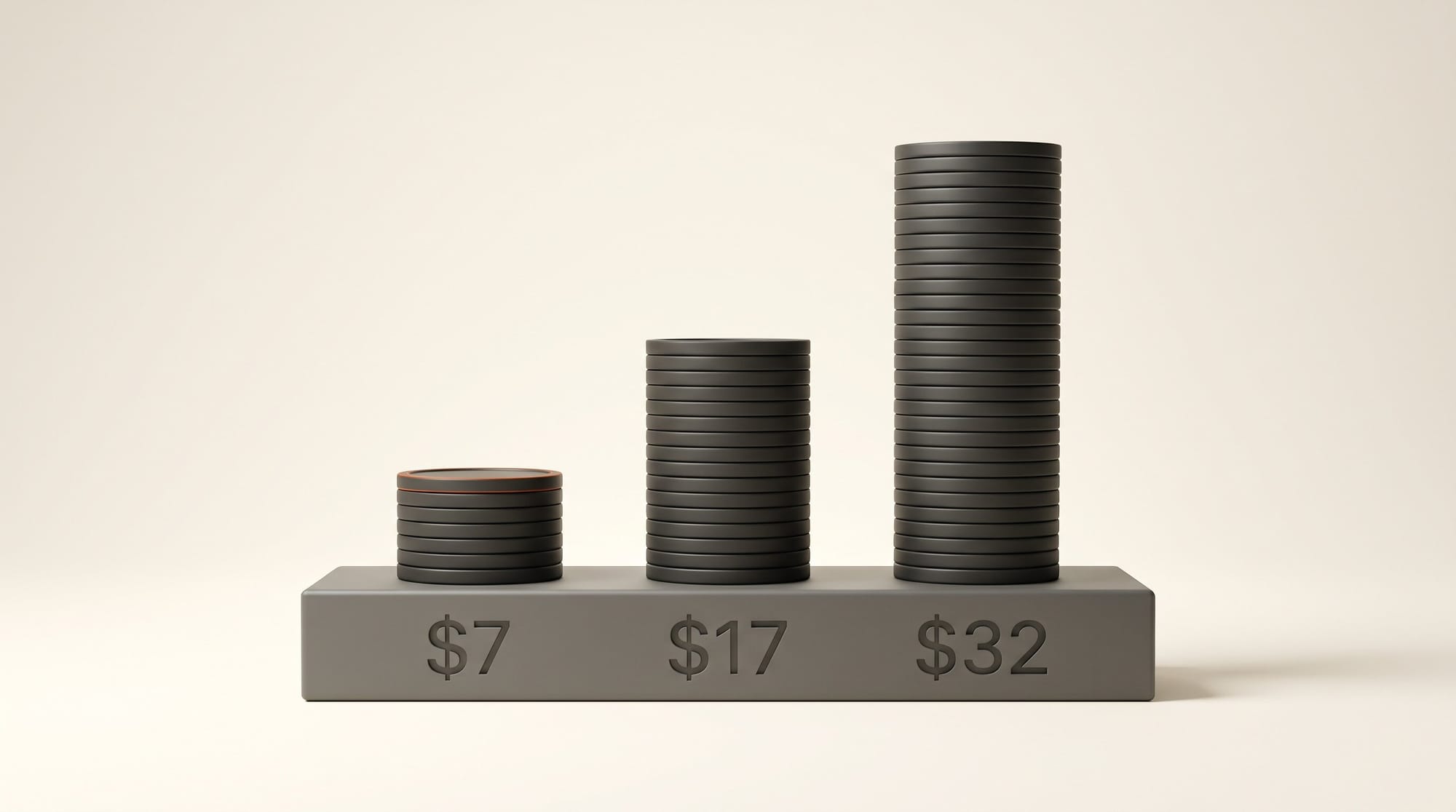
| Loads an interactive map | 10,000 | $7 |
| Draws a route | 10,000 | $5 |
| Checks the weather | 10,000 | $0.15 |
| Shows Street View | 5,000 | $14 |
| Opens a full place profile | 5,000 | $17 |
| Runs a place search | 5,000 | $32 |
| Loads photorealistic 3D tiles | 1,000 | $6 |
Here is what that means for a creator map. Say 15,000 people open your "Where I Filmed" map in a month. The first 10,000 map loads are free and the other 5,000 cost about $35. If every visitor also opened a live place profile, that line alone would add about $170, because only 5,000 profiles are free. Writing your own notes into the pins, as in the workflow above, keeps you on the cheap line.
For steady traffic, Google Maps Platform also sells monthly plans: Starter at $100 a month for 50,000 calls, Essentials at $275 for 100,000, and Pro at $1,200 for 250,000. Most creator apps will never need one.
Limits Worth Knowing Before You Share
- The free key is for building, not for launch. Google's Maps Demo Key page says it "is not designed for production use." A link you post to 50,000 followers will hit 100 calls a day before lunch.
- Workspace accounts are excluded. If you sign in with a company or school account, the free key is not offered. Use a personal Gmail account to build.
- Existing Cloud users get fewer free services. No Street View, air quality, pollen or place photos on the free key if you have used Google Cloud before. Add billing to use them, and stay inside the monthly free allowance.
- Not every country is covered. The demo key is unavailable in territories where Google Maps Platform is prohibited.
- 3D is the expensive look. Photorealistic 3D tiles have the smallest free allowance, 1,000 a month. A 3D flyover is a great hook for one video; a 3D map as the default view of a busy app costs more than the flat version.
If location scouting is your use, Google's earlier Street View grounding for film location scouting answers a different question (what a place looks like) than an app you build and share.
Key Takeaways
- Since November 9, AI Studio's Build tab sets up Google Maps from a chat prompt, with no credit card and no Cloud console.
- The free key gives 100 calls per Maps service per day, enough to build and test, not enough to launch.
- Once billing is linked, 10,000 map loads a month are free and then cost $7 per 1,000; place searches and 3D tiles cost more.
- Save your own locations and notes in the app so visitors only trigger map loads.
- Build with a personal Google account, and set a budget alert before you post the link.
Frequently asked questions
Do I need a credit card to build a map app in Google AI Studio?
No. AI Studio creates a free Maps Demo Key when you enable Maps, with 100 calls per service per day. You need a billing account only when you want production quotas, usually when you share the app publicly.
Can I share a map app built on the free key with my audience?
Google says the demo key is not designed for production use, and 100 calls a day will run out fast with real traffic. Link a billing account first. The same key keeps working, so the app does not change.
How much does a Google Maps app cost per month after the free tier?
Each service has its own monthly allowance. Interactive map loads get 10,000 free a month, then $7 per 1,000. An app with 15,000 monthly map loads costs about $35, before any place searches or 3D tiles.
Why can't I see the Maps setup card in AI Studio?
The free Maps key is only offered to personal Google accounts, not Google Workspace accounts, and is not available in countries where Google Maps Platform is prohibited. Your prompt also needs to ask for something map-related, such as places, a map or routes.
Does the free key include 3D maps and Street View?
For accounts new to Google Cloud, the free key covers nearly every Maps service, including Street View images and Aerial View. If you have used Google Cloud before, the free key is limited to maps, Places without photos or reviews, Routes, Geocoding and Weather.
Is this the same as asking Gemini about places in Google Maps?
No. Asking Gemini about places gives you an answer in a chat. This builds a standalone web app with a live map that other people can open, styled and filled with your own content.