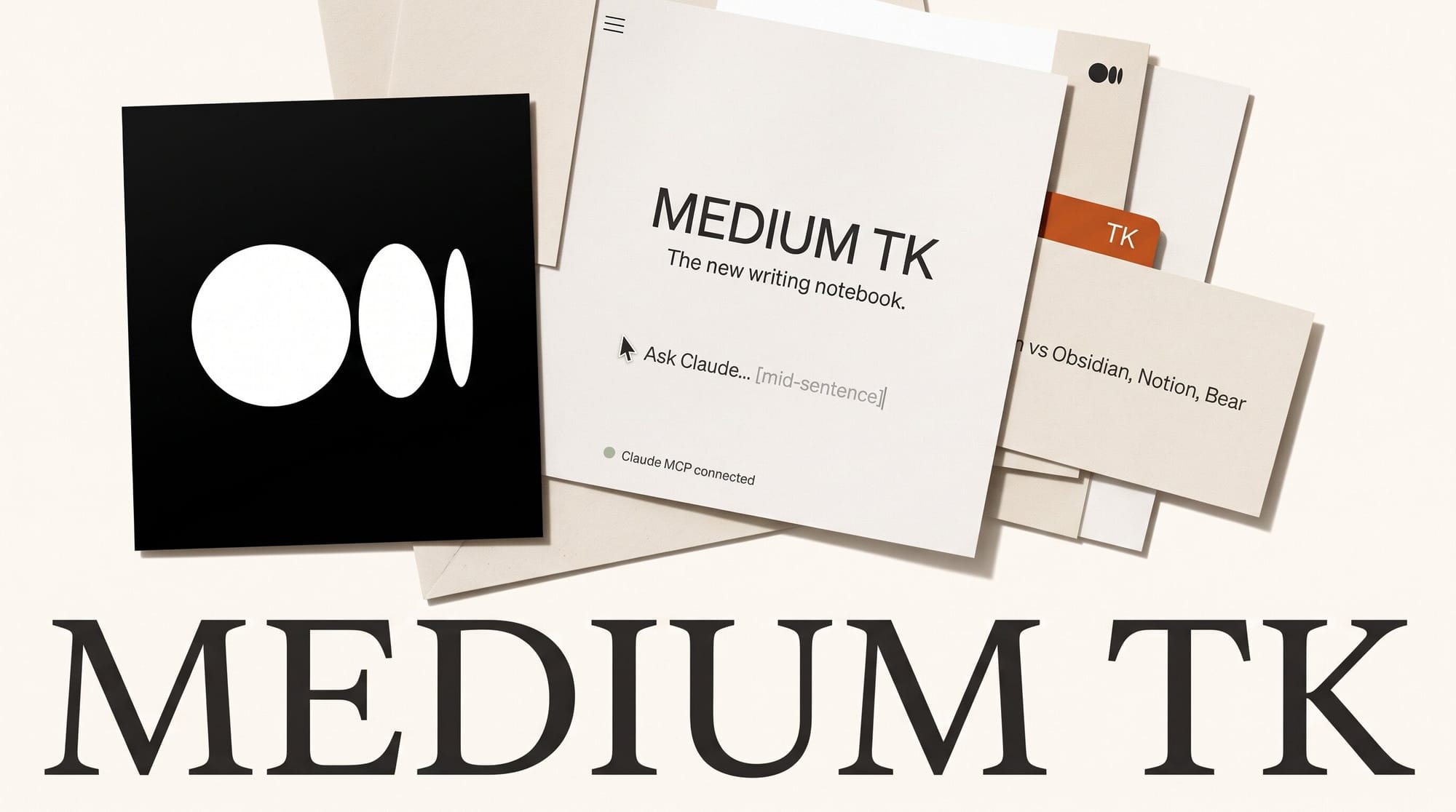
Medium launched TK on November 9, 2026: a private writing notebook with an AI assistant you call mid-sentence by typing @TK, feedback skills for headlines and edits, and an MCP server that lets Claude read what you have written. Anyone with a Medium account can join, and TechCrunch reports it is free on the web today, with a native desktop app still on the roadmap.
For bloggers, newsletter writers and anyone who keeps a notes app full of half-finished drafts, TK is the first notebook from a publishing platform that treats AI as a tool you summon, not a ghostwriter. Below: what it does, how it compares with Obsidian, Notion and Bear on price and AI, a 20-minute setup, and how to hand your notes to Claude without opening a terminal.
What TK is, and what it is not
TK is a cloud notebook from Medium, the publishing platform. The name comes from newsroom shorthand: writers type "TK" as a placeholder meaning "to come" when a fact or paragraph still needs filling in. In TK, that placeholder becomes a command. Medium CEO Tony Stubblebine's launch post describes three goals: make writing easier, make thinking easier, and make your writing feel like it matters.
The first version ships with a writing editor, a mobile app (the Android listing is live on Google Play), mobile widgets that capture voice and text notes, an instant import of everything you have published on Medium, and imports of whole vaults from Bear and Obsidian. Medium is explicit about what TK is not: "This is not a note-taking app." It is pitched as a place to write to think, then publish what is worth publishing. Stubblebine's shorthand: TK is the gym, Medium is the stage.
It is also not a text generator. Medium says plainly that "there is no benefit to a slop lord using TK over their current tools," and that no AI company trains on your writing or uses it without your permission.
How @TK works inside the editor
The core feature is an assistant that lives in the line you are typing. Instead of switching to a chatbot tab, you type @TK and a request. Medium's own examples: "@TK is September 30 days or 31?" or "@TK can you pull in the paragraph that I wrote yesterday about writing and thinking?" The answer lands in place, so your fingers never leave the keyboard.
Around that, TK adds four habits a writer would otherwise build by hand:
- Writing prompts that reference your past notes, so even a messy fragment from last month resurfaces as a starting point.
- AI feedback skills for editorial notes and headlines, plus a check that matches your draft to the style guide of a Medium publication you want to pitch.
- Wiki-style summary pages. Any search, topic, tag or library can be turned into an overview of your main themes, an index of key ideas and links back to the source notes.
- A book detector. TK will notice when a pile of notes could be organized into a book.
Medium has not said which AI model powers @TK. TechCrunch's report does not name one either, so treat output quality as something to judge on your own drafts.
TK vs Obsidian vs Notion vs Bear
TK lands in a crowded category. The writers it targets already keep drafts in one of three apps, and the honest comparison is about where AI sits, what it costs and where your words end up. Prices below come from each app's pricing page on November 9, 2026: Obsidian, Notion and Bear.
| TK (Medium) | Obsidian | Notion | Bear | |
|---|---|---|---|---|
| Price to start | $0 with a Medium account | $0 for personal use | $0 Free, $10 per member a month for Plus | Free app; Pro is $2.99 a month or $29.99 a year |
| AI in the editor | Yes, @TK mid-sentence | Not built in; community plugins only | Notion Agent, a limited trial on Free and Plus | Not listed |
| Writing feedback | Editorial and headline skills, Medium style-guide match | Community plugins | General-purpose agent | None |
| Lets Claude read your notes | MCP server plus a Claude plugin | Community plugins | MCP for Claude, ChatGPT and Gemini | Not listed |
| Sync across devices | Cloud, included | Sync is $4 a month (annual) or $5 monthly | Cloud, included | iCloud |
| Publishing | Shared libraries, then Medium | Publish is $8 a site a month (annual) | Publish pages to the web | Export only |
| Platforms | Web and mobile; no desktop app yet | Desktop and mobile | Web, desktop, mobile | Mac, iPhone, iPad |
| Files stay on your device | No, cloud-first | Yes, local Markdown | No | Yes, on your Apple devices |
The pattern is clear. Obsidian and Bear win on ownership: your notes are files you control. Notion wins on breadth: databases, team wikis and an agent that does far more than writing. TK wins on one narrow thing nobody else offers for free: a writing assistant and editorial feedback inside the sentence, wired to a place to publish. If you already pay for Notion Plus at $10 a month mainly to draft blog posts, TK does the drafting part for $0. Our breakdown of Notion AI credits shows what the paid side of Notion actually buys.

How to set up TK as your writing notebook in 20 minutes
No terminal, no plugins, no configuration files. All you need is a Medium account (free to create) and a browser.
- Sign in at tk.xyz with your Medium account. Medium says anyone with an account can join.
- Import what you already have. Bring in your Medium archive in one step, then import your Bear or Obsidian vault. Markdown from any other notes app also imports.
- Install the mobile app and add the capture widget to your home screen, so a voice memo on a walk lands in the same notebook as your desk drafts.
- Write one rough draft and use @TK three ways: ask it a fact you would normally look up, ask it to pull in a paragraph you wrote earlier, then run the headline feedback skill on the finished draft.
- Turn a tag into a summary page. Pick the topic you write about most and generate its wiki-style overview. This is the fastest way to see whether your scattered notes already hold an article.
- Share one early draft in the "Get Feedback on Your Writing" library before you publish. The other two open libraries are "Public Journal" for a daily habit with an audience and "Write a Book" for longer projects.
Connect TK to Claude so your agent knows your notes
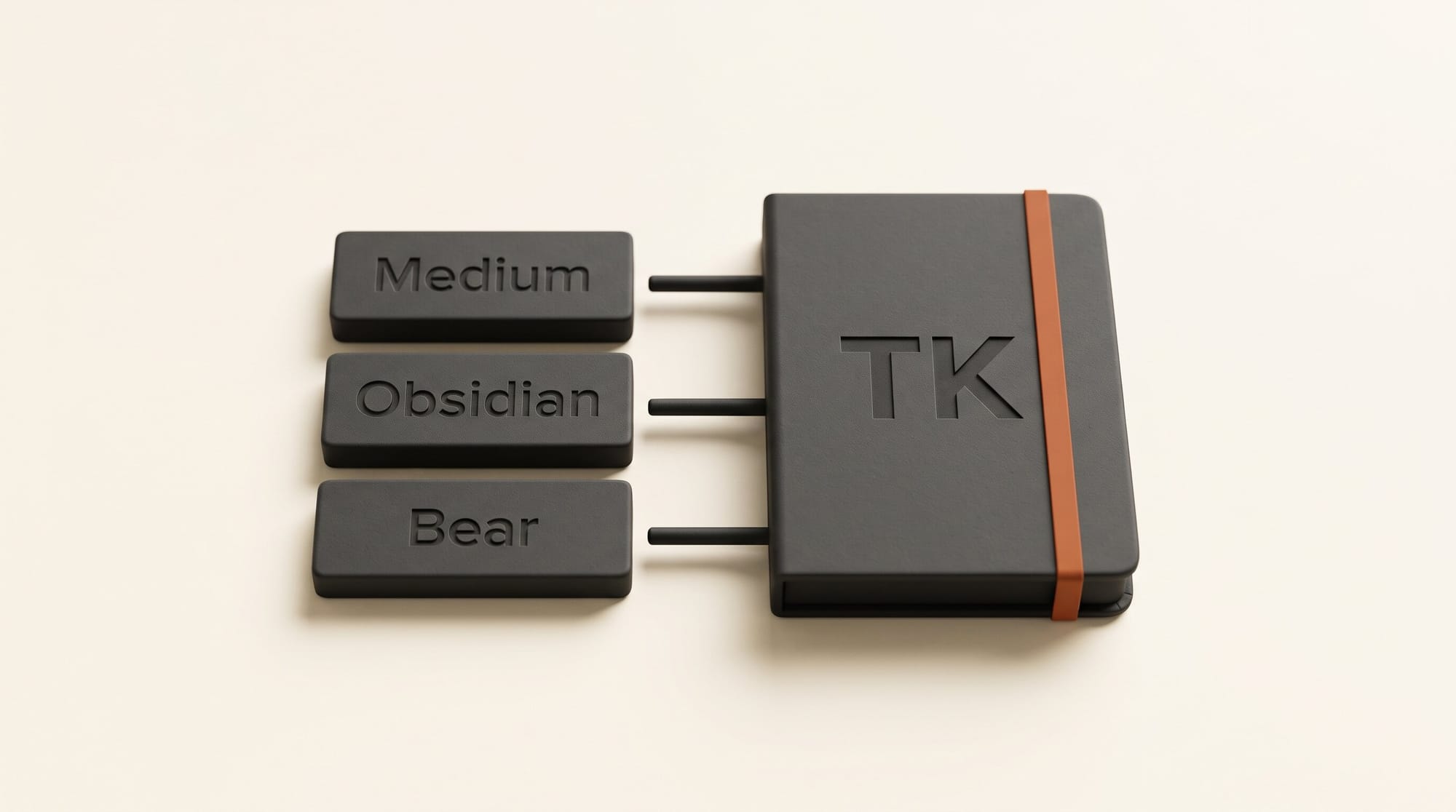
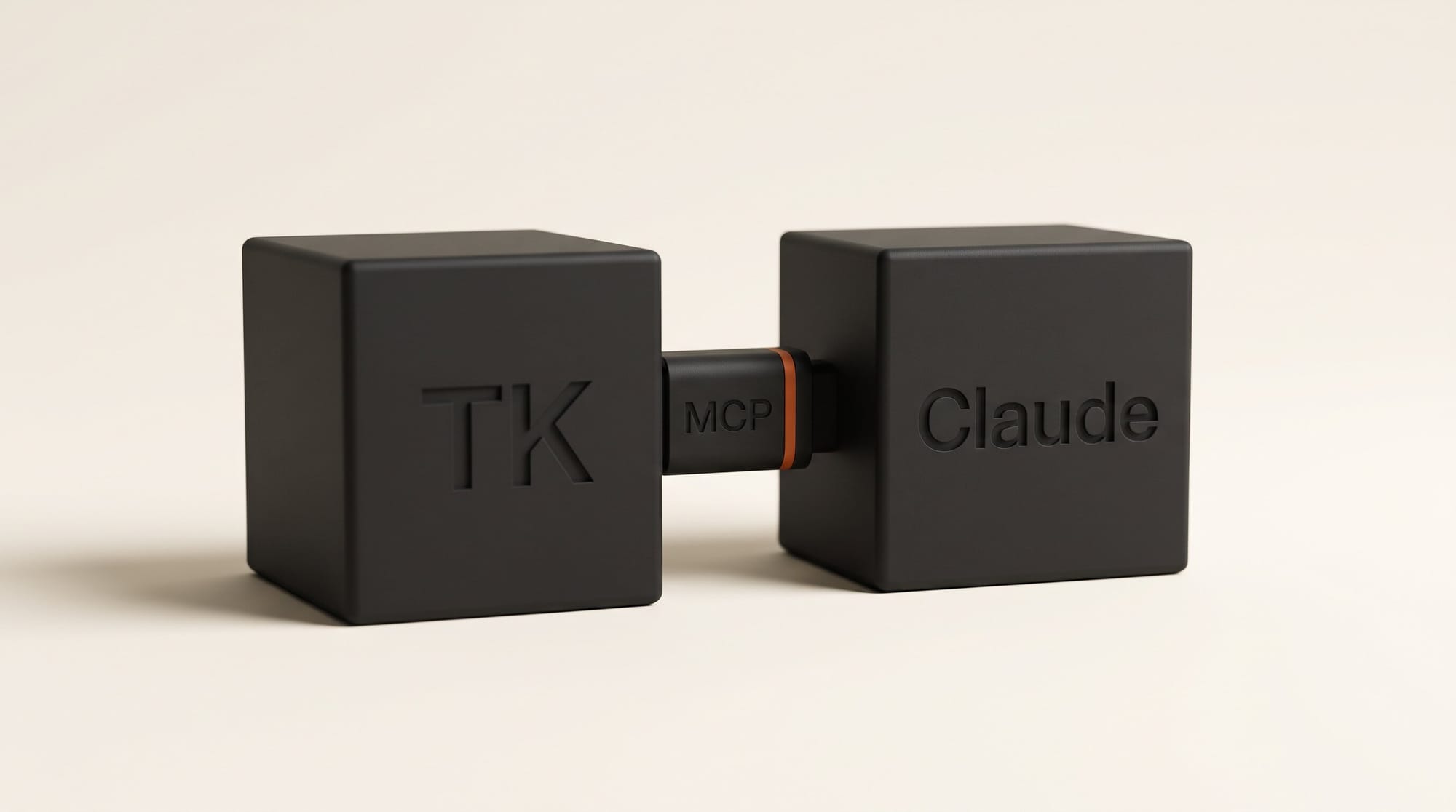
This is the part most notes apps skip. Medium ships an MCP server, a standard connector that lets AI assistants read from an app, so Claude can draw on your positions, projects and half-finished thoughts when it helps you write. Medium also suggests the reverse: "have Claude and your other agents stash their research here, too."
In the Claude app, no code is involved. Following Anthropic's custom connector guide:
- Open Customize, then Connectors, click + Add and choose Add custom connector.
- Name it "TK" and paste the server address Medium links from its announcement: https://tk.xyz/mcp. Click Continue.
- The server requires a sign-in, so choose Sign in now and approve access with your TK account.
- In any chat, click +, open Connectors and switch TK on for that conversation.
Free Claude plans allow one custom connector, so TK would take your only slot; Pro and Max have room for more. For a ready-made routine, Medium published the TK Daily Note plugin on GitHub. In Claude Cowork you add it under Customize, then Plugins, by pasting the repository address. It keeps a running Daily Note in TK with your to-dos, calendar and a "Notes to Claude" section, and it works with optional Google Calendar, Gmail, Slack, Linear and Granola connectors. Medium's README suggests running it every 30 minutes on weekdays between 7am and 7pm.
The AI transparency note, and why it matters now
The feature with the longest reach may be the quietest one. TK lets you publish a note with a record of what you wrote and what AI wrote. Medium calls it "a start of what we believe is required to publish in the AI era," with provenance that should be inspectable "right down to the prompting and source material."
The timing is not an accident. In October, a Canadian publisher ended its relationship with an author over AI use, and literary prizes began running AI detectors on submissions. A detector guesses after the fact. A transparency note written while you work is evidence. For writers who use AI for research and fact checks but not for prose, that difference protects your reputation.
It also fits what readers say they want. Our look at whether audiences care about AI use found that readers rarely spot AI on their own but rate the same writing lower once they believe AI wrote it. A precise note ("AI checked the facts, I wrote the prose") answers that doubt better than a blanket label. The EU AI Act's Article 50 labeling rules push in the same direction for anyone publishing to European readers.
What TK does not do yet
- No desktop app. Medium says the first version ships without one and that it wants to fix that. Long writing sessions happen in a browser tab for now.
- Not Markdown-first. Notes live in Medium's cloud so people and agents can collaborate. You can export any note or your whole archive as Markdown, but your files do not sit on your own drive the way they do in Obsidian.
- Private, not encrypted. You set who sees what, but TechCrunch notes the writing is not encrypted, because the app is built for collaboration.
- Unnamed model. Medium has not said which model answers @TK, so you cannot predict its strengths from a spec sheet.
- Early days on mobile. The Android app showed 1K+ downloads on Google Play on launch day.
Who should switch, and who should wait
Try TK this week if you publish on Medium, write a newsletter or blog from scattered notes, or pay for a notes tool mainly to get AI help with drafts. It costs nothing, imports your existing Obsidian or Bear vault, and the transparency note is a real asset if your audience cares how your work is made.
Stay where you are if your notes must live as local files, if you run a team wiki in Notion, or if you write mostly on a laptop and need a native app. The sensible move for an Obsidian user is to import a copy of the vault, write one piece in TK, and keep Obsidian as the archive until the desktop app arrives.
Frequently asked questions
Is Medium's TK free?
Yes. TechCrunch reports TK is free for anyone with a Medium account, and Medium's launch post says anyone with an account can join. A Medium account itself is free to create.
What does @TK do in Medium's TK app?
Typing @TK in the middle of a sentence calls an AI assistant inside the editor. It can answer a quick factual question, pull in a paragraph you wrote earlier, and run feedback skills on headlines and drafts without you leaving the page.
Can I import my Obsidian or Bear notes into TK?
Yes. TK imports vaults from Bear and Obsidian, Markdown from other notes tools, and everything you have published on Medium. It also exports any note or your full archive as Markdown.
Does Medium train AI on what I write in TK?
Medium says no AI company ever trains on your writing in TK or uses it without your permission. Your notes are private by default and you control sharing, though TechCrunch notes they are not encrypted.
How do I connect TK to Claude?
In Claude, go to Customize, then Connectors, add a custom connector and paste https://tk.xyz/mcp, then sign in. Free Claude plans allow one custom connector. Medium's TK Daily Note plugin adds a ready-made daily routine in Claude Cowork.
Is there a TK desktop app?
Not yet. TK runs on the web and on mobile at launch, and Medium says a native desktop app is on its roadmap.