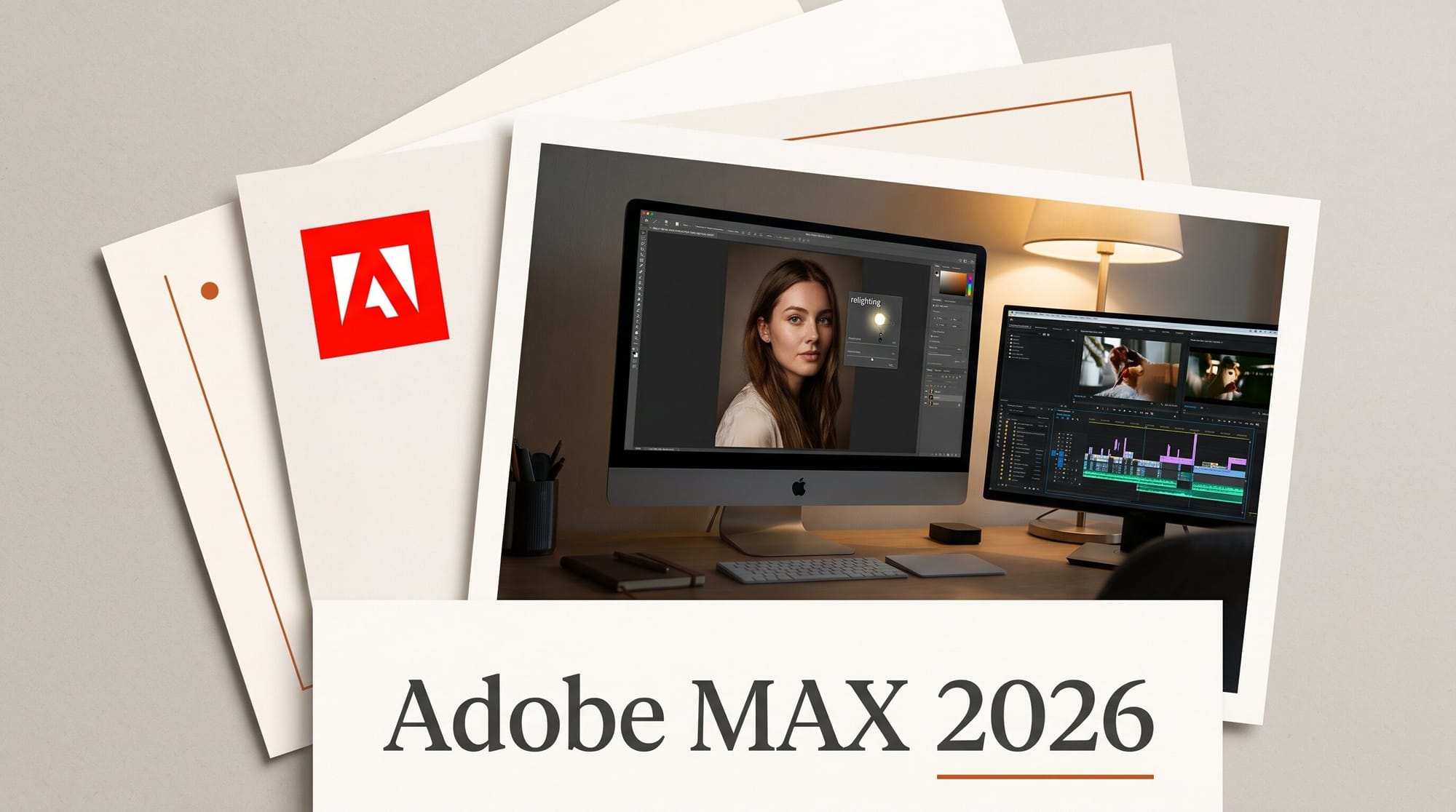
Adobe opened Adobe MAX 2026 in Miami Beach on November 10 with updates to Photoshop, Premiere, Lightroom, Illustrator, InDesign and Firefly. Several of them work today: Relight and Generative Restyle in Photoshop, Color Mode in Premiere, and Glow in Lightroom. Most of the agent news does not yet. The AI Assistant in Premiere, Illustrator, InDesign, After Effects and Frame.io is in beta, Firefly Builder is a private beta, and bringing your own AI agent into Adobe apps waits until early 2027.
That split is the useful part. The keynote led with the Creative Agent, but the tools that change your week are the plain ones: a light you can drag around a photo, a remove tool that takes the shadow with the object, and audio cleanup that splits overlapping voices onto their own tracks.
What Adobe announced at MAX 2026
Adobe published three posts on November 10. The Creative Cloud post covers the desktop apps. The Firefly and Premiere mobile post covers the web studio and the phone editor. A Microsoft post covers Windows. Between them they list more than 30 features, each with a different status. Some are generally available, some sit in the separate Photoshop beta app, some are public betas, some are private betas you sign up for, and some are previews with a 2027 date.
The table sorts the creator-facing ones by what you can do with them this week.
| Feature | App | Status on Nov 10 | What it does for you |
|---|---|---|---|
| Relight | Photoshop | In the main app | Up to three movable lights on their own non-destructive layer |
| Generative Restyle | Photoshop | In the main app | Type a look, then dial its strength with a slider instead of re-prompting |
| Remove Tool (related elements) | Photoshop | In the main app | Takes shadows, reflections, footprints and waves with the object |
| Quick Compare | Photoshop | In the main app | On-canvas before and after split slider |
| Generative Recompose, Camera Angles, Mockups, Convert to Text Layers, Timelapse | Photoshop beta app | Beta | New aspect ratios, new viewpoints, product mockups, editable text from flat images |
| Color Mode | Premiere | Generally available | A color-grading workspace built for editors |
| Enhance Audio, Separate Crosstalk, Separate Sound Source | Premiere | Listed without a beta label | Split dialogue, music, ambience and effects; put overlapping speakers on their own tracks |
| Generative Remove | Premiere | Beta | Mask and track an object, click Remove, the clip is filled in |
| AI Assistant | Premiere, Illustrator, InDesign, After Effects, Frame.io | Beta | Describe a multi-step task, review it, refine by hand |
| Glow, Blemish Removal, Camera Tethering | Lightroom | Listed without a beta label | Diffusion and halation looks, one-tap skin retouch, shoot straight into Lightroom |
| Open Eyes | Lightroom | Public beta | Swaps a blink using another photo of the same person |
| Firefly Design, Firefly Graph | Firefly (web) | Beta | One canvas for image, vector, motion, 3D and print; saved, reusable workflows |
| Quick Actions | Firefly (web) | Generally available | One-click jobs such as thumbnails and product ads |
| Firefly Builder | Firefly (web) | Private beta | A clickable prototype of an app, site or portfolio from a prompt |
| UMG and WMG music | Premiere on iPhone | Available today, Android later | Licensed pop songs for personal, non-commercial videos |
| Always-on agents | Firefly | Beta in early 2027 | Background agents for recurring work |
| MCP integrations | Photoshop, Illustrator, Premiere, After Effects | Early 2027 | Lets the AI assistant you already use work inside your Adobe files |
Photoshop: Relight and Restyle are the ones to try first
Relight adds a virtual light you drag around the picture. Digital Camera World reports it lives on its own non-destructive layer, takes up to three light sources, and has sliders for color, intensity and size in the Properties panel. For a portrait shot under flat office light, or a product photo that needs a rim light you never set up, that is a fix that used to mean a reshoot.
Generative Restyle starts from Prompt to edit. You type a look such as golden hour, convert the result to a layer, and Photoshop gives you a custom slider to set how strong it is. You can turn the effect down without spending another prompt. Both are layer-based, so you can come back to them after other edits.
Two smaller changes will save time every day. The Remove Tool now detects related elements, so removing a person from a beach shot also takes their footprints and reflection. Quick Compare puts a before and after slider on the canvas, so you stop hiding layers one by one. The AI Assisted Editor, the simpler prompt-first workspace we covered when it arrived in August, is on Adobe's main Photoshop list, and you can switch back to the full editor at any time. Creative Bloq reports that the Photoshop AI Assistant itself is still only in the Photoshop beta app.
The rest is in the separate Photoshop beta app, which you install from the Creative Cloud desktop app. Generative Recompose is the one social creators will want. It moves an image and its parts into a new aspect ratio, so a 16:9 thumbnail can become a 9:16 cover without rebuilding the layout. Camera Angles lets you explore new viewpoints of an image on the canvas. Mockups puts a design onto a product or surface. Convert to Text Layers turns the text in a flattened flyer back into editable type.
Premiere: cleaner audio and color today, the assistant in beta
Color Mode, which Adobe first showed in April, is now generally available. The audio tools probably matter more to anyone who records interviews or podcasts. Adobe's post says Enhance Audio can separate dialogue, music, ambience and sound effects so you mix each one on its own. Separate Crosstalk splits overlapping speakers onto their own tracks. Two guests talking over each other used to mean a re-record or a messy mix.
The Generative Media tool now covers Generate Video, Generate Sound Effects, Generate Soundscape and Generate Music on the timeline. You can pick Adobe Firefly or partner models from Google, Kling, Runway and Luma. Digital Camera World reports that the soundscape generator analyzes the footage and returns four separate audio tracks you can mix. Partner models are billed in Adobe generative credits, and our b-roll guide shows where Premiere displays the credit cost before you commit. Adobe's MAX posts do not list per-feature credit costs.
Two headline features are betas. Generative Remove (beta) takes a boom mic or a passing car out of a shot using Premiere's existing mask tracking. The AI Assistant (beta) is the Creative Agent inside Premiere. In Adobe's pre-MAX briefing it synced three camera angles and their audio into one editable multicam clip from a single instruction. It can also sort footage into bins and assemble sequences from the best takes. Editors can save reusable "skills", such as a studio's naming rules.
Premiere mobile music: read the license line
The phone app gets the most creator-friendly announcement and the easiest one to misuse. Since November 10, Premiere on iPhone has hundreds of thousands of licensed tracks from Universal Music Group and Warner Music Group, with Android coming later. Adobe's November 3 announcement says you can add up to 60 seconds of a track to a video in the free app. You can also browse trending songs and start from music-based templates.
The catch is in the same sentence each time: the tracks are licensed "for personal, non-commercial use". Adobe sends anyone who needs commercial rights to Adobe Stock Audio. Adobe does not say where a monetized YouTube channel or a brand collab falls. Until it does, treat anything sponsored, client-paid or made to sell a product as commercial, and keep the label music for personal posts.
An AI Assistant for Premiere mobile is also coming as a private beta. It includes Quick Cut, which turns selected camera-roll clips and a description into an editable first cut. You sign up for it; it is not in the app yet.
Firefly: Design and Graph in beta, Builder by invitation
Firefly on the web is now Adobe's "AI creative studio". Firefly Design (beta) puts raster, vector, motion, 3D and print work on one canvas with client review and export built in. Firefly Graph (beta) lets you chain Adobe tools and AI models into a workflow you save and run again. Think of a saved recipe: product photo in, background swap, three ad sizes out. Adobe says "New tools and capabilities in Firefly are available today in beta". The one exception is Quick Actions, which is generally available.
Creative Bloq notes the model menu now includes Google, Kling, OpenAI, ByteDance, ElevenLabs and Topaz Labs alongside Adobe's own models, with Kling 4.0 and Dreamina Seedance 2.5 among the recent additions. If you already pay for two or three of those services separately, compare that against one Adobe credit balance before renewing. Topaz, which Adobe bought in June, also added two models, Wonder 4 and Image HDR.
Firefly Builder, which turns a prompt into a working prototype of an app, website or portfolio, is a private beta. Always-on agents, which run recurring jobs such as sorting incoming footage and flagging shaky clips, arrive in beta in early 2027.
Bring your own agent, in 2027
The most interesting announcement for the long term has no date this year. Adobe is previewing MCP integrations, a standard connector that lets an outside AI assistant operate apps. With it, the assistant you already use can work inside Photoshop, Illustrator, Premiere and After Effects on your own computer. Because it runs locally, your layers, vectors, bins and sequences stay editable. Adobe's example: remove a logo from one campaign asset, then ask your agent to repeat the change across the rest. If that agent is also connected to Google Drive or Slack, it can pull the brief and post the result. Adobe says this comes to Creative Cloud customers in early 2027 and has a sign-up form for updates.
On Windows, Photoshop, Premiere, After Effects and Substance 3D Painter (beta) now have versions optimized for Arm-based PCs with NVIDIA RTX Spark, following the speedups we covered in May. Adobe Express editing is also coming to Microsoft Photos as a preview for Windows Insiders.
What to do this week
- Update Photoshop and try Relight on a flat portrait. Add one light, move it, then add a second as a rim light. The layer stays editable, so there is nothing to lose.
- Run one interview through Enhance Audio in Premiere. If you have a two-person recording with crosstalk, try Separate Crosstalk on it before your next edit.
- Install the Photoshop beta app if you post to several platforms. Test Generative Recompose on one thumbnail going from 16:9 to 9:16 and check what it moved.
- Use the UMG and WMG music only for personal posts. For anything paid or sponsored, stay with Adobe Stock Audio.
- Join the waitlists only for what you will use. Firefly Builder if you make sites or portfolios, the Premiere mobile assistant if you cut on your phone, and the MCP updates list if you already work with an AI assistant.
We have not tested these features ourselves yet. Everything above is from Adobe's announcements and the press coverage linked here. We will add our own Relight and Recompose results to this page once we have run them.
Frequently asked questions
What did Adobe announce at MAX 2026?
On November 10, 2026 Adobe announced Relight, Generative Restyle and Quick Compare in Photoshop, Color Mode and new audio separation tools in Premiere, Glow in Lightroom, Firefly Design and Firefly Graph in beta, the AI Assistant (beta) across five more Creative Cloud apps, licensed UMG and WMG music in Premiere on iPhone, and MCP integrations for outside AI agents coming in early 2027.
Is Photoshop Relight available now?
Yes. Adobe lists Relight with the features in the main Photoshop app, not the beta app. Generative Recompose, Camera Angles, Mockups, Convert to Text Layers and Timelapse are in the separate Photoshop beta app.
Can I use the UMG and WMG songs in Premiere mobile on YouTube?
Adobe licenses them for personal, non-commercial use and sends commercial projects to Adobe Stock Audio. It has not said whether a monetized channel counts as commercial, so treat sponsored, client and product videos as commercial and avoid the label music there.
Do the new AI features cost generative credits?
Partner models in Premiere and Firefly are billed in Adobe generative credits, and Premiere shows the cost before you generate. Adobe's MAX posts do not list a credit price per feature, and what is metered depends on your plan, so check the cost shown in the app before running a batch.
When can I connect my own AI agent to Photoshop?
In early 2027. That is when Adobe says MCP integrations for Photoshop, Illustrator, Premiere and After Effects reach Creative Cloud customers, letting a third-party agent you already use work in your Adobe files. They are previewed now, with a sign-up form for updates, and are not available to use yet.
What is Firefly Builder?
Firefly Builder turns a prompt into a working prototype of an interactive app, website or digital portfolio, and lets you edit it directly. It is in private beta, so most creators cannot use it yet.