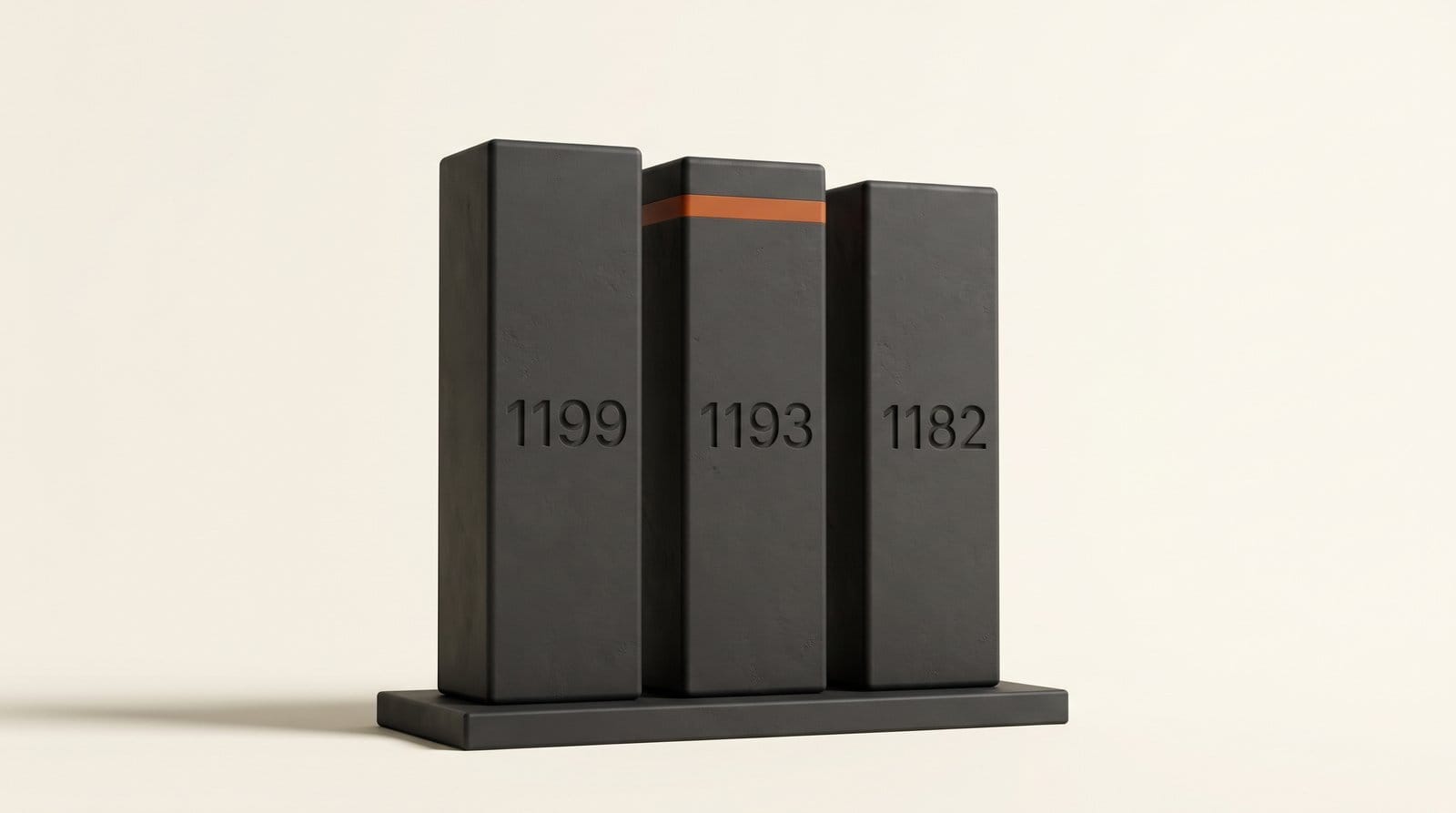
Microsoft AI released MAI Image 2.7 as an image-editing preview on October 27, 2026, and it went straight to No. 2 on the Artificial Analysis image editing leaderboard with an Elo of 1,193. That is 6 points behind OpenAI's GPT Image 2.5 Sunburst (1,199) and ahead of GPT Image 2.5 Flare (1,182), Google's Nano Banana 2.1 (1,151) and Microsoft's own MAI-Image-2.6 (1,151). It edits existing images only for now: text-to-image is "coming soon", and there is no price or API yet.
For creators the useful question is not the rank but the route: where can you put your own photo into it today, what will an edit cost when it gets a price, and is it worth switching from the editor you already use? This comparison answers those with the leaderboard data, the listed prices for every rival, and a 20-minute test you can run in a browser.
What Microsoft shipped on October 27
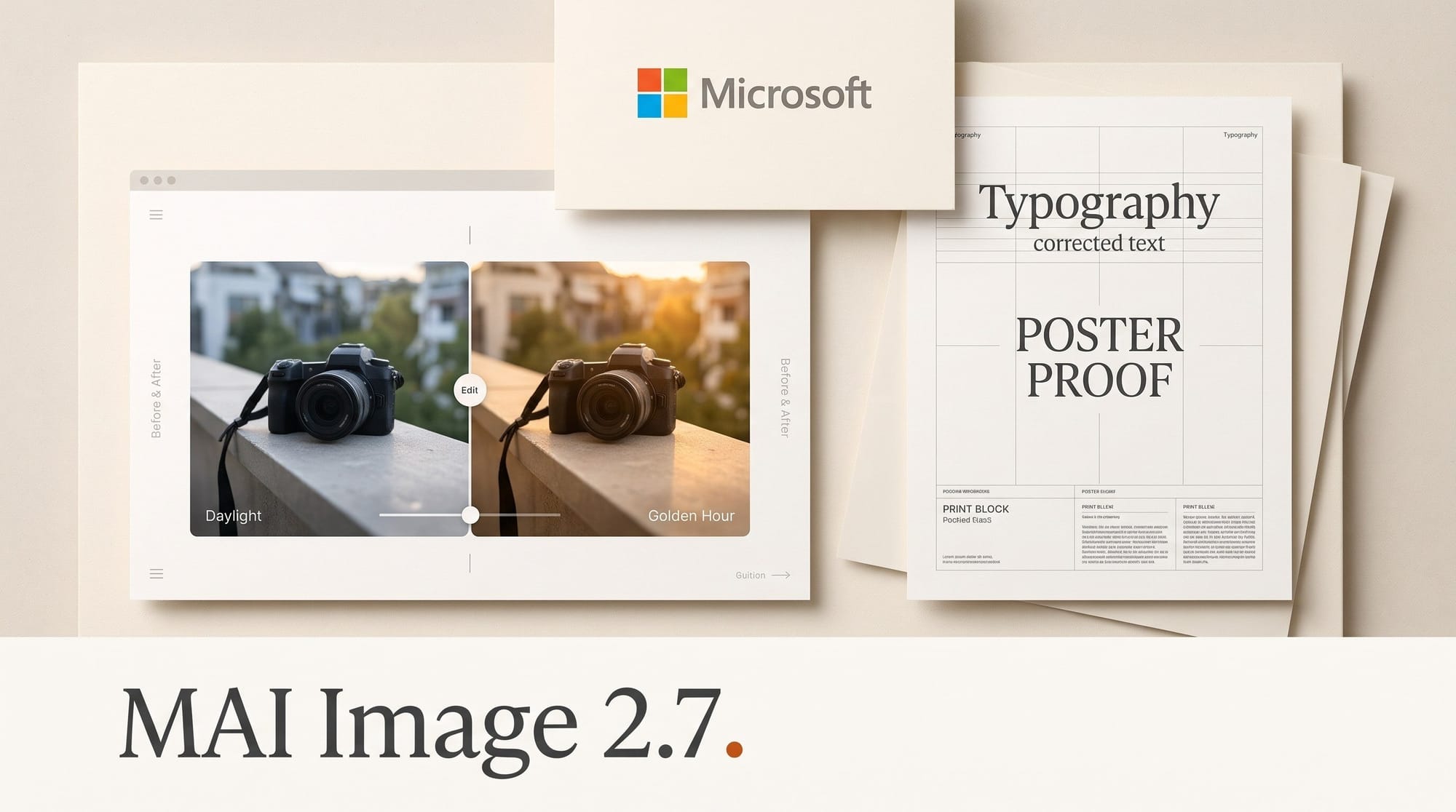
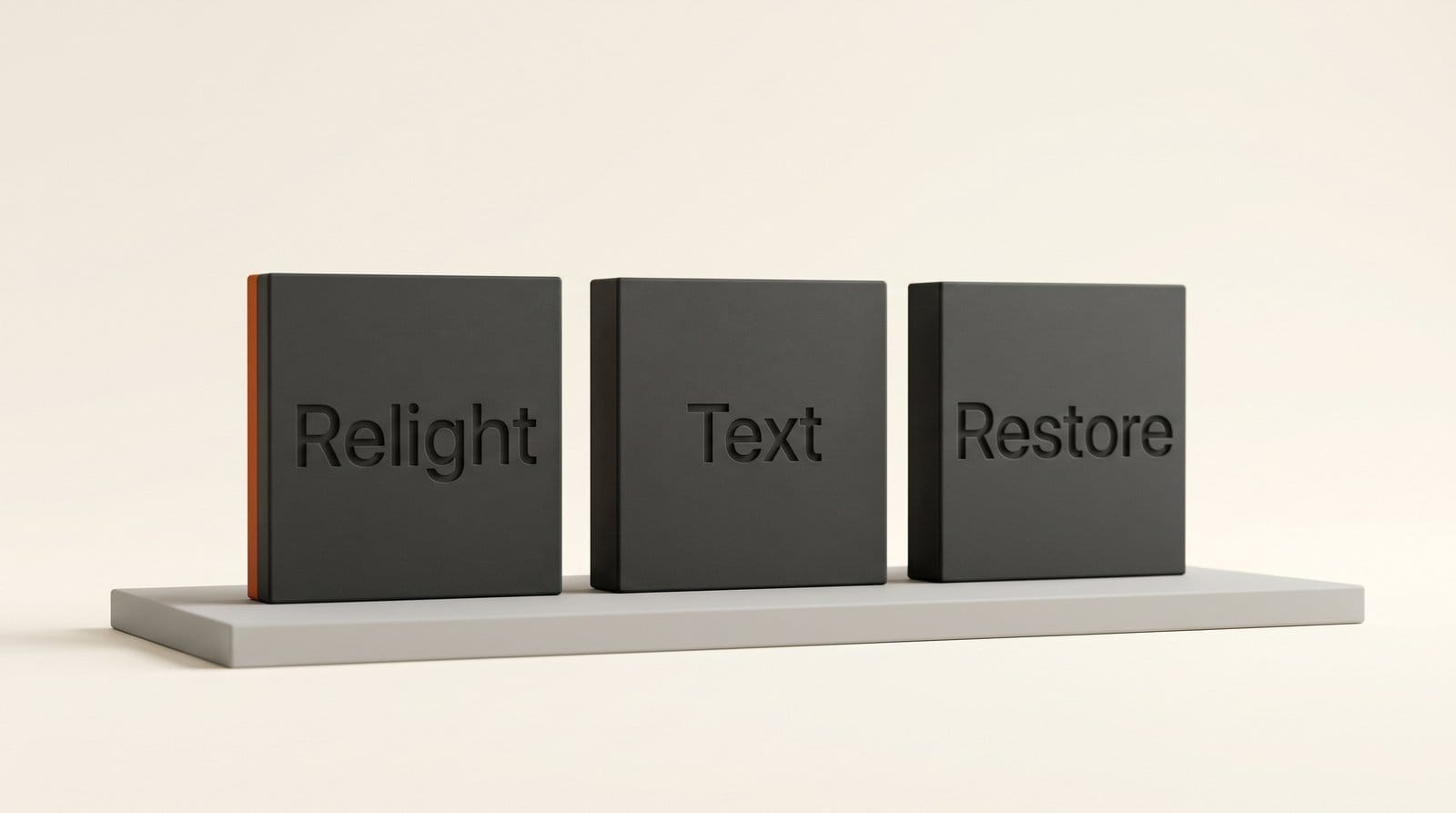
MAI Image 2.7 (listed as MAI-Image-2.7-Preview on the leaderboards) is an editing model. You give it an image and an instruction, and it changes the image. Microsoft names four kinds of hard edits it targets: restyling or relighting a whole scene, changing text and symbols inside an image while keeping them integrated with the design, restoring damaged or low-quality assets, and enhancing them.
Microsoft says 2.7 beats MAI-Image-2.6, released September 4, across all 10 use cases and all 7 editing actions Artificial Analysis evaluated, and that it reaches the frontier in four categories: enhancement and restoration, reasoning-based edits, scene and style, and text or symbol editing. Its biggest claimed lead is in scene and style, 24 Elo ahead of the next-best model. Those category results are Microsoft's own reading of the benchmark, so treat them as claims until you test them on your images.
Access is limited to three places: Arena, Artificial Analysis and MAI Playground. Arena's leaderboard changelog shows the model added to its Image Edit board on October 27. It is not in Copilot, PowerPoint or Bing yet, and Microsoft has given no date for that.
The leaderboard: a near tie at the top
Artificial Analysis ranks editing models by blind human votes on pairs of edits. On its AA-Image-Editing v2.1 board, MAI-Image-2.7-Preview scores 1,193 with a 95% confidence interval of 1,178 to 1,208. GPT Image 2.5 Sunburst (max) scores 1,199, with an interval of 1,188 to 1,210. The intervals overlap almost completely, so the honest reading is a tie for first, not a clear second place. As Magica's breakdown of the rankings puts it, No. 2 is not a decisive separation from Sunburst or Flare.
The jump from Microsoft's previous model is the clearer signal. MAI-Image-2.6 sits at 1,151, tied with Krea 3 (Ultra) and Nano Banana 2.1. Moving to 1,193 is a 42-point gain in about eight weeks, and it puts 2.7 above every Google, Krea, ByteDance and Meta editor on the board.
Arena tells a similar story with a wider gap. On its commercial-design image-edit board, in a snapshot dated October 23 and reported by TechJournal, the preview ranked No. 3 at 1,499 (plus or minus 22, from 718 votes), behind GPT Image 2.5 Sunburst at 1,538 and Flare at 1,508. Commercial design means posters, packaging and ad layouts, where OpenAI's models still lead.
MAI Image 2.7 vs GPT Image 2.5 vs Nano Banana 2.1: compared
Here is the top of the Artificial Analysis editing board as of October 28, with the API price Artificial Analysis lists per 1,000 images at its test settings, turned into a per-image figure, and the place a creator can use each model.
| Rank | Model | Editing Elo | API price per image | Where you can use it |
|---|---|---|---|---|
| 1 | GPT Image 2.5 Sunburst (max) | 1,199 | $0.21 | ChatGPT Images 2.5, OpenAI API |
| 2 | MAI-Image-2.7-Preview | 1,193 | No price, no API | MAI Playground, Arena |
| 3 | GPT Image 2.5 Flare (max) | 1,182 | $0.21 | ChatGPT Images 2.5, OpenAI API |
| 4 | MAI-Image-2.6 | 1,151 | $0.039 | MAI Playground, Microsoft Foundry |
| 5 | Krea 3 (Ultra) | 1,151 | $0.27 | Krea |
| 6 | Nano Banana 2.1 | 1,151 | $0.034 | Gemini API |
| 7 | MAI-Image-2.6-Flash | 1,144 | $0.020 | MAI Playground, Microsoft Foundry |
| 8 | GPT Image 2 (high) | 1,136 | $0.21 | OpenAI API |
| 9 | Seedream 5.0 Pro | 1,131 | $0.09 | ComfyUI partner nodes |
| 10 | Muse Image | 1,129 | $0.01 | Meta AI (free) |
Two things stand out. First, the two OpenAI models that bracket MAI 2.7 cost about $0.21 an image through the API, among the most expensive editors on the board. Second, Microsoft's previous model is one of the cheapest at the top: MAI-Image-2.6 lists at $0.039, which is how Microsoft framed it in September, as "the best price-per-Elo performance in the world". If 2.7 lands anywhere near that price, it would match Sunburst's editing quality at a fraction of the cost. That is a conditional, not a fact: Microsoft has said nothing about 2.7 pricing.
We covered several of these rivals in depth: Nano Banana 2.1's half-price launch, Krea 3's 8-second edits and Meta's free Muse Image.
What an edit costs, per image and per month
Per-image API prices only reach you when an app bills you per edit: credit-based tools, ComfyUI partner nodes, or services that pass model costs through. If you edit inside ChatGPT on a subscription, you pay the plan, not per image. Still, the API price is the floor every app builds on, so it predicts what credit-based editors will charge.
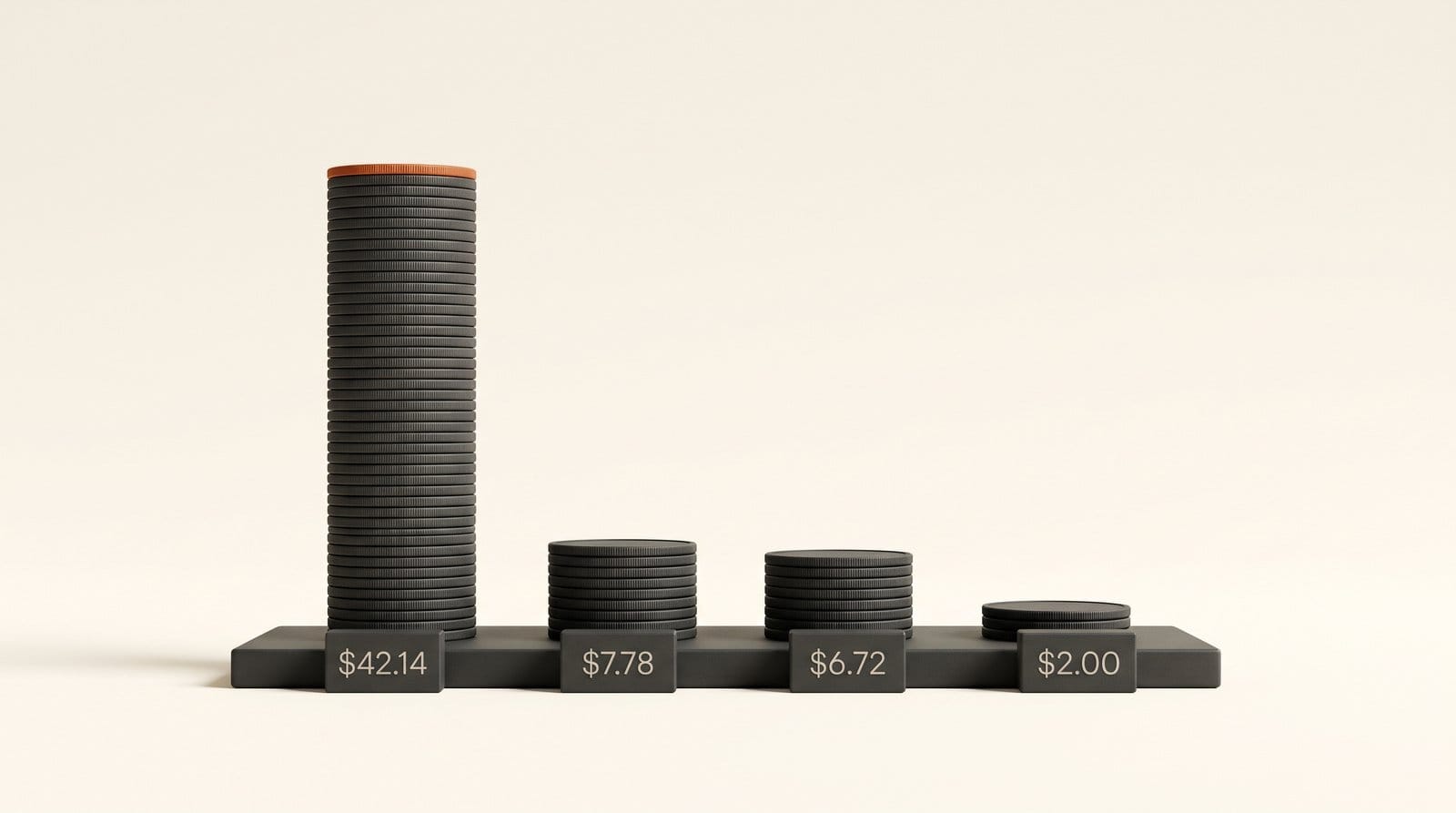
Take a creator who edits 200 images a month, a realistic load for product shots or thumbnails. At the listed prices, that month costs:
- GPT Image 2.5 Sunburst: $42.14
- Krea 3 (Ultra): $54.00
- MAI-Image-2.6: $7.78
- Nano Banana 2.1: $6.72
- MAI-Image-2.6-Flash: $3.90
- Muse Image: $2.00
The spread between the top OpenAI editor and Nano Banana 2.1 is more than 6x, for a quality gap of 48 Elo points. MAI Image 2.7 matters because it is the first model to close that quality gap from the cheap side. Whether it keeps the cheap side's price is the open question.
How to test it on your own images in 20 minutes
Leaderboard votes come from strangers judging generic prompts. Your images are what matter. This test needs a browser, a free Microsoft account and three images from your own work.
- Open MAI Playground. Go to playground.microsoft.ai and sign in with a Microsoft account. When Office Watch tested the Playground in June, it needed no Azure account or credit card and cost nothing. When we loaded it on October 28, its public model list still named MAI-Image-2.6, so if 2.7 is not offered to you yet, Arena's image-edit battles are the other route Microsoft names.
- Pick three edits that match Microsoft's claims. A relight (turn a daylight product shot into evening light), a text change (replace the words on a poster, sign or label) and a restore (an old, blurry or compressed photo).
- Write one plain instruction per image and save it, so you use the same words everywhere. For example: "Relight this scene as golden hour, keep the product and the label unchanged."
- Run the same three edits in your current editor: ChatGPT Images 2.5, Gemini, Krea or whatever you use now.
- Judge three things. Did it keep everything you did not ask to change (faces, logos, layout)? Is every word spelled correctly? How many tries did it take to get a usable result?
- Write down the winner per edit type. Editors are rarely best at everything. You may keep ChatGPT for layouts and send restorations elsewhere.
If MAI 2.7 wins your relight and text tests, that is a strong reason to watch for its price and its arrival in Copilot or PowerPoint, where Microsoft already swapped DALL-E for its own MAI-Image models.
What is still missing
The preview label is doing real work here. As of October 28 there is no published price, no public API and no production date, and the Microsoft Foundry catalog for developers lists MAI-Image-2.6 and 2.6-Flash but not 2.7. Text-to-image generation, the half of the model most people would use daily, is "coming soon" with no date.
That means three practical limits. You cannot build it into a client workflow or a ComfyUI graph yet. You cannot plan a budget around it. And the Playground is a testing space, so check Microsoft's terms before you use any preview output in paid work.
There is also a ranking caveat. Arena's commercial-design snapshot puts 2.7 a clear 39 points behind Sunburst, a wider gap than the Artificial Analysis tie. If your work is mostly posters, packaging and ad layouts, OpenAI's models still lead on the board closest to that job.
Verdict: who should try it now
Try MAI Image 2.7 this week if you do photo restoration, relighting or style changes on existing images, the categories where Microsoft claims the frontier, and you can spare 20 minutes in a free browser tool. Skip it for now if you need an API, a predictable price or text-to-image, because none of those exist yet. Stay with GPT Image 2.5 for layout-heavy commercial design until a price appears. The number to watch is 2.7's API price: near MAI-Image-2.6's $0.039 per image, it becomes the default value pick for editing; near $0.21, it is just another top editor.
Frequently asked questions
What is MAI Image 2.7?
MAI Image 2.7 is Microsoft AI's newest image model, released as a preview on October 27, 2026. It currently edits existing images only: restyling, relighting, changing text inside images, and restoring or enhancing photos. Text-to-image generation is coming later.
Is MAI Image 2.7 better than GPT Image 2.5?
On the Artificial Analysis editing leaderboard it scores 1,193, against 1,199 for GPT Image 2.5 Sunburst and 1,182 for Flare. The confidence intervals overlap, so it is effectively tied with Sunburst there. On Arena's commercial-design edit board it ranks third, behind both OpenAI models.
How much does MAI Image 2.7 cost?
Microsoft has not published a price, and there is no API yet. Its predecessor, MAI-Image-2.6, lists at $38.90 per 1,000 images on Artificial Analysis, about $0.039 each, against roughly $0.21 for GPT Image 2.5.
Where can I try MAI Image 2.7 for free?
Microsoft says the preview is available on MAI Playground, Arena and Artificial Analysis. MAI Playground needs only a Microsoft account. If the Playground does not show 2.7 for you yet, Arena's image-edit comparisons are the other public route.
Is MAI Image 2.7 in Copilot or PowerPoint?
Not yet. Microsoft uses its MAI-Image models in PowerPoint, Bing and Copilot, but it has not said when 2.7 will reach them.
Can I use MAI Image 2.7 in ComfyUI or other apps?
No. Without a public API, no third-party app or ComfyUI node can call it. MAI-Image-2.6 and 2.6-Flash are available to developers in Microsoft Foundry, which is the likely path once 2.7 gets an API.