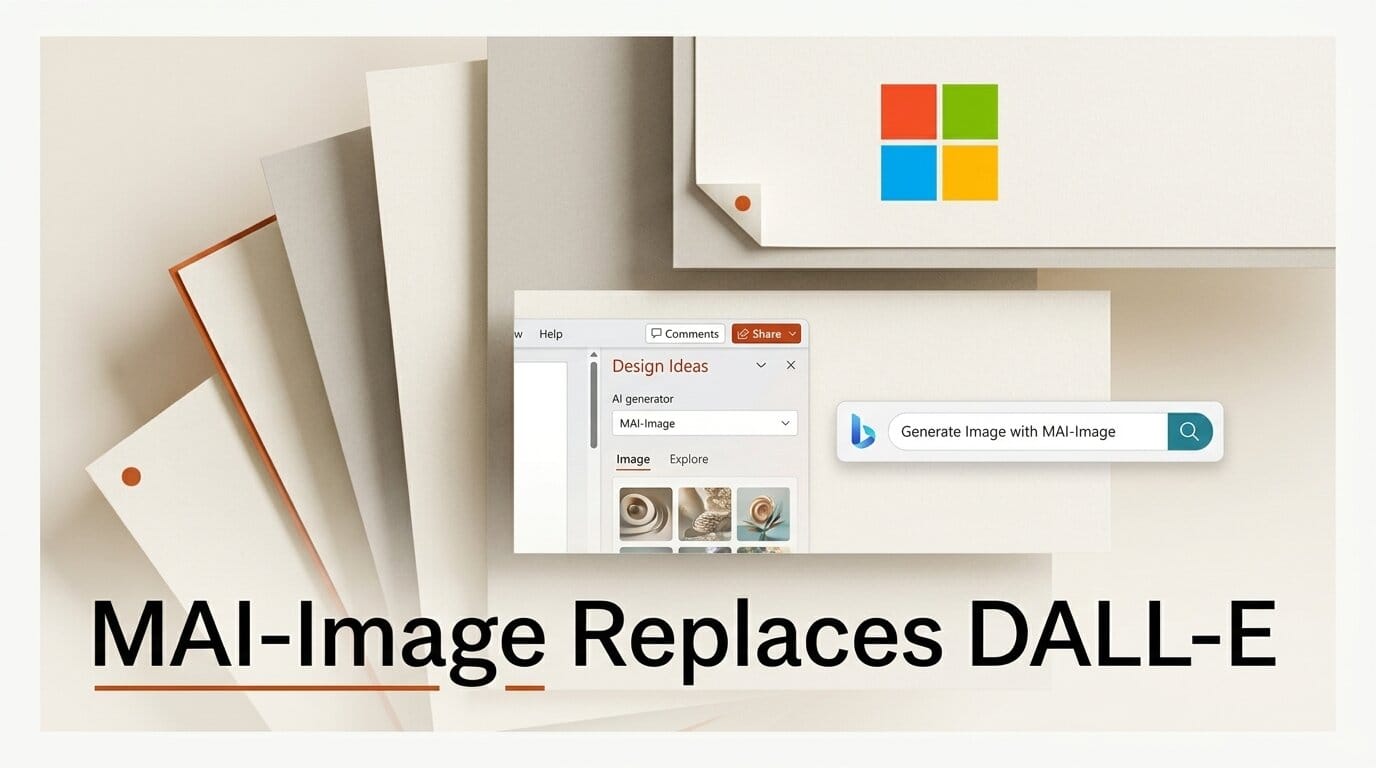
Microsoft has begun replacing OpenAI's DALL-E image generation inside PowerPoint and Bing with its own in-house model, MAI-Image-2.5. Reporting on July 23, 2026 confirmed the swap is already live in PowerPoint for slide visuals and is rolling out across Bing, Paint, and Copilot, putting a Microsoft-built image engine in front of hundreds of millions of everyday users. If you generate artwork inside Office, the model behind the "create an image" button just changed, and the output looks different.
What Changed: DALL-E Is Out, MAI-Image Is In
Since 2023, the image button in PowerPoint Designer, Bing Image Creator, Copilot, and Paint has been powered by OpenAI's DALL-E. Microsoft is now routing those requests to MAI-Image-2.5 instead. In Paint, MAI-Image replaces the DALL-E backend completely. In PowerPoint, generation is already served by the new model, with OneDrive photo editing and background enhancement rolling out next.
The image swap is one piece of a much larger shift. Microsoft unveiled a family of seven in-house MAI models at its Build developer conference and has been steadily moving production traffic onto them. Earlier in July, reports confirmed that Excel and Outlook AI prompts were being redirected from OpenAI and Anthropic models to MAI, with tens of thousands of weekly prompts already completed by Microsoft-built systems. A July 7 report framed it as the start of a broad campaign to reduce dependence on outside providers. The image models are the most visible consumer-facing step so far, because everyone who drops a generated picture into a slide will see the result.
MAI-Image-2.5 vs DALL-E 3: How They Compare
MAI-Image-2.5 is the third generation of Microsoft's image line, following MAI-Image-1 and MAI-Image-2. On the LMArena leaderboards it debuted at No. 3 globally for text-to-image and No. 2 for image editing, and independent testing found it pulling even with Google's Nano Banana 2 on several benchmarks. The largest gains over the prior generation came in text rendering and stylized art, two areas where DALL-E historically struggled.
| Attribute | MAI-Image-2.5 | DALL-E 3 |
|---|---|---|
| Developer | Microsoft AI (MAI team) | OpenAI |
| Debut | June 2026 | October 2023 |
| LMArena text-to-image rank at launch | No. 3 globally | Lower tier |
| LMArena image editing rank | No. 2 globally | Limited native editing |
| Text rendering in images | Strong (largest gen-over-gen jump) | Weak, frequent misspellings |
| Variants | Full fidelity plus a Flash speed model | Single quality tier |
| Where it runs in Office | PowerPoint, Bing, Paint, Copilot, OneDrive | Being phased out of the same surfaces |
The practical difference for creators is text and product imagery. DALL-E frequently mangled words baked into an image and softened product shots. MAI-Image-2.5 renders legible captions, logos, and packaging far more reliably, which matters when the generated picture is a marketing slide rather than concept art.
Where You'll See It: PowerPoint, Bing, Paint, Copilot
The rollout touches the tools creators already open every day. In PowerPoint, the Designer and "create an image" flows now call MAI-Image. In Bing Image Creator, the free consumer generator many people use for quick visuals is moving to the same backend. In Copilot, image requests are served by MAI, and Windows Paint has already switched over entirely. OneDrive gains MAI-powered photo editing and background cleanup as the rollout continues.
Microsoft also shipped MAI-Image-2.5-Flash, a faster, cheaper variant tuned for high-volume production. Expect the Flash model to sit behind bulk operations like batch background removal or auto-generated slide art, while the full model handles single hero images where fidelity counts.
What This Enables for Creators
The headline win is text-in-image and product realism without leaving the app you are already in. If your workflow is "draft a deck, drop in a supporting visual," you no longer need to bounce to a third-party generator to get a headline rendered correctly inside the graphic. The Flash variant means the wait between prompt and picture shrinks, which changes generation from a deliberate step into something you do casually while editing a slide.
There is a trade-off worth naming. Your prompts and outputs now run on Microsoft infrastructure rather than OpenAI's, and the aesthetic defaults are different. Teams with a locked visual style should regenerate a few brand-standard test images and update any internal prompt guides, because a prompt that produced a specific look under DALL-E may land differently under MAI-Image.
How to Generate Images in the New Stack
Getting a usable image out of the new model follows the same shape across surfaces:
- Pick the surface. Use PowerPoint for slide-ready art, Bing Image Creator for free standalone images, or Copilot when you want conversational refinement.
- Write a specific prompt. Name the subject, style, framing, and any on-image text in quotes. MAI-Image-2.5 handles quoted text well, so "a poster reading LAUNCH DAY" now renders cleanly.
- Choose fidelity vs speed. Where offered, use the full model for a hero image and the Flash variant for drafts or bulk runs.
- Edit in place. Use the image-editing flow to adjust one region rather than regenerating from scratch. MAI-Image-2.5 ranks No. 2 on Arena for editing, so targeted edits hold up.
- Verify the details. Check spelling, logos, and hands before you ship. The model is stronger here than DALL-E but still not perfect.
Frequently Asked Questions
Is DALL-E gone from Microsoft products?
In Paint, yes, the DALL-E backend is fully replaced. In PowerPoint, Bing, and Copilot the swap to MAI-Image-2.5 is live or rolling out. OpenAI's models still power other Microsoft features, but image generation is moving to MAI.
Do I need to do anything to get the new model?
No. The change happens server-side. The next time you generate an image in a supported app, you are using MAI-Image-2.5 without any setting to flip.
Is MAI-Image-2.5 better than DALL-E 3?
On public leaderboards it ranks higher, debuting at No. 3 for text-to-image and No. 2 for editing, with a clear edge in text rendering and product imagery. Whether it is better for your specific style depends on your prompts, so test before assuming.
What is the Flash variant for?
MAI-Image-2.5-Flash trades some fidelity for speed and lower cost. It is aimed at high-volume or draft workloads where you want images fast rather than at maximum quality.
Will my old prompts still work?
They will run, but results may look different because the underlying model changed. If you rely on a consistent house style, regenerate your reference prompts and adjust your prompt guide accordingly.
Can developers access MAI-Image-2.5 directly?
Microsoft has exposed the model beyond its apps, and third-party API providers have begun offering access. Check Microsoft AI's model page for the current availability and terms.
What to Do Next
If images are part of your Office workflow, spend ten minutes regenerating your three most-used visual types and compare them to what DALL-E produced. Update any saved prompts that depended on DALL-E quirks, and lean on the improved text rendering for slides that used to require manual captioning. For a look at Microsoft's other recent image release, see our breakdown of Microsoft Mage, its 4B open image model.





