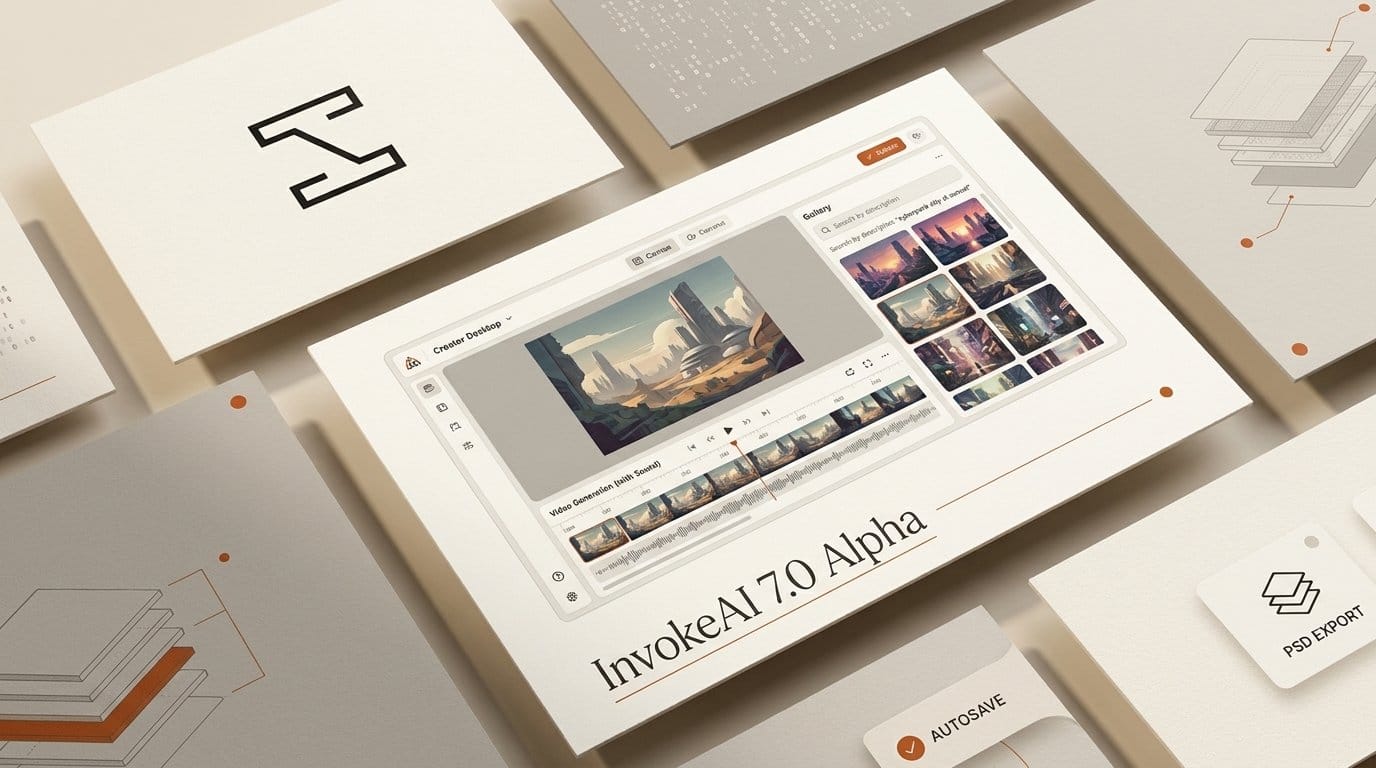
Invoke released InvokeAI 7.0.0 alpha 1 on October 4, 2026, the biggest update in the open-source image generator's history: about 320 pull requests and 2,600 commits. It adds video with generated sound (MiniMax H3 and LTX-2.5), a canvas engine rewritten from scratch with layer groups and PSD export, autosaving projects, and a gallery you can search by describing what is in a picture.
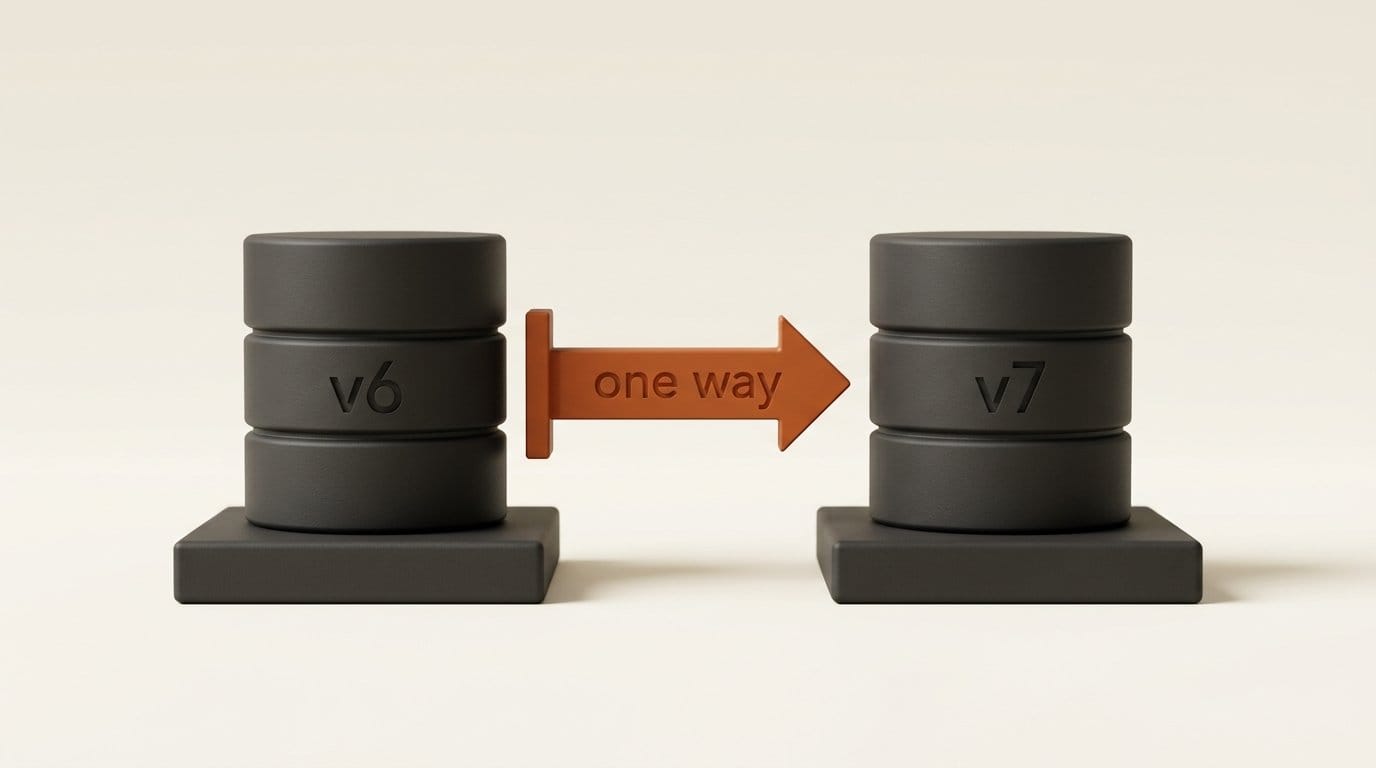
It is also an alpha, and the release notes open with a warning in bold: point v7 at your existing InvokeAI folder and it upgrades your database one way, so v6 can no longer open it. Below is what changed between 6.14.2 and 7.0, how the three local video models compare, a licensing catch that rules one of them out for US, EU and UK creators, and a step-by-step way to try v7 next to v6 without risking your gallery. The full manual lives on the new InvokeAI 7 documentation site.
What InvokeAI 7 alpha 1 ships
The headline change is the interface. The separate tabs of v6 are gone, replaced by one workbench built from widgets: Generate, Canvas, Gallery, Preview, Workflows, Video, Upscale and Image Map. You drag them into a layout, pop any of them out as a floating window, and press Mod+K to search for a command. The old interface still exists behind a --web-legacy flag, but Invoke says it does not support all of v7's features.
Everything else hangs off that workbench:
- Projects. Canvas, settings, workflows, queue history and a dedicated board live in a project that autosaves to the browser first and then the server. Projects open as tabs and export as a single
.invkfile. - A new canvas. Layer groups, 16 blend modes, non-destructive adjustments, a pressure-sensitive brush, lasso and marquee selections, a text tool that takes your own fonts, a scrubbable history panel and PSD export. Inpainting, regional guidance and control layers sit in the same document.
- Video with sound. A dedicated Video panel for MiniMax H3, LTX-2.5 and Wan 2.2. Metadata is embedded in each MP4, so a downloaded clip still recalls its settings in another install.
- A searchable gallery. Semantic search by description or by example image, plus an Image Map that clusters your whole library by visual similarity.
- Workflows with loops. A browsable library with one-click install of missing models, and
For/ForReturnloop nodes. - Smaller models. FP8 storage cuts FLUX.2 Klein 4B from 7.4 GB to 3.9 GB with identical output, according to the release notes, and the app now works offline.
InvokeAI 6.14.2 vs 7.0 alpha 1
The stable line is still InvokeAI 6.14.2, released September 27. Here is what moves when you switch, taken from the two sets of release notes:
| InvokeAI 6.14.2 (stable) | InvokeAI 7.0 alpha 1 | |
|---|---|---|
| Status | Stable release, September 27 | Alpha, October 4: "Things will break" |
| Python | 3.11 or newer | 3.12 required (the Launcher handles it) |
| Interface | Separate tabs | One workbench of widgets, floating windows, Mod+K |
| Canvas | Built around inpainting | New engine: layer groups, 16 blend modes, PSD export |
| Video | Wan 2.2 through the workflow editor, no sound | Video panel: Wan 2.2, MiniMax H3 and LTX-2.5, the last two with stereo audio |
| Saving work | Boards | Autosaving projects, exportable as .invk |
| Gallery search | No semantic search | Search by description or similar image, plus the Image Map |
| Workflows | Workflow editor | Library cards, one-click missing models, For loops |
| Database | v6 schema | Migrates the v6 database one way; v6 then refuses to open it |
The license of InvokeAI itself does not change: the GitHub repository is Apache 2.0 and had about 28,300 stars on October 5. The models you run inside it carry their own licenses, which is where the real decisions are.
Video with sound: MiniMax H3, LTX-2.5 and Wan 2.2 compared
v7's Video panel reshapes itself around whichever model you pick and tells you why the Invoke button is greyed out when a setting is wrong. Two of the three models generate the soundtrack together with the picture rather than dubbing it on afterwards. The numbers below come from Invoke's own model guides:
| Model | Sound | Clip length | Starter download | Memory guidance | License |
|---|---|---|---|---|---|
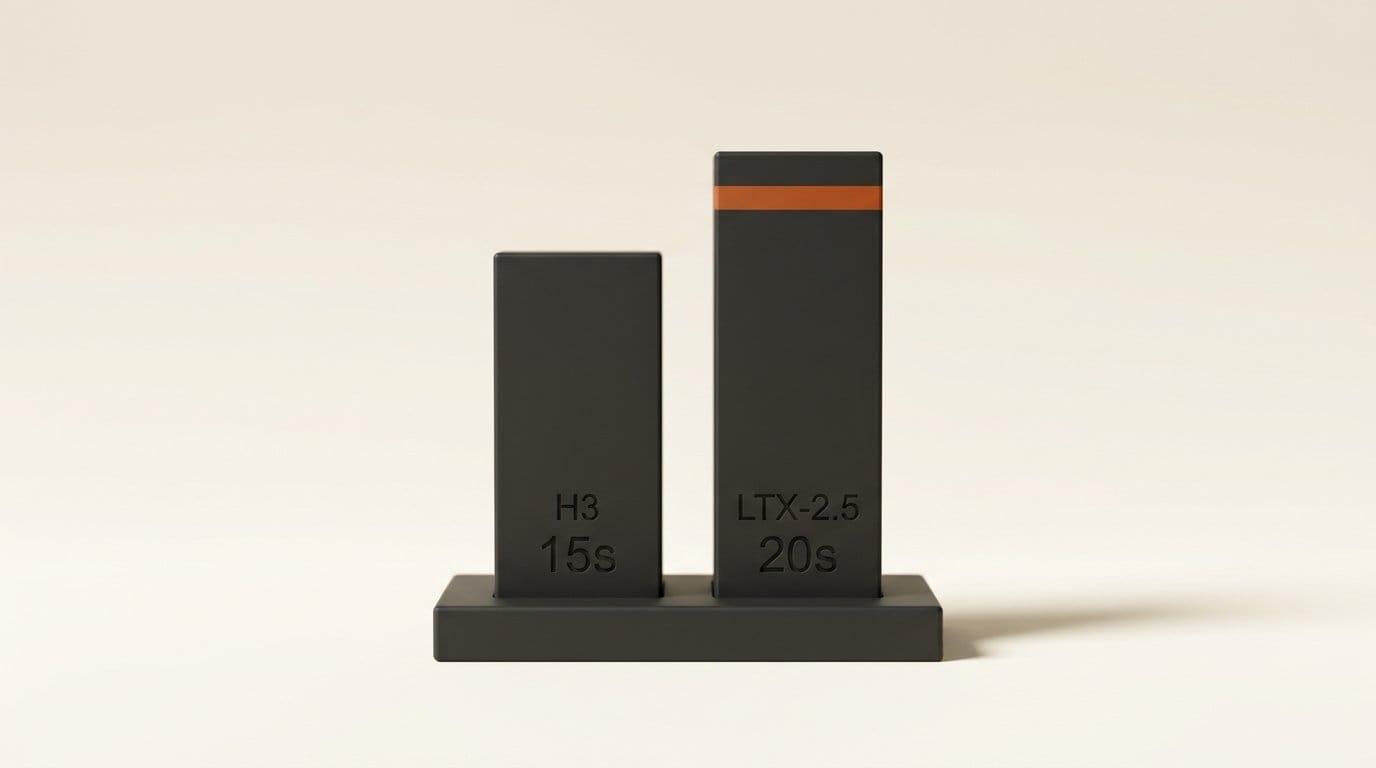
| MiniMax H3 | Stereo, generated with the video | Up to about 15 seconds at 24 fps | About 85 GB bundle | 16 GB VRAM plus partial loading and 32 GB RAM for 345 frames at 768x768; 24 GB+ recommended | MiniMax H3 Community License; excludes the US, EU, UK and South Korea |
| LTX-2.5 | Stereo, generated with the video | 9 to 481 frames, up to 20 seconds at 24 fps | Two int8 transformers of about 18 GiB each, plus a Gemma-4 12B text encoder | int8 Dev transformer about 18 GiB resident (measured on a 48 GB card) | LTX-2.x Community License, free under $10M annual revenue |
| Wan 2.2 | None; add audio with LTX-2's video-to-audio mode | Short clips | GGUF and Diffusers builds | A14B from 12 GB (Q4_K_M); TI2V-5B from 8 GB | Apache 2.0, downloads not gated |
The MiniMax H3 guide calls it "the heaviest local video option". Its Ref2VA mode takes up to three reference videos and nine reference images, which you can name in the prompt as <Video 1> or <Picture 1>, and Turbo LoRAs cut generation to 4 to 8 steps. The LTX-2 guide is the more practical read for most people: the Distilled build runs a fixed eight-step schedule and costs roughly a fifteenth of the Dev build per clip, and Invoke says to "expect minutes for Distilled at 1024p and hours for Dev at 1536p".
The license catch: MiniMax H3 is off-limits in the US, EU and UK
This is the detail most likely to be missed in the excitement over local video with audio. The MiniMax H3 Community License grants rights only in an "Applicable Territory", defined as worldwide excluding "the European Union, the United Kingdom, the Republic of Korea and the United States of America". Invoke's own guide repeats the warning and notes that the restriction "extends to model outputs".
Outside those territories, commercial use is allowed with conditions: products earning more than $20M a year need written authorization from MiniMax, and commercial products must display "MiniMax H3" in their interface. The Turbo LoRAs are Apache 2.0, but they are useless without the base model.
For a creator in New York, London or Berlin, the practical answer is LTX-2.5 for video with sound, and Wan 2.2 if you want a fully permissive license and can add audio separately. MiniMax says people in the excluded territories can contact it about a license, but there is no public price.
How to install v7 alongside v6 without losing your database
Invoke's advice is explicit: create a brand-new root folder for v7 and leave your v6 install where it is. Here is the safe route using the Invoke Launcher:
- Check your hardware. Invoke 7 runs on Windows 10+, macOS 14+ and Linux. NVIDIA cards need compute capability 7.5 or newer (GTX 16xx and RTX 20xx onward) and an R580-series driver; AMD works on Linux only. The system requirements page lists VRAM per model family.
- Open the Launcher and choose a new, empty install location. Do not reuse your v6 folder.
- Pick the version by hand. When asked for a version, choose Manual and enter
v7.0.0-alpha.1. The Launcher installs Python 3.12 for you. - Manual installs: pass
--root /path/to/new/folderor setINVOKEAI_ROOT, following the manual install guide. - Keep models separate at first. v7 installs models into its own folder. Models installed under v7 will not show in v6's Model Manager until you add them there again.
- If you upgraded your v6 database by accident, quit Invoke, open the
databasesfolder, moveinvokeai.dband its-waland-shmfiles aside, copy the oldestinvokeai_backup_file made on the day you first ran v7 into place asinvokeai.db, and remove any new v7 settings (db_synchronous,fp8_compute,image_index_*,fonts_*) frominvokeai.yaml. Invoke backs up the database before every migration.
A first local video-with-audio workflow in v7
Once v7 is running in its own folder, this is the shortest path to a clip with sound that you can legally use from the US, UK or EU:
- Install the LTX-2.5 starter bundle from the Model Manager. It brings the int8 Dev and Distilled transformers, the components (video and audio VAEs, vocoder and the x2 latent upscaler) and the Gemma-4 12B text encoder.
- Press Alt+3 to switch to the built-in Video layout, and select the Distilled transformer as the model.
- Start at 704p, the default single-pass preset, and the default 121 frames, which is five seconds at 24 fps. Time and memory grow roughly linearly with frame count.
- Write the sound into the prompt. Describe the audio as well as the picture, because LTX-2.5 generates both in the same pass.
- Add a first or last frame from your gallery if you need control over the composition, or use audio-to-video to cut picture to an existing track.
- Move to 1024p only when the shot works. 1024p and 1536p are two-stage renders that upscale the latent and run a refine pass at four times the token count.
Uploads are friendlier too: .mov, HEVC and ProRes files convert to H.264 MP4 on the way in, so phone and camera footage can go straight into a reference slot.
Semantic search and the Image Map
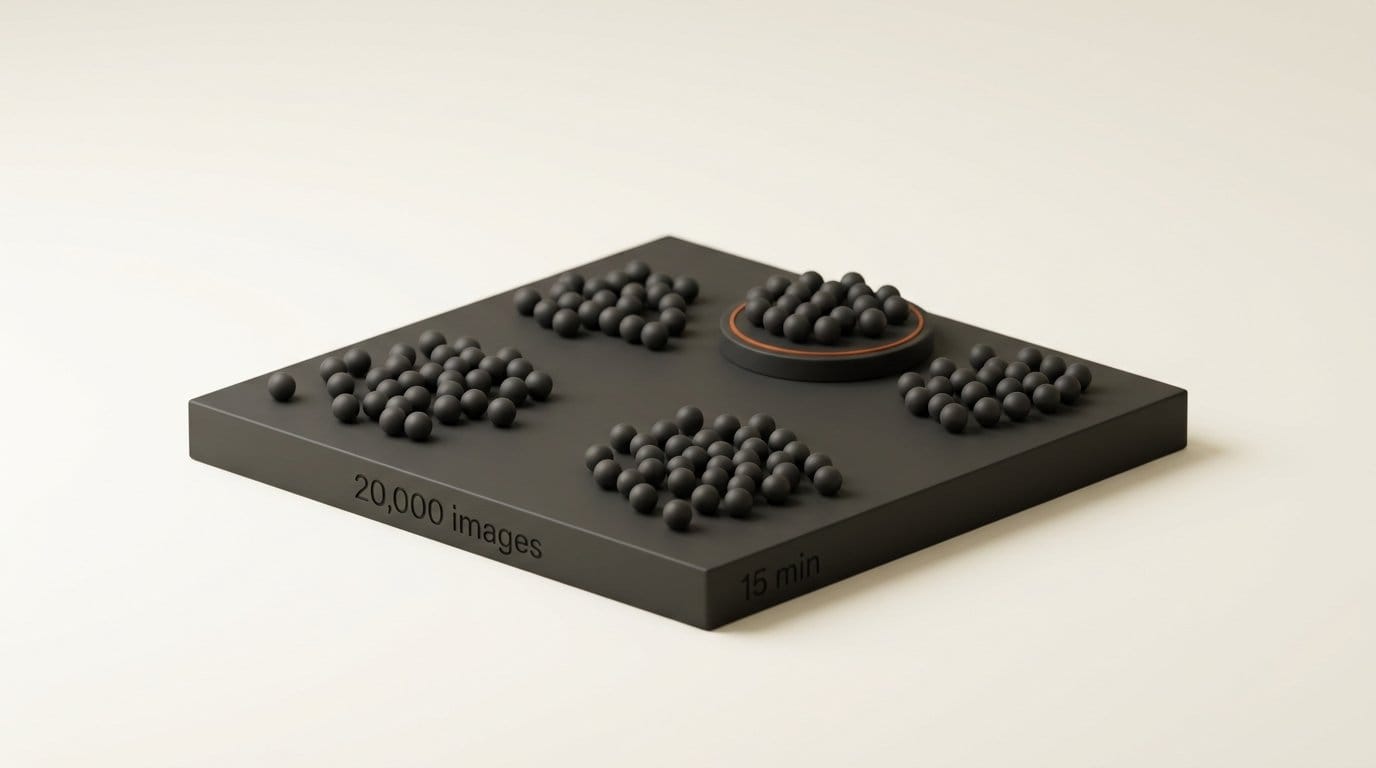
The gallery change may matter more than video to people with a large back catalogue. The Image Map is optional: install the DFN2B-CLIP-ViT-L-14-39B image encoder from the starter models, restart the backend, and Invoke indexes every image and video in your gallery. Invoke's estimate is about 15 minutes for 20,000 images, after which the index updates in the background.
With the index built, you can type "red car at night" into gallery search and find images that were never prompted with those words, or drop in an image to find similar ones, including everything you generated from one reference. The map itself lays out your library by visual similarity, names the clusters it finds, and stays usable at 170,000+ images according to the release notes. It runs locally on the same CLIP approach we walked through in our guide to searching your photos by description, but built into the app where the images are made.
What InvokeAI 7 means if you use ComfyUI
InvokeAI and ComfyUI now cover much of the same ground: both run FLUX, LTX-2.5, MiniMax H3 and Wan locally, and both have node-based workflow editors. Invoke's ComfyUI migration guide is clear that "Comfy workflows are not able to be imported directly", so moving is a rebuild, not an export.
The difference is where each one puts you by default. ComfyUI starts in the graph and picks up new models quickly; our ComfyUI v0.38 breakdown shows how quickly its partner nodes move. Invoke 7 starts on a canvas with layers, a gallery and projects, and keeps the graph one widget away. If most of your work is painting over and editing generations, Invoke's new canvas and PSD export are the reason to look. If you live in custom nodes, stay where your graphs are.
Who should install the alpha now, and who should wait
Install it now in a separate folder if you want local video with sound inside a painting-first app, if your gallery is too big to browse by scrolling, or if you have been holding out for layer groups and PSD export. Report bugs with v7 in the issue title, as Invoke asks; the Diagnostics panel exports a JSON report for that purpose.
Wait for a beta if InvokeAI is part of paid client work, if you rely on the legacy canvas or on community nodes that have not been updated, or if your GPU predates the RTX 20 series. Invoke's own words: "Please don't trust it with work you can't afford to lose." Version 6.14.2 stays the safe choice until then.
Frequently asked questions
What is new in InvokeAI 7?
A single widget workbench, autosaving projects, a rewritten canvas with layer groups, blend modes and PSD export, a Video panel with MiniMax H3, LTX-2.5 and Wan 2.2, semantic gallery search with an Image Map, and workflow loop nodes. Alpha 1 was released on October 4, 2026.
Is InvokeAI 7 stable?
No. 7.0.0 alpha 1 is alpha software, and Invoke warns that features are half-finished and things will break. The stable release is 6.14.2.
Will InvokeAI 7 break my v6 install?
Only if you point it at your v6 root folder. That upgrades the database one way and v6 then refuses to open it. Install v7 into a new, empty folder. If it happens anyway, restore the automatic backup Invoke made before migrating.
Can InvokeAI 7 generate video with sound?
Yes. MiniMax H3 and LTX-2.5 both generate a stereo soundtrack together with the video. Wan 2.2 is silent, but LTX-2's video-to-audio mode can add a track.
Can I use MiniMax H3 in the US, UK or EU?
Not under its community license, which excludes the United States, the European Union, the United Kingdom and South Korea, and the restriction extends to outputs. Use LTX-2.5 or Wan 2.2 instead, or contact MiniMax about a separate license.
How much VRAM does InvokeAI 7 need for video?
Wan 2.2 TI2V-5B starts at 8 GB. MiniMax H3 can produce a 14-second 768x768 clip on 16 GB with partial loading and 32 GB of system RAM, though Invoke recommends 24 GB or more. The int8 LTX-2.5 transformer alone occupies about 18 GiB.
Can I import ComfyUI workflows into InvokeAI 7?
No. The backends differ, so ComfyUI workflows cannot be imported directly. Invoke publishes a node-equivalents table to help you rebuild them.