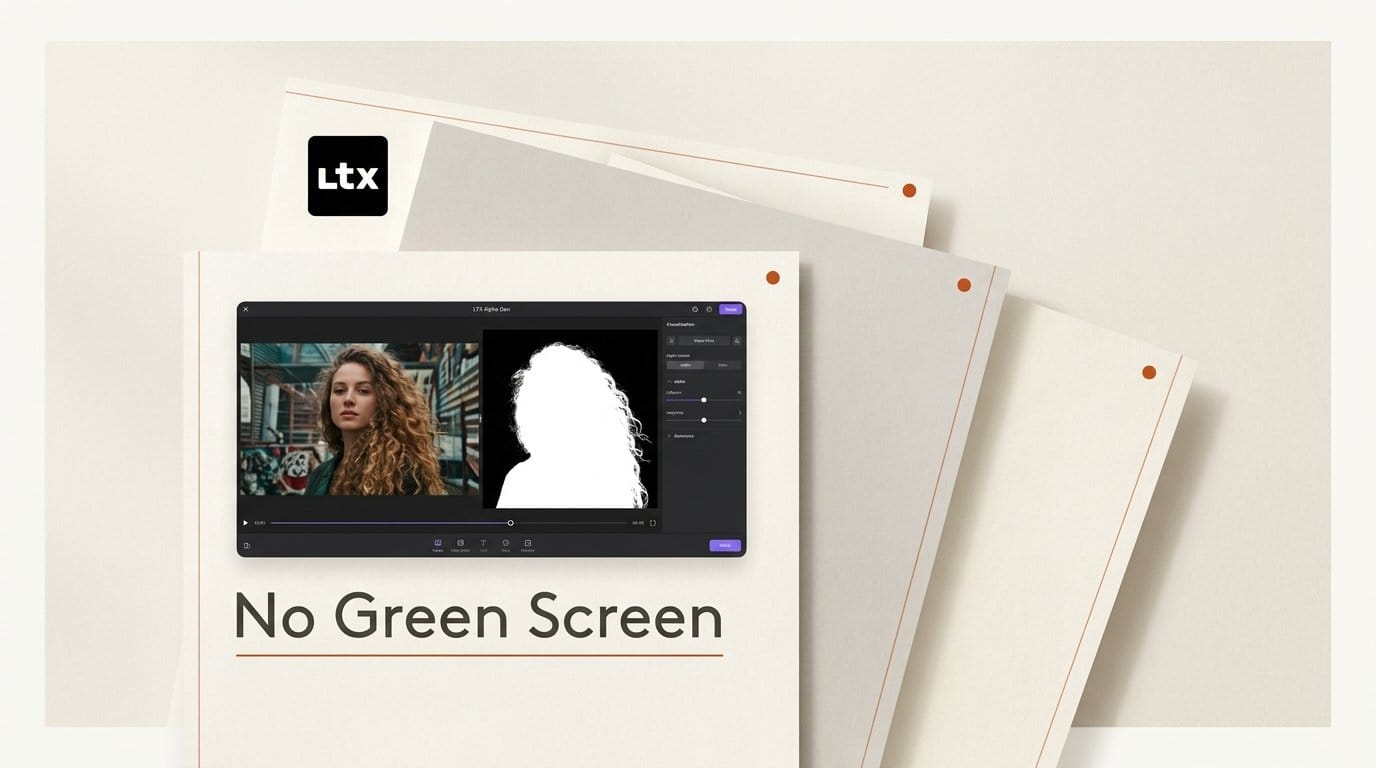
Lightricks released Alpha Gen on October 2, 2026, an open-weights add-on for LTX-2.5 that takes an ordinary video clip and returns a matching alpha matte, frame for frame, with no green screen, no masks and no prompt. It was the last drop of the company's VFX Week, listed on the LTX release notes under "LTX for Post-Production" alongside five other compositing, color and resolution tools.
The weights are on Hugging Face as LTX-2.5-22b-IC-LoRA-Alpha-Gen, a beta checkpoint built for the edges that are hardest to key or rotoscope: hair, fur, smoke, fire, sheer fabric, glass and water. It is free to run for anyone under $10M in annual revenue. The catch is hardware. A full-HD clip at the maximum length needs an H100-class GPU, and the first independent test used about 90GB of VRAM. Here is what shipped, how it compares to the matting tools you already have, and how to pull a first matte today without owning that GPU.
What Lightricks shipped on October 2
Alpha Gen is an IC-LoRA, an "in-context" adapter trained on top of the LTX-2.5 22B video model. The released file is ltx-2.5-22b-ic-lora-alpha-gen-0.9.safetensors, taken at training step 25,000, and Lightricks recommends running it on the distilled base checkpoint.
The input is the plain RGB clip, which compositors call the beauty pass. The output is a grayscale video the same size and length: white for foreground, black for background, and every shade in between for partial transparency. The text prompt is always empty. The model card is blunt about it: "the RGB video is the only guide."
It arrived as one of six post-production capabilities announced on October 2, after a week of daily open-source drops:
- Alpha Gen: alpha mattes with soft edges, preserving hair, smoke and partial transparency.
- Layout to Render: turns 3D blocking into a polished render while holding camera and composition.
- HDR Native: 16-bit EXR in, 16-bit EXR out, through an ACES workflow.
- SDR to HDR (upgraded): expands 8-bit footage into 16-bit EXR in scene-linear ACEScg.
- Native Resolution: processes footage at delivery resolution on a single GPU.
- Refine and Restore: sharpens blurry footage and revives faded archival video.
Alpha Gen is the one most creators can use immediately, because almost every edit eventually needs a subject separated from its background. As of October 4 the checkpoint showed 1,665 downloads and 65 likes on Hugging Face, two days after launch.
How Alpha Gen works, and why it is not a keyer
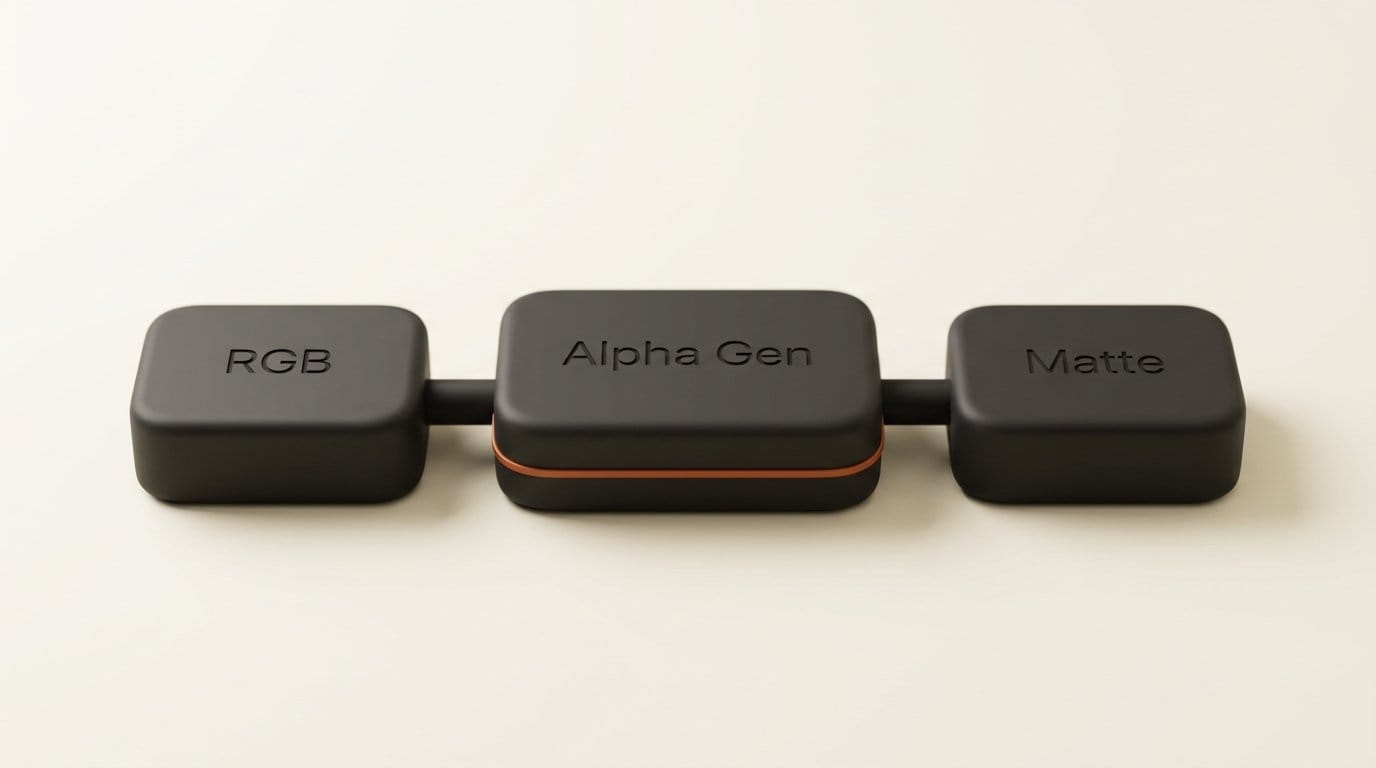
A chroma keyer removes a known color. A segmentation model draws a hard outline around a recognized object. Alpha Gen does neither. The adapter conditions on the latents of your clip and generates the matte as a second video. Because the reference clip stays attached for the entire denoising pass, the matte stays aligned with the source down to fine edges. Lightricks' LTX-2 repository ships the pipeline code it runs on.
Compositing is the standard over operation: output equals the RGB clip times alpha, plus the new background times one minus alpha. That means the matte drops into any compositor that accepts an alpha channel.
Two design choices matter in practice. First, the model looks at the whole clip at once rather than frame by frame, which is why the edges hold steady over time instead of flickering. Second, there is no way to tell it what to keep. The model decides what the foreground is. On a shot with one clear subject that is a feature. On a crowded shot it is the main reason to reach for a different tool.
Alpha Gen vs the matting tools creators already use
Matting has had a busy year. Corridor Digital's CorridorKey made AI chroma keying free in March, Adobe added Object Matte to After Effects 26.2 in April, and Feyn's MultiMatte turned still-image cutouts into a text prompt in September. Each solves a different problem.
| Tool | Needs a green screen | How you pick the subject | Footage | Where it runs | Cost |
|---|---|---|---|---|---|
| LTX Alpha Gen (beta) | No | You cannot; the model picks the foreground | Video, up to 145 frames at 1920x1088 | Local GPU (H100-class for full HD, full length) or a hosted demo | Free under $10M revenue |
| CorridorKey | Yes | Keys the screen color | Video, 16-bit and 32-bit EXR out | Consumer GPUs (6-8GB after community optimization), Apple Silicon | Open source |
| MultiMatte | No | Text prompt ("keep the jeans") | Still images, 1008 x 1008 input | Local GPU | Open weights |
| After Effects Object Matte | No | One click on people, animals or vehicles | Video, tracked through the shot | Inside After Effects | Adobe subscription |
The gap Alpha Gen fills is clear from the table: it is the only free, local option for live-action or generated video without a green screen that keeps semi-transparent detail. CorridorKey is better when you shot on green, because it runs on far smaller hardware. After Effects is better when you need to choose between several subjects. MultiMatte is a stills tool.
The first real-world test: 90GB of VRAM and a clean matte
The most useful early data comes from a compositor on the Logik forum, the community for Autodesk Flame artists. On October 3 they ran the same stock clip through three matting tools at 3200 x 1900, 49 frames, all on Linux, reading and writing EXR sequences:
| Tool | VRAM used | Time for 49 frames |
|---|---|---|
| Flame AutoMatte | Not reported | Almost instant after the model loaded |
| Silhouette Matte ML + Matte Assist + Matte Refine | About 10GB | About 1 minute |
| LTX Alpha Gen (bf16, 42GB model file) | About 90GB | About 2.5 minutes |
The tester called the side-by-side "telling" and later wrote about why the LTX model "performed so well". Their explanation: because the model attends over the whole clip, it copes with occlusions and with frames where contrast and color shift, which is where frame-by-frame matting models start to flicker. They also flagged the cost of that design. It needs far more compute, and splitting a long clip into chunks can leave visible seams, so you may have to choose the cut points carefully.
Two caveats belong next to those numbers. The test ran at 3200 x 1900, above the 1920x1088 ceiling the model card states, so treat it as one artist's stress test rather than a benchmark. And setup took under 10 minutes only because the tester already had LTX workflows in ComfyUI.
The limits: 145 frames, 1920x1088 and no subject control
The Hugging Face card lists its limits plainly, and they shape every workflow decision:
- 145 frames maximum. Above that, RGB content starts leaking into the matte. At 24 fps that is about six seconds. Longer shots must be split.
- 1920x1088 maximum. Pad, do not stretch, to dimensions divisible by 32, and use a frame count of 8n+1. A 1920 x 1080 plate becomes 1920x1088.
- H100 or B200-class memory for full HD at the full 145 frames. Shorter or smaller clips fit on less.
- No mask or prompt control. Adding text does not change which object gets matted.
Lightricks' own Alpha Channel Generation page goes further, promising 4K and 8K output through its Native Resolution workflow and per-frame EXR with embedded alpha. The model card is the conservative spec. Plan around 1920x1088 and 145 frames until you have tested the larger workflow on your own hardware.
How to pull your first matte
You can test Alpha Gen today without a data-center GPU, then move to a local setup if the results justify it.
- Try the hosted demo first. The Hugging Apps Alpha Gen Space, live since October 4, runs on Hugging Face ZeroGPU. It caps uploads at 1280 x 720 and five seconds, which is enough to judge a hair or smoke edge on your own footage.
- Accept the model terms. The weights are gated. Log in to Hugging Face and accept the LTX-2 community license on the model page before downloading.
- Set up ComfyUI. Copy the safetensors file into
models/loras, load the LTX-2.5 22B distilled base, and install ComfyUI-LTXVideo. - Load the IC-LoRA workflow. Use Lightricks' single-stage distilled video-to-video example. Select Alpha Gen in the IC-LoRA loader, connect your clip as the reference video, set LoRA strength to 1.0 and leave the prompt empty.
- Prepare the clip. Trim to 145 frames or fewer and pad to a size divisible by 32. Split longer shots at a cut or a moment of low motion.
- Render and check the edges. The output video is the matte. Scrub hair and motion-blur frames before you commit the whole shot.
If you prefer the command line, the model card's recipe runs python -m ltx_pipelines.ic_lora with an empty prompt, --skip-stage-2, and width and height set to twice the source size, so the first stage renders at native resolution.
Bringing the matte into Nuke, After Effects or Resolve
The matte is a separate grayscale clip, so the last step happens in your compositor. In Nuke, shuffle it into the alpha of the original plate and premultiply. In After Effects, place it above the plate and set the plate's track matte to Luma. In DaVinci Resolve's Fusion page, feed it into the plate's effect mask or a Channel Booleans node. If you want a single file for an editor, export RGBA or ProRes 4444, as the model card suggests.
Keep the original footage untouched. The matte only describes opacity, so color work and grading stay on the source plate. That also makes Alpha Gen useful on AI-generated clips: generate a shot in LTX, Veo or Kling, then pull a matte to put the subject over a new background without regenerating.
Licensing: free until $10M in revenue
Alpha Gen falls under the LTX-2 community license. It grants a royalty-free license for any purpose, but entities with annual revenues of at least $10,000,000 must obtain a paid commercial license from Lightricks. Freelancers, small studios and most YouTube channels fall well under that line and can use the mattes in paid client work.
Larger post houses should read the full terms before putting it in a pipeline. The license also carries use restrictions in its Attachment A, and the commercial terms are negotiated through Lightricks rather than published as a price.
Who should use it now, and who should wait
Use it now if you cut short-form video, music videos or ads with a single clear subject and hard edges like hair, smoke or glass, and you can rent a large GPU for an afternoon or work inside the demo's limits. It is also worth a look for anyone matting AI-generated footage, where there was never a green screen to begin with.
Wait if your shots are longer than six seconds, have several people you need to separate, or must run on a 24GB consumer card at full HD. CorridorKey on green screen and After Effects Object Matte remain the practical choices there. This is a 0.9 beta checkpoint, and the frame limit is the first thing a future release would need to lift.
Frequently asked questions
What is LTX Alpha Gen?
An open-weights IC-LoRA for the LTX-2.5 22B video model, released by Lightricks on October 2, 2026. It turns an ordinary RGB video into a matching grayscale alpha matte without a green screen, masks or a prompt.
Is LTX Alpha Gen free?
Yes for individuals and companies with under $10M in annual revenue, under the LTX-2 community license. Larger companies need a paid commercial license from Lightricks.
What GPU do I need to run Alpha Gen?
The model card says full-HD clips at 145 frames need an H100 or B200-class GPU. One Logik forum tester used about 90GB of VRAM at 3200 x 1900 for 49 frames. Shorter, smaller clips need less, and the Hugging Face demo Space runs on ZeroGPU at up to 1280 x 720 for five seconds.
How long can a clip be?
Up to 145 frames, about six seconds at 24 fps. Longer clips leak RGB detail into the matte, so split them into chunks and choose the cut points carefully.
Can I choose which object Alpha Gen mattes?
No. There is no mask or prompt control, and the model decides the foreground itself. For shots with several subjects, use a click-based tool such as After Effects Object Matte.
Does Alpha Gen work with ComfyUI?
Yes. Load it in the IC-LoRA loader of the ComfyUI-LTXVideo nodes with the LTX-2.5 distilled base, LoRA strength 1.0 and an empty prompt, using Lightricks' video-to-video example workflow.