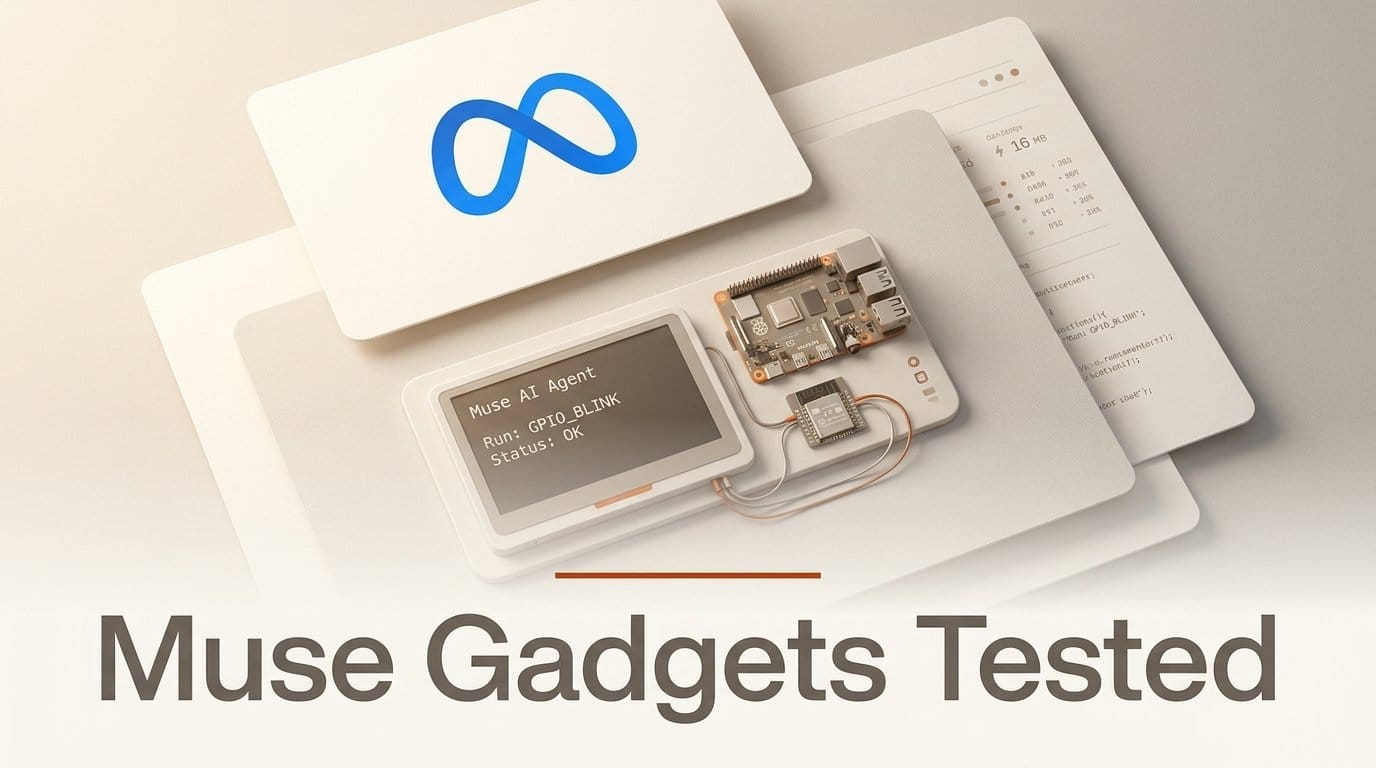
Meta open-sourced Muse Gadgets on 2 October 2026: firmware for ESP32 boards, a Linux SDK that turns a Raspberry Pi into a Muse device, and 42 community skills for TVs, printers, plugs and vacuums, all under Apache 2.0 in one GitHub repository. The Linux SDK hands Meta's Muse agent four commands on your machine, and the first one is a shell. In Meta's words, "Muse gets the same access to the machine as the account you install it for."
We installed the Linux SDK on launch day, ran its test suite and drove the command runner directly as an unprivileged account. We did not pair a device: that needs a Muse account, a phone and an SDK token, so the cloud side is not tested here. What we could test is everything that happens on your machine once Muse sends a command, and that turns out to be the part worth reading before you install it.
What Meta shipped on October 2
The repository went public with a single commit at 12:00 PT. Nat Friedman, who leads product for Meta's superintelligence labs, introduced Meta's own gadget, the Muse Home Link, on X, and Engadget reported the details that afternoon. There are four parts:
| Part | What it is | What you need |
|---|---|---|
| ESP32 Device SDK | Firmware for 11 named boards, 6 of them with an on-screen avatar, push-to-talk and settings | A supported board, ESP-IDF 6.0.1, macOS or Linux to build |
| Linux Device SDK | A Python service that lets Muse run commands and move files on a Linux box | A Pi 3B+, 4, 5 or Zero 2 W (or any Linux box with Bluetooth LE), sudo |
| Community device skills | 42 Markdown skills for local control of home devices, plus a shared Google Cast skill | A gadget with the home-network tunnel |
| Muse Home Link | Meta's own USB-C dongle that connects Muse to your home network | An active Muse subscription in the US; 5,000 units, free, one each |
Every gadget needs an SDK token from gadgets.muse.ai, including ones you build only for yourself. The Gadget SDK Terms limit tokens to "personal, non-commercial use", and you "may not embed it in any device that you sell." So this is a maker program, not a hardware platform you can build a product on yet.
Four commands, and the first one is a shell
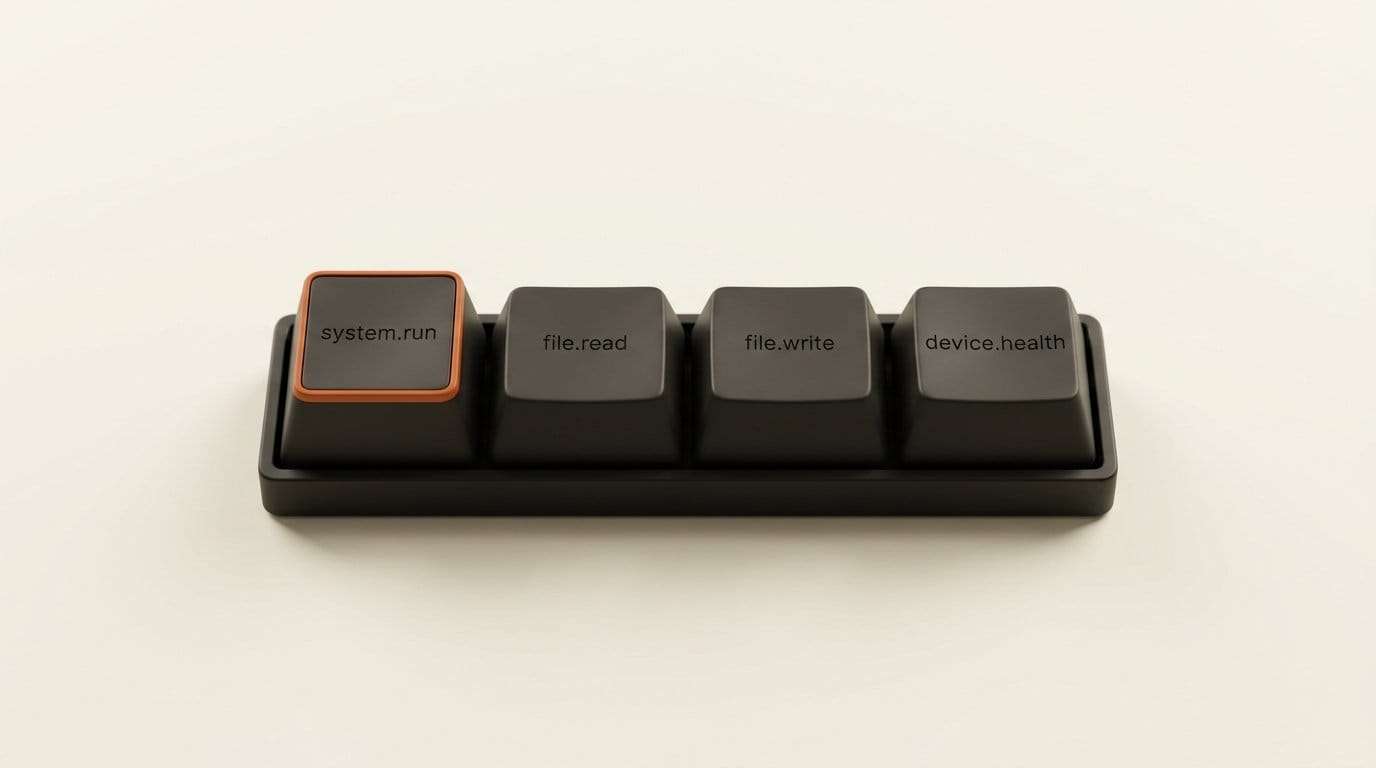
The Linux SDK's README lists exactly what Muse can do once the device is paired:
| Command | What it does | Limits in the source |
|---|---|---|
system.run | Runs any command with bash -c | 120 s default timeout, 600 s maximum, 96 KiB of output per stream |
file.read | Reads a file, base64-encoded | 64 KiB per call |
file.write | Writes a file in chunks, swapped in atomically | 64 KiB per chunk, optional SHA-256 check |
device.health | Uptime, load, memory, disk, temperature, model | Read-only |
There is no allowlist and no per-command prompt on the device. We searched the Linux client for anything that asks before a command runs and found only pairing consent: the app confirms once, when you add the device. Whether the Muse app itself asks you before it sends a command is on Meta's side, and we could not check it without an account. Meta's approval promises for Muse cover purchases, sending and publishing; none of the pages we read last week mention a gadget shell.
The design choice is honest, and the README says it plainly: "If it can use sudo, so can Muse." The useful question is what that account can reach, and that is the part you control.
What our tests showed
We installed the package from the repository at its launch commit into a Python 3.12 virtual environment. The bundled suite passed: 136 tests in 1.6 seconds, with no Bluetooth or network needed, which matches what the developer notes promise. Then we called the command runner directly, as the unprivileged nobody account, the way the root service does after it drops privileges.
| Check | Result |
|---|---|
| Who does the command run as? | uid=65534(nobody), the configured account, not root |
| Read a root-only token file (mode 600) | Permission denied, exit 1 |
| Write into a root-owned directory | Permission denied, nothing written |
| Print 200,000 bytes | Cut to 98,304 bytes (96 KiB), flagged truncated |
sleep 5 with a 1-second timeout | Killed at 1,001 ms, exit -9, flagged timed_out |
Start a background process with setsid | Returned at once; the process kept running afterwards |
| Read a 200,000-byte file | 4 calls, byte-identical |
file.write with a wrong SHA-256 | "sha256 mismatch; write discarded", original file intact |
| What the log records for a command | system.run as nobody (timeout 120s), not the command itself |
The privilege drop works: the service runs as root because it needs Bluetooth and holds the device credentials, and every command runs as the account you chose. The output cap, timeout and checksummed writes all behave as documented.
Two results matter more than the rest. First, a timeout kills the command's own process group, but a process Muse detaches or installs as a service outlives the command that started it, and the README actively encourages this ("Write a service that tells me when the Pi gets too hot"). Second, the log does not record what ran. The client logs invoke system.run and the account name; the command text never reaches the journal. If you want to know what Muse did to your Pi last Tuesday, you have to add that yourself.
The sudo warning misses root by another name
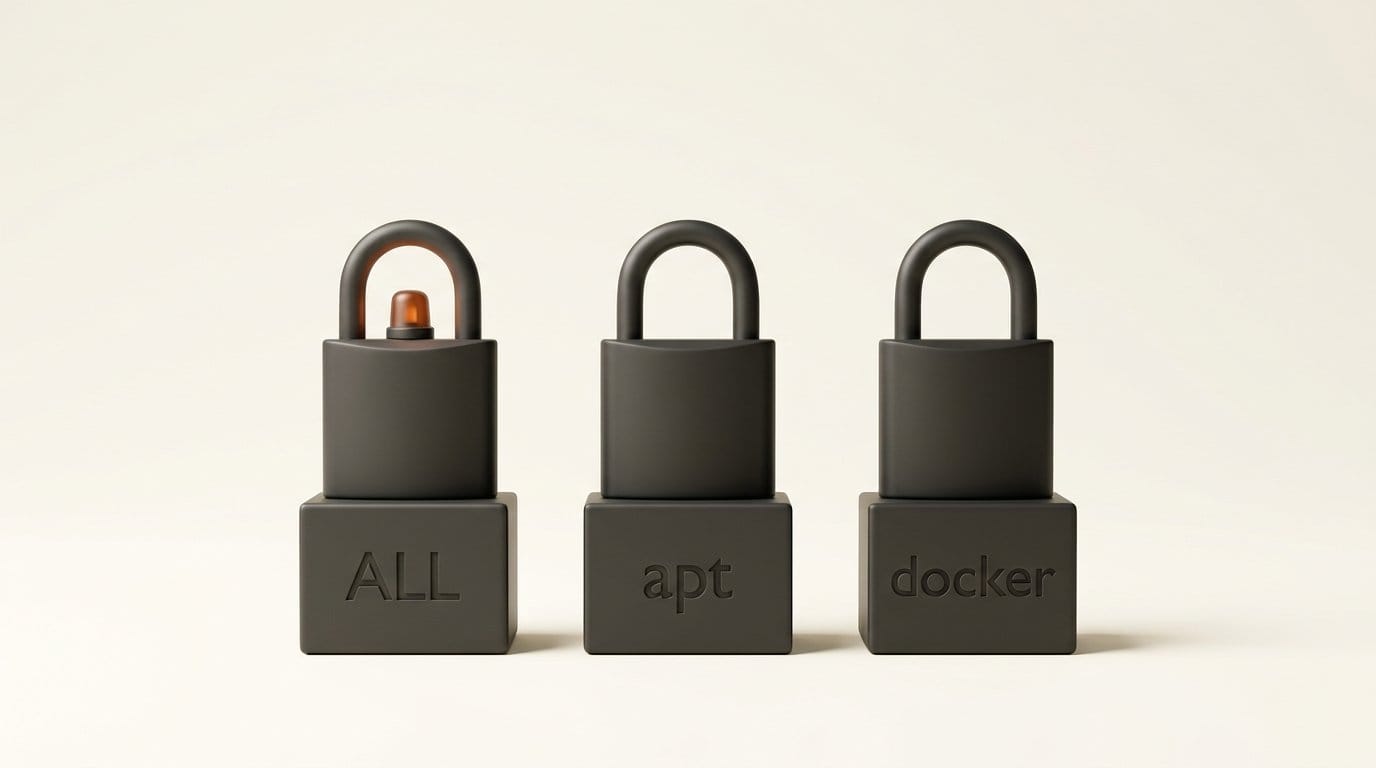
The installer refuses to run commands as root and warns you before it grants an account that can use sudo. It decides that by matching the output of sudo -l against one pattern, the full "run anything" rule. We fed it sample lines:
| sudo rule for the account | Installer warns? |
|---|---|
(ALL : ALL) ALL | Yes |
(ALL) NOPASSWD: ALL (the Raspberry Pi OS default user) | Yes |
(root) NOPASSWD: /usr/bin/apt | No |
(root) NOPASSWD: /usr/bin/docker | No |
Both of the rules it misses are root in practice: apt can open a root shell, and Docker's own documentation says only trusted users should control the daemon for the same reason. The installer also never checks membership of the docker group, which is common on home-lab Pis running Home Assistant or Frigate. An account in that group gets no warning and can still take over the machine.
None of this is a bug in the narrow sense. Meta tells you Muse gets the account's access, and the default Pi user gets the louder warning. It does mean the safe setup is a fresh account you create for Muse, not whichever one you happen to be logged in as.
Why a Pi shell reaches further than the Pi
The Linux SDK also opens a local socket so programs on the machine can post into your Muse chat: musegadget send-user-msg "The garage door has been open for an hour." It needs "no credentials of their own"; the socket is open to the chosen account's group. Meta ships a Pebble ring webhook bridge as the example, and that one does check a shared secret.
Put the two directions together. Muse can run commands on the Pi, and anything running as that account on the Pi can talk to Muse. Muse is also the agent that holds your email, calendar and payment connectors, which we covered in our look at its sandbox. A compromised script on a hobby box can now put words in front of an agent that can send email as you. That is our inference from the code, not something Meta documents, and Muse's own approval rules for sending should still apply. It is the reason to keep the gadget account boring.
Pairing has its own caveat, stated by Meta: community devices have "no manufacturer verification" and pairing "can't prevent an active man-in-the-middle attack". Pair on a network you trust, inside the 10-minute window the installer opens.
How to set up a Muse gadget on a Pi safely
This is the setup we would use for a render box, a 3D printer host or a spare Pi, based on the installer's own flags. Budget about 20 minutes.
- Get a token and read the terms. Create an SDK token at gadgets.muse.ai (Account, SDK tokens). Personal, non-commercial use only.
- Create a dedicated account.
sudo adduser --disabled-password muse. Then check it:sudo -l -U museshould say it may not run sudo, andid museshould not listdocker,sudooradm. - Read the installer, then run it for that account. Download install.sh, read it, and run
bash install.sh --run-as muse --sdk-token mgst_.... It installs to/opt/musegadgetand starts themusegadgetservice. - Pair from the app. In Muse, turn on Settings, Devices, Developer mode, then Add Device and pick
MuseGadgetXXXXXX. Do it at home, not on shared Wi-Fi. - Give access on purpose. If Muse should manage your renders or printer, add the
museaccount to the one group that owns that folder or service, nothing broader. - Log what it runs. The SDK is yours to edit. In
executor.py, change thesystem.runlog line to include the command (cut to a few hundred characters), reinstall withbash install.sh --from ., and follow it withsudo journalctl -u musegadget -f. - Know how to pull the plug.
sudo systemctl stop musegadgetstops it now;bash install.sh --uninstall --purgeremoves it and forgets the pairing.
If you would rather not hand any agent a shell, the ESP32 route is narrower by design. A board runs Meta's firmware, shows status and images, and pairs only after you press its button. The quickest start is an ESP32-C5 DevKitC-1, and boards without PSRAM, such as the classic ESP32 and the C6, skip the home-network tunnel, so Muse can reach the board but not your other devices through it. The ESP32 README lists the 11 supported boards.
What the 42 device skills actually cover
The skills are Markdown files you paste into a Muse chat, or you hand Muse the repository link and let it find them. Meta labels them "not official integrations". By the catalog's own grouping:
| Category | Skills | Examples |
|---|---|---|
| Speakers, displays and TVs | 16 | Sonos, Apple TV 4K, LG webOS, Samsung Tizen with Frame Art |
| Lights and plugs | 7 | Elgato Key Light, Philips Hue, TP-Link Kasa |
| Gateways and firmware | 7 | Zigbee2MQTT, ESPHome, ratgdo garage doors |
| Printers and appliances | 6 | Moonraker 3D printers, Epson scanning, Brother |
| Vacuums | 3 | Roomba, Roborock, eufy |
| Read-only network and cameras | 3 | UniFi, Wyze RTSP, yi-hack |
For creators, the useful ones are the studio gear: an Elgato Key Light you can dim by voice, a Moonraker-driven 3D printer whose print status Muse can report, and an e-paper or AMOLED board that shows images Muse sends. Unite.AI and RuntimeWire both lead with the hardware hacking; the skill list is where it turns into something you would use daily.

Who should build one now
If you already run a Pi for Home Assistant, a printer or a NAS, and you pay for Muse, the Linux SDK is the fastest way to give Muse hands, and the code is short enough to read in an evening: about 4,800 lines of Python. Do it with a dedicated account and command logging, or not at all. If you want a desk gadget, start with an ESP32 board and Muse Code, which Meta points at the repository to build and flash it for you. If you were hoping to sell a Muse-powered device, the token terms rule that out for now.
Frequently asked questions
What is Meta Muse Gadgets?
An open-source program Meta launched on 2 October 2026 for building your own hardware for its Muse agent. It includes ESP32 firmware, a Linux SDK for Raspberry Pi and similar machines, and 42 community device skills, all under the Apache 2.0 license.
Can Muse run any command on my Raspberry Pi?
Yes, as the account you install the SDK for. Its system.run command runs any bash command line with that account's permissions. If the account can use sudo, Muse can too. Nothing in the Linux client asks before each command.
Is Muse Home Link free?
Yes. Meta made 5,000 units and is giving them away, one per person, to US users with an active Muse subscription, shipping in October. Claiming one reserves a place in line and is not an order.
Do I need a Muse subscription to build a gadget?
You need a Muse account, the Muse app and an SDK token. The Home Link giveaway requires an active subscription; the SDK pages do not say the same about building your own gadget.
Can I sell a device I build with the SDK?
No. The code is Apache 2.0, but the SDK token terms forbid embedding it in any device you sell or list on a marketplace. Every gadget needs a token to pair.
Which ESP32 board should I start with?
Meta recommends the ESP32-C5 DevKitC-1, which works with its built-in light and button. For a screen, avatar and push-to-talk, pick one of the six full-UI boards, such as the M5Stack StickS3 or Waveshare's 1.75-inch AMOLED.