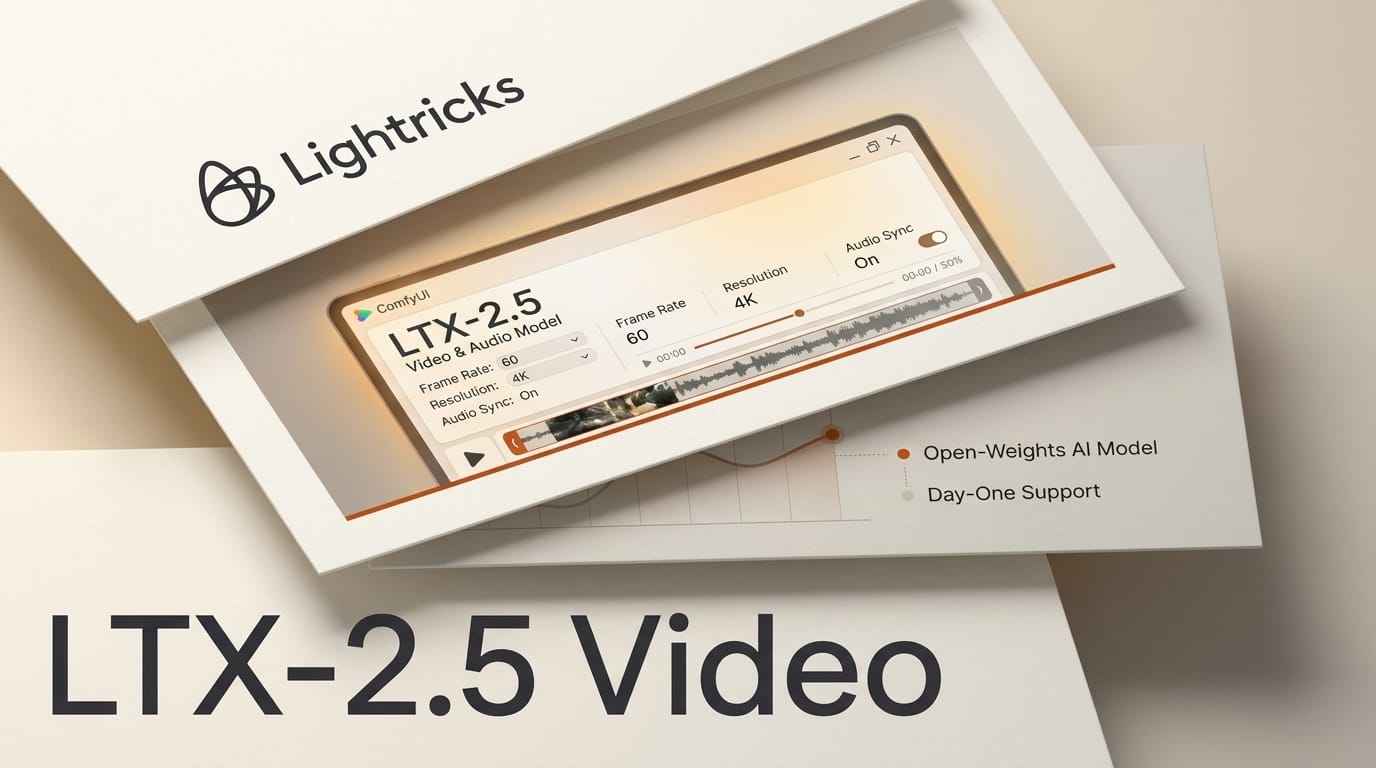
Lightricks released LTX-2.5 on August 11, 2026, the newest version of its open-weights video and world model, and it arrives with day-one native integration in ComfyUI. The headline number: LTX-2.5 can turn a still image into a 10-second video in roughly 6.8 seconds on Nvidia superchip hardware, while generating synchronized audio in the same pass. The weights are free to download and run locally for any team under 10 million dollars in annual revenue.
For creators who want cinematic video and sound without a cloud subscription or a render queue, this is the most capable local model to land this month. Here is what actually shipped, how it compares to the alternatives, and the exact ComfyUI workflow to try it today.
What LTX-2.5 Actually Ships
LTX-2.5 is a single model that generates synchronized video and audio from text, image, or video inputs. The upgrade over the earlier LTX-2 and LTX-2.3 releases is not just speed. Lightricks rebuilt several core components:
- Native multishot generation. A single prompt can produce multiple shots that hold character identity, environment, lighting, voice, and visual style across cuts, so a short scene stays consistent instead of drifting between clips.
- Diffusion-based video decoder. The old VAE reconstruction step is replaced with a diffusion decoder that recovers sharper fine detail and cleaner motion.
- Gemma 4 12B text encoder. A larger custom text encoder parses long, complex prompts more faithfully than the prior encoder.
- Built-in prompt enhancer and optional duration predictor. The model can expand a terse prompt and estimate how long a clip should run before generating.
It is available three ways: as open weights on Hugging Face, inside ComfyUI through the official ComfyUI-LTXVideo nodes, and through the hosted LTX API for teams that want managed generation. Full model code lives in the Lightricks/LTX-Video repository.
LTX-2.5 vs LTX-2.3 vs MiniMax H3
Two open-weights audio-video models now compete for the local creator: LTX-2.5 and MiniMax H3, which open-sourced on August 3, 2026. Here is how the current generation lines up.
| Capability | LTX-2.5 | LTX-2.3 | MiniMax H3 |
|---|---|---|---|
| Released | Aug 11, 2026 | Earlier 2026 | Aug 3, 2026 |
| Open weights | Yes | Yes | Yes |
| Native audio | Yes, synchronized | Yes, with V2A foley | Yes, 32 kHz stereo |
| Image-to-video speed | ~6.8s for 10s clip (superchip) | Slower, pre-diffusion decoder | Not the speed focus |
| Max clip length | Up to 121 frames | Up to 121 frames | Up to 15 seconds |
| Multishot consistency | Native multishot | Single shot | Single clip |
| Text encoder | Gemma 4 12B | Prior encoder | Omni-modal encoder |
| Day-one ComfyUI | Yes | Yes | Yes |
| Free-use ceiling | Under 10M ARR | Under 10M ARR | Community license |
The practical read: LTX-2.5 is the speed and consistency leader, especially for multishot scenes that need one character to survive across cuts. MiniMax H3 pushes longer single clips (up to 15 seconds) with strong multilingual voice. If you already run LTX and want faster decoding on 2.3, the third-party PrunaVAED decoder is a related option we covered previously.
The Local Video-With-Audio Workflow in ComfyUI
Because ComfyUI support is native on day one, you do not need to wait for a community node pack. Here is the path to a first clip.
- Update ComfyUI. Pull the latest ComfyUI build so the LTX-2.5 nodes are present. The launch was coordinated with the ComfyUI team, so support ships in the mainline release.
- Download the weights. Grab the split safetensors pack from the Hugging Face model card. Components ship as individual files per module, so you can swap the distilled variant for faster runs.
- Check your environment. LTX-2.5 expects Python 3.12 or newer, CUDA 12.7 or newer, and PyTorch around 2.7. Confirm these before loading the model.
- Load an image-to-video graph. Feed a still image plus a text prompt describing motion, camera, and audio. Keep width and height divisible by 32 and frame count following the pattern where frames modulo 8 equals 1, up to 121 frames.
- Enable audio and the prompt enhancer. Turn on synchronized audio so voice, effects, and ambience generate with the video, and let the built-in enhancer expand a terse prompt if needed.
- Render and iterate. On capable hardware a short clip returns in seconds, so iterate on prompt and seed rather than waiting on a cloud queue.
Why It Matters for Creators
The center of gravity in AI video is shifting from cloud APIs to local open weights that produce sound and picture together. A month ago, making a short scene with matching dialogue meant stitching a text-to-video model to a separate text-to-speech pipeline and hoping the lip timing survived. LTX-2.5 collapses that into one generation, and the multishot feature means a two-shot exchange can keep the same character and lighting without manual reference wrangling.
Speed changes the creative loop too. When a 10-second clip returns in under 7 seconds on the right hardware, generation stops being a batch job and becomes interactive. You prompt, watch, adjust, and reprompt in the same sitting, which is how iteration actually improves a shot.

What This Enables
If you make short-form video, animatics, or social content, LTX-2.5 gives you a self-contained studio on your own GPU. Concretely, you can:
- Prototype a scene with dialogue before committing to a full production, with voice and sound baked in.
- Keep a recurring character consistent across a multishot sequence without training a custom model.
- Localize a clip by pairing LTX-2.5 shots with MiniMax H3 multilingual voice where you need more than English.
- Stay license-clean as an independent creator or small studio, since use is free under 10 million dollars in revenue.
The honest caveat is hardware. The 6.8-second figure is on Nvidia superchip-class silicon. On a consumer card the model still runs, but expect longer render times and lean on the distilled variant. Start there, then decide whether the hosted LTX API is worth it for heavier jobs.
Frequently Asked Questions
Is LTX-2.5 really free to use?
Yes, for organizations under 10 million dollars in annual recurring revenue, under the LTX-2 Community License. Companies above that threshold negotiate a commercial license with Lightricks.
Do I need ComfyUI to run it?
No, but it is the easiest path. LTX-2.5 has native day-one ComfyUI nodes. You can also run the weights directly from the Lightricks/LTX-Video repository or call the hosted LTX API.
Can it generate audio, or just video?
It generates synchronized audio and video in a single pass from text, image, or video inputs. Voice, sound effects, and ambience come from the same generation rather than a separate text-to-speech step.
How does it compare to MiniMax H3?
LTX-2.5 leads on speed and multishot consistency, while MiniMax H3 offers longer single clips up to 15 seconds and native voice in 11 languages. Both are open weights with day-one ComfyUI support, so many creators will keep both installed.
What hardware do I need?
The fastest benchmarks use Nvidia superchip-class hardware, but the model runs on consumer GPUs with longer render times. You will want Python 3.12 or newer, CUDA 12.7 or newer, and PyTorch around 2.7. Use the distilled variant on smaller cards.
What is native multishot generation?
It is the ability to produce several shots from one prompt while holding character identity, environment, lighting, voice, and visual style steady across cuts, so a short scene stays coherent instead of resetting each clip.