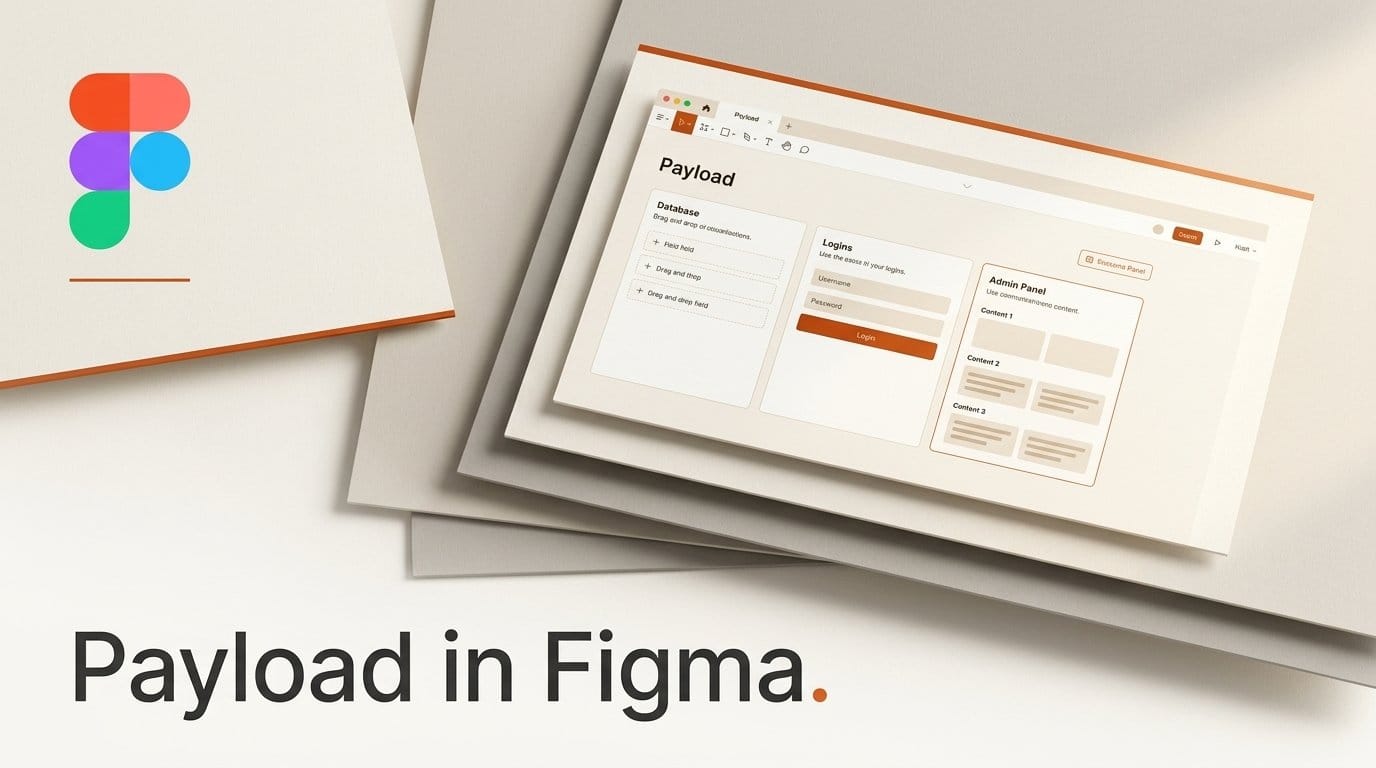
Figma brought Payload into Figma Make on October 15, 2026, so a designer or marketer can now describe a website and get one that comes with its own content system: a database, file storage, user logins and an admin panel where teammates edit articles, swap images and publish updates without a developer. Figma hosts the site and its content. The hosting is in beta and free to use, Payload is available on all plans, and access is rolling out to every account over the coming weeks.
Until now, a site built in Make was a design that happened to run. Changing a headline or adding a product meant going back into the prompt or the code. With Payload, the site has a back office, and the people who write the copy can work in it directly. This guide covers what changed, how to build one step by step from Figma's own documentation, who on your team can edit what, and the limits to know before you put a real site on it.
What Figma announced at Config India
The news landed at Figma's first Config event in India, alongside Specs, the open beta of code layers and general availability of the Figma agent. TechCrunch's report places Payload among a set of features aimed at agents and at teams that design and ship in the same tool. Figma's chief design officer Loredana Crisan put the pitch plainly: "We see Figma as the place where software teams come to decide what they build and ship."
Payload is an open-source content management system. Figma bought it in June 2025 and promised then that "Payload will remain an open-source product." The project's GitHub repository lists an MIT license and 45,262 stars today, and Figma says Payload downloads grew 6x in the past 12 months.
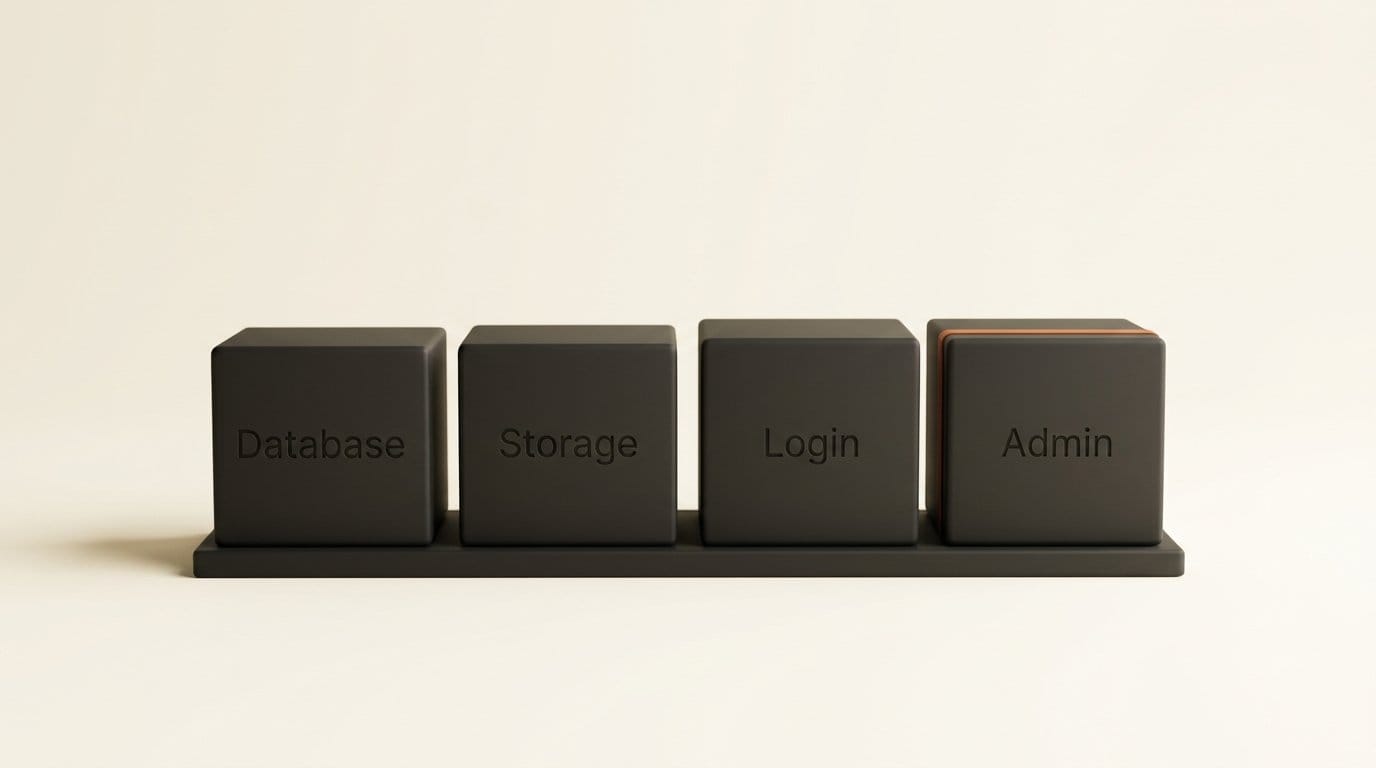
When you prompt Make for an app that stores data, it now sets up four things with it:
- A database for your content, organized into collections such as articles, products or events.
- File storage for images and other media.
- User login, so the site can have members or gated pages.
- An admin panel where your team creates, edits, tags and publishes content, and reviews earlier versions.
Keys for outside services, such as an email provider, go into Make's settings, where Figma keeps them private so visitors never see them.
The Config overview post adds that projects can also be taken outside Figma, which matters if your site outgrows it.
What you need before you start
Figma's help center says Make is available on the Starter, Professional, Education, Organization and Enterprise plans, and that it needs a Full seat. Payload hosting costs nothing during the beta. Figma says it "will announce pricing and packaging before it takes effect," so the free period has no end date yet.
What you do pay for today is the prompting. Every request to Make draws on AI credits, and the number you get depends on your plan, according to Figma's pricing page:
| Plan | Full seat price | AI credits per Full seat |
|---|---|---|
| Starter | Free | 150 a day, up to 500 a month |
| Professional | $16 a month | 3,000 a month |
| Organization | $55 a month, billed annually | 3,500 a month |
| Enterprise | $90 a month, billed annually | 4,250 a month |
Figma does not publish how many credits one Make request uses, so a free Starter account is a fine place to try a small site, but a site you rebuild many times a day will run through 500 credits quickly. If the backend option does not appear in your Make file yet, your account has not been reached by the rollout.
How to build a data-backed site in Figma Make, step by step
These steps follow Figma's help article, Add a backend to a functional prototype or web app. Everything happens inside Figma, with no code editor or terminal.
- Open or create a Make file. Start from a blank file, or from a design you already have in Figma.
- Describe a site that stores content. Be specific about what the content is. For example: "A portfolio site for a wedding photographer, with a gallery of shoots, each shoot having a title, location, date and up to 30 photos, and a contact page." You can name Payload, a CMS or a backend in the prompt, but describing content that needs storing is enough.
- Click Create on the backend card. Make shows a card offering to create the backend. Clicking Create tells it to design the data model, build the Payload collections and build the front end of the site.
- Bring existing content in from a spreadsheet. If your content already lives in a spreadsheet, export it as a CSV, upload it and ask Make to create a Payload collection from it. A product list, a course catalogue or an events calendar can go straight into the site this way.
- Check the content in the CMS tab. The CMS tab shows the Payload admin panel inside Make. Open it to see the collections Make created, then add or edit a few entries so the design is reviewed with real content rather than placeholder text.
- Change the structure by asking. To add a field, such as a "client name" on each shoot or a "sold out" switch on each product, ask Make in the chat. Use the CMS tab for editing individual entries.
- Add any service keys in settings, never in the chat. If the site sends email or connects to another service, put that key in Make's environment variable settings. Figma's help article warns against pasting keys into prompts.
- Publish. Click Publish in the upper-right corner, give the site a title, adjust Make settings if needed and click Publish again. This deploys the site and its Payload backend to Figma's hosting.
On paper, a simple portfolio or events site is four actions: one prompt, one click on Create, a pass through the CMS tab, then Publish. The time goes into the prompt and the content, not the setup.
Handing the site to the people who update it
The admin panel is the part that changes who does what. Once the site is live, anyone managing content can open it in two places: the CMS tab inside the Make file, or the published site's own address with /admin added to the end. A site published at yoursite.com would have its admin panel at yoursite.com/admin.
From there, Figma's announcement lists what a teammate can do without opening a ticket: create articles, edit copy, tag content, swap media, reorder categories, review versions and publish updates. Designers, marketers and developers each get a workspace suited to their role, with permissions over who can change what. A copywriter can be allowed to edit and publish blog posts while the layout stays locked to the designer.
One cost detail is easy to miss. The help center says teammates need a Figma plan seat to manage content. A freelance writer who updates your site every week needs a seat on your plan, not just a password.
Payload or Supabase: which backend to pick in Make
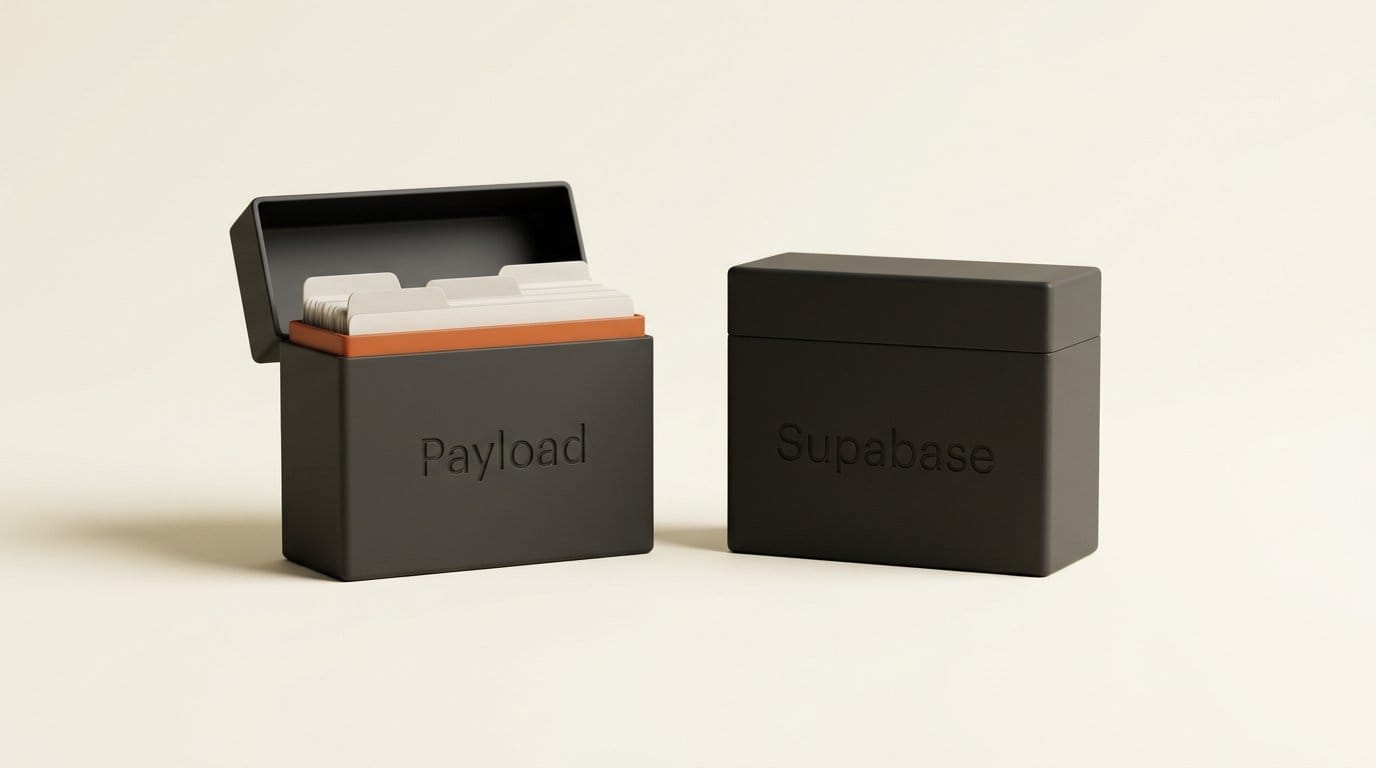
Make already had one way to store data before this launch: connecting a Supabase project. That route still exists. The help article describes both, and they suit different people.
| Payload (new) | Supabase (existing) | |
|---|---|---|
| How you add it | Describe the site and click Create | Make settings, Integrations, Supabase, Connect Supabase |
| Account needed | None beyond Figma | A Supabase account and organization |
| Who hosts the data | Figma | Your Supabase project |
| Content editing | Admin panel in the CMS tab and at /admin | Inside your Supabase project |
| Storage model | Payload collections designed by Make | Key-value stores rather than a full SQL database, per Figma |
| Cost today | Free during the beta | Your Supabase plan |
Pick Payload if the people updating the site are writers, marketers or clients who should never see a database screen. Pick Supabase if you already run a Supabase project, or if someone on your team wants the data in an account they control outside Figma.
Limits to know before you put a real site on it
The help center lists four limitations, and each one matters for a different kind of site.
- Hosting is in the eastern United States only. Visitors and editors in Europe, India or Asia may see slower page loads and saves. That is notable, given the feature was launched at an event in India.
- GitHub and local code do not work with Payload sites yet. Make's existing connection to production codebases is not available for Payload-backed apps, so a developer cannot pull the site into their own tools today.
- Pricing is unannounced. Free hosting is a beta arrangement. Before you move a client's live site onto it, decide what you would do if the price lands above what you pay for hosting now.
- The rollout is gradual. Access reaches all accounts "over the coming weeks," so a teammate on the same plan may get it before you.
Our read: build the next small site on it, such as a portfolio, an event page or a campaign microsite, and keep anything that earns money where it is until pricing is public.
Where this fits with the rest of Figma's October releases
Payload is one piece of a wider push to make Figma the place where a site is designed, built and run. The same day, code layers moved into open beta, putting working prototypes on the canvas next to the designs they came from; creating and editing them is free on paid plans through November 4, 2026. We covered the first code layers preview in our Config 2026 report.
Figma also launched Specs, a Markdown editor for briefs that sits on the canvas, which we walked through in Figma Specs: Briefs and Designs on One Canvas. A team can now write the brief in Specs, design in Figma, build the site in Make and hand the content to marketing through Payload, all without leaving one tool.
Frequently asked questions
Is Payload in Figma Make free?
The hosting for Payload-backed Make projects is in beta and free to use. Figma says it will announce pricing before charging. Prompting Make still uses your plan's AI credits.
Do I need to know how to code to use Payload in Figma?
No. You describe the site, click Create on the backend card and edit content in the CMS tab. Make designs the data structure and builds the pages for you.
How do my teammates edit the site after it is published?
They add /admin to the published site's address, or open the CMS tab in the Make file. Each person needs a Figma plan seat, and permissions control what they can change.
Which Figma plans include Payload?
Figma says Payload is available on all plans. Make itself is available on Starter, Professional, Education, Organization and Enterprise, and needs a Full seat.
Can I move my site off Figma later?
Figma's Config post says projects can be taken outside Figma, and Payload itself is open source under the MIT license. GitHub and local codebase workflows are not yet available for Payload-backed apps, so check the export route before committing a large site.
Why is the backend option missing from my Make file?
Access is rolling out to all accounts over the coming weeks. If you do not see the backend card when you describe a site that stores content, your account has not been reached yet.