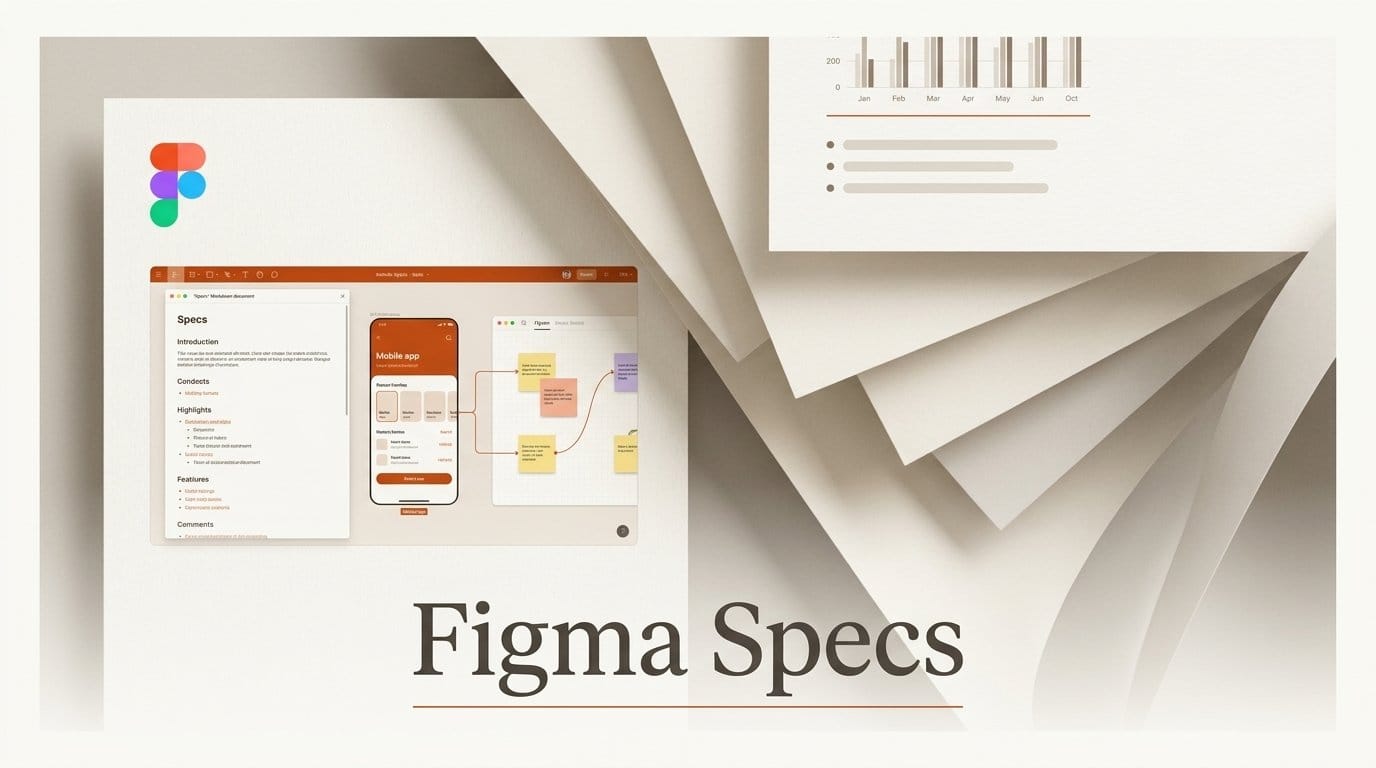
Figma launched Specs on October 15, 2026: a shared document that lives on the Figma canvas and holds your written brief, frames, FigJam boards and diagrams in one place. It is in open beta, rolling out over the next few weeks to Professional, Education, Organization and Enterprise plans, on web, desktop and mobile. You press D in Figma or FigJam to drop one in, or drag any Markdown file onto the canvas to turn it into a spec.
What shipped
A spec is a text block with headings, lists, to-do items, quotes and code blocks, and you can paste a frame, a FigJam board or any canvas object straight into it. Teammates comment inline, and you can duplicate a spec so two people try different versions without overwriting each other. According to Figma's help article, you can also start a standalone spec file from the file browser or at figma.com/spec/new and drop it into a design file later.
Things move both ways. You can drag a frame out of a spec to edit it on the canvas and drag it back in. A code layer (the live code objects Figma showed at Config 2026) can be turned into editable design layers with Extract designs, and a whole spec can be turned into a code layer.
The Figma agent can read and reply to comments on a spec and draft one from your frames or design system. Connectors bring in outside material, for example a technical outline drafted from a GitHub project or a chart from Hex. Developers on your team can paste the spec's link into a coding assistant, which reads the text, frames and diagrams through Figma's MCP server. The same announcement points to 20 new integrations in Figma's MCP catalog.
What it costs creators
Specs is not on the free Starter plan. On Figma's pricing page, the cheapest route is a Professional Full seat at $16 a month, which includes 3,000 AI credits a month. Organization Full seats cost $55 a month and Enterprise Full seats $90, both billed annually. Typing and editing in a spec costs no credits. Asking the agent to write, summarize or reply uses AI credits, and the help article says the amount depends on how big the task is, so Figma has not published a per-spec price.
Our workflow guide: a client brief that lives next to the design
Our workflow guide. This is the exact change for a freelance designer or small studio handing a project to a client or a developer, based on the steps in Figma's announcement and help article.
Before: the brief sits in Google Docs or Notion, the screens sit in Figma, and you paste screenshots and links back and forth. Feedback arrives in two places, and the screenshots go stale the moment you move a pixel.
After, in Figma:
- Open your design file and press D (or click Spec in the toolbar). If you already wrote the brief somewhere else, export it as a .md file and drag it onto the canvas instead.
- Type / to open the block menu and add sections for goals, audience, deliverables and a to-do list for open questions.
- Paste the actual frames into the matching sections. Because they are the real frames, not screenshots, the brief stays in step with the design.
- Share the file and ask the client to comment directly on the spec. Duplicate the spec if you want to show two directions side by side.
- When the brief is signed off, copy the spec's link for your developer. Their coding assistant can read the brief and the frames from that one link.
The result is one link instead of a document, a Figma file and a folder of exported images. If you used the Figma design agent in its earlier beta, Specs gives that agent a written brief to work from on the same canvas.
What changed from before
Until now, the closest thing inside Figma was a text box or a FigJam sticky note, which held no structure and could not carry a frame inside it. Written context had to live in another app. Specs keeps Figma's existing canvas, comments and sharing, and adds a real document format on top. It does not replace FigJam for brainstorming: specs work inside FigJam boards as well as design files, so the sticky notes and the written plan can sit together.
What is not known yet
Figma has not given a date for general availability or said whether Specs stays included in current seat prices after the beta. Collab and Dev seats are not mentioned, so it is unclear whether a $3 Collab seat can edit a spec or only comment on one. The help article lists no export option such as PDF or Word, and no size limits. Because the rollout is staged, some paid accounts will not see the Spec button for a few weeks; the Specs product page is the place to check.