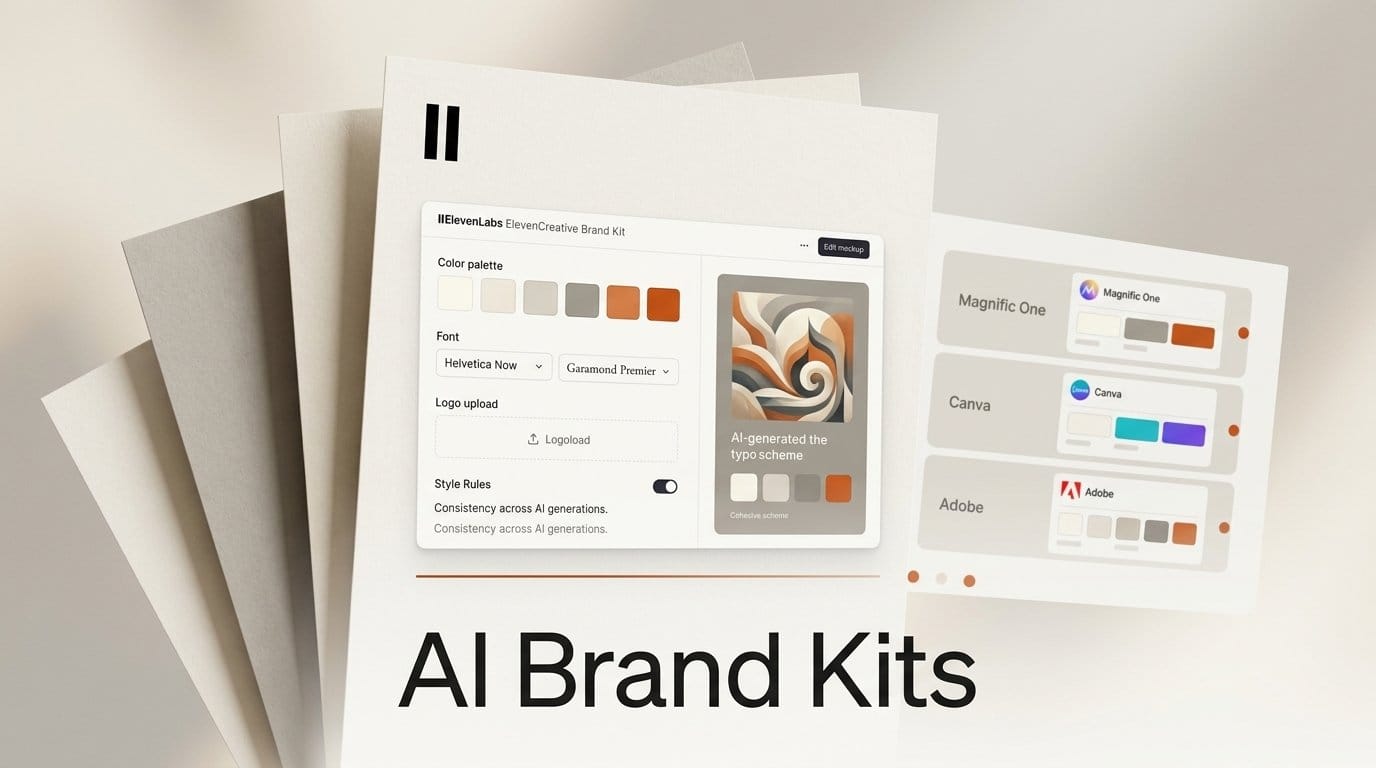
ElevenLabs added Brand Kit to ElevenCreative on October 9, 2026. You save your colors, fonts, logos with usage rules, reference images and a list of things your brand never does once, then type @ to tag that kit in any image or video prompt, in Flows, or when you talk to the ElevenCreative agent. One day earlier, Magnific shipped its own Brand Kit alongside Magnific One, and that one builds the kit for you from a website or a guidelines PDF. Two creative platforms launched the same idea in the same week, and each solves a different part of the problem.
This guide covers what each kit stores, where it applies, what it costs on each plan, how both compare with the brand kits in Canva and Adobe Express, and a workflow you can run this week to keep a campaign on-brand across images, video and voiceover.
What ElevenLabs Brand Kit does
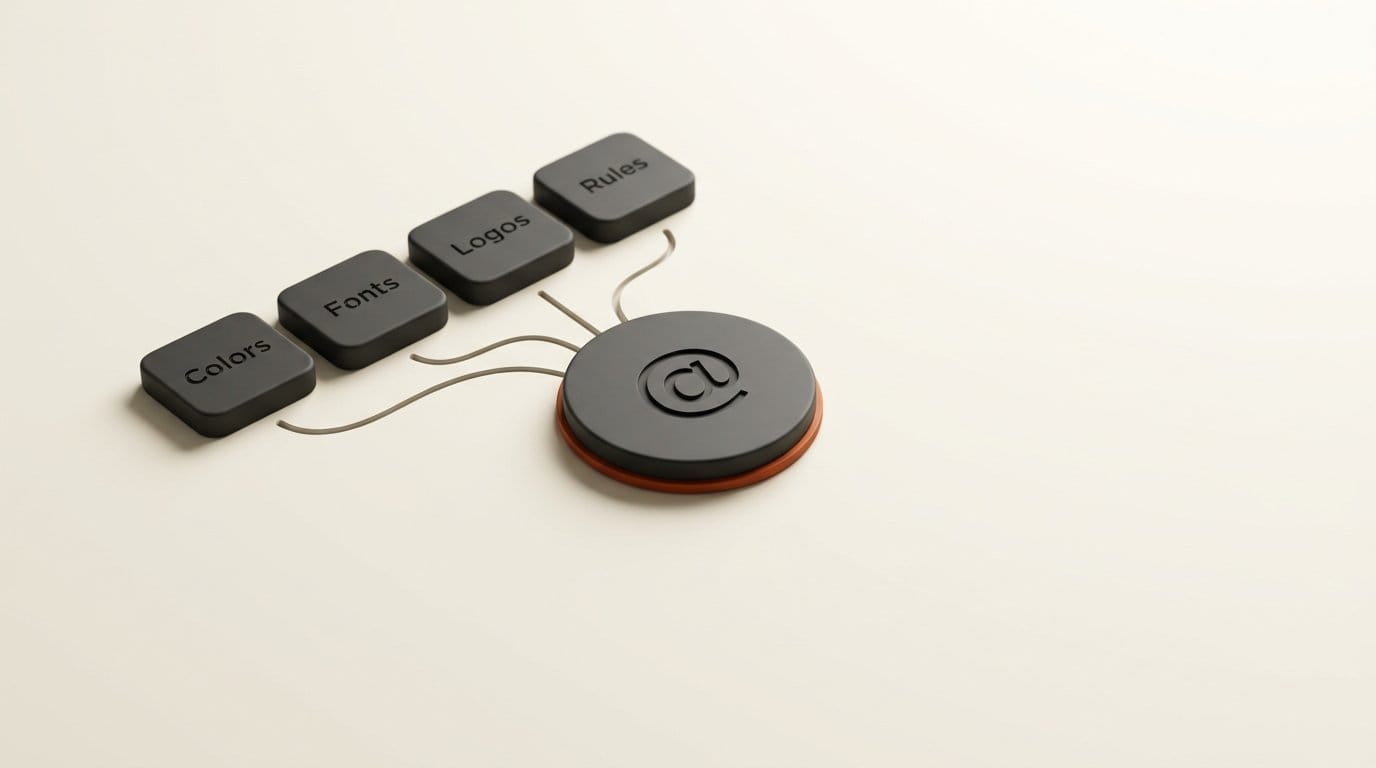
Until now, keeping AI output on-brand meant pasting the same paragraph of hex codes, font names and "no neon, no clutter" into every prompt, and hoping each model read it the same way. ElevenLabs' answer is a single workspace object. According to the launch post, a kit holds four things:
- Colors and fonts, your palette and typography.
- Logos, with rules for how each one may be used.
- Reference images, which teach the model your photography style, composition and mood.
- Rules, for how the identity is applied and what the brand never does.
You build it by adding those assets and writing the rules, which ElevenLabs says takes minutes. After that you type @ in a prompt and pick the kit. Because kits live in the workspace, everyone on a team pulls from the same guidelines, and an agency can keep one kit per client and switch between them.
The part that matters most is where the tag works. ElevenCreative is not one model. Its Image & Video documentation lists 23 image models (GPT Image 2.5 Sunburst, Nano Banana 2, Recraft V4.1, Krea 2, Seedream 5, FLUX 3 and others) and 39 video entries, from Google Veo 3.1 and Kling 3.0 to Runway Gen-4.5 and Wan 3.0. A kit that rides along with your prompt is the first way to carry one brand across that many models without rewriting the brief for each.
ElevenLabs says the kit will later extend "beyond visuals," starting with your brand's voice and sound. It gives no date, and today the kit does not touch voiceovers, music or sound effects.
Magnific One built its Brand Kit the day before
Magnific, the company that was Freepik until its April rebrand, launched Magnific One on October 8 as "an image model designed to bring built-in art direction and brand consistency to AI-generated content." Brand Kit launched with it, and the setup is the opposite of ElevenLabs': you give it a website, a guidelines PDF, a few images or a written description, and an agent extracts the logo, palette, typography, imagery and tone into a first draft of the kit. Your team then reviews and refines it.
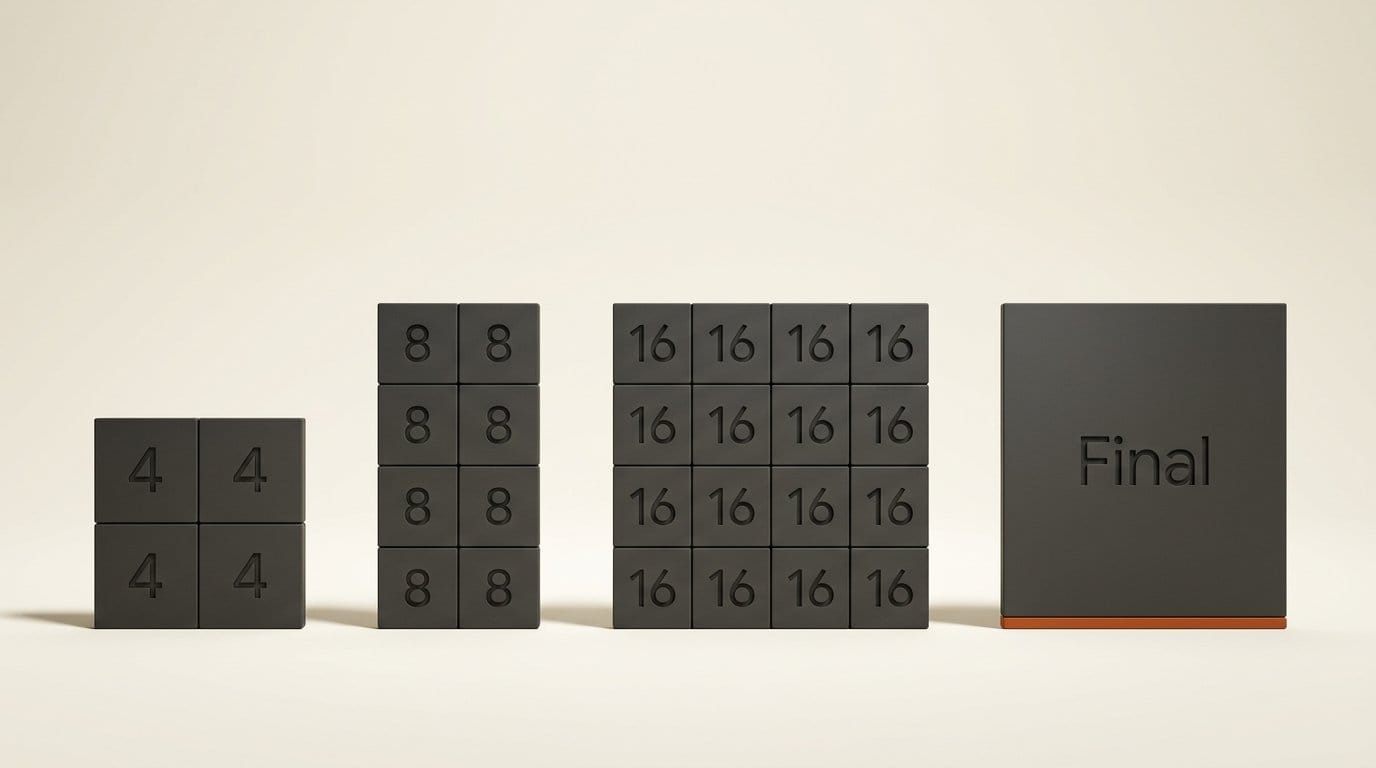
Magnific One works in two modes. Draft turns one prompt into a grid of 4, 8 or 16 directions, and Neoteo reports a grid costs the same as one generation. Final renders the single deliverable, at 2K by default and up to 4K, with up to five reference images. The Brand Kit only applies in Final. Unite.AI's launch report adds two details that ElevenLabs does not offer: each Final image is checked against the kit, and marking an image off-brand turns into a standing rule for the next ones.
Magnific One is available on all paid Magnific plans on the web, the desktop and mobile apps, and through the Magnific MCP connector for AI assistants. Neoteo puts a Final image at 180 credits for High quality at 2K and 1,000 credits for Max at 4K. Through October 15, the desktop app (macOS and Windows) offers seven days of Magnific One generation at 2K and 4K that does not count against credits.
The catch is scope. Magnific describes the kit as something Magnific One applies to the images it generates. The launch material says nothing about Magnific's video models or the other image models on the platform, so for now treat it as an images-only, one-model kit.
How the brand kits compare
Brand kits are not new. Canva and Adobe Express have had them for years, but those kits were built for layouts: the right font on a slide, the right color on a social post. The October launches point a kit at the generation itself. Here is how the four options a creator is most likely to have compare, from each company's own pages.
| Tool | What the kit stores | How you build it | Where it steers AI output | Video | Entry price with a kit |
|---|---|---|---|---|---|
| ElevenLabs Brand Kit (Oct 9, 2026) | Colors, fonts, logos with usage rules, reference images, "never" rules | You add the assets and write the rules | @ tag in Image & Video, Flows and the ElevenCreative agent | Yes | Plans not stated; Image & Video starts on Starter, $6 a month |
| Magnific One Brand Kit (Oct 8, 2026) | Logo, palette, typography, imagery, tone | An agent extracts it from a website, PDF, images or a description | Every Magnific One image in Final mode | No | All paid Magnific plans |
| Canva Brand Kit | Logos, colors, fonts, brand photos and graphics, guidelines, a 500-character brand voice | By hand, or set up from a website or PDF | Canva AI "Apply Brand" on fixed-size designs; on-brand images from a kit photo | No | Free (1 kit, 3 colors); Pro $144 a year for 5 kits |
| Adobe Express brand kit + Firefly Custom Models | Express: colors, fonts, logos, graphics. Firefly: a trained style or character | Express: extract from an image. Firefly: train on 10 to 30 images | Express designs; Firefly image generation and Boards | No | Express Premium $9.99 a month; Firefly from $9.99 a month |
The table shows a real split. Canva's kit is the most complete record of a brand, and according to Canva's help center it can be set up from a website or PDF, but its AI use stops at fixed-size designs: Canva says Apply Brand does not work on websites, Sheets, videos or code. Adobe splits the job in two. The Express brand kit handles layouts, and Firefly Custom Models lock a look by training on your own images. ElevenLabs is the only one of the four that says its kit follows you into video.
What a 20-image campaign costs
Per-image prices are where these kits differ most, and where the launch posts say least. Take one concrete job: 20 finished, on-brand product images for a launch.
- Magnific One: at the reported 180 credits per 2K High image, 20 finals cost 3,600 credits. At 4K Max (1,000 credits each) the same job is 20,000 credits. Exploring first is cheap, since a 16-direction Draft grid costs one generation, and until October 15 the desktop app does not charge credits at all.
- Adobe Firefly Custom Models: training a model costs 500 credits and each image 20 credits, so 20 images come to 900 credits, inside the 2,000 monthly credits of the $9.99 Firefly Standard plan.
- Canva: "Generate from photo" returns 4 images per use, so 20 images take 5 uses of the monthly AI allowance (up to 200 a month on Pro).
- ElevenLabs: no fixed price. Each model in Image & Video bills credits based on its settings, and a cost indicator shows the total before you click Generate. On the ElevenLabs pricing page, Starter ($6 a month) carries 30,000 credits and Creator ($22 a month) 121,000, pooled across voice, music, images and video.
For a still-image job, Firefly has the clearest published rate of the four. ElevenLabs makes the most sense when the same job also needs video and voiceover, because one plan's credits cover all three.
How to run one campaign on-brand across images, video and voice
This workflow uses ElevenCreative as the main studio and Magnific as an optional exploration step. It needs no code, only the web apps.
- Write one brand sheet first. Hex codes, font names, logo files with transparent backgrounds, 5 to 10 reference photos you would actually publish, and a short "never" list (no neon, no stock handshakes, logo never on a busy background). Every kit in this guide is built from those same inputs.
- Create the kit in ElevenCreative. Add the colors, fonts and logos, write the logo rules, upload the reference photos, and paste the never list as rules. Name it after the client or product, not "Brand Kit 1".
- Pick a direction cheaply. If you have a Magnific plan, give its Brand Kit your website and compare what its agent extracts with your sheet. Then run a 16-direction Draft grid in Magnific One to choose a composition for the price of one image.
- Make the hero still. In Image & Video, type @ and pick your kit, then run the same prompt on two image models, for example Nano Banana 2 and GPT Image 2.5 Sunburst. Check the cost indicator before each run.
- Run one control. Generate the same prompt once without the tag. ElevenLabs does not list which models honour the kit, and this side-by-side shows you what it actually changes on the model you picked.
- Animate the approved still. Switch to a video model such as Google Veo 3.1 or Kling 3.0, use the still as the reference, and keep the kit tagged.
- Save it as a Flow. Chain image, video and a voiceover node in ElevenCreative Flows so the next product runs in one pass. Each node bills the same credits as the standalone tool, and hovering over Run shows the total. Pick the voice by hand, since the kit does not cover voice yet.
- Review against the never list before anything is posted. A kit narrows what a model does; it does not guarantee it.
Which brand kit should you use?
Pick ElevenLabs if one campaign has to hold together across stills, video and voiceover, or if you already pay ElevenLabs for voice work. It is the only kit here built to be tagged across dozens of third-party models, video included.
Pick Magnific One if your work is mostly still images and you want the kit built for you from a website or brand PDF. The off-brand feedback that becomes a standing rule is the closest thing on this list to an art director who remembers your notes.
Stay in Canva if what you make is layouts, such as social posts, decks and flyers, rather than generated images. The free plan includes one kit.
Use Adobe if you already pay for Creative Cloud: Express for layouts, and a Firefly custom model when the brand depends on one photographic or illustration style. For logo and identity work before any of this, our guide to designing a logo and brand identity with AI covers the first step.
What ElevenLabs has not said yet
We have not run a hands-on test of either new kit yet; this comparison is built from the launch posts, documentation and pricing pages. The ElevenLabs post leaves several practical questions open. It does not say which plans include Brand Kit, whether it costs extra credits, how many kits a workspace can hold, which file types it accepts, or which of the 23 image models and 39 video entries actually read the kit. Its Image & Video documentation, checked on October 12, does not mention Brand Kit at all. Magnific has not said whether its kit will reach its video tools. If you are choosing for a team, run the control test in step 5 before you commit a client to either one.
Frequently asked questions
Is ElevenLabs Brand Kit free?
ElevenLabs has not said. The launch post says Brand Kit is "available now in ElevenCreative" without naming plans. The free ElevenLabs plan includes image generation only, and video starts on Starter at $6 a month.
Does ElevenLabs Brand Kit work with voices and music?
Not yet. Today the kit covers visuals: colors, fonts, logos, reference images and rules. ElevenLabs says it will extend to your brand's voice and sound next, with no date.
Can Magnific build a brand kit from my website?
Yes. Give Magnific's Brand Kit a website, a guidelines PDF, a few images or a written description, and an agent drafts the logo, palette, typography, imagery and tone for your team to review. It applies to Magnific One images in Final mode.
Which AI models does ElevenLabs Brand Kit work with?
ElevenLabs says the kit can be tagged anywhere in Image & Video, Flows and the ElevenCreative agent, but it does not list models. Image & Video hosts 23 image models and 39 video entries, including Nano Banana 2, GPT Image 2.5 Sunburst, Veo 3.1 and Kling 3.0. Test your model with and without the tag.
How is this different from Canva Brand Kit?
Canva's kit steers designs: Canva AI's Apply Brand puts your fonts, colors and assets into fixed-size designs, and it does not work on videos. ElevenLabs' kit steers generations, including video, across many third-party models.
Does Midjourney have a brand kit?
No. Midjourney keeps a look consistent with style references, moodboards and personalization codes instead, which hold a visual style but not logos, fonts or rules. Our Midjourney workflow guide for brand designers shows how to set that up.