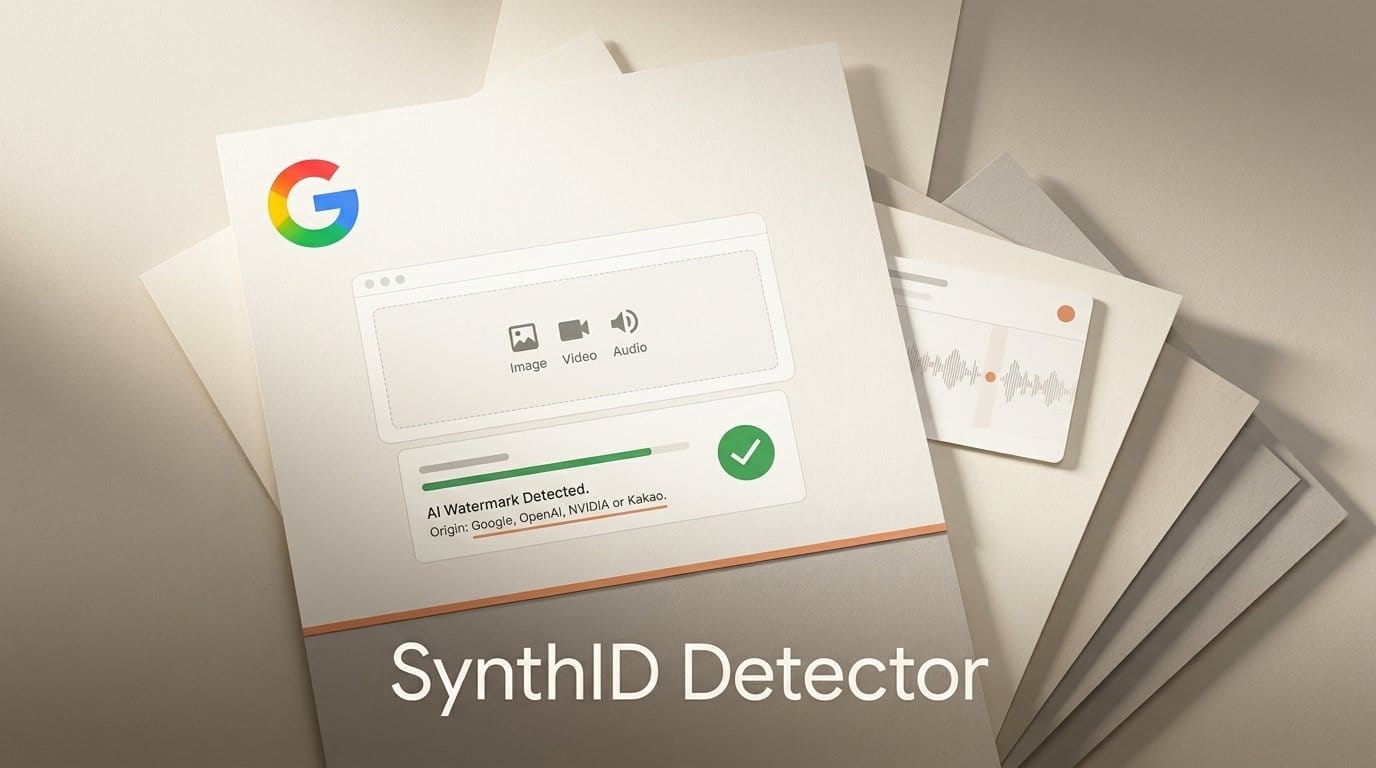
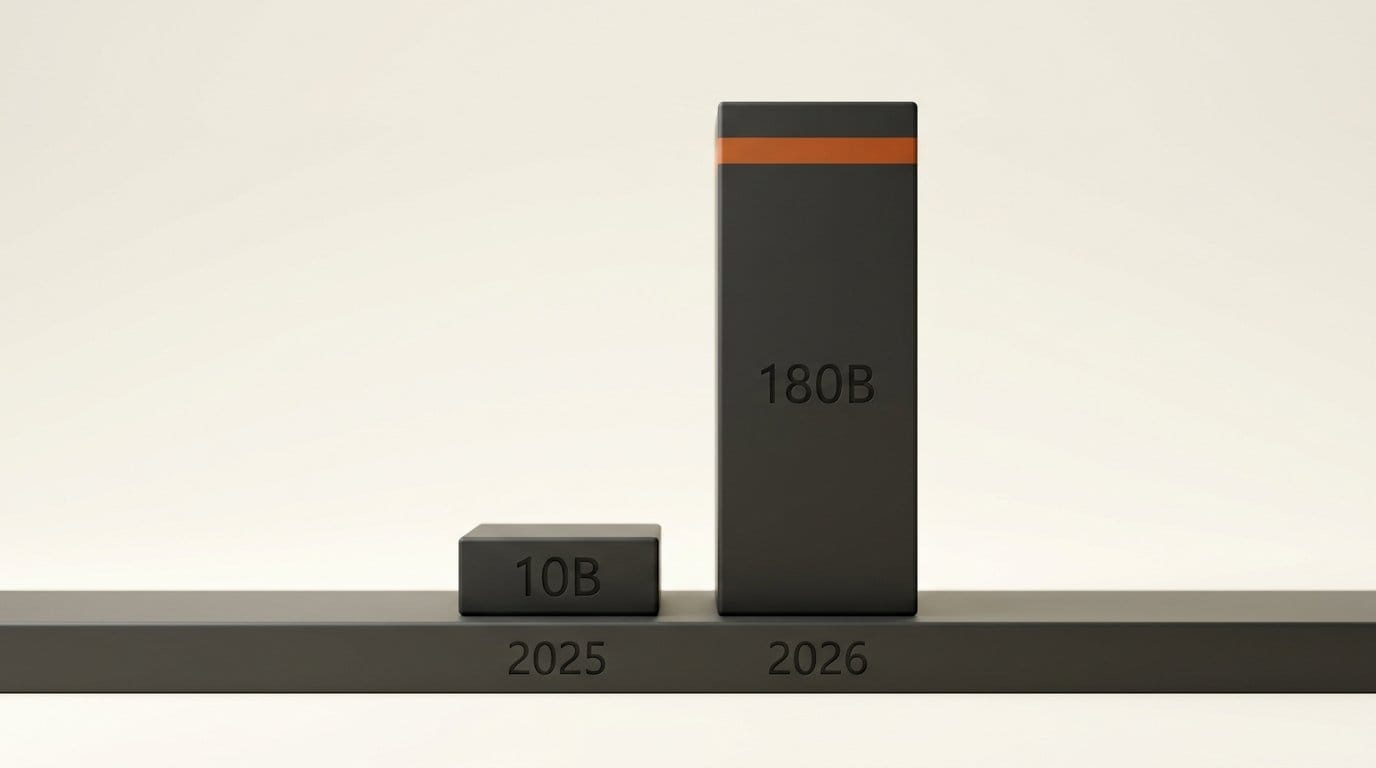
Google opened its SynthID Detector to everyone on October 7, 2026. Anyone can now upload an image, video or audio file and learn, for free, whether it carries the invisible SynthID watermark. That watermark is added by Google's own AI tools and by OpenAI, NVIDIA and Kakao, with Apple "soon," according to Google's announcement. Google says it has watermarked more than 180 billion images and videos and 240,000 years of audio. For anyone who makes things with AI, that means anyone can now check whether your Nano Banana thumbnail, Veo clip or ChatGPT image came from AI. It also means a "not detected" result still proves very little.
This guide covers what the detector reads, which creative apps leave a mark it can find and which do not, how it compares with OpenAI's checker and Adobe's Content Credentials inspector, and a check you can run on your own work before you post it.
What Google opened on October 7
SynthID itself is not new. Google DeepMind launched the watermark in 2023, and in May 2025 it introduced an early detector portal for journalists, media professionals and researchers on a waitlist. Back then Google counted "over 10 billion pieces of content" watermarked. The new count of 180 billion images and videos shows how much more media now carries the mark.
What changed on October 7 is access. The detector is "available globally in English starting today," in Pushmeet Kohli's words. It works in any browser, with no waitlist. You drag a file onto the page and get one of two answers: watermark detected or watermark not detected. For video and audio, it marks which segments carry the watermark, so a clip with a short AI insert should show where that insert sits.
TechCrunch lists the accepted formats: 11 for images (JPG, JPEG, PNG, BMP, WEBP, AVIF, HEIC, HEIF, TIFF, TIF, GIF), 3 for video (MP4, MOV, WEBM) and 6 for audio (WAV, MP3, OGG, FLAC, AAC, M4A). One thing is missing. The 2025 portal also checked text, but the public site's FAQ says it "currently supports three content types": images, video and audio. Text from Gemini is still watermarked, but you cannot check it here.
The detector also sits beside checks Google already built into Search, the Gemini app and Chrome, which Google says "now regularly handle over 1 million requests daily." The new website is simply the version anyone can open without asking an assistant.
Which creative apps leave a mark it can read
The detector's own page is blunt: "This is not a general AI detector. We can only detect media from the above companies, who have adopted SynthID technology." That makes the useful question practical. Which of the tools you actually use add SynthID?
On Google's side, TechCrunch names the Nano Banana, Veo and Lyria models plus the Gemini app, Flow, ProducerAI and Vids. Google DeepMind's SynthID page adds NotebookLM's podcast-style audio. On OpenAI's side, its verification page says the signals cover content "generated with ChatGPT, the OpenAI API, or Codex," for images and audio. OpenAI said it would add SynthID in May, as we covered when OpenAI joined C2PA and adopted SynthID. NVIDIA and Kakao are partners, but neither Google's post nor the detector page lists their individual products.
| Where you made it | SynthID watermark? | Can synthid.com flag it? |
|---|---|---|
| Gemini app or Flow (Nano Banana images) | Yes | Yes |
| Veo video (Flow, Gemini app, Vids) | Yes | Yes, with the watermarked segments marked |
| Lyria music (ProducerAI, Flow Music), NotebookLM audio | Yes | Yes, with segments marked |
| ChatGPT, Codex or the OpenAI API (images, audio) | Yes, plus C2PA metadata on images | Yes |
| NVIDIA and Kakao tools that adopted SynthID | Yes, per Google | Yes |
| Apple | Announced as "soon" | Not yet |
| Any company not on the partner list (Midjourney, FLUX, Runway, Kling, Suno, local models) | Not SynthID | No: "not detected" every time |
The last row matters most. A Midjourney image, a FLUX render from your own PC or a Runway clip will come back "not detected," because those companies do not use SynthID, not because the file is human-made. Suno, for example, runs its own watermark that this site cannot read.
SynthID Detector vs OpenAI Verify vs Content Credentials
There are now three free websites a creator, client or editor is likely to use, and each reads a different signal. SynthID is a watermark woven into the pixels or the audio itself. C2PA Content Credentials are signed metadata stored next to the pixels inside the file. OpenAI's checker reads both, but only for OpenAI output.
| SynthID Detector | OpenAI Verify | Adobe Content Authenticity (Inspect) | |
|---|---|---|---|
| Website | synthid.com | openai.com/verify | contentauthenticity.adobe.com |
| Signal it reads | SynthID watermark | C2PA metadata and SynthID | C2PA Content Credentials |
| Media | Images, video, audio | Images, audio | Images and other files with credentials |
| Whose output | Google, OpenAI, NVIDIA, Kakao | OpenAI only (ChatGPT, API, Codex) | Any tool that signs credentials |
| Survives re-saving and resizing? | Designed to, with limits | Watermark yes, metadata often no | Metadata often no; Adobe adds watermark recovery to files it signs |
| Bulk or automated checks | Banned by the terms | Yes, through the OpenAI API | No bulk check; signs up to 50 files at a time |
| Price | Free | Web tool, no price listed | Free beta with an Adobe account |
The metadata column is where creators get caught. When we ran signed files through 34 ordinary export steps, not one Content Credential survived intact: 27 were deleted and 7 were left broken. That is why both Google and OpenAI pair metadata with a watermark. OpenAI's provenance guide says the same in plain words: "Editing, converting, or sharing a file can remove its metadata. A SynthID watermark is part of the image or audio itself and may survive some transformations." Adobe Content Authenticity takes a third route. Files you sign there get "invisible watermarks and digital fingerprinting" so the credential can be recovered after a screenshot.
The verdict: synthid.com is the widest free check for Google and OpenAI media, and the only one of the three that handles video. OpenAI Verify adds the C2PA reading for OpenAI images. Adobe's tool is the one to use when you want to sign your own human-made work.

What "detected" and "not detected" really mean
Google's FAQ is unusually candid. "Watermark detected" means the file "was likely edited or generated by a SynthID-enabled AI model." The word edited matters. If you ran a real photo through a Nano Banana edit in the Gemini app, the result carries the mark, and the detector cannot say how much of the image the AI touched. OpenAI's page makes the same point: a detected signal "does not confirm how the content has been used or modified after it was created."
"Not detected" is weaker still. Google lists the two main reasons AI media slips through: it "was created by a model without SynthID (non-partner or pre-adoption)," or "heavy modifications degraded the watermark signal." The pre-adoption point is easy to miss. OpenAI's docs say its content can still read "not detected" if it "came from a legacy generation model, or it was created before provenance signals were available," so an older ChatGPT image may show nothing. Google also admits that "in very rare cases SynthID can also falsely trigger on non-watermarked content," and recommends "collecting multiple points of data before making a decision."
On robustness, the claim is that the watermark survives "adding filters, changing colours, and saving with various lossy compression schemes," and on DeepMind's page, cropping and frame-rate changes for video. Google is also clear that "if someone tries many transformations, they may be able to find one that doesn't get detected." The method behind the image watermark is public in the SynthID-Image paper. The detector compares well with a classifier, which guesses from visual patterns, like the one we looked at in NVIDIA's Synthetic Video Detector. A watermark either is there or it is not, so it is more reliable, but it covers far fewer tools.
A check-before-you-post workflow for creators
The practical change is that your client, your editor and your audience can now run this check in under a minute. Run it yourself first, so nothing surprises you.
- Keep the highest-quality export. Google asks for "the highest quality file possible." Check the master file from Flow, the Gemini app or ChatGPT, not a screenshot or a file already compressed by Instagram.
- Upload it to synthid.com before you deliver or post. If you used Nano Banana, Veo, Lyria or ChatGPT anywhere in the piece, expect "detected." On a video or podcast edit, look at which segments it marks, so you know exactly which shots or stems are flagged.
- For ChatGPT images, also run openai.com/verify. It reports C2PA and SynthID separately, so you can see whether your export step stripped the metadata while the watermark survived.
- Decide on your label from the result, not from hope. If the detector finds the watermark, anyone with the free website can find it too. Label the work as AI-assisted on YouTube, TikTok or Instagram, or in your client brief, rather than wait for someone else to check. Our guide to EU AI Act Article 50 covers where a label is a legal duty and not only good practice.
- If you are a photographer, prove the positive, not the negative. "Not detected" cannot clear a real photo, because a Midjourney fake reads the same way. Keep your RAW files, and sign finished work with Content Credentials or a capture-time method like Apple's Reference Image.
- Do not use it as a removal tester. The terms forbid using the service "to run black-box adversarial attacks or optimize digital transformations designed to break, bypass, or degrade the SynthID watermark," and Google "reserves the right to immediately suspend your access."
The limits worth knowing
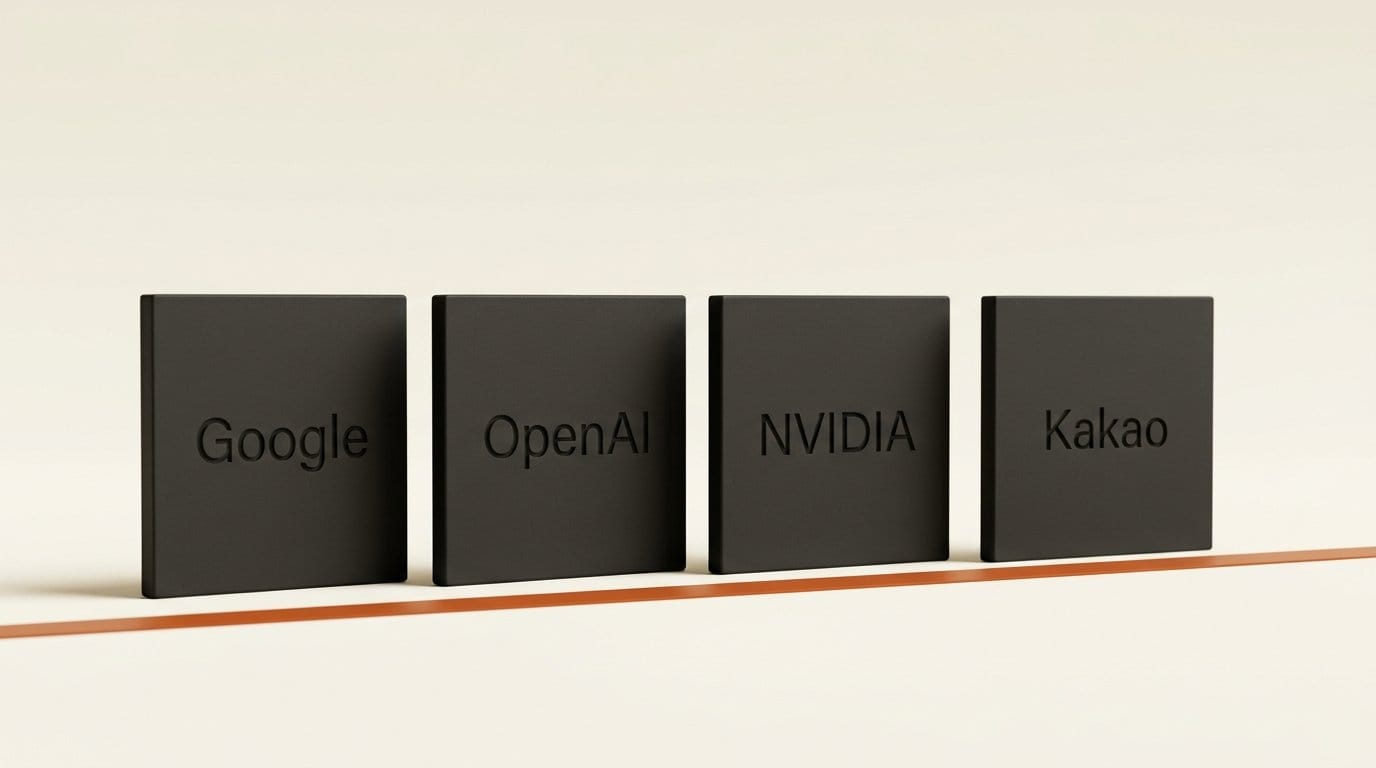
Three limits shape how far you can rely on it. First, it is English-only for now, although it is available worldwide. Second, it is strictly one file at a time. The additional terms ban automating uploads, scraping, using the page "as an automated API" and creating extra accounts to dodge rate limits. Google publishes no API for it, so a studio wanting to check a whole library has no Google route. OpenAI's checker does have one, but only for OpenAI output. Third, it covers four companies. Music creators who want to check a playlist for AI tracks from other generators still need something like Deezer's AI music detector, which guesses rather than reads a mark.
None of these limits is a reason to skip it. A free, public, cross-company watermark check did not exist yesterday. For the large share of creator work that passes through Gemini, Flow or ChatGPT, it is now the quickest way to see your file the way a skeptical client will.
Frequently asked questions
Is the SynthID Detector free?
Yes. Google opened synthid.com to everyone on October 7, 2026, at no cost and with no waitlist. It works in English and is available globally. The terms limit you to normal one-file-at-a-time use through the web page.
Can SynthID detect Midjourney or Stable Diffusion images?
No. It only detects media from companies that adopted SynthID: Google, OpenAI, NVIDIA and Kakao, with Apple announced as coming soon. A Midjourney, FLUX or Stable Diffusion image will return "not detected" even though it is AI-generated.
Does a "not detected" result prove my photo is real?
No. Google says AI media can come back "not detected" if it came from a tool without SynthID, was made before a company adopted it, or was heavily modified. Keep RAW files and sign finished work with Content Credentials if you need to prove a photo is yours.
Will editing or compressing an AI image remove the SynthID watermark?
Usually not. Google says the watermark survives filters, colour changes and lossy compression, and DeepMind adds cropping. Google also says that someone trying many transformations may find one that defeats it, and that heavy edits degrade the signal.
Can the SynthID Detector check text from Gemini or ChatGPT?
Not on the public site. It supports images, video and audio only, even though the 2025 portal for journalists also checked text. OpenAI's text check is limited to approved organizations that apply.
How is synthid.com different from openai.com/verify?
synthid.com reads the SynthID watermark from four companies and handles video. OpenAI Verify only checks OpenAI output, covers images and audio, and reads both the SynthID watermark and C2PA metadata, so it can tell you whether an export stripped the metadata.