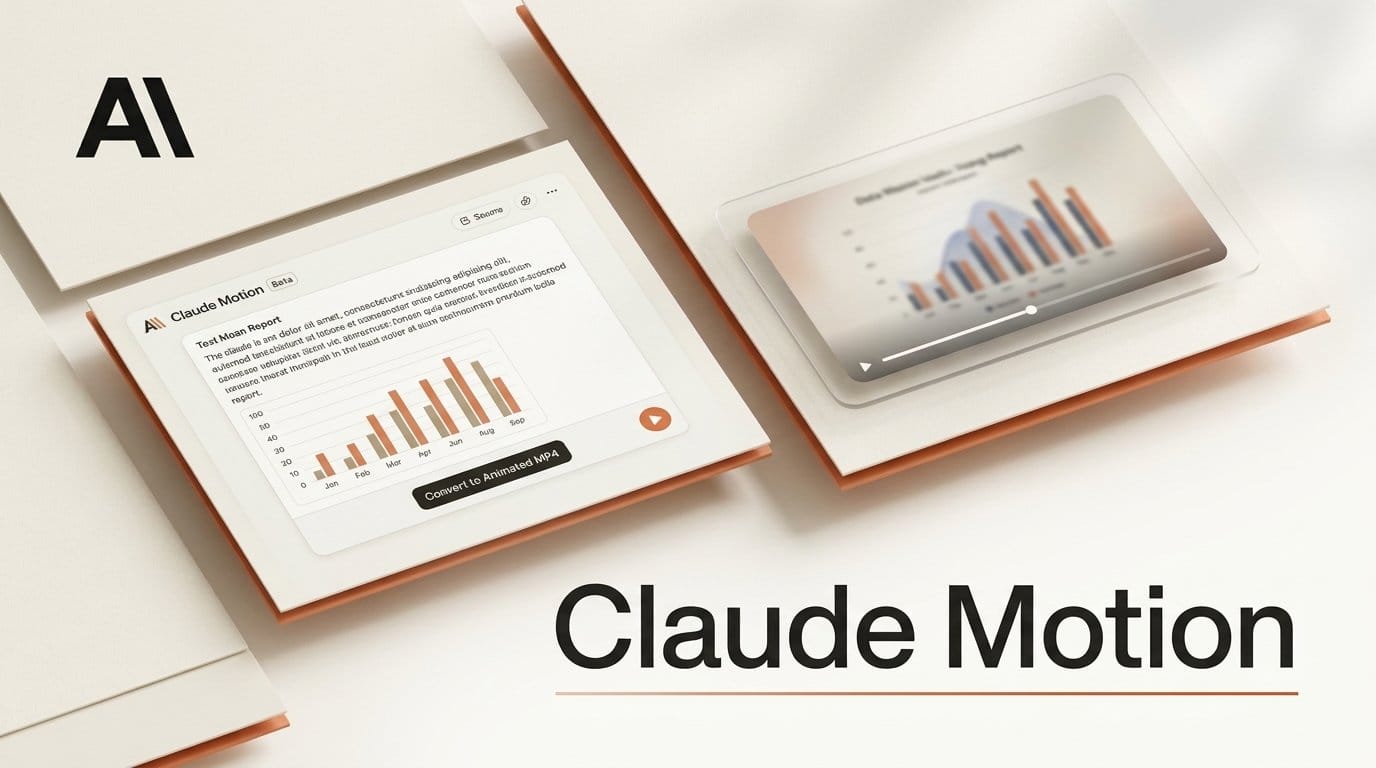
Anthropic launched Claude Motion in beta on October 8, 2026. It turns a report, a chart or a product walkthrough into a short animated video that you export as an MP4, straight from a Claude chat. Motion is live today on Team and Enterprise plans only, so the cheapest way in is a Team plan at $25 per seat a month with a two-seat minimum: $50 a month. Anthropic also launched Claude Dashboards in beta and took Docs, Slides and Design out of beta for every plan, including Free, as CNA reported.
What shipped
Motion makes short explainers, animated charts and walkthroughs. You describe the video, attach the data, images or report it should use, and Claude builds an animation that plays like a clip. Under the hood Claude writes code that moves the text, shapes, charts and images, so it is not a video generation model. The Motion help guide is direct about it: Motion "doesn't create realistic footage or people."
Because each animation is built from code, you can change one word, one number or one timing and the rest of the clip stays the same. That is the main difference from AI video tools, where a new prompt usually regenerates the whole shot. You edit by asking in chat ("Slow down the second scene") or directly in the editor, then click Export and choose MP4. Anthropic says the clip can continue in Adobe, Descript, HeyGen, Higgsfield, invideo, Luma AI or Runway, with Canva and Captions coming soon.
What it costs creators
Motion is not on Free, Pro or Max yet. On Claude's pricing page, a Team standard seat costs $25 a month billed monthly or $20 billed annually, with at least two seats, so a solo creator pays $50 a month (or $40 a month billed yearly) to get Motion. Pro, at $20 a month, does not include it. Motion is on by default on Team plans. Enterprise admins must switch it on under Organization settings, then Artifacts. Each animation counts toward your plan's usage limit, and longer or more complex clips use more of it than a normal message. Anthropic has not said how many clips a seat covers.
Our workflow guide: a chart video without After Effects
Our workflow guide. Here is the exact change for a YouTuber or designer who needs a 30-second animated chart or explainer, based on the steps in Anthropic's guide.
Before: build the chart in Sheets or Canva, export it as an image, rebuild it as layers in After Effects or a motion template, keyframe each bar and label, render, and start over when a number changes.
After, in Claude:
- Open a chat in the Claude app on a Team plan. In the message box, pick Output, then Motion (the announcement also mentions typing /motion), or open a Motion template from the Artifacts tab.
- Attach your spreadsheet, report or images, and say who will watch, where it will play and how long it should run, for example "a 30-second YouTube Short on my channel's 2026 growth."
- Watch the preview. Ask for fixes in plain words ("hold the final number for two seconds") or change a label in the editor.
- Click Export, choose MP4, and drop the file into Descript, Premiere or Runway to add your voiceover and B-roll.
- When the numbers change next month, open the same animation from the Artifacts tab, swap the figure and export again. Nothing else moves.
The result is a motion graphic, not footage. For talking presenters or realistic scenes you still need a video tool such as the Synthesia motion graphics workflow we covered in July.
What changed in the rest of Claude
Motion sits next to the Docs, Slides and Design editors that arrived when Cowork merged into Claude chat in September. Those three are now out of beta on every plan, and Anthropic says people have made more than 45 million docs, decks and designs in Claude. Slides export to PowerPoint and PDF, and decks can go to Google Slides as editable files.
Claude Dashboards, the other beta, is aimed at data teams. It answers plain-language questions from sources such as Snowflake, BigQuery and Salesforce and keeps the charts current. It grows out of the live artifacts Anthropic added in April. A dashboard chart is also a natural source for a Motion clip.
If you used the standalone Claude Design site, it closes on December 14. Team design systems can be moved from the Artifacts page, but the migration guide notes that standalone chats, comments and public project links do not carry over.
What is not known yet
Anthropic has not published Motion's maximum clip length, export resolution, aspect ratios or frame rate, so it is unclear whether a vertical 9:16 Short works out of the box. The guide does not mention audio, so plan to add music and voice in your editor. There is no date for Pro and Max access, and no figure for how much of a seat's usage one clip costs. We will update this page when those answers land.