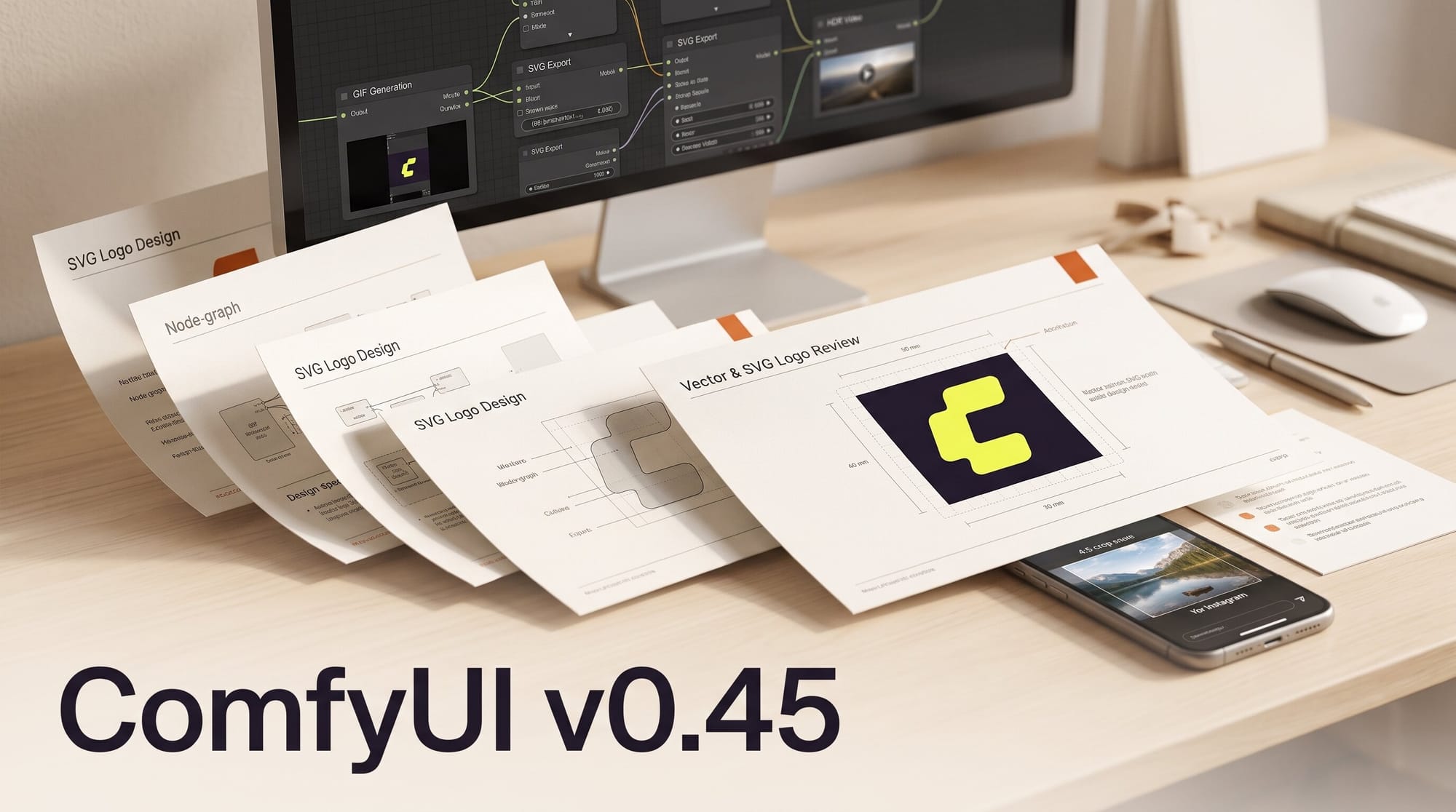
ComfyUI v0.45.0 and a same-day v0.45.1, both released on November 10, 2026, add a long list of Partner Nodes for creators: animated GIFs and SVG files from OpenAI's GPT Image 2.6, ByteDance Seedream 5.5 with 99-layer separation, four LTX finishing nodes (Reframe, SDR to HDR, AlphaGen mattes, Upscale to 8K), Pika H3 Flex video with soundtrack, sound-effect and music nodes, and Kling 4.0 Flash. We read the price badge on every new node. An SVG logo now costs about 4 cents, a 10-second Pika H3 Flex clip 29 cents, and turning a 30-second landscape clip into a 4:5 Instagram post $8.58 at 1080p.
Partner Nodes run on the provider's servers and bill your Comfy credits, so none of this needs a graphics card. Comfy's Partner Node pricing page did not list any of these nodes yet on November 10, so every figure below comes from the price formulas in the node source. We have not run the nodes ourselves.
What ComfyUI v0.45 adds for creators
These are the nodes that make or finish media, with the price each one shows before you run it.
| New node | What it does | Price in the node |
|---|---|---|
| OpenAI GPT Image 2.6 GIF | Animated GIF from a prompt, 2 to 16 frames, transparent background optional | $0.018 to $1.02 per GIF; $0.05 at the defaults |
| OpenAI GPT Image 2.6 SVG | Vector file from a prompt | About $0.036 to $0.31 per SVG |
| ByteDance Seedream 5.5 | Image generation and editing | $0.0286 at 1K or 1.5K, $0.05 at 2K |
| Seedream 5.5 Layer Separation | Splits an image into a background and up to 99 movable transparent layers | $0.0286 to $0.05 per layer image |
| LTX Video Reframe | Changes aspect ratio and generates the missing edges, up to 60 s | $0.143/s at 720p, $0.286/s at 1080p |
| LTX Video SDR to HDR | Converts a clip to 10-bit HDR (BT.2020, HLG) | About $0.57 to $2.29/s |
| LTX Video AlphaGen | Frame-matched alpha matte, up to 10 s | About $0.14 to $1.43/s |
| LTX Video Upscale | 1080p, 4K or 8K, keeps frame rate and audio | $0.114/s, $0.429/s, $1.716/s |
| Pika H3 Flex (text, image, reference) | 5 to 15 s clips, up to 12 references | $0.0286/s at 768p, $0.05/s at 1080p |
| Pika Soundtrack, SFX, Music | Score for a video, sound effects, songs up to 6 minutes | $0.00715/s, $0.000286/s, $0.00036/s |
| Kling 4.0 Flash | Faster Kling 4.0 tier, 720p, up to 20 s | $0.134/s |
The release also adds Breeze TTS 2 voice nodes, Omni Flash 1.2 in the Gemini Omni video node, a Tencent HY text node and the MiniMax H3-Image model, both as a Partner Node and as free local weights. Seedance 2.5 gains a 4K option, but the node says it is for enterprise accounts only.
Animated GIFs and SVG logos from GPT Image 2.6
OpenAI added GIF and SVG output with ChatGPT Images 2.6 on November 4. The GIF and SVG pull request brings both into ComfyUI as their own nodes, on the same Flare (fast) and Sunburst (detailed) models as the main GPT Image 2.6 node.
The GIF node returns the frames and frame rate, so you can save the result as an animated WebP, an animated PNG or a WebM, all of which keep a transparent background. Frames are billed in four steps: 2 to 8, 9, 10 to 12 and 13 to 16. At low quality a square 512-pixel GIF costs:
| Frames | 512 x 512 | 1280 x 720 |
|---|---|---|
| 2 to 8 | $0.024 | $0.095 |
| 9 (the default) | $0.050 | $0.067 |
| 10 to 12 | $0.045 | Not offered |
| 13 to 16 | $0.072 | Not offered |
Two things stand out. Widescreen GIFs are cheaper at exactly 9 frames than at 8: $0.067 against $0.095 at 1280 x 720, and the same pattern holds at 1024 x 576 and 512 x 288. And 10 to 12 frames cost slightly less than 9 at most square sizes. The node offers no 10-plus frames at 1280 x 720. Quality is the bigger lever: the same 512-pixel, 9-frame GIF is $0.089 at medium and $0.43 at max.
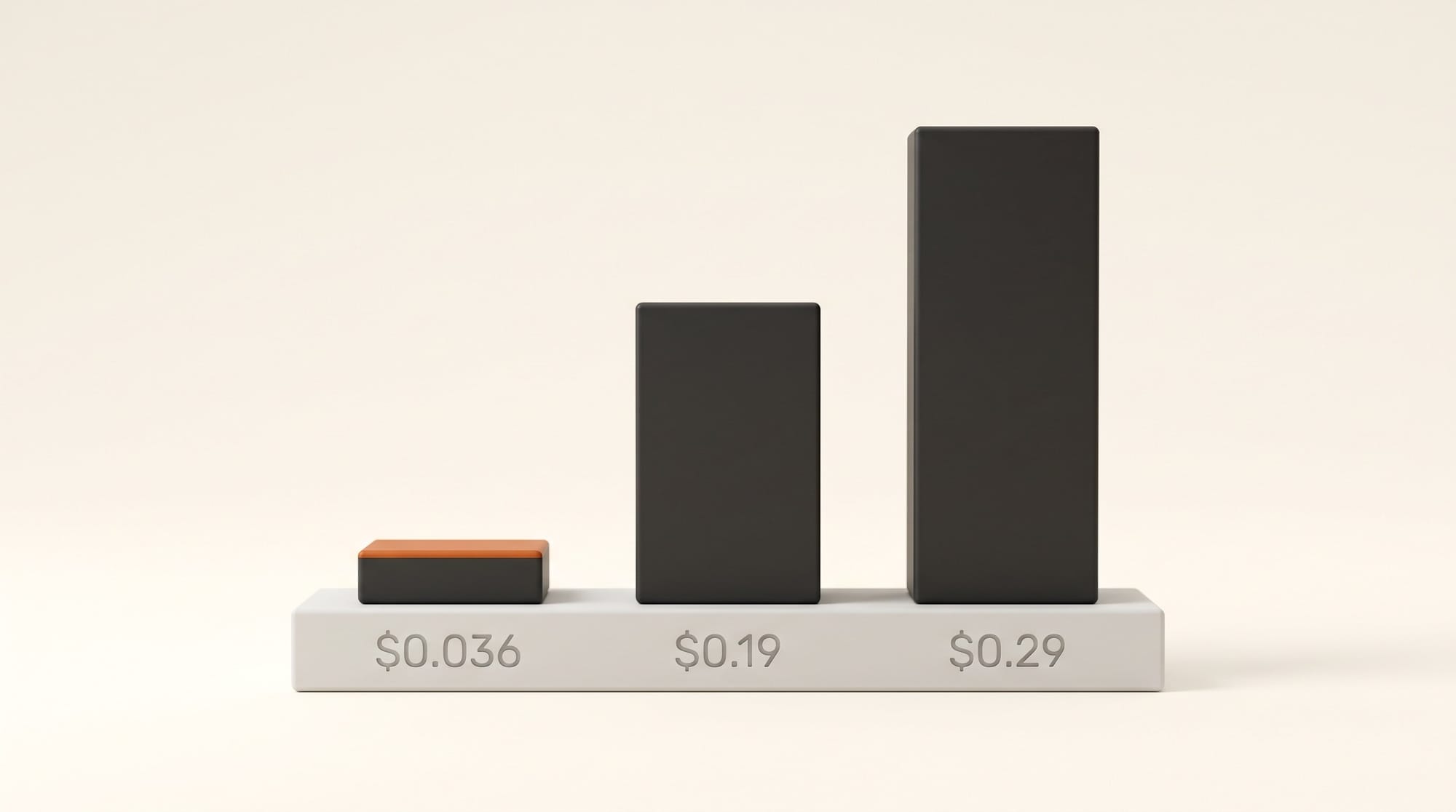
For vector work the SVG node is the cheap one. A 1024-pixel square SVG at low quality costs about $0.036 to $0.044, against $0.19 to $0.29 (without reference images) for Ideogram Vector, which arrived in v0.43. The node first renders a reference image and then draws the SVG from it, so the quality setting controls that reference image. At max quality it costs $0.30 to $0.31, more than Ideogram.
Seedream 5.5 and 99-layer separation
The Seedream 5.5 pull request adds ByteDance's newest image model to the existing Seedream node. An image costs $0.0286 at the 1K and 1.5K presets and $0.05 at 2K, plus about $0.011 for each reference image you connect. That is cheaper than Seedream 5.0 Pro in the same node ($0.045 at 1K, $0.09 at 2K).
The Layer Separation node is the more useful part for designers. Give it a poster, thumbnail or product shot and it returns a background plate plus transparent layers, each with a name, a description, a stacking order and a bounding box. Seedream 5.0 stopped at 16 layers; 5.5 goes to 99. Billing is per layer image returned, so a split into 10 layers costs roughly $0.29 at 1K or $0.50 at 2K. The layers then go to Photoshop, Figma or a video compositor as separate files.
Turn one landscape clip into 9:16 and 4:5
ComfyUI now has two reframing nodes. MiniMax H3 Max Reframe arrived in v0.44, and the LTX pull request adds LTX Video Reframe in v0.45.1. Both change the aspect ratio and generate the picture outside the original frame, so nothing is cropped away.
| Node | Aspect ratios | Longest input | 30 s clip, mid resolution | 30 s clip, 1080p |
|---|---|---|---|---|
| MiniMax H3 Max Reframe | 16:9, 9:16, 1:1, 4:3, 3:4, 21:9, 9:21 | 300 s | $3.43 at 768p | $6.86 |
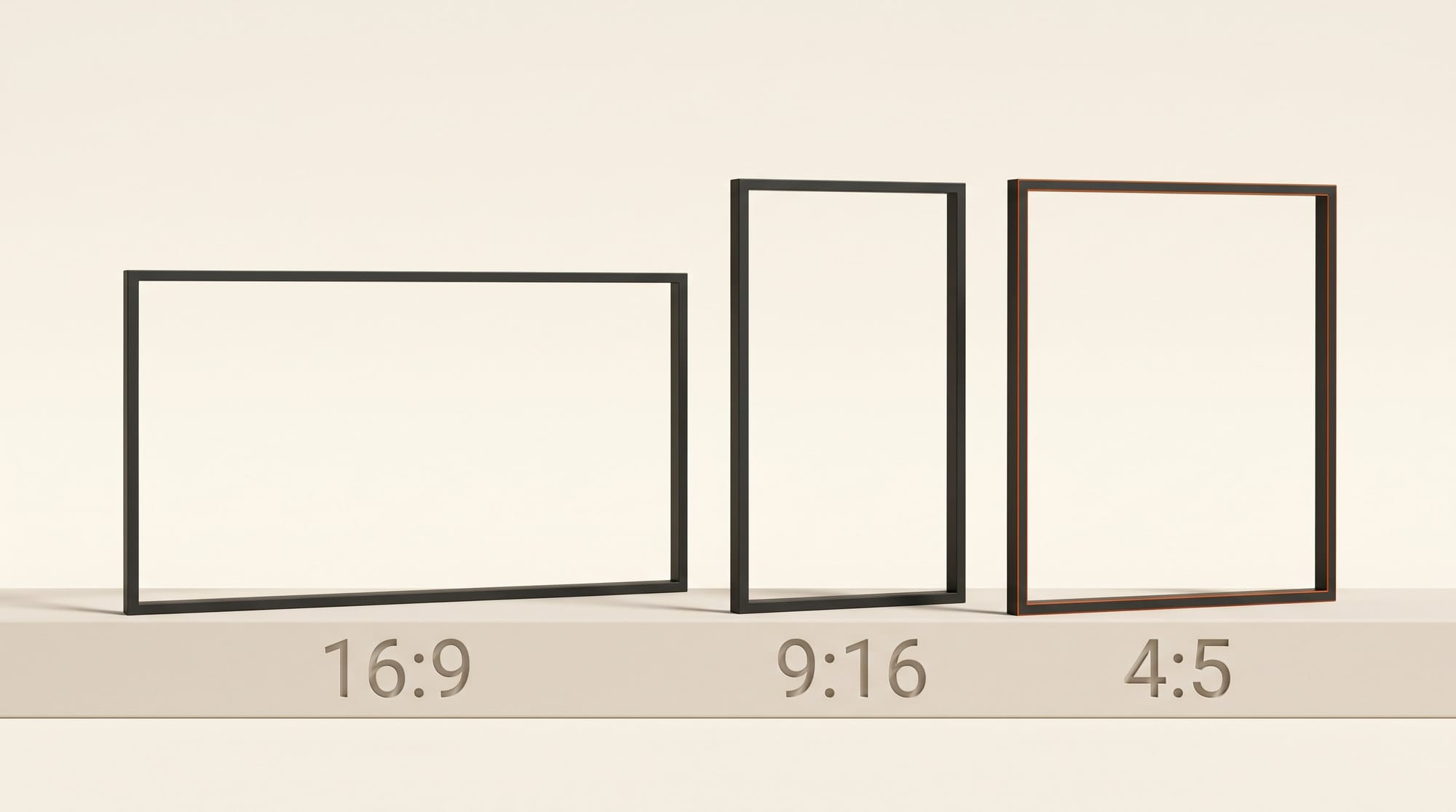
| LTX Video Reframe | 16:9, 9:16, 1:1, 4:5, 5:4 | 60 s | $4.29 at 720p | $8.58 |
LTX costs 25% more at both resolutions, but it is the only one with 4:5, the portrait size Instagram uses in the feed. MiniMax takes much longer inputs: up to 5 minutes, against 60 seconds. It also lets you choose where the original sits in the new frame: centered, anchored to an edge, or at a custom position. MiniMax's badge can read up to 13% higher than the figures above.
HDR, mattes and 8K: the expensive finishing nodes
The other three LTX nodes finish footage rather than make it, and they are priced like it.
- SDR to HDR converts a clip to 10-bit HDR at the same resolution. The badge shows $0.57 to $2.29 a second, so a 10-second 1080p clip is $5.72 to $22.88. It takes up to 273 frames at 1080p (about 11 seconds at 24 fps) and only 65 frames above 1440p. Audio is dropped.
- AlphaGen returns a grayscale matte that matches the video frame for frame, which is how you cut a subject out for compositing without a green screen. Up to 10 seconds at up to 4K, $0.14 to $1.43 a second, audio dropped.
- Upscale keeps the aspect ratio, frame rate and audio. A 20-second clip at 4K costs $8.58. 8K costs $1.72 a second, for up to 241 frames (10 seconds at 24 fps).
For plain 4K upscaling, compare before you pick LTX. Pruna P-Video Upscale, added in v0.44, charges $0.057 a second at 4K until November 12 at 17:00 UTC and $0.114 after, so the same 20 seconds is $1.14 now and $2.29 later. LTX makes sense at 4K when you want the whole finishing chain from one provider.
Pika H3 Flex and Kling 4.0 Flash: a 10-second clip
Two cheaper video tiers arrive. Pika H3 Flex, Pika's post-trained version of MiniMax H3, comes through the Pika H3 Flex pull request, and Kling 4.0 Flash through the Kling pull request.
| Node | 10 s clip | Resolution | Longest clip |
|---|---|---|---|
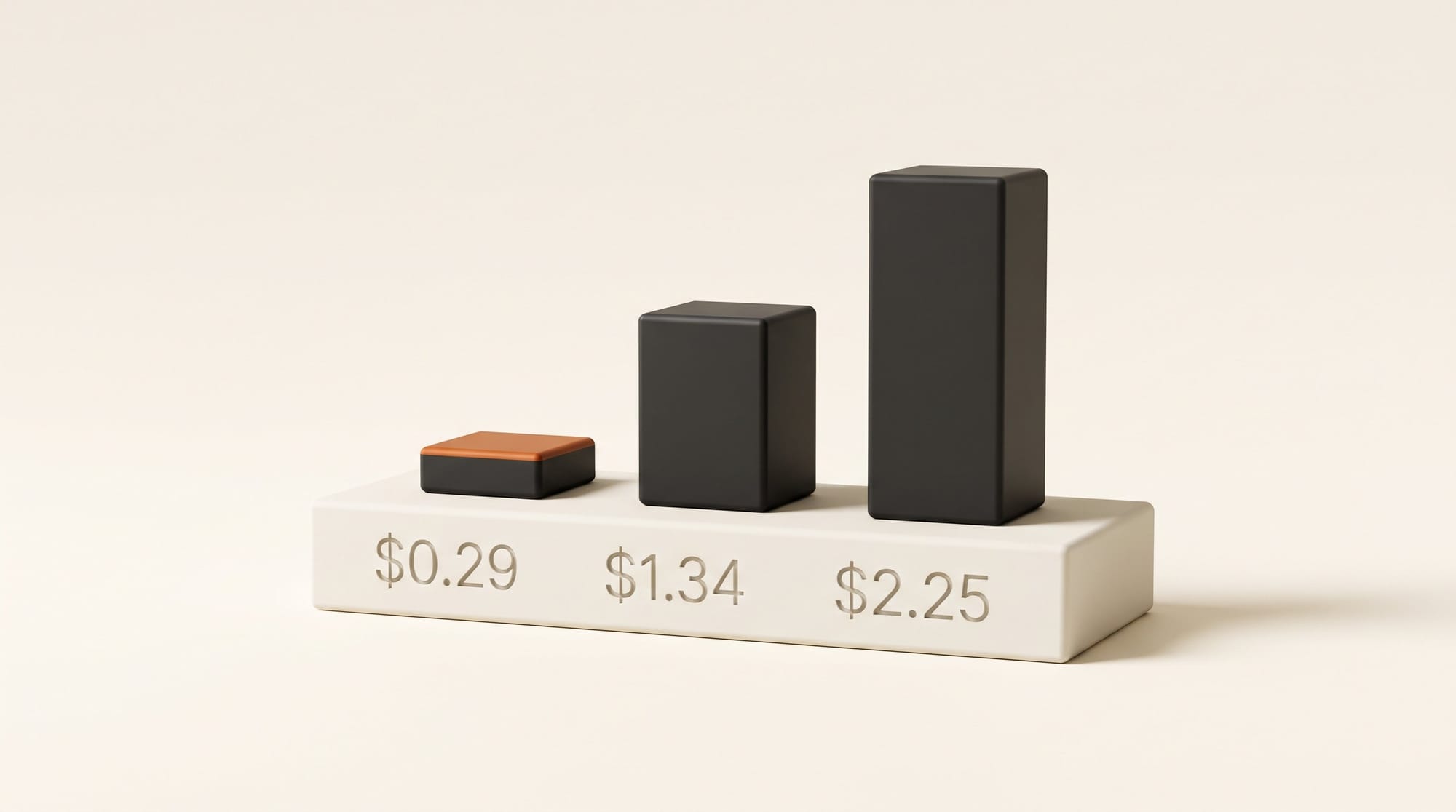
| Pika H3 Flex | $0.29 | 768p ($0.51 at 1080p) | 15 s |
| Kling 4.0 Flash | $1.34 | 720p only | 20 s |
| Kling 4.0 (from v0.43) | $2.25 | 720p ($3.36 at 1080p) | 30 s |
Kling 4.0 Flash is 40% cheaper than Kling 4.0 at 720p. The Kling 4.0 edit node also gains an audio switch: "native" makes a new soundtrack, "original" keeps the sound of the clip you are editing. Pika H3 Flex at 1080p and above bills to the next step of its frame grid, so 10 seconds is billed as about 10.1.
The Pika audio nodes are the cheapest in the release. Pika Soundtrack scores a video you connect, up to 10 minutes, at $0.21 for 30 seconds. Pika Music writes a 3-minute track from a description and optional lyrics for about $0.06, and a 5-second sound effect from Pika SFX costs a fraction of a cent. For comparison, Mirelo's video-to-sound node from v0.43 charges $0.40 for 30 seconds.
What is free and local
Several additions run on your own graphics card at no credit cost:
- MiniMax H3-Image local weights, for the model that launched the same day.
- RelayVSR, an open video upscaler that doubles or quadruples resolution, built on Wan 2.2 5B.
- UltraTex texturing, which paints a reference image onto a 3D mesh with FLUX.2 Klein and bakes it into the model's texture.
- A solid mode for Extract Mesh from Splat, and video input for Qwen 3.5 in Generate Text, so you can ask a local model to describe a clip.
If you run ComfyUI on your own machine, signing in for Partner Nodes also gets easier. The sign-in change turns on single sign-on through a Comfy Cloud popup by default. Before, it needed two feature flags typed at launch.
Workflow: a 4:5 Instagram post from landscape B-roll
This chain uses three of the new nodes on a 30-second landscape clip with no speech. You need the ComfyUI Desktop app or Comfy Cloud, and a Comfy account with credits.
- Update. Open ComfyUI Desktop and accept the update to v0.45.1, or start a Comfy Cloud session.
- Load the clip. Double-click the canvas, add a Load Video node and pick your landscape file.
- Reframe. Add "LTX Video Reframe", connect the video, choose "(1080p) 1080x1350 (4:5)" and center placement. The header shows $8.58 for 30 seconds; pick the 720p preset to test at $4.29 first.
- Score it. Connect the reframed clip to "Pika Soundtrack" and describe the mood, for example "warm acoustic guitar, slow build". 30 seconds is $0.21.
- Make a sticker. Add "OpenAI GPT Image 2.6 GIF", prompt your logo or title as a short loop, set transparent background and 9 frames. About $0.05 at low quality.
- Save. Save the video, and save the GIF frames with Save Animated WEBP to keep the transparency, ready to overlay in your editor.
The whole chain is about $8.84 at 1080p or $4.55 at 720p. Doing the same reframe on MiniMax H3 Max saves about $1.70 at 1080p, but you would have to settle for 3:4 instead of 4:5.
Which node to pick
For logos and icons, start with the GPT Image 2.6 SVG node at low quality; at 4 cents you can run ten versions for the price of one Ideogram Vector file. For GIFs, keep to 9 frames on widescreen sizes and raise quality only for the final one.
For vertical cut-downs, use MiniMax H3 Max Reframe for 9:16 and LTX Reframe when you need 4:5 for the Instagram feed. Use Pruna for 4K upscaling while its launch rate lasts, and keep LTX for HDR conversion and mattes.
For drafts, Pika H3 Flex at 29 cents per 10 seconds is the cheapest new video node. Move to Kling 4.0 Flash or full Kling 4.0 only for the shots you will keep.
Frequently asked questions
What is new in ComfyUI v0.45?
Partner Nodes for GPT Image 2.6 GIF and SVG, Seedream 5.5 with 99-layer separation, LTX Reframe, SDR to HDR, AlphaGen and Upscale, Pika H3 Flex, Pika Soundtrack, SFX and Music, Kling 4.0 Flash, Breeze TTS 2, Omni Flash 1.2 and MiniMax H3-Image. Locally it adds MiniMax H3-Image, RelayVSR video upscaling and UltraTex texturing.
How much does an animated GIF cost in ComfyUI?
With the GPT Image 2.6 GIF node at low quality, a 512-pixel square GIF costs $0.024 for up to 8 frames and $0.05 for 9. A 1280 x 720 GIF is $0.067 at 9 frames. The most expensive setting, max quality at 720 x 720 with 16 frames, is about $1.02.
Is the GPT Image 2.6 SVG node cheaper than Ideogram Vector?
At low and medium quality, yes: about $0.036 to $0.071 for a square SVG, against $0.19 to $0.29 for Ideogram Vector. At max quality GPT Image 2.6 costs about $0.31, slightly more than Ideogram's high setting.
Which reframe node should I use for Instagram?
LTX Video Reframe, because it is the only one with the 4:5 feed size. For 9:16 Reels and Stories, MiniMax H3 Max Reframe is about 20% cheaper and takes clips up to 5 minutes long.
Do I need a powerful graphics card for these nodes?
No. Partner Nodes run on the provider's servers and bill Comfy credits. Only the local additions, such as RelayVSR and the MiniMax H3-Image weights, need your own GPU.
Can I get Seedance 2.5 in 4K in ComfyUI?
Only on an enterprise account. The node lists 4K but says it is available to enterprise accounts only, so most creators still top out at 1080p.