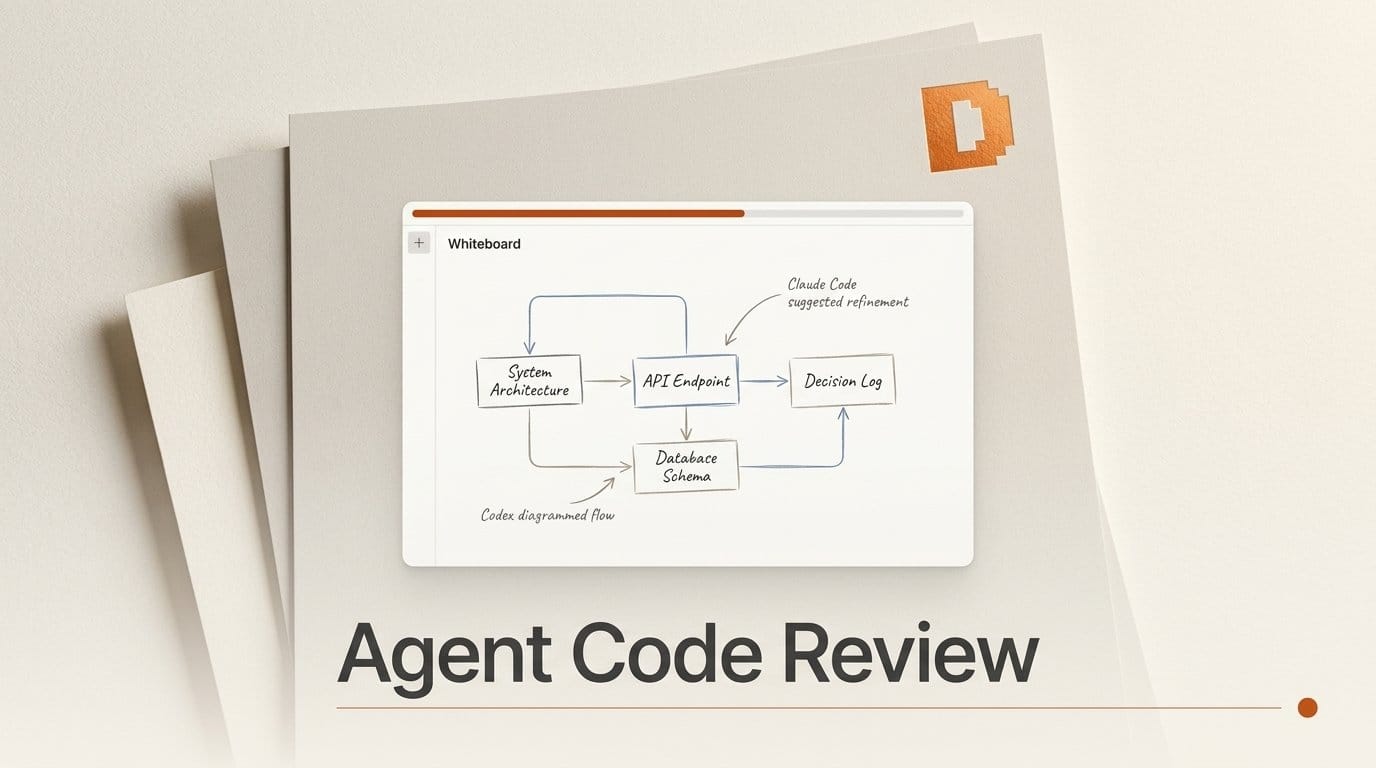
Whiteboard, an MIT-licensed desktop app from the Y Combinator W26 startup /dev/fast, shipped version 0.1 on 24 September 2026. It gives coding agents such as Claude Code and Codex an SDK and an MCP server to draw what they built: sequence diagrams, entity relationship diagrams, a semantic diff and a log of the decisions the agent made on its own. Every diagram links back to the code. It is free and runs locally against your checkout. The Show HN launch passed 330 points and 120 comments in its first day.
The problem it targets is real. Agents now write more code than people can read line by line, and "what did you just do?" has become the slow part of the job. This guide covers what the canvas gives you that a diff does not, the exact setup for Claude Code and Codex, and something the launch post skips: which data leaves your machine, by default and on request.
What Whiteboard Shipped on 24 September
The first public builds went up on launch day. Release 0.1.1 carries an Apple silicon .dmg, and 0.1.2 added a Fedora .rpm two and a half hours later. The repository was created on 18 August and had close to 1,000 GitHub stars by Friday morning. Its Y Combinator listing describes /dev/fast as "the AI-native code forge", a four-person San Francisco team: Sid Menon, Milan Bhandari, Ketan Agrawal and Alex Iansiti.
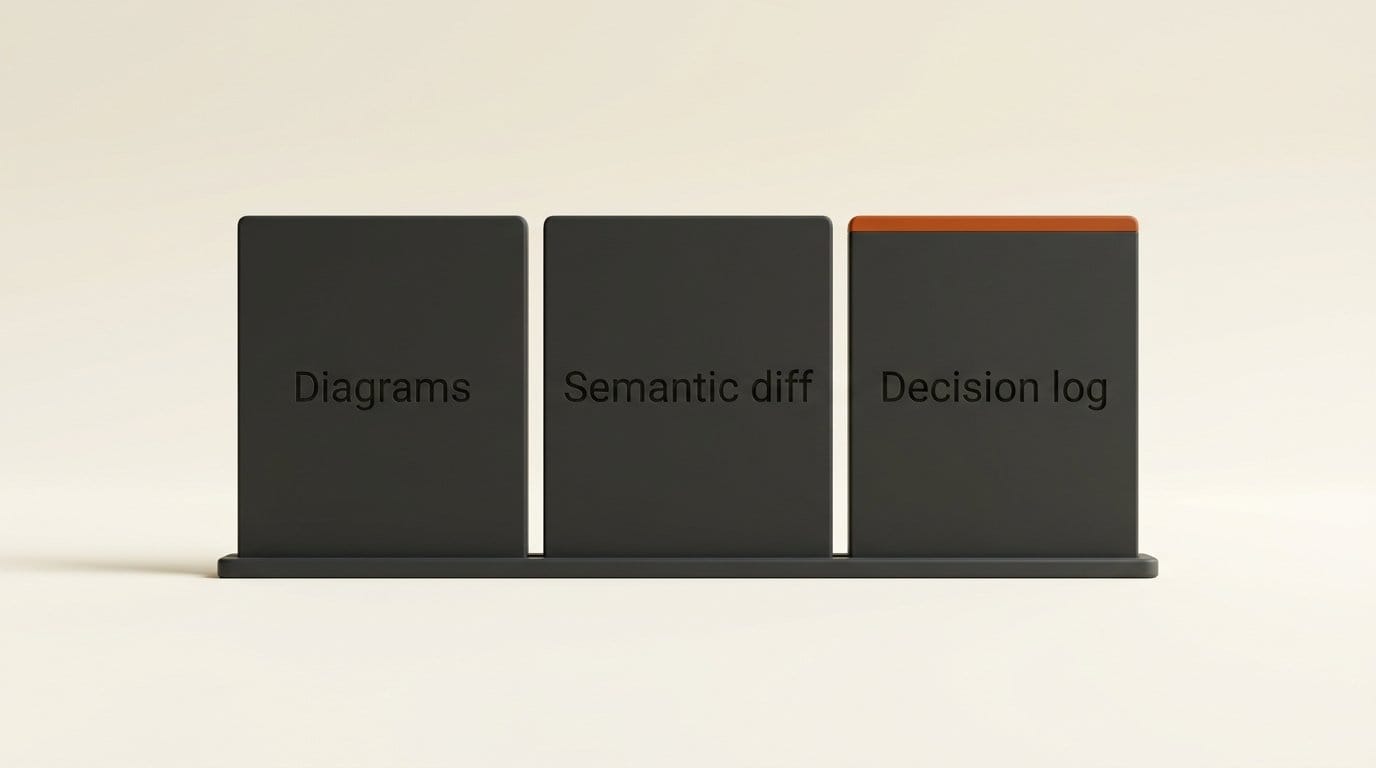
Three features carry the product. Diagrams link to code: click a box in a sequence diagram or a quote from the agent's trace and you land on the source line, with VS Code keybindings and language-server support, because the app is built on a vendored copy of Code OSS. The semantic diff viewer is written in Rust and is aware of syntax trees. By default it summarizes large added functions as pseudocode and collapses tests and documentation, and a WASM plugin system lets you change those rules. The decision log lets the agent query and link its own session traces, so you can see which choices it made without asking you.
Pricing is simple for now. Asked about it on Hacker News, co-founder Ketan Agrawal answered "free, oss, and local-only right now", with a hosted team product planned. The README recommends GPT-6 Sol and Claude Opus 5.5 as the best balance of intelligence, cost and speed.
What the Canvas Gives You That a Diff Does Not
A pull request diff answers "which lines changed". A Whiteboard review answers "how does this work now, and why is it built this way", which is the question that matters when an agent built a whole feature while you slept. The founders say they started with an MVP built from plain HTML artifacts and moved to a Code OSS base because HTML could not connect a spec or a diagram back to the code it described.
The one-minute demo shows the loop: you ask the agent in your terminal to review the branch, and it streams a document onto the canvas with a sequence diagram and linked code peeks. If you disagree with part of it, the README suggests copying the passage and handing it back to the agent, which redraws that section.
The founders say teams at Salesforce and Modal use it for architecture and spec-level changes. They describe two patterns. The first is reviewing your own agent's prototype and iterating on the design before you merge. The second is pairing it with an automated reviewer such as Greptile: small changes go through the bot, and only the ones that need human judgement get a Whiteboard session. If you already use GitHub Copilot canvases, the difference is where it lives. Whiteboard does not care which agent or terminal you use, and it runs against a local checkout, not a hosted workspace.
What Leaves Your Machine, and When
Whiteboard reads your source code, so what it sends matters more than it would for a note-taking app. The project publishes a privacy overview and a telemetry reference that lists every event. Credit to the team: both are specific. Here is what they say, in one table.
| Data | Where it goes | Default | Can it contain your code? |
|---|---|---|---|
| Whiteboards you author | ~/.dev/review-api.db on your machine | Always | Yes, stays local |
| Anonymous usage telemetry | PostHog | On | No. Code, diffs, paths, repo names, prompts and model output are excluded |
| Crash dumps | /dev/fast bug-report service, kept 30 days | Uploaded on next launch while telemetry is on | Yes. The docs say a dump "can contain process memory, including open source text" |
| Bug reports | Private /dev/fast Cloudflare R2 bucket, deleted after 90 days | Only when you click Send. Session record, diffs and a screenshot are pre-selected | Yes: document text and changed-file diff lines |
| Shared whiteboards | /dev/fast share service | Only when you run whiteboard share | No source. Document text, pinned commits, your GitHub login and the repo clone URL. Anyone with the link can open it |
| Hosted agent traces | /dev/fast hosted store | Off. Consent per repository | Yes: full transcripts with prompts, output and source |
Two rows need a decision before you open a private repository. Crash dumps are the only automatic path that can carry source text. Turning telemetry off stops the upload, and the docs say dumps are then deleted without being sent. Hosted traces are opt-in, and only GitHub users with push access to the repo can discover or read them, but the objects use server-controlled keys, "so /dev/fast can decrypt stored traces", and sign-in requests the GitHub OAuth repo scope. If that rules it out, point trace storage at your own S3 or R2 bucket, which the docs say "sends nothing to /dev/fast." We asked the same question of another agent tool in ZCode's .git upload, and it is worth asking of every tool that reads a repo.
How to Review a Coding Agent's Branch With Whiteboard
This takes about ten minutes on a Mac with Apple silicon or a Fedora machine. The setup commands below come from the project's own connect prompts and its CLI documentation.
- Install the app. Download it from dev.fast and open it. The app hosts the local review server and writes a
whiteboardcommand to~/.local/bin. On first launch it detects the agents you have installed and offers to set them up. - Decide on telemetry first. For client or private work, open Preferences, then Settings, and turn off "Share anonymous usage data". That also stops crash-dump uploads. For headless use, prefix commands with
DO_NOT_TRACK=1. - Connect Claude Code. Run
claude plugin marketplace add devdotfast/whiteboard, thenclaude plugin install whiteboard@devfast --scope user. For Codex, the equivalents arecodex plugin marketplace add devdotfast/whiteboardandcodex plugin add whiteboard@devfast. Cursor, OpenCode and Pi have their own plugins. Each one registers an MCP server that runswhiteboard mcp. - Tell it how your team reviews. Put a
DEV-REVIEW.mdfile at the repository root with your conventions: what to diagram, what to skip, which files matter. Repository guidance overrides the user-level file at~/.dev/DEV-REVIEW.md. - Ask for the review. In your agent session: "Review my current branch against up-to-date main and open the result in Whiteboard. I want the proposed API, examples, and the reasons behind it." Name what you need to understand. The README's example prompts all ask for specific outputs.
- Read top down, then drill in. Start with the diagram, click through to the code the agent changed, and check the decision log for anything it chose that you never asked for. Those autonomous choices are where the review pays for itself.
- Share deliberately.
whiteboard shareuploads an immutable copy and returns a link. Later edits do not reach people who already have it, so share again after changes.whiteboard share revokestops future downloads.
Leave trace capture off at first. It sits under Settings, then Experimental Features. Turning it on adds a managed Git hook dispatcher to each repository you work in. For Claude Code and Codex, it also installs a third-party search server called FFF by piping a pinned v0.11.0 install script into bash. Read that script before you enable the feature.
Limits to Know Before You Switch
This is a 0.1 release, and the README says so. You cannot edit files in Whiteboard: it is a review surface, and changes go through your agent or your editor. Browsing several repositories in one review is not well supported. Shared reviews are snapshots, as noted above.
Platform support is narrow. The launch builds are an Apple silicon .dmg and an x86_64 Fedora .rpm, with no Windows build, no Intel Mac build and no Debian or Ubuntu package. One commenter in the launch thread measured the macOS app at 736 MB. A co-founder agreed that was a fair complaint, compared it with roughly 1 GB for VS Code or Cursor and 400 MB for Zed, and said a fully native rewrite is planned. The standalone CLI, for headless machines, needs Node 24.
The roadmap is still moving. In the launch thread, the team said it will expose reviews as an MCP UI, so they can show up inside Codex Desktop, Superset, Conductor and Emdash. It is also building a plan or scratchpad mode and a system for adding your own diagram types. Some of the CLI and data paths still carry the old "review" name from before the rename, so expect some churn.
Who Should Try It Now
Try it this week if you merge agent-written branches you did not watch being built, especially changes to an API, a schema or a data flow, where a sequence diagram tells you more than pages of diff. It fits best alongside an automated reviewer that handles the small changes.
Wait if you work on Windows or Ubuntu, if 736 MB for a review tool is a dealbreaker, or if your review load is small enough that git diff and a careful read still work. For client code, run it with telemetry off and trace capture off until you have read the privacy page yourself.
Frequently Asked Questions
What is Whiteboard by /dev/fast?
Whiteboard is an open-source desktop app, released 24 September 2026, where coding agents such as Claude Code and Codex draw diagrams, semantic diffs and decision logs to explain the code they wrote. Every visual links back to the source. It is built on Code OSS and is MIT-licensed.
Is Whiteboard free?
Yes. The founders describe it as "free, oss, and local-only right now." A hosted product for teams is planned, and the README says everything will remain self-hostable. You still pay your model provider for the tokens your agent uses to write each review.
Which coding agents work with Whiteboard?
The repository ships plugins for Claude Code, Codex, Cursor, OpenCode and Pi, all using the same local MCP server. The README recommends GPT-6 Sol and Claude Opus 5.5 for the best balance of quality, cost and speed.
Does Whiteboard upload my source code?
Not through telemetry, which excludes code, diffs, paths and prompts. Three paths can carry code: crash dumps uploaded while telemetry is on, bug reports you choose to send, and hosted agent traces, which are off until you consent per repository. Turning telemetry off stops the crash-dump uploads.
Does Whiteboard run on Windows?
Not yet. The launch builds cover Apple silicon Macs and Fedora on x86_64. There is no Windows, Intel Mac or Debian/Ubuntu package so far, and the team is taking requests for other Linux distributions.
Can I edit code in Whiteboard?
No. It is a review tool. The README lists editing as a known limitation and asks users to file an issue if they want it. You make changes through your coding agent, which can then redraw the whiteboard.