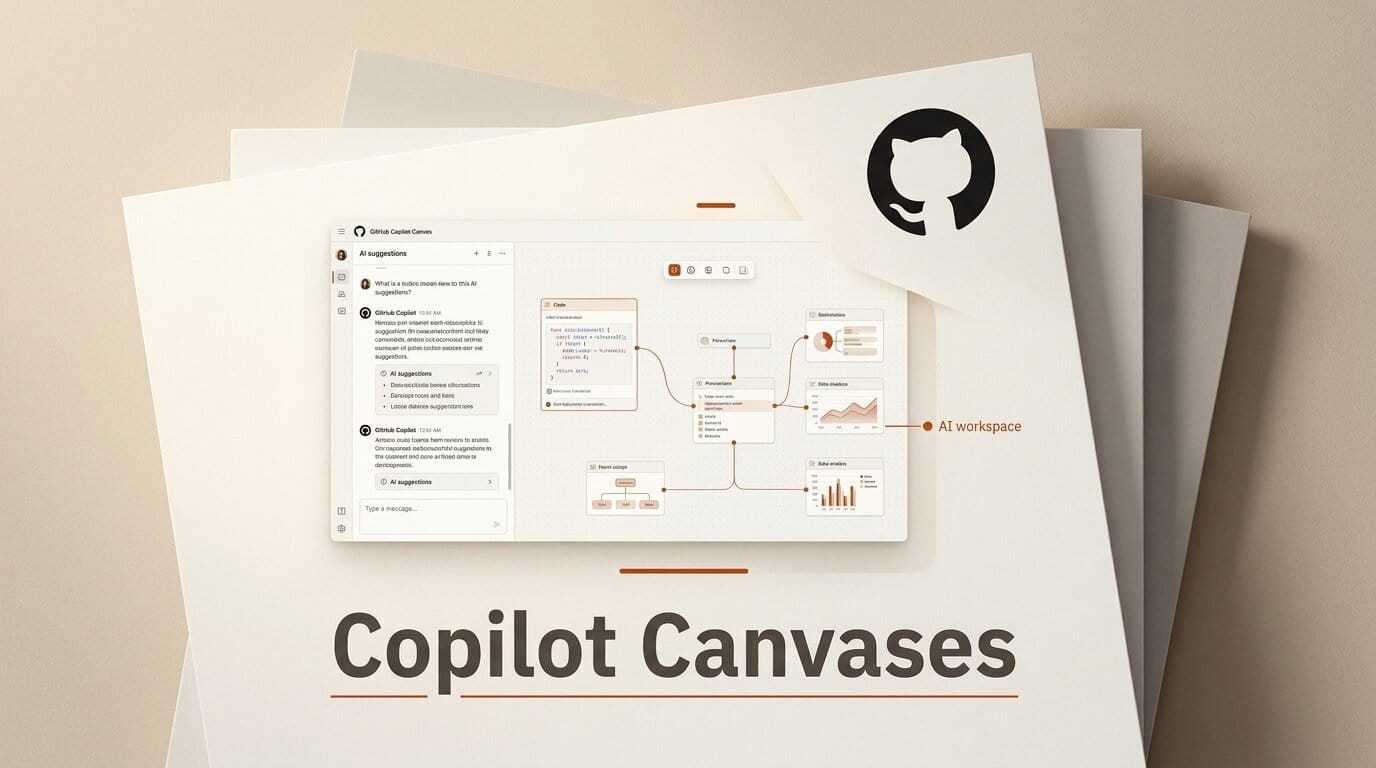
GitHub has launched Copilot Canvases, a feature that turns the Copilot app from a chat window into a shared, interactive surface where you and the AI agent build custom tools together. Announced on July 21, 2026, Canvases let you describe an interface in plain language and have the agent generate a working visual workspace that can both display information and take action on your repositories.
What This Enables
Instead of asking Copilot a question and reading a text answer, you run /create-canvas and describe the tool you want. GitHub's examples include an issue-triage deck where you swipe right to ship and left to reject, a live codebase diagram that maps how components relate, a worktree manager that surfaces stale Copilot sessions for cleanup, and a "prompt coach" that reviews your past prompts and suggests sharper phrasing. Each canvas is generated on demand and keeps evolving as you refine it, so the interface fits your workflow rather than the other way around.
Why It Matters for Creators
Most AI coding help is linear: you type, it replies, you scroll. Canvases break that pattern by giving the agent a persistent visual space to work in, which is a better fit for tasks that are inherently spatial or repetitive, like triaging a backlog or auditing which agent sessions are still active. For anyone running multiple AI coding agents at once, a purpose-built canvas is faster to scan than a wall of chat text, and it can execute actions directly instead of just describing them.
Key Details
How to use it: Invoke /create-canvas in the GitHub Copilot app and describe the interface and capabilities you want.
Example canvases: Issue triage, interactive codebase diagram, worktree management, prompt coach, and a knowledge finder that searches across Slack, Teams, email, and docs.
Availability: Live now in the GitHub Copilot app, with implementation details in the Canvas extensions documentation.
What to Do Next
Open the GitHub Copilot app and try building a canvas for a task you repeat often, such as sorting new issues or checking on running agent sessions. Start narrow: describe one interaction you want, see what the agent generates, then iterate. If you already work across several coding agents, Canvases pairs well with visual coordination tools like Juggler's visual workbench for keeping parallel work legible.





