You can build a portfolio website with AI in one afternoon. Export your best 6 to 12 projects, have ChatGPT or Claude turn your rough notes into a short bio and project write-ups, then describe the site to Framer's AI agent and let it lay out the pages. The whole build fits inside the 500 AI credits on Framer's free plan: about 300 credits for the first page and 150 to make it work on phones. The free plan publishes on a Framer address with a "Made in Framer" banner. Your own domain takes the Basic plan at $10 a month, which Framer itself calls the usual fit for portfolios.
This guide walks through that route step by step, with the exact prompts to use. It is written for designers, photographers, illustrators, video editors and musicians who have never built a website and do not want to learn code. Plans and credit costs were checked on Framer's pages on October 28, 2026. If you would rather not use Framer, the Wix, Squarespace and Adobe Portfolio routes are compared further down.
What You Need
- Your work, 6 to 12 projects. For each one: a cover image, 3 to 6 supporting images or a video link, and a few rough notes (the brief, your role, the tools you used, what happened next).
- A chat assistant. ChatGPT or Claude, the free tier of either is enough for the writing step.
- A Framer account. The free plan is enough to build and publish a first version.
- A screenshot of a site you like. One portfolio whose layout or mood you want to borrow. You show it to the AI as a reference, you do not copy it.
- Optional: a domain name. Your name plus .com or .studio, if it is free. You only need it when you upgrade.
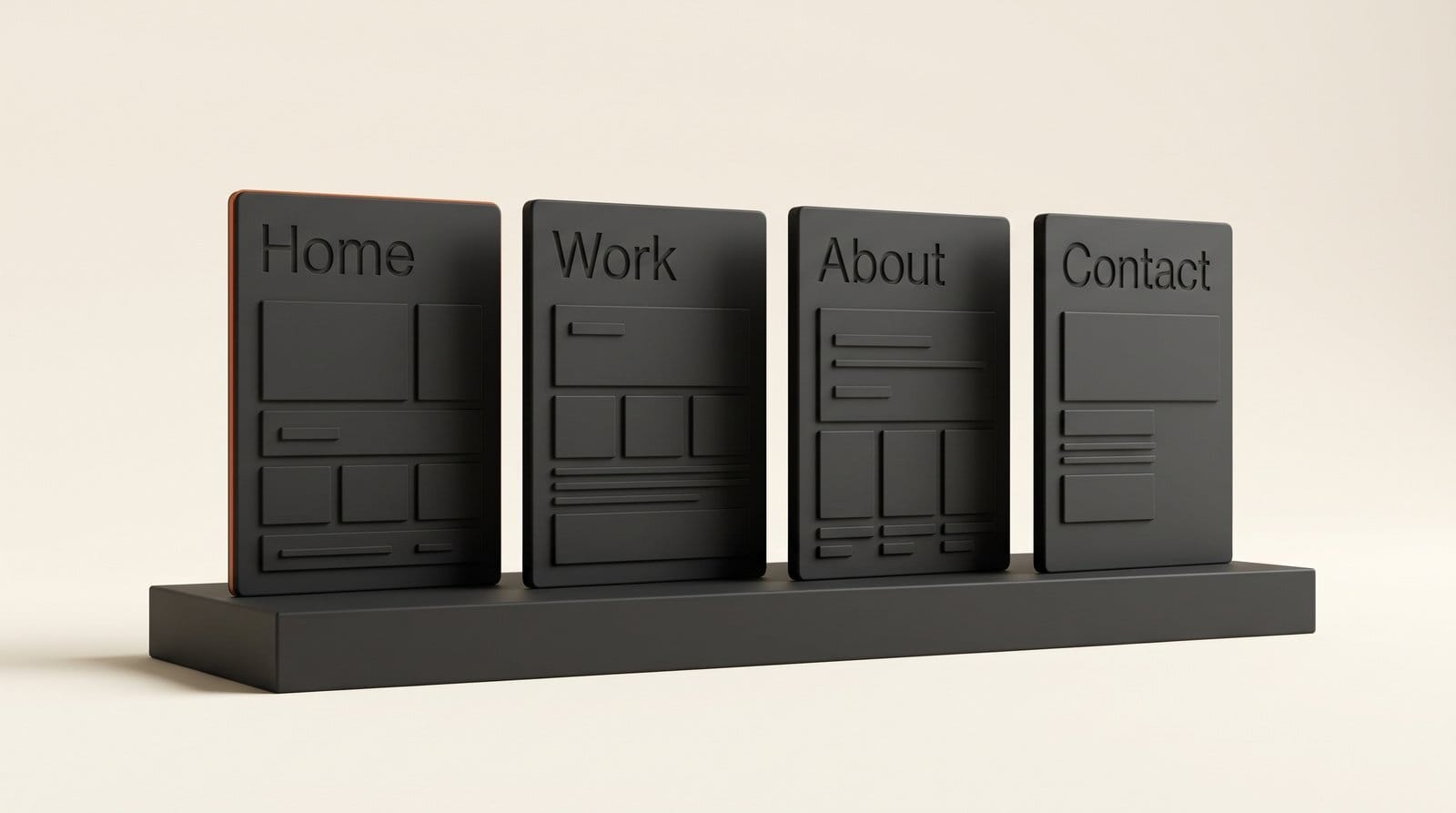
Plan four pages: Home (a grid of your projects), Work (one page per project), About (bio, photo, clients or credits) and Contact. Most portfolios need nothing else, and every extra page is one more thing to keep current.
Part 1: Prepare Your Work and Your Words
Step 1: Pick and export the work (30 to 60 minutes)
Pick fewer projects than you think. Six strong pieces read better than twenty mixed ones, and anyone hiring you looks at the first three. Put the project you most want to be hired for first.
Export every image as a JPG at about 2,400 pixels on the long side, which stays sharp on a large screen without slowing the page. Name files by project ("brand-identity-cafe-01.jpg") so you can find them again. For video work, upload the cut to YouTube or Vimeo first and keep the link; a portfolio site embeds video better than it hosts it.
Step 2: Write the bio and project text with ChatGPT or Claude (20 minutes)
Paste your rough notes for all projects into one chat and use this prompt:
I am a [your job] building a portfolio site. Below are notes on my projects. For each project, write: a title of up to 6 words, a one-line summary of up to 20 words, and a short write-up of 60 to 90 words in this order: the brief, what I did, the tools I used, the result. Use only facts in my notes. Do not invent clients, numbers or awards. If something is missing, write [MISSING] instead. Then write a 60-word bio in the first person, plain and friendly.
The "use only facts in my notes" line matters. Chat assistants like to add a client name or a "40% increase" that never happened, and a made-up result on a portfolio is the kind of thing a client checks. Fill every [MISSING] yourself, then read the bio out loud. If it sounds like a LinkedIn summary, ask for "shorter, less formal, no adjectives".
Part 2: Build and Publish in Framer
Step 3: Generate the first page with Framer's agent (15 minutes)
Create a new blank project in Framer and open the AI agent. Framer's AI page sums up the idea: "Describe the website, page, or update you need", and you can upload images or files to guide it. Attach the screenshot you picked, then type:
Build a home page for the portfolio of [name], a [your job] based in [city]. Layout: my name and a one-line intro at the top, then a grid of project cards (cover image, title, one-line summary), then a short about strip and a contact button. Mood: like the attached screenshot, lots of white space, one accent color [your color]. No stock testimonials, no pricing table.
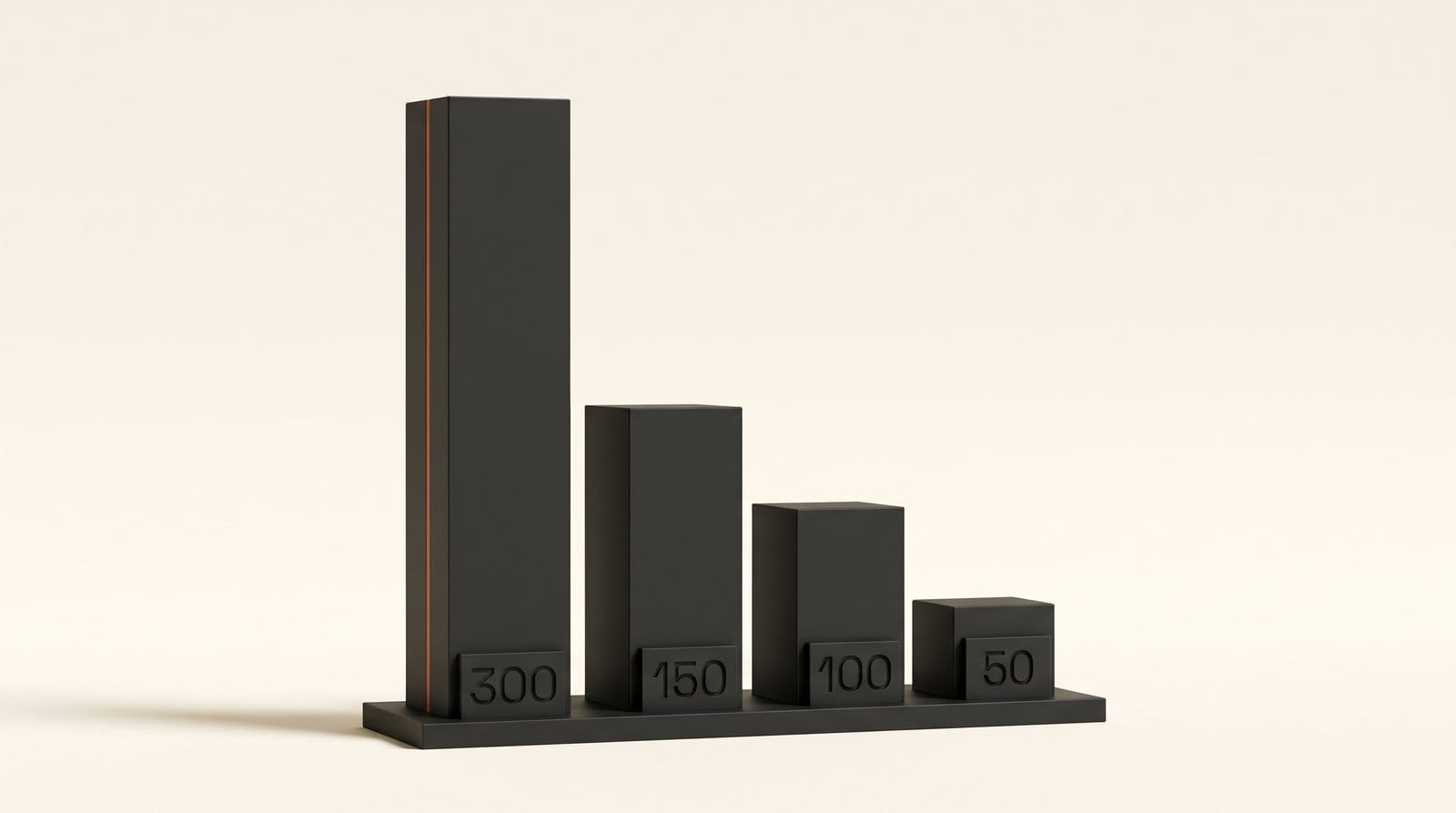
Framer's credit table puts a landing page at about 300 credits on the default model. The result appears as ordinary layers on the canvas, so you can click any piece and change it by hand. The "no stock testimonials" line saves an edit: left alone, AI site builders like to fill space with quotes from people who do not exist.
Step 4: Put your projects in the CMS
Framer's CMS is a simple table that holds repeated content. Make one collection called Projects with these fields: title, summary, cover image, gallery images, year, role and write-up. Add one item per project and paste in the text from Step 2. Then connect the home page grid to the collection, and Framer builds one page per project from a single template. Adding a project later means adding one row, not designing a new page.
The Basic plan allows 2 CMS collections and 1,000 items, far more than a portfolio needs. If you already pay for Claude or ChatGPT, you can have the chat app fill the collection for you through Framer MCP, which Framer says can "create CMS collections and items" and import content your chat app can see. It is a one-click connection, free on every Framer plan during the preview, and the AI work comes out of your chat plan instead of Framer credits. Our Framer MCP walkthrough covers the setup in Claude and ChatGPT.
Step 5: Make it work on phones (10 minutes)
Most people will open your portfolio from a link on their phone. Select the home page, then ask the agent:
Check how this page behaves on tablet and phone first, then make it responsive: one project card per row on phone, two on tablet, the intro text no larger than two lines.
That is about 150 credits. Framer's own guidance is to select the page or frame before you prompt and to preview every page at several screen sizes afterward. Check that project titles wrap cleanly and that the contact button is visible without scrolling far.
Step 6: Fill in titles, descriptions and alt text (15 minutes)
Give each page a title with your name and job ("Ana Ruiz, Brand Designer in Lisbon") and a one-sentence description. That is what shows up when someone searches your name. Add alt text to every image: one plain sentence saying what is in it. It helps people using screen readers and helps search engines understand your work. If you connected Framer MCP, ask your chat app to "inspect metadata, headings, alt text and page structure and list what is missing". Framer lists that review among the things the connection can do.
Step 7: Publish, then connect your domain
Press Publish. On the free plan the site goes live on a free Framer address with a "Made in Framer" banner, which is fine for sharing with friends and checking on your phone. When you are ready to send it to clients, upgrade to Basic. Framer's plan guide says "The Basic plan is usually the best fit for portfolios and personal sites that need a custom domain", and paying yearly includes a domain at no extra cost.
Other AI Builders Worth a Look
Framer is our pick for designers because what the AI makes stays fully editable on a design canvas. Three other routes make sense for some readers.
| Builder | How the AI starts your site | Free to start | Your own domain | Best for |
|---|---|---|---|---|
| Framer | Agent builds pages from a prompt and a reference image | Free plan, 500 AI credits | Basic, $10 a month | Designers who want full control of the layout |
| Wix | Chat-style builder, then the Aria agent for edits | Free plan, no card | Premium plan | Anyone who also wants bookings or a shop |
| Squarespace | AI Website Builder (Blueprint AI) asks about your site, then drafts pages | 14-day trial, no card | Any paid plan | Photographers who want polished templates |
| Adobe Portfolio | Templates, no AI builder | With most Creative Cloud plans | Supported | Creative Cloud subscribers who want no extra bill |
Wix. The Wix AI website builder takes you from a prompt to a site "through a conversational interface", then you refine it with Aria, Wix's built-in agent, or by dragging things around. It is free to start; connecting your own domain needs a Premium plan.
Squarespace. The Squarespace AI Website Builder starts with "What industry or topic is your site about?" and drafts a multi-page site with copy, images, colors and fonts. You can explore it during the 14-day trial, but publishing needs a paid plan, and the plans carry a small AI credit allowance (10 one-time credits on Basic, 20 a month on Core).
Adobe Portfolio. If you already pay for Creative Cloud, Adobe Portfolio is included with most plans, according to Adobe's help center, and has no subscription of its own. It has no AI builder, but a template plus the text from Step 2 gets you most of the way.
What It Costs
On Framer, the build itself can cost nothing. The first page (about 300 credits) plus the phone pass (about 150) uses 450 of the free plan's 500 credits, leaving one small edit at about 50. If you run out, finish the remaining changes by hand or through Framer MCP, which bills your chat plan instead.
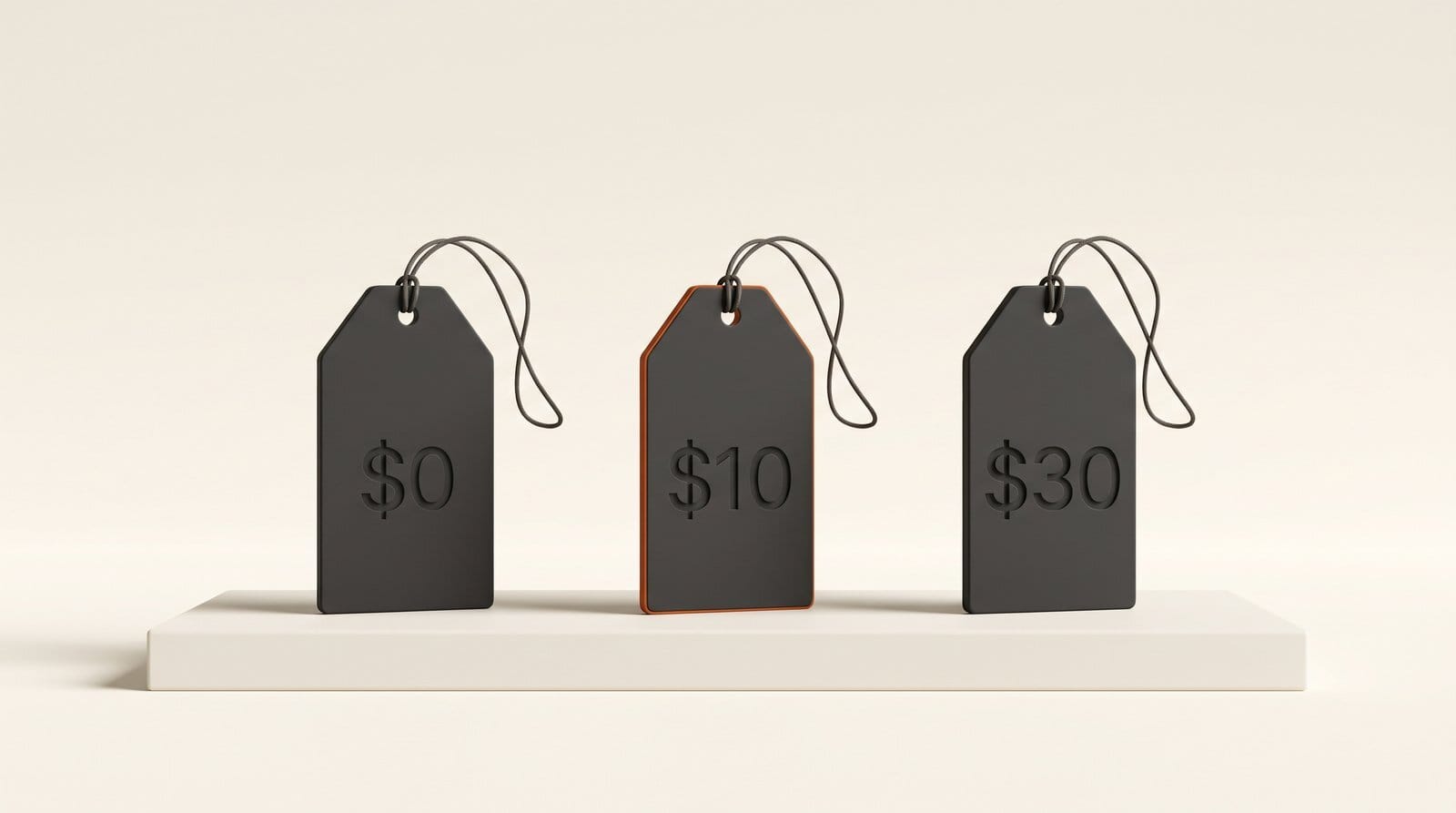
Going live on your own domain is the Basic plan at $10 a month, which comes with 1,000 AI credits a month, 30 pages and 50 GB of bandwidth. Unused credits do not roll over. Pro at $30 a month is for team and business sites; a one-person portfolio does not need it. Choosing a stronger model inside Framer costs more: Framer lists Opus 4.8 at 1.8 times the default credit rate, so a new page on it is about 540 credits.
Wix and Squarespace prices change by country and billing period, so compare them on their own plan pages in your currency.
Troubleshooting
- The agent ignores your style. Select the page or frame first, and name the colors and fonts you already set ("use my Heading text style"). Framer's agent follows the styles already in the project.
- The AI invented a client or a result. Delete it. Go back to the Step 2 prompt and add "if a fact is not in my notes, leave it out".
- Images look soft. Re-export at about 2,400 pixels on the long side. Do not upscale small phone screenshots of your work; find the original files.
- Your chat app edited the wrong Framer project. In Framer, click Invite, copy the Project Link and paste the full link into the chat. Without it, an agent can pick the wrong project.
- Credits ran out mid-build. Finish by hand, or switch to Framer MCP so the work bills your chat plan: every element the agent made can be edited directly on the canvas.
What to Try Next
Add one case study page for your best project, telling the story from brief to final result with process images. Clients read those to the end. If you sell prints or products, our guide to AI product photos for your shop covers the shop images. And if you design in Figma, the Figma Make website workflow is another way to get from a design to a live site.
Frequently Asked Questions
Can I build a portfolio website with AI for free?
Yes. Framer's free plan lets you build and publish with 500 AI credits, enough for a home page and a phone layout. The site lives on a Framer address with a "Made in Framer" banner. Wix also has a free plan. Your own domain costs money everywhere: $10 a month on Framer's Basic plan.
Do I need to know how to code?
No. Every step in this guide happens in a chat window or in Framer's visual editor. You describe what you want in plain words, and you change anything the AI makes by clicking on it.
Which AI website builder is best for a portfolio?
Framer, for designers and anyone who cares about layout, because the AI's work stays editable on a design canvas and the Basic plan is built for personal sites. Squarespace suits photographers who want a polished template quickly. Adobe Portfolio is the no-extra-cost choice if you already pay for Creative Cloud.
How many projects should a portfolio include?
Six to twelve. Lead with the kind of work you want more of, and cut anything you would not want to be hired to do again. You can add more later as new rows in Framer's CMS without redesigning anything.
Can ChatGPT or Claude edit my Framer site directly?
Yes, through Framer MCP. Connect Framer in Claude's connector directory or install the Framer plugin in ChatGPT, then paste your project link into the chat. The connection is free on Framer's side during the preview, and the AI work counts against your chat plan. Translation is not supported yet.