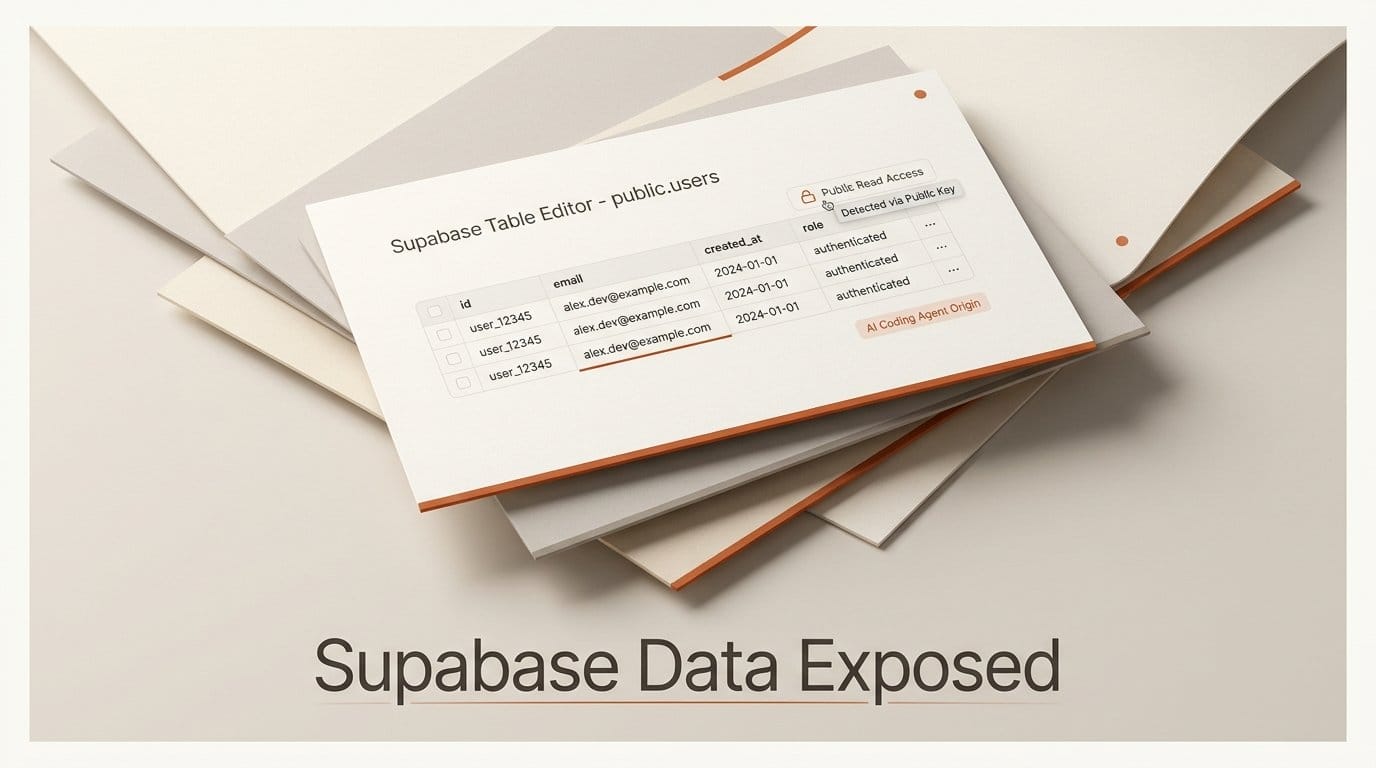
UpGuard Research published a study on September 25, 2026 that found 16,326 Supabase databases exposing readable tables, out of roughly 300,000 domains it fingerprinted as Supabase users. Over half had indicators of personal data. UpGuard ties the problem to apps built by AI coding agents such as Claude Code and OpenAI's Codex, which create tables in SQL, where Row Level Security (RLS) is not switched on for you. Supabase's CISO Bil Harmer told TechCrunch that projects are "secure by default" and that "customers control how their own projects are configured."
So the fix is on you. We rebuilt Supabase's role model locally and ran 19 checks across 12 common configurations to see what the public key can read in each one. The result that matters most: Supabase's platform change on October 30, 2026 will not close the leaks UpGuard found, because existing tables keep their grants. Below is what we tested, a 15-minute audit you can run on your own project, and the fix for each leak.
What UpGuard Found
UpGuard, in research by Greg Pollock, its Director of Research and Insights, found Supabase sites by fingerprinting database addresses and API keys in public JavaScript, using BuiltWith and the Chrome UX Report dataset. It then asked each database for a table called users. That detail matters: 16,326 is a floor, because a database that leaks customers or orders but has no users table was never counted.
The individual cases are the kind of data nobody wants in a breach report. An Indian OnlyFans-style creator platform exposed 65,467 user records with driver's license and passport fields, plus more than 100,000 private messages. A Canadian immigration service exposed nearly 5,000 records, 884 of them with a plain-text password. A US valet service exposed more than 100,000 customers, about 78,000 of them with license plate numbers. UpGuard notified the owners of the significant exposures.
None of this is a new class of bug. The simplest form was reported in March 2025 against Lovable-built sites and tracked as CVE-2025-48757, rated 9.3 (critical), describing an "insufficient database Row-Level Security policy" that let unauthenticated attackers read or write tables. In February 2026, Wiz found Moltbook's Supabase database open to full read and write, with 1.5 million API tokens and 35,000 email addresses. UpGuard's contribution is scale: it calls this the largest study of its kind, and it deliberately looks past the vibe-coding platforms at standalone sites on their own domains.
Why the Public Key Can Read Your Tables
Every Supabase app ships a key to the browser. Supabase's API keys documentation is explicit that the publishable key (sb_publishable_..., or the legacy anon key) is "Safe to expose online" because "it only reaches what Row Level Security allows." That sentence is the whole security model. If RLS is off, the key reaches everything.
Two defaults combine to make that happen. First, projects created before May 30, 2026 grant table access to the public roles automatically. Line 40 of Supabase's own Postgres init script reads alter default privileges in schema public grant all on tables to postgres, anon, authenticated, service_role;, so every new table is reachable through the Data API the moment it exists. Second, RLS is on by default only for tables made in the dashboard's Table Editor. UpGuard notes that tables created programmatically, "which is how coding agents interact with Supabase, do not enable RLS by default."
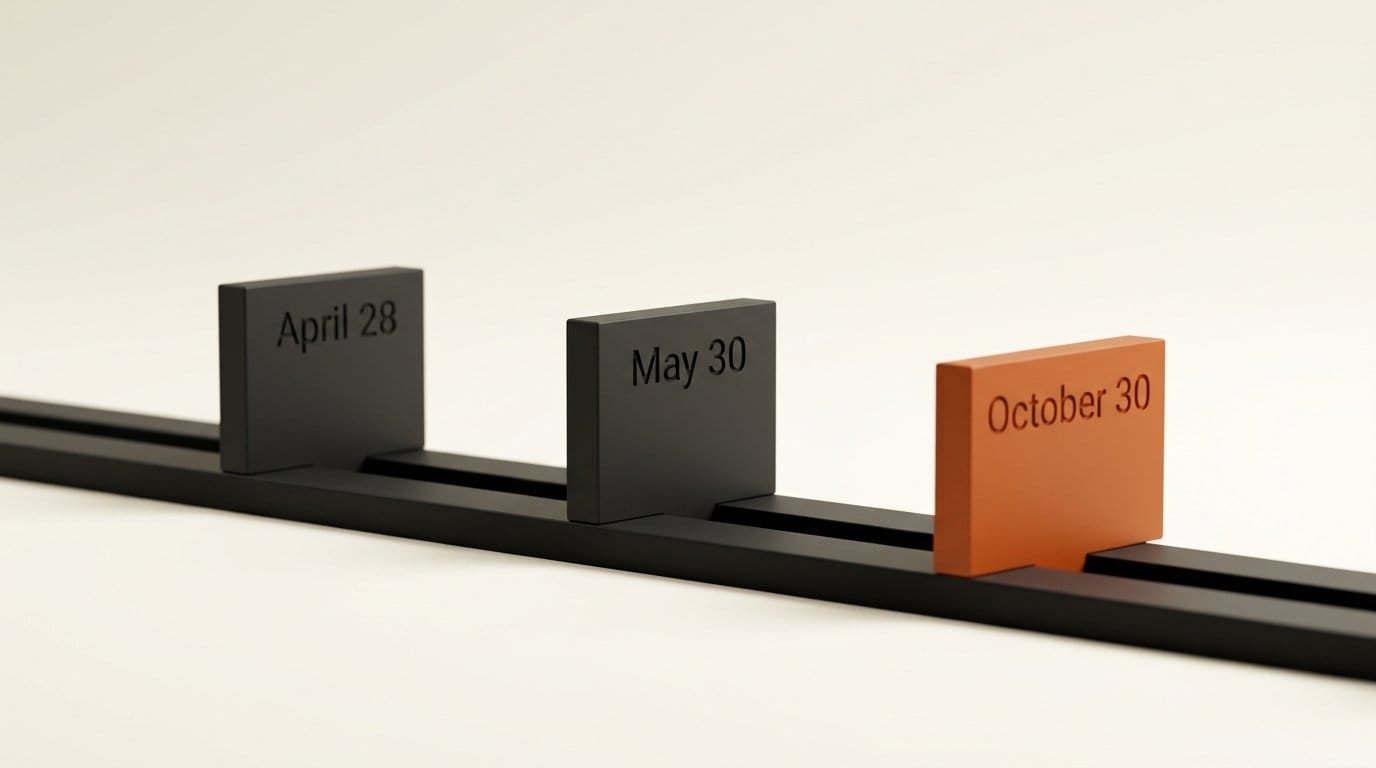
Supabase has seen this coming. Its April 28 changelog announced that new tables will stop being exposed automatically: opt-in from April 28, the default for new projects from May 30, and "applied to all existing projects" on October 30, 2026. The reasoning is candid: "agents, CLI scripts, and AI platforms create tables too, and many of those operations do not have a human reviewing the diff." But the same entry says: "Existing tables are not affected in your project, they keep their current grants and stay reachable." October 30 stops new leaks. It does not touch any table that is leaking today.
What We Tested: 19 Checks, 12 Configurations
We ran PGlite 0.5.8 (Postgres 18.3 compiled to WebAssembly) and recreated Supabase's role model: anon and authenticated roles, the auth.uid() function as Supabase defines it (reading the JWT sub claim), and the line-40 default grants for the pre-May project case. Each test table held three rows, two owned by user A and one by user B. We then queried as the anon key, as user B and as user A. This measures Postgres behavior under Supabase's grants, not a live Supabase project, so treat it as a model of the mechanism rather than a scan.
| Configuration | Anon key | Signed-in user B | Verdict |
|---|---|---|---|
| Table made in SQL, RLS off, old default grants | Read 3 of 3; updated 3; deleted 3 | n/a | Leak |
| RLS on, no policy | 0 rows | 0 rows | Held (app breaks) |
RLS on, FOR SELECT USING (true) | 3 of 3 | n/a | Leak |
RLS on, TO authenticated USING (true) | 0 rows | 3 of 3, including A's rows | Any user overreaches |
RLS on, (select auth.uid()) = user_id | 0 rows | 1 (own row) | Held |
| Plain view over the protected table | 3 of 3 | n/a | Leak |
Same view with security_invoker = true | 0 rows | n/a | Held |
| "Update own profile" policy, all columns granted | n/a | Set own is_admin to true | Any user overreaches |
Same, UPDATE granted on display_name only | n/a | Error 42501 on is_admin; name update works | Held |
| New default (no grants), RLS off | Error 42501 | n/a | Held |
New default, then GRANT SELECT ... TO anon, RLS off | 3 of 3 | n/a | Leak |
| Same, then RLS enabled | 0 rows | n/a | Held |
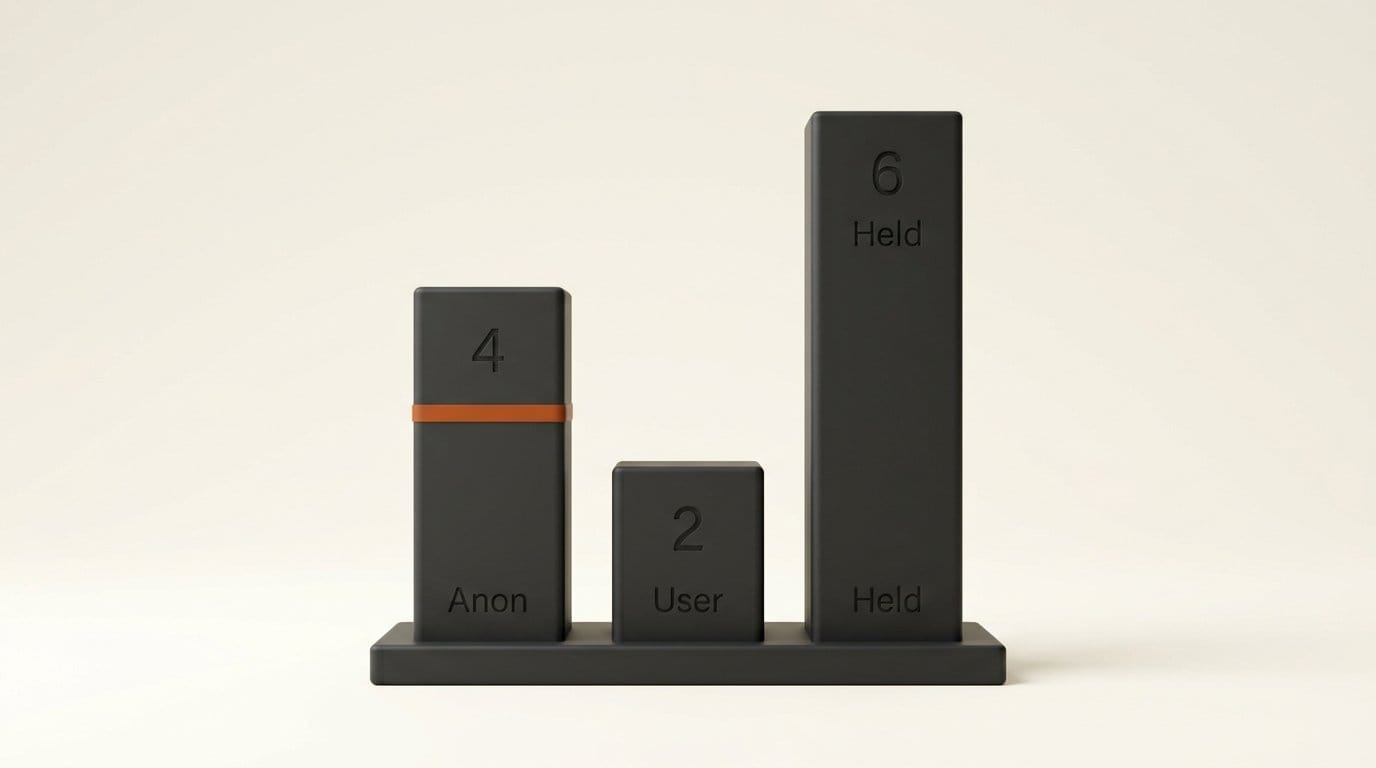
Of the 12 configurations, 4 let the anon key read every row, 2 let any signed-in user reach beyond their own data, and 6 held. Three results deserve a closer look.
The view that undoes your policy
A correctly locked table stopped leaking the moment we queried it directly, then leaked all three rows through a plain view built on top of it. Postgres checks a view's RLS as the view's owner, and in Supabase that owner is usually postgres. Agents create views for dashboards and joins all the time. Only security_invoker = true made the view respect the table's policies.
"Logged in" is not "authorized"
A policy scoped TO authenticated USING (true) looks safe because the anon key gets nothing. But anyone can sign up for your app, and user B read user A's rows. The same pattern let user B promote themselves to admin through an "update your own profile" policy, because the policy checks which row you touch, not which columns.
The new default moves the decision, it does not make it
On a new-default project, the anon key hit error 42501 until someone granted access. Supabase's changelog shows that the error carries a hint, "GRANT SELECT ON public.your_table TO anon;", so "an agent can self-correct." We ran exactly that grant on a table without RLS and the anon key read all three rows again. An agent that fixes the error without enabling RLS rebuilds the leak.
How to Check Your Project in 15 Minutes
- Run Security Advisor. Open it in the dashboard, or run
supabase db advisorsfrom the Supabase CLI. The advisor reference lists the findings that match our leaks: 0013 "Table publicly accessible", 0010 "View bypasses row-level security", 0016 "Materialized view exposed in API", 0023 "Sensitive data publicly accessible" and 0024 "Security policy allows unrestricted access". Treat every ERROR as a live leak. - Find the open-door policies.
select tablename, policyname, cmd, roles from pg_policies where schemaname = 'public' and (qual = 'true' or with_check = 'true');Each row is a policy that lets its roles see or write everything. - Probe from outside, like UpGuard did. Take the publishable key from your own site's JavaScript and request each table, using the format in Supabase's API quickstart:
curl 'https://<PROJECT_REF>.supabase.co/rest/v1/users?select=*&limit=1' -H "apikey: <PUBLISHABLE_KEY>". An empty array or a permission error is good. A row of data is a leak. Only probe projects you own. - Search your shipped bundle for the secret key. Grep your build output for
sb_secret_andservice_role. Supabase says secret keys "bypass every Row Level Security policy you have" and must never ship to a browser.
Run the grant audit in the SQL editor. This lists every object the anon role can read that has no row protection:
select c.relname as name,
       case c.relkind when 'v' then 'view' when 'm' then 'matview' else 'table' end as kind
from pg_class c
join pg_namespace n on n.oid = c.relnamespace
where n.nspname = 'public'
  and has_table_privilege('anon', c.oid, 'select')
  and (
       (c.relkind in ('r','p') and not c.relrowsecurity)
    or (c.relkind = 'v' and not coalesce('security_invoker=true' = any(c.reloptions), false))
    or c.relkind = 'm'
  );
In our test database it returned exactly the RLS-off table, the plain view and a materialized view, and nothing that was protected.
How to Fix Each Leak
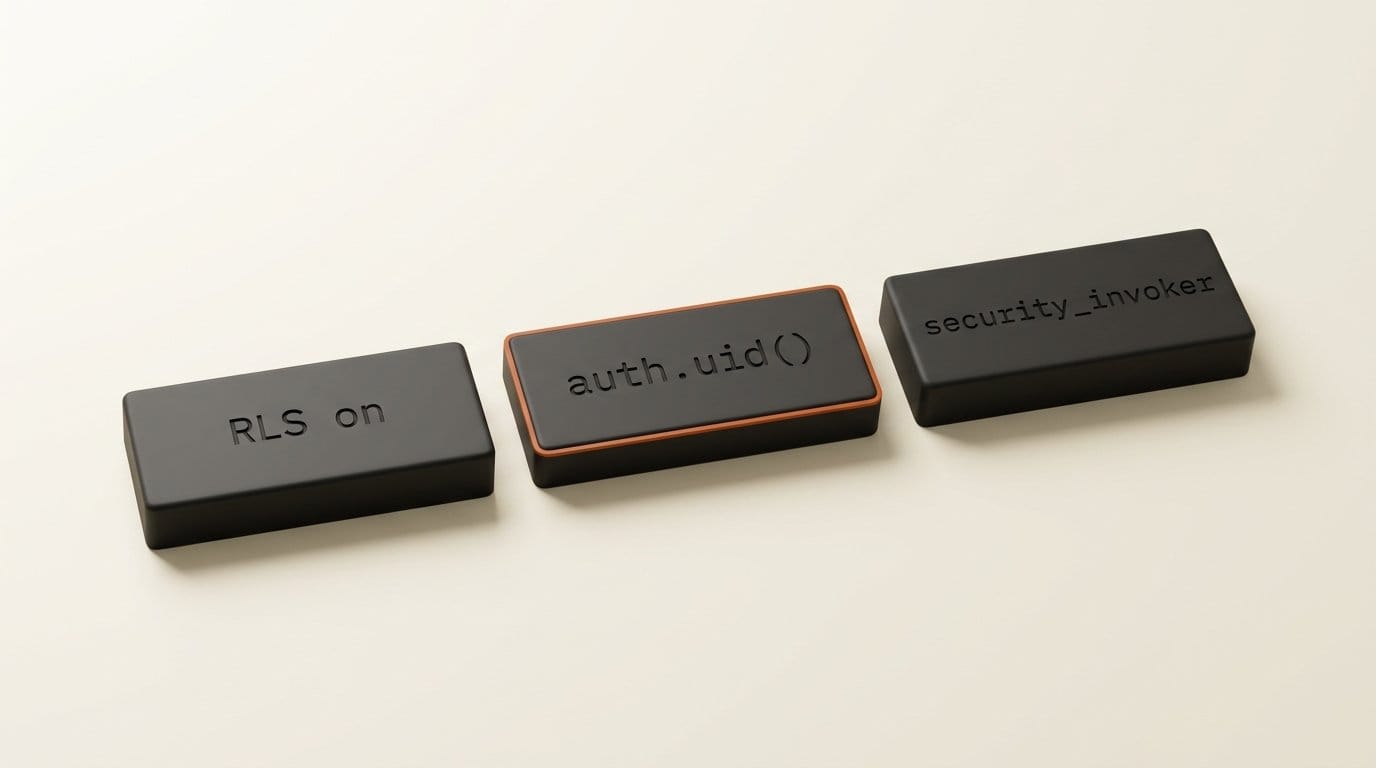
RLS off. Run alter table public.<name> enable row level security;, then write a policy per operation. Enabling RLS alone makes the table return nothing, which is safe but will break the app until policies exist. The RLS guide recommends calling the helper as (select auth.uid()) inside policies, for performance.
Permissive policies. Replace USING (true) with an ownership check such as (select auth.uid()) = user_id, unless the table is genuinely public, such as a published blog post list.
Views. Recreate them with with (security_invoker = true). Materialized views cannot use RLS at all, so revoke the anon and authenticated grants on them or move them out of the public schema.
Self-promotion. Revoke table-wide UPDATE and grant only the columns users may edit, as in grant update (display_name) on public.profiles to authenticated;. Supabase documents this under column-level security.
Future tables. Install the ensure_rls event trigger from Supabase's event triggers guide, which enables RLS on every table created after it. The guide notes the limit: "Existing tables still need RLS enabled manually."
What This Means for Vibe Coders
If an agent built your backend, assume nobody reviewed the grants. UpGuard's point about incentives is uncomfortable: agents recommend Supabase partly because it makes them succeed fast, and a table that just works over the API is the fastest success. Our 42501 test shows the next version of the same trap. The new default gives agents an error, and the error suggests a grant.
Put the rule where your agent reads it. A line in AGENTS.md or CLAUDE.md along the lines of "every new public table gets RLS enabled and an ownership policy in the same migration; never grant anon access to a table without RLS" costs nothing. Then run the audit query after every agent session that touched the schema, not once.
Key Takeaways
- UpGuard found 16,326 Supabase databases with readable tables by probing only for a table named
users, so the real number is higher. - The publishable key is safe only as far as RLS reaches. Pre-May projects grant every new table to it automatically.
- Supabase's October 30 change leaves existing grants in place. Today's leaks stay open until you close them.
- In our test, plain views and "any signed-in user" policies leaked as reliably as a table with RLS off.
- Security Advisor plus two SQL queries finds all of it in about 15 minutes.
What to Watch
Supabase says Security Advisor will flag affected tables and it will email active projects before October 30. Watch whether that email covers existing tables with RLS off, which the change itself does not fix. Watch the app builders too: if Lovable, Replit or the coding agents start enabling RLS and writing ownership policies in every generated migration, the next scan will look very different.
Frequently asked questions
Is the Supabase publishable (anon) key a secret?
No. It is designed to sit in your frontend code, and anyone can copy it from your site. It is safe only because Row Level Security limits what it can reach. With RLS off, the key can read and write the whole table.
Does Supabase enable Row Level Security by default?
Only for tables created in the dashboard's Table Editor. Tables created with SQL, migrations or an AI coding agent do not get RLS automatically. You can add Supabase's ensure_rls event trigger to cover new tables.
Will Supabase's October 30, 2026 change fix exposed databases?
No. From October 30, new tables in existing projects need an explicit grant before the Data API can see them. Supabase states that existing tables keep their current grants and stay reachable, so any table leaking today keeps leaking until you enable RLS.
How do I know if my vibe-coded app is leaking data?
Run Security Advisor and look for ERROR findings such as 0013 and 0010, then run the grant audit query in this article. To confirm from outside, request a table with your own publishable key using curl. If data comes back, it is exposed.
Can a Postgres view bypass Supabase RLS?
Yes. A plain view runs with its owner's permissions, which in Supabase is usually postgres. In our test a view leaked every row of a table whose policies were correct. Create views with security_invoker = true so they follow the underlying table's policies.
Is a policy for authenticated users enough?
Not on its own. Anyone can create an account in most apps, so TO authenticated USING (true) lets any user read every row. Scope policies to ownership with (select auth.uid()) = user_id, and restrict which columns users can update.