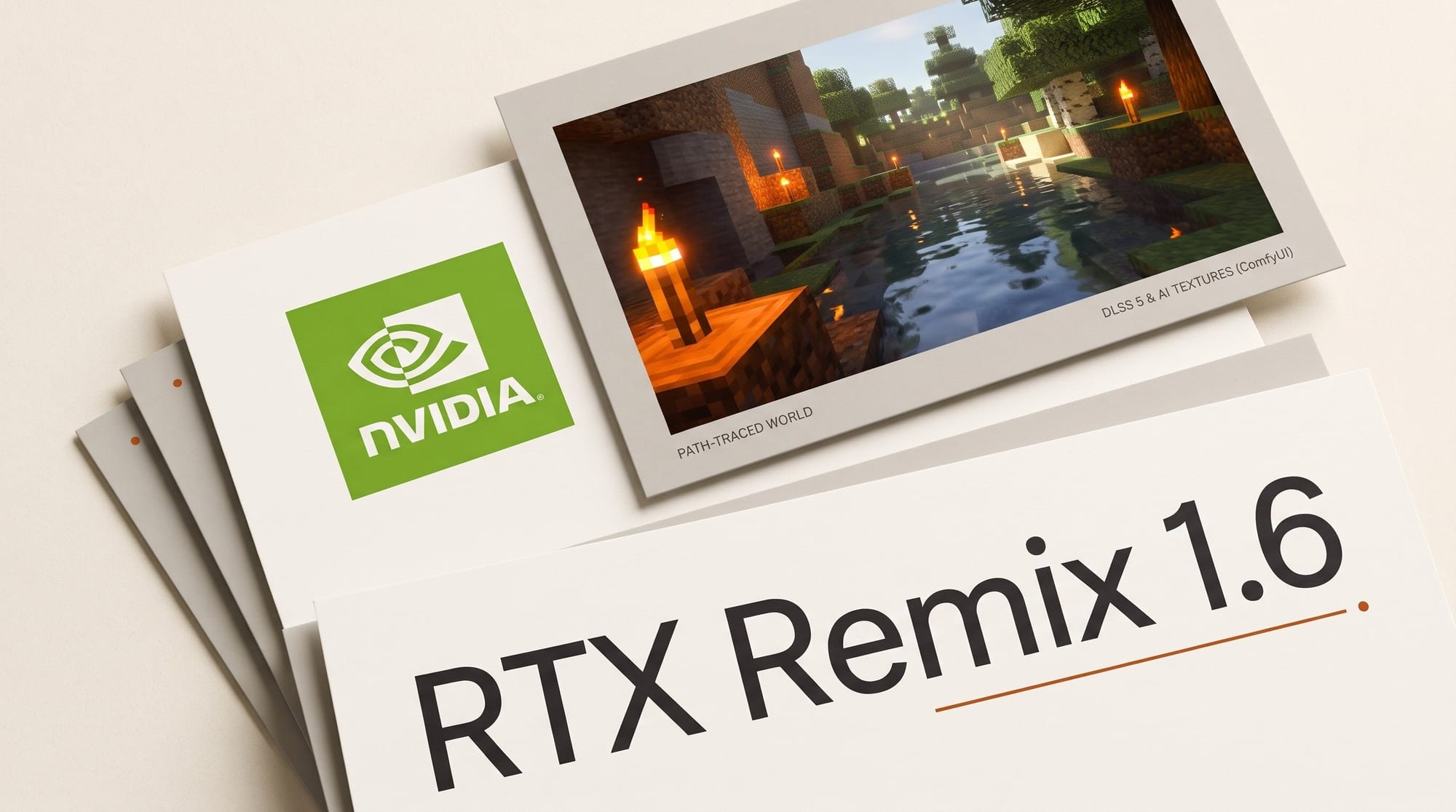
NVIDIA released RTX Remix 1.6 on October 23, 2026. It is the free, open-source tool modders use to remaster classic PC games, and this version adds three things creators can use: a beta mod that path traces Minecraft Java Edition 1.21.1, DLSS 5 neural rendering with artistic controls, and a rebuilt ComfyUI integration that generates textures and meshes from inside the editor.
The Minecraft piece is the easiest to reach. It installs by double-clicking a file, runs on any GeForce RTX 30-series card or newer, and records camera flythroughs you can capture for a video. The texture pipeline and DLSS 5 controls live in the RTX Remix Toolkit, which installs from the NVIDIA App. This guide covers what shipped, what hardware each part needs, and two workflows you can run this week.
What NVIDIA shipped in RTX Remix 1.6
The release notes list five headline changes. In creator terms:
- RTX Remix for Minecraft (Beta): a Fabric mod that renders Minecraft Java Edition 1.21.1 through RTX Remix, with an NVIDIA-made PBR texture pack and a demo map built for the project by the Minecraft build team BlockWorks.
- DLSS 5 in mods: DLSS 3D-Guided Neural Rendering, with live controls in the Toolkit (Model A, B or C, highlight and volumetric tuning) and per-material masks.
- ComfyUI integration, version 2.0: the old built-in AI Tools are replaced by ComfyUI workflows for texture and mesh generation, and you choose whether each result replaces or adds to the existing asset.
- Up to 6x Multi Frame Generation: new 5x and 6x frame generation modes on supported RTX 50 Series hardware.
- Windows on ARM: native ARM builds, with day-one support for Portal RTX, the Half-Life 2 RTX demo and the Minecraft mod.
Everything is open source: the RTX Remix repository is MIT licensed, and the Toolkit and the Minecraft mod are Apache 2.0. NVIDIA charges nothing for any of it.
What you need: hardware and apps for each part
The three parts have different requirements, and the gap between them decides what you can try. NVIDIA's RTX Remix requirements page sets the floor at any RTX GPU on Windows 10, and recommends a GeForce RTX 4070 with 12 GB of video memory, 32 GB of RAM and a 10 GB SSD install.
| Part of RTX Remix 1.6 | What you make with it | Minimum GPU | How you install it | Cost |
|---|---|---|---|---|
| RTX Remix for Minecraft (Beta) | Path-traced Minecraft worlds and flythrough footage | GeForce RTX 30-series, driver 616.92 or newer | Download from GitHub, double-click install.bat | Free (you need to own Minecraft Java Edition) |
| RTX Remix Toolkit | Remastered classic games: new textures, meshes and lights | Any RTX GPU (RTX 4070 recommended) | NVIDIA App | Free |
| ComfyUI AI tools | AI-generated PBR textures, upscaled textures and meshes | NVIDIA GPU with 8 GB of video memory (12 GB recommended) | ComfyUI Desktop app plus the RTX Remix node pack | Free |
| DLSS 5 neural rendering | A more realistic, adjustable lighting and material look in your mod | GeForce RTX 50 Series | Built into the 1.6 runtime and Toolkit | Free |
The practical split: a gaming PC with an RTX 30-series card or newer can run the Minecraft mod and the Toolkit today. DLSS 5 is the part that needs new hardware. NVIDIA's DLSS 5 update names RTX 50 Series GPUs and RTX Spark laptops, and says the new model runs 2x faster, is 24% smaller at about 118 million parameters, and uses 20% less video memory at 4K.
Workflow 1: record a path-traced Minecraft flythrough for a video
This is the workflow most Minecraft YouTubers and builders will want. The mod lights every block, mob and item with a path tracer, so torches, glass and water bounce light the way they would in a film renderer. It also adds a camera path recorder, which is the piece that turns a build into a cinematic shot. Everything below follows the mod's own player and camera guides.
- Download and install. Get the archive from the Minecraft mod's release page (v0.1.0, October 23). Extract the whole folder, then double-click install.bat. Do not run it as administrator; it refuses. It installs Java 21, Fabric and the Remix runtime for you.
- Pick Prism Launcher when asked. The installer offers Prism (free, built for modded Minecraft) or the official launcher. Prism is NVIDIA's recommendation because it creates a separate instance, so your normal worlds and settings stay untouched.
- Launch and let it settle. Start the "NVIDIA RTX Remix for Minecraft" instance. The first launch unpacks the runtime and compiles shaders, so a dark or half-built scene for the first minute is expected. Type /rtx status in chat and check that "Renderer Initialized" reads true.
- Set up the shot. Switch to creative or spectator mode, since playback moves your player. Set the time of day before you record, for example /rtx camera time noon.
- Record the path. Type /rtx camera record flythrough in chat, press R, fly your route, and press R again to save. While recording, the = and - keys move the time of day forward and back, and playback blends between them, so a sunset can happen during the shot.
- Play it back and capture it. Type /rtx camera play flythrough, press F1 to hide the interface and your hand, and record the screen with your usual capture app, such as OBS or the NVIDIA App's recorder. The mod records camera movement, not video.
- Tune the look. Open Options, then RTX Remix Settings, for sky, exposure, block light brightness and materials. The quality tier sits in Remix's own Graphics Settings menu, opened from the same screen.
Because the same camera file replays identically, you can also record one path and play it twice with different settings for a before-and-after comparison, which suits shader-comparison and build-showcase videos. The mod also adds one block of its own, the Copper Beacon, a directional lamp whose beam is a real light source.
Workflow 2: generate textures for a game remaster with ComfyUI
The second workflow is for 3D artists and modders remastering an older game in the Toolkit. In 1.6, AI generation runs in ComfyUI, the free node-based app, and the Toolkit sends your selected game textures or meshes to it and applies the results to your scene. NVIDIA's AI Tools guide describes the setup, and every step happens in apps:
- Install the RTX Remix Toolkit from the NVIDIA App, per NVIDIA's Toolkit install guide.
- Install the ComfyUI Desktop app. NVIDIA recommends it because it manages its own setup and includes ComfyUI Manager.
- Add the RTX Remix node pack. In ComfyUI, open Manager, search "RTX Remix", and install NVIDIA RTX Remix Nodes. After the restart, open Templates in the left sidebar and scroll to ComfyUI-RTX-Remix to see the ready-made workflows.
- Fill in missing pieces once. Open a template; if ComfyUI reports missing nodes, use Manager's "Install Missing Custom Nodes", then restart. The templates download their AI models on the first run, which can take a while.
- Connect the Toolkit. In the Toolkit, click AI Tools in the left sidebar, paste the address ComfyUI shows (by default http://127.0.0.1:8188) into the Host field, and click Connect.
- Pick a workflow and a source. Workflows are grouped as Material Generation, Asset Generation, Texture, Mesh and Asset Upscaling, and Asset Tagging. Each input can read from your scene: one selected texture, every texture captured from the game, or a selected mesh.
- Apply the result. Choose per output whether the generated asset replaces the original or is added alongside it, then review it in the viewport.
NVIDIA's own pitch for this is honest about the target: AI-generated PBR maps let non-artists make usable textures while experienced artists spend their time on hero assets. If you already build in ComfyUI, our guide to turning a photo into a 3D model in ComfyUI covers the 3D side of the same app. NVIDIA posted a short walkthrough, Faster Material Generation in RTX Remix 1.6 via ComfyUI, on its NVIDIA Studio channel.
DLSS 5 in a mod: what the controls change
DLSS 5 is the headline in the release notes, and it is the part with the narrowest audience. It uses a neural model to re-render a game's lighting and materials, and in RTX Remix the modder decides how it is applied. The Toolkit's Render Settings now carry a choice of three models (A, B and C), tuning for highlights and volumetric effects, and per-material masks, so you can set the effect material by material instead of applying one setting to the whole scene.
NVIDIA published an off-and-on comparison from the Fallout 4 RTX project, still in development, to show the effect. The per-material control is the part that matters for creators: it is how a modder keeps a game's original art direction instead of accepting one global look. The catch is hardware. Without an RTX 50 Series card you cannot preview the result, and your players need one to see it.
The rest of the runtime work helps everyone. Sparse rendering trades a little image quality for speed, the release adds OpenEXR and HDR skybox support so high-range textures stay high-range, and a community fix made Remix about 20% faster on AMD cards, from 53 to 63 frames per second in the measurement cited in the notes.
The catch: beta limits and what to expect
The Minecraft mod's README is unusually candid. It was built as a technology showcase and tuned against one world, the BlockWorks showcase map, so that is where it looks and runs best. NVIDIA lists three weak spots: compatibility with other mods (anything that changes rendering or chunk loading will likely conflict), a full survival playthrough (blocks, mobs and dimensions the showcase never visits got less care), and other Minecraft versions (1.21.1 only). Expect to use it for builds and cinematics, not as a daily driver for a modded survival series.
The ComfyUI tools have their own costs. The first run of each template downloads large models, generation speed depends on your video memory, and an 8 GB card is the minimum. Also check the privacy settings: the Remix runtime can send session information and crash reports to NVIDIA, both on by default, and you can switch them off in the Permissions tab of the RTX Remix Graphics Settings menu.
One change matters only if you drive the Toolkit with an AI agent: 1.6 adds a headless mode and a packaged modding skill for agents, and moves its MCP connection to a new address, so agent setups from 1.5 need updating. We covered NVIDIA's push to put agents inside creative apps in our SIGGRAPH agents report.
Who should try RTX Remix 1.6 this week
Minecraft creators with an RTX 30-series card or newer should install the mod now: it is a free, double-click way to get path-traced footage of a build, and the built-in camera recorder gives you smooth, repeatable flythroughs. Start in the BlockWorks showcase map to see the ceiling, then try your own build.
3D artists and modders already working in ComfyUI should connect it to the Toolkit and test material generation on a small set of textures before committing a whole remaster to it. If you only want DLSS 5, wait until you have an RTX 50 Series card; on anything older, the rest of the release still works, but the headline feature does not.
Frequently asked questions
Is RTX Remix 1.6 free?
Yes. RTX Remix, the Toolkit and the Minecraft mod are free and open source (MIT and Apache 2.0 licenses). For the Minecraft mod you need to own Minecraft Java Edition on a Microsoft account.
Which GPU do I need for path-traced Minecraft with RTX Remix?
A GeForce RTX 30-series card or newer with NVIDIA driver 616.92 or later, on Windows 10 or 11. NVIDIA also recommends 16 GB of system memory and about 5 GB of free disk space during install.
Does the Minecraft mod work with Bedrock Edition or other versions?
No. It targets Minecraft Java Edition 1.21.1 only, through the Fabric mod loader, which the installer sets up for you. NVIDIA says ports to newer versions are something it hopes the community takes on.
Does the mod record video by itself?
No. It records and replays camera movement. You capture the playback with your own screen recorder, after pressing F1 to hide the interface.
Can I use DLSS 5 in RTX Remix on an RTX 40-series card?
Not at launch. NVIDIA lists DLSS 5 for RTX 50 Series GPUs and RTX Spark laptops. The rest of RTX Remix 1.6, including the ComfyUI tools and the Minecraft mod, runs on older RTX cards.
Do I need to know how to code to use the ComfyUI texture tools?
No. The setup uses the ComfyUI Desktop app, its Manager for installing NVIDIA's node pack, and the AI Tools panel in the Toolkit. NVIDIA's node pack ships ready-made template workflows, so you do not have to build a node graph yourself.