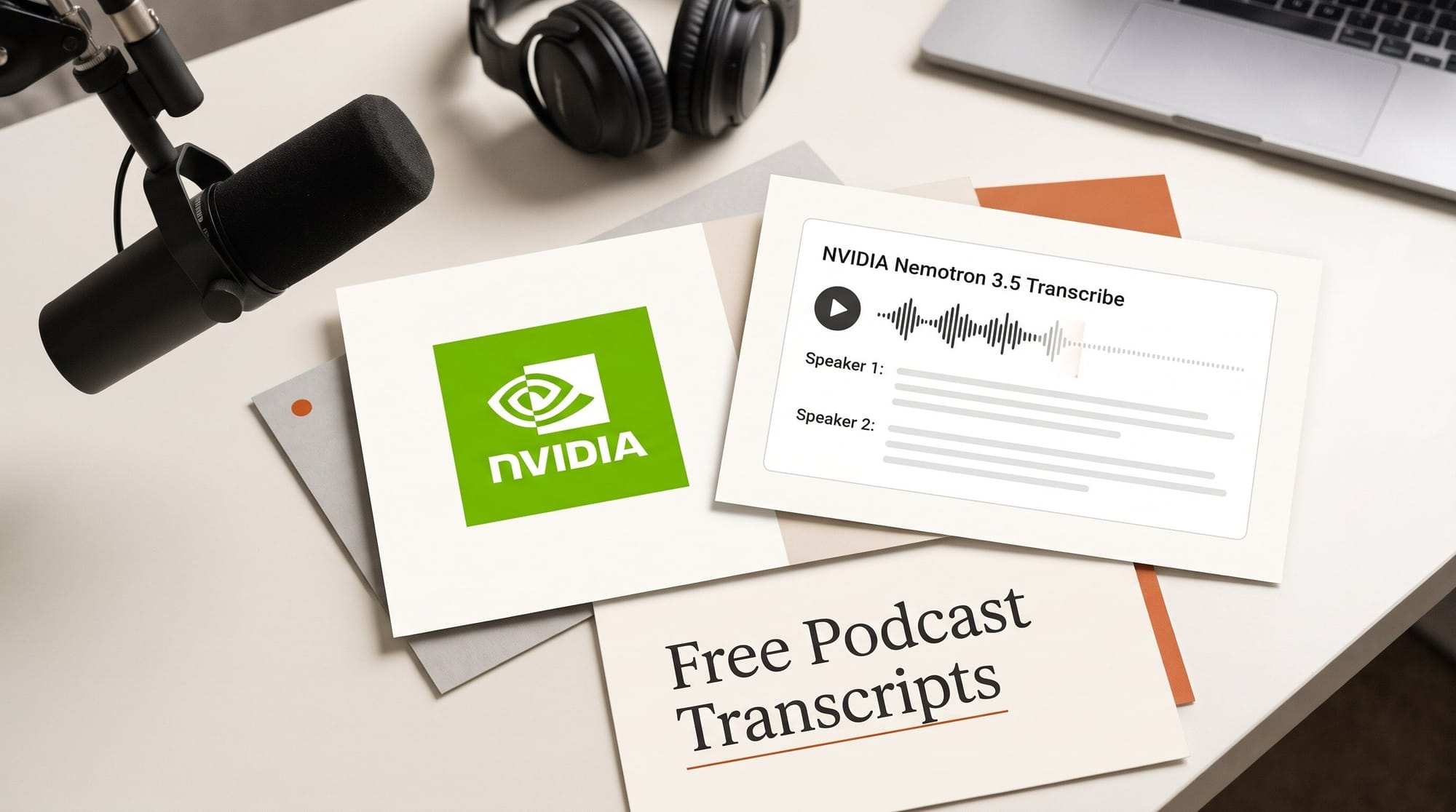
NVIDIA released Nemotron 3.5 Transcribe on October 28, 2026: a free, open-weights speech-to-text model that labels up to eight speakers, handles recordings up to an hour long, transcribes 40 languages and translates 31 of them to or from English. It also ships with a free web demo with a Podcast transcript mode, so you can try it without installing anything.
We ran it on a real 22-minute podcast episode. NVIDIA's backend returned a speaker-labelled transcript in 18.6 seconds and split host and guest correctly. It also misspelled the guest's name every time she was introduced, until we added one line to the prompt. Here is what it does, how to use it from a browser, and what an hour of transcript costs against Descript, Otter and the transcription APIs.
What NVIDIA released on October 28
Nemotron 3.5 Transcribe is one model that does several jobs you would normally split across tools: a plain transcript, a transcript with speaker labels and word timings, translation, and answering questions about a recording. You tell it which job you want in plain language, like a prompt. NVIDIA's announcement lists it with the RTX Spark laptop updates, and says it ranks first on the Hugging Face Open ASR leaderboard.
- Speakers: up to eight per recording, with speaker labels in 13 of the 40 languages.
- Length: up to one hour per file. It works on recorded audio only, not live streams.
- Accuracy: 5.33% average word error rate on the English Open ASR leaderboard, first among open-weights models, ahead of Qwen3-ASR-1.7B at 5.4% and IBM Granite Speech at 5.68%, The Decoder reports.
- License: OpenMDW-1.1. The model card says it is ready for commercial use, so transcripts of your own shows are yours to publish.
- Size: about 30 billion parameters (34 billion counting the audio encoder), with roughly 4 billion active at a time, which is why it fits on a single NVIDIA GPU.
The size matters less to most creators than where it runs. You can use it three ways: the free demo, a hosted service that charges per minute, or your own machine if you own a GeForce RTX 5090, a DGX Spark or an RTX Spark laptop. TechCrunch notes NVIDIA is pitching it at meeting and medical transcription apps, so for now the demo is the creator-facing door.
What we tested on a real podcast episode
The demo's Podcast transcript mode comes pre-loaded with an episode of The Neuron: AI Explained, recorded at NVIDIA GTC 2026: host Corey Knowles interviewing NVIDIA's Kari Briski, 22 minutes 49 seconds long. Two speakers, product names and a guest with an unusual name make it a fair creator test. We read the full result, then cut the first 150 seconds and ran it through the demo's Reprocess mode three times with different prompts.
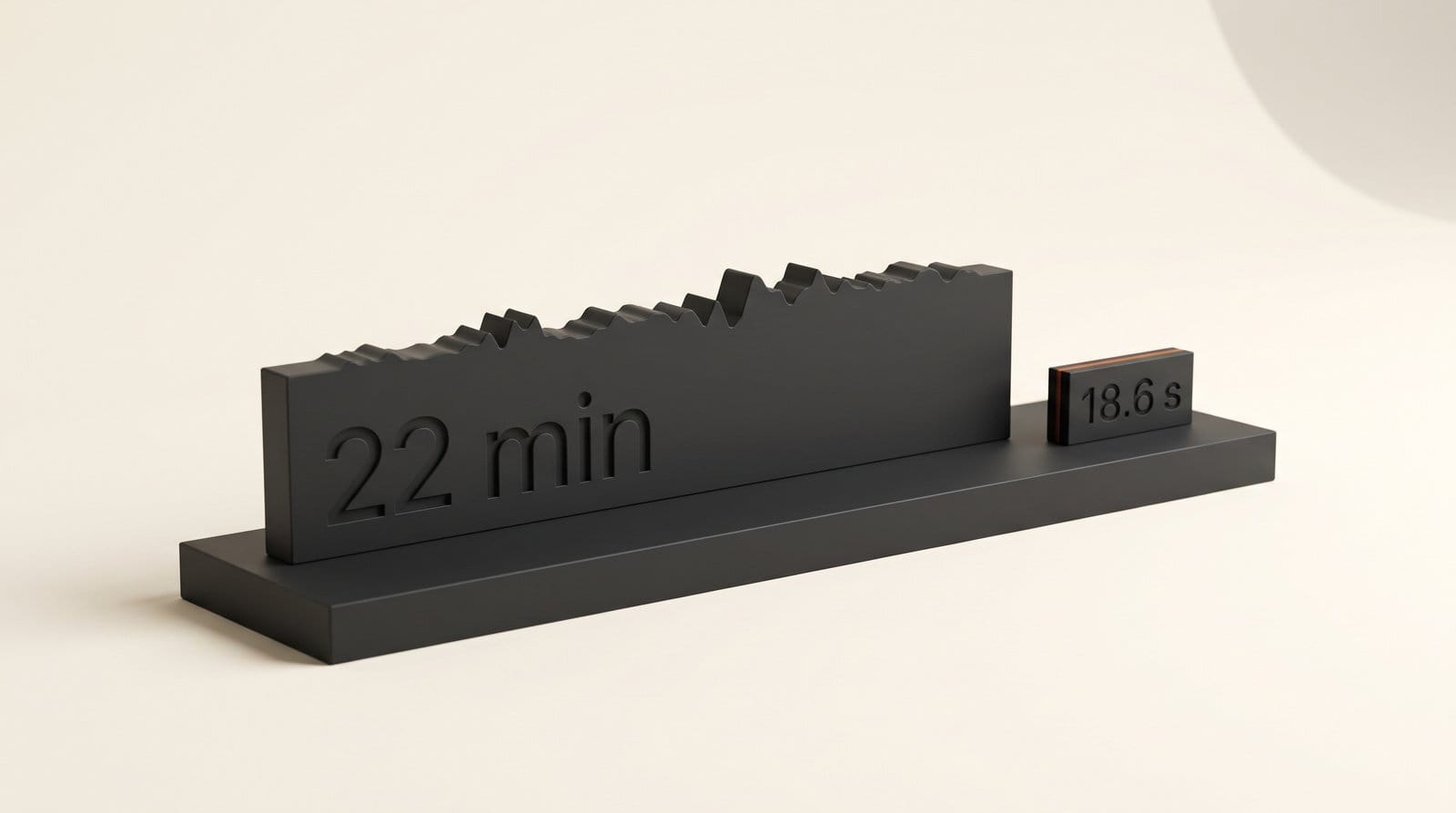
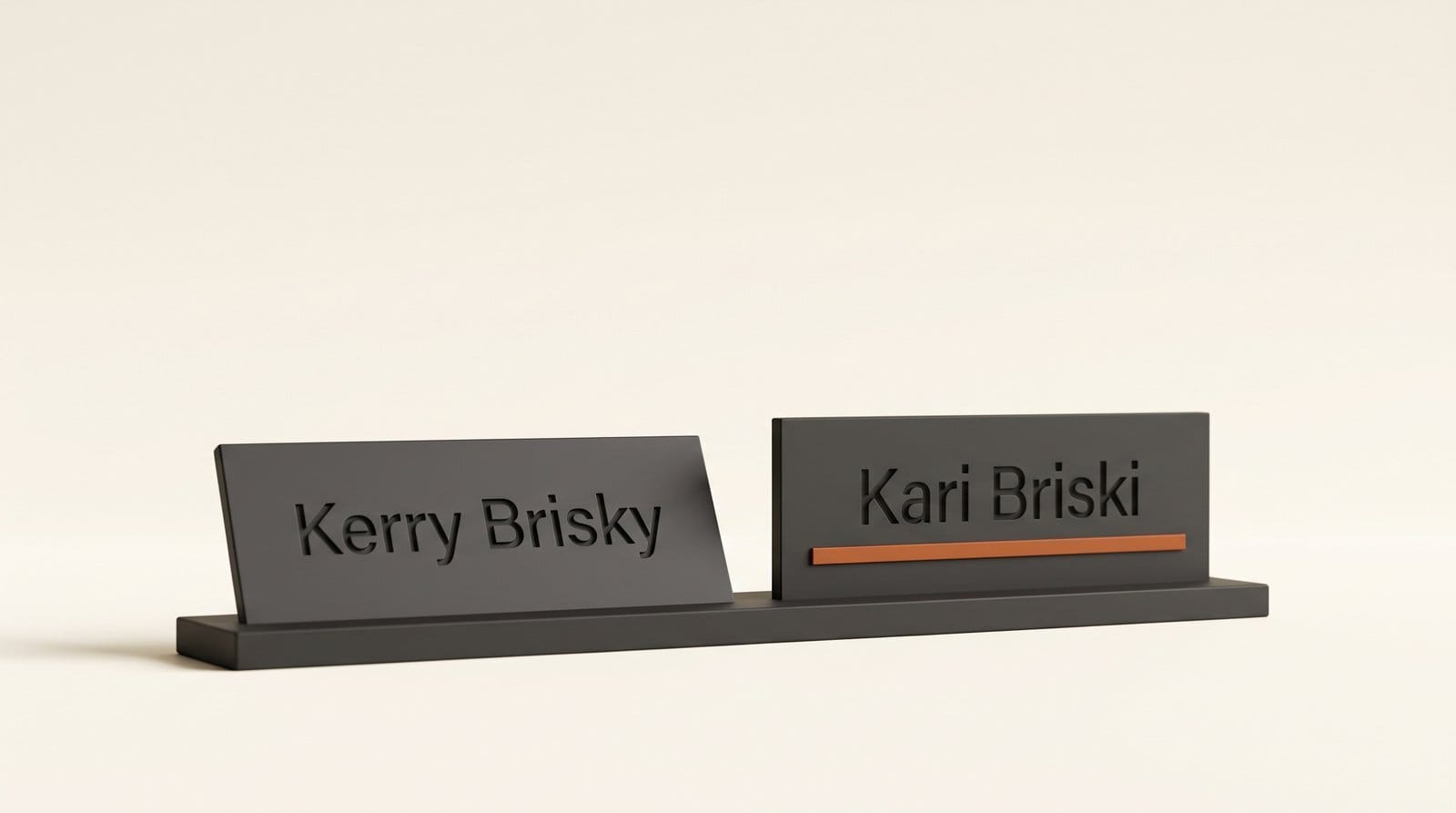
On the full episode, the demo's own timing log shows NVIDIA's backend took 18.6 seconds to return 4,852 words with speaker labels, about 74 times faster than real time. In every passage we checked, from the cold open to the sign-off, host and guest were on the right labels. The guest's name was not. "Kari Briski" came out as "Carrie Brisky", and on our clip as "Kerry Brisky". OpenClaw became "Open Claw", and "Nemotron 3 Super" became "Nemotron Three Super", even though the default prompt asks for numbers in written form.
| Prompt (150-second clip) | Guest name | Speaker labels | "2026" written as | Time |
|---|---|---|---|---|
| Demo default (speaker tags) | Kerry Brisky | Yes, 20 turns | 2026 | 2.6 s |
| Context terms preset | Kari Briski | No | twenty twenty six | 3.5 s |
| Speaker tags plus context terms | Kari Briski | Yes, 8 turns | 2026 | 2.4 s |
The fix is one line. The model card calls it contextual transcription: you list the names and terms in the prompt. With "Context terms: Kari Briski, Corey Knowles, Nemotron, NVIDIA GTC, The Neuron" added to the speaker-tag prompt, every name came out right and the speaker labels stayed. The combined prompt dropped some one-word interjections ("Hm.", "No.") that the default had given their own turns, so 20 turns became 8. For show notes, that is cleaner, not worse.
How to get a podcast transcript in your browser
None of this needs a terminal. The Podcast transcript page takes a link, and the Reprocess tab takes a file.
- Open the demo and pick the Podcast transcript tab at the top.
- Paste your episode link. It accepts an Apple Podcasts episode page or a direct audio link from your host. Long episodes are cut to the first 60 minutes.
- Tick the rights box. The demo asks you to confirm you own the audio or have permission. Only submit your own shows or recordings you have cleared.
- Press Transcribe episode. You get a synchronized transcript you can search, filter by speaker and follow along with during playback.
- Fix names with the Reprocess tab. If your guest's name or your brand comes out wrong, export a WAV or FLAC clip, attach it in Reprocess, pick the context-terms recipe and type your names into the brackets. To keep speaker labels, use the speaker-tag recipe and add "Context terms:" followed by your names, as in our third test.
- Paste the result into your editor for show notes, a blog version or chapter markers.
One gap for video creators: the demo's SRT subtitle export only works on its sample film, not on your own uploads. For captions, keep your editor's built-in captions and use Nemotron as a second opinion on names and accented speech.
What an hour of transcript costs
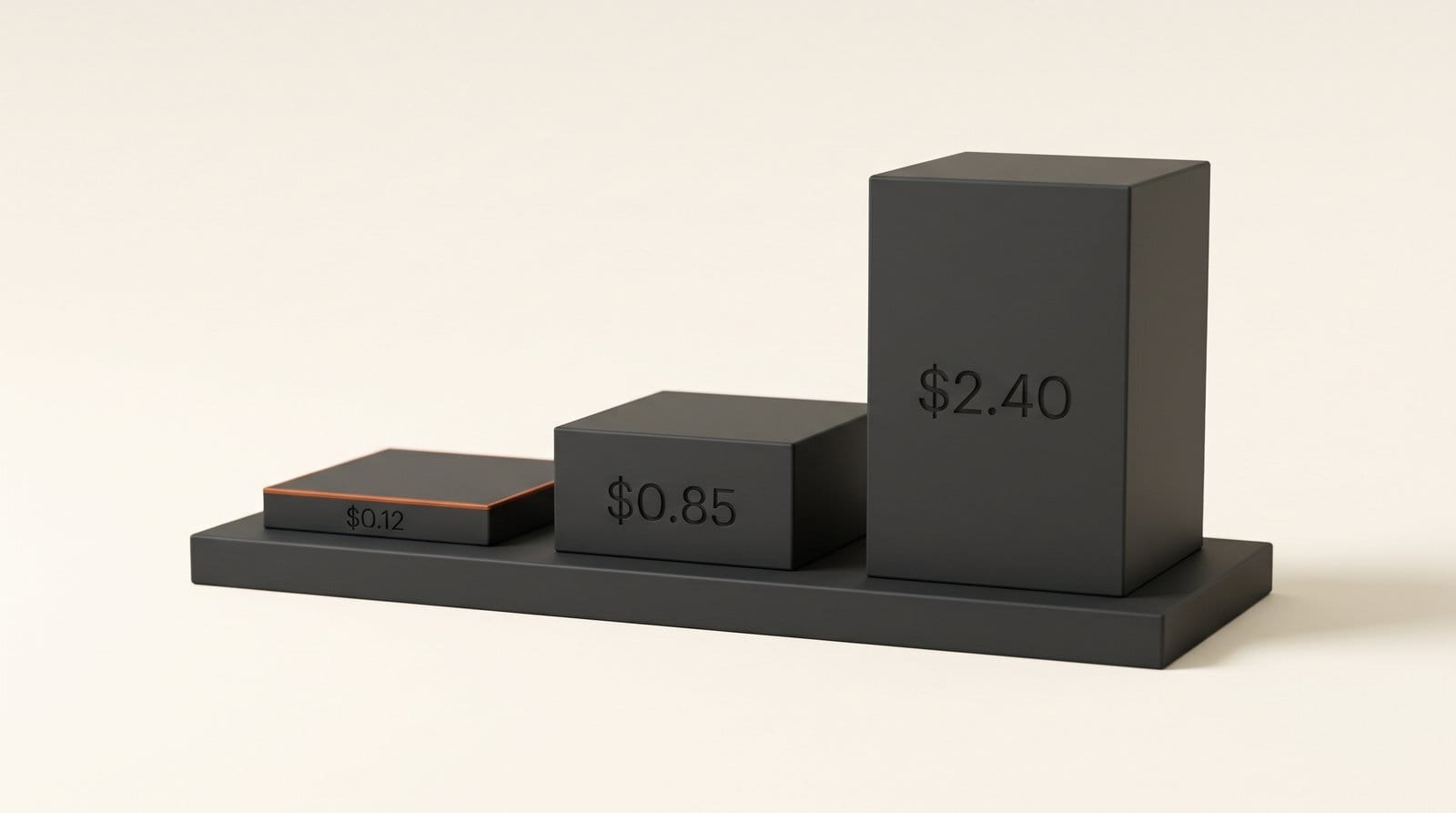
Raw transcription has become very cheap. Nemotron through DeepInfra costs $0.002 a minute, which works out to $0.12 an hour, and DeepInfra's page has an upload demo once you log in. The apps cost more per hour because you are also paying for the editor, the storage and the export.
| Option | Price | Per hour of audio | What you get |
|---|---|---|---|
| Nemotron 3.5 Transcribe, NVIDIA demo | Free | $0 | Shared demo, first 60 minutes per episode, speaker labels |
| Grok Voice Transcribe 2 (xAI) | $0.10 an hour | $0.10 | API only |
| Nemotron 3.5 Transcribe on DeepInfra | $0.002 a minute | $0.12 | Hosted, upload demo after login |
| Voxtral Mini Transcribe 3 (Mistral) | $0.0035 a minute | $0.21 | API, speaker labels |
| Scribe v2 (ElevenLabs) | $0.22 an hour, plus $0.05 for keyterms | $0.22 to $0.27 | API; keyterm prompting is its name-fixing add-on |
| Otter Pro, monthly billing | $16.99 a month, 1,200 minutes | $0.85 if you use all 20 hours | App, 10 imported files a month, 90 minutes each |
| Descript Hobbyist, monthly billing | $24 a month, 10 media hours | $2.40 if you use all 10 hours | Full audio and video editor |
Prices are from each vendor's page on October 28: ElevenLabs, Mistral, Otter and Descript. The xAI figure is from our Grok Voice Transcribe 2 review. Descript's 10 hours cover every minute of media you bring in, not just transcription, so a weekly one-hour show with raw footage uses it faster than the table suggests.
The honest comparison is not $0.12 against $2.40. If you already pay for Descript to edit, its transcript comes free with the edit. Nemotron is worth adding for three jobs the apps handle less well: a second pass on a guest-heavy episode with hard names, translating an episode into English or from English, and transcribing back catalogues you never plan to edit again.
Where it falls short
- Names need help. NVIDIA's own guidance says to spot-check names and speaker changes. Our test showed why: the guest's name was wrong on every introduction until we listed it.
- No live use. It works on finished recordings, so it will not caption a livestream.
- The demo is a demo. It is shared, can queue you behind other users, cuts at 60 minutes and makes you confirm rights on every request. Do not build a weekly workflow on it.
- Speaker labels in 13 languages, not 40. Check the language table on the model card before relying on it for a non-English show.
- Running it yourself needs serious hardware. The consumer-grade options NVIDIA lists are a GeForce RTX 5090, a DGX Spark or an RTX Spark laptop, and the laptops start at $2,599. A typical creator laptop will not run it.
Who should switch, and who should wait
If you publish a podcast or interview show and write show notes by hand, try the demo on your last episode this week. It is free, fast, and the speaker split is good enough to start from. Keep a list of your recurring names, brand and guest, and paste it into the prompt every time.
If you edit in Descript or another app with transcription built in, do not switch. Use Nemotron for the episodes your editor struggles with and for translation. If you need captions for video, wait until an editing app or a hosted service adds SRT export for your own files.
Frequently asked questions
Is Nemotron 3.5 Transcribe free?
Yes. The model weights are free under NVIDIA's OpenMDW-1.1 license, and the Hugging Face demo is free to use. Hosted versions charge per minute, from $0.002 a minute on DeepInfra.
Can I use Nemotron 3.5 Transcribe without coding?
Yes. The NVIDIA demo on Hugging Face has Podcast transcript, Movie subtitles, Karaoke, Ask audio and Reprocess tabs that work in a browser. You paste a podcast link or attach a WAV or FLAC file.
Can I use the transcripts commercially?
The model card says the model is ready for commercial use under OpenMDW-1.1. Only submit audio you own or have permission to use, which the demo asks you to confirm.
How accurate is Nemotron 3.5 Transcribe?
It scores a 5.33% average word error rate on the English Open ASR leaderboard, the best open-weights result there. In our test the speaker split was right, but it misspelled an unusual guest name until we added it as a context term.
How long a recording can it handle?
Up to one hour per file, with up to eight speakers. The free demo cuts podcast episodes at 60 minutes.
Can it make subtitles for my videos?
The model returns word timings, but the demo's SRT export only works on its sample film. For your own videos, use your editor's caption tool for now.
Does it translate?
Yes. It translates 31 languages to or from English. The demo's Reprocess tab has a translation recipe.